What are you looking for?
About Us Contact Us Careers Get a Free Quote (800) 486-0943
Pick a service
✅ Got Your Own System?
🎬 Home TheatreQuote 🎶 AV SoundQuote 🔑 Access ControlQuote
Now pick your area
Pick your area
Long Island
Hudson Valley
Services available
Pricing & Tools
Pick a service for pricing
🚪 Intercom Pricing 🔔 Buzzer Repair Pricing
Calculators
📹 Camera System Calculator 🚨 Alarm Calculator ⚡ Cabling Quote Builder ✅ Got Your Own System?
Select your area

Home › Smart Lock Installation NYC › Staten Island › Tottenville

Licensed Low-Voltage Contractor · South Shore · Last Stop on the Staten Island Railway

Smart Lock
Installation in
Tottenville

Oyster-Town Victorians · Post-1990s Two-Families · Salt Wind off Three Shores · Main Street & Page Avenue Shops

Tottenville is where New York ends: the last stop of the railway, the southern tip of the state, with the Arthur Kill on one side and Raritan Bay on the other. A smart lock this far down the island should be planned to stand on its own. That means a way in that still works when the batteries, the Wi-Fi or the phone let you down, hardware chosen for wind-driven salt air, and codes that run a house sitting empty through a long commuter day. We fit locks to the doors Tottenville really has, from nineteenth-century houses built on the oyster trade to two-families put up after the 1990s, and to the shop doors of Main Street and Page Avenue.

Reviewed and updated October 17, 2026 · Written by Anwar Timothy, NYS licence #12000287431

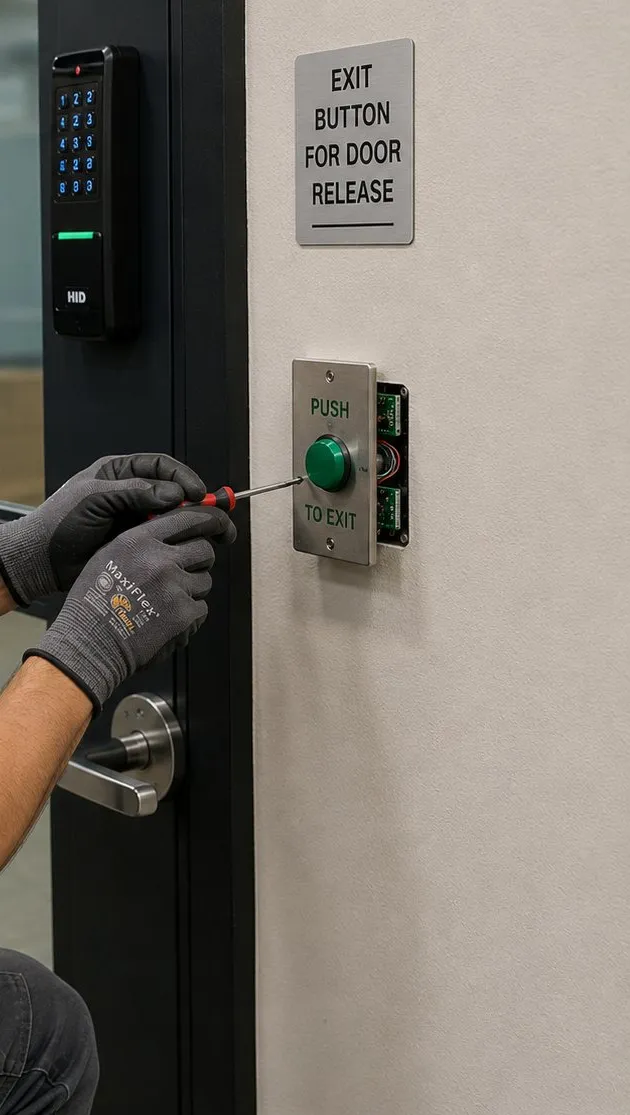
Smart lock installation guide, Tottenville, Staten Island: gloved hand with a screwdriver at a green push-to-exit button below an exit-button sign, with a keypad reader on the door frame
A gloved hand fastens a green push-to-exit button below its sign, with a keypad reader mounted on the door frame above. The free way out matters as much as the way in.
Free Tottenville Smart Lock Quote
Tell us the house, its doors and who comes and goes — a licensed installer calls back the same business day

✅
Request Sent!
We'll call you back the same business day.
25+
Years Experience
✓
Same-Day Estimates
100%
Licensed & Insured
$0
Monthly Fees

Rated 4.7★ from 201 Google Reviews · NYS Low-Voltage Licence #12000287431

Planning a smart lock for a house at the bottom of the island? Call (347) 934-8335 or use the 60-second form. Tell us when the house was built, which doors you actually use and whether any of them take the weather straight off the water, and a licensed installer will tell you what is likely to work before anyone drives down.

  • A backup way in planned for every keyless door — a key, an emergency battery contact, or both
  • Finishes and seals chosen for doors that face the Arthur Kill or Raritan Bay
  • A single, obvious movement to get out from inside, on every door we touch
The Neighborhood

Why Tottenville Properties Need Smart Lock Installation Planned for the End of the Line

Nothing in New York State sits farther south than Tottenville. The neighbourhood covers about two and a half square miles at the very bottom of Staten Island, with the Arthur Kill along its western and northern edges and the open water of Raritan Bay to the south. Its railway station is the southern terminus of the Staten Island Railway and the southernmost station in the state; the ride to St. George runs about fourteen miles and takes roughly forty-two minutes. Arthur Kill Road, Amboy Road and Hylan Boulevard, three of the island's longest roads, all finish here. When people say Tottenville is the end of the line, they mean it literally.

That geography is the starting point for how we plan a smart lock here. A keyless door is only as good as what happens on the day something fails: a battery that dies a week earlier than the app promised, a router that drops after a storm, a phone left on a desk in Manhattan. In much of the city, the answer to those days is a quick fix nearby. At the far end of the South Shore, the better answer is a door that never needed rescuing in the first place. Every lock we fit in Tottenville is planned with a second way in that does not depend on the internet or on a phone, and with a household that knows how to use it.

The houses themselves are the second reason. Tottenville grew up as a working waterfront town. Oystering carried it through the late nineteenth and early twentieth centuries until the city's health department banned the harvest in 1916, and wooden boatbuilding lasted until steel took over around 1900; the last shipyard closed in 1930. The families who made money from oysters, ships and the ferry to Perth Amboy built houses that still line Bentley Street, Hopping Avenue, Satterlee Street and the blocks off Main Street: Greek Revival houses from around 1850, Gothic Revival cottages, Italianates set back on deep lawns, and a remarkable run of Queen Anne and later Victorian houses with wraparound porches, bays, multiple gables and fish-scale shingles. Neighbourhood histories call the area's housing stock a strong Victorian heritage unique among South Shore neighbourhoods, and a walker writing for Forgotten New York in 2026 put its painted-lady houses among the best north of Cape May.

Those houses come with doors that were never designed for an electronic lock. Many front doors sit behind a porch, sometimes with a storm or screen door in front; some are thick, panelled and hand-planed; plenty have been fitted, plugged and refitted for different locks over a century or more. A smart deadbolt can work beautifully on them, but only after someone has measured the door, looked at its edge and checked what the inside of the lock will sit against. That is door work as much as lock work, and we price it that way.

Then there is the other Tottenville. The southeast part of the neighbourhood, beyond Hylan Boulevard, stayed largely undeveloped until the 1990s, and a building boom filled many empty lots across the South Shore with newer detached, semi-detached and attached houses. Tottenville was contextually rezoned in 1995, 1996 and 1997, and in 2005 the City Planning Commission approved a further 65-block rezoning, bounded by Arthur Kill Road, the Arthur Kill, Raritan Bay and Page Avenue, that restricted part of the area to single-family homes and required large lots for any new two-family house. Its sponsor argued it would stop the teardown of large historic single-family homes. The result is a neighbourhood where a nineteenth-century house with a hand-made door can stand a few blocks from a twenty-year-old two-family with a steel entry door and an attached garage. The two need very different lock plans, and a lot of our work here is telling them apart.

The third reason is the water. Tottenville took some of the most destructive waves in the region when Superstorm Sandy came ashore in October 2012, according to New York State's housing agency; the storm destroyed a restaurant at Tottenville Beach outright. In response, the state funded Living Breakwaters, a chain of eight ecologically enhanced breakwater segments, about 2,400 feet in total, set between roughly 790 and 1,800 feet off the Tottenville shore to calm storm waves and slow erosion; construction finished in 2024. Breakwaters change what a storm does to the beach. They do not change the salt that the wind carries inland every day. A door that faces the bay or the Kill with no porch roof over it needs a lock with a finish and gasket chosen for that, and a maintenance habit to go with it.

Finally, there is the way people here live. About 70 percent of Tottenville's homes are owner-occupied — census figures put the renter-occupied share at 29.4 percent — and around a third of households have children. Many working adults commute a long way: to St. George by rail and on by ferry, or to Manhattan on the SIM2, SIM25 and SIM26 express buses. That adds up to houses that stand empty for long stretches of the day, with children, grandparents, dog walkers, contractors and deliveries all needing to come and go on their own schedule. Codes, schedules and alerts are what a smart lock does best; the trick is setting them up so they serve that rhythm without leaving a door open to it.

Tottenville is also, by the numbers, a careful place to live. The 123rd Precinct on Main Street ranked safest of the city's 69 patrol areas for per-capita crime in 2010, and the precinct recorded 42 burglaries in 2022, with crime down about 70 percent across major categories since 1990. Safe is not the same as untouched: in May 2026 police reported that someone used a crowbar to pry open the front door of a supermarket on Ellis Street late at night and got into its vestibule, though nothing was reported stolen. Residents on local forums describe the neighbourhood as having a small-town feel with family-owned businesses. Our view is that a smart lock in a neighbourhood like this is mostly about control — knowing who has a way in, and being able to take it back — and only secondly about stopping a determined break-in, which is a job for frames, strikes, glass and alarms as much as locks.

16,089 residents

Tottenville's 2020 census population, down 4.6 percent from 16,860 in 2010, in 5,818 households; 31.7 percent of households had children.

29.4% renter-occupied

Roughly seven in ten occupied homes are lived in by their owners, which usually means the person ordering the lock also decides what happens to every door.

About 42 minutes to St. George

Tottenville station is the southern end of the Staten Island Railway and the southernmost railway station in New York State, about fourteen miles from the ferry terminal.

65 blocks rezoned in 2005

After contextual rezonings in 1995–97, a 2005 map change limited part of Tottenville to single-family homes and set large-lot rules for new two-families.

Eight breakwaters, about 2,400 feet

Living Breakwaters, completed in 2024, sits between about 790 and 1,800 feet offshore to soften storm waves along the Tottenville shoreline.

Safest of 69 in 2010

The 123rd Precinct ranked safest of the city's patrol areas for per-capita crime that year; it recorded 42 burglaries in 2022.

Most Tottenville households who add a smart lock to the front door end up pairing it with a doorbell camera or a door sensor on the side and back doors, so the lock is one part of knowing what is happening at the house, not the whole of it. We plan all of it on one walkthrough.

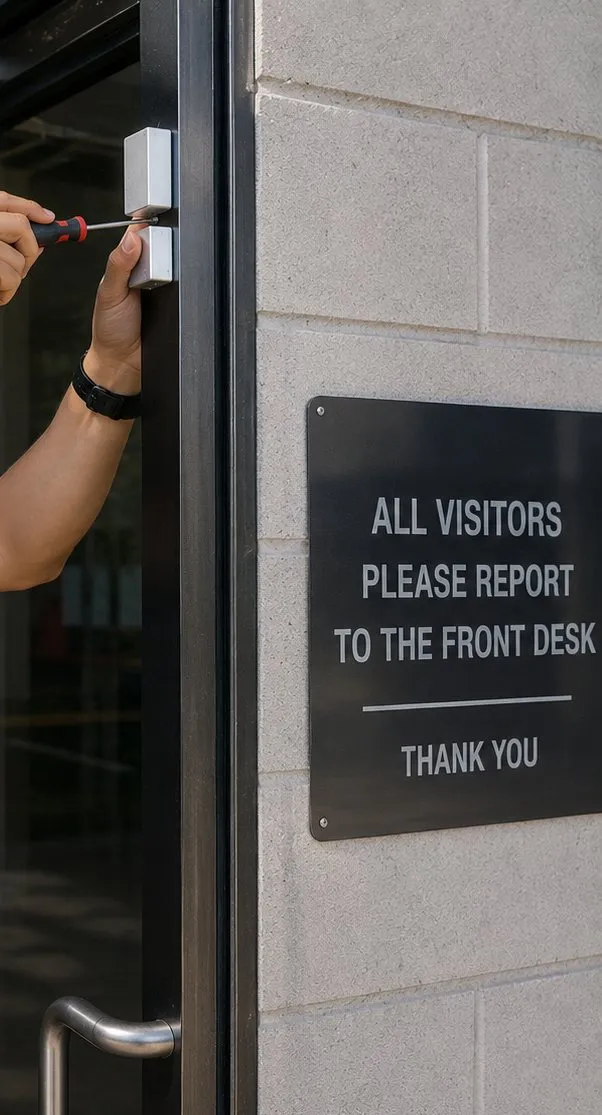
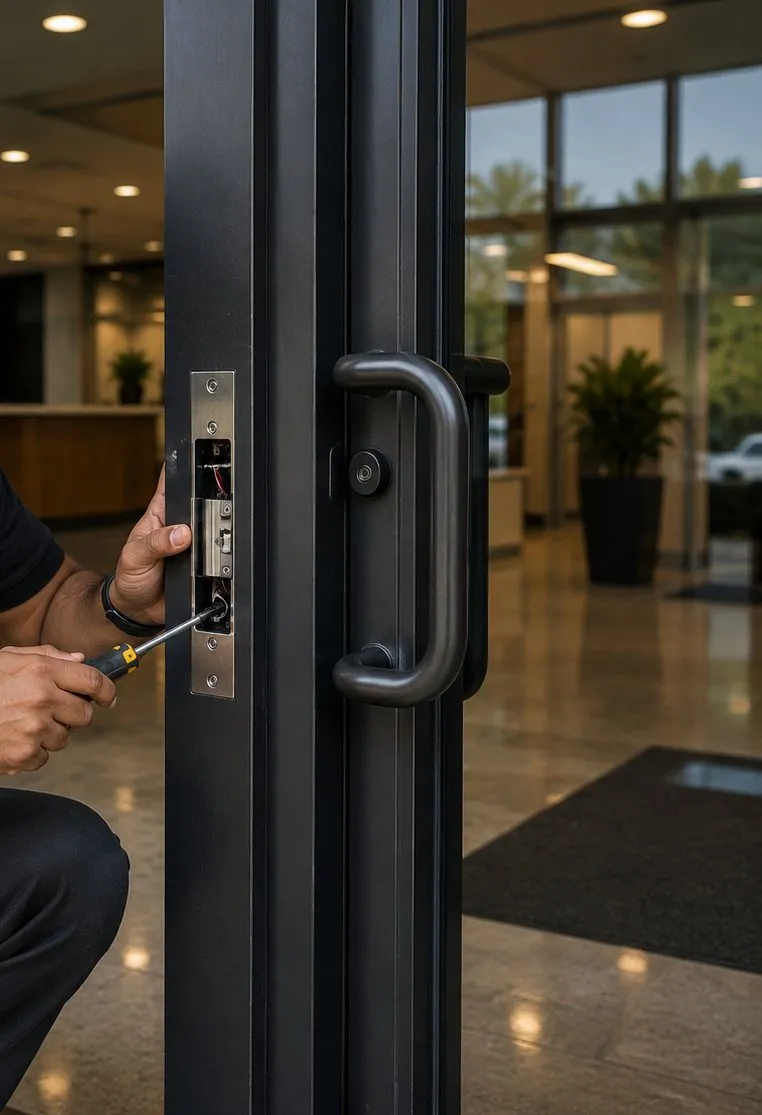
Electric strike being fitted into a black aluminium door frame beside a pull handle, smart lock installation reference for Tottenville, Staten Island shops
A technician drives a screw into an electric strike set into the frame of an aluminium-and-glass door, the kind of hardware busier shop entrances use.
Smart Lock Repair

Lock Dead or Bolt Stuck at the Bottom of the Island?

If your smart lock has gone dark, refuses every code, hums without moving the bolt or has fallen off the app, call (347) 934-8335. Most of these calls turn out to be one of four things: worn-out batteries, a bolt rubbing on a strike that has crept out of line, a lock that lost its pairing after a router change, or water inside the outside keypad. A technician can usually get a lock like that working again within an hour or two of reaching the door. If the lock has a key cylinder, the backup key will get you inside in the meantime; if it is a keyless model, check the bottom of the keypad for a pair of emergency battery contacts before you do anything else.

If you only need the app, the bridge or the codes sorted out, with no hardware changed, that is our setup-only visit at the Staten Island rate of $225 for the first hour. Locks that keep failing on a door facing the water often need more than new batteries; we will tell you plainly if the lock you have is the wrong lock for that door.

Hand with a screwdriver fixing a small door-position contact at the top of a door frame next to a wall sign, Tottenville, Staten Island smart lock guide
A small contact at the head of the frame reports whether the door is really shut, not just whether the bolt moved.
What We Install

Smart Lock Installation Services in Tottenville

These are the jobs we do most in Tottenville. Each starts with a free walkthrough, because the right answer depends on the door in front of us, not the box on the shelf.

🔑

Keypad smart deadbolts with a key backup

The workhorse for a family front door: a code for each person, a phone app if you want one, and a key cylinder that still opens the door on the day the batteries or the app do not cooperate.

🔋

Keyless locks with an emergency power contact

For households who want no keys at all, we fit models with an outside contact for a 9-volt battery and make sure everyone knows where it is and how it works.

🚪

Retrofits over an existing deadbolt

For an original or carefully restored door you would rather not drill again: a motorised unit that fits over a suitable deadbolt's inside thumb-turn and leaves the outside of the door as it is.

🌊

Locks for doors that face the water

Finishes, gaskets and keypad types chosen for doors that take wind-driven salt air off the Arthur Kill or Raritan Bay, with a cleaning and battery routine left in writing.

🏠

Whole-house plans for newer homes

Front door, side door, attached-garage door and back slider on post-1990s houses, planned as one system with one app, sensible codes and a clear rule for which doors lock themselves.

👨‍👩‍👧

Two-family setups

Separate codes and admin rights for each household in a two-family, with any shared door set up so it serves both without letting one floor into the other.

🏪

Shop and office doors

Keypad deadbolts for small shops, or hard-wired readers with electric strikes for busier entrances on Main Street, Amboy Road and Page Avenue, with free exit from inside always kept.

📶

Getting the signal to the door

Bridges, Thread border routers and mesh points placed so a lock at the far end of a deep house or a long porch stays online, preferably on its own network.

🔧

Repair and reset of existing locks

Locks fitted by someone else or by you: realigned, resealed, re-paired, re-coded, or replaced when they are simply wrong for the door.

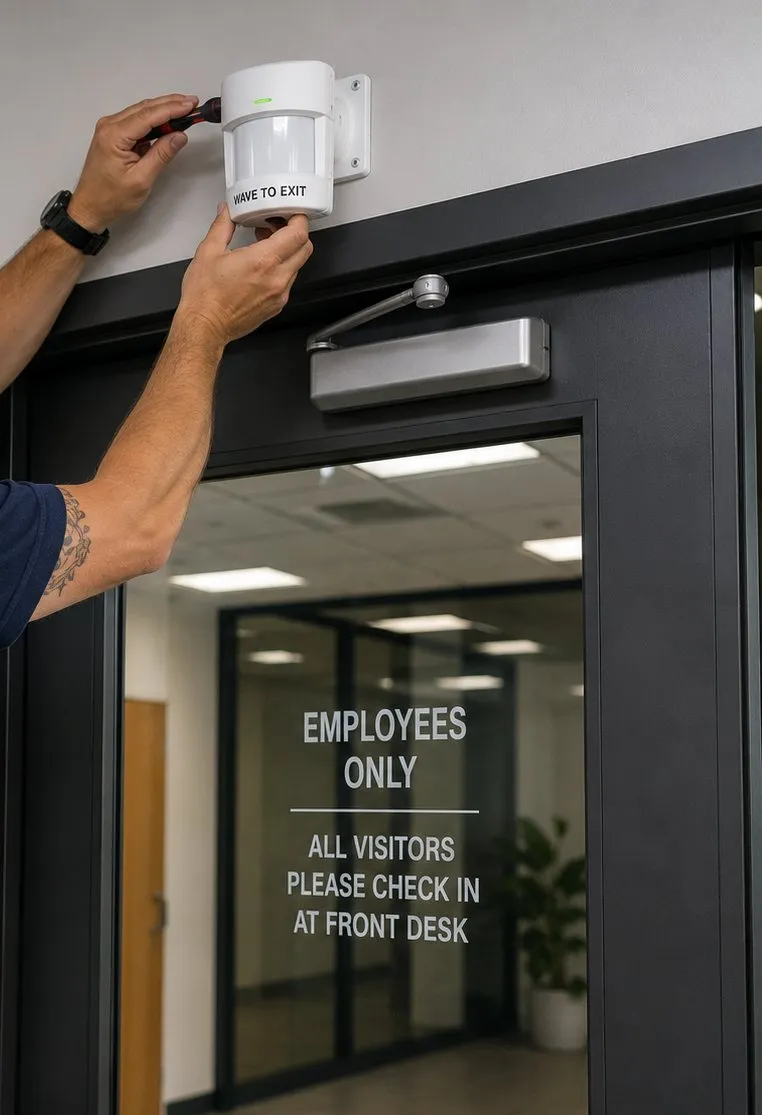
Motion request-to-exit sensor being mounted above a glass office door beside its door closer, Tottenville, Staten Island smart lock reference
Hands mount a white request-to-exit sensor on the wall above a door, next to its overhead closer, so the lock releases for anyone walking out.
Building Specialists

Smart Lock Installation for Tottenville's Architecture

Tottenville's houses fall into a handful of families, and each family of house tends to bring the same handful of door problems. Recognising which one we are standing in front of tells us most of what the job will involve.

Mid-nineteenth-century Greek Revival and Gothic Revival houses

The oldest houses in the old village, from around 1850, often with small windows, heavy doors and frames that have moved over 170 years. Expect plugged bores, mortise pockets in the door edge and a strike that has to be rebuilt before any motorised bolt will throw cleanly.

Italianate houses on deep lawns

Set well back from the street, which puts the front door a long way from the router and from the curb. Signal planning matters as much as hardware, and a keypad by a door at the end of a long front walk needs good lighting to be usable at night.

Queen Anne and late-Victorian houses with porches

The classic Tottenville house of the 1880s to 1910s: wraparound or front porches, bays, gables and panelled doors, sometimes with glass in the upper half. The porch roof protects the lock from the worst weather, but storm and screen doors, panel mouldings and glass near the lock all have to be measured around.

Early-twentieth-century cottages and Colonial Revival houses

Houses from the 1900s to the 1920s on streets like Hopping Avenue, usually with simpler doors than the high Victorians and often a good candidate for a standard smart deadbolt once old hardware holes are dealt with.

Post-1990s detached and semi-detached houses

Steel or fibreglass entry doors, a side door, an attached garage with a door into the house, often a rear slider. The doors are standard, so the planning is mostly about which doors go keyless, which lock themselves, and how the codes work.

Townhouses and two-families

Built in rows or pairs before the downzoning of the mid-2000s pushed new construction toward detached houses. Shared walls, doors close together, and in two-families, two households whose codes must stay separate.

Methods by door type

  • Measure first. Common residential smart deadbolts are made for doors roughly 1-3/8 to 2 inches thick with a bore set back 2-3/8 or 2-3/4 inches from the edge (Schlage's published preparation for its Arrive deadbolt, for example). Older Tottenville doors are often outside that range, and the moulding of a panelled door can sit exactly where the inside unit wants to be flat. We check thickness, backset, edge condition and the face of the door on both sides before anything is ordered.
  • Plug, then drill. Old bores are filled with glued hardwood plugs and allowed to set before new holes go in. Screws into putty or filler do not hold a motorised bolt for long.
  • Rebuild the strike. On frames that have moved, the strike is reset and backed with a reinforcing plate and long screws into the framing, so the bolt meets the strike squarely and the frame resists prying.
  • Retrofit where the door should not be touched. Some retrofit units mount entirely inside over an existing deadbolt and leave the outside alone. August, for example, describes its retrofit as compatible only with single-cylinder deadbolts and notes that some installations need clearance around the thumb-turn.
  • Seal for the weather it actually gets. Exterior gaskets go on every outside lock; on unsheltered doors facing the water we choose finishes made for coastal use and set expectations about cleaning.
  • Prove the way out. Before we leave, we open every lock we fitted from inside with one movement of a thumb-turn or lever, with the batteries in and with them out.
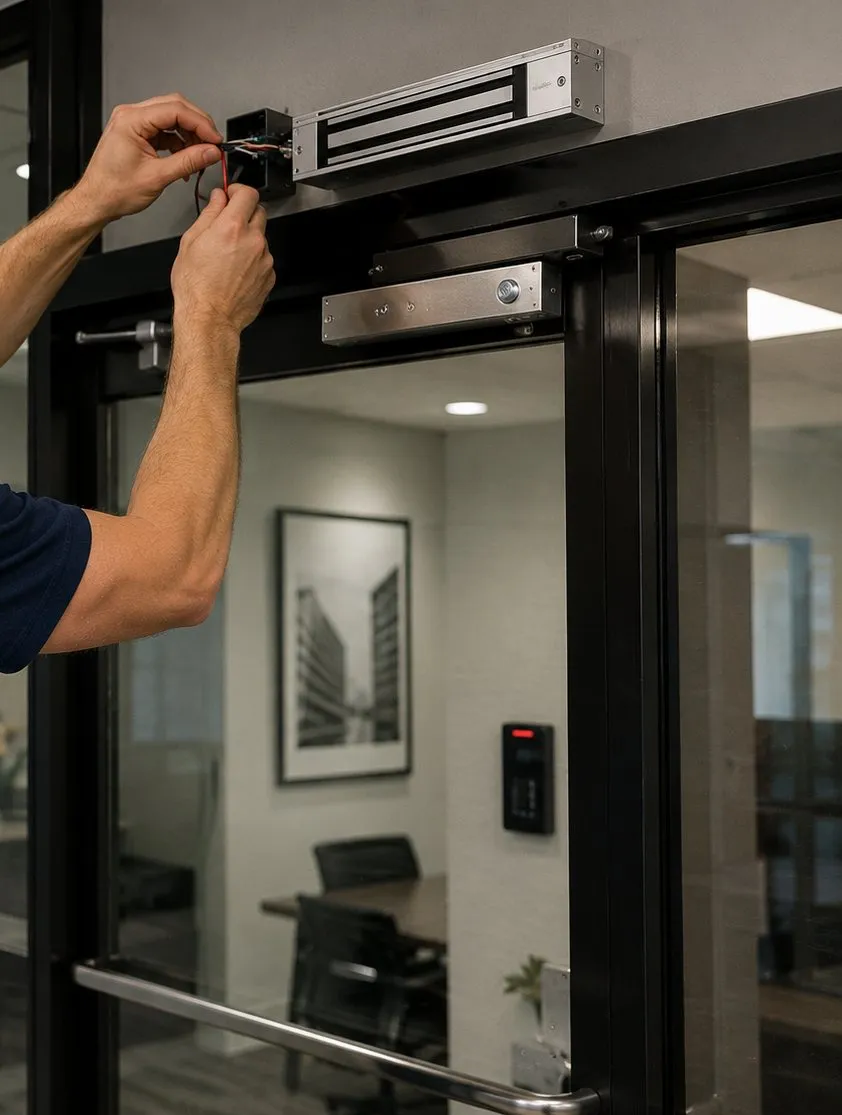
Gloved hands connecting a magnetic lock on the header of a glass door, with a push bar on the door below, Tottenville, Staten Island smart lock guide
A magnetic lock goes onto the top of a glass door; doors like this need a release device and a decision on what happens when power is lost.
The Self-Reliant Door

A Smart Lock That Never Strands You at the End of the Line

The single idea that shapes our Tottenville work is this: a smart lock should fail in a way the household can fix on its own, on the doorstep, in a couple of minutes. Here is what that looks like in practice.

Two ways in, and both of them rehearsed

Every keyless door gets a second way in that has nothing to do with the internet. On most locks that is a key cylinder, and the key lives somewhere it can be reached without getting into the house: with a trusted neighbour, at a relative's home, in a secured lock box at the property if that suits you. On keyless models without a cylinder, it is usually an emergency power contact. Yale's support pages, for instance, describe holding a 9-volt battery against an emergency terminal at the bottom of some keyless locks to wake them long enough to enter the code. A backup that nobody has tried is not a backup, so at handover we have someone in the household use it while we watch.

Batteries on a calendar, not on an alert

Low-battery warnings are useful, but they arrive on the lock's schedule, not yours. In a household that leaves before seven and gets home after dark, the warning can sit unread on a phone for days. We suggest changing batteries on a fixed date — the first weekend of spring and of autumn is easy to remember — using the type the maker specifies, and keeping a spare set in a known drawer. Doors exposed to cold wind off the water can drain batteries faster in winter, which is another reason not to wait for the alert.

Codes that work when the internet does not

Keypad codes are stored in the lock itself, so a well-chosen smart lock keeps opening for everyone with a code even when the Wi-Fi or the maker's servers are down. What stops working in an outage is the remote part: unlocking from the office, getting alerts, changing codes from afar. We set households up so that daily life relies on the parts that keep working, and the remote features are a convenience rather than the only way in.

An admin who is not the only admin

If one phone holds the only admin rights, losing that phone can freeze the system. We set up a second administrator in every household — a spouse, an adult child, a trusted relative — and write down which accounts own which locks, so that one person's lost phone or changed email does not lock everyone else out of managing the door.

Hardware that matches the weather, so it lasts

A lock that corrodes or lets water into its keypad will fail at a bad moment. On doors that face the Kill or the bay without shelter, we choose locks with finishes and seals intended for coastal use, fit the gaskets properly, and leave simple care instructions. Lock-finish guidance from dormakaba, a major commercial lock maker, treats any exterior door within three miles of saltwater as an ocean-front application, warns that the wrong finish in that setting voids its warranty, and recommends regular wiping in salt-mist areas. Tottenville, with water on three sides, is well inside that line.

A way out that never depends on electronics

The inside of every door stays simple: a thumb-turn or lever that opens it in one movement, with or without power. New York City's building code requires egress doors to be readily openable from the egress side without a key or special knowledge or effort. On a family house, that same principle is simply common sense for a fire at night, and we apply it to every door we touch.

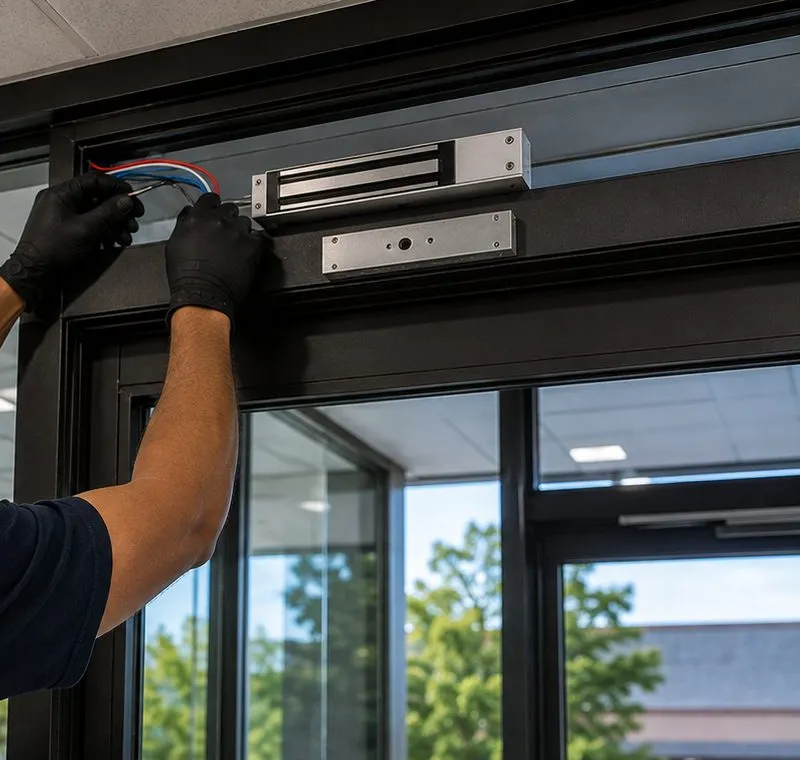
Two gloved hands feeding wires into a magnetic lock on a storefront door header with trees and a parking area visible through the glass, Tottenville, Staten Island
Wiring is fed into a magnetic lock at the head of a glass storefront door, with the street visible through the glass.
Commercial Smart Locks

Business Smart Lock Installation in Tottenville

Tottenville's commercial life is small, local and spread along a few streets. Here is where we work, and what the doors along each tend to need.

Main Street

The neighbourhood's commercial spine since the 1850s, when the first stores opened near Totten's Dock at the north end. A continuous row of shops lined its east side by 1895, and the street flourished until the 1960s. Today it mixes small shops and eateries with houses, the 123rd Precinct station built in 1922 and a few nineteenth-century storefronts. Doors range from original wood shop fronts to modern aluminium; many small businesses here are best served by a keypad deadbolt rather than a full access-control system.

Page Avenue

The city's own small-business guide describes Page Avenue's retail corridor as busy with shopping and dining. Major stores moved from Main Street to a Page Avenue shopping centre in the 1960s. Strip-centre units with narrow-stile aluminium and glass doors, staff entrances at the back and deliveries before opening: this is where hard-wired readers, electric strikes and schedules earn their keep.

Amboy Road

The old road to the Perth Amboy ferry runs through the heart of the neighbourhood past the Carnegie library and the fire company. Offices and services in converted houses here usually want office-hours schedules on a front door that was built for a family.

Ellis Street and the station area

Around the railway terminal and the old ferry landing at the foot of Bentley Street, shops serve commuters and residents. The crowbar attempt on a supermarket door on Ellis Street in May 2026 is a reminder that a shop's frame, strike and glass matter as much as its lock.

Hylan Boulevard's southern end

Hylan Boulevard runs nearly fourteen miles from Rosebank and ends at Conference House Park in Tottenville. Medical and professional offices along the South Shore stretch often need separate codes for staff, cleaners and after-hours visits, and a record of who opened which door.

Former industrial land by the Kill

The Nassau Smelting plant operated by the Arthur Kill from 1900 to 2001; in 2016 new owners bought 30 acres of the site and proposed a rezoning that met local opposition, and its future use is still undecided. Industrial and yard properties near the waterfront need gate and outbuilding access planned as carefully as front doors.

Compliance points we keep in view

  • Egress first. NYC Building Code section 1010.1.9 requires egress doors to be readily openable from the egress side without a key or special knowledge or effort, and section 1010.1.9.5 generally limits unlatching to one operation. Every shop or office lock we fit keeps a free exit from inside.
  • Fail-safe or fail-secure is a decision, not a default. An electric strike can be set to stay locked or to release when power is lost. We agree that choice with the owner, based on how the door is used and who needs to get out.
  • Landmarked buildings. Main Street has individually designated landmarks, and the Landmarks Preservation Commission requires a permit before work on a landmarked property; replacing doors falls under its Permit for Minor Work. Where a building is designated, we plan hardware that can be approved, and the owner files with the commission before we drill.
  • Apartments above shops. Buildings with three or more apartments are multiple dwellings under state law. In those, the city's tenant data privacy law limits how owners may use smart access systems on tenants' doors, and the lockout provisions of the city's Administrative Code protect occupants of 30 days or more. A shop lock never becomes the only way into anyone's home.
  • Our licence. Low-voltage work — readers, strikes, power supplies, the cable that connects them — is carried out under our New York State low-voltage licence, #12000287431.
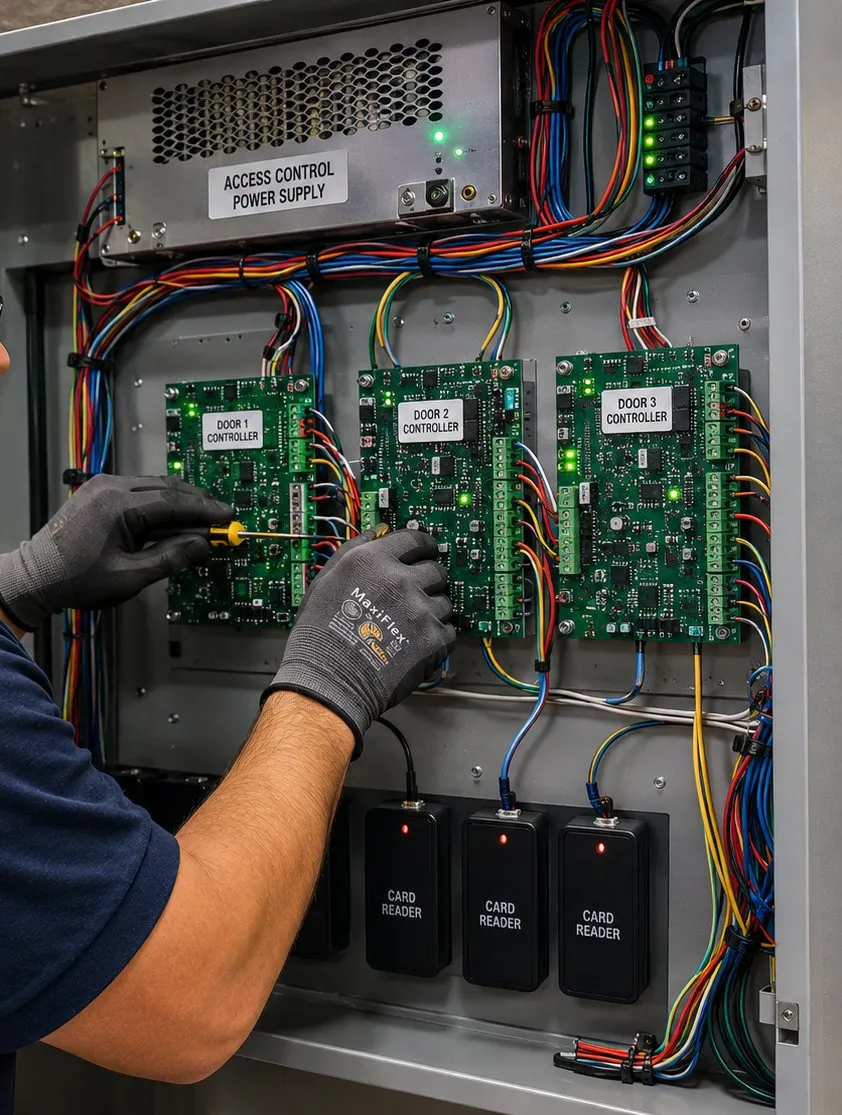
Gloved hands working on three door controller boards inside an access control enclosure with three card readers mounted below, Tottenville, Staten Island
Three door controller boards in one enclosure, each labelled for its door, with spare card readers below. Shops with more than one entrance usually end up here.
Newer Houses

Beyond Hylan Boulevard: Planning Four Doors as One System

The houses built across southeastern Tottenville since the 1990s are a different job from the old village. Their doors are usually factory-made steel or fibreglass, pre-bored to standard sizes, and a smart deadbolt fits them in the way the box promises. The real work is deciding how four or five ways into the house should behave together.

A typical newer house has a front door that guests see, a side door by the driveway that the family actually uses, a door from the attached garage into the house, and a sliding door onto a deck or patio at the back. Each one has a different job. The front door wants a keypad that visitors and helpers can use and that looks right from the street. The side door is the daily door, so it benefits from relocking itself a short time after it closes. The garage-to-house door is often the weakest link, because the garage door opener and its remotes effectively become a key to the house. The slider usually cannot take a standard smart deadbolt at all and is better covered by a secondary lock and a sensor that reports when it is open.

Our approach is to put every lock on one app, give each person one code that works on every door they are meant to use, and set the relocking and alerts per door rather than for the whole house at once. Where the garage connects to the house, we talk about who holds garage remotes and whether the inner door should be locked whenever the house is empty; model residential codes treat the door between an attached garage and the house as a fire separation, and some require it to be self-closing, so we never fit anything that stops it closing and latching on its own.

Two-family houses from this era add a second household. The cleanest setups give each household its own entrance and its own admin, with no codes in common, and treat any shared side or basement door as a door that belongs to both, with both admins able to see its history. Where an owner lives in one unit and rents the other, the tenant's own door stays the tenant's: their codes, their app, and a key the owner holds only for emergencies, agreed in writing.

None of this needs expensive hardware. It needs an hour of planning at the walkthrough and a written sheet afterwards that says which door does what. That sheet is what lets a household change its own codes confidently years later.

Your Questions Answered

Smart Lock Installation in Tottenville: Questions Answered

These are the questions Tottenville households and shop owners bring to us that are not already answered elsewhere on our Staten Island pages. They are grouped by what they are really about.

Keeping the door working on its own

Our keypad has two small metal contacts on the bottom — what are they for, and when would we use them?

On many keyless smart locks those contacts are an emergency power terminal. If the batteries inside go completely flat and the lock will not respond, you hold a fresh 9-volt battery against the two contacts, the keypad wakes up, and you enter your code to open the door. Yale's support guidance describes exactly this for some of its keyless models: insert a 9-volt battery into the emergency terminal at the bottom of the device, then enter the code. Once inside, you replace the main batteries as normal.

Three things are worth knowing. First, not every lock has these contacts, and on some models they are hidden under a cover, so check yours now rather than on a cold night. Second, the 9-volt battery does nothing unless you also know a working code, so this is not a way for a stranger to get in. Third, a 9-volt battery kept in a car glovebox or a garage drawer for years may be flat when you need it; swap it when you change the lock's batteries.

At handover we show you where the contacts are on your lock, or tell you plainly that your model does not have them, and we make sure the household's backup plan matches the lock you actually own.

We want a retrofit unit over our existing deadbolt — how do we tell whether the deadbolt we have will take one?

Start inside the door. A retrofit replaces only the inside thumb-turn of a deadbolt, so the deadbolt must have a thumb-turn on the inside and a key cylinder on the outside: a single-cylinder deadbolt. If your deadbolt needs a key on both sides, a retrofit will not fit it, and a double-cylinder deadbolt on a home's exit door is a poor idea anyway for getting out in a fire. August, one of the main retrofit makers, says its retrofit works only with single-cylinder deadbolts.

Next, look at what is around the thumb-turn. The retrofit body is bigger than the plate it replaces, so a raised panel moulding, a door handle set close above, a glass rail or a chain guard can get in the way. Some makes publish a clearance template you can print and hold against the door. Finally, try the bolt by hand: it should slide in and out with one finger on the thumb-turn and the door closed. If you have to push or lift the door to make it lock, the retrofit motor will struggle too, and the strike needs adjusting first.

Send us a photo of the inside of the door with the thumb-turn in it, and one of the outside, and we can usually tell you from those whether a retrofit is likely to work. On an original Tottenville door you would rather not drill, a retrofit is often the best way to go keyless without touching the outside at all.

Our lock keeps reporting “jammed” even though the door seems to close fine — what usually causes that?

A smart lock reports a jam when its motor cannot drive the bolt all the way out, or all the way back, in the time it expects. The door can look perfectly closed while the bolt is catching the edge of the strike by a millimetre or two. The most common causes, in order: the strike hole is slightly too shallow or slightly out of line, so the bolt hits the back or side of it; weatherstripping is pushing the door outward so the bolt rubs as it moves; the door has seasonal movement and binds in humid weather; or the batteries are getting low and the motor has less push than it did.

A quick test: with the door open, lock and unlock it from the app. If the bolt moves freely and the jam goes away, the problem is at the strike, not in the lock. Close the door, hold it firmly shut against the stop, and try again. If it works when you hold the door, the strike or the weatherstripping needs adjusting.

The fix is usually ten minutes of chisel and file work at the strike, or a small change to the door's stop, followed by the lock's own calibration routine. We treat repeated jam alerts as a warning, not an annoyance: a lock that sometimes stops short is a lock that sometimes leaves the door unlocked while telling you it tried.

Will a lock that connects straight to Wi-Fi drain its batteries faster than one that talks to a plug-in bridge?

Generally, yes. A battery lock with Wi-Fi built in has to keep a radio ready to answer the internet, and Wi-Fi radios use more power than Bluetooth or Thread radios. Makers design around this, but on most models the trade-off is still real: built-in Wi-Fi is convenient because nothing needs plugging in near the door, while a lock that uses Bluetooth or Thread and talks to a small plug-in bridge or border router usually gets longer from a set of batteries.

The distances matter. August, for instance, advises placing its Wi-Fi bridge within 10 to 15 feet of the lock, and Thread locks need a Thread border router from the same ecosystem as your app. In a deep Victorian with the router at the back, or a newer house where the front door is a long way from the nearest outlet, that sometimes decides the matter for you.

Our rule of thumb for Tottenville houses: if there is a convenient outlet near the door and the household wants the longest battery life, a bridge-based lock is usually the better choice; if there is nowhere to plug anything in and the Wi-Fi signal at the door is strong, built-in Wi-Fi is fine, with the batteries changed on a calendar rather than on an alert.

Old doors, painted doors

On our panelled Victorian door, the inside part of the lock would sit on the raised moulding — can it be made to sit flat?

Often, yes, but how depends on how much of the inside unit overlaps the moulding. The inside half of a smart deadbolt is a flat-backed box with a mounting plate, and it needs to sit tight against a flat surface so its screws pull the outside and inside halves together squarely. On a panelled door, the bore for the lock is usually in the stile, the solid vertical part beside the panels, but on some older doors the stile is narrow and the inside unit's footprint runs onto the panel moulding.

The options, from least to most change: a lock with a slimmer inside unit that fits the flat area of the stile; moving the bore slightly, if the door allows a different backset; a thin hardwood or metal spacer shaped to sit on the stile and bring the face out flat; or, on doors where none of that works without spoiling the look, moving the smart lock to a different door the household uses daily. Carving away original moulding is the last resort, and on a landmarked building it would need the Landmarks Preservation Commission's approval anyway.

We check this at the walkthrough with the lock maker's template held against the door, and we will tell you which models fit your door before you buy anything.

Should we paint or refinish the door before the smart lock goes on, or after?

Before, if you can. Painting after the lock is fitted means either taking the lock off — and possibly recalibrating it — or painting around it and risking paint in the keypad seal, on the bolt and on the strike. A thick new coat on the door edge or in the strike pocket can also be just enough to make the bolt rub, which is how you end up with jam alerts a week after the painter leaves.

If you are planning to strip and refinish an old door, do that first, let the finish cure, and book the lock after. If the door is being painted soon but not yet, we can fit the lock and show you how to remove the outside and inside units cleanly, or come back and refit it after the paint is dry. Either way, ask the painter to keep paint off the strike, the door edge where the bolt runs and the weatherstripping.

The same applies to porch work: if a porch floor or step is being rebuilt, the door may end up sitting at a slightly different height, so lock work goes best after the carpentry.

Security, privacy and the network

Could someone sitting in a parked car pick up our lock's Bluetooth signal and use it to open the door?

The risk is real for one specific feature and very small for ordinary use. In May 2022 the security firm NCC Group published research showing a Bluetooth Low Energy relay attack: one device near the lock and another near the owner's phone or key fob pass the signal between them, so the lock thinks the owner is standing at the door. They demonstrated it against a residential smart lock's touch-to-open proximity feature, and said the fix is not a simple software patch.

That attack targets proximity unlocking — features that open the door automatically because your phone is nearby, without you pressing anything. NCC Group's advice was to disable passive unlock that does not require explicit approval, or turn off Bluetooth when it is not needed. Unlocking by entering a code, or by opening the app and pressing unlock, is a different action and not what that research defeated.

Our default setup in Tottenville leaves automatic proximity unlock switched off unless a household specifically wants it and understands the trade-off. Codes, fingerprints and deliberate app taps give you the convenience without the open-ended risk.

Should the lock and its bridge go on a separate Wi-Fi network from our laptops and phones?

It is a sensible step, and New York State's own Office of Information Technology Services recommends it: use a separate Wi-Fi network for household smart-home devices, so that if a device is ever compromised, it cannot easily reach the laptops and phones that hold personal information. Most home routers can run a guest network, or a dedicated network for smart devices, with its own name and password.

Two cautions. Many smart locks and bridges only connect on the 2.4 GHz band, so the network you set up for them must offer 2.4 GHz. And some apps need your phone and the bridge on the same network during the first setup, so it is easiest to create the separate network before installation day and let us join the lock to it while we are there.

If your internet provider manages your router and you cannot change its settings, a small separate access point for smart devices is an option. We can set that up as part of the job and write down which devices live on which network.

If we switch from Android to iPhone, or the other way, do the locks have to be set up all over again?

Usually not the locks themselves. With most current smart locks, your codes, users and settings live in the lock and in your account with the lock's maker, not on the phone. When you change phones, you install the maker's app on the new phone, sign in with the same account, and the locks appear. Keypad codes keep working throughout, because they never depended on the phone.

What may need redoing is anything tied to the phone's own platform: Apple Home or Google Home links, phone-tap or wallet keys, voice assistant routines and automations built inside one ecosystem. If you added your locks to Apple Home through Matter and move to Android, for example, you would add them to Google Home separately. And if the only admin account was created with a phone-specific sign-in that you no longer use, recovering it can be slow, which is another reason every household should have a second admin.

Before you switch, write down the email address on the lock account and confirm you can sign in on a computer. That one step avoids nearly every problem.

Who lives behind the door

Someone in our house is deaf — can the door let them know that somebody has just come in?

Yes, though usually through other devices rather than the lock itself. A smart lock records each unlock and which code or user did it; the useful part is sending that event somewhere a deaf household member will notice. The common ways: a push notification to a phone or smartwatch set to vibrate; a smart-home automation that flashes a lamp or a smart bulb when the front door unlocks; or a video doorbell paired with a visual alert indoors.

The details depend on the ecosystem. Locks that work with Apple Home, Google Home, Amazon Alexa or a Matter controller can trigger lights in the same system; the lock and the lights have to be in the same home and able to talk to the same hub or border router. Some households also want a visual signal when the door is left unlocked at night, which works the same way.

Tell us at the walkthrough who needs what kind of alert, and we will choose a lock that fits the household's existing system, set up the automations, and test them with the person who will rely on them before we leave.

Shops and offices

After a crowbar was used on a Tottenville supermarket's front door in 2026, which holds better against prying: an electric strike or a magnetic lock?

Neither holds well if the frame or the door gives way, so it is worth starting there. In the May 2026 incident on Ellis Street, police said the front door was pried open with a crowbar to reach the vestibule. A pry attack works by bending the door away from the frame until the bolt or latch slips out of its keeper. What resists it is a strong frame, a solid door, a latch or bolt that engages deeply, and a guard plate that covers the gap between door and frame.

An electric strike lives in the frame and holds the door's own latch or bolt; its holding strength depends on the strike's rating, the depth of the latch and the stiffness of the frame around it, and a latch guard helps a great deal. A magnetic lock holds the top of the door to the header with a rated holding force; it has no latch to slip, but force applied low on the door can sometimes peel the bottom corner away, and it must release on power loss and on a free-exit device, so it suits some doors better than others. On many shop doors, a mechanical deadbolt used after hours alongside the electronic lock gives the best of both.

For a Main Street or Page Avenue shop, our advice is usually a properly rated strike with a latch guard, a door-position contact tied to the alarm so a forced door is reported, and good glass protection. We look at the actual door and frame before recommending anything.
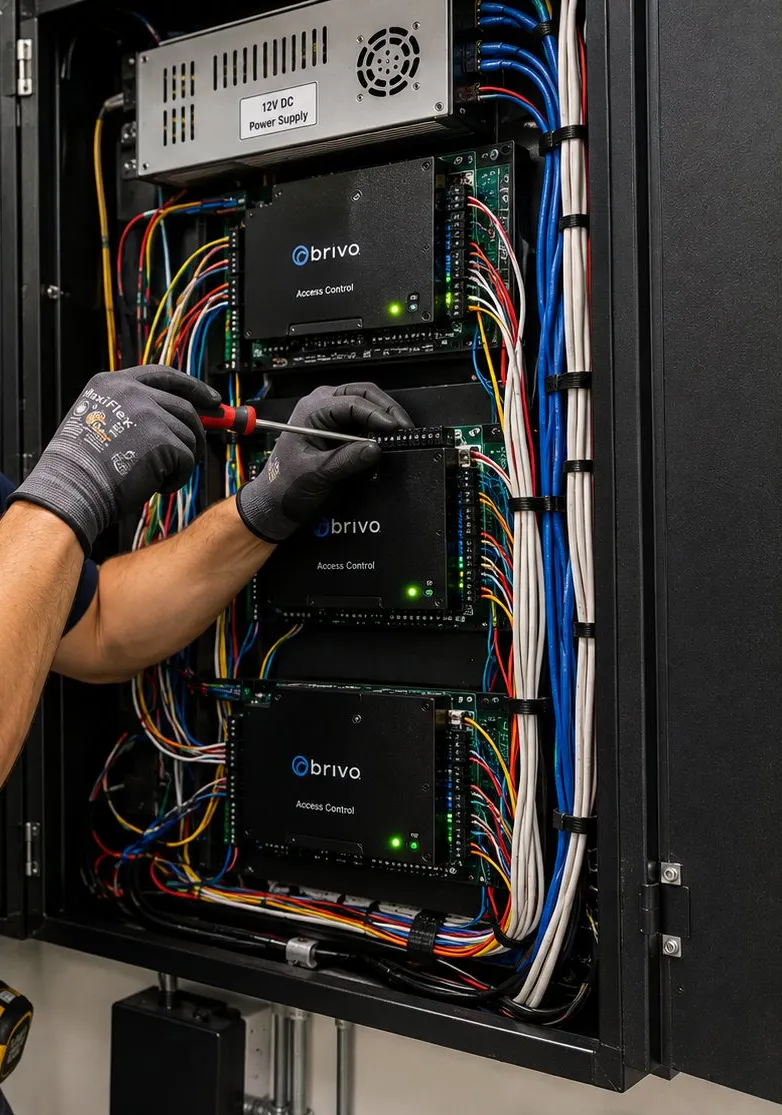
Technician hands with a screwdriver at access control boards inside a wall cabinet under a 12-volt power supply, Tottenville, Staten Island smart lock guide
Controller boards stacked under a 12-volt power supply in a wall cabinet, with cable bundles dressed down each side.
Equipment

Types of Smart Locks We Install

We are not tied to one brand. These are the categories we fit in Tottenville, with where each tends to fit best.

Keypad deadbolt with key cylinder

The default for most family front doors: codes for everyone, an app if wanted, and a key as the internet-free backup. Good on newer steel and fibreglass doors and on older doors once the bore and strike are sorted.

Keyless keypad or touchscreen deadbolt

No keyway to pick, and a clean look. Best where the household is disciplined about batteries and the model has an emergency power contact; we confirm that before fitting.

Interior retrofit units

Fit over a suitable single-cylinder deadbolt's thumb-turn and leave the outside of the door untouched. Often the right answer for an original or carefully restored door.

Fingerprint keypad deadbolts

Handy for children and anyone who forgets codes. We always enrol a code alongside fingerprints, because wet, sandy or cold fingers do not always read.

Keypad levers and handlesets

For side and back doors that need a latch that relocks behind you, or for doors where the household wants a single handle rather than a separate deadbolt.

Wi-Fi, Bluetooth and Thread bridges

The small plug-in devices that connect battery locks to the internet. We place them where they reach the lock reliably, and on their own network where possible.

Keypads and readers with electric strikes

Hard-wired entry for shops, offices and busy entrances, with a power supply, battery backup and a free-exit device inside.

Magnetic locks

For some glass and aluminium commercial doors where a strike will not fit, always with the required release devices and a decision on fail-safe behaviour.

Door-position sensors

Small contacts that report whether the door is actually closed, not just whether the bolt moved. Useful on any door that is used often or matters a lot.

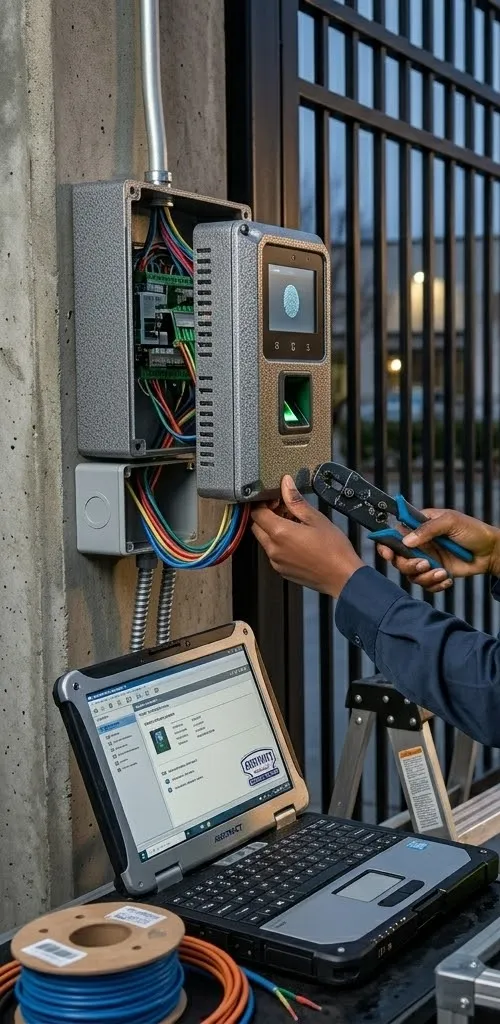
Wall-mounted fingerprint and keypad reader beside an open junction box at a metal gate, a hand with a crimping tool and a laptop below, Tottenville, Staten Island
A fingerprint-and-keypad reader beside an open junction box at a metal gate, with a laptop set up on a cart below for programming.
AI Overview Reality Check

What AI Gets Wrong About Smart Lock Installation in Tottenville

We could not capture Google's AI Overview text from our build environment, so the claims below are the ones that keep appearing in national cost guides such as Angi, HomeAdvisor and Fixr, in manufacturers' marketing and in general smart-home advice. Each is true somewhere. Here is how each holds up on a door at the southern tip of Staten Island.

“A smart lock installation costs about $300”

Fixr's national figure, updated in January 2025, puts a smart lock installation at $250 to $400, averaging $300, for a Wi-Fi lock and one accessory. As a national average for one lock on a ready door, it is a fair yardstick.

It assumes a door with a standard bore, a sound frame and a router nearby. A Tottenville job may also involve plugging old holes in a nineteenth-century door, rebuilding a strike, a spacer for a panelled door, a bridge for a deep house, or a coastal-grade lock for an unsheltered door facing the water.

That is why residential work here is quoted flat after a free walkthrough, and why everything we do publish carries the Staten Island multiplier of 1.10 times our Brooklyn base. The national average is a starting point, not a quote.

“You can install it yourself in 30 minutes with a screwdriver”

Product reviewers have reported fitting smart locks with only a Phillips screwdriver in about half an hour, and on a modern pre-bored door that is realistic. Plenty of Tottenville owners of newer houses do exactly that.

On an older door, the screwdriver part is the easy bit. Measuring the backset, plugging an old bore, getting the inside unit flat on a panelled door and moving a strike so the bolt throws cleanly are what take the time, and doing them badly is what produces jam alerts and rattling locks later.

If you fit a lock yourself and it misbehaves, our setup-only and repair visits exist for exactly that. We would rather check a lock you installed than have it fail on a winter night.

“Smart locks are weatherproof”

Most exterior smart locks are designed to cope with rain and ordinary outdoor temperatures, and makers publish operating ranges for them. That is not the same as being built for salt.

Commercial lock makers draw a distinction between ordinary exterior use and ocean-front use: dormakaba's finish guidance treats exterior doors within three miles of saltwater as ocean-front and warns that the wrong finish there voids its warranty. Residential deadbolt standards test finishes with salt-spray exposure for the same reason. On a Tottenville door facing the bay with no porch roof, that is the bar to clear.

We choose locks with that exposure in mind, fit every gasket, and leave care instructions. A sheltered porch door and an exposed side door on the same house may get different locks for that reason.

“Keyless means you can never be locked out”

Marketing for keyless locks often stresses that you will never lose a key again. True, but you can still be locked out by flat batteries, a forgotten code, a dead phone, or a lock that has lost its connection and cannot receive a new code.

At the end of the railway line, the cure is planning: a key cylinder or emergency power contact, a spare battery where it can be found, at least two people who can manage the lock, and codes that do not depend on the internet.

We build that plan into every Tottenville installation and rehearse it at handover. The goal is a household that can solve its own lockout in two minutes on the doorstep.

“Auto-unlock is the most convenient feature”

Automatic unlocking when your phone approaches is genuinely convenient, and it is often presented as a headline feature. It is also the feature most exposed to the Bluetooth relay attacks that NCC Group demonstrated in 2022.

Geofenced or proximity unlocking can also misfire in ordinary ways: a phone that thinks you have arrived when you are parked in the driveway with the car running, or a household member's phone triggering the door as they walk past the house to the station.

We leave automatic unlock off by default and set it up only for households who want it and understand the trade-offs. A code, a fingerprint or a deliberate tap is almost as fast.

“Any smart lock fits any standard door”

Smart deadbolts are designed around standard door preparation: published ranges such as 1-3/8 to 2 inches of door thickness and a 2-3/8 or 2-3/4 inch backset. Doors made to those standards in the last few decades usually take them easily.

Many Tottenville houses predate those standards. Thick hand-made doors, narrow stiles beside panels, mortise pockets and repeated re-drilling are common in the old village, and the inside unit may need a flat surface the door does not have.

Measuring before buying saves returns and spoiled doors. Send us photos or book the walkthrough before you order.

“A smart lock makes your home more secure”

A smart lock adds control and information: who has a code, when the door was opened, whether it is locked now. It can also remind you to lock up and lock itself. Those are real security gains.

It does not, by itself, make a door harder to force. A pry attack like the one reported on Ellis Street in 2026 goes for the frame and the gap between door and jamb. Glass beside a lock, a weak strike or an unsecured side window can make the best lock irrelevant.

Our walkthrough looks at the whole entrance, not just the lock: frame, strike, glass, lighting and the other doors. A smart lock is one part of a secure house, and we say so.

Plan the Backup Before the Lock

Tell us how your household comes and goes, and we will tell you which locks give you a way in that never depends on the internet, the phone or a callout.

Get In Touch

Request a Free Quote

A Victorian with a porch door, a newer house with four ways in, a two-family or a shop on Main Street: describe what you have and a licensed installer will phone you back that business day.

✅

We Got Your Request!

We'll call you back the same business day. If it's urgent, call us now at (347) 934-8335.

How It Works

Our Installation Process

Six steps, whether it is a single porch door on an 1890s house or every door of a newer home near the water.

1. Describe the house and the household

On the phone we note roughly when the house was built, which doors are used every day, whether any face the water unsheltered, and who comes and goes while the house is empty.

2. Free walkthrough and measurements

At each door we measure thickness and backset, check the inside surface and the edge, watch the bolt meet the strike, and test the Wi-Fi signal where the lock will sit.

3. Written flat quote

One figure in writing that names each door, the lock that suits it, any door work, the backup way in and how the lock reaches the internet, with Staten Island rates applied to anything we publish.

4. Prepare the doors

Old bores are plugged and glued, spacers made for panelled doors, strikes rebuilt and reinforced, and weatherstripping adjusted so each bolt throws freely.

5. Fit, seal and connect

Each lock goes on with its gasket, the cable passage is sealed, the bridge or border router is placed for reach, and we open every door from inside in one movement with the batteries in and out.

6. Codes, backup and handover

Each person tests their own code, a second admin is set up, the household rehearses the backup way in while we watch, and a written sheet records locks, codes, keys and care steps.

Coverage Area

Smart Lock Installation Near Tottenville's Landmarks

Conference House, Hylan Boulevard

Built by Christopher Billop around 1680 near Ward's Point, at the very end of Hylan Boulevard, the stone manor hosted the failed peace conference of September 11, 1776 between Admiral Lord Howe and Benjamin Franklin, John Adams and Edward Rutledge. It anchors Conference House Park, about 265 acres by the city parks department's count.

Biddle House and the park's historic houses

Captain Henry Hogg Biddle, who ran the Perth Amboy ferry, built his symmetrical waterside house in the 1840s; it now houses the Tottenville Museum. The park also holds the Ward House of about 1830 and the Rutan-Beckett House of about 1850 — the same building eras as many of the houses we fit locks to nearby.

Aakawaxung Munahanung Archaeological Site

About 20 acres within Conference House Park, designated a city landmark on June 22, 2021, mark more than 8,000 years of Indigenous occupation. Burial Ridge, described as the largest pre-European burial ground in the area, lies within the park.

George Cunningham Store, Main Street

A one-storey Queen Anne shop built around 1892 as a butcher shop, with bracketed bay windows and fish-scale shingles, designated a city landmark on July 15, 2008. A reminder that some Main Street shop doors need the Landmarks Preservation Commission involved before hardware changes.

Tottenville Library, Amboy Road

The New York Public Library branch at 7430 Amboy Road is a Carnegie library designed by Carrère and Hastings and opened in 1904; it is a designated city landmark. Engine 151 and Ladder 76 are a short way along Amboy at 7219.

Tottenville Station and the Bentley Street landing

The Staten Island Railway has ended here since 1860. Just beyond, pilings at the foot of Bentley Street mark the landing of the Tottenville–Perth Amboy ferry, which ran until 1963 after the Outerbridge Crossing opened in 1928 and took away much of its traffic.

We also serve the neighbourhoods around Tottenville: Richmond Valley and Charleston to the north, Pleasant Plains and Prince's Bay to the east, and Huguenot and Annadale beyond — and the rest of Staten Island smart lock installation all the way up to the North Shore.

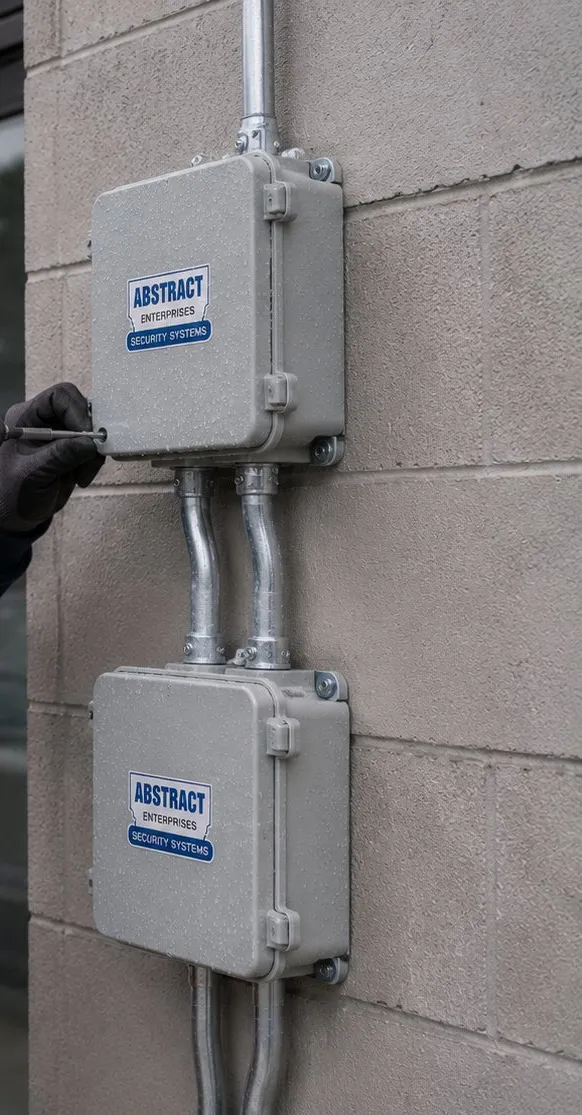
Two grey exterior junction boxes joined by metal conduit on a concrete block wall, Tottenville, Staten Island smart lock wiring reference
Two weatherproof junction boxes linked by conduit on a block wall. Outdoor wiring near the water needs sealed boxes like these.
Pricing

Smart Lock Installation Cost in Tottenville

Tottenville is priced as Staten Island: 1.10 times the Brooklyn base that AESS uses across its services, with no extra charge for being at the southern end of the island. Residential smart locks have no published AESS figure, because doors here range from hand-made nineteenth-century slabs to modern steel; they are quoted flat after a free walkthrough, and the quote lists every door and every piece of door work. Everything that does have a published figure is shown below with the Staten Island adjustment already applied.

ItemTottenville (Staten Island) priceWhat it covers
Smart locks on house doorsQuoted flat at free walkthroughPriced per house after we have seen the doors: lock hardware, any plugging, spacers, strike rebuilding, weather sealing, signal plan, codes and backup plan
Single-door keypad or fob reader with electric strike$1,650–$2,750 installedHard-wired entry for a shop, office or busy entrance; the published access-control range of $1,500–$2,500 in Brooklyn, times 1.10
New electric strike on an entry door$275–$495Published at $250–$450 before the Staten Island factor
Failed electric strike repair$325–$534For an entrance that buzzes but will not release; published at $295–$485, times 1.10, rounded half-up
Setup-only visit (app, bridge, codes; no hardware change)$225 first hour, then 30-minute blocksStaten Island setup-only rate
Service and callback rate$195/hr, 3-hour minimum ($585)After-install service calls; not charged on the initial installation

Worked examples from the published lines

  • A Page Avenue unit with keypad-and-strike entry at the front and the staff door: two single-door systems at $1,650–$2,750 each, so $3,300–$5,500 before anything specific to those doors.
  • A shop whose reader still works but whose strike has failed: the strike repair line, $325–$534, or a new strike at $275–$495 if it cannot be saved.
  • Moving a household's locks onto a separate smart-device network, no hardware change: the setup-only rate, $225 for the first hour.

What moves a Tottenville quote up or down

  • The age of the door. A modern pre-bored door adds no door work; a nineteenth-century panelled door with old bores and a moved frame adds plugging, spacers and strike rebuilding.
  • Exposure. An unsheltered door facing the water may call for a coastal-grade lock and extra sealing; a door under a deep porch usually does not.
  • Distance from the router. Deep lots and long houses can need a bridge, a border router or a mesh point to reach the front door.
  • How many doors and households. Each extra door is quicker once the system is set up; a two-family's separate codes and admin roles take longer to set up properly.
  • Battery lock or wired reader. A battery smart lock is a residential quote; a hard-wired reader with a strike is priced from the published access-control line.

For context, the cost guide Fixr gives $250–$400 nationally for having one smart lock put in, with $300 as its average (January 2025 update). Treat that as a benchmark for a ready, standard door anywhere in the country — it is not something AESS publishes or charges.

Full terms — including 50% deposit, one-year parts-only warranty on AESS-supplied products, and the late-fee schedule — are set out in the service agreement.

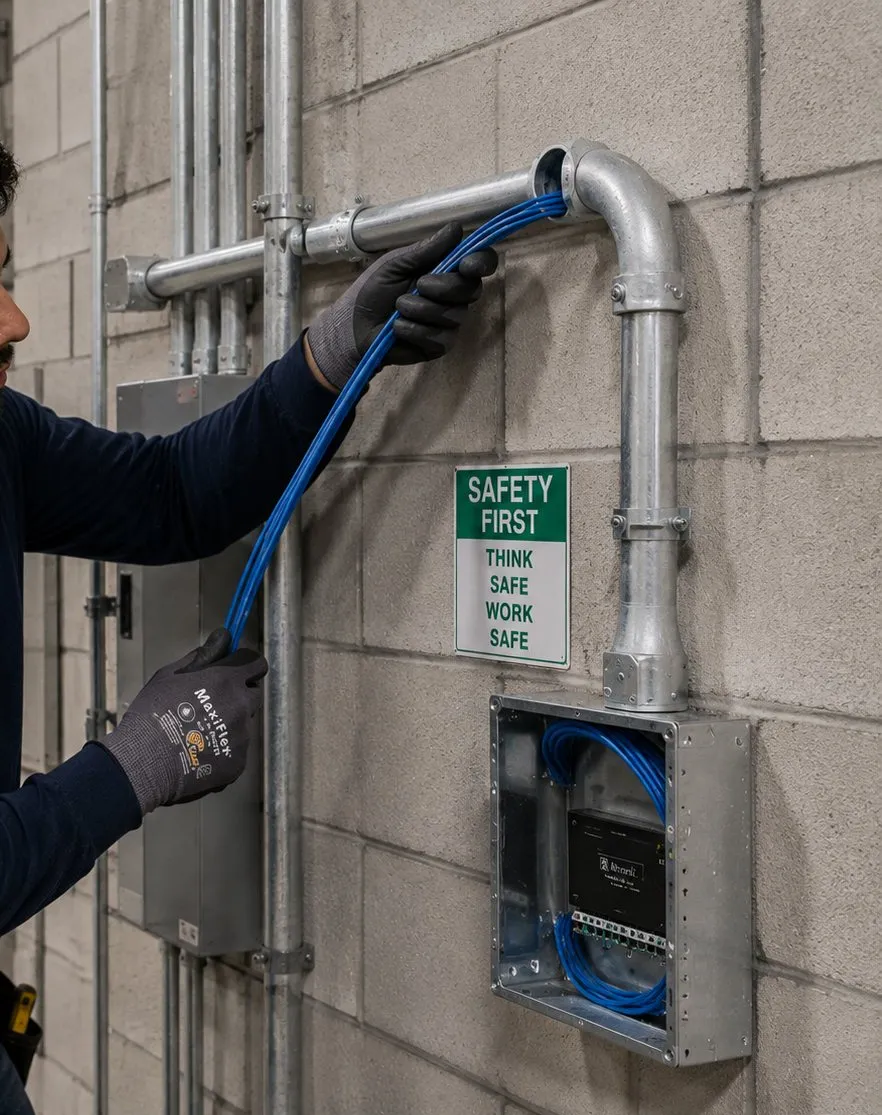
Gloved hands pulling blue cable through metal conduit into a box on a concrete block wall beside a safety sign, Tottenville, Staten Island smart lock guide
Blue cable is fed through conduit into a wall box. A wired reader with a strike needs this kind of cable path; a battery smart lock does not.
Shop Our Systems

Smart Lock Installation Packages & Pricing

Starter — The Front Door, With a Plan B

Quoted flat at walkthrough

One smart lock on the door your household uses most, with any door work it needs, a weather gasket, codes for everyone, a second admin, and a rehearsed backup way in — key or emergency power contact.

Standard — Every Way Into the House

Quoted flat at walkthrough

Front, side, garage-to-house and back doors on one app, with clear rules for which doors relock themselves, door-position sensors where they help, a bridge or border router placed for reach, and the locks on their own network.

Premium — Shop or Office Entrance

$1,650–$2,750

A hard-wired keypad or fob reader with an electric strike, power supply, battery backup and free-exit device for a Main Street, Amboy Road or Page Avenue entrance. Staten Island pricing, per door.

Bring Your Own Lock — Labour Only

Already bought a smart lock? We will fit it, prepare the door, connect it and set up the codes and backup plan; labour is quoted flat at the walkthrough. On older doors we check the lock against the door's thickness, backset and inside surface before drilling, and tell you plainly if it will not sit properly. If the work is app, bridge or code setup only, it is the $225 first-hour setup-only rate.

Speak to a Tech About an Old Door

Send a photo of your door from outside, from inside and of its edge. We will tell you whether a standard smart deadbolt, a retrofit or something else is likely to suit it.

Water on Three Sides

Looking After a Smart Lock Near the Arthur Kill and Raritan Bay

Every Tottenville house is within easy reach of saltwater. For a door under a deep porch, that changes very little. For a door that faces the bay or the Kill and takes the wind straight on, it changes which lock we pick and how it should be cared for. This is the routine we leave with households whose doors are exposed.

Choosing the lock

We look for locks whose makers describe finishes suitable for coastal or harsh outdoor use, and whose outside units have a proper gasket against the door. Satin or brushed finishes tend to hide wear better than polished ones. Touchscreen keypads have fewer gaps for grit and moisture than rubber or physical buttons, though both can work well with care. Where a door is very exposed, a lock whose outside part is mostly keypad and very little moving metal is usually a better bet than an elaborate handleset.

Fitting it

The gasket supplied with the lock goes on every time; it is part of how the maker keeps water out, and dormakaba's guidance, for one, warns that a missing gasket can void a lock's warranty. We check the cable passage through the door is sealed, keep the outside unit square so its seal sits evenly, and make sure the door's own weatherstripping is not pushing the lock out of line.

Looking after it

  • Wipe it. After windy weeks or storms, wipe the outside unit with a soft damp cloth and dry it. Salt film is what slowly attacks finishes and seals.
  • Do not oil the keypad. If the key cylinder gets stiff, use a dry lubricant meant for locks in the keyway only, never oil or grease on electronics.
  • Check the batteries for corrosion. When you change batteries, look at the contacts. Any white or green crust is a sign moisture is getting in, and the seal needs attention.
  • Watch for the first fault. Intermittent keypad response, a backlight that flickers or buttons that need a harder press are early signs of water inside. Call before it fails completely.
  • After a big storm, test the backup. Try the key or the emergency power contact once the weather clears, so you know it still works when you might need it.

None of this is complicated, but it is the difference between a lock that lasts for years on an exposed Tottenville door and one that fails in its second winter. Doors that face the water and are used every day get the most attention in our walkthrough for that reason.

Long Days Away

Setting Up Codes for a House That Stands Empty Through the Commute

When the adults in a Tottenville house leave on an early train or express bus and get home after dark, the house runs on codes for most of the day. Here is how we usually help households set that up without creating gaps.

  • One person, one code. Every regular visitor — children, grandparents, a sitter, a dog walker, a cleaner — gets their own code. The history then tells you who came, and one code can be removed without touching anyone else's.
  • Schedules for helpers. A dog walker's code that works only on weekday middays, a cleaner's code only on their day. Outside those times the code simply does not open the door.
  • Short-lived codes for one-off visits. A contractor quoting for a job or a delivery that needs to go inside gets a code that expires the same day.
  • Auto-lock where it helps, not everywhere. Side and back doors that children use after school often benefit from relocking a short time after closing. A front door that adults use to carry shopping in may be better with a reminder alert than an aggressive auto-lock.
  • Alerts that matter. Notifications for a child's first arrival home, for any use of a helper's code outside its schedule and for a door left unlocked at night. Not for every single opening, or nobody reads them.
  • A review every few months. Codes accumulate. Delete the ones nobody uses, and change shared codes when someone leaves the household's circle.

We set the first version of this up with you on installation day, write it down, and show you how to change it yourself. It is your house; the plan should be yours to run.

Before You Order

A Tottenville Checklist Before Buying a Smart Lock

Five minutes with this list, a tape measure and a phone camera will tell you most of what we would check at a walkthrough.

  • Door thickness. Measure the edge of the door. Common smart deadbolts suit roughly 1-3/8 to 2 inches; outside that range, check the maker's thick- or thin-door options.
  • Backset. Run the tape from the edge of the door in to the middle of the round hole the current deadbolt sits in. Expect a reading of 2-3/8 or 2-3/4 inches on any door made in recent decades; anything else needs a lock that adjusts.
  • Inside surface. Is the area where the inside unit will sit flat, or does it run onto panel moulding, glass or a handle?
  • Existing deadbolt. For a retrofit, the deadbolt must be single-cylinder, with a thumb-turn inside.
  • How the bolt throws. With the door shut, does the deadbolt slide freely with one finger? If not, the strike needs adjusting first.
  • Exposure. Does the door face the water, and is there a porch roof over it?
  • Signal. Stand at the door with your phone on Wi-Fi. Do you have a solid signal, and is there an outlet within 10 to 15 feet for a bridge?
  • Backup. Do you want a key cylinder, or a keyless model with an emergency power contact — and who will hold the spare key?
  • Landmark status. If the building is an individual landmark, the Landmarks Preservation Commission must be involved before exterior work; ask through 311 or the commission if you are unsure.
  • Households. In a two-family, who needs access to which doors, and who should be admin for each?

Send us what you find, with a photo of each side of the door and its edge, and we will tell you which locks are likely to fit before you spend anything.

Complete Services

Every Smart Lock Installation Service in Tottenville

A smart lock is rarely the only thing a Tottenville door needs. Most households here pair it with a doorbell camera at the front and sensors on the side and back doors; most shops pair it with access control and an alarm. These are the related services we provide on Staten Island.

Doorbell Camera Installation Staten Island

See who is at a porch door at the end of a long front walk before you unlock it from the train.

Alarm Installation

Door and window sensors for the openings a lock cannot protect, with a forced-door alert.

AESS Access Control on Staten Island

Readers, strikes and controllers for Main Street and Page Avenue businesses.

Home Security Cameras

Cameras covering driveways, side yards and back doors on deep South Shore lots.

Home Automation

Hubs and border routers so locks, lights and alerts work together — including visual alerts for deaf household members.

Network and Wi-Fi Coverage

A separate smart-device network and access points that reach the front of a long house.

Intercom Installation

Entry intercoms for two-families and for apartments over Main Street shops.

Door Buzzer Repair

For older buzzer and strike systems that ring but no longer release.

Low-Voltage Wiring

Power supplies, strike wiring and cable runs, done under our state licence.

Field Notes

Field Notes from the Southern Tip

How our installers approach a house at the far end of the South Shore — general working practice, not an account of any particular job or customer.

The first question we ask at a Tottenville door is not which lock you want. It is what you would do tonight if the lock stopped responding. If nobody in the household has a clear answer, that becomes the first thing we design. A key with a neighbour, a 9-volt battery in a known drawer, a second admin on a second phone: simple things, decided in advance.

Then we look at which way the door faces. A porch door on the street side of an old house is a sheltered life for a lock. A side door on a newer house facing open water, with no roof over it, is a hard one, and it gets a different lock and a different conversation about care. We also run a hand along the door edge and close the door slowly a few times to watch the bolt meet the strike, because a motor that has to fight the door will drain batteries and eventually report a jam.

Last, we stand at the door with a phone and check the signal, and we ask who comes and goes and when. In a house that is empty most of the day, the code plan is as important as the hardware. And on every door, the inside stays one simple movement to get out.

FAQ

Tottenville Smart Lock Installation FAQ

Do you come out to Richmond Valley, Charleston and Pleasant Plains as well as Tottenville?
+

Yes. We cover all of Tottenville, from the Arthur Kill and the station area to Conference House Park and the newer streets beyond Hylan Boulevard, along with Richmond Valley, Charleston, Pleasant Plains, Prince’s Bay, Huguenot and Annadale. Pricing is the same Staten Island pricing throughout, with no surcharge for the southern end of the island.

Do your technicians keep any record of our codes once the job is done?
+

No. We help each person set their own code during the visit and do not keep a list of household codes afterwards. Any temporary code we use for testing is deleted before we leave, and admin rights stay with your household’s accounts. If you want extra reassurance, change the codes yourselves after we go; we show you how.

Can one screen show us the battery level of every lock in the house?
+

With most current smart locks, yes, as long as all the locks are on the same maker’s app or the same smart-home system. The app usually lists each lock with its battery level and last activity. Mixing brands means checking more than one app, which is one reason we suggest keeping a house on one family of locks.

Our retrofit lock has no keypad — can one be added outside without drilling the door?
+

Often, yes. Several retrofit makers sell a small wireless keypad that pairs with the lock and mounts beside the door with screws or adhesive, so the door itself is not drilled. It needs to be within the keypad’s Bluetooth range and in a spot sheltered from the worst weather. We confirm your model supports one before you buy.

We have lost the only spare key for the smart lock’s cylinder — what now?
+

If the lock still opens by code, there is no emergency, but it is worth fixing soon, because the key is your backup. A locksmith or we can rekey the cylinder or fit a new one to match a key you choose, and some smart locks accept a standard replacement cylinder. Then put the spare somewhere you can reach without getting into the house.

We already have a monitored alarm — what does a smart lock add that the alarm does not?
+

The alarm tells you when something happens; the lock controls who can get in and records who did. A smart lock lets you give and take away access without keys, see which code opened the door, and lock up from a distance. Some locks can also arm or disarm compatible alarms, though we set that up carefully so a code never disarms more than it should.

Can we keep the door chain or swing-bar guard once the smart lock is on?
+

Usually, yes. A chain or swing-bar guard is a separate piece of hardware above or below the lock, and most smart deadbolts sit alongside one without trouble. The thing to check is clearance: the inside unit of a smart lock, especially a retrofit, is bulkier than a plain thumb-turn, so the guard may need moving an inch or two. Remember a guard only works while someone is home to fasten it.

Should the keypad code be changed after a big party or a house full of summer guests?
+

It is a good habit. If a shared code was given out for a gathering, or guests stayed for a week, delete that code or change it afterwards rather than leaving it active. Giving guests their own temporary code from the start makes this automatic, because it simply expires when you set it to.

All Areas Served

Smart Lock Installation Across Staten Island and New York

For the island as a whole, start with our Staten Island smart lock installation page; for all five boroughs, the NYC smart lock installation hub. Tottenville is one of the neighbourhoods those pages branch into, and the same licensed crews work across every area listed here.

Back to the Abstract Enterprises Security Systems home page, or read about our company.

Locked Out Between Conference House Park and Arthur Kill Road?

Keypad silent, bolt half-thrown, or the app saying the lock is offline while you stand on the porch? First try the plan you made: the backup key, or a 9-volt battery on the emergency contacts if your lock has them. If that does not get you in, ring (347) 934-8335 and ask for the first free arrival window. Most of these calls come down to tired batteries, a strike out of line or a lost pairing, and they are usually sorted within an hour or two of the technician reaching the door.

Smart Lock Installation Tottenville, Staten Island — Licensed and Insured

Abstract Enterprises Security Systems · 1282 Troy Ave, Brooklyn, NY 11203 · (347) 934-8335 · WhatsApp (718) 679-0359 via wa.me

NYS Low-Voltage Licence #12000287431 · 100% Licensed & Insured · Same-Day Estimates · Rated 4.7★ from 201 Google Reviews

Locks you supply carry their manufacturer's warranty; see our warranty page for how AESS-supplied products are covered.

Sources for local facts on this page include the 2020 census as summarised for Tottenville, NYC Landmarks Preservation Commission designation reports, NYC Parks, New York State Homes and Community Renewal (Living Breakwaters), CityLand, the Staten Island Advance, Forgotten New York, NCC Group, Yale, dormakaba and New York State ITS. Nothing here is legal advice: where codes or laws are mentioned, it is to show how they bear on fitting locks to Tottenville homes and shops. Page reviewed and updated October 17, 2026. Changelog: first publication of the Tottenville smart lock installation page.