Licensed Low-Voltage Installer · Ditmars-Steinway to the Waterfront · Renters, Two-Family Owners & Shops
Sonos Installation in Astoria, Queens
Systems That Move With the Lease · Ceiling Speakers on Owners' Floors · Tuned Between N/W Trains · Network Set Up First
An Astoria Sonos system usually has to outlive the apartment it starts in. Most households here rent, many of them move every few years, and a good number live with the N and W trains passing at window height. So we split every job into two lists: the speakers, soundbar and surrounds that stand free and pack up on moving day, and the ceiling speakers, Amp and cables that belong to the building and go in only where the owner wants them. Then we set the network right, place each speaker where a shaking shelf can't walk it off the edge, and tune every room between trains.
Reviewed and updated October 17, 2026 · Written by Anwar Timothy, NYS low-voltage license #12000287431 · Prices from the published Queens list
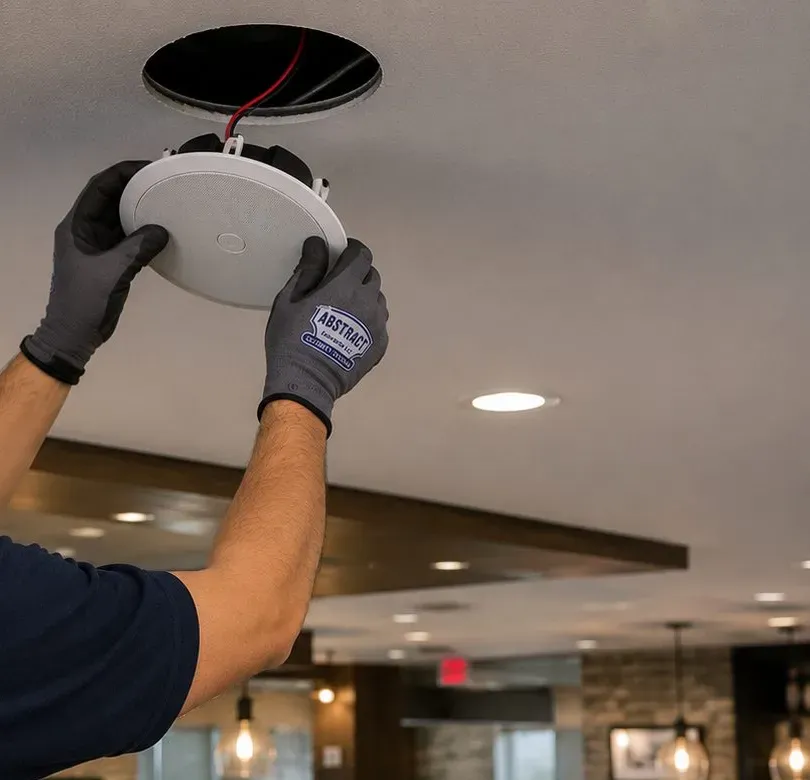
Two gloved hands push a round white in-ceiling speaker into a fresh circular opening; red leads hang in the hole, and recessed lights and a brick-walled dining room sit out of focus behind.
Astoria Sonos Quote
Your products, your rooms and whether you rent — a written Queens price the same business day
✅
Request Received
An installer who works in Astoria will call you back before the business day ends.
25+
Years Experience
✓
Same-Day Estimates
100%
Licensed & Insured
4.7★
201 Google Reviews
New lease on a 30th Avenue one-bedroom, or finally wiring the floor you own off Ditmars? Call (347) 434-6392 or use the one-minute form with your Sonos model names and a photo of each room. A licensed installer reads it and sends back a written figure added up from the Queens lines lower down this page, with any room that needs a look first clearly marked.
Sonos setup $125 on the Queens list; soundbar on a console $79, on the wall $129
Owner or managing-agent insurance certificates sent free of charge
NYS low-voltage license 12000287431 · 2-hour arrival windows, 8 AM to 8 PM, every day
Sonos suits Astoria for the same reason Astoria makes Sonos harder: people here move. The NYU Furman Center's profile of the Astoria community district gives a homeownership rate of 18.5 percent in 2024, against 32.7 percent for New York City as a whole. Put the other way round, roughly four households in five rent. A renter's speakers have a working life that runs across two, three or four apartments, and every move means unplugging a system that was set up for one set of rooms and one router and plugging it into another. Wireless speakers are built for that life, which is a large part of why they turn up in so many Astoria living rooms. They are not, however, built to set themselves up well in a new place. The network changes, the rooms change shape, a stereo pair that sounded right in one front room sounds lopsided in the next, and the surrounds that were tucked behind a sofa now face a doorway.
The second thing Astoria does to a Sonos system is shake it. The Astoria Line opened in 1917 and runs elevated along 31st Street for its whole length, carrying the N and W to the last stop at Ditmars Boulevard. Residents who live on or near 31st Street describe the trains plainly. One r/astoria reply warned that you will not be able to hear your TV when the train goes by; another tenant, who lived just off 31st Street for years, wrote that their apartment always shook when the trains went by. A speaker sitting on a bookshelf picks up that movement. A wall bracket in old plaster feels it every few minutes, all day. And a room tuned with Trueplay while a train thunders past has been measured with the train in it. None of that is a reason to avoid Sonos near the el; it is a reason to place, fix and tune it with the el in mind.
The third is who owns which part of the building. In 2025 the Furman Center counted 204 sales of two- to four-family buildings in the district against 47 sales of one-family houses. That is the side-street housing of Ditmars-Steinway, Astoria Heights and the blocks off Broadway: a brick or frame house with an owner on one floor and a tenant on the other. In those houses the speaker on the shelf belongs to whoever bought it, but the ceiling, the walls and the route a cable takes between floors belong to the owner. A good Astoria plan keeps those two kinds of work apart. The renter's system stays freestanding and leaves with them. The owner's floor can have ceiling speakers, an Amp in a closet and a cable to the router, because the person paying for them is the person who stays.
The fourth is the size of the rooms and the number of people in them. More than a third of Astoria households, 38.5 percent in the Furman figures, are one person living alone, and many others are roommates sharing a front room. A studio or a one-bedroom on a side street off Steinway Street does not need eight speakers; it needs one or two in the right places, a network that doesn't drop them, and settings that keep the bass off the floor below. A comment on r/sonos about apartment living put the appeal simply: you can put a speaker in every room and listen everywhere without turning it up loud enough to bother your neighbours. In a walk-up with thin floors and somebody's bedroom under your living room, that is exactly the point.
And then there is the waterfront. Since 2010 the district has added 15,142 homes in buildings of four or more units, 82 percent of them market-rate, according to the Furman Center. Much of that is new construction along the East River: the Halletts Point towers beside the Astoria Houses, the buildings around 26th Avenue, and the larger apartment blocks closer to Long Island City. Those apartments bring steel-stud partitions, concrete ceilings, building-supplied internet and management offices with their own rules about drilling. A Sonos plan for a new waterfront rental looks nothing like one for an older brick two-family on 23rd Avenue.
Astoria facts that change a Sonos plan
18.5 percent homeownership in the Astoria community district in 2024, against 32.7 percent citywide (NYU Furman Center). Most Sonos systems here have to be moveable, and most fixed work needs an owner's agreement.
38.5 percent single-person households among about 198,600 residents and 99,800 homes (Furman Center, 2024). Small rooms, one or two speakers, and close neighbors on every side.
204 two- to four-family building sales against 47 one-family sales in 2025 (Furman Center). The typical house holds two households, which is why we keep the owner's wiring and the tenant's speakers on separate lists.
15,142 new homes in buildings of four or more units between 2010 and 2025, 82 percent market-rate (Furman Center). Steel studs, concrete ceilings and building Wi-Fi now sit alongside plaster and brick.
1917: the year the elevated Astoria Line opened along 31st Street to Ditmars Boulevard, and it is still elevated end to end (nycsubway.org). Speakers in front rooms on 31st Street share the air, and the shelf, with the N and W.
Eight days without power for parts of northwest Queens in July 2006, from July 17 to July 25, after Con Edison's Long Island City network lost twelve of its twenty-two feeders on the worst days (Baruch College NYCdata; Pace Environmental Law Review). Electronics in this part of the borough have been through a long outage before.
Read together, those numbers describe a district of renters in small, shared buildings, with trains overhead on one avenue, towers going up on the waterfront, and homes that change hands between tenants every few years. A Sonos installation in Astoria has to suit the move as much as the room.
Most Astoria Sonos bookings bring the TV along with them. When a new apartment means a new TV wall, our Queens TV installation crew hangs the screen at the same visit, so the soundbar, the screen and the cable route are decided once. Bigger projects — a wired backbone for an owner's floor, speakers in every room of a house, a shop's sound system — are handled by our audio and sound installation team in Queens.
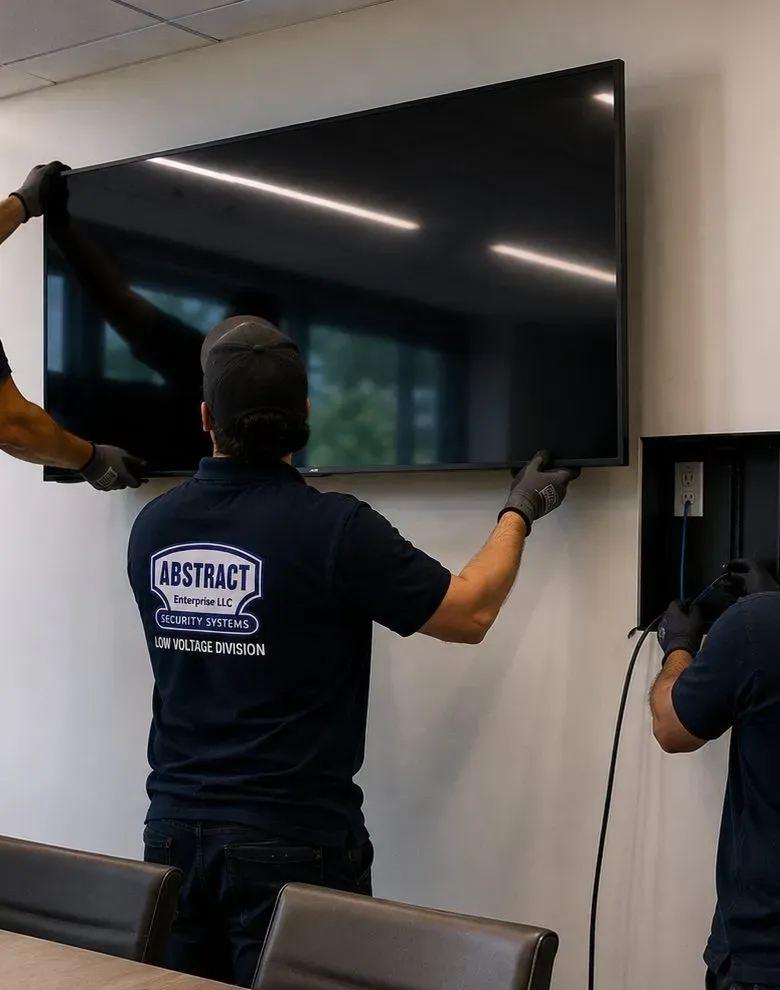
Seen from behind, a technician in a cap and logo polo settles a flat-screen onto its wall mount above two meeting chairs; at the right edge a gloved hand guides a dark cable into a recessed wall box with an outlet.
Repair Capture
Sonos Dropping Out in an Astoria Apartment
Many calls start after a move or an internet change. The new provider's router went in and half the speakers vanished from the app; the rear surrounds stopped playing after the furniture was rearranged; the soundbar only plays when someone remembers to switch it; the kitchen speaker drops every evening when the building's networks are busiest. We book those into the next free 2-hour window, often the same day, and most are fixed within an hour or two once we are in the apartment. Call (347) 434-6392, say it is a Sonos problem, and list the products and your internet provider so we arrive with the right cable and a spare switch. Visits where nothing is mounted are billed in time as set out in our service policies: the first hour at the Queens rate of $195, then 30-minute blocks.
The Astoria Approach
Two Lists for Every Astoria Sonos Job: What Moves and What Stays
Before we talk about speakers, we sort the job into two columns. One column is everything that leaves with you when the lease ends: the speakers, the soundbar, the Sub, the surrounds, the stands and the power cables. The other column is everything that stays with the building: holes, anchors, ceiling cut-outs, cables in walls, a network jack, an Amp shelf in a closet. The first column is yours to decide. The second column is the owner's, even if you are the one paying. Keeping them apart from the start is how an Astoria system gets set up properly in the first apartment and survives the trip to the second.
The column that moves with you
Freestanding Sonos speakers, a soundbar sitting on furniture, surrounds on floor stands and a Sub on the floor all count as furniture. They need an outlet and a good network, nothing more. For a renter, this column is usually the whole system, and that is not a compromise: a Beam or Ray on a console, two Era 100s on stands behind the sofa and a Sub Mini under a side table make a complete home theater that comes out of the apartment in an hour and goes into the next one in an afternoon. What we add on this list is the setup work that makes it sound right: placement, stereo pairing, surround assignment, Trueplay in every room that can take it, and settings for the people downstairs.
This column also includes anything fixed with the owner's permission but designed to come off cleanly, such as a soundbar bracket on four small anchors under a TV the landlord already agreed to, or a paintable cord cover screwed rather than glued. We note those on your hand-over sheet as "fixed, removable", with the anchor type and the hole positions, so move-out day doesn't involve guesswork or a lost deposit.
The column that stays with the building
Ceiling speakers, in-wall speakers, the Sonos Amp that drives them, cable pulled through walls or between floors, and a network jack beside the TV are all building work. In Astoria that means one of three situations. You own the house and live in it, which is the simplest case. You own a two-family and the work is on your floor, which only needs care where cables pass through the tenant's space. Or you rent and the owner has agreed in writing, in which case the speakers you put in the ceiling are, in practice, staying in the ceiling. We point that out before anyone buys an in-ceiling pair, because it changes whether the purchase makes sense.
The two columns meet at the network. Every Sonos product, fixed or freestanding, has to join a single network that Sonos supports. If the router is in the wrong place, the fix might be a cable along a baseboard (column one, removable) or a cable through a wall to a jack (column two, the owner's). We give you both options with both prices and let the lease decide.
Part of the system
Usually leaves with a renter
Usually stays with the building
Era 100, Era 300, Five, Move 2, Roam 2
Yes, on shelves or stands
Only if hung on a wall bracket the owner keeps
Soundbar (Arc Ultra, Beam, Ray)
Yes, on a console or on a removable bracket
Bracket anchors, if the owner prefers them left
Sub 4 or Sub Mini
Yes
No
In-ceiling or in-wall speakers
Rarely; cut-outs need filling if removed
Yes, with the Amp that drives them
Amp or Port
Yes, if it sits on a shelf
If built into a closet or cabinet with wired speakers
Cable to the router
If run in a raceway along the baseboard
If pulled inside a wall to a jack
What We Install
Sonos Installation Services in Astoria
Nine kinds of work cover almost every Sonos call we take in Astoria. A typical visit combines two or three. Every one is priced from a published Queens line or, where a ceiling or wall is opened, from a walkthrough with the published per-zone range.
Freestanding Room Setup
Speakers you already own placed, joined to one system, named by room and tuned. The renter's core job: no drilling, every product working from every phone in the apartment, and nothing left behind at move-out but the outlet it plugged into.
Soundbar, Sub and Surrounds
Arc Ultra, Beam or Ray on the console or on a bracket under the screen, connected over HDMI or optical, with a Sub and rear speakers assigned to it. Surrounds placed for the sofa you have, not the one in the product photo.
Network Fixed Before Speakers
Router checked for the things Sonos doesn't support: guest networks, range extenders, powerline adapters, a 5 GHz-only setup. Where one product needs a cable to the router, it goes along the baseboard or, with the owner's yes, inside the wall.
Ceiling Speakers on Owners' Floors
Sonos and Sonance in-ceiling pairs cut into plaster or drywall, wired back to an Amp in a closet or cabinet. For owners on their own floor, or tenants with written approval who understand the speakers will stay with the ceiling.
Mounts Built for Train Vibration
Wall brackets for Era speakers and soundbars set into studs, masonry or the anchor the wall actually needs, and shelf placements that stop a speaker creeping toward the edge when the N and W pass every few minutes.
Moving a System Between Apartments
Take-down at the old place, a list of every product and fixing, and a rebuild at the new address: new network, new rooms, re-paired stereo pairs and fresh Trueplay. The holes at the old apartment are left clean for filling.
Shared-Apartment Setup
One system for a household of roommates: everybody's phone added, the right streaming accounts signed in, AirPlay working for the iPhones, and the bedroom speakers kept out of the living-room group unless their owners choose otherwise.
Business Music on the Avenues
Cafés, bars, salons and shops on Steinway Street, 30th Avenue, Broadway and Ditmars Boulevard: zones for the counter and the back room, the TV's sound on the same speakers when a game is on, and a staff tablet instead of personal phones.
Repairs, Re-Adds and Resets
Speakers missing after a router swap, a soundbar that stopped taking the TV's sound, surrounds that went silent, a system split between S1 and S2 apps. Sorted in time-billed visits, usually without buying anything.
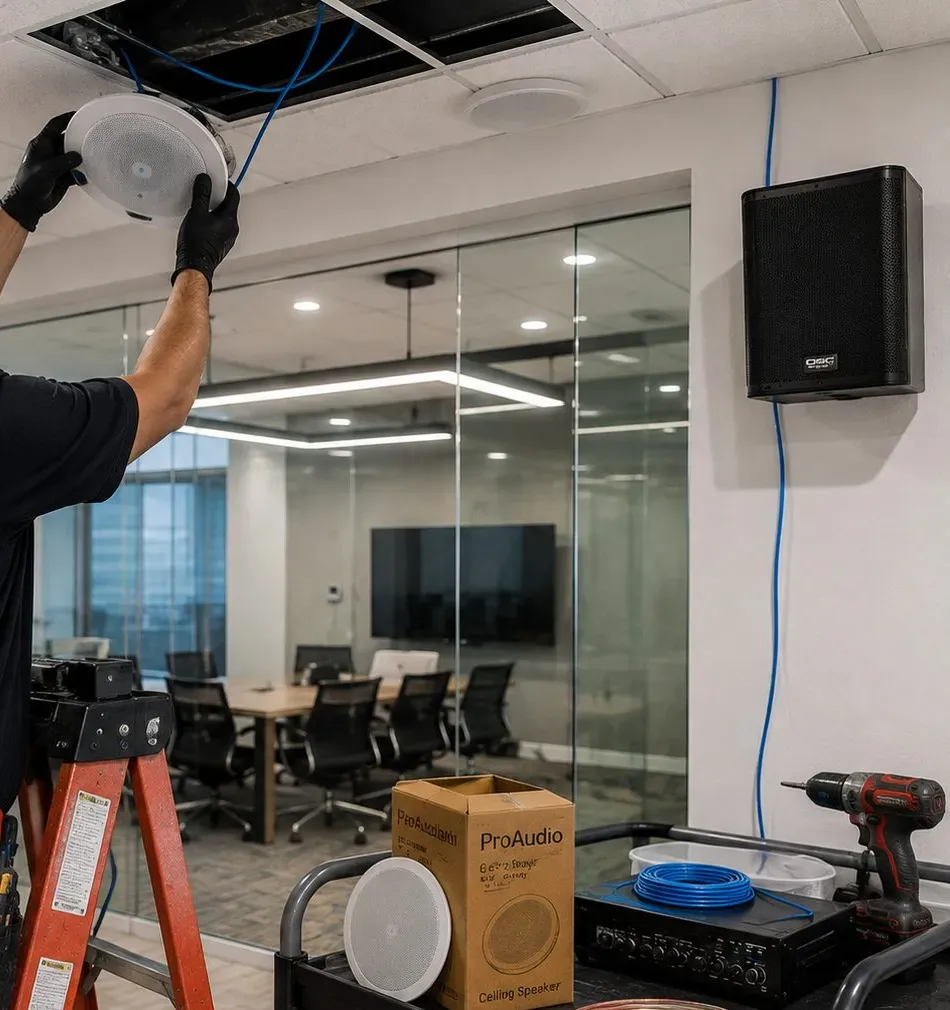
One arm raises a round ceiling speaker to an opened tile where blue cable drops through; a black speaker hangs on the wall with its cable running down, and a cart below carries an amplifier, a boxed ceiling speaker, a spool of blue cable and a drill.
Building Specialists
Sonos Installation for Astoria's Architecture
The Sonos products are the same on every block. The walls, ceilings and the person who controls them are not. Six kinds of building account for almost all the Sonos work we do in Astoria, and each one decides how much of the system can be fixed and how the network reaches it.
Attached Brick Two-Families
Rows of brick houses on the side streets between Ditmars Boulevard and Broadway, each usually an owner's floor and a rented floor. Brick party walls under plaster, wood joists between floors, and a basement or cellar where the internet line often arrives. The owner's floor can take ceiling speakers; the tenant's floor usually stays freestanding.
Frame Houses in Ditmars-Steinway and Astoria Heights
Detached and semi-detached wood-frame houses, some under later siding, on the blocks toward Steinway Street and the eastern edge. Stud walls and accessible attics make them the easiest Astoria homes for hidden speaker cable, as long as the owner wants it.
Pre-War Walk-Ups
Four- and five-story buildings along Broadway, 30th Avenue and the streets near the el, many with railroad layouts. Plaster on lath or on masonry, rooms in a line, a router at one end and a bedroom at the other. Almost always freestanding Sonos, with care over Wi-Fi reaching the back room.
The Astoria Houses
NYCHA's 22 buildings and 1,103 apartments on the Halletts Point peninsula, completed in 1951. Masonry walls and concrete ceilings, and the housing authority's rules on alterations. Freestanding speakers and a soundbar on furniture are the realistic Sonos plan here.
Waterfront Rentals
Halletts Point's towers and the newer buildings around 26th Avenue, including Astoria Cove at 4-34 26th Avenue with 138 studios to two-bedrooms. Steel-stud partitions, concrete slabs, big windows and managing agents with written contractor rules. Era mounts go into studs, not drywall alone.
Shop Below, Apartment Above
Mixed buildings on Steinway Street, 30th Avenue and Ditmars Boulevard with a business at street level and one or two apartments over it. Two networks, two owners of the noise, and a floor between them that carries bass in both directions.
What each Astoria wall and ceiling means for the fixings
Plaster over brick (two-families, walk-ups). The party walls of attached houses and the outer walls of walk-ups are usually brick behind a skin of plaster. A stud finder is little help; a small pilot hole is quicker and tells us whether the anchor goes into brick, mortar or a void behind the plaster. Brick takes a soundbar or Era bracket very well once the right sleeve anchor is in, and it doesn't flex when a train passes. The cost is the brick line on the Queens list and a little more dust, which we vacuum as we go.
Plaster on wood lath (frame houses, some walk-up partitions). Old lath plaster cracks if the drill is pushed or the hole is too close to an existing crack. For Era speakers we look for a stud; for anything heavier than a small speaker on a hollow lath wall we would rather move the speaker to a shelf than trust a toggle in crumbling plaster near the el. For ceiling speakers, the Sonos in-ceiling installation guide asks for an obstruction survey with a stud finder before cutting and a small probe hole when in doubt, and that is exactly how we start.
Steel studs and drywall (waterfront towers, renovated floors). Sonos's own Era 300 wall mount is sold as stud-mounting only, not for drywall, and in a steel-stud building that means finding the metal stud and using a fastener rated for it. Steel studs carry cable well through their factory punch-outs, as one of the photos on this page shows, but in a finished tower apartment the walls are closed and the managing agent decides whether they open.
Concrete ceilings and masonry (NYCHA, towers, some newer houses). Ceiling speakers in solid concrete are not a realistic renter's project. We plan those rooms around freestanding speakers and a soundbar, and if a fixed speaker is wanted, it goes on a wall bracket into masonry or a stud with written permission.
Wood joists between floors (houses). In two-families and one-families, the space between the ceiling below and the floor above is where ceiling speakers live and where cable travels sideways. It is also the route sound takes to the other household, so we keep speakers off the line of the bedroom below where we can, and keep the Sub on the floor rather than in the ceiling.
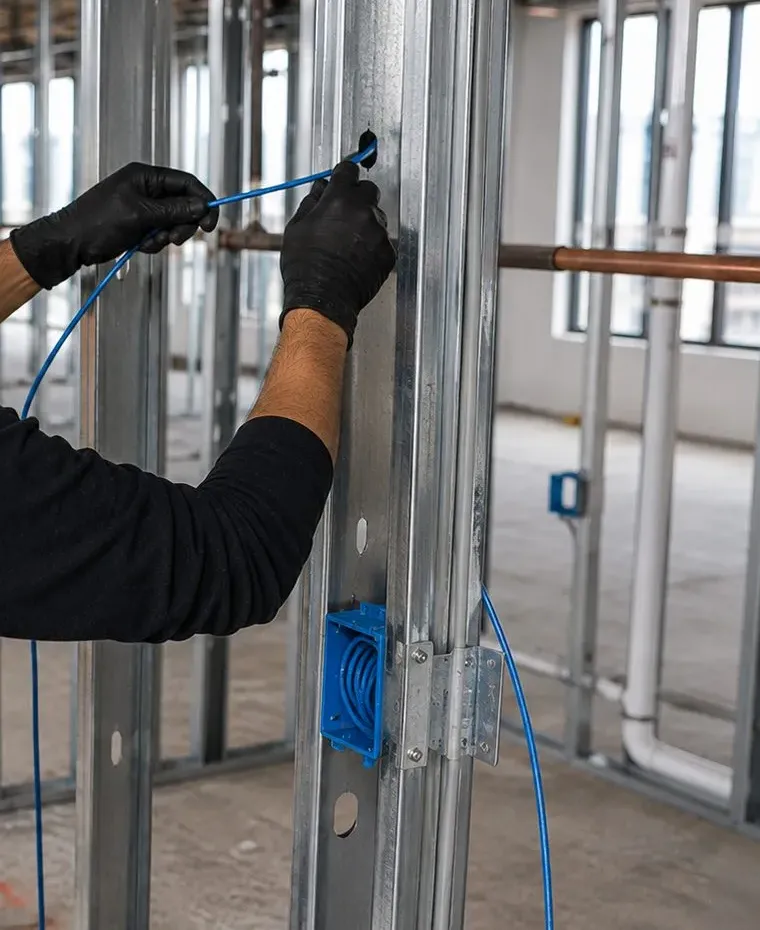
In an open steel-stud partition, two gloved hands draw blue cable through the punch-out of a metal stud; a blue plastic box is fixed lower down, with a copper pipe and tall windows behind.
Living With the El
Sonos Beside the 31st Street El: Vibration, Noise and Tuning
The N and W shape more Astoria Sonos jobs than any product choice. The line is elevated the whole way along 31st Street, from the Queensboro Plaza end up to Ditmars Boulevard, and the apartments that face it live with trains at the height of their front windows. r/astoria threads about apartments on 31st Street are consistent: people who want quiet are told to be at least a block away; people who live there talk about double glazing, sound panels and, in one case, keeping window air conditioners in all year. For a Sonos system that means three practical things: what the trains do to the speakers, what they do to the tuning, and what they do to the choice of room.
What the trains do to the hardware
A passing train sends a low rumble through the building that a hand on the wall can feel. Light speakers on smooth shelves creep a millimetre at a time; a Move 2 or Era 100 left near the edge of a glass shelf will, over weeks, move. Soundbars on consoles can buzz against a loose TV stand. Brackets in sound brick don't care. Brackets on toggles in crumbling plaster can loosen over months, because the movement is small but constant. So in train-facing rooms we put freestanding speakers on non-slip pads, keep them back from shelf edges, use studs or masonry for anything on the wall, and come back to check a plaster mount if you ask us to.
What the trains do to the tuning
Sonos describes Trueplay as a measurement of how sound reflects off the walls and furnishings in a room, and its support article asks owners to minimise noise during the roughly three minutes it takes, naming talking, footsteps and loud appliances as things that can cause problems. A train passing a front window is louder than any of those. We run Trueplay with an eye on the timetable you can hear: start straight after a train has passed, and if one arrives in the middle, cancel and start again. It sounds fussy, but a tuning that has measured a train as part of the room will boost or cut the wrong frequencies every day afterward.
What the trains do to the room plan
In a railroad apartment on or near 31st Street, the front room usually has the windows on the el and the back room faces a yard or an air shaft. The temptation is to put the best speakers where the TV already sits. We'd rather ask where you actually listen. If you mostly listen to music in the kitchen at the back and watch TV in the front, the soundbar and Sub stay in front and the best music speaker goes to the back, where it doesn't fight a train every few minutes. A one-line answer in the quote form saves a lot of moving furniture on the day.
Hell Gate and the rest of the noise map
The el is not the only rail line here. The Hell Gate Bridge, dedicated in 1917 and still carrying Amtrak and freight over Astoria Park, brings its own trains to the blocks near its viaduct, and the avenues and the bridge approaches carry traffic day and night. Indoors, window air conditioners and a neighbor's music through the floor matter more: neither changes what we install, but both change where a speaker goes and when we tune it.
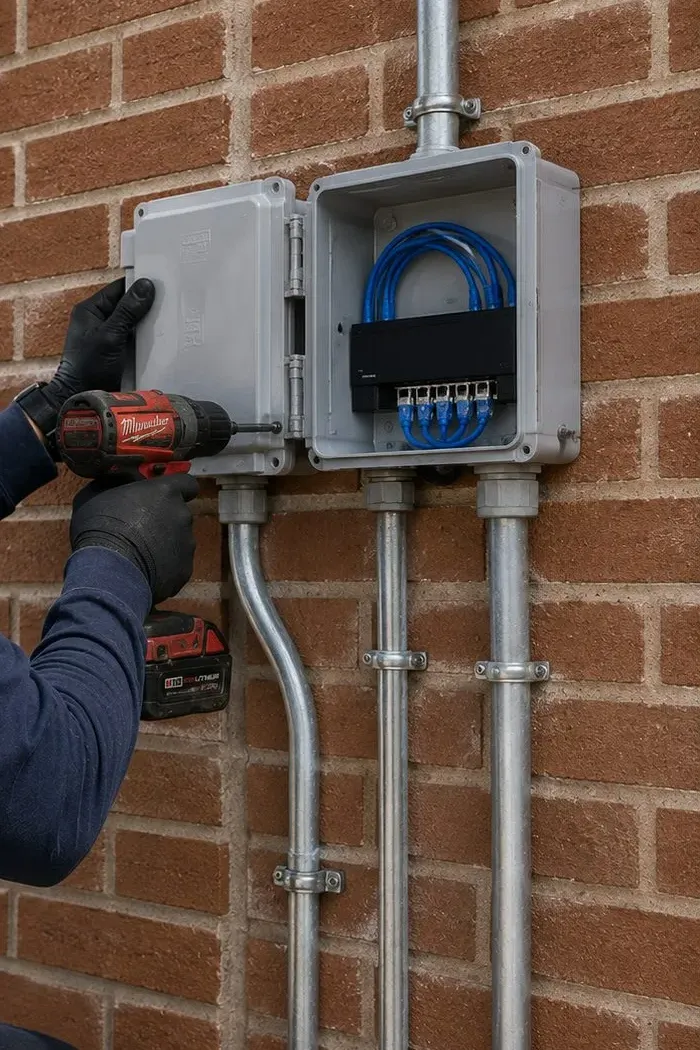
A hinged grey enclosure stands open on red brick, holding a small switch with short blue patch leads; three metal conduits drop from it, and a gloved hand with a red cordless drill fixes the box.
Commercial Sonos
Business Sonos Installation in Astoria
Astoria's shops, cafés and bars sit on a handful of long commercial streets, and each street asks something slightly different of a sound system. Sonos markets installed systems to businesses, and for a small Astoria storefront it is often the right size: a few speakers, a soundbar for the TV, and controls simple enough for the person on shift.
Steinway Street
A long retail and dining street with its own business improvement district, the Steinway Astoria Partnership, whose office is at 25-69 38th Street. Part of the street has long been known as Little Egypt for its Arab-owned cafés, bakeries and restaurants. Typical jobs: background music in a long, narrow shop and a TV with sound for match nights.
30th Avenue
Cafés, restaurants, bakeries and small shops along the avenue, with Athens Square, the small Greek-themed park, at 30th Street. Many places have tables out front, which changes what the speakers are allowed to do (see below).
Broadway
A mixed street of restaurants, bars, salons and service shops crossing under the el at 31st Street, with apartments above most storefronts. The bass that sounds good in a bar sounds terrible in the bedroom on the second floor.
Ditmars Boulevard
Restaurants, cafés and shops around the last stop of the N and W and toward Astoria Park. Busy evenings and weekends, open fronts in summer, and neighbors living right above and behind.
31st Street Under the El
Businesses tucked between the columns of the elevated line, where a passing train drowns out anything quiet. Here we set up fewer, better-placed speakers rather than more volume.
Around the Studios on 35th Avenue
Production offices, rehearsal spaces and small studios near Kaufman Astoria Studios and the Museum of the Moving Image, where a meeting room or a lounge wants clean sound and simple controls rather than a full studio monitor setup.
Rules Astoria businesses should know before the music starts
Outdoor seating: the city's Dining Out NYC rules for sidewalk cafés list "no musical instruments or amplified sound" unless authorized by a Street Activity Permit. Speakers inside, facing in, are how we set up restaurants with tables outside.
Apartments above: the city's noise code fact sheet says music from a commercial establishment must not exceed 42 dBA measured inside any home receiving it. A per-speaker volume limit in the Sonos app and a Sub placed away from the shared floor are our usual tools.
Licensed music: a personal streaming account is generally licensed for personal use; a shop or café should use a business music service. We set up whichever service you subscribe to and don't advise on licensing beyond that.
Wiring: NYC's Administrative Code exempts from electrical permits wiring that runs at under 50 volts for signaling, communication, alarm and data circuits, when the work is done by a licensed or qualified person as the code defines it. Anything at line voltage, such as a new outlet for the Amp shelf, is an electrician's work, and your landlord or the Buildings Department has the last word on what your space needs.
Fire exits: speakers, cables and the equipment shelf stay clear of exits and of any fire-escape window; the FDNY's apartment fire-safety guidance asks for fire-escape windows to be kept clear, and we apply the same rule in back rooms of shops.
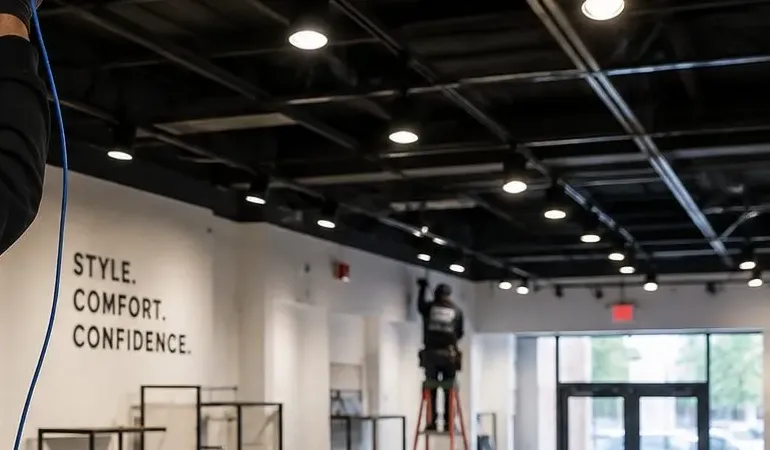
An exposed black ceiling grid with pendant and track lights runs to a glass shopfront; a blue cable hangs from the ceiling at the left, and in the background a worker stands on an orange ladder beside a wall reading “Style. Comfort. Confidence.”
Your Questions Answered
Sonos Installation in Astoria: Questions Answered
These are the questions Astoria renters, roommates, owners and shopkeepers ask before a Sonos visit, grouped by the situation behind them. Questions about network basics, ceiling cutting, co-op paperwork and moving a system that other New Yorkers ask are answered on our New York City Sonos page and the Queens Sonos page; the ones below are the ones Astoria keeps raising.
Narrow rooms and railroad layouts
How far apart should a stereo pair sit in a front room only ten feet wide?
Closer than the ideal, and that is fine as long as the pair runs along the room's longer wall rather than across its width. Sonos's own guidance for a stereo pair is to space the speakers 8 to 10 feet apart, with your favorite listening spot 8 to 12 feet from them, and it notes that less distance increases bass while more distance improves the stereo image. In a typical Astoria front room, ten feet wide and fifteen or more deep, that means putting the speakers on the short wall with the sofa facing them is the wrong way round: they end up a few feet apart with the sofa too close. Turn the arrangement ninety degrees, speakers on the long wall, and the numbers start to work.
When the room simply won't give eight feet, a closer pair still beats one speaker for music, but it will sound fuller and narrower. Two Era 100s at six feet apart in a small room is a perfectly good system; we just set expectations and run Trueplay again after pairing, because Sonos asks owners to re-tune whenever a stereo pair is created or separated. In a train-facing room we also keep both speakers back from the window wall, so the pair isn't competing with the el at the exact spot where it is loudest.
If you are buying, the size of the room is a good reason to choose the Era 100 over the Era 300 for a pair. The 300's sound is designed to spread wide and high, which a narrow walk-up room can't make much use of, and its wall mount needs a stud. Two smaller speakers on shelves or stands are easier to move to the next apartment and easier to place in this one.
In a railroad apartment, can the kitchen speaker join whatever is playing in the front room without anyone opening the app?
Yes, from the speaker itself. Sonos doesn't move the music by itself as you walk; you choose which rooms play. In a railroad apartment there are two easy ways to make that feel automatic. One is to group all the rooms and keep the volume modest in each, so whichever room you are in sounds normal and none of them is loud. The other is to let the music start in one room and have the next room join it when you get there, with a press on the speaker rather than a phone.
Joining is built into the speakers. On an Era 100 or most other Sonos speakers with touch controls, Sonos says that tapping and holding the play/pause button groups that speaker with another room that is playing; if more than one room is playing different things, keeping the button held cycles through them. So you can start a playlist in the front room, walk to the kitchen and hold the button on the kitchen speaker to bring it in, then pause the front room from your phone if you want it quiet. We show everyone in the apartment how to do it at hand-over.
What matters more in a railroad layout is the network. Each room is a wall further from the router than the last, and Sonos's interference guidance rates plaster and concrete as high obstructions and brick and water as medium. If the router sits in the front room, the back bedroom may be four plaster walls away. We test every room before we finish, and if the far end is weak, a single Sonos product wired to the router usually settles it without any extra hardware.
Can our Sonos soundbar send the TV's sound to headphones?
Yes, if you have Sonos's own headphones and a compatible soundbar. Sonos's TV Audio Swap sends home theater sound to Sonos Ace or Sonos Ace Ultra headphones, and its support article lists the Arc, Arc SL, Arc Ultra, Beam (Gen 1), Beam (Gen 2), Beam Ultra and Ray as compatible. Up to two sets of Sonos headphones can share one swap session, so a couple can both watch silently. The soundbar's Wi-Fi has to be switched on for this to work, which matters if the bar was previously set up wired with Wi-Fi disabled.
The swap itself is a press-and-hold of the content key on the headphones or a tap in the app, with the TV already playing through the soundbar. Sonos adds a spatial audio option that builds a surround mix for the headphones, and head tracking that keeps the sound centered on the screen when you turn your head. We set up the swap during the visit, put the headphones into the same system as the bar, and show whoever stays up latest how to switch back.
In a two-family house where the owner sleeps under the living room, or a walk-up with a bedroom on the other side of the wall, this is often the single most useful thing a Sonos home theater does after midnight. If you use other brands of headphones, the TV's own Bluetooth output or headphone socket is the route instead, and the soundbar simply stays quiet.
Roommates, laptops and the devices people bring
My roommate has a different-brand smart speaker — can it play in sync with our Sonos?
Sometimes, through Apple's AirPlay 2 rather than through Sonos. The Sonos app groups only Sonos products. But Apple's iPhone guide says that with AirPlay 2 you can play audio on multiple AirPlay 2-enabled devices connected to the same Wi-Fi network, and Sonos lists most of its current speakers and soundbars as AirPlay compatible. So if your roommate's speaker also supports AirPlay 2, an iPhone or Mac can send one song to it and to your Sonos speakers at the same time.
There are limits. AirPlay only starts from an Apple device, so an Android phone can't run it. Sonos notes that AirPlay isn't available on Sonos speakers set up as surround speakers, so the rears behind the sofa can't be picked separately. And while AirPlay is playing on one Sonos product, Sonos says you can group it with any other Sonos product in your system, so the Sonos side can still spread through the apartment from the Sonos app once the AirPlay stream has started.
If the other speaker doesn't support AirPlay 2, there is no clean way to sync it with Sonos. In a shared apartment that is a good moment to decide whose system the living room is, and to keep each roommate's own speaker in their own room. We set up the Sonos system, add every roommate's phone and streaming account to it, and make sure the bedroom speakers stay out of the living-room group unless their owner adds them.
My work laptop is on a company VPN — why can't it find the Sonos speakers, and what can be done?
Because the VPN is doing its job. Sonos's system requirements list VPNs that block access to local resources among the network setups it doesn't support, and its requirements also ask that the device controlling Sonos be on the same network as the speakers. A company VPN typically sends all of the laptop's traffic to the office network, so as far as the laptop is concerned, the speakers in your living room aren't there.
The same thing happens with AirPlay on work phones. Sonos warns that iOS devices issued by a company or organization may have device-management settings that restrict AirPlay, which explains the work iPhone that can't see the soundbar while the personal one can. Nothing in your Sonos setup is wrong in either case, and there is nothing we should change on the speakers to get around a company's security settings.
The practical answers are simple. Play music to Sonos from your personal phone while you work, or from the streaming service's own app using its built-in Sonos connection. If you need the laptop itself to play to Sonos, ask your IT team whether local network access can be allowed while the VPN is on; some company setups allow it and some don't. In Astoria, with so many people working from a bedroom desk, we test this during the visit so you know what will and won't work on Monday morning.
Our TV is an older model with no HDMI ARC port — can a Sonos soundbar still get its sound?
Usually, through the TV's digital optical output. Sonos's TV requirements say that if a TV has no HDMI ARC port, a Sonos home theater speaker can connect to its optical audio output using Sonos's optical audio adapter, and that the adapter is only included with the Arc and the Beam. The Ray takes optical directly, with no adapter at all, which makes it the simplest Sonos bar for an older set in a bedroom or a secondhand TV in a new apartment.
Optical does lose a few conveniences compared with HDMI ARC or eARC. The connection carries sound only, so features that depend on the TV and soundbar talking to each other over HDMI don't apply. We connect it, check that the bar wakes with the TV and follows its volume, and show you any setting the TV needs, such as switching its audio output to the optical port and turning off the built-in speakers.
If the TV has neither HDMI ARC nor an optical output, which is rare but does happen with some very old sets, the Sonos adapter won't help, because it converts optical into HDMI for the bar rather than the other way round; members of the Sonos community point to third-party converters for that situation. At that point we usually suggest putting the money toward a newer TV, which the visit can mount at the same time.
Cafés, bars and shops on the avenues
In our Steinway Street café, can the TV's sound take over the speakers when a match starts and hand back to the playlist afterward?
Mostly, yes. Sonos has a setting called TV Autoplay, which its support article describes as letting a Sonos home theater product automatically start playing TV content when the television is turned on. The soundbar connected to the TV, over optical or HDMI, starts playing TV audio when the TV comes on and the bar detects a sound signal. So the staff switch on the TV for the match and the bar takes the TV's sound without anyone opening the app.
Two details matter in a business. First, according to an answer in the Sonos community, Autoplay is triggered when the TV is first turned on, not every time someone changes the TV's input, so a TV that stays on all day won't keep grabbing the speakers. Second, the Sonos app also has an option to ungroup the soundbar from other rooms when Autoplay kicks in, which decides whether the TV's sound stays at the bar end of the room or plays through every speaker. For a café with a TV at one end and seating at the other, we usually keep the TV in its own zone and leave the playlist running elsewhere.
Handing back to music after the final whistle is one tap in the app: choose the playlist, and the bar switches from the TV. We set up the zones, label them for the staff, and leave a short card behind the counter showing which button does what.
Can staff change the music from a shop tablet without anyone's personal phone being on the system?
Yes, and in a shop with changing staff it is the better way. We set the system up on the business's own Sonos account and install the Sonos app on a tablet that stays at the counter, signed in to the business's music service. Staff use the tablet; nobody needs to add their own phone or account, and nobody's personal playlist turns up on the shop floor by accident.
The Sonos app also has a Guest Access setting under Connection Security. Sonos describes it as controlling whether devices on the same Wi-Fi network as the Sonos system can control playback, volume and grouping as guests, without access to administrative features. If your customer Wi-Fi is separate from the shop's own network, as it should be, customers can't reach the speakers at all; on the staff network, guest access can let a manager's phone help out without being able to change the setup.
We add a volume limit to each zone in the app so the counter speaker can't be pushed past what the apartment upstairs will tolerate, name the zones in plain words, and write the tablet's passcode and the account owner on the hand-over sheet, so the system doesn't belong to whoever happened to set it up.
Owners of Astoria two-families
We own the house — can a speaker go in the stairway we share with our tenant?
We advise against it, and we would not do it without the tenant's agreement. The hall and stairs of a two-family are the way out for both households, and the FDNY's apartment fire-safety guidance is built around keeping exits clear. A small speaker on a wall bracket doesn't block anything by itself, but cable along the stair, a speaker on a step or a stand at a landing does, and we won't leave anything in an exit route that someone could trip over in the dark.
The bigger problem is sound. A stairwell carries noise between floors better than any wall in the house, so music in the hall is music in the tenant's apartment. Even at a low level, it removes the tenant's choice about what they hear in their own home, and in a house where you live upstairs and collect rent downstairs, that is not a trade worth making for a bit of background music on the way in.
If the goal is music as you come home, put a speaker in your own entry or the first room off your landing and group it with the rest of your floor. If the goal is something like a doorbell chime or an announcement, that is a separate intercom question, and our Queens intercom installers can price a proper door-entry system that serves both apartments.
Should we install Sonos in the rental apartment as something the tenant gets with the lease?
It can be done, but it is more work for you than it looks. A Sonos system belongs to one account at a time, and Sonos asks that the speakers and the phones controlling them sit on the same network. In a two-family, the tenant normally has their own internet service, so speakers you own would have to live on the tenant's network and be controlled from the tenant's phones. Every time the lease turns over, the system has to be handed on: reset or re-added to the next tenant's network and account, and checked again.
The option that holds up best is a pair of ceiling speakers in the tenant's living room wired to an Amp on the tenant's side, treated like an appliance. You own the hardware; each tenant adds it to their own Sonos system at move-in, and a short time-billed visit, or clear written instructions, covers the hand-over. Freestanding speakers left as an amenity are another matter: they tend to walk, get moved or end up on the wrong network.
If you are renovating the tenant's floor anyway, the cheaper and more flexible move is to pull a network cable to the TV wall and leave a clean, powered spot for a soundbar. The tenant brings whatever system they like, and the cable is useful to every tenant who follows. We price either version in the same quote as the work on your own floor.
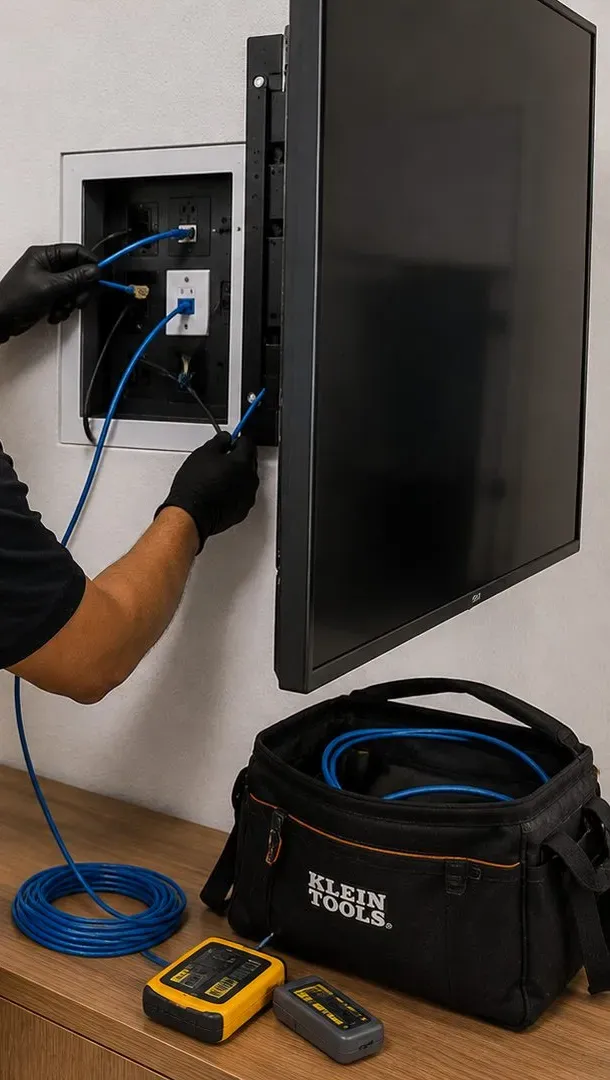
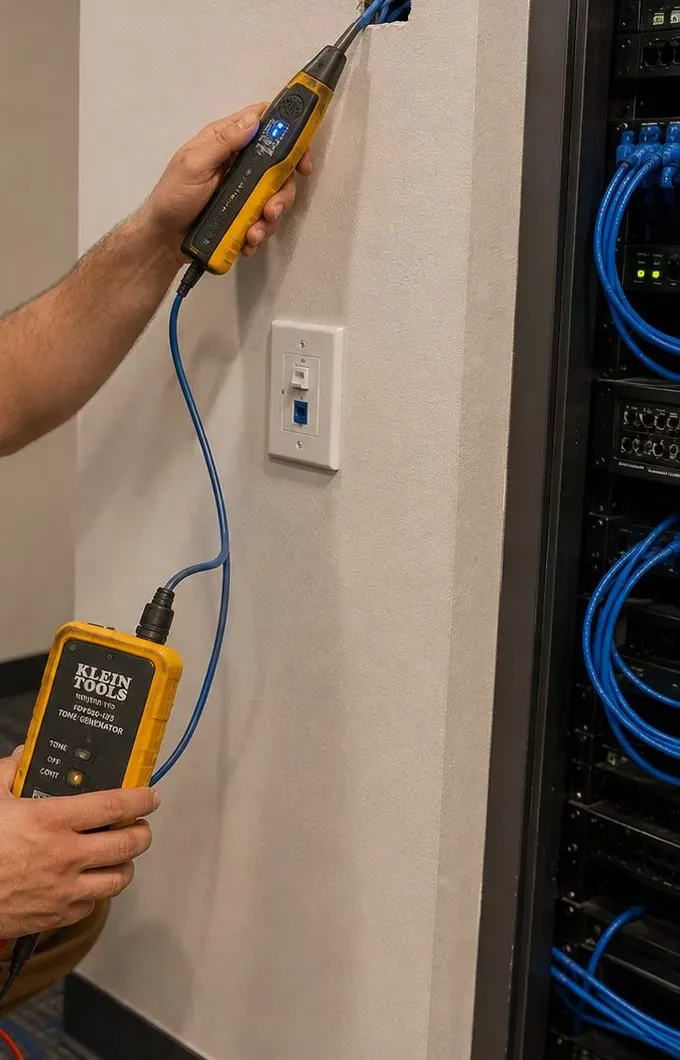
A flat panel is tilted out on its mount so gloved hands can feed blue cable into a recessed box with an outlet and a data jack; on the cabinet below sit a black tool bag holding a coil of blue cable and a yellow tester with its remote.One hand holds a yellow tone probe at a small opening in the wall above a white plate with a blue data jack; the other holds a yellow tone generator clipped to a blue cable, with a rack of blue cabling at the right.
Equipment
Types of Sonos Systems We Install
You buy the Sonos products from whichever store you prefer; we don't resell them or claim dealer status. These are the products we install most in Astoria, with the published specifications that decide where they go. Where a figure comes from a reviewer rather than Sonos, we say so.
Era 100
The workhorse of small Astoria rooms: a single speaker that plays stereo on its own, pairs into a left-right set, or serves as a rear surround. Sonos lists it as humidity-resistant, so a kitchen shelf is fine. Light enough to stand on a shelf pad near the el.
Era 300
Built to spread sound wide and high. Best in a larger owner's living room. Sonos's wall mount for it is sold for stud mounting only, not drywall, with 2.5 inches of wall clearance, which rules out many rental walls.
Arc Ultra
The flagship soundbar: 46.38 inches long and 13.01 lb per Sonos. Needs at least 4 inches between bar and TV, a clear path above for its up-firing drivers, and a wall long enough between windows and doors — often not a railroad front room.
Beam (Gen 2)
The mid-size bar for 50- to 65-inch screens: 25.63 inches long, 6.35 lb, HDMI eARC, with the optical adapter in the box for older TVs. The easiest bar to take from one apartment to the next.
Ray
The compact, front-firing bar that sits at the front edge of a TV console shelf, 2 inches or more from the TV, and connects by optical. The right Sonos bar for a bedroom TV or an older set.
Sub Mini and Sub 4
Sub Mini is about 12 inches tall and 9 inches across and fits under a side table; Sonos pairs it with the Beam, Ray and Era 100. Sub 4 is the full-size sub for Arc-class systems in larger rooms. In a two-family, either sits on a pad, away from the shared floor's weakest spot.
Amp
Drives passive ceiling, wall or bookshelf speakers; Sonos says it reliably powers up to three pairs of its architectural speakers wired in parallel. Reviewers rate it at 125 watts per channel into 8 ohms. Lives on an owner's closet shelf with room to breathe.
In-Ceiling by Sonance
Sonos's ceiling pairs need a cut-out of 8.25 inches for the 6-inch model and 10.125 inches for the 8-inch, with 4.73 and 5.32 inches of mounting depth. Owners' floors only, in plaster or drywall with a joist bay free above.
Port
Streams Sonos into an existing stereo through its line and digital outputs, with a 12-volt trigger to wake the amplifier. Sonos asks for 2 inches of space around it on a shelf and distance from radiators — not on top of a steam radiator cover.
Move 2 and Roam 2
The portables. Sonos lists both as humidity-resistant; the Move 2 is rated for 32 to 104 °F. Carry them to the kitchen, the yard of a two-family or a friend's place, then home to the charger.
Sonos Ace
Headphones that can take a compatible soundbar's TV sound through TV Audio Swap, so the film continues after the downstairs neighbor goes to bed. Up to two sets per session.
Mounts and Stands
Sonos and third-party wall mounts and floor stands for Era speakers and surrounds. We fit what you bring if it is rated for the speaker and suits the wall; if it doesn't, we say so before drilling.
Which Sonos setup suits which Astoria room
Room
Typical setup
Why
Studio or small one-bedroom near the el
Ray or Beam on the console, one Era 100 in the kitchen or bedroom
Everything freestanding, quick to move, enough for TV and music in small rooms
Railroad front room on 31st Street
Beam, Sub Mini, two Era 100 rears on stands
Fits a narrow wall; surrounds and sub sit where the train vibration does least
Roommates' shared living room
Beam or Arc Ultra, every roommate's phone added, AirPlay for iPhones
One system, several accounts, nobody's bedroom speaker grouped without consent
Owner's floor of a two-family
In-ceiling pair on an Amp, soundbar under the TV, one product wired to the router
Permanent work where the owner stays; network cable makes the whole floor reliable
Waterfront tower one-bedroom
Arc Ultra or Beam on the console, Era 100 rears on stands, Sub Mini
Concrete above and steel studs around: fixed work needs management approval
Café or shop
Amp-driven ceiling or wall speakers, soundbar for the TV, staff tablet
Zones for counter and seating, volume limits for upstairs neighbors
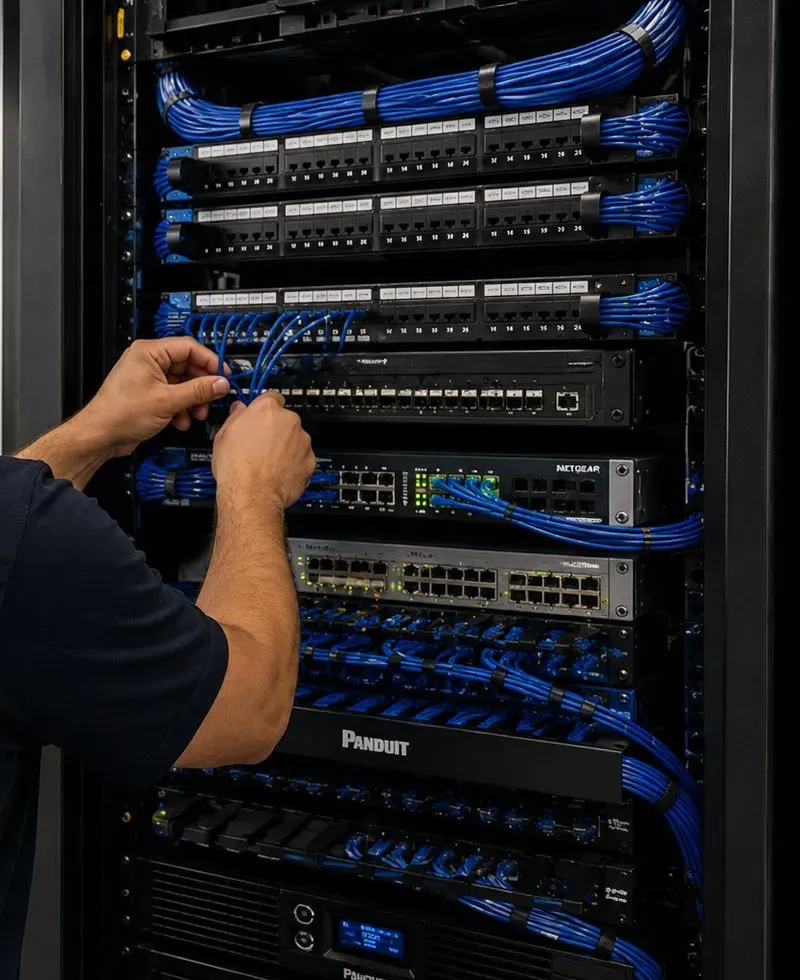
A technician's arms reach into a black equipment rack, seating blue patch cables into a switch beneath three patch panels; further switches and a power unit fill the rack below.
AI Overview Reality Check
What AI Gets Wrong About Sonos Installation in Astoria
A note on method: Google's AI Overview could not be displayed by the research tools used for this page, so nothing below is quoted from it. Each heading is a claim that cost guides, manufacturers or forums actually publish and that quick answers tend to repeat. Underneath is what changes when the claim meets an Astoria apartment.
“Sonos is plug-and-play — you don't need an installer”
For a single portable speaker on a kitchen counter, that's broadly true. Sonos itself draws the line elsewhere: its guide to ceiling speakers says in-ceiling speakers require special installation and that architectural speakers often require a professional installer.
In Astoria the line falls in a third place: the move. A system that was plug-and-play in one apartment often isn't in the next, because the network, the router's position and the shape of the rooms all change. Speakers vanish from the app, surrounds stop, and a stereo pair ends up across a doorway.
So much of the Sonos work in an Astoria apartment isn't wiring at all. It is setting a system up properly in a new place: network checked, rooms renamed, pairs and surrounds rebuilt, every room tuned again. That is billed as setup or as time, not as an installation.
“If a speaker drops out, add a Wi-Fi range extender”
General Wi-Fi advice reaches for an extender whenever a far room is weak. Sonos's system requirements list wireless range extenders, Ethernet-over-power adapters and guest networks among the setups it doesn't support.
Railroad apartments are where this advice does the most damage, because the far bedroom really is weak and an extender looks like the obvious fix. It often makes Sonos less reliable, not more.
What usually works is one Sonos product wired to the router, a router moved toward the middle of the apartment if the lease and the jack allow, or a proper mesh system with its main unit wired. We test each room before and after.
“Multi-room audio costs $500 to $1,000 per room”
Angi's whole-home stereo cost guide gives that range for additional rooms, alongside $50 to $100 an hour for labor and $100 to $500 for wall and ceiling modifications. As a national average for wired systems in houses, it is reasonable.
An Astoria renter's room usually costs far less to install, because nothing is wired. A freestanding room is part of the $125 Sonos setup line on our Queens list, whether it holds one speaker or three.
An owner's room with ceiling speakers is the other end of the scale and is quoted after a walkthrough within the $800 to $2,500 per zone range we publish for whole-home audio. Same borough, same product family, very different jobs.
“Trueplay only takes a few minutes”
Sonos says tuning a room takes about three minutes. That is accurate for a quiet room. Sonos also asks owners to minimize noise while it runs, naming talking, footsteps and loud appliances.
A front room on 31st Street is not a quiet room every few minutes, and a window air conditioner is a loud appliance by any measure. Run Trueplay through a train and the result measures the train.
We tune between trains, with air conditioners off for those minutes, and repeat any room where a train arrived halfway through. It adds ten minutes to the visit and removes an annoyance that would otherwise last as long as the speakers stay put.
“Place stereo speakers 8 to 10 feet apart”
That is Sonos's own recommendation for a stereo pair, with the listening spot 8 to 12 feet away. It is sensible advice for a room that has those dimensions.
Plenty of Astoria rooms don't. A railroad room ten feet wide or a studio with the bed six feet from the TV can't meet the number in one direction, and the rule, read literally, sends people out to buy a different speaker.
Turned along the long wall, most rooms come close. Where they can't, a closer pair still sounds better than a single speaker, just narrower; we place it, re-run Trueplay after pairing as Sonos asks, and let you judge by ear.
“A Beam on a cabinet shelf should be OK”
A reply in a Sonos community thread about putting a Beam or a Ray on a cabinet shelf said the Beam should be fine, pointing to the space it leaves at each side. For some bars and some shelves that is true; Sonos designed the Ray to sit at the front of a shelf.
The answer depends on the shelf more than the bar. A cubby with a shelf directly above and cabinet walls close at each side cuts into sound that is meant to spread, and the Arc Ultra's upward-firing drivers need open space above them.
In Astoria apartments, where the TV often sits on whatever furniture came with the flat, we look at the shelf before the bar goes in, and suggest the top of the unit or a bracket under the TV when the cubby would choke it.
“5 GHz Wi-Fi only reaches about 50 feet”
A widely read r/sonos answer about Sonos in an apartment put the 5 GHz band's range at around 50 feet. Range figures like that are measured through air, and they travel well from forum to forum.
Astoria's walls don't behave like air. Sonos's interference guidance rates plaster and concrete as high obstructions and brick as medium, so a signal that would cross 50 feet of open loft may not cross three plaster walls of a railroad flat. Sonos also lists routers that provide only 5 GHz as unsupported, and its S1-era products are limited to 2.4 GHz.
So we don't plan Astoria rooms by feet. We measure the signal where each speaker will stand, keep the 2.4 GHz band switched on, and wire one product to the router when a room at the far end of the apartment needs it.
Set Up Once, Moved Every Lease
Send your Sonos product list and a photo of each room. You get a written Queens-rate total, the rooms that stay freestanding, and anything the owner or managing agent needs to approve.
A studio by the Broadway station, a rented floor off 23rd Avenue, the floor you own in Astoria Heights, a tower apartment by the river or a café on Steinway Street — this form gets you a written total at Queens rates by the end of the business day. Prefer to talk? Call (347) 434-6392.
✅
Thanks — Request Received
An installer who works in Astoria will call before the business day is out. If it is urgent, phone (347) 434-6392.
How It Works
Our Installation Process
Seven steps, the same for a Ray and two speakers in a studio near the Astoria Boulevard station as for ceiling speakers on an owner's floor in Ditmars-Steinway. The step that makes Astoria different is the first: sorting what moves from what stays.
1. Photos, models and the lease question
Send the Sonos models you own or plan to buy, a wide photo of each room from the doorway, and one line on whether you rent or own. Renters tell us what the owner has already agreed to; owners tell us which floor is theirs. From that we can usually say which rooms stay freestanding and which need a visit first.
2. A written Queens price before booking
You get a total built from the published lines further down this page: setup, any wall mount and bracket, any cable run, wall and stairs additions. Ceiling or in-wall rooms are listed as a walkthrough item with the published per-zone range, never as a guess.
3. Walkthrough where something gets cut
Only rooms with ceiling speakers, an Amp or a cable through a wall need us on site before the job. We open nothing; we probe with a pilot hole, check what sits above the ceiling, find the outlet and router, and mark positions on tape for you or the owner to approve.
4. A 2-hour arrival window
Arrival windows run two hours, 8 AM to 8 PM, seven days. Same-day slots are taken in order. A change with 24 hours' notice is free; if the crew arrives and can't start, the $150 return-trip fee applies.
5. Network first, speakers second
Before any speaker is unboxed we check the router: one subnet, no guest network, no extender in the path, the 2.4 GHz band on. Where a cable to the router is needed it goes in now, so every product joins a network that is already right.
6. Mount, place and tune around the el
Freestanding speakers go where they sound best and where a train-shaken shelf can't walk them off the edge; wall mounts go into studs, masonry or the anchor the wall needs. Each room is tuned with Trueplay between trains, then rechecked by ear.
7. Hand-over and the moving-day sheet
Each person who will use the system gets the app working on their phone. You keep a one-page sheet listing every product, its room and serial number, which ones are fixed to the building and which leave with you, so the next move is a re-install rather than a rescue.
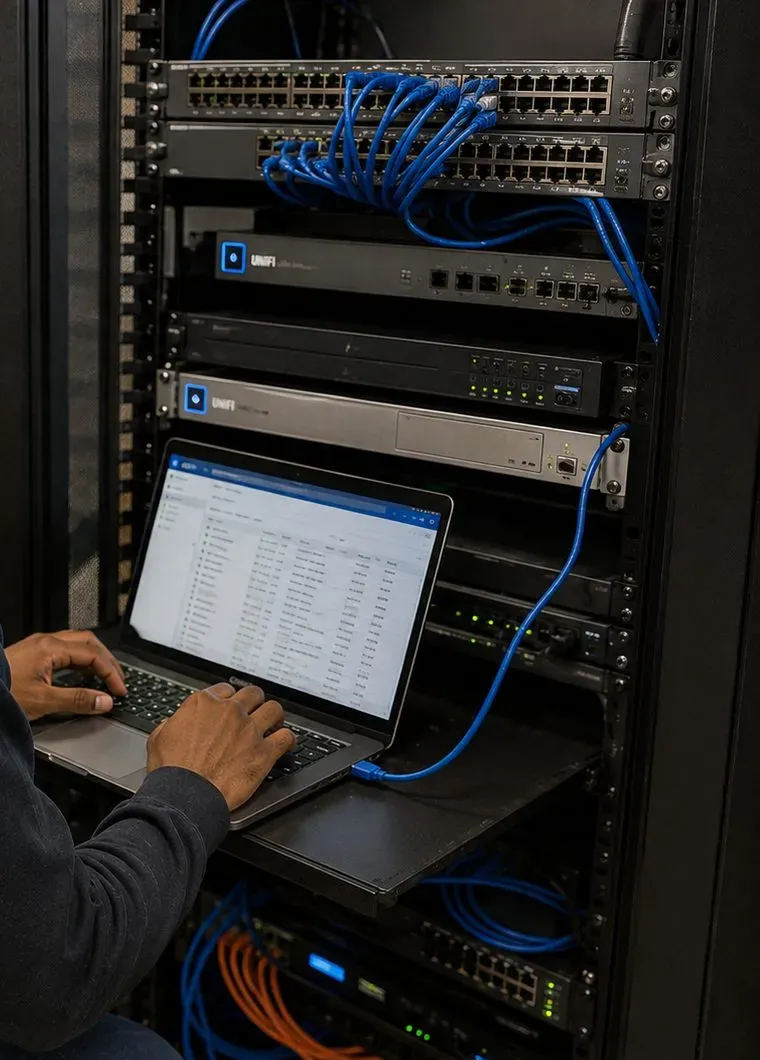
Two hands type on a laptop set on a pull-out rack shelf; above it, switches and network units are joined by blue patch leads, and orange and blue cables fill the bottom of the rack.
Coverage Area
Sonos Installation Near Astoria's Landmarks
Astoria's best-known places say a lot about the buildings around them. These six mark out the neighborhood we cover, from the piano works on the north shore to the studios in the south.
Steinway & Sons and Steinway Street
The piano maker, founded in 1853, employed about 400 people in Queens by the mid-1870s and gave its name to Steinway Street. The factory no longer runs public tours, but the street name still marks one of Astoria's main shopping corridors.
Steinway Mansion
Built in 1857–58 by Benjamin Pike Jr. on a rise above Bowery Bay, and among the first buildings designated a New York City landmark, in 1967; it is also listed on the National Register of Historic Places.
Bohemian Hall & Beer Garden
The Bohemian Citizens' Benevolent Society, formed in 1892, laid the hall's cornerstone on October 1, 1910, and finished the outdoor bar and garden in 1919. The hall was listed on the National Register of Historic Places in 2001.
Athens Square
A small NYC Parks plaza on 30th Avenue at 30th Street with sculptures of classical Greek figures; a statue of Sophocles was the fourth and last to be installed. Restaurants and cafés line the avenue on both sides.
Astoria Park and the Hell Gate Bridge
The city acquired more than 56 acres for the park in 1913, and its 1936 pool is the largest of the WPA-era pools. The Hell Gate Bridge, dedicated in 1917, crosses overhead on a 1,017-foot steel arch. Houses and low apartment buildings face the park.
Kaufman Astoria Studios and the Museum of the Moving Image
The studio opened in 1920 at what is now 35th Avenue and 35th Street and has run as Kaufman Astoria Studios since 1982. The museum opened in a former studio building in 1988 and reopened after its expansion in 2011.
We also work across Ditmars-Steinway, Astoria Heights, Old Astoria, the Halletts Point and Astoria Cove buildings, the blocks along Steinway Street and 30th Avenue, and next door throughout the rest of Queens — Long Island City, Sunnyside, Woodside, Jackson Heights and East Elmhurst — at the same Queens prices.
Pricing
Sonos Installation Cost in Astoria
Astoria has no surcharge of its own: it uses the Queens list that AESS already publishes. Every figure below is copied from the Queens Sonos page and the Queens TV and audio price list; nothing is new. Add the rows that fit your job and the total is both your quote and your bill. Ceiling speakers, in-wall speakers and cable through walls or floors are priced after a walkthrough, in writing, before any work starts.
Sonos service
Astoria (Queens) price
What it covers
Sonos setup
$125
System, app, rooms, stereo pairs, surrounds, Sub, phones and music services, Trueplay (the "Sonos / wireless surround" line)
Soundbar placed on console or stand
$79
Arc Ultra, Beam or Ray positioned, connected and tested, no drilling
Soundbar wall-mounted under the TV
$129
Bracket fixed, bar hung level and connected
Sanus soundbar bracket
$84.99
Supplied when the bar has no suitable mount
In-wall concealment
$169
Code-compliant in-wall power and cable kit behind the TV, with the owner's agreement
Paintable cord cover
$59
Surface raceway on walls that stay closed
Cable run to a cabinet or other spot
$99
Up to 25 ft, for example router to the soundbar or to one wired Sonos product
A/V receiver
$129
Receiver connected and configured, for example behind a Port
Universal remote
$99
Programmed for TV, soundbar and sources
Streaming device setup
$49
Per device
Full home theater
$350
Several components set up together
Ceiling, in-wall or outdoor speakers on an Amp
Quoted at walkthrough
Within the $800–$2,500 per zone range published for whole-home audio
Walls, stairs and paperwork
Condition
Price
Where it turns up in Astoria
Drywall on wood studs
$0
Renovated floors of two-families, newer partitions
Metal studs
+$30
Halletts Point and other waterfront rentals
Plaster
+$45
Walk-ups and older houses
Brick or stone
+$65
Party walls and outer walls of attached brick houses
Concrete or cinder block
+$75
NYCHA buildings, basements, some shop walls
Tile or marble
+$95
Kitchens and bathrooms
Plywood backer board
$85
Where a hollow wall needs a solid fixing
High mount (above about 8 ft)
$75
Shop walls and tall ceilings
Walk-up, 3rd floor and above, no elevator
$40
Most walk-ups on and off the avenues
Certificate of insurance for a landlord, co-op or managing agent
Free
Waterfront towers and managed buildings
Parking charge
None in Queens
—
Time-billed visits and a TV on the same day
When nothing is mounted or cut — re-adding speakers after a router change, rebuilding surrounds after a furniture move, sorting a system split between the S1 and S2 apps — the visit is billed in time: the first hour at the Queens rate of $195, then 30-minute blocks. If the TV goes up on the same visit, the Queens TV mounting base price is $179.99 for a 32- to 55-inch screen on a flat or tilt mount on drywall over wood studs, with the rest on our Queens TV mounting price list.
What is in, what is out, and what it costs to cancel
Included: every product joined to one system, rooms named the way you talk about them, stereo pairs and surrounds built, phones and streaming accounts added, Trueplay where the products and your phone support it, the hand-over sheet listing what moves and what stays, and the dust vacuumed. Not ours: new outlets or anything at line voltage go to a licensed electrician; patching and painting around old holes at your previous apartment go to your painter or landlord. Who buys what: you buy the Sonos products from any store; brackets, cable, raceway and in-wall kits can come from us at the listed prices. Missed starts: if the crew arrives and can't begin — products not delivered, nobody home, the managing agent hasn't approved — the $150 return-trip fee applies. Rescheduling with 24 hours' notice is free.
National brands and gig apps versus a local licensed installer. National menus price a soundbar on drywall in a house, and for that job they are often fine. They don't price a system moved from one Astoria apartment to the next, a Trueplay run between trains, or a two-family where the owner's floor gets ceiling speakers and the tenant's floor gets none. A local installer with a published Queens price list and a state low-voltage license can price the real apartment and answers to you afterward.
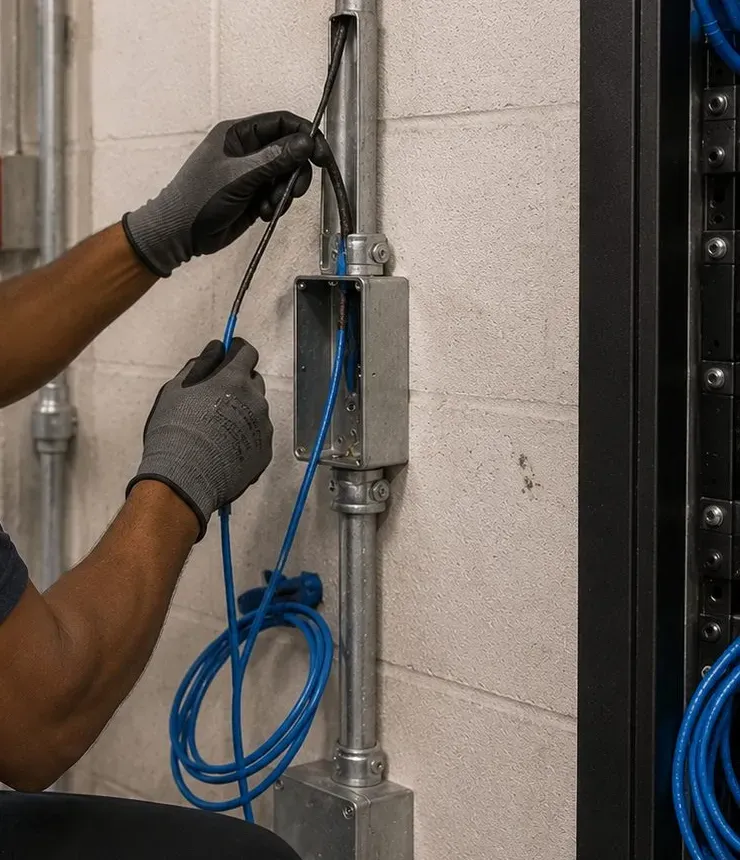
Grey-gloved hands draw a black cable from a metal pull box on a run of conduit fixed to a painted block wall; a loose coil of blue cable hangs beneath, and the edge of a rack shows at the right.
Shop Our Systems
Sonos Installation Packages & Pricing
Three bundles cover most Astoria jobs. Each price is simply published Queens lines added together, and each line is named so you can check the sum. Wall and walk-up additions from the table above go on top where they apply.
Starter — Renter's Console Theater
$204
Soundbar placed on the console ($79) plus Sonos setup ($125): $204. The bar connected to the TV, a Sub and rears assigned if you have them, every phone added, Trueplay run between trains. Nothing drilled, everything leaves with you.
Standard — Wall Bracket, Removable Finish
$397.99
Soundbar wall-mounted ($129) on a Sanus bracket ($84.99), Sonos setup ($125) and a paintable cord cover ($59): $397.99. For a rented wall the owner has agreed to; plaster adds $45, brick $65.
Premium — Owner's Floor, Wired and Hidden
$606.99
Sonos setup ($125), a cable run of up to 25 ft wiring one Sonos product to the router ($99), the soundbar wall-mounted ($129) on a Sanus bracket ($84.99), and power and HDMI hidden by an in-wall kit ($169): $606.99. For owners on their own floor.
Bring Your Own Equipment — Labor Only
Already have the Sonos mount for your bar, or a third-party bracket rated for its weight? You pay the labor alone: $129 to wall-mount plus any wall line, and $125 for the full Sonos setup. A bracket you supply carries its maker's warranty and must be rated for the product; if it doesn't suit the wall we find, we say so before drilling and offer the Sanus bracket instead.
Ceiling and In-Wall Zones
In-ceiling and in-wall speakers run from a Sonos Amp, and each zone is priced once we have seen the ceiling, the route to the Amp and the wall it passes through. The published range for whole-home audio is $800 to $2,500 per zone installed; your written quote shows where each zone falls before you commit, and on a two-family it lists which floor each zone is on.
Find Out What Your Rooms Will Cost
Photos of each room and your product list are enough for a written Queens price on everything freestanding. Ceilings and walls get a short visit first.
When the Lease Ends: Rebuilding a Sonos System at the Next Astoria Address
In a neighborhood where four households in five rent, the second Sonos installation is as common as the first. A system that worked perfectly on 33rd Street has to start again on 45th Street, or in Long Island City, or across the river. The speakers survive the van; the setup doesn't. Here is how we handle the move so it costs one visit instead of a month of frustration.
At the old apartment
If anything was fixed to the walls, it comes down first: soundbar bracket, Era wall mounts, cord covers. We remove anchors cleanly, leave the holes ready for the landlord's filler and point them out to you, because a deposit conversation goes better with a list than with a surprise. Freestanding speakers simply get unplugged. Before they go into boxes, we note each product, its serial number and the room it was in, and, if the hand-over sheet from the first install exists, we tick it off.
At the new apartment, before unpacking
The router comes first. A new address usually means a new provider's gateway or the old router in a new position, and Sonos needs the controlling phones and the speakers on the same network, with the 2.4 GHz band available and no guest network or extender in the way. Changing networks is the moment most moved systems fall over, so we settle it before any speaker is plugged in. If the new place is a railroad layout or a long floor-through, this is also when we decide whether one product needs a cable to the router.
Rooms, pairs and tuning, again
Room names change: the old "Living Room" might now be two rooms, or none. Stereo pairs that sat on a short wall may need to move to the long one. Surround speakers get repositioned for the new sofa, and the Sub moves away from wherever the downstairs bedroom turns out to be. Sonos asks owners to re-run Trueplay after moving a speaker to a new location, so every room is tuned from scratch, between trains if the new place is near the el. The soundbar is reconnected to the TV, and every roommate's phone is checked again.
What a move typically costs
A freestanding system moved from one apartment to another is a time-billed visit at each end, or the $125 setup line at the new place if we didn't take it down: the first hour at the Queens rate of $195, then 30-minute blocks. If the soundbar goes back on a wall, the $129 mount line and any wall addition apply at the new place. Moving out of Astoria altogether is fine too; the same lines apply across Queens, and our pages for the other boroughs list theirs.
Owners rarely move a system, but they do re-let floors. When a tenant leaves a two-family, a short visit can reset anything the owner provided, check the tenant floor's cable and jack, and leave the apartment ready for the next tenant's own system.
Complete Services
Every Sonos Installation Service in Astoria
A Sonos visit in Astoria often brings something else with it, usually because someone has just moved, bought a new TV or opened a shop.
Arrival windows, return trips, rescheduling and time-billed visits explained.
Field Notes
Field Notes From Astoria Sonos Visits
Habits our installers follow in Astoria buildings — working practice, not the story of any particular customer's home
Ask who stays before asking what to buy. A renter who plans to leave in a year and an owner who has lived on the same floor for decades want different systems, even in identical rooms, and the answer decides whether a ceiling speaker is worth discussing at all.
Stand at the front window when a train passes. On 31st Street and the blocks beside it, it settles where the music speaker goes faster than any measurement, and it tells you when to start Trueplay: straight after a train has gone.
Look under the speaker, not just at it. A glass shelf, a slick laminate console and a wobbly TV stand all let a light speaker creep or buzz in a building that shakes; a small pad fixes it for good.
In a two-family, find out which room is under the living room before the Sub goes down. And write the hand-over sheet as if the next person to read it is a mover on a hot August afternoon, because often it is.
FAQ
Astoria Sonos Installation FAQ
We're selling a couple of our Sonos speakers before we leave Astoria — what has to happen so the buyer can use them?
+
Remove the products from your system in the Sonos app first, then factory reset each one, so the new owner can add it to their own system without your account or music services attached. If a speaker has already gone, the buyer can do the reset themselves. Keep the power cable and any mount with the speaker; we can help with both on a take-down visit.
Our TV console has an open cubby under the screen — which Sonos soundbar can actually live inside it?
+
The Ray is the one built for that spot: Sonos asks for it to sit at the front edge of the shelf, at least 2 inches from the TV, with clear space at the sides. The Arc Ultra and Beam fire sound upward or sideways as well as forward, so a shelf directly above them blunts the effect; they belong on top of the console or on the wall.
Can the white light on the bedroom speaker be switched off for good?
+
Yes. In the Sonos app, open Settings, pick the room, and under Hardware turn Status Light off. Sonos notes that the light still comes on briefly in a few situations, for example while the product is updating or when it is muted, so a studio apartment will still see an occasional glow.
Our cat walks across the Era 100 and keeps pausing the music — can the buttons be locked?
+
Yes. Under Settings, the room, then Hardware, the Touch Controls switch turns the top controls off so a paw, an elbow or a dusting cloth can't pause or change the volume. On products with a Bluetooth button, Sonos says that button is disabled too, so switch it back on before pairing a phone over Bluetooth.
Can a speaker go on the windowsill facing the street?
+
It can, but it is rarely the best spot. A sill puts the speaker against glass and in the path of the noise you are trying to cover, and an open window means street dust and rain spray. Sonos lists only some models as humidity-resistant. A shelf or stand a little way into the room usually sounds fuller and stays cleaner.
Looking for cameras, intercoms or Wi-Fi instead? Every service is listed on the AESS home page; about us introduces the company, and the free quote page takes any kind of request.
Astoria Sonos Gone Quiet — Same-Day Visits
Speakers missing after a new router, surrounds silent since the move, the soundbar ignoring the TV, the kitchen dropping out every evening? Call (347) 434-6392 for the earliest 2-hour window, often today; most of these are sorted in one to two hours once a technician is in the apartment.
Sonos Installation Astoria — Licensed, Insured, Built to Move
Abstract Enterprises Security Systems · 460 E Fordham Rd, Bronx, NY 10458 · Queens line for Astoria (347) 434-6392 · WhatsApp (718) 679-0359 via wa.me
NYS Low-Voltage License #12000287431 · 100% Licensed & Insured · Same-Day Estimates · Rated 4.7★ from 201 Google Reviews
Sonos products carry Sonos's own warranty; brackets and parts carry their makers'. Full terms — including 50% deposit, one-year parts-only warranty on AESS-supplied products, and the late-fee schedule — are set out in the service agreement. See our warranty page.
Last reviewed October 17, 2026. Revision history: Astoria Sonos neighborhood page launched with Queens pricing, a moves-versus-stays plan for renters and two-family owners, guidance for apartments on the 31st Street el, and setup notes for Astoria businesses.