What are you looking for?
About Us Contact Us Careers Get a Free Quote (800) 486-0943
Pick a service
✅ Got Your Own System?
🎬 Home TheatreQuote 🎶 AV SoundQuote 🔑 Access ControlQuote
Now pick your area
Pick your area
Long Island
Hudson Valley
Services available
Pricing & Tools
Pick a service for pricing
🚪 Intercom Pricing 🔔 Buzzer Repair Pricing
Calculators
📹 Camera System Calculator 🚨 Alarm Calculator ⚡ Cabling Quote Builder ✅ Got Your Own System?
Select your area
A new screen still in its box on the 18th floor of a Neptune Avenue tower, a bracket that pulled out of a Mermaid Avenue wall, or menu screens that have to be up before the boardwalk opens? Coney Island TV mounting line, same-day estimates: (347) 934-8335
Home › TV Installation Brooklyn › Coney Island
1960s Co-op Towers · NYCHA Developments · Mermaid Avenue Walk-Ups · Sea Gate Houses · New Surf Avenue Rentals · Boardwalk and Surf Avenue Businesses

TV
Installation in
Coney Island

Tower Walls Read Before We Drill · Gear Kept Off the Floor on Flood Blocks · Wires Hidden Without Breaking Code · Brooklyn Rate

TV installation in Coney Island starts at $179.99 on our Brooklyn list for a screen up to 55 inches on drywall over wood studs, with the bracket sold separately, and we usually book a job within two hours of your request. Coney Island is not one kind of building. The skyline along Neptune Avenue and Ocean Parkway is made of 1960s tower campuses: Trump Village alone is seven 23-story towers holding about 3,700 co-op and rental apartments, and the Luna Park co-op holds about 1,600 more. Between them sit NYCHA developments such as Coney Island Houses, rebuilt after Hurricane Sandy. Mermaid Avenue is lined with older walk-ups that have shops on the ground floor. West of West 37th Street, Sea Gate is a gated enclave of about 850 houses. And along Surf Avenue the newest buildings are going up: 1515 Surf Avenue opened its 463 apartments in September 2024, and Tilyou Towers is planned for the lot between West 21st and West 22nd Streets. Each of those puts a different wall behind your TV, from poured concrete and block to old plaster, wood framing and drywall on metal studs. This page covers how we work out which wall you have, how we mount on it, how to keep the cable box and power strip clear of a ground-floor flood line, what your co-op office or landlord may ask for, and what every part of the job costs.

Reviewed and updated November 13, 2026, against Wikipedia's articles on Trump Village and Sea Gate; 6sqft on Trump Village and the Mitchell-Lama program (2017), on 1515 Surf Avenue's completion (2024), on Tilyou Towers and the Coney Island West plan (October 2025) and on the June 2026 World Cup watch party at Maimonides Park; Brownstoner on Shorecrest Towers (2015); Hollis Lane Real Estate's record for Trump Village Section 4; the New York State Senate on the Luna Park Housing Corporation; NYCHA's releases on the Coney Island Houses and Coney Island Sites 4/5 recovery projects; Brooklyn Paper's ten-year look back at Superstorm Sandy; Engineering News-Record's December 2012 report from Coney Island; News 12 Brooklyn on the Coney Island Business Improvement District (July 2026); the NYC Department of Buildings on flood-resistant construction; Brick Underground on alteration agreements and on wear and tear in rentals; Gizmodo's summary of National Electrical Code section 400.8; and the published Brooklyn TV mounting prices on Angi, HomeAdvisor and TaskRabbit. · Abstract Enterprises Security Systems, NYS license #12000287431 · crews dispatched from our Troy Avenue office in Brooklyn
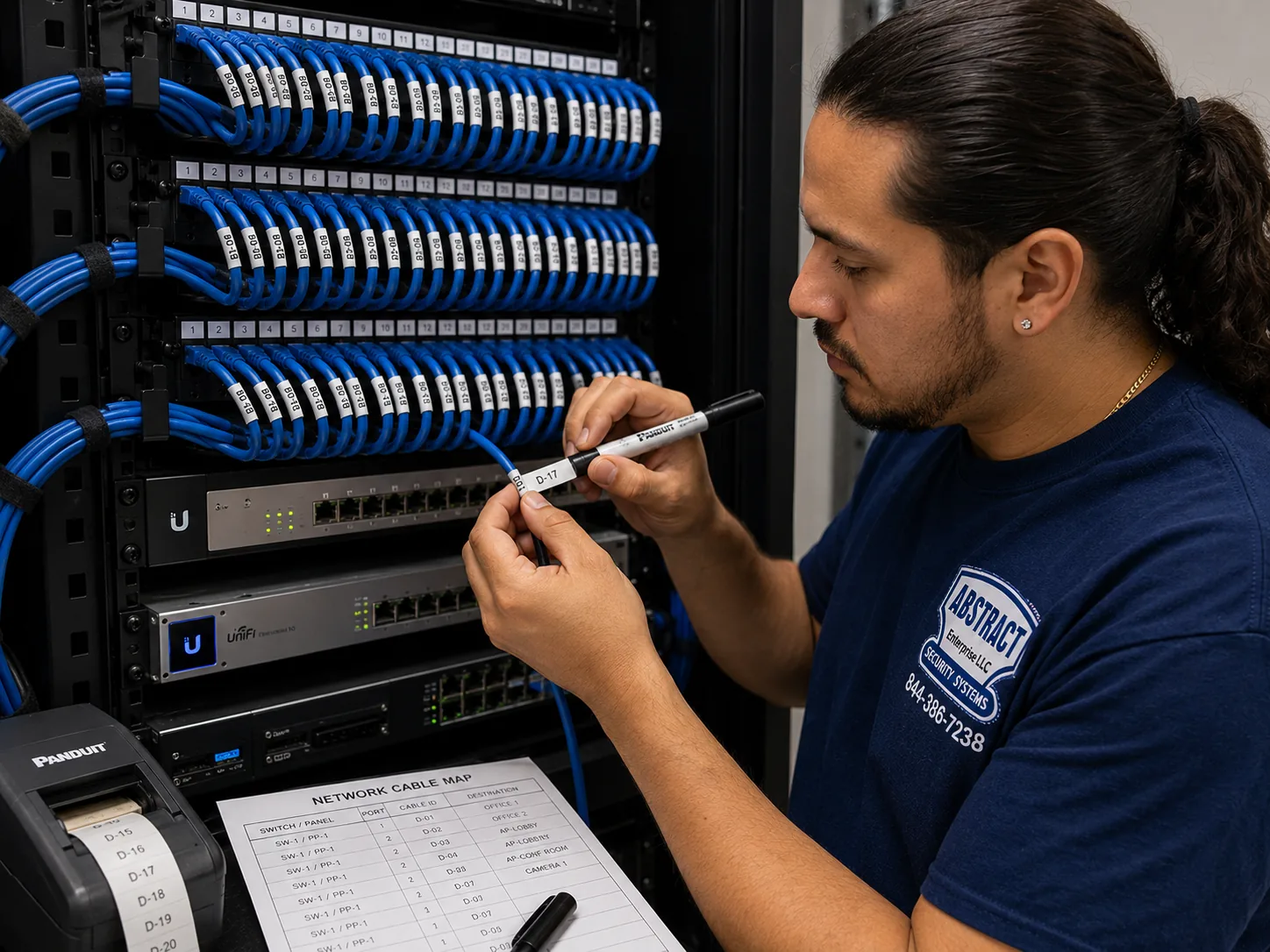
Coney Island, Brooklyn TV installation prep: technician printing cable labels at a patch panel beside a printed port map
A photo from our job library, not taken in Coney Island: a technician printing labels at a patch panel with the port map taped up beside him. Most TV jobs on the peninsula never need a patch panel, but the bigger ones do. A bar on Surf Avenue with screens fed from one cabinet, or a residents' lounge in a new tower with a display wired back to a network closet, ends up with cables that someone has to find again next season, and a printed label on each end is how that happens.
Coney Island TV Mounting Request
Tower apartment, walk-up, Sea Gate house, NYCHA apartment or business: give us the block, the floor and the TV size, and a technician calls back with the total

✅
Request Sent!
Thank you. A technician will call you about the Coney Island address on the same working day.
25+
Years Experience
✓
Same-Day Estimates
100%
Licensed & Insured
4.7★
201 Google Reviews

Owner-operated since 2002 · Thousands of jobs completed · Booked within 2 hours
Quick answer: a Coney Island TV job is priced the same way whichever building you live in. The base is $179.99 for a TV up to 55 inches on drywall over wood studs. A solid brick or stone wall adds $65, old plaster adds $45, a spot above a fireplace adds $130, and taking down the old TV first is $85. Hiding the power and cables inside a framed wall with a code-compliant in-wall kit is $169; a paintable cord cover on the surface is $59. A soundbar is $79 placed on a console or $129 on the wall. If you would rather not drill at all, a TV set up on its own stand is $119.99. Concrete, block and larger screens are priced from the same Brooklyn list once we see your photos, and nothing is added on the day unless the wall turns out to be something other than what we agreed, in which case you hear about it before the first hole.

Three photos settle most quotes on the peninsula. Send the wall straight on, with the outlet and any window or radiator in the frame; the sticker on the back of the TV with the model number; and the place where the cable box, game console or streaming stick will sit. Add the cross streets, the floor, and whether the building has an elevator and a front desk. If you are on a low floor or in a house that took water in 2012, tell us where the outlet is relative to the floor. Send it to (347) 934-8335 or on WhatsApp, and you will usually hear back the same day with the wall we expect, the add-ons that apply and the total.

  • Looking at photos and answering questions costs nothing.
  • All work is done under New York State license #12000287431, and we send the certificate of insurance your co-op office or managing agent asks for before the visit.
  • Appointments are given as two-hour arrival windows, and the technician arrives inside that window, never early.
The Neighborhood

Why Coney Island Properties Need TV Installation

Most people picture Coney Island as the boardwalk, the rides and the beach. The people who call us about a TV mostly live a few blocks inland, in towers. The neighborhood's housing was rebuilt in the decades after the war around large apartment campuses, and those campuses still shape the work. Trump Village was completed in 1963 and 1964 on the old Culver Depot site, designed by Morris Lapidus and built by Fred Trump for about $70 million. 6sqft, citing Crain's, counted seven 23-story towers and about 3,700 apartments. Five of the buildings are co-ops; the other two were Mitchell-Lama rentals until 2007, and Brownstoner reported in 2015 that those two, at 2940 and 3000 Ocean Parkway, had been gut renovated and renamed Shorecrest Towers, with 880 apartments, oak floors and marble bathrooms. Nearby, the Luna Park Housing Corporation is a Mitchell-Lama co-op of about 1,600 apartments and more than 5,000 residents. Add the NYCHA developments, from Coney Island Houses to the Sites 4/5 buildings, and a large share of the households in the neighborhood live above the fifth floor in a building with a board, a management office or a housing authority between them and the wall.

That matters for a TV in three ways. The first is the wall itself. Towers of that era were built with heavy structure, and the wall you want for the screen may be poured concrete, concrete block behind plaster, or a hollow partition that sounds solid until you drill it. A stud finder that works in a frame house is close to useless on a concrete wall, and a drill that hits reinforcing steel has to stop. The second is the building. A co-op office or managing agent usually wants to know who is coming, when, and with what insurance, and many buildings set working hours for any drilling. The third is the trip up. A 75-inch TV in its box is a two-person carry that has to fit in a passenger elevator, sometimes after a wait in a busy lobby, and that is part of the plan, not a surprise on the day.

The newest buildings are a different job again. 1515 Surf Avenue, built by LCOR on the former parking lot of Gargiulo's restaurant, opened in September 2024 with 463 apartments in two towers. 6sqft described it as entirely electric, heated and cooled by the largest active geothermal system in the city's history, with oversized windows facing the ocean and the amusement park, in-unit washers and dryers, and smart-home technology in the apartments. Rybak Development's Tilyou Towers, the first housing parcel of the city's Coney Island West plan, is planned as 505 apartments in two 28-story towers on an 11-story podium, with construction that could start in 2027. New buildings like these tend to have drywall on metal studs rather than wood, and big glass on the ocean side. Metal studs hold a screw poorly, so the anchor has to change; and a wall of windows facing the water decides where a screen can go without the afternoon light washing it out.

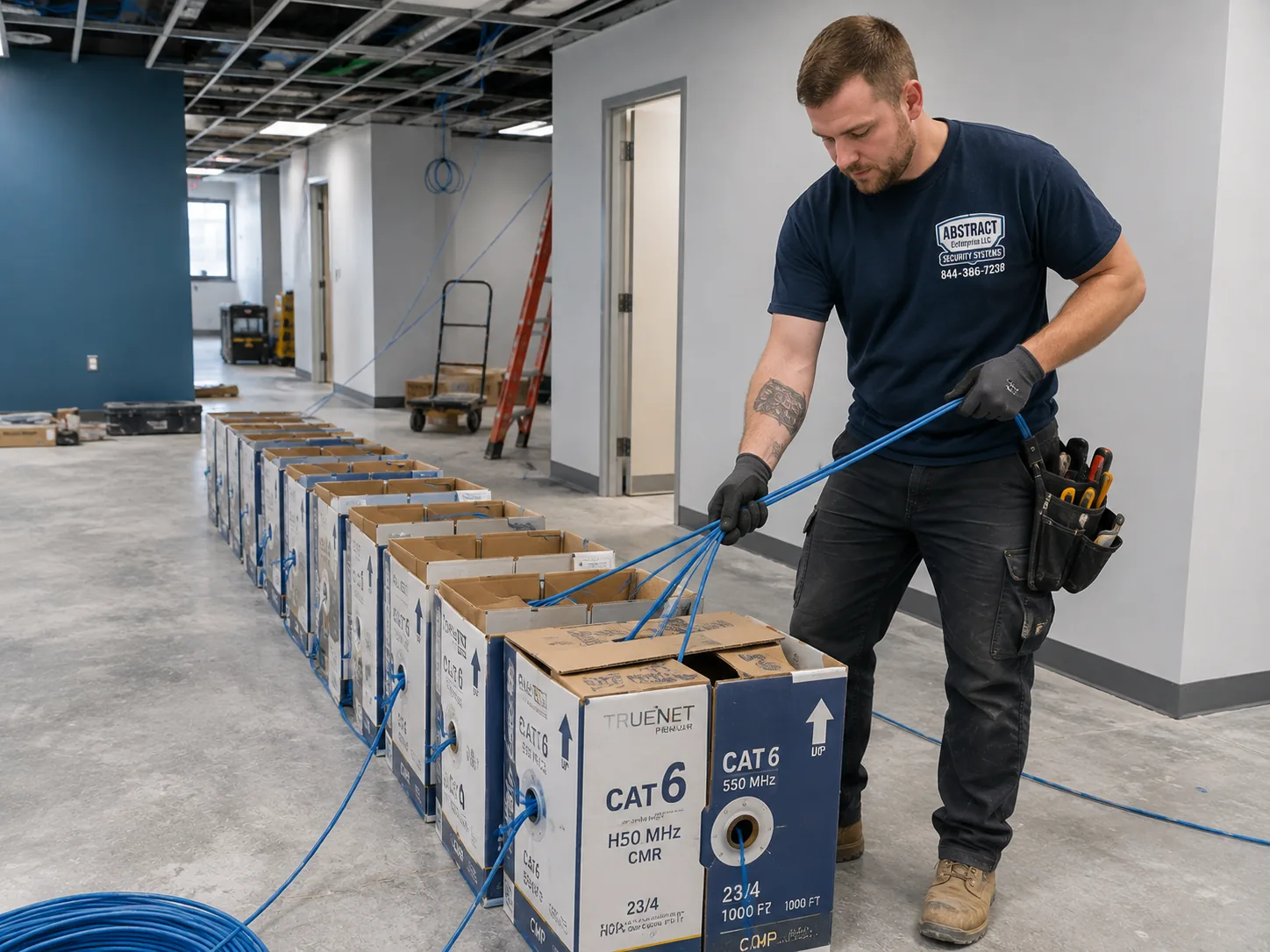
Coney Island, Brooklyn TV and display installation: boxes of cable staged on the floor of a working commercial premises for a multi-drop pull
A photo from our job library, not taken in Coney Island: boxes of cable staged on the floor of a business that stayed open while the work went on around it. The same staging happens when a Surf Avenue restaurant or a bar near the Stillwell Avenue terminal adds several screens at once: everything comes in, gets checked and sits in one corner, so the dining room keeps working and nothing ends up underfoot when the doors open.

Then there is the water. Coney Island sits on a low peninsula, and Hurricane Sandy, on October 29, 2012, showed how far the ocean can come in. Engineering News-Record reported two months later that a beach shop about 200 yards from the Atlantic had taken about four feet of water, and that a gas-fitting crew was finding homes with "nine feet of water in them." The owner of that shop, Haim Haddad, put it plainly: "all my electrical equipment is swimming in the ocean." Brooklyn Paper's ten-year look back counted at least 38 ground-floor apartments destroyed across Coney Island's three public housing complexes. The lesson for a TV is simple and cheap to follow. On a ground floor, a basement den or a house in a low block, we keep the cable box, the router, the console and the power strip on a shelf or behind the screen rather than on the floor, and we plan the soundbar and the cords so that nothing that plugs in lives at the lowest point of the room. It costs nothing extra to plan it this way, and it is the difference between a soaked carpet and a lost setup.

The last thing that shapes a Coney Island TV job is the season. Much of the commercial strip, from the boardwalk to Surf Avenue, works on a summer calendar, and the screens in those businesses have to be up and tested before the first warm weekend, then sit through a closed winter. In June 2026 the neighborhood held a World Cup watch party with the Brooklyn Cyclones at Maimonides Park, screening USA against Australia, which is a good picture of how sport and crowds run through the summer here. Bars and restaurants want screens that customers can see from the counter and the tables; homes want the game on in the living room when the stadium is not an option. For us that means the spring is busy with business screens and the rest of the year with homes, and we plan the visit around both.

Six Coney Island facts that change how a TV goes on the wall

  • Tower campuses hold a large share of the homes. Trump Village's seven 23-story towers hold about 3,700 apartments, Trump Village Section 4 alone has 572 apartments on 23 floors, and the Luna Park co-op holds about 1,600. In those buildings the wall is often masonry or concrete, the board or office has rules, and the elevator is part of the plan.
  • Two of those towers were rebuilt inside. Brownstoner reported that Shorecrest Towers, the former Trump Village rentals at 2940 and 3000 Ocean Parkway, were gut renovated around 2015. Renovated apartments in old towers can hide a new partition in front of an old masonry wall, which is why we confirm with a pilot hole rather than guess.
  • Public housing was rebuilt after Sandy. NYCHA's $90 million recovery project at Coney Island Houses covers over 1,100 residents in five buildings, with new electrical systems and flood-protected equipment. Apartment walls and house rules there are NYCHA's, so we start with what the lease allows.
  • Sea Gate is a neighborhood of houses. About 850 single-family houses sit behind the gate west of West 37th Street, and about 54 percent of the housing there is rented. Houses mean wood framing, fireplaces and porches, and a gate to get through before the front door.
  • The ground floor is the flood floor. Sandy filled ground floors and basements across the peninsula. On those floors we keep every powered box off the floor and plan the cords to match.
  • New towers bring new walls. 1515 Surf Avenue's 463 apartments and the planned 505 at Tilyou Towers are the kind of buildings where metal studs, large windows and a management office with its own rules are the norm.

Where this page applies. It covers the whole peninsula west of Ocean Parkway, from the boardwalk and Surf Avenue north past Neptune Avenue to Coney Island Creek, including Sea Gate at the western tip. If your building is east of Ocean Parkway, our Brighton Beach TV installation page covers it. To the north, our Bath Beach and Bensonhurst pages cover the blocks to the north, and our Brooklyn TV installation page covers the whole borough. The price is the same Brooklyn rate on every one of them; what changes is the building.

Same-Day Repair in Coney Island

Need Repair in Coney Island? A Bracket Pulling Out of Plaster, a Screen Knocked Crooked, or a Setup Left Dead After a Storm

The urgent TV calls from the peninsula tend to fall into three groups. The first is a bracket that is coming away from the wall, usually in an older walk-up on or near Mermaid Avenue where someone hung a heavy screen on plastic plugs pushed into old plaster. The plaster holds for a while, then cracks around the plugs, and the top of the TV starts to lean forward. The second is a screen that was knocked, often by a child or a dog, and now hangs crooked on a full-motion arm that has lost its tension. The third is a setup that stopped working after a coastal storm or a power cut: the TV comes on but the cable box, the soundbar or the streaming stick does not, and nobody is sure which piece failed.

If a screen is leaning, do not try to push it back flat. Unplug it, clear the floor below, and if it is safe to do so with two people, lift it off the bracket and lay it face up on a blanket. Then send us a photo of the bracket and the wall behind it at (347) 934-8335. Taking down an old TV is $85 on our Brooklyn list, and we price re-mounting it on the correct anchors from the same list once we see the wall. For a setup that went dead after a storm or an outage, a setup-only visit is $195 for the first hour and then billed in 30-minute blocks, and it covers finding which device failed, resetting the TV and its inputs and getting the streaming apps back. If anything got wet, it stays unplugged until it has been looked at. We do not do electrical work, so if an outlet or a circuit is the problem, we will tell you that and you will need a licensed electrician for that part.

What We Install

TV Installation Services in Coney Island

Each service below is priced from the same Brooklyn list, and each is described the way it actually plays out in Coney Island buildings. Brackets are sold separately, or you can supply your own and we install it at the same labor price.

Mounting on tower concrete and block

Brackets fixed into the poured concrete and block walls common in the 1960s towers along Neptune Avenue and Ocean Parkway, using sleeve or wedge anchors set in clean, dust-free holes. We scan for steel first and move the bracket an inch rather than drill through it.

Mounting on old plaster

Fixed, tilting and full-motion brackets on the plaster walls of the prewar walk-ups and shop buildings around Mermaid Avenue, with fixings that reach through the plaster to wood or masonry behind it. Plaster is a +$45 line on our list.

Mounting in the new rentals

TVs on drywall over metal studs in buildings like 1515 Surf Avenue, where a wood screw spins and the right toggle anchor holds. We also check what the building's own smart-home and network equipment needs from the wall before drilling near it.

Hidden power and cables

A code-compliant in-wall power and cable kit for $169 on framed walls, so the screen has its own power inlet behind it and no cord runs loose inside the wall. On concrete, where nothing can be fished, a paintable cord cover for $59.

Sea Gate and west-end houses

Living rooms, bedrooms, finished basements and enclosed porches in houses behind the gate, including screens above a working or decorative fireplace (+$130) and on brick chimney breasts (+$65).

Soundbars and sound in tall buildings

Soundbars placed on a console for $79 or bracketed under the screen for $129, set up so the bass carries to your sofa and not through a concrete floor to the apartment below.

Stand setups for renters and NYCHA homes

A TV set up on its own stand for $119.99 with no holes in the wall, for leases that do not allow fixtures, for public housing apartments, and for anyone who expects to move within the year.

Screens for boardwalk and Surf Avenue businesses

Menu boards, sports screens over the bar and waiting-room displays, placed where customers can see them and staff can reach the controls, and mounted so a roll-down gate or a crowd at the counter never touches them.

Setup, apps and devices

A setup-only visit is $195 for the first hour, then 30-minute blocks: smart-TV setup, Wi-Fi, streaming apps, cable boxes, consoles and a remote that the whole household can use.

Building Specialists

TV Installation for Coney Island's Architecture

Almost every Coney Island TV job lands in one of six kinds of building. The kind of building tells us most of what we need before we arrive: which wall to expect, who has to approve the work, how the TV gets to your floor and what the household is likely to want from the room.

The 1960s co-op tower

Trump Village's five co-op buildings, Trump Village Section 4 at 2940 West 5th Street with its 572 apartments, and the Luna Park co-op towers. Heavy structure, a board and an office, and an elevator ride for every box.

The renovated rental tower

Former Mitchell-Lama rentals such as Shorecrest Towers at 2940 and 3000 Ocean Parkway, gut renovated with new kitchens, oak floors and marble baths. New finishes over old walls.

The public housing development

NYCHA buildings including Coney Island Houses and the Sites 4/5 buildings, rebuilt after Sandy with new electrical systems and flood-protected equipment. Lease rules come first.

The Mermaid Avenue walk-up

Older three- and four-story buildings with apartments above shops, plaster walls, narrow stairs and fronts that face a busy avenue.

The Sea Gate house

About 850 houses behind the gate at the western tip of the peninsula: wood framing, fireplaces, porches and finished basements, many of them rented out by floor.

The new Surf Avenue tower

1515 Surf Avenue now and Tilyou Towers to come: metal studs, big ocean-side glass, smart-home systems and a management office with its own contractor rules.

The 1960s co-op tower: concrete, a board and the elevator

In a tower of this age the walls fall into two groups. Some are structure, either poured concrete or block, often finished with plaster or a skim coat so they look like any other wall. Others are partitions between rooms, and in older towers those can be block too, while later renovations may have added drywall partitions. Before we bring anything up, we ask for a photo of the wall and a description of the knock: a hard, flat sound that hurts the knuckles usually means masonry. On site, the scanner is used for steel rather than studs. In a concrete wall the danger is not a missing stud; it is hitting reinforcing bar or a conduit buried in the pour, so we scan the whole bracket area, mark anything metal, and position the bracket so its holes land in clear concrete. The anchors are sleeve or wedge anchors sized to the TV and the bracket, set in holes that are blown out clean so the anchor can bite.

The building is the other half. A co-op office usually wants the contractor's name, the date and the certificate of insurance before anyone goes upstairs, and many buildings limit drilling to set weekday hours. Brick Underground notes that alteration agreements vary from building to building and typically bar tampering with structure and building-wide systems; a TV bracket is far smaller than that, but a board can still have its own rules about drilling into structural walls. We send the insurance paperwork ahead, book the visit inside the building's work hours, and if your building wants the job approved in writing first, we give you a short description of what we will drill and where so you can pass it to the office. On the day, the box goes up in the passenger elevator on a blanket, and big screens get two technicians so nobody is wrestling a 75-inch panel through a lobby alone.

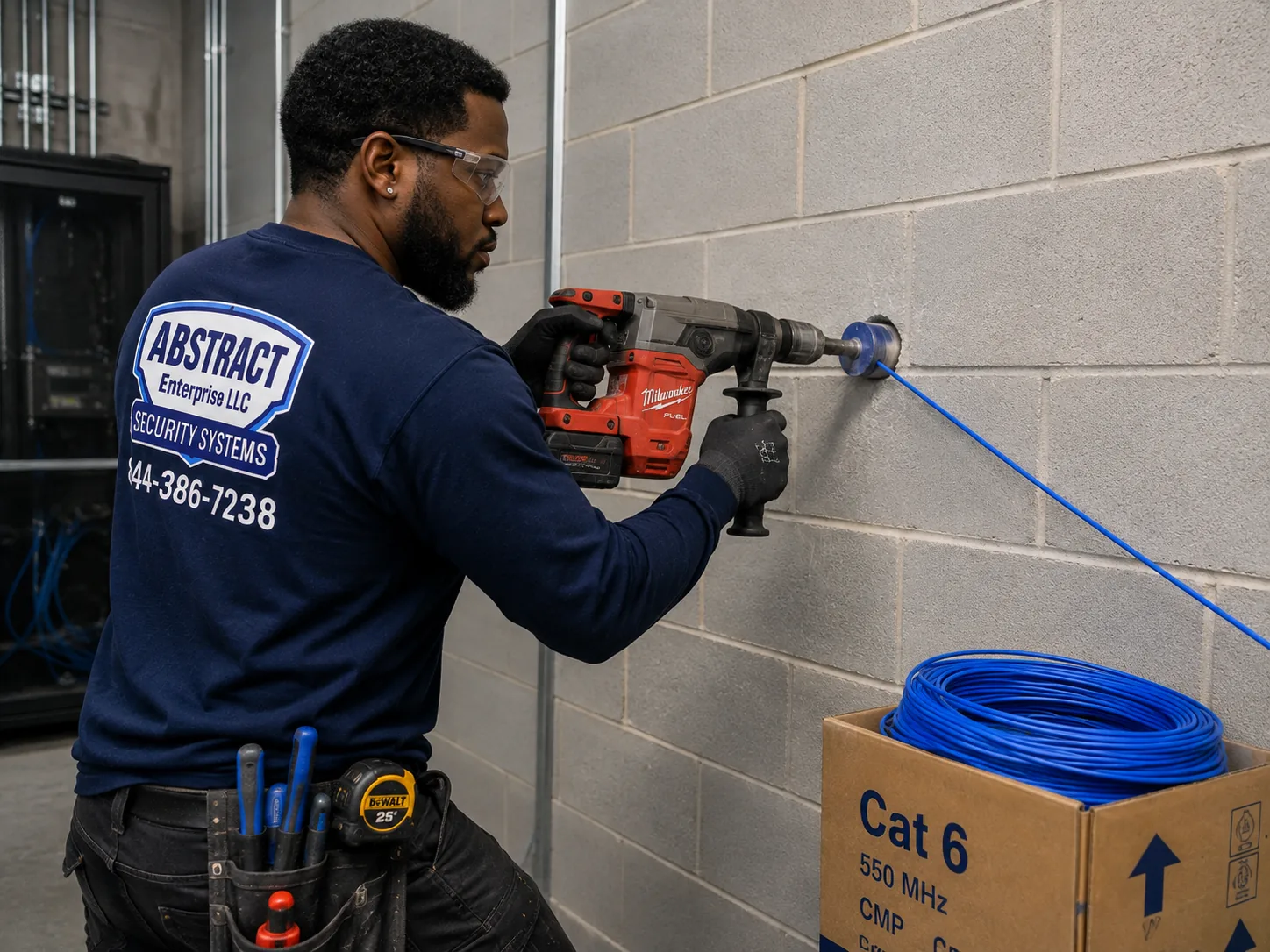
Coney Island, Brooklyn TV installation on masonry: technician core drilling through a block wall to carry cable into a network room
A photo from our job library, not taken in Coney Island: a technician core drilling through a concrete block wall to carry cable into a network room. A TV bracket needs much smaller holes than this, but the same rules apply in the block and concrete walls of the peninsula's 1960s towers: scan first, drill straight, clear the dust, and never assume a wall is hollow because it looks like drywall from the room.

The renovated rental tower: new finishes, old bones

When an older tower is gut renovated, the kitchens, floors and bathrooms change, but the building's structure stays. That can leave a room where one wall is the original masonry and the wall beside it is a new drywall partition, or where drywall has been glued or furred out in front of the old wall. Brownstoner's 2015 report on Shorecrest Towers described new oak floors, marble bathrooms and lacquer kitchens throughout 880 apartments; nothing in a description like that tells you what is behind the paint on the TV wall. So in these buildings we treat every wall as unknown until we have scanned it and drilled one small pilot hole where the screen will cover it. The pilot hole tells us in seconds whether the bit is going through gypsum and then air, through gypsum and then masonry, or straight into concrete, and we choose the anchor from that.

Renters in these buildings also have a lease to think about. Brick Underground quoted a property manager saying that "a nail or screw-sized hole from a picture frame or shelving system would fall within wear and tear," and an attorney warning that "careless drilling of the wall or drilling to hold heavy hangings" can be treated as more than wear and tear and charged to the tenant. A TV bracket is a heavy hanging. The practical answer is to ask the management office in writing before the job, keep the reply, and if they say no, use a stand. We can do either, and we will tell you honestly which one your lease makes sensible.

The public housing development: start with the lease

NYCHA rebuilt much of its Coney Island stock after Sandy. Its own releases describe the Coney Island Houses project as a $90 million recovery and resiliency effort for over 1,100 residents in five buildings, and the Sites 4/5 project as a $41 million job for more than 1,000 residents, both with new electrical systems and flood-protected equipment. Inside the apartments, the walls belong to the housing authority, and what a resident may fix to them is set by the lease and the house rules, not by us. If your lease or your development office allows a wall mount, we will do it on the correct anchors. If it does not, or you are not sure, the stand setup for $119.99 puts a large TV on a stable stand with the cords tidy and no holes at all, and that is often the better call.

The other thing we see in larger public housing buildings is the trip. If the elevator is out on the day, a big TV may not be able to reach a high floor safely, and we would rather move the appointment than carry a 65-inch panel up twenty flights. We ask about the elevator when we confirm the booking, and we tell you straight if the size of the screen and the stairs do not mix.

The Mermaid Avenue walk-up: plaster, stairs and street noise

The older buildings along and around Mermaid Avenue are mostly three- and four-story walk-ups with shops or offices on the ground floor and apartments above. Inside, the walls are usually plaster, and plaster in an old Brooklyn building can sit on wood lath, metal lath or directly on brick. Each holds a screw differently. On wood lath, we find the studs and lag into them; on brick, the bracket goes into the masonry behind the plaster; on metal lath, we use fixings that reach through it to something solid. What we never do is rely on plastic plugs in plaster alone, which is the most common reason for the leaning-bracket calls described above.

These apartments also tend to have the TV wall on the same side as the windows or on a party wall shared with the next building. A party wall of solid brick is a good wall for a bracket and a poor one for hiding cables, because nothing can be fished through it. For those, a paintable cord cover at $59 is the clean answer. And because many of these buildings face a busy avenue, we talk about where the soundbar goes: pointing it into the room and away from the window makes the dialogue clearer without turning it up.

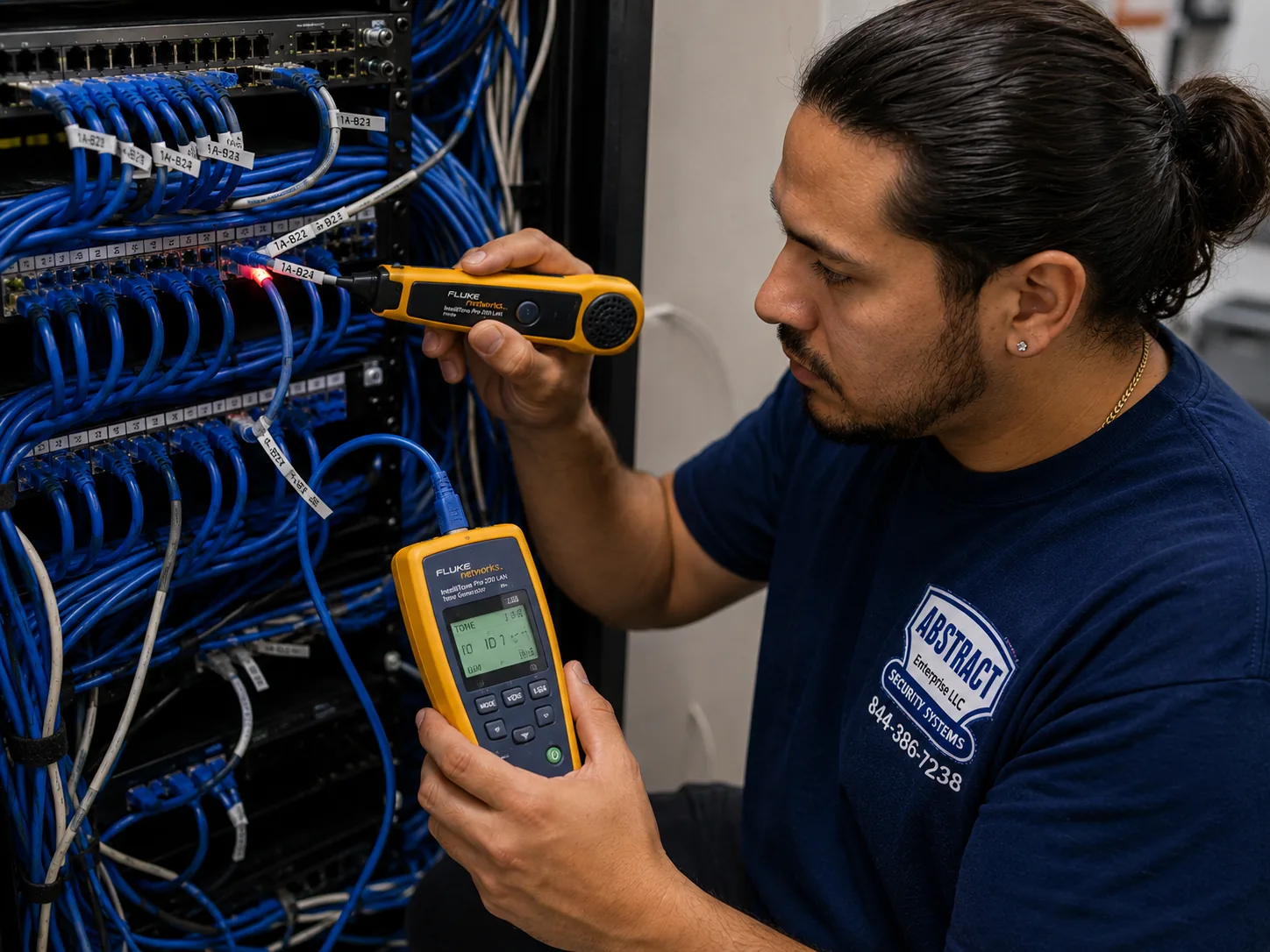
Coney Island, Brooklyn TV wiring check: technician tracing an unidentified cable run at a patch panel with a tone generator and probe
A photo from our job library, not taken in Coney Island: a technician tracing an unlabeled cable at a patch panel with a tone generator and probe. In a Mermaid Avenue walk-up the same tool settles a common question: which of the old coax or network cables coming out of the wall actually reaches the cable company's box or the router in the hall, before anyone buys a new run.

The Sea Gate house: framing, fireplaces and the floor below

Sea Gate is the part of Coney Island where a TV job looks most like one in a suburb. The houses are mostly wood framed, which is the easiest wall to mount on and the easiest to hide cables in, and many have fireplaces, porches and finished basements. A screen above a fireplace adds $130 on our list, because it means working higher, checking the heat that rises from the firebox and usually running the cables down the chimney breast rather than through an empty stud bay. If the chimney breast is brick, the +$65 brick line applies as well. On a framed wall, the $169 in-wall kit gives the TV its own power inlet behind the screen and a clean path for the cables to the cabinet below.

Many Sea Gate houses are rented out by floor. Wikipedia puts the share of rental housing in the enclave at about 54 percent, which means an owner downstairs, a tenant upstairs and two sets of opinions about holes in the wall. In a house that took water in 2012, the basement or ground floor may also have been rebuilt, so the walls there can be newer than the rest of the house. We ask about both. And because Sea Gate is a gated community with its own public safety department, we ask how your gate handles visitors so the technician's name is with the officers before he arrives.

The new Surf Avenue tower: metal studs, big glass and building systems

Buildings like 1515 Surf Avenue are built quickly and to a high standard, and their walls are almost always drywall on metal studs. A metal stud is thin steel; a wood screw strips in it, and a bracket hung that way will eventually sag. The answer is a toggle-style anchor rated for the load, spread across the bracket so the weight is shared. Because these buildings have smart-home technology and their own network equipment, we also look for anything in the wall before we drill: a data outlet, a thermostat cable, a smart switch. If a building's equipment needs to move, that is the management office's call, not ours.

The other feature of these towers is glass. 6sqft described oversized windows with ocean and amusement park views, which is the reason people move in. It also means the brightest part of the room may be directly opposite the only long wall. Before any bracket goes up we tape the outline of the screen on the wall and look at it with the blinds open at the time of day you watch most. Sometimes the answer is a slight tilt; sometimes it is the shorter wall at right angles to the windows. Either way, the decision is made with tape, not with holes.

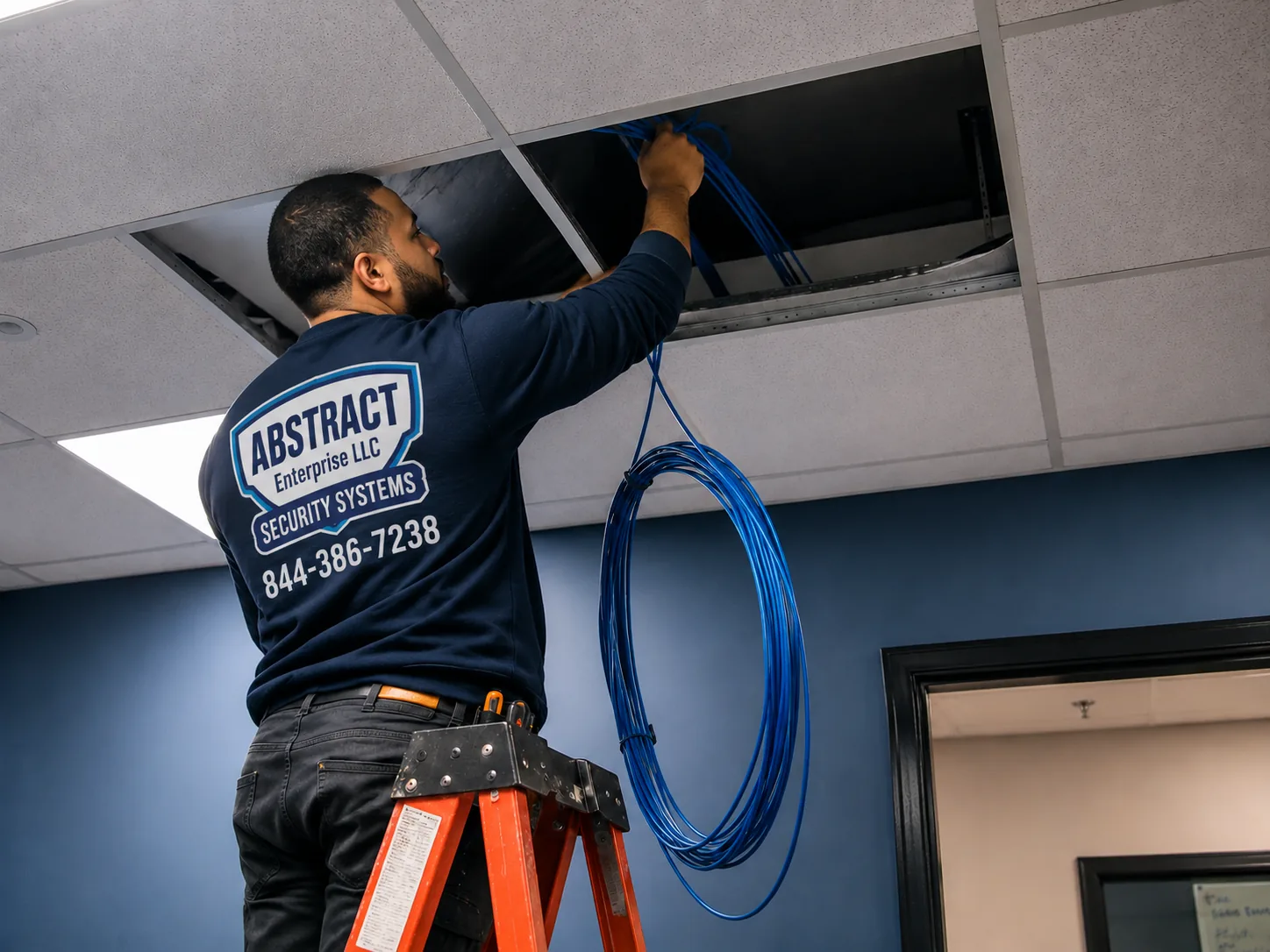
Coney Island, Brooklyn display installation: technician feeding cable through a ceiling in an occupied commercial space
A photo from our job library, not taken in Coney Island: a technician feeding cable through the ceiling of a commercial space that stayed occupied during the work. In the new towers on Surf Avenue the same kind of pull is how a display in a residents' lounge or a co-working room gets its signal from the building's network closet, and it is the management office that decides where that cable may run.
Field Notes

Field Notes: Mounting a TV High Up in a Concrete Tower Without Making an Enemy of the Neighbors

These notes describe how our technicians handle a TV in a concrete or block wall in a tall building, which is the most common kind of job on the peninsula. They are the steps, not a story about a particular apartment.

Ask about hours before the visit. Concrete drilling is loud, and the sound travels through a tower's structure to apartments above and below. Most buildings with a board or a management office set the hours when drilling is allowed, so we book inside them and tell the office who is coming. If a neighbor works nights, the household usually knows, and we can put the drilling at the start of the visit so it is over in one short burst.

Scan for steel, not studs. The scanner goes over the whole area the bracket will cover, and every hit is marked in pencil. If a planned hole lands on metal, we shift the bracket rather than force the bit. Some brackets have more mounting slots than the TV needs, which gives room to move.

Protect the room and catch the dust. Concrete dust is fine and travels. A blanket goes on the floor, the sofa is covered, and the drill is fitted with a dust catcher or a helper holds a vacuum at the hole. Every hole is blown out before the anchor goes in, because an anchor in a dusty hole holds a fraction of its rating.

Anchors sized to the load. The TV's weight comes from its model number, and the bracket's weight is added to it. A full-motion arm puts far more leverage on the top anchors than a flat bracket does, so arms get more and larger anchors. Each anchor is tightened to the maker's figure, not by feel.

Cords on the surface, done neatly. On a concrete wall there is no hollow bay to fish a cable through, so the power cord and the HDMI run in a paintable cover from the screen to the cabinet. It goes on straight, gets painted to the wall color if you want, and looks deliberate rather than patched.

Leave nothing on the floor that plugs in. On low floors especially, the cable box and the power strip go on a shelf or behind the screen. Higher up, the same habit keeps cords away from a vacuum and the children.

Walls, Water and Air

Concrete, Salt Air and the Flood Line: What a Coney Island TV Has to Survive

The base price on our Brooklyn list, $179.99, covers a TV up to 55 inches on drywall over wood studs. That wall exists in Coney Island, mostly in Sea Gate houses and newer partitions, but it is not the wall most households here have. This section goes wall by wall, then covers the two things that make a peninsula job different from one in the middle of the borough: water from below and salt in the air.

Poured concrete. The structural walls of a 1960s tower, and sometimes the wall between two apartments, are solid concrete. They are the strongest wall a TV can go on and the hardest to drill. We use a hammer drill with masonry bits, scan for steel first, and set sleeve or wedge anchors in clean holes. Concrete is priced from our Brooklyn list once we see your photos, and nothing about it can be fished, so the cords run in a cover.

Concrete block behind plaster. Block walls are hollow inside the cells and solid at the webs, which means an anchor has to land in the right place to hold. A pilot hole tells us whether we have hit a web or a void, and we use anchors made for hollow masonry where we need to. These walls can look exactly like plaster on lath from the room side.

Solid brick or stone (+$65). Party walls in the older walk-ups, chimney breasts in Sea Gate houses and some exterior walls are brick. A brick wall holds a bracket well if the anchors go into the brick and not into the mortar joints between them, so we mark the joints before drilling.

Plaster (+$45). Plaster walls in prewar walk-ups and older houses crack if they are drilled carelessly. We score the surface, use sharp bits, and reach through the plaster to whatever is behind it. Plaster on brick gets the brick treatment underneath.

Drywall on metal studs. Common in the new Surf Avenue buildings and in renovated apartments. Metal studs need toggle-style anchors rated for the weight. This is priced from the Brooklyn list when we see your photos.

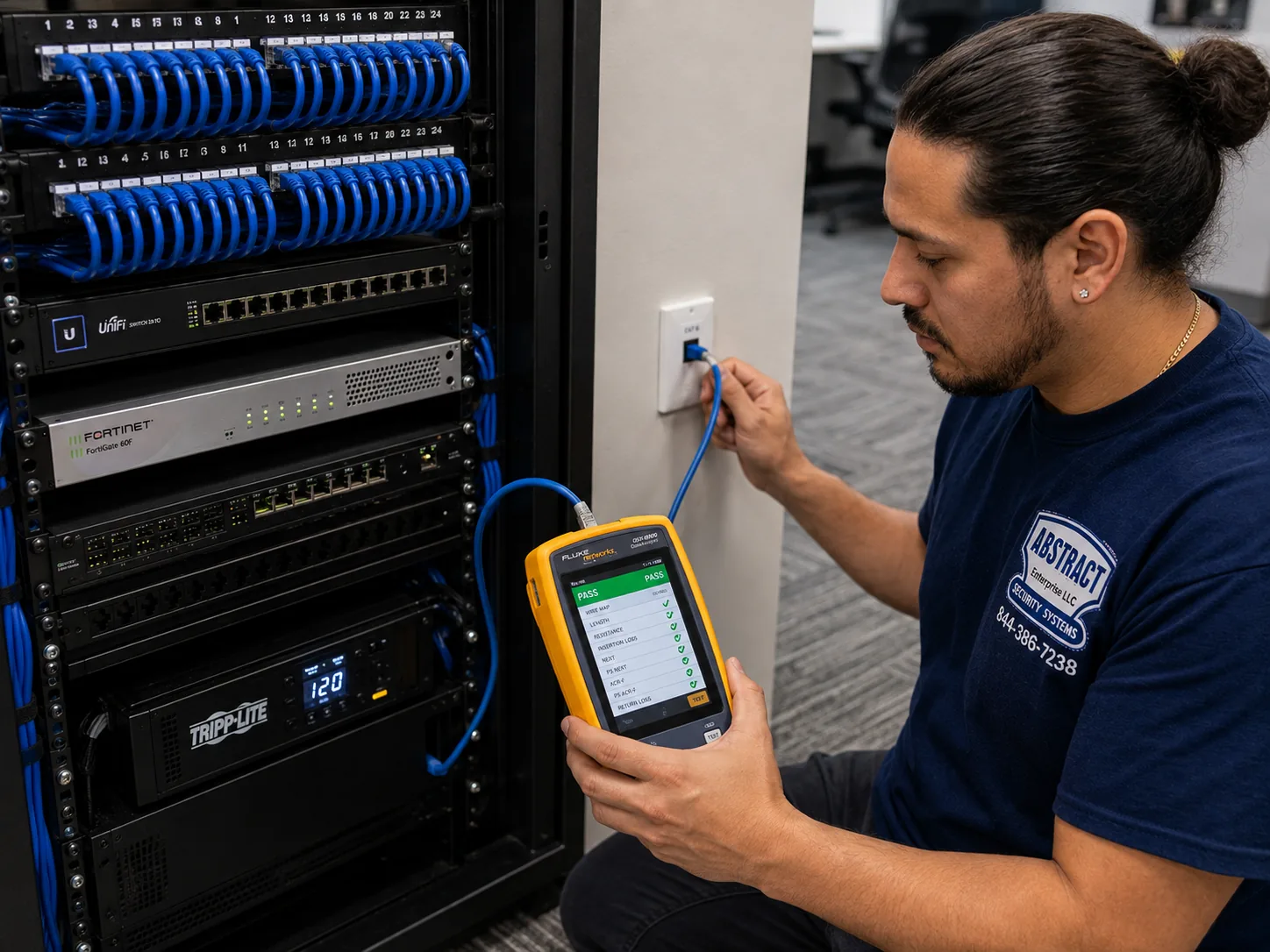
Coney Island, Brooklyn TV and network setup: technician certifying a data drop with a handheld cable analyzer showing a PASS result
A photo from our job library, not taken in Coney Island: a technician certifying a data drop with a handheld analyzer that reads PASS. For a smart TV in a concrete tower, where Wi-Fi from the hallway can struggle through the walls, a wired connection behind the screen is often the fix for buffering streams, and a tested cable is the difference between a picture that holds during the big game and one that freezes.

Water from below: planning around the flood line

Sandy put several feet of water into ground floors and basements across the peninsula in 2012. Engineering News-Record's report from December of that year described flooding that came both from ocean water flowing under the boardwalk and from sewer overflows, and a restaurant building where the ground floor took about four feet of water while the second-floor dining room had no significant damage. That last detail is the useful one: a few feet of height made all the difference. The NYC Department of Buildings' own guidance on flood-resistant construction treats new equipment placed below the design flood elevation as an increase in noncompliance in affected buildings, which is the city's way of saying the same thing.

A TV setup is cheap to protect. The screen itself is on the wall, so the question is everything that plugs into it. On a ground floor, in a basement den or in a low house, we put the cable box, router, console and power strip on a shelf, a wall-mounted bracket or the back of the TV, not on the floor or the bottom shelf of a cabinet. We route cords down from the screen to that shelf, not along the baseboard. We leave the outlet where it is, because moving or adding an outlet is electrical work and we do not do electrical work; if you want an outlet higher on the wall, that is a job for a licensed electrician, and we can plan the mount around where they put it. And we show you which single plug to pull when a coastal flood warning comes, so the whole setup can be switched off in seconds.

Salt in the air: what changes near the boardwalk

Air off the ocean carries salt, and salt is hard on bare steel. Inside a closed apartment it makes little difference. On an enclosed porch in Sea Gate, in a boardwalk business with a roll-up front, or in a restaurant that props its doors open all summer, it does. Screws and brackets with bare steel can show rust within a season or two, and the inputs on the back of a TV can corrode if they are exposed to the air every day.

For those spaces we choose powder-coated or stainless brackets and hardware where they are available, keep the screen out of direct spray and rain, and point the inputs down so moisture does not sit in them. A regular indoor TV is not built for a space that is open to the weather, so if a screen will live somewhere that is effectively outdoors, we tell you that before you buy it rather than after. We do not promise a TV will survive a space it was not made for; we tell you which spaces are a fair bet and which are not.

Hiding the wires without breaking the electrical code

The request that follows "mount it" is nearly always "and hide the wires." The shortcut that many people try, cutting a hole behind the TV and another above the cabinet and pushing the TV's power cord through the wall between them, is against the National Electrical Code. Gizmodo's summary of section 400.8 quotes the rule plainly: flexible cords are not to be used "where concealed by walls, floors, or ceilings." A cord inside a wall can overheat, get crushed or chewed, and nobody can see it.

On a framed wall, the code-compliant answer is the $169 in-wall power and cable kit: a recessed inlet behind the screen and a matching plate low on the wall, joined by rated in-wall cable, so the TV plugs into its own inlet and the HDMI and other cables share the same path. It needs a hollow stud bay, which Sea Gate houses and newer partitions have and concrete tower walls do not. On concrete, block and brick, the honest answer is a paintable cord cover for $59, run straight from the screen to the cabinet. It is visible, but it is neat, safe and legal, and painted to match it nearly disappears.

Boards, Leases and Owners

Co-op Boards, Managing Agents and Leases: Getting a Coney Island TV Approved

More Coney Island households have someone between them and the wall than in most of Brooklyn: a co-op board in the Trump Village and Luna Park towers, a managing agent in the rental towers, NYCHA in the public housing, a landlord downstairs in a Sea Gate two-family. None of that stops a TV going up. It just means the right question gets asked first.

In a co-op tower. Check whether the building has an alteration agreement or house rules about drilling, and whether it treats a TV bracket as an alteration at all. Brick Underground's guide notes that these agreements differ from one building to the next, typically forbid tampering with load-bearing structure and building-wide systems, and that where a building has no written agreement you should ask the board in writing what it allows. Ask about the hours when drilling is allowed, too. Then tell us what the office wants. In most buildings that is a certificate of insurance naming the co-op and its managing agent, which we send before the visit, plus the date and time so the front desk knows to expect us.

In a rental tower. Read the lease section on alterations and fixtures. If it requires consent, ask the management office by email, describe the job in one or two sentences, and keep the reply. If you get a yes, we mount it; if you get a no, a stand setup does the job without a single hole. When you move out, a bracket can be taken down and the holes patched, but the patching and painting are yours or the landlord's to arrange; we do not patch or paint walls.

In public housing. The lease and the development's house rules decide what can be fixed to the wall. If you are unsure, ask the management office before booking a wall mount. We will happily set the TV on a stand, tidy the cables and set up the apps, which is often all a household needs.

In a Sea Gate house. If you own it, the decision is yours, and the only paperwork is between you and your insurer. If you rent a floor of a house, the owner is often downstairs; a quick photo of the wall and the bracket you want, sent to them before the visit, saves an argument after it.

In a new Surf Avenue building. Management companies in new buildings often have a contractor policy: insurance limits, approved hours, which entrance and elevator to use, and sometimes a sign-in. Send us the policy and we will meet it. If the building has smart-home equipment in the walls, ask whether any of it is on the wall you want; it is far easier to choose a different wall than to move a building system.

Commercial TV Installation

Business TV Installation in Coney Island

Coney Island's businesses run on two calendars. The boardwalk, the amusement district and much of Surf Avenue live by the summer season, while Mermaid Avenue, Neptune Avenue and the clinics and offices around the towers work all year. Screens in each have different jobs, and we plan them that way.

Boardwalk and amusement-area food stands

Menu screens and sports TVs for counters that open up to the boardwalk, mounted high and clear of the crowd, with hardware chosen for salt air and a plan for the winter shutdown.

Surf Avenue restaurants and bars

Screens over the bar and in the dining room, placed so the tables and the counter can both see the game, with the devices in one cabinet staff can reach.

Stillwell Avenue near the terminal

Shops and food counters that serve the crowds coming off the trains, where a menu or price screen above the counter has to be readable from the door.

Mermaid Avenue storefronts

Year-round shops, salons, pharmacies and takeout counters in older buildings, often with plaster walls, dropped ceilings and a roll-down gate in front.

Clinics and offices near the towers

Waiting-room screens in medical and dental offices on Neptune Avenue and in the towers' ground floors, mounted out of the walking path and set to play notices without a computer attached.

Lounges and community rooms

Displays in residents' lounges and co-working rooms in new buildings, and in community rooms in co-op towers and senior buildings, where many people need to read the same screen.

Business jobs on the peninsula have two timing problems. The first is the season. A boardwalk business that opens in spring wants its screens on the wall and tested before the first busy weekend, which means booking in the quiet weeks before, not the Friday of. At the other end of the year, a business that closes for the winter should decide what happens to its screens: a TV left on the wall in a sealed, dry room is fine, but one in a space that gets damp or stays open to the air is better taken down and stored. Taking down a TV is $85 on our list, and the bracket can stay on the wall so the screen goes back up quickly in spring.

The second is the doors. Many storefronts here close behind roll-down gates, and the gate's box and motor take up the top of the front wall inside. A screen mounted too close to the gate's path, or under its housing, is one service visit away from being hit. We measure the gate's travel before marking the screen. Where a business wants a screen visible from the sidewalk, we talk about glare from the street and the sun before choosing the spot. News 12 reported in July 2026 that the new Coney Island Business Improvement District is targeting vacant storefronts on Mermaid Avenue, and quoted Community Board 13's district manager, Eddie Mark: "We'd love to see vacant storefronts filled with local businesses that are needed in the area." A new business opening in one of those spaces can have its screens planned along with the fit-out, which is always easier than adding them after the shelves are in.

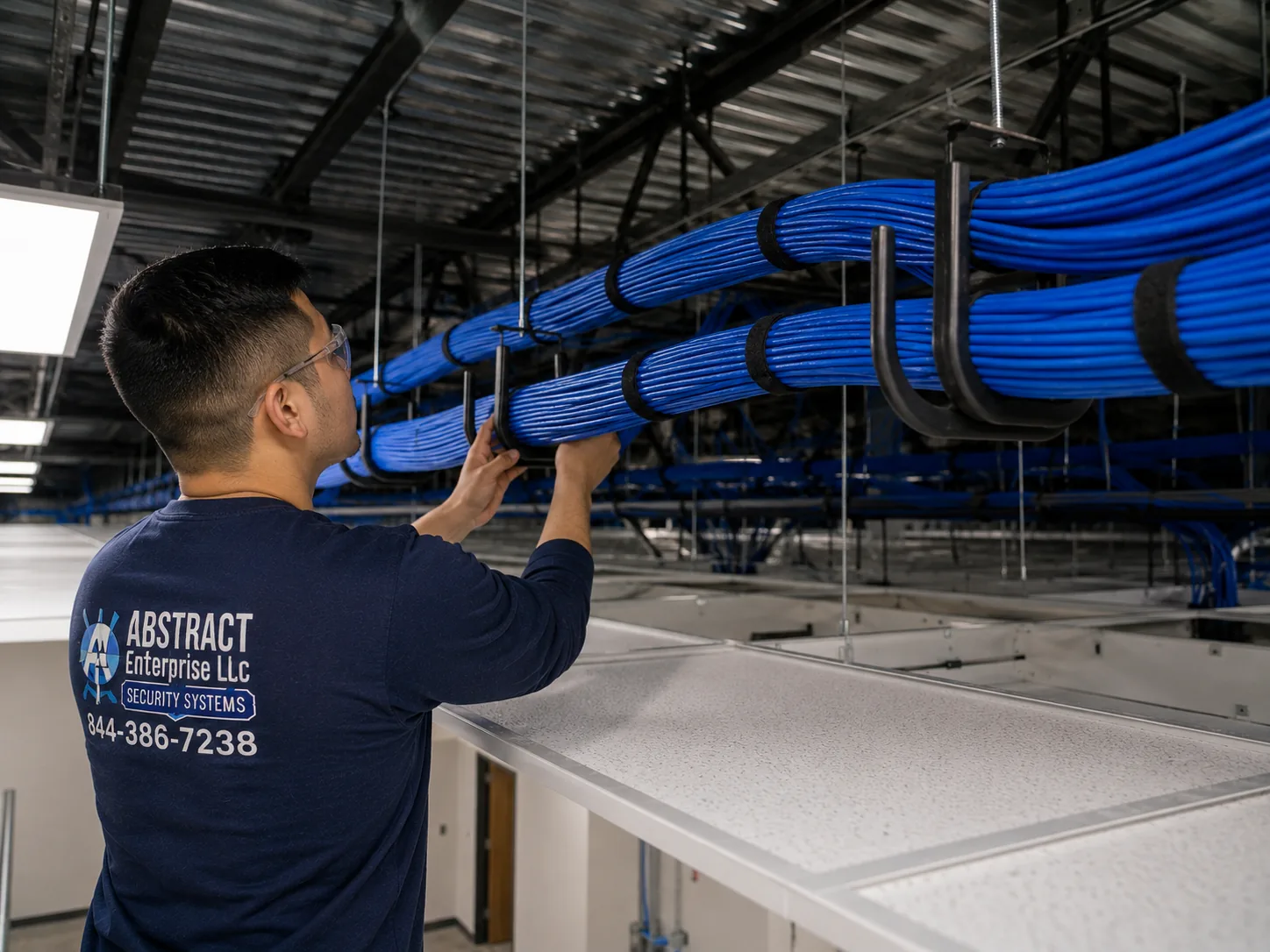
Coney Island, Brooklyn commercial TV cabling: J-hooks carrying dressed cable bundles across a commercial ceiling
A photo from our job library, not taken in Coney Island: dressed cable bundles carried across a commercial ceiling on J-hooks. When a Surf Avenue bar or a Mermaid Avenue shop with a dropped ceiling wants screens in more than one spot, this is how the cables reach each one from a single equipment cabinet without lying on the ceiling tiles or draping over pipes.

Compliance notes for Coney Island businesses and buildings

  • Keep screens out of the walking path. Under the 2010 ADA Standards for Accessible Design, objects mounted on a wall between 27 and 80 inches above the floor should not stick out more than 4 inches into a circulation path. A screen on a full-motion arm in a clinic hallway can break that rule; one mounted flat, or placed above head height, does not.
  • No power cords inside walls. National Electrical Code section 400.8 does not allow flexible cords concealed in walls, floors or ceilings. We use in-wall kits on framed walls and surface covers on masonry.
  • Insurance before the visit. Commercial landlords, mall-style managers and the management offices of the new towers usually ask for a certificate of insurance. We send it ahead.
  • Exits, signs and fire equipment stay clear. We do not mount screens where they would block an exit sign, a fire extinguisher, a pull station or a sprinkler head, or narrow a path to an exit.
  • Salt and weather. Screens in spaces open to the boardwalk get corrosion-resistant hardware and a frank conversation about whether an indoor TV belongs there at all.
  • Ground-floor equipment. In a business that took water in 2012, the media player, router and power strip go up off the floor, for the same reason homes put them there.
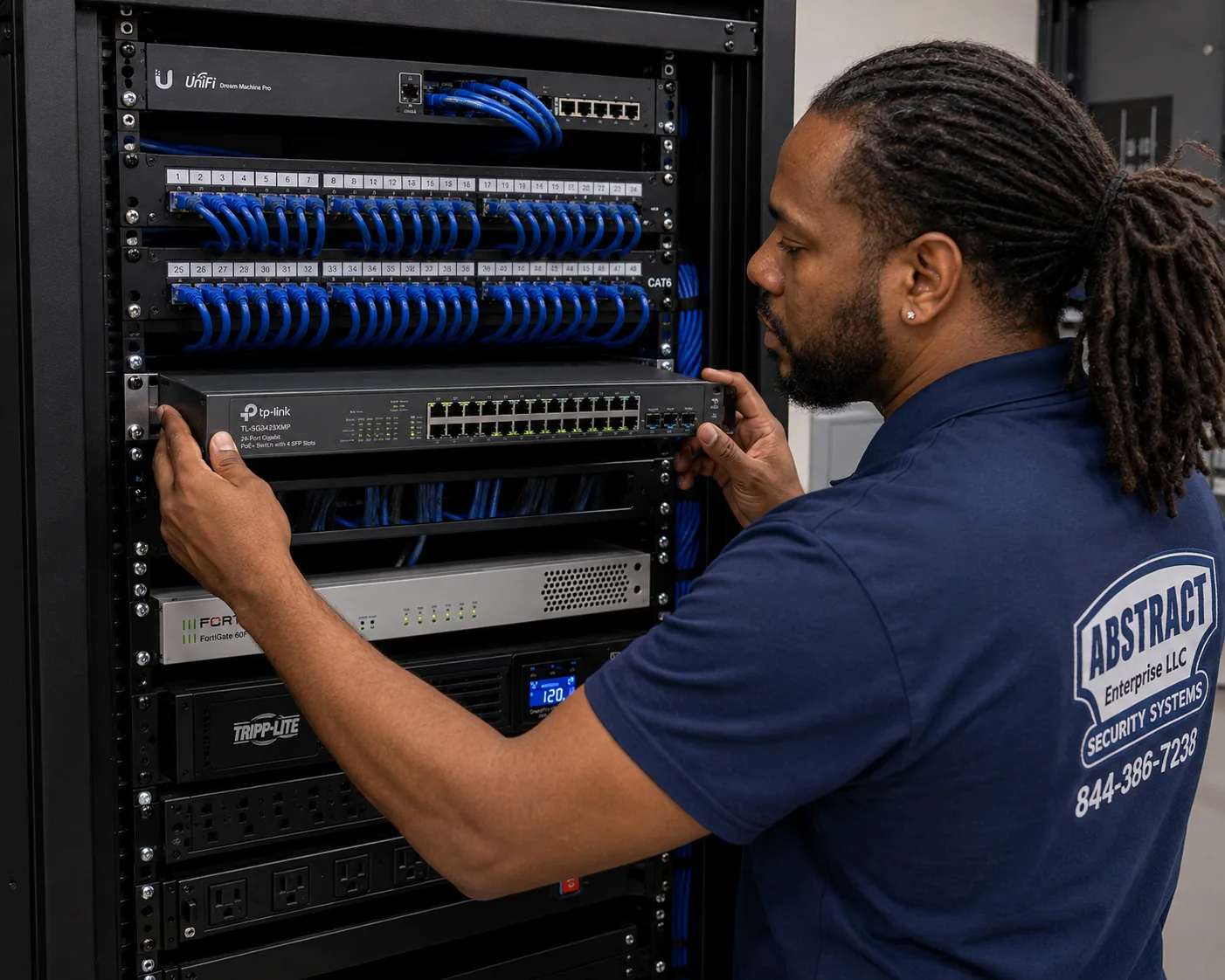
Coney Island, Brooklyn business display network: technician mounting a managed PoE switch below patch panels in a commercial network rack
A photo from our job library, not taken in Coney Island: a technician fitting a managed network switch under the patch panels of a commercial rack. A clinic on Neptune Avenue or a lounge in a new tower that wants its screens to play notices from the internet needs those screens on the network, and the equipment lives high in a rack, not on the floor of a back room in a building that has flooded before.
Your Questions Answered

TV Installation in Coney Island: Questions Answered

These are the situations Coney Island households and businesses describe when they call, grouped by the kind of building they come from. Each answer is the one we give on the phone.

Towers, boards and concrete

Our living room wall in a Trump Village co-op is the one that backs onto the public hallway. Is a corridor wall a sensible place for a heavy screen?

Often it is one of the better walls, because corridor walls in towers of that age are frequently masonry, and masonry holds a bracket well. The catch is what runs inside or along it: hallway walls can carry the building's own conduits, and some boards are stricter about drilling into a wall that faces common space. We scan the whole area first, confirm the material with a pilot hole, and if your office has a rule about corridor walls, we follow it or pick another wall with you.

There is a boxed-out column in the corner of our tower apartment, right where we want the TV. Can a bracket go on the column?

Usually not on the column itself if it is a structural concrete column, and not because it would not hold. Columns are heavily reinforced, so the chance of hitting steel is high, and many boards do not want anyone drilling into structure. The better answer is normally the flat wall beside the column, with a bracket that sets the screen far enough out to clear it, or a corner placement that uses the two walls on either side. We look at the photos and tell you which before we come.

Our co-op only allows drilling on weekdays during set hours. Can a full TV job fit inside that window?

Yes. A single TV on concrete takes most of the time in preparation and finishing, not in the drilling itself. We book the visit so the loud part happens early in the building's allowed window, and the cable work, the soundbar and the setup follow quietly afterward. Tell us the hours when you book, and we choose the arrival window to fit.

New buildings and ocean views

Our apartment at 1515 Surf has smart-home controls in the wall near where we want the TV. Will mounting the screen get in the way of them?

It can if the bracket lands on the same spot, so we find out first. We scan the wall and check for any switch, sensor, thermostat or data outlet inside the outline of the screen. If one is there, we move the screen a few inches or choose another wall; we do not move building equipment, because that belongs to the building and its management office. If you want the TV on the home network rather than Wi-Fi, we can use an existing data outlet behind the screen if there is one.

Our building's management wants a screen in the residents' lounge and another in the co-working room. How do you quote and schedule that?

We quote each screen from the Brooklyn list, add any soundbar or cover, and give the management office one written total. Then we book the work in the building's contractor hours, send the certificate of insurance naming the building and its managing agent, and plan around residents using the rooms. If the screens need to show the building's own notices or a feed from its network, tell us what system the building uses so the right inputs are ready.

Flood blocks and low floors

When a coastal flood warning goes out for the peninsula, what part of our TV setup should come off the floor first?

The power strip, then anything that plugs into it: the cable box, the router, the game console and the soundbar's subwoofer if it sits on the floor. The screen on the wall is the least of your worries. When we install in a ground-floor apartment or a low house, we set things up so most of that is already off the floor, and we show you the one plug to pull so you can switch everything off in seconds and leave.

Our basement den in a west-end house was rebuilt after Sandy. Should the TV go down there at all?

It can, with sensible choices. Put the screen at a normal viewing height on the wall, keep every device that plugs in on a shelf or behind the screen, and run the cords down from the TV rather than along the baseboard. If the only outlet is low on the wall, leave it where it is and use a short cord to the shelf; moving the outlet is work for a licensed electrician, not for us. And if the room still gets damp after heavy rain, a dehumidifier will do more for the TV than any bracket.

Sea Gate houses

We live behind the gate in Sea Gate. What do you need from us so the technician gets through on time?

Tell us how your gate handles visitors, whether that is a guest list, a call from the booth or a pass. Then give the officers our company name and the date of the visit. Our technicians arrive inside the two-hour window we give you, and a few minutes at the gate is already allowed for, but a name that is not on the list can cost more than that.

Our enclosed porch faces the water and we want to watch games out there. Is a regular TV a bad idea?

If the porch is fully enclosed with windows that close, a regular TV is usually fine, with a few precautions: corrosion-resistant hardware, the inputs pointing down, and the screen out of direct sun from the water side. If the porch is screened or open, salt air and damp get to the electronics, and an indoor TV is a poor bet there. We tell you which kind of space you have from the photos before you buy anything.

Walk-ups, shops and the season

Our apartment above a Mermaid Avenue store has only one long wall, and the storefront sign is bolted to the other side of it. Does that matter?

It can. A sign on the outside of a front wall is usually held by bolts or anchors that come partway into the masonry, and we do not want our anchors meeting theirs. We scan the area, ask the store or the landlord where the sign's fixings sit if we can, and set the bracket clear of them. On a brick front wall, the bracket itself is a straightforward job at the +$65 brick line.

Our boardwalk food stand closes from late fall to spring. Should the menu screens stay on the wall all winter?

If the stand is sealed, dry and the power is off at the breaker, they can stay. If the space gets damp or the front is not tight, take them down and store them somewhere dry; salt and moisture over a closed season are harder on a screen than a summer of use. Taking a TV down is $85 per screen on our list, and if the brackets stay up, the screens can go back on quickly before you reopen.

Our Surf Avenue shop pulls a roll-down gate at night, and the gate's housing takes up the top of the front wall inside. Where can a menu screen go?

Below the housing and clear of the gate's travel, or on a side wall facing the counter. We measure how far the gate comes down and how deep its housing sits before marking the screen, because a screen that is a few inches into the gate's path will eventually be hit. Customers read a menu best at counter height or just above, so a side wall is often the better spot anyway.

Our parents live in a Luna Park tower and want a bigger TV, but they do not want any holes in the wall. What are the options?

The stand setup for $119.99: the TV goes on its own stand or a sturdy console, the cables are tied neatly behind it, and the TV is set up with the channels and apps they use. For a tall stand or a household with visiting grandchildren, an anti-tip strap is worth discussing with the building, since it needs one small fixing. We can also program one simple remote so the TV, the cable box and the sound are all on the same buttons.

Equipment

Types of TV Mounts and Hardware We Install

Brackets are sold separately, or you can supply your own and we install it at the same labor price. The hardware we choose for a Coney Island job depends on the wall, the weight and the air the bracket lives in.

Fixed low-profile brackets

The screen sits close to the wall. The best choice on concrete and brick when the viewing position is straight on, because it puts the least leverage on the anchors.

Tilting brackets

A few degrees of downward tilt to cut reflections from tall ocean-side windows or ceiling lights, and to suit a screen that sits a little higher than eye level.

Full-motion arms

For corner placements, open-plan rooms in new towers and screens that need to turn toward a kitchen. More leverage, so more and larger anchors on masonry.

Masonry and hollow-wall anchors

Sleeve and wedge anchors for concrete and brick, hollow-masonry anchors for block, toggles for metal studs, and lag screws for wood studs in Sea Gate houses.

Soundbars and their brackets

Soundbars placed for $79 or wall-mounted under the screen for $129, aimed into the room so dialogue carries without the volume carrying through the floor.

Cord covers and in-wall kits

Paintable surface covers for $59 on concrete and brick; code-compliant in-wall power and cable kits for $169 on framed walls.

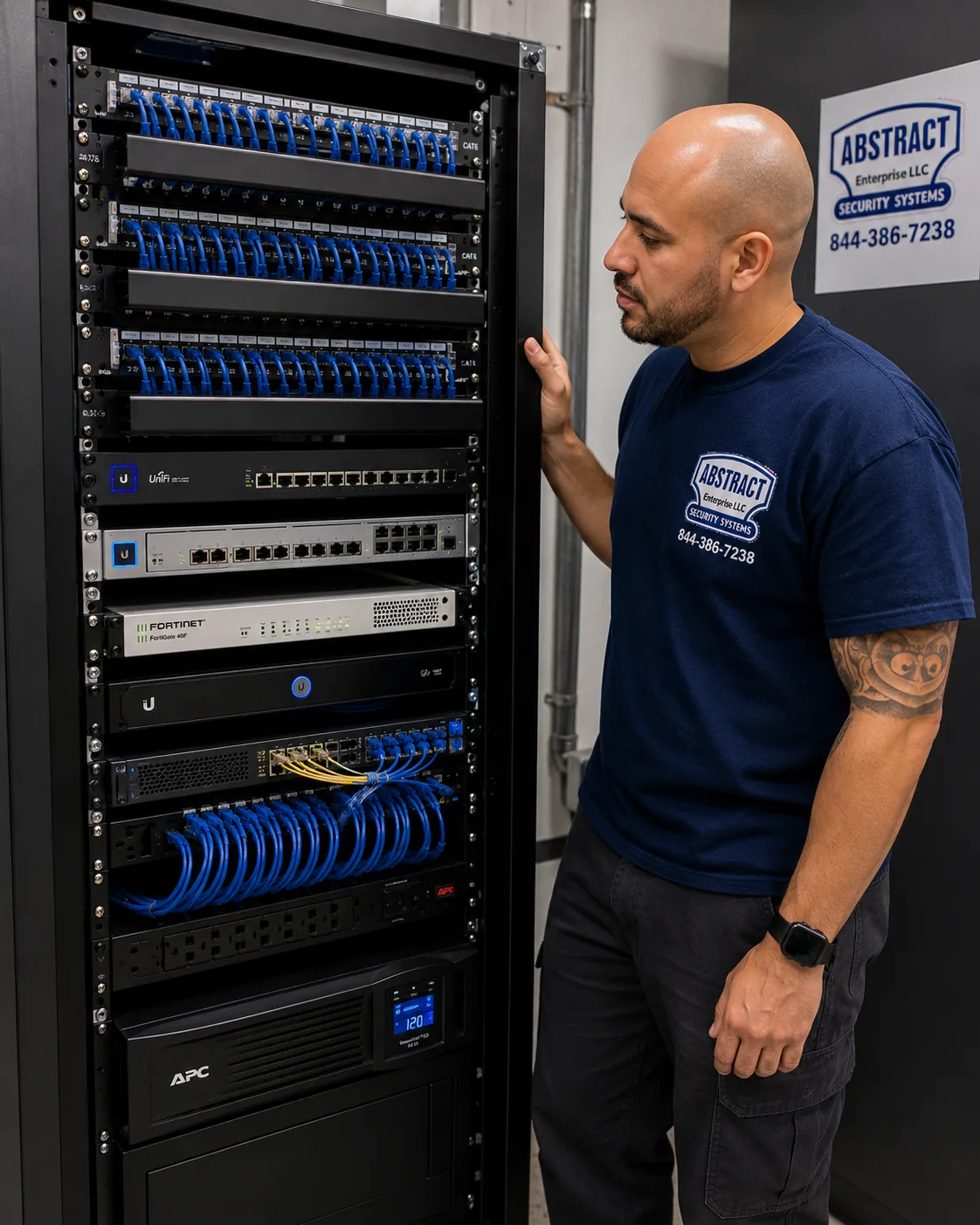
Coney Island, Brooklyn AV equipment install: network rack with patch panels, switching, a firewall and battery backup, all dressed and identified
A photo from our job library, not taken in Coney Island: a finished rack with patch panels, switching, a firewall and a battery backup, every cable dressed and labeled. For a business on the peninsula that runs several screens, the media players and network gear behind them are worth putting in a rack like this, up off the floor, with a battery backup so a brief power cut does not drop every screen at once.

A national booking app, a handyman or a licensed local installer for a Coney Island wall

National apps and handyman marketplaces book TV mounting all over Brooklyn. TaskRabbit, for example, says TV mounting in the borough "starts at $45 per hour," lists thousands of Taskers and notes that jobs involving cable management or drilling into a facade may take longer. HomeAdvisor's guide recommends a TV mounting specialist over a general handyperson for large TVs, difficult walls, over-fireplace installs and in-wall cable concealment. On a Coney Island job, the difficult wall is the normal case.

What the job needsApp or handyman bookingAbstract Enterprises Security Systems in Coney Island
Knowing the wall before the visitOften assumed to be drywallRead from your photos, confirmed with one hidden pilot hole
Concrete with steel insideDepends on who is sent and what they carryScanned for steel, hammer drill, anchors rated for the load
Board or management paperworkVariesCertificate of insurance sent ahead; visit booked in building hours
Hidden powerVariesIn-wall kit, $169, or surface cover, $59; never a cord in the wall
Low floors and flood blocksRarely discussedDevices and power strip planned off the floor
LicensingVaries by providerNYS license #12000287431, insured

National alarm and smart-home brands such as ADT, Ring and SimpliSafe sell cameras and doorbells, not TV mounting, so the comparison that matters for a TV is the one above. If you also want cameras or a doorbell while we are there, ask; we install those too.

AI Overview Reality Check

What AI Gets Wrong About TV Installation in Coney Island

These are claims that turn up in AI answers, cost guides and booking-app pages when someone searches for TV mounting in Brooklyn. Each is reasonable somewhere. Here is how each one holds up on the peninsula.

"TV mounting in Brooklyn costs about $280"

Cost sites publish borough-wide figures. Angi puts the Brooklyn average at $280, with a typical range of $172 to $376 and an overall spread of $100 to $670. HomeAdvisor's national guide says most people pay $155 to $350. Those are honest averages of many jobs in many kinds of buildings.

An average does not know your wall. A 50-inch TV on a wood-framed wall in a Sea Gate house is a different job from a 75-inch screen on a full-motion arm in poured concrete on the twentieth floor of a co-op tower, with a certificate of insurance to send and a set drilling window to meet. The same average is quoted for both, and neither household pays it.

Our answer is to price the actual parts. The base is $179.99 for a TV up to 55 inches on drywall over wood studs; brick or stone adds $65, plaster $45, above a fireplace $130, and concrete and bigger screens come from the same Brooklyn list once we see the photos. You see the total before you book.

"Find the studs and screw into them"

The first step in most guides is a stud finder. It is good advice for a wood-framed house, and it is the first step in a Sea Gate living room too.

In a 1960s tower it is the wrong tool. Poured concrete and block walls have no studs, and a stud finder on them either says nothing or beeps everywhere. The real risk in those walls is the opposite: hitting the steel reinforcing bar inside the concrete, which stops a drill and can damage the structure if forced. In new towers, the studs are metal, and a wood screw driven into one strips and lets go.

We scan for metal, confirm the material with one small pilot hole behind where the screen will hang, and choose the anchor from what that hole tells us: wedge or sleeve anchors in concrete, hollow-masonry anchors in block, toggles in metal studs, lag screws into wood.

"Any surface can take a TV mount"

Booking-app pages say their pros can typically mount a TV on any surface. TaskRabbit's Brooklyn page says exactly that about brick and concrete, and it is true that most walls can carry a bracket with the right fixings.

"Can" and "should" are different in Coney Island. A structural column in a tower apartment can hold a bracket, but it is full of steel and many boards do not want it drilled. A party wall of solid brick holds a bracket very well but cannot hide a cable. A wall of drywall glued over old masonry in a renovated rental looks like one surface and behaves like two.

So we talk about the wall you want and the wall you should use, and when they differ, we say so before anyone drills. Usually the fix is a few inches or the wall next to it.

"Hide the cords by pushing them through the wall"

Plenty of how-to answers suggest two holes, one behind the TV and one above the cabinet, with the power cord and HDMI fed through between them. It looks tidy and takes ten minutes.

It breaks the National Electrical Code, which bars flexible cords "where concealed by walls, floors, or ceilings," as Gizmodo's summary of section 400.8 quotes it. On top of that, most Coney Island tower walls are solid, so there is no hollow space to push anything through in the first place.

The legal options are a $169 in-wall power and cable kit on framed walls, which gives the TV its own inlet behind the screen, or a $59 paintable cord cover on concrete, block and brick. We do not do electrical work, so if you want a new outlet behind the screen, a licensed electrician installs it and we mount around it.

"Keep the cable box and router in the cabinet under the TV"

Generic setup guides put every device in a low media cabinet, with the power strip on the floor behind it. In most of Brooklyn that is fine.

On a ground floor or in a basement on a peninsula that took several feet of water in 2012, the lowest shelf is the first thing a flood reaches. Engineering News-Record's report from Coney Island that December described a restaurant whose ground floor took about four feet of water while the dining room one floor up was spared. A few feet of height is the whole difference.

On low floors we put the devices on a higher shelf, a wall bracket or the back of the TV, run the cords down from the screen, and show you the one plug to pull when a flood warning comes. It adds nothing to the price.

"Any TV is fine near the beach if the room is covered"

Some answers treat a porch, a roll-up storefront and a living room as the same, as long as there is a roof overhead.

Salt air is the difference. In a closed apartment it does little. On a screened porch in Sea Gate or behind a boardwalk counter that is open all day, it reaches bare steel brackets, screws and the inputs on the back of the TV, and over a season or two it shows. An indoor TV is not built for a space that is open to the weather.

We use corrosion-resistant hardware in those spaces, point the inputs down, keep the screen out of spray, and tell you plainly when a space is effectively outdoors and an ordinary TV does not belong there.

"Just check with your landlord first"

Most guides end with one line about asking the landlord or the homeowners' association. That covers a house with an owner downstairs.

In Coney Island, the approval can come from a co-op board, a managing agent with a contractor policy, NYCHA's lease and house rules, or a new building's management office with set hours and insurance limits. Brick Underground notes that alteration agreements differ from one building to the next, and Sea Gate adds a gate to get through before the front door.

We ask who decides, send the certificate of insurance before the visit, book inside the building's hours, and if the answer is no drilling, set the TV up on a stand instead.

Not Sure What Your Tower Wall Is Made Of? Ask Before You Buy the Bracket

If you do not know whether your wall is concrete, block, plaster or metal studs, or which bracket suits it, a two-minute call saves a wasted purchase. Send a photo of the wall, the TV's model sticker and a word about how the wall sounds when you knock, and a technician will tell you what to buy and what it costs to put up. Call now at (347) 934-8335, send a fast quote request, or send wall photos to a tech on WhatsApp. Same-day estimates are available on most weekdays.

Get In Touch

Request a Free Quote

Give us the cross streets, the kind of building, the floor, the TV size and what you know about the wall, and a technician will call back with the wall we expect, the add-ons that apply and the total on our Brooklyn list. If your co-op office or management company needs paperwork, say so here and we will send it before the visit. For anything urgent, call (347) 934-8335 right now.

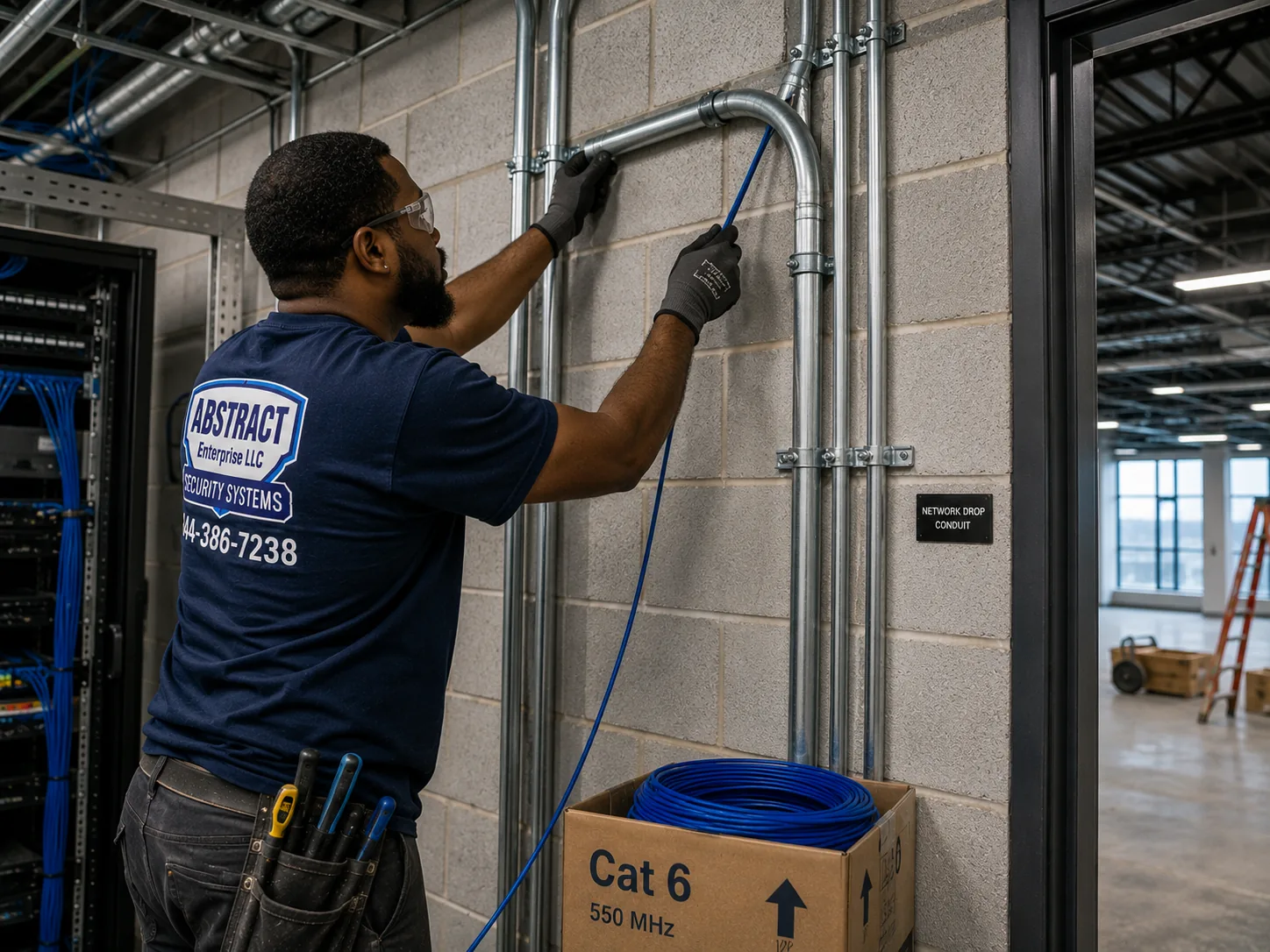
Coney Island, Brooklyn TV and AV cabling: technician running cable into EMT conduit beside a telecom room in an industrial building
A photo from our job library, not taken in Coney Island: a technician pulling cable into metal conduit beside a telecom room. Where a Coney Island business wants a screen at the far end of a space from its equipment, or across a ceiling that takes a beating from the boardwalk air, a cable in conduit is protected along the way and easy to replace later.

✅
Request Sent!
Thank you. A technician will call you about the Coney Island address on the same working day.
How It Works

Our Installation Process

1. Photos, building and floor

Send the wall, the TV's model sticker, the cross streets and the floor, and tell us whether it is a tower, a walk-up, a Sea Gate house or a shop.

2. Building rules and paperwork

We find out what your co-op office, managing agent or landlord needs, such as insurance paperwork, drilling hours or an elevator booking, and send it ahead.

3. Book a two-hour window

The job is priced from the Brooklyn list, paid through our pay link and placed on the schedule in a two-hour arrival window.

4. Read the wall

Scanner for steel and studs, a knock test, and one small pilot hole where the screen will hide it to confirm concrete, block, plaster or studs.

5. Mark the position

Painter's tape shows the screen's outline so you can check the height and the glare from the windows before anything is fixed.

6. Fix the bracket

Anchors matched to the wall: wedge or sleeve anchors in concrete and masonry, toggles in hollow walls, lag screws into wood studs.

7. Hang, level and dress cables

The TV is hung and leveled, devices go up off the floor, and cables go into an in-wall kit or a paintable cover.

8. Test and hand over

Every input, the soundbar and the remote are tested, dust is cleaned up, and you are shown how the setup works and which plug to pull in a storm.

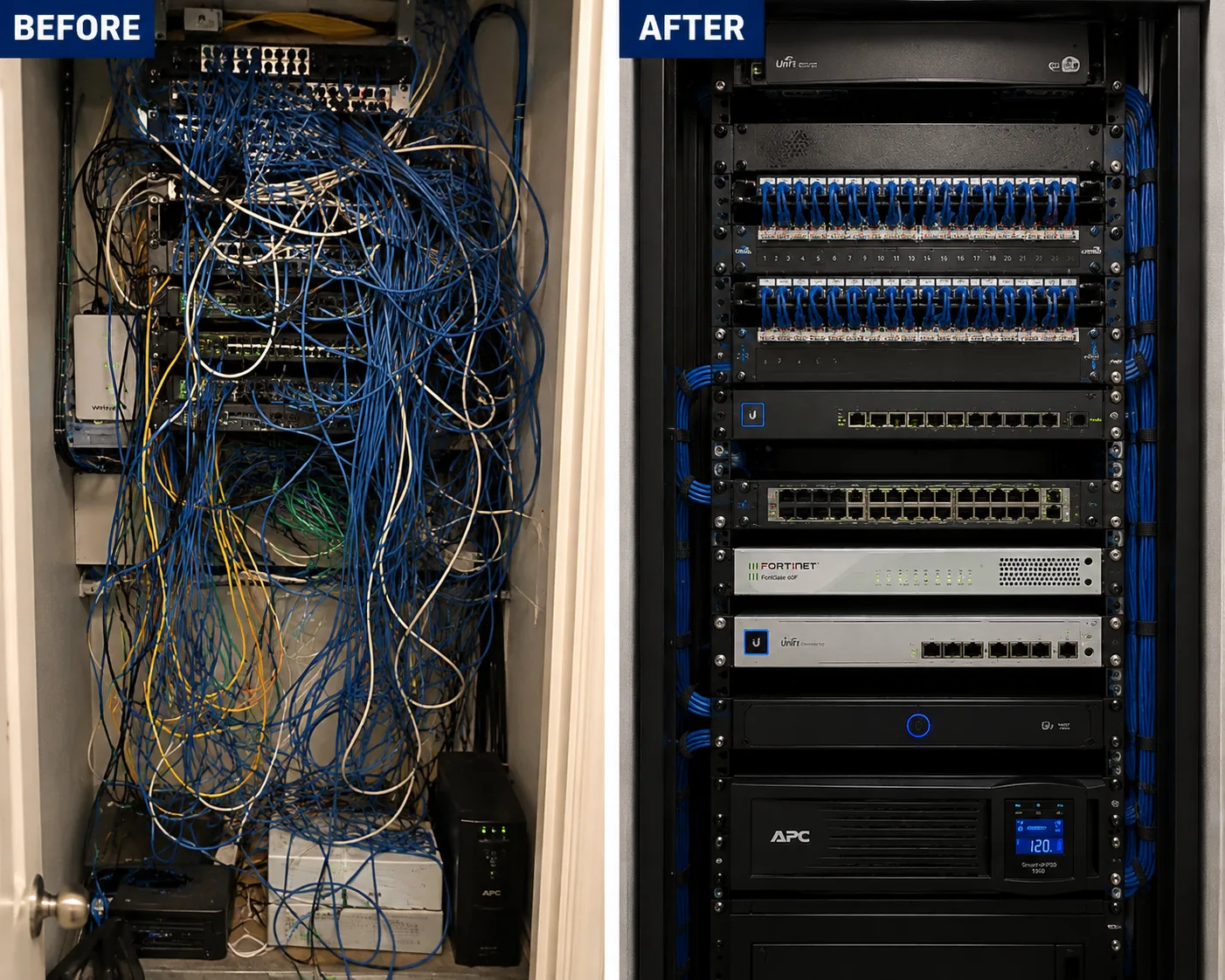
Coney Island, Brooklyn TV equipment cleanup: before and after views of a network rack, tangled and unlabelled on one side, dressed and identified on the other
A photo from our job library, not taken in Coney Island: a rack shown tangled and unlabeled on one side and dressed and identified on the other. The same before-and-after happens behind a lot of TVs on the peninsula, where years of added boxes leave a knot of cords on the floor; the last step of our process is to leave every cable labeled, tied and off the floor.
Coverage Area

TV Installation Near Coney Island's Landmarks

Shorecrest Towers

The two 23-story former Trump Village rental towers at 2940 and 3000 Ocean Parkway, gut renovated and renamed around 2015, with 880 apartments.

1515 Surf Avenue

LCOR's two-tower, all-electric rental with 463 apartments and a geothermal system, opened in September 2024 on the former Gargiulo's parking lot.

Luna Park Housing Corporation

The Mitchell-Lama co-op of about 1,600 apartments and more than 5,000 residents, for which $21 million in structural repairs, including a $15 million HPD grant, was committed in 2009.

Maimonides Park

Home of the Brooklyn Cyclones, which hosted a World Cup watch party for USA against Australia in June 2026; its parking lots are the site of the Coney Island West plan.

Ruth Bader Ginsburg Hospital

The new hospital on the former Coney Island Hospital campus, built with flood-resiliency measures funded by a $923 million FEMA grant.

Coney Island Library

The Brooklyn Public Library branch hit hardest by Sandy, closed for nearly a year during a $2 million renovation.

We also serve Brighton Beach, Bath Beach, Bensonhurst and Bay Ridge, along with Sea Gate at the western tip of the peninsula and Gravesend just across Coney Island Creek, all at the same Brooklyn rate.

Pricing

TV Installation Cost in Coney Island

Coney Island is billed at our Brooklyn rate, the same as every other Brooklyn neighborhood. The base covers a TV up to 55 inches on drywall over wood studs, with the bracket sold separately; each line below is added only if your job needs it. Concrete and block walls and screens larger than 55 inches are priced from the same Brooklyn list once we have your photos and the TV's model number, and you see that total before you book. Card payments carry a 3% card fee, shown as its own line.

ItemBrooklyn price
TV wall mount, up to 55", drywall on wood studs (bracket sold separately)$179.99
TV placed on its stand, no wall mount$119.99
Setup-only visit (smart TV, Wi-Fi, apps, devices)$195 first hour, then 30-minute blocks
Brick or stone wall+$65
Plaster wall+$45
Above-fireplace mounting+$130
In-wall concealment with code-compliant in-wall power and cable kit$169
Paintable cord cover$59
Soundbar wall-mounted / placed$129 / $79
Take down old TV$85

Two things are worth knowing about how this works in practice. First, the price you book is the price you pay unless the wall turns out to be a different material from the one we agreed, and if it does, the technician tells you before drilling, not after. Second, a job goes on the schedule once it is paid through our pay link, and the arrival time is a two-hour window that the technician keeps.

Full terms — including 50% deposit, one-year parts-only warranty on Abstract Enterprises Security Systems-supplied products, and the late-fee schedule — are set out in the service agreement.
Shop Our Systems

TV Installation Packages & Pricing

Three typical Coney Island jobs, added up from the list above so you can see how a total is built. Your own job is priced the same way, line by line.

Renter starter: $198.99

For a lease that does not allow fixtures, a NYCHA apartment or a household that expects to move: the TV set up on its own stand ($119.99) and a soundbar placed on the console ($79), with cables tied neatly and no holes in the wall.

Walk-up standard: $412.99

For an apartment above a Mermaid Avenue shop: a TV up to 55 inches on a plaster wall ($179.99 + $45), a paintable cord cover down to the cabinet ($59) and a soundbar mounted under the screen ($129).

Sea Gate premium: $647.99

For a house living room: the old TV taken down ($85), the new one mounted above the fireplace on a brick chimney breast ($179.99 + $130 + $65), a soundbar under it ($129) and a paintable cover for the cords ($59).

Bring your own equipment. If you already own a bracket, a soundbar or a cord cover, we install it at the same labor price, as long as the bracket is rated for your TV's weight and the wall it is going on. Send us the bracket's model number with your photos and we will check it before the visit. If it is not suitable for a concrete or masonry wall, we will tell you, and you can return it before the day.

Complete Services

Every TV Installation Service in Coney Island

Wall mounting

Concrete, block, brick, plaster, metal studs and wood. Request a quote

Cable concealment

In-wall kits and paintable cord covers. Ask about your wall

Sound and setup

Soundbars, smart TVs, apps and devices across the borough. Brooklyn TV installation

Booking terms

Payment, rescheduling and what is included. TV installation policies

FAQ

Coney Island TV Installation FAQ

Our TV is 50 inches and the wall is solid brick. Is the brick charge added on top of the base price?
+

Yes. The base for a TV up to 55 inches is $179.99 and solid brick or stone adds $65, so the mount comes to $244.99 before the bracket and any extras such as a soundbar or a cord cover. Brick holds a bracket very well when the anchors go into the bricks rather than the mortar joints, which is why we mark the joints before drilling.

How do I pay, and when does the job actually go on the schedule?
+

Once you agree the total, we send a secure pay link. The job goes on the schedule as soon as it is paid, in a two-hour arrival window. Card payments carry a 3% card fee shown as its own line, and Zelle is also accepted.

Do you bring the bracket, or should I buy one before the visit?
+

Either works. Brackets are sold separately from the installation, so we can supply one matched to your TV and wall, or you can buy your own and we install it at the same labor price. If you buy your own, send us its model number first so we can confirm it is rated for your TV and suits a concrete, brick or stud wall.

What happens if the wall turns out to be something different from what we expected?
+

The technician confirms the wall with one small pilot hole where the screen will hide it. If it is the material we agreed, the price stays as booked. If it is different, for example block where we expected drywall, he tells you and gives you the new total from the Brooklyn list before drilling any further, and you decide.

Can you take our old TV off the wall and put the new one up in a different room?
+

Yes. Taking down the old TV is $85, and the new mount in the other room is priced from the list for that wall. If you want the old TV mounted somewhere else too, that is priced as a second mount. We leave the old bracket on the wall or take it off, as you prefer.

We only need help setting up a new smart TV and the streaming apps. Do you do visits with no mounting?
+

Yes. A setup-only visit is $195 for the first hour and then billed in 30-minute blocks. It covers connecting the TV to Wi-Fi or a wired connection, signing in to the streaming apps, connecting the cable box, console and soundbar, and setting up the remote. Please have your account passwords ready.

Will you patch and paint the holes from a bracket we are taking down?
+

No. We do not patch or paint walls. We take the bracket down cleanly and leave the holes neat so a painter, a super or the landlord can fill them quickly. If you are moving out of a rental, it is worth checking what your lease says about restoring the wall before you book.

What should we have ready on the day of the installation?
+

Clear about six feet in front of the TV wall and move anything fragile off nearby shelves. Have the TV and bracket in the room, your streaming passwords handy, and tell the front desk or the gate that we are coming. If your building needs the elevator booked or padded, do that with the office ahead of time.

Can a soundbar be mounted under a TV on a concrete wall?
+

Yes. A soundbar mounted on the wall under the screen is $129, and on concrete it goes up on its own masonry anchors, set at the same time as the TV bracket so the drilling happens in one short burst. Its cable runs in the same paintable cover as the TV's cords.

Does the stand setup include tidying all the cords behind the TV?
+

Yes. The $119.99 stand setup includes putting the TV on its stand or console, connecting it, and tying the cables neatly behind it so nothing hangs loose. Devices and the power strip go up off the floor where the furniture allows, which matters on low floors in Coney Island.

Does the base price include connecting my cable box and streaming stick?
+

The base covers mounting the TV and connecting it to the devices you already have at the screen, such as a cable box or a streaming stick plugged into the TV. Signing in to apps, setting up Wi-Fi or programming a universal remote takes longer and is covered by the setup-only rate if you want it done.

Our new TV is bigger than 55 inches. How is it priced?
+

Send us the model number from the sticker on the back. Larger screens are priced from the same Brooklyn list by size, and very large screens get two technicians for the carry and the lift, which matters in a tower elevator or on walk-up stairs. You see the full total before you book.

More TV Installation near Coney Island

TV Installation Brooklyn NY · TV Installation NYC · TV Installation Manhattan NY · TV Installation Queens NY · TV Installation Bronx NY · TV Installation Staten Island NY · TV Installation Long Island NY · TV Installation Hudson Valley · TV Installation Nassau County NY · TV Installation Suffolk County NY · TV Installation Westchester County NY · TV Installation Rockland County NY · TV Installation Orange County NY · TV Installation Putnam County NY · TV Installation Dutchess County NY · TV Installation Ulster County NY

TV Installation Bath Beach Brooklyn | (347) 934-8335 · TV Installation Bay Ridge Brooklyn NY | Mounting & Setup · TV Installation Bedford Stuyvesant Brooklyn NY · TV Installation Bensonhurst Brooklyn NY | Wall Mounting · TV Installation Bergen Beach Brooklyn NY | Wall Mounting · TV Installation Beverley Square Brooklyn NY | Mounting · TV Installation Boerum Hill Brooklyn · TV Installation Borough Park Brooklyn NY | Abstract Enterprises Security Systems · TV Installation Brighton Beach Brooklyn NY | From $179.99 · TV Installation Brooklyn Chinatown, Brooklyn NY · TV Installation Brooklyn Heights, Brooklyn NY · TV Installation Brooklyn Navy Yard, Brooklyn NY · TV Installation Brownsville Brooklyn · TV Installation Bushwick Brooklyn NY | Plaster & Brick · TV Installation Cadman Plaza Brooklyn · TV Installation Canarsie Brooklyn · TV Installation Carroll Gardens Brooklyn · TV Installation City Line Brooklyn · TV Installation Clinton Hill Brooklyn · TV Installation Cobble Hill Brooklyn · TV Installation Columbia Street Waterfront Brooklyn NY · TV Installation Crown Heights Brooklyn NY | Wall Mounting · TV Installation Cypress Hills Brooklyn | (347) 934-8335 · TV Installation Ditmas Park Brooklyn NY | Mantels & Plaster

Other services in Coney Island

Intercom Installation Coney Island Brooklyn NY | Towers · Fire Alarm Installation Coney Island Brooklyn NY · Security Camera Repair Coney Island Brooklyn NY · Structured Cabling Installation Coney Island Brooklyn NY · Access Control Installation Coney Island Brooklyn NY · Security Camera Installation Coney Island Brooklyn NY · Door Buzzer Installation Coney Island Brooklyn NY · Alarm Installation Coney Island Brooklyn NY · Door Buzzer Repair Coney Island Brooklyn NY | Towers

Ready to Get the TV on the Wall in Coney Island?

Send a photo of the wall and the TV's model sticker with your cross streets and floor, and we will tell you what the wall is likely to be, what your building may ask for and what the job costs before anyone comes out. Whether it is a concrete wall on a high floor of a Neptune Avenue tower, a plaster wall above a Mermaid Avenue shop, a chimney breast in Sea Gate or a row of screens for a Surf Avenue counter, it is the same Brooklyn list and the same careful process. Call or text (347) 934-8335, message us on WhatsApp, or use the request form. Licensed under NYS license #12000287431, rated 4.7★ across 201 Google Reviews, and owner-operated since 2002.