What are you looking for?
About Us Contact Us Careers Get a Free Quote (800) 486-0943
Pick a service
โœ… Got Your Own System?
๐ŸŽฌ Home TheatreQuote ๐ŸŽถ AV SoundQuote ๐Ÿ”‘ Access ControlQuote
Now pick your area
Pick your area
Long Island
Hudson Valley
Services available
Pricing & Tools
Pick a service for pricing
๐Ÿšช Intercom Pricing ๐Ÿ”” Buzzer Repair Pricing
Calculators
๐Ÿ“น Camera System Calculator ๐Ÿšจ Alarm Calculator โšก Cabling Quote Builder โœ… Got Your Own System?
Select your area
Packages walking off a Bed-Stuy stoop, a Bay Ridge store that needs NDAA paperwork, or an old DVR in a Park Slope cellar that stopped recording? Brooklyn AVYCON camera line, same-day estimates: (347) 934-8335
Home โ€บ AVYCON Camera Installation NYC โ€บ Brooklyn
Brownstones ยท Limestone Rowhouses ยท Frame Houses ยท Walk-Ups ยท Co-ops ยท Storefront Corridors ยท Lofts and New Towers

AVYCON Camera
Installation in
Brooklyn

Wired, Not Wi-Fi ยท Recorder in the Cellar or the Closet ยท NDAA-Listed Cameras ยท Brooklyn Rate

Brooklyn is a borough of brick. A brownstone in Fort Greene, a limestone row on a Crown Heights side street, a frame Victorian in Flatbush, a six-story walk-up on Ocean Avenue and a converted factory in Williamsburg all have one thing in common: thick walls that eat Wi-Fi signals and make battery cameras drop out just when someone is on the stoop. AVYCON is a professional camera brand built for the other approach, cameras that run on a cable back to a recorder you own, with no monthly cloud fee required. Its IP line runs on PoE over a single Cat6 cable, and its HD analog line can reuse the coax an older system left behind. This page explains how we route that cable through Brooklyn buildings without wrecking a facade, which AVYCON cameras suit a stoop, a backyard, a lobby or a shop counter, what the Landmarks Preservation Commission, a landlord or a co-op board may ask for, and what an AVYCON system costs on our Brooklyn list today, from $345 per camera installed.

Reviewed and updated November 11, 2026, against AVYCON's specification sheets for the AVC-NDE81F28 turret, the AVC-NPE81F180 panoramic turret and the AVC-VHN81FLT/2.8 dome; AVYCON's support FAQ and its NDAA Section 889 statement; ADI's listing for the AVK-NS81E6-4T kit; the NYC Landmarks Preservation Commission Permit Guidebook, Chapter 11, on security cameras; Brownstoner's 2025 report on Brooklyn's newest historic districts and its forum thread on brownstone cameras; News 12 Brooklyn on porch theft in Mill Basin and a lobby package theft at 240 Crown Street; the New York City Council's October 8, 2026 release on small-business security funding; SDM Magazine on the New York retail security tax credit; and FOX 5 New York on the NYPD camera-sharing pilot. ยท Abstract Enterprises Security Systems, NYS license #12000287431 ยท crews dispatched from our Troy Avenue office in Brooklyn
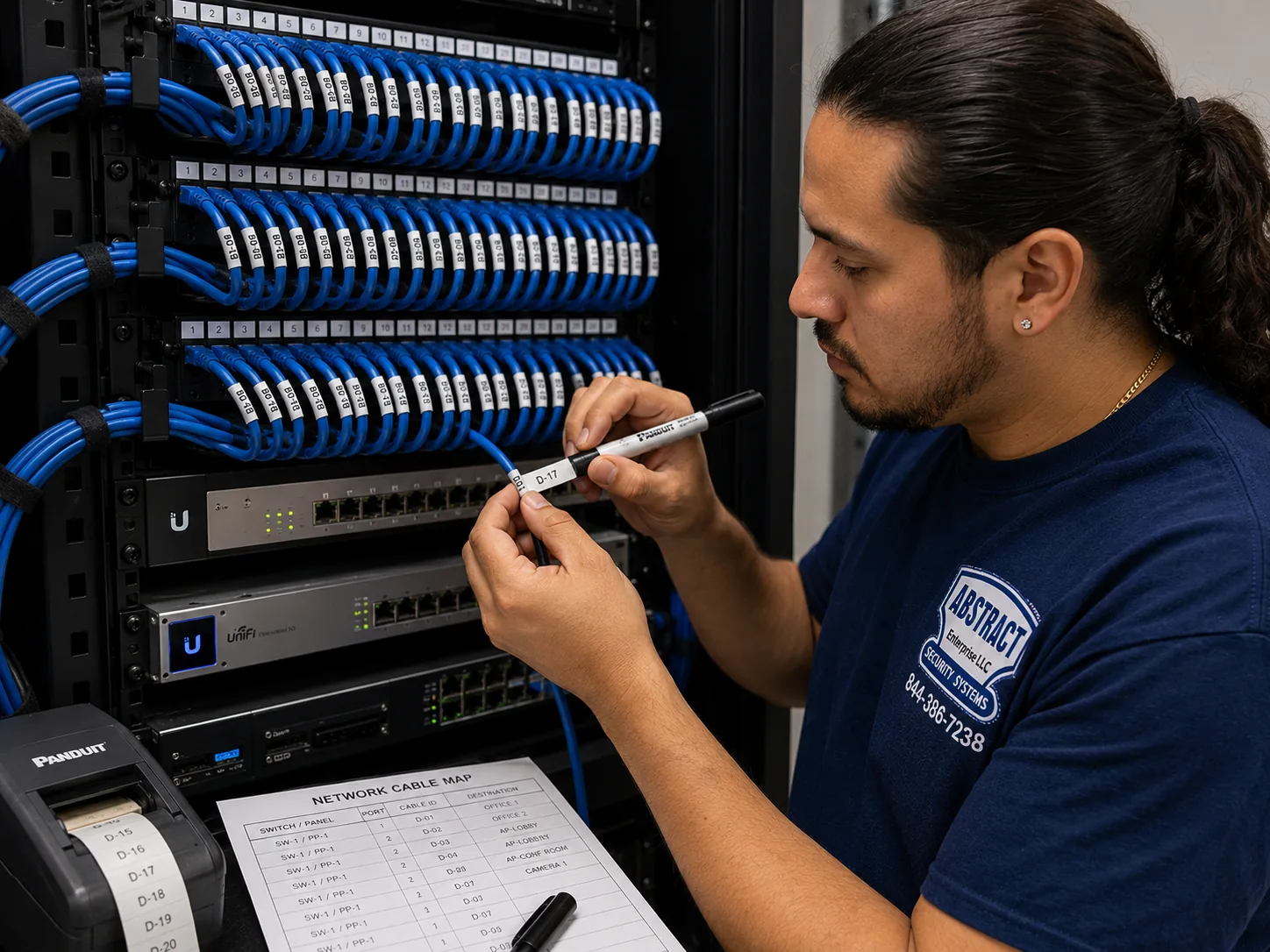
Brooklyn AVYCON camera installation: technician printing cable labels at a patch panel beside a printed port map
A photo from the AESS job library, not taken in Brooklyn: a technician printing labels for cables at a patch panel, with the printed port map taped beside it. Every AVYCON system we put into a Brooklyn brownstone, walk-up or shop ends the same way, with each cable labeled for the camera it feeds, so the next person who opens the cellar closet knows which wire is the stoop and which is the yard.
Brooklyn AVYCON Camera Request
House, walk-up, co-op, condo or store: tell us the cross streets and what you want to see, and a technician calls back with the total

โœ…
Request Sent!
Thank you. A technician will call you about the Brooklyn address on the same working day.
25+
Years Experience
โœ“
Same-Day Estimates
100%
Licensed & Insured
4.7โ˜…
201 Google Reviews

Five photos let us price most Brooklyn AVYCON jobs before anyone rings your bell. Take the front of the building from across the street, so we can see the stoop, the door, the cornice and anything already bolted to the brick. Take the back, from the yard or a back window, so we can see the fence line, the garden door and the fire escape if there is one. Take the cellar or basement ceiling, because in most Brooklyn houses that ceiling is the highway every camera cable will travel along. Take the place where the internet router lives, since the recorder needs a cable to it. And take any old camera or recorder you already have, front and back, with the labels showing. If you rent, or the building is a co-op or condo, tell us who manages it. Send everything with your cross streets to (347) 934-8335 or on WhatsApp, and you will usually hear back the same day with the AVYCON cameras we would use, where the recorder would go, how the cable would travel, and the total on our Brooklyn list.

  • Reviewing your photos and answering questions costs nothing. The price you book is the price you pay unless a wall turns out to be something other than what the photos showed, and if that happens we tell you before drilling, not after.
  • All camera work in New York State is licensed work. Ours falls under NYS license #12000287431, and a certificate of insurance for a managing agent, co-op board or landlord is provided free.
  • If the house is in one of Brooklyn's historic districts, mention it. It changes where cameras can go on the front and how the cable is allowed to reach them, and it is far easier to plan around before the visit than during it.
The Borough

Why Brooklyn Owners Pick a Wired AVYCON System

Most people who call us about cameras in Brooklyn have already tried something else. A doorbell camera that misses half the people on the stoop because the router is three floors up behind two brick party walls. A pair of battery cameras in the yard that needed charging every few weeks and went dark in the first cold snap. A cheap kit from a big-box store with a recorder that nobody can log into since the person who set it up moved out. The reason they end up asking about AVYCON is simple: they want a system that records all the time, keeps the footage in the house, and does not depend on a Wi-Fi signal getting through a wall that was built to hold up the house next door.

That is exactly what an AVYCON recorder and wired cameras do. On the IP side, each camera gets one Cat6 cable. That single cable carries power and video, so there is no outlet needed at the camera and nothing to recharge. The other end lands on the recorder, which writes everything to a hard drive in your cellar, your hall closet or your back office. When the drive fills, AVYCON's own documentation says the system automatically overwrites the oldest video, so it never simply stops. You watch it from your phone through the AVYCON ONE app, from a computer with AVYCON's CMSONE software, or from a monitor plugged straight into the recorder, which is how a lot of Brooklyn shop owners keep an eye on the floor from behind the counter.

The brick problem is not something we made up to sell cable. On Brownstoner's long-running forum, the owner of a four-story brownstone asked whether to go wired or wireless, and the experienced answer was that even the best wireless systems are spotty in older brick buildings. The same thread recommended either PoE or the older coax-and-power approach, warned against the quick setups that open ports on your router, and suggested keeping a copy of the footage locally rather than relying only on a cloud. That advice is a decade old and it is still right. AVYCON gives us both cable routes. Its IP cameras run on PoE, and its HD analog cameras run over coax, which matters in Brooklyn because many houses here already have coax snaking through the cellar from a camera system or a cable TV install from years ago.

Then there is the reason most people start looking in the first place: things go missing from stoops and lobbies. News 12 Brooklyn reported in December 2024 that residents of Mill Basin were sending their deliveries to a shipping store instead of their homes because of porch theft, and one of them said the thieves he had on video would walk up, look at the camera and put their heads down. In August 2025 the same station showed building video from 240 Crown Street in Crown Heights, where a man with a child in a stroller got a resident to open the front door, checked that the lobby was empty and took two packages from the pile on the floor. Both stories make the same point about camera placement. A camera that only looks down from high above the door gets the top of a hood. A camera at the right height inside the vestibule, aimed at the face of someone coming through the inner door, gets something the police can use. Planning those angles is most of what a good install is.

Finally, AVYCON fits the buyers who need paperwork. The company says its compliant products are made and substantially transformed in the United States, South Korea or Vietnam, use approved chipsets, and contain no system-on-chip from the vendors named in Section 889 of the National Defense Authorization Act, which include Hikvision and Dahua. If you run a daycare, a medical office, a nonprofit with a grant, a contractor's yard that works for a public agency, or a co-op whose insurer has started asking questions, that matters. We check each model against AVYCON's current listing before it goes on a quote and we keep the spec sheets with your paperwork.

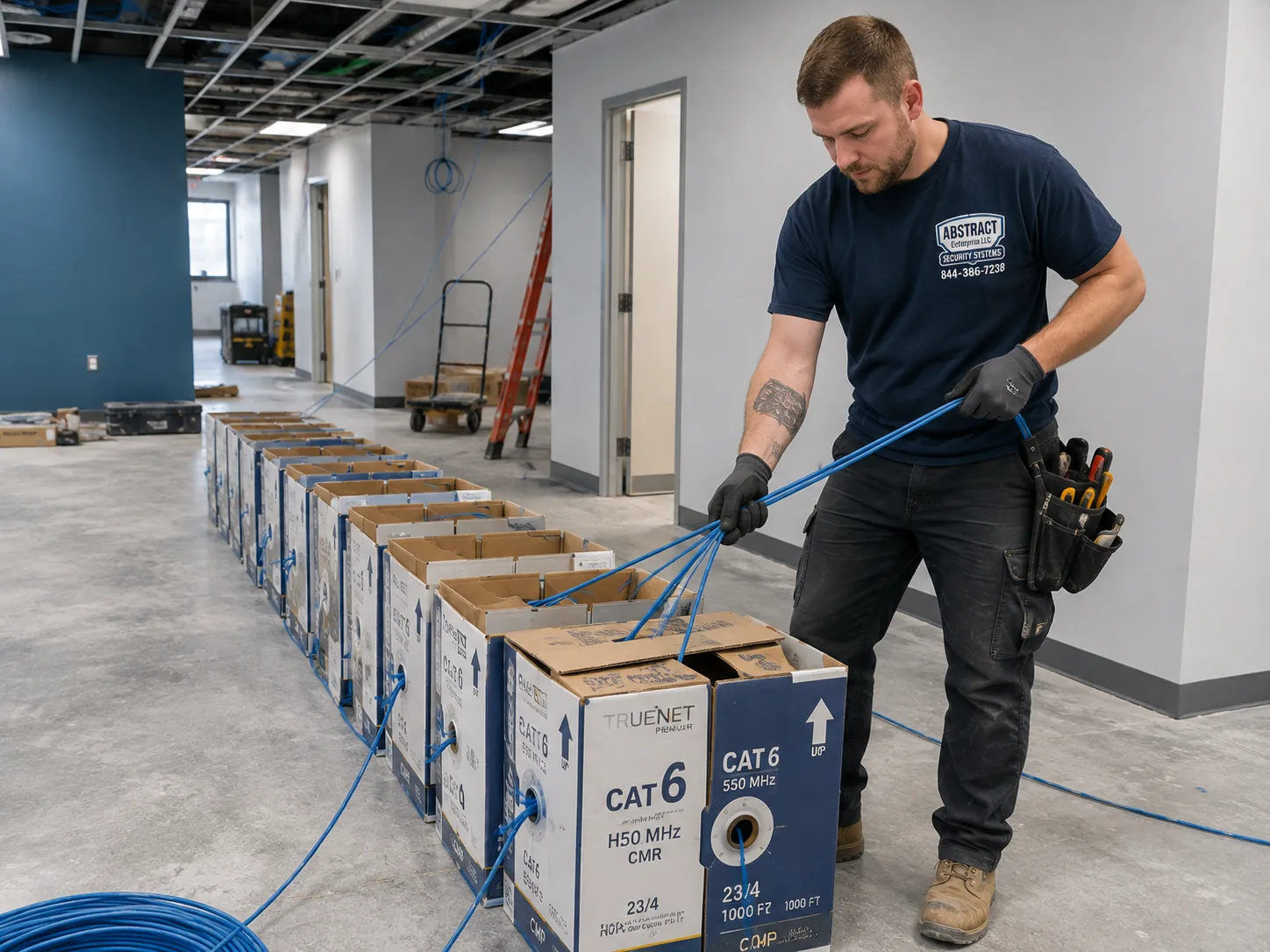
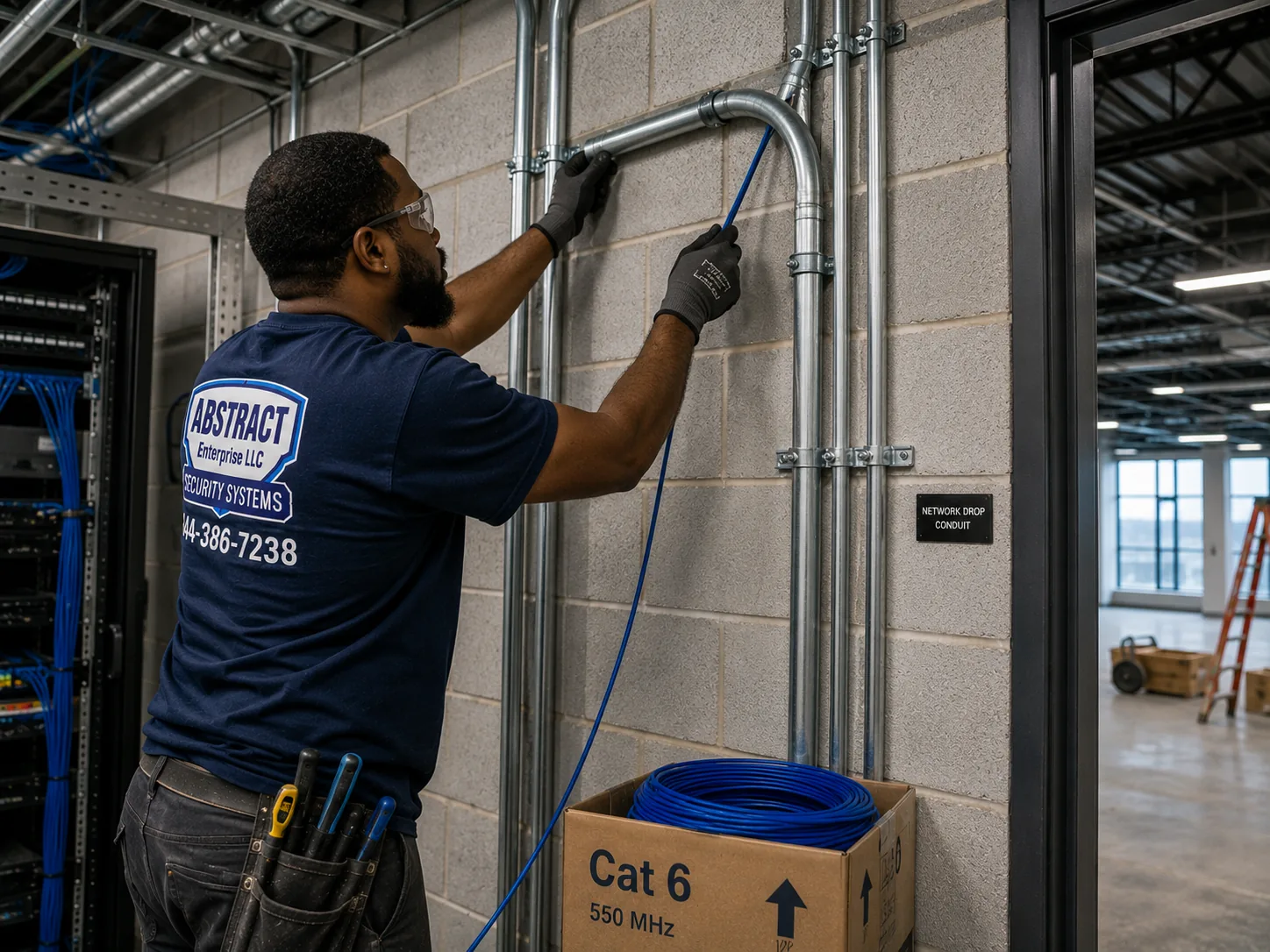
Brooklyn AVYCON camera installation: boxes of network cable staged on a working premises before a multi-camera pull
A photo from the AESS job library, not taken in Brooklyn: boxes of cable staged on a working premises before a multi-drop pull. On a Brooklyn job the boxes usually sit at the bottom of the cellar stairs, because in a brownstone or a two-family the cable for every camera, front and back, starts its trip from the cellar ceiling.
Repairs and Rescues

Brooklyn AVYCON Trouble: A Dead Drive, a Blank App, or a Recorder Nobody Can Log Into

Not every call is a new system. A good share of the AVYCON work we do in Brooklyn is on recorders someone else installed, sometimes years ago, sometimes for a previous owner. The problems repeat, and most of them are fixable without replacing cameras that still work.

The app says the device is offline

The phone app reaches the recorder over your internet connection, so the first suspects are the boring ones: a new router from the internet provider, a changed Wi-Fi name, a recorder that was moved and plugged into a different port, or a modem swap after an outage. AVYCON's documentation adds the recorder to the app by scanning a QR code from the recorder's system information screen, and when a router changes, that link frequently has to be made again. We check the recorder's network settings from a monitor and mouse, confirm it can reach the internet, re-add it to every phone that needs it, and write down what we did so the next router swap does not leave you blind again.

Nobody knows the password

This one comes up on almost every house sale in Brooklyn. The seller's installer set the admin password, the seller never wrote it down, and the buyer has a recorder full of footage they cannot open. AVYCON's FAQ is clear that its cameras and recorders ship with no default password at all, which is good security but means there is no factory login to fall back on. AVYCON publishes separate reset procedures for recorders and cameras, and a factory reset on the recorder clears its settings. We do resets only for the owner of the equipment, we set a new strong password with you in the room, and we put it on the handover sheet that stays with the house.

Recording stopped weeks ago

A recorder that is powered on and showing live video can still have a dead hard drive. People find out when they need footage and the playback search comes up empty. Drives wear out, especially in a cellar that gets damp in August or a closet where the recorder shares a shelf with the boiler controls. We check the drive status, replace the drive if it has failed, size the new one so you keep at least two weeks of recording as on our price list, and move the recorder somewhere cooler if heat is what killed it.

A camera went dark after a storm or a repair

On a PoE system one cable is both power and video, so a single black screen almost always means that cable, its connector, or the port it lands on. In Brooklyn the usual culprits are a roofer who moved a cable to get at the flashing, a contractor who cut through a cellar ceiling during a renovation, water in a connector on the back of the house, or a squirrel. We test the run, re-terminate or replace the bad section, and if the cable route itself is the weak point, we move it.

An old analog system on coax

Plenty of Brooklyn houses and stores still have an analog camera system from fifteen or twenty years ago with coax running to each camera. You do not always need to rip that out. AVYCON's HD analog cameras work over coax, and the four-channel DVR on our Brooklyn list takes them along with two IP cameras. If the old coax tests good, we can often reuse it, which saves labor and keeps holes out of finished walls. If it does not, we tell you, and we price new Cat6 instead.

What We Do

AVYCON Camera Services Across Brooklyn

New AVYCON IP systems

PoE cameras on Cat6 with an AVYCON NVR, sized for two weeks of recording or more, set up on every phone in the house.

HD over existing coax

AVYCON HD analog cameras and a DVR that reuse good coax from an older system, so finished walls stay closed.

Lobby, hallway and package-room coverage

Vestibule, mail area and stair-hall cameras for walk-ups, co-ops and condos, placed to show corridors and doors, not inside apartments.

Storefront and restaurant systems

Register, door, stockroom and sidewalk views for shops on Brooklyn's commercial avenues, with a monitor behind the counter.

Recorder replacement and upgrades

New recorder and drive for an existing camera set, with ONVIF cameras from other brands added where they support it.

Repairs and app recovery

Dead drives, lost passwords, offline apps, dark cameras and damaged cable runs on AVYCON systems we did not install.

Every one of these services starts from the same idea. A camera system is only as good as its worst cable, so we plan the cable before we talk about cameras. In a house, that means finding the path from the recorder to every camera. In a multi-family building, it means finding a path that does not cross a tenant's apartment or a shaft the building does not want opened. In a store, it means keeping the recorder away from the register and out of reach of anyone who walks into the back.

We also install AVYCON cameras one at a time when that is all you need. AVYCON's documentation notes that a standalone camera can be powered by a PoE switch and added by IP address in its software or app, and that standalone cameras need a microSD card for storage and playback. That works for a single camera over a back door or in a garage, but for most Brooklyn properties a recorder is the better buy because it keeps every camera's footage in one searchable place.

If you already have a few good cameras from another brand, ask. AVYCON says its recorders can add third-party cameras that support the ONVIF standard, and that ONVIF is switched on by default on AVYCON's own cameras, so they can also work with other recorders. In practice some third-party cameras need ONVIF turned on in their own settings first, and not every feature crosses over. We test before we promise.

Building Specialists

AVYCON Cameras for Brooklyn's Building Types

Seven kinds of building make up nearly every AVYCON call we take in Brooklyn. They differ in what the walls are made of, where a recorder can live, how cable gets from the inside to the outside, and who besides you gets a say. Knowing which one you have tells us most of what the job will involve before we arrive.

The brownstone or brick rowhouse

Three or four stories on a cellar, party walls on both sides, a stoop at the front and a yard at the back. Found across Park Slope, Fort Greene, Clinton Hill, Bedford-Stuyvesant, Cobble Hill and Boerum Hill.

The limestone row

Two- and three-story limestone fronts on the side streets of Crown Heights, Bed-Stuy and Bay Ridge, with carved bays and very little plain surface to mount on.

The frame Victorian

Freestanding wood houses with porches and driveways in Flatbush, Ditmas Park, Prospect Park South and Midwood, where cameras can reach all four sides.

The two- or three-family

Brick or siding houses in Bensonhurst, Dyker Heights, Canarsie, East Flatbush and Sheepshead Bay, often with an owner downstairs and tenants above.

The walk-up apartment building

Four- to six-story buildings on avenues like Ocean Avenue, Eastern Parkway's side streets and Bushwick's grid, with a vestibule, a mail area and a single stair.

The co-op or condo

Prewar elevator co-ops and newer condos where a board or managing agent controls the lobby, the roof and the cable routes between them.

The storefront, loft or yard

Shops under apartments on the commercial avenues, converted factories in Williamsburg, Greenpoint and Gowanus, and the yards and warehouses of Red Hook, East New York and Sunset Park.

The brownstone: the cellar ceiling is the cable highway

In a brownstone, the place to put the AVYCON recorder is almost always the cellar or the garden level, near where the internet service comes in. From there, the front camera cable runs along the cellar ceiling to the front wall and comes out under the stoop or through the areaway, where it can climb up to a camera mounted under the stoop's landing or beside the parlor-floor door. The back camera cable runs to the back wall and out to the yard. Neither route needs to touch a finished room upstairs. Where a camera has to go higher, for example to cover the sidewalk from the second floor, we look for a path inside a closet or along an old dumbwaiter or chimney chase before we ever consider an exterior run. Because brownstone fronts are sandstone over brick, we drill through mortar joints rather than the stone itself, which is also what the Landmarks Preservation Commission asks for in a historic district.

The limestone row: small cameras, few spots

Limestone fronts are beautiful and difficult. The carved surfaces, bowed bays and rusticated bases leave few flat places that are not decorative, and a camera bolted into carving looks wrong and damages stone that cannot be replaced. On these houses we usually put the front camera inside the vestibule, looking out through the glass of the outer door, or tucked under the stoop, and we choose a small turret in a color close to the stone. AVYCON's 2.8 millimeter turrets give a wide view from a short distance, which is what a narrow Brooklyn stoop needs.

The frame Victorian: four sides and a driveway

Flatbush and Ditmas Park houses are the one Brooklyn building type where you can see a camera's whole circle. Porches, side driveways, detached garages and deep backyards give a lot to cover. Wood framing also makes cable easier, since we can often fish through the attic and down a wall cavity. The trade-off is distance: a driveway camera might need to read a plate forty or fifty feet away, and an AVYCON camera with a narrower lens may make more sense there than a wide-angle turret, because a wide view spreads the same pixels over far more ground. These neighborhoods are also where Brooklyn's newest historic districts are. Brownstoner reported that the Landmarks Preservation Commission designated the Beverley Square West and Ditmas Park West historic districts in November 2025, together covering 245 houses, which brought the Flatbush area to five historic districts. If your house is in one, the front-facade rules below apply.

The two- or three-family: whose camera is it

When an owner lives on the ground floor and rents the floors above, the camera system is the owner's, but the front door and the hallway are shared. We usually put the recorder in the owner's space, cover the shared front door, the mailboxes and the back gate, and keep cameras pointed at the common entry rather than at tenants' apartment doors. If a tenant wants to see who is at the front door, we look at whether your recorder model can give a separate login limited to that one view, and we confirm it on the recorder itself before promising it, so the person upstairs sees the stoop and nothing else.

The walk-up: one stair, many doors

A walk-up has no elevator shaft and often no spare conduit, and the owner rarely wants surface wiring in the hallways. The trick is usually the stair itself: a cable can rise inside the stair hall's corner, behind a molding, or through a closet on each landing, and a single PoE camera on each floor's landing covers the corridor. In the vestibule, the camera goes where it sees the face of someone opening the inner door, which is exactly the moment the Crown Street video captured.

The co-op or condo: the board writes the rules

In a co-op or condo, the lobby, the hallways, the roof and the cellar belong to the building, and so do the decisions about cameras in them. Boards and managing agents typically want a written scope, a certificate of insurance, the license number, product sheets, and a plan for who can see the footage. We provide all of that up front. Inside your own unit, the same building rules apply to drilling, so we confirm what your alteration agreement allows before the visit.

The storefront, loft or yard: business first

A shop under apartments on Fifth Avenue in Bay Ridge, Flatbush Avenue, Kings Highway, Nostrand Avenue or Knickerbocker Avenue has a different set of needs: a clear view of the register and the door, a camera in the stockroom, and something watching the sidewalk gate after the shutter comes down. Lofts and warehouses add long runs and high ceilings. Yards add distance and weather. For all of them, we put the recorder somewhere locked and out of reach, because the first thing a thief does when he sees cameras is look for the box.

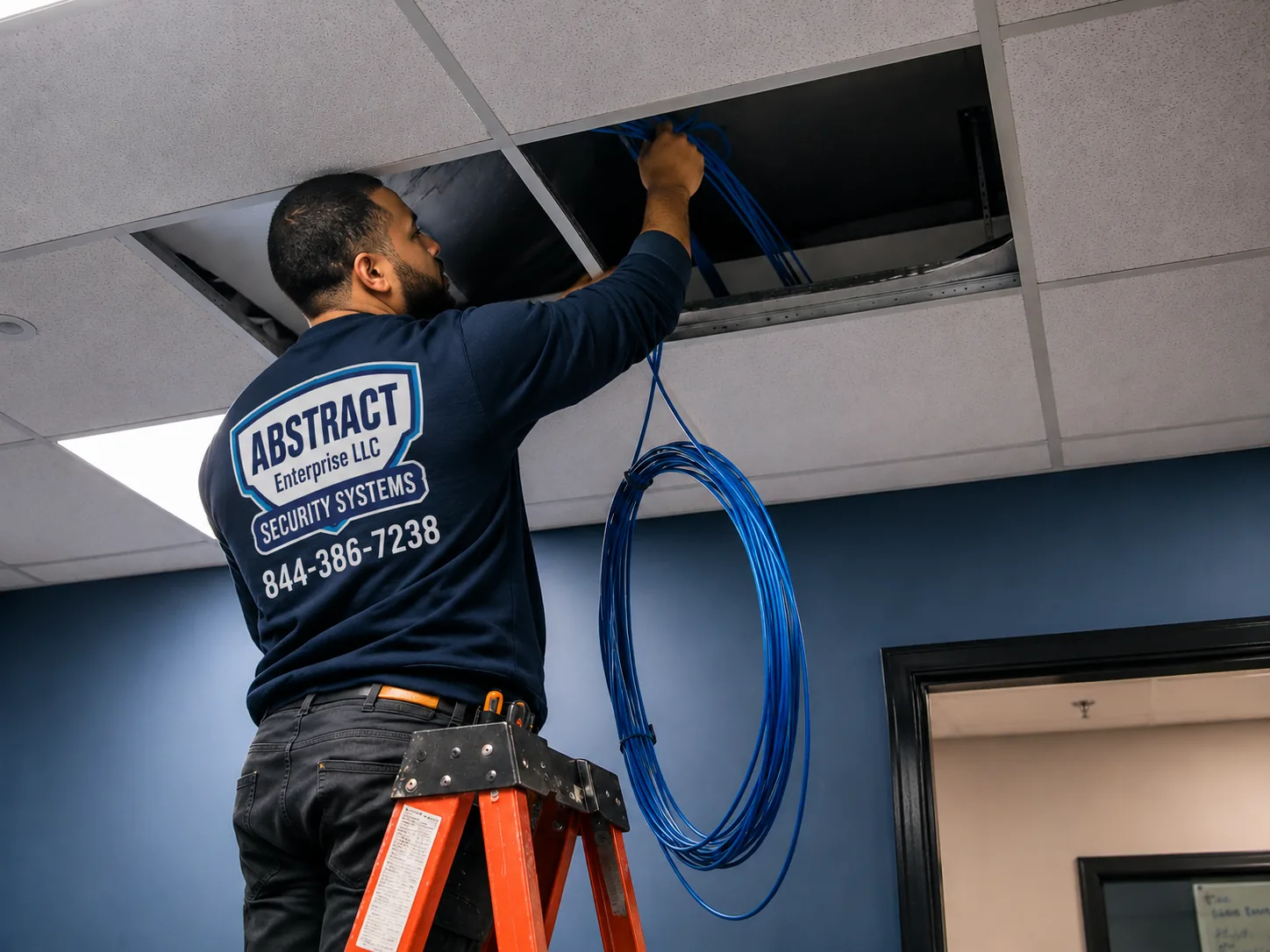
Brooklyn AVYCON camera installation: technician feeding cable through a ceiling in an occupied commercial space
A photo from the AESS job library, not taken in Brooklyn: a technician feeding cable through a ceiling in a commercial space that is open for business. In a Brooklyn store under apartments, this is how a register camera and a stockroom camera get wired without closing the shop, through the ceiling above the sales floor and back to a locked recorder.
Field Notes

Field Notes: The First Half Hour at a Brooklyn AVYCON Job

People sometimes expect the technician to start drilling as soon as the ladder comes off the van. On a well-run camera job, the first half hour has no drilling at all. Here is what our crews actually do when they arrive at a Brooklyn address, and why each step saves time later.

They stand across the street. Before going in, the technician looks at the front from the opposite sidewalk, the way a stranger would. Where would someone stand to read the house numbers? Where does a delivery driver leave a box? Which side of the stoop is in shadow at night? Is there a street tree that will fill with leaves by June and block a camera that sees perfectly in November? On a lot of Brooklyn blocks the London plane trees decide where the front camera can go.

They go down to the cellar. In a rowhouse or two-family, the cellar tells us how the house was built and how hard the job will be. Exposed joists mean easy cable runs. A finished basement ceiling means we look for access panels, a soffit or a closet. Old knob-and-tube wiring, active leaks or a boiler sharing the only free wall change where the recorder can safely live. We also look for coax from an older system, because good coax may save you money.

They find the internet. The recorder needs a cable to your router, and the router is rarely where it should be. In many Brooklyn houses the internet comes in at the front of the cellar and the router sits on the parlor floor, so we plan a single Cat6 between them or put the recorder upstairs and bring the camera cables to it.

They hold a camera up. Before we commit to a mounting spot, we hold a camera or a phone with a similar lens at the spot and look at the picture with you. That two-minute check catches most of the problems people find only after an install: a view that is mostly sky, a door frame that blocks half the stoop, a streetlight that will blind the lens at night.

They count watts. Every PoE camera draws a little power from the recorder or switch. AVYCON's spec sheets put an 8MP turret like the AVC-NDE81F28 at a maximum of 7.1 watts on PoE and the 180-degree AVC-NPE81F180 at a maximum of 12 watts. Most recorders have a total PoE budget, and cameras with white-light deterrence, speakers or heaters draw more. We add it up before choosing the recorder so nothing browns out on a cold night.

They agree the route out loud. Finally, the technician walks you through every cable: from here, along there, out through that joint, up to this camera. If something on the route surprises you, a molding you love or a closet you did not want opened, this is when we change it. Then the drilling starts.

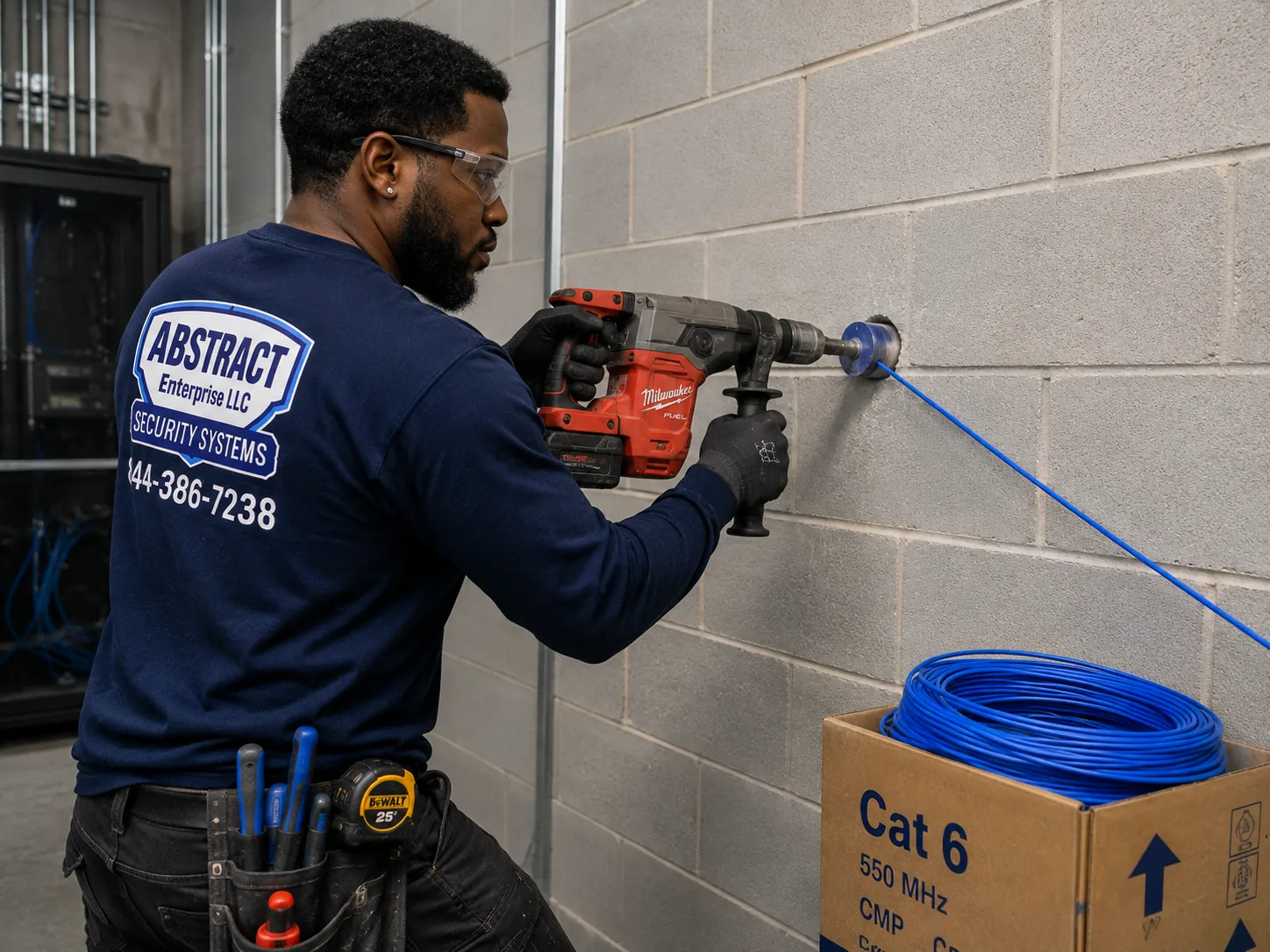
Brooklyn AVYCON camera installation: technician core drilling a block wall to carry cable through to another room
A photo from the AESS job library, not taken in Brooklyn: a technician core drilling through a block wall to carry cable into the next room. Brooklyn foundation and party walls are brick, stone or block, and a clean, sized hole like this one, drilled once and sealed afterward, is how a camera cable crosses them without cracking anything.
Cable and Power

Cat6, Coax and Watts: How an AVYCON System Gets Through Brooklyn Masonry

Every AVYCON system is two things: the cameras you see and the cable you do not. The cameras are the easy part. The cable is where the money, the time and the quality of the job really sit, and in Brooklyn the cable has to get through masonry that was laid a century or more ago.

PoE on Cat6: one cable per camera

AVYCON's IP cameras are powered over Ethernet. One Cat6 cable runs from the recorder's PoE port, or from a PoE switch beside it, to each camera. AVYCON's own setup guide says a camera plugged into a PoE port on the back of its NVR shows up on screen after about a minute. Our Brooklyn price for each camera includes a Cat6 run up to 100 feet, exposed, through an attic or through a basement. That covers most brownstones and two-families end to end. Longer runs, for a detached garage at the back of a Flatbush lot or the far end of a warehouse, need a switch partway or a different cable plan, and we price those individually.

HD analog on coax: reuse what is already there

AVYCON also makes HD analog cameras that run on coax with separate 12-volt power, and a four-channel DVR on our list that accepts those cameras plus two IP cameras. This is the right choice when a building already has coax from an old system that tests good. In a walk-up where the owner does not want new holes in the hallway plaster, the old coax route can be the difference between a clean job and a messy one. Our Brooklyn list shows four-camera HD analog packages starting at $2,188 installed, below the starting price of the IP packages, partly for that reason.

Getting out through the wall

Where a cable has to leave the building, we drill through a mortar joint, never through brownstone, limestone, terracotta or a decorative brick course. The hole is sized for the cable, sloped so water runs out rather than in, and sealed. On the back of a house, where the rules are looser and the brick is usually common brick, we often bring the cable out directly behind the camera so nothing is visible at all. On the front, we try first to keep the camera inside the vestibule or under the stoop so no hole is needed.

Hidden in-wall wiring

If you want a cable hidden inside a finished wall rather than run through a cellar, closet or attic, our Brooklyn list charges $200 more per camera for hidden wiring in hollow drywall, up to 100 feet. Plaster, brick and exterior walls are checked on site, because they cannot be fished the same way, and some Brooklyn walls that look like drywall turn out to be plaster on metal lath once a hole is opened.

Counting the power

The numbers on AVYCON's spec sheets matter more than most people think. An 8MP turret such as the AVC-NDE81F28 is rated at a maximum of 7.1 watts on 802.3af PoE. An 8MP dome such as the AVC-VHN81FLT/2.8 is rated at 9 watts. The 180-degree AVC-NPE81F180 needs the higher-power 802.3at standard and up to 12 watts. A four- or eight-channel recorder can feed a typical house of turrets with room to spare, but add white-light deterrence, a panoramic camera and a long cold night and the budget gets tight. We match the recorder or add a PoE switch so every camera has headroom.

Keeping the recorder safe

A recorder in a Brooklyn cellar faces heat from the boiler, damp in summer, and the occasional flood. We put it on a shelf off the floor, away from the boiler and the water heater, with some air around it, and we recommend a small battery backup so a brief power blip does not reboot the system right when you need it. In stores and multi-family buildings, the recorder goes in a locked cabinet or room. A camera system whose recorder can be carried out the back door is only half a system.

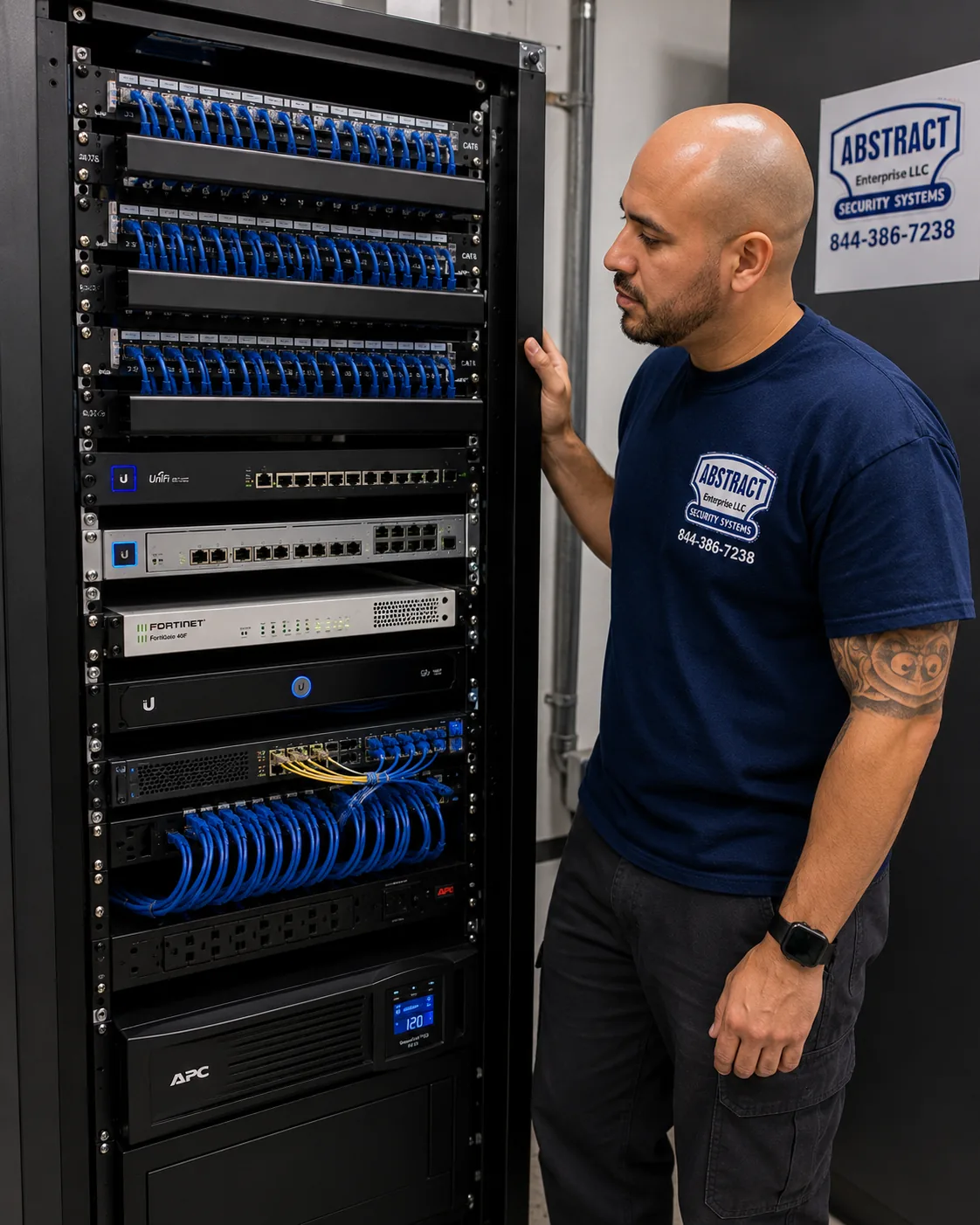
Brooklyn AVYCON camera installation: finished network rack with patch panels, switching, firewall and battery backup dressed and identified
A photo from the AESS job library, not taken in Brooklyn: a finished rack with patch panels, switching, a firewall and a battery backup, all dressed and labeled. A Brooklyn co-op or store with a dozen or more AVYCON cameras gets the same treatment in a smaller cabinet, so the recorder, the PoE switch and the battery sit together behind a lock.
Rules and Permissions

Landmarks, Landlords, Boards and Neighbors: Who Gets a Say on a Brooklyn Camera

Putting a camera on your own property is generally your call, but in Brooklyn several other people may have a say about where it goes and how it is wired. None of them is a reason not to install cameras. All of them are easier to deal with before the job than after.

The Landmarks Preservation Commission

Brooklyn has many historic districts, from Brooklyn Heights, the city's first, to the Flatbush districts added in 2025. If your building is in one, work on its exterior, including cameras, needs a permit from the Landmarks Preservation Commission. The good news is that cameras that meet the Commission's published criteria can be approved at staff level, without a public hearing. The LPC's Permit Guidebook sets out those criteria. On small residential and commercial buildings, no more than two security cameras may be installed for every 25 feet of street frontage; large buildings may have three. Cameras cannot go on or in front of a primary facade unless there is no other option, and when they must, they go in a discreet spot that does not detract from significant architectural features. Equipment must be as small as possible and finished to blend with the material around it. Conduit must be concealed by running through plain masonry or cladding, with only about ten inches of visible conduit allowed where concealment is impossible, painted to match. And equipment must attach at mortar joints, plain masonry, wood, metalwork or concrete, never through cast iron or a decorative surface.

For a typical 20-foot-wide Brooklyn rowhouse, that means at most two cameras on the front, small, color-matched, preferably not on the face of the building at all. A camera inside the vestibule looking out, or under the stoop, often avoids the facade question entirely. We plan to those rules from the start, prepare the product sheets and photos the application needs, and do not drill a historic front until the permit is in hand.

Your landlord

If you rent, a wired AVYCON system means holes, cable and equipment attached to someone else's building. Get the landlord's written consent first. We are happy to send the landlord the scope, the camera locations and our insurance certificate, and to plan the job so everything can come out cleanly when you leave.

The co-op board or condo association

Boards control common areas and usually require an alteration or work agreement for anything inside a unit that involves drilling. For building-wide systems they will want to know who can view footage, how long it is kept, and who holds the passwords. We put that in writing and we set the recorder up with separate logins so the managing agent, the super and the board each see only what they should.

Tenants and residents

In a building with tenants, hallway cameras should show the corridor and the doors, not the inside of apartments when a door opens. Cameras go at the ends of corridors and on landings, aimed along the hall. Audio is off unless there is a clear reason and clear notice. And if the building uses fobs, apps or other smart entry, New York City's Tenant Data Privacy Law limits what the owner can do with the access data, so we keep the camera system's role simple: watching doors and common areas.

The neighbors

Brooklyn houses are close together. A camera aimed down a shared yard or into the window next door is a fast way to start a feud. We aim cameras at your door, your yard, your gate and your sidewalk, use privacy masking, where the camera model supports it, when part of a view falls on a neighbor's property, and are glad to explain the system to a neighbor who asks.

Brooklyn AVYCON camera installation: technician certifying a data drop with a cable analyzer showing a PASS result
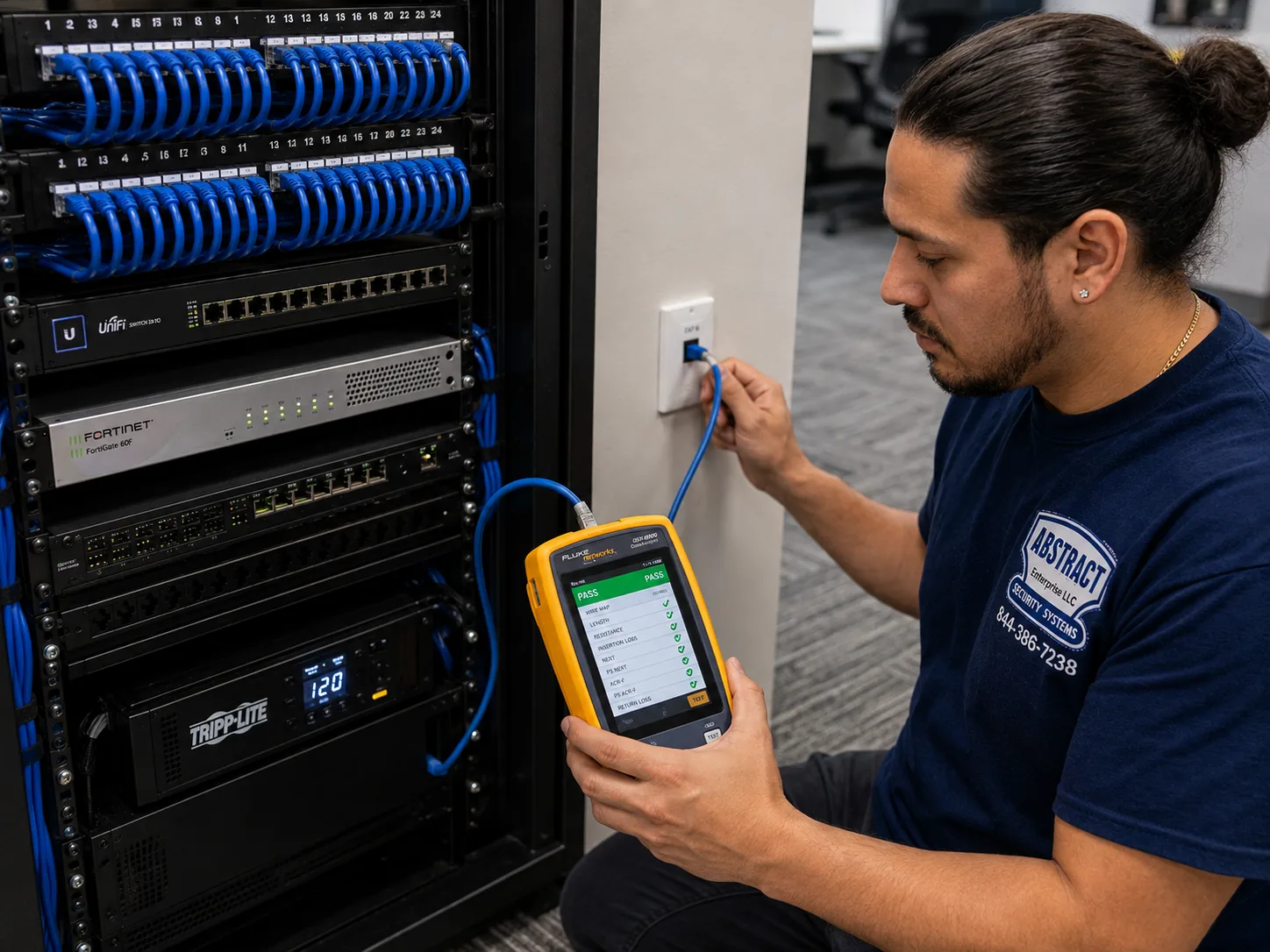
A photo from the AESS job library, not taken in Brooklyn: a technician certifying a data drop with a cable analyzer that shows a PASS result. When a Brooklyn co-op board or managing agent asks for proof that the job was done properly, a test report for every camera cable is part of the handover.
For Business

AVYCON Cameras for Brooklyn Shops, Restaurants and Yards

Brooklyn's commercial avenues are mostly small businesses in old buildings: a pharmacy under three floors of apartments, a bakery with a basement prep kitchen, a hardware store with a stockroom that runs back to the alley, a cell-phone repair counter in a space eight feet wide. Camera systems for these businesses are less about technology than about the specific places where losses happen, and AVYCON's analytics are useful precisely because they can be pointed at those places.

The register and the door

Every store system starts with two views: the register from behind and slightly above, showing hands, cash drawer and the customer's face, and the front door from inside, at face height, so everyone who walks in is recorded looking toward the camera. If you only buy two cameras, buy those two. AVYCON's 8MP turrets resolve 3840 by 2160 pixels, which gives enough detail at a counter to read a bill denomination and enough at the door to get a usable face.

The stockroom, the cellar hatch and the back

Losses in small stores often happen out of sight, in the stockroom or through the back door during deliveries. A camera on the back door and one in the stockroom cost less than a single bad month. The cellar hatch on the sidewalk is worth a camera too, both for theft and for the record of who came and went with deliveries.

After the gate comes down

When the roll-down gate is closed, the camera that matters most is the one looking at the gate and the sidewalk. AVYCON cameras with line-crossing and intrusion analytics can be set to alert on people, not on passing headlights or blowing trash, so the phone in your pocket buzzes when someone stands at the gate, not every time a bus goes by. Models with active deterrence, such as the AVC-NDE81F28 with its WarmLight, can turn on a light when a person crosses a line, which is often enough to move someone along.

Facial recognition: check the city rule first

Some AVYCON cameras offer face recognition. In New York City, a commercial establishment that collects biometric identifier information from customers must post a clear sign at every customer entrance, and the city's rules call for a sign of at least 8.5 by 11 inches. Ordinary recording without biometric analysis does not trigger that requirement. Individuals can sue for violations. If you want face recognition turned on, we set it up only after you have decided, with the sign in place, and we leave it off by default.

Help paying for it

Two programs are worth knowing about. On October 8, 2026, the New York City Council announced $200,000 in discretionary funding for small businesses to buy and install panic buttons and other security technology, split equally among the five boroughs through the borough chambers of commerce, for ground-floor retail businesses with 50 or fewer employees, with priority for businesses outside Business Improvement Districts, in low- and moderate-income communities, and minority- and women-owned businesses. The Brooklyn Chamber of Commerce is the channel in this borough. Separately, New York State created a retail security tax credit in its fiscal 2025 budget, for tax years 2024 and 2025, for small retailers who spend over a threshold per location on theft prevention, which explicitly includes security cameras; applications were due by October 31. We are not tax advisers and cannot tell you whether you qualify, but we can give you an itemized invoice that shows what was bought and installed.

Sharing with the NYPD

Businesses are sometimes asked to share camera footage with police. Sharing a clip after an incident is simple: AVYCON's playback lets us search by time and AI event, and export the clip to a USB drive or your phone. Live sharing is a different decision. The NYPD has run a voluntary pilot with a technology company called Fuses, tested at 35 businesses in Flushing, where store owners let police tap into their cameras in real time, with a plan announced in 2024 to expand to all five boroughs. Whether to take part is your choice, and we can explain what it involves technically.

Yards, lots and warehouses

Industrial Brooklyn, from the Navy Yard edges to Red Hook, Sunset Park, Gowanus, Greenpoint and East New York, has long fences, wide gates, trucks and dark corners. These jobs need longer cable runs, PoE switches in weatherproof boxes, and cameras placed for distance rather than width. AVYCON's 180-degree panoramic turret covers a whole yard from one corner, with IR rated to 98 feet, and its narrower-lens cameras cover the gate and the plates. Many commercial insurers also set camera requirements as a condition of coverage for theft and vandalism, so bring your policy to the walk-through.

Brooklyn AVYCON camera installation: J-hook pathway carrying dressed cable bundles across a commercial ceiling
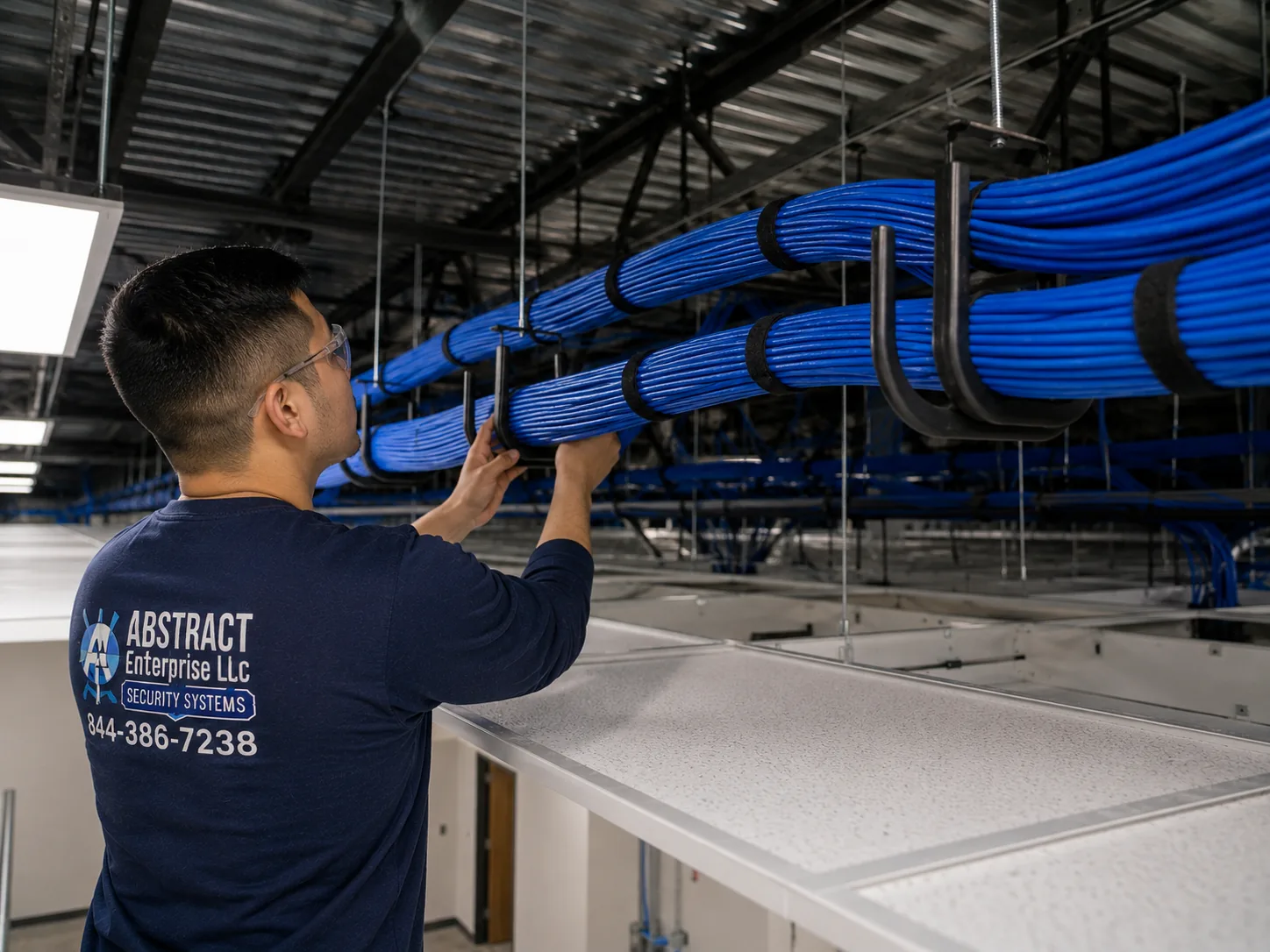
A photo from the AESS job library, not taken in Brooklyn: J-hooks carrying neat bundles of cable across a commercial ceiling. In a Brooklyn loft, supermarket or warehouse with a high open ceiling, this is how a dozen AVYCON camera cables cross the space to the recorder without lying on the ceiling tiles or hanging from pipes.
Straight Answers

AVYCON in Brooklyn: The Questions We Hear at the Door

Our router is on the top floor and the cellar has no internet. Where does the recorder go?

Either place can work. The recorder needs one cable to the router and one cable to each camera. If the cameras are all low, at the stoop and the yard, the cellar is usually best and we run a single Cat6 up to the router. If the router cannot move and a run up through the house is hard, we can put the recorder near the router and bring the camera cables up instead, usually inside a closet stack. We choose whichever route opens fewer walls.

The block has a lot of street trees. Will leaves set off the alerts all summer?

They will if alerts are based on simple motion. AVYCON's AI analytics classify people and vehicles, and its spec sheets list human and vehicle detection, intrusion zones and line crossing on the models we install. We draw the zones on the sidewalk, the stoop and the gate, not on the tree canopy, and set alerts to people only. Recording continues on everything; only the alerts are filtered.

We are selling the house. What happens to the system?

The system stays with the house unless your contract says otherwise. Before closing, have the system reset or have the admin password changed and handed to the buyer, and remove your phones from the app. We do this as a short visit, and we leave the buyer a handover sheet with the camera map, the recorder model and the new login so they are not the next person calling us with a recorder nobody can open.

How do we find a specific moment, say a delivery on Tuesday afternoon?

On the recorder's monitor or in the app, open playback, choose the camera and the date, and use the time bar. AVYCON's playback can also search by AI events, so you can ask for every time a person crossed the stoop zone between 2 and 5 p.m. and skip the empty hours. We show everyone who will use the system how to do this at handover.

Our upload speed is not great. Is that a problem?

Recording does not use your internet at all; it goes straight to the drive. Upload only matters when you watch from outside the house. AVYCON cameras record a high-quality main stream to the drive and a lighter sub stream for viewing several cameras at once in the app, so a modest connection can still show the cameras. The Brownstoner thread suggested at least about 1 megabit per camera of upload for comfortable remote viewing, which is a fair rule of thumb.

A streetlight shines right at our stoop. Will the front camera wash out at night?

It can, if the camera faces the light. Bright point sources at night are the most common reason a front camera disappoints. We mount the camera so the streetlight is behind it or off to the side, and we set wide dynamic range and exposure for the real light on your block during the evening visit or from photos you take after dark. Where the stoop is in deep shadow instead, AVYCON's IR reaches 82 feet on the AVC-NDE81F28 and 98 feet on the AVC-VHN81FLT/2.8 dome, far more than a Brooklyn stoop needs, and the WarmLight models can show color at night when someone approaches.

Equipment

AVYCON Cameras and Recorders We Install in Brooklyn

AVYCON makes a long catalog. Most Brooklyn jobs use a handful of camera shapes and two kinds of recorder. The table below lists the specifications AVYCON publishes for the models we reach for most, so you can see why we suggest one over another. Our Brooklyn price list shows the complete current range, with the installed price of every camera and recorder we stock.

ModelWhat AVYCON publishesWhere it fits in Brooklyn
AVC-NDE81F28 turret8MP, 2.8 mm F1.0 lens, 105ยฐ horizontal; IR to 82 ft and WarmLight to 65 ft; face, human and vehicle detection; 7.1 W max on PoE; IP67; microSD to 256 GB; mic and speakerStoops, vestibules, gates and store doors where you want color at night and a light that comes on when someone approaches
AVC-NPE81F180 panoramic turret8MP, 2.0 mm lens, 180ยฐ horizontal and 91ยฐ vertical; IR to 98 ft; pedestrian and vehicle detection, loitering, crowd density; 12 W max on 802.3at PoE; IP67; microSD to 512 GB; NDAA listedOne corner covering a whole backyard, a parking lot, a warehouse yard or a wide shop floor
AVC-VHN81FLT/2.8 dome8MP up to 20 fps, 2.8 mm, 109.7ยฐ horizontal; IR to 98 ft; line crossing and intrusion with human and vehicle classification, people counting; 9 W max; IP67 and IK10 vandal ratingLobbies, mail areas, stair halls and stores, where a camera within reach needs to survive being hit
AVC-NPE51F36 and AVC-NPE81F28 turrets5MP at 30 fps with a 3.6 mm lens, and 8MP at 20 fps with a 2.8 mm lens; IR day/night; 12 V DC or PoEThe everyday IP cameras in our four-camera Brooklyn packages
AVC-TE21F36, AVC-TE51F36 and dome or bullet versions2MP or 5MP HD analog cameras over coax, IR day/night, 12 V DCBuildings with good coax from an older system that we can reuse
AVR-NSV04P4 NVRFour-channel network video recorder with PoE, 50 Mbps maximum throughputFour-camera houses and small stores
AVR-DSV504H DVRFour analog HD channels plus two IP channels, up to 60 fps at 5MPCoax buildings that may add a couple of IP cameras later

What the ratings mean in Brooklyn. IP67 means the camera is sealed against dust and can handle immersion, which is far more than a nor'easter driving rain into a stoop. IK10 is the highest common impact rating, the one to want on a lobby camera within reach of a broom handle. The temperature ranges AVYCON publishes, down to minus 31 degrees Fahrenheit on the turrets and minus 22 on the dome, are well beyond anything a Brooklyn winter brings.

The app. AVYCON ONE is the free phone app, and CMSONE is the computer software. The app is where most owners spend their time, and it is the part of the system that gets the most complaints in public reviews, so we treat setting it up on every phone as part of the job, not an afterthought. We add the recorder, set up push notifications for the zones you care about, show you playback and clip export, and test it from outside your Wi-Fi before we leave.

Storage. Every recorder on our Brooklyn list is sized with a hard drive that keeps at least two weeks of recording. AI recording is on by default on AVYCON recorders, and the system overwrites the oldest video when the drive is full. If you need longer retention, for a business policy or an insurer, we size a larger drive.

Brooklyn AVYCON camera installation: technician mounting a managed PoE switch below patch panels in a commercial network rack
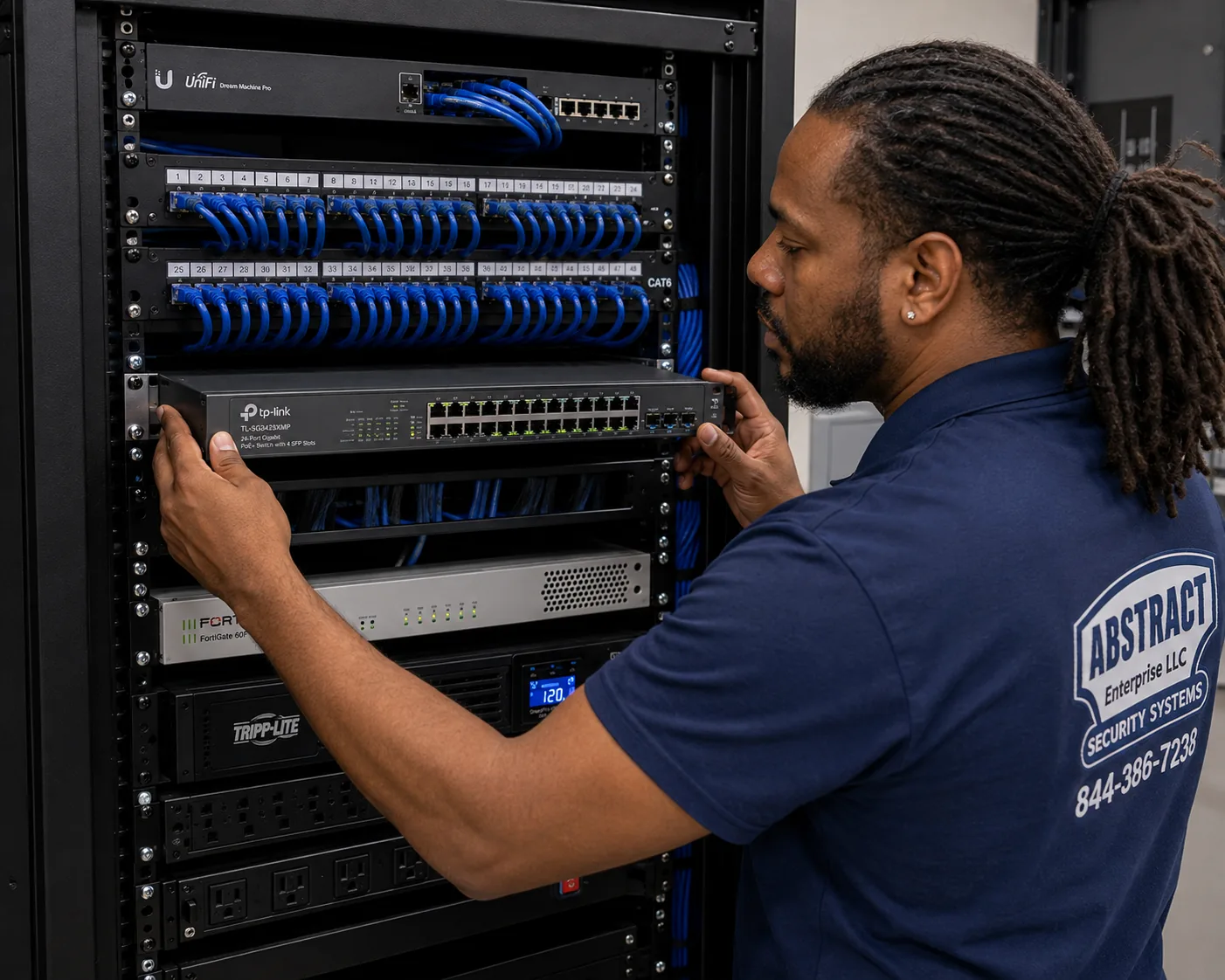
A photo from the AESS job library, not taken in Brooklyn: a technician mounting a managed PoE switch below patch panels in a commercial rack. When a Brooklyn building has more cameras than the recorder has PoE ports, or a camera draws more power than the recorder can spare, a switch like this one carries the extra load.
AI Overview Reality Check

What Generic Answers Get Wrong About AVYCON Cameras in Brooklyn

These are claims that show up in quick online answers and national how-to guides, paraphrased, each followed by what actually happens in Brooklyn buildings.

"Wireless cameras are just as good and easier"

Generic answers recommend Wi-Fi cameras because they skip the cable work.

In a brick rowhouse, a signal that has to pass through two masonry walls and a floor is weak and unreliable, which is exactly what Brownstoner's brownstone thread found. Wireless cameras also need power, and battery models need charging. A wired AVYCON camera takes power and data on one cable and keeps recording when the Wi-Fi is down.

"Mount the camera as high as you can"

The usual advice is to put cameras high so nobody can reach them.

High cameras see the tops of heads. The Mill Basin resident on News 12 described thieves who look at the camera and put their heads down. A camera inside the vestibule at face height, or a dome within reach but rated IK10, gets the face. We often use one high camera for the overview and one lower camera for identification.

"Any camera brand is fine for any building"

Many guides treat all brands as interchangeable.

For a home, that is close to true. For a daycare, a contractor that works for a public agency, a grant-funded nonprofit or a co-op whose insurer asks about the supply chain, the origin of the chips matters. AVYCON publishes an NDAA Section 889 statement and identifies compliant products; we check the specific model against AVYCON's listing before it goes on a quote.

"You can put cameras anywhere on your own house"

Ownership seems to settle it.

In a Brooklyn historic district, the front of your own house is regulated. The Landmarks Preservation Commission limits a small building to two cameras per 25 feet of frontage and wants them small, finished to match, and off the primary facade where possible. We plan to those rules so the permit is a formality.

"The cloud is safer than a recorder"

Some answers say a recorder in the house can be stolen, so cloud storage is better.

A recorder in a locked cellar cabinet, out of sight, with a small battery backup, is very hard to steal in the minutes a burglar has. It also keeps recording when the internet is out and has no monthly fee. If you want an off-site copy as well, AVYCON documents a way to back up clips to cloud storage, and you can combine the two.

Coverage Planning

A Camera-by-Camera Plan for a Typical Brooklyn Property

The most useful thing we can do before quoting is tell you what each camera is for. A system where every camera has one clear job records better footage and costs less than a system where cameras are scattered wherever there was a convenient spot. Here is how we think through the positions on the properties we see most in Brooklyn.

Camera one: the identification camera at the door

Its only job is to record the face of every person who comes to the door, clearly enough to recognize. That means it sits close, at or a little above head height, aimed at the spot where people stop: the top step of the stoop, the vestibule, the gate. In a brownstone, that is usually under the stoop landing looking up at the door, or inside the vestibule looking at the outer door. A wide 2.8 millimeter lens at a short distance puts plenty of pixels on a face. This is the camera that would have told the Mill Basin resident exactly who took his packages, and it is the one we never leave out.

Camera two: the overview of the front

The second front camera, if the building allows a second one, shows context: the sidewalk, the curb, which direction someone came from and where they went, whether a car pulled up. It can sit higher and wider. On a historic facade, this may be the camera that does not get installed, in which case we lean on the identification camera and on a neighbor's or the building's view of the street.

Camera three: the back door or garden door

Brooklyn burglaries often come through the back, where a rear yard, a fire escape or a garden door is hidden from the street. A camera over the back door, aimed so it sees the door itself and the path to it, covers that. In a rowhouse the cable for this camera usually comes straight through the back wall from the cellar ceiling, which makes it one of the easiest cameras to wire.

Camera four: the yard, the driveway or the side alley

The fourth camera covers the open space: the whole back garden from the far corner, the driveway of a Flatbush or Bay Ridge house, the side alley of a two-family, the gate of a yard. This is where a panoramic or longer-range AVYCON camera earns its place, and where AI line crossing is most useful, because you can draw a line at the fence or the gate and get an alert only when a person crosses it.

Inside cameras, if you want them

Many Brooklyn owners add a camera inside the parlor-floor entry or the garden-level hallway, aimed at the door from the inside. It records anyone who gets past the door and, with notifications set up, tells you when the house is entered while you are away. We avoid bedrooms and bathrooms entirely and talk through who lives in the house before placing any indoor camera, because a camera that records family members or tenants in private moments is a problem, not a feature.

For multi-family buildings: one camera per decision point

In a walk-up or co-op, we place cameras at the points where someone decides to go somewhere: the outer door, the inner door, the mailboxes or package area, the bottom of the stair, the cellar door, the roof door and the back door to the yard or the trash area. Each of those gets a camera aimed along the path, not at apartment doors. Counted that way, the camera total on a five- or six-story walk-up adds up quickly, so we choose a recorder with spare channels to leave room to grow.

For stores: register, door, stock, back, gate

For a shop, the order of priority is the register, the front door from inside, the stockroom, the back door and the gate or shutter outside. Anything beyond that, a camera on each aisle, a camera on the sidewalk display, is added based on where losses have actually happened. Ask yourself where the last three problems occurred; that is where the next camera goes.

Once each camera has a job, the rest follows: the lens for each spot, the cable route for each camera, the recorder size, the drive size and the price. That is why our quotes start with photos and a short conversation about what you want to see, not with a box of cameras.

Talk to a Technician Before You Buy Cameras

If you are not sure how many cameras you need, where the recorder should go or whether your old coax is worth saving, ask first. Call now at (347) 934-8335, send a fast quote request, or send photos of the house to a tech on WhatsApp. Same-day estimates are available on most weekdays, and the photos alone often settle the plan.

Get In Touch

Request a Free Quote

Give us the cross streets, the kind of building, what you want to see and where the router is. A technician will call back with the AVYCON cameras we would use and the total for the Brooklyn address, or you can call (347) 934-8335 right now.

Brooklyn AVYCON camera installation: technician tracing an unidentified cable run at a patch panel with a tone generator and probe
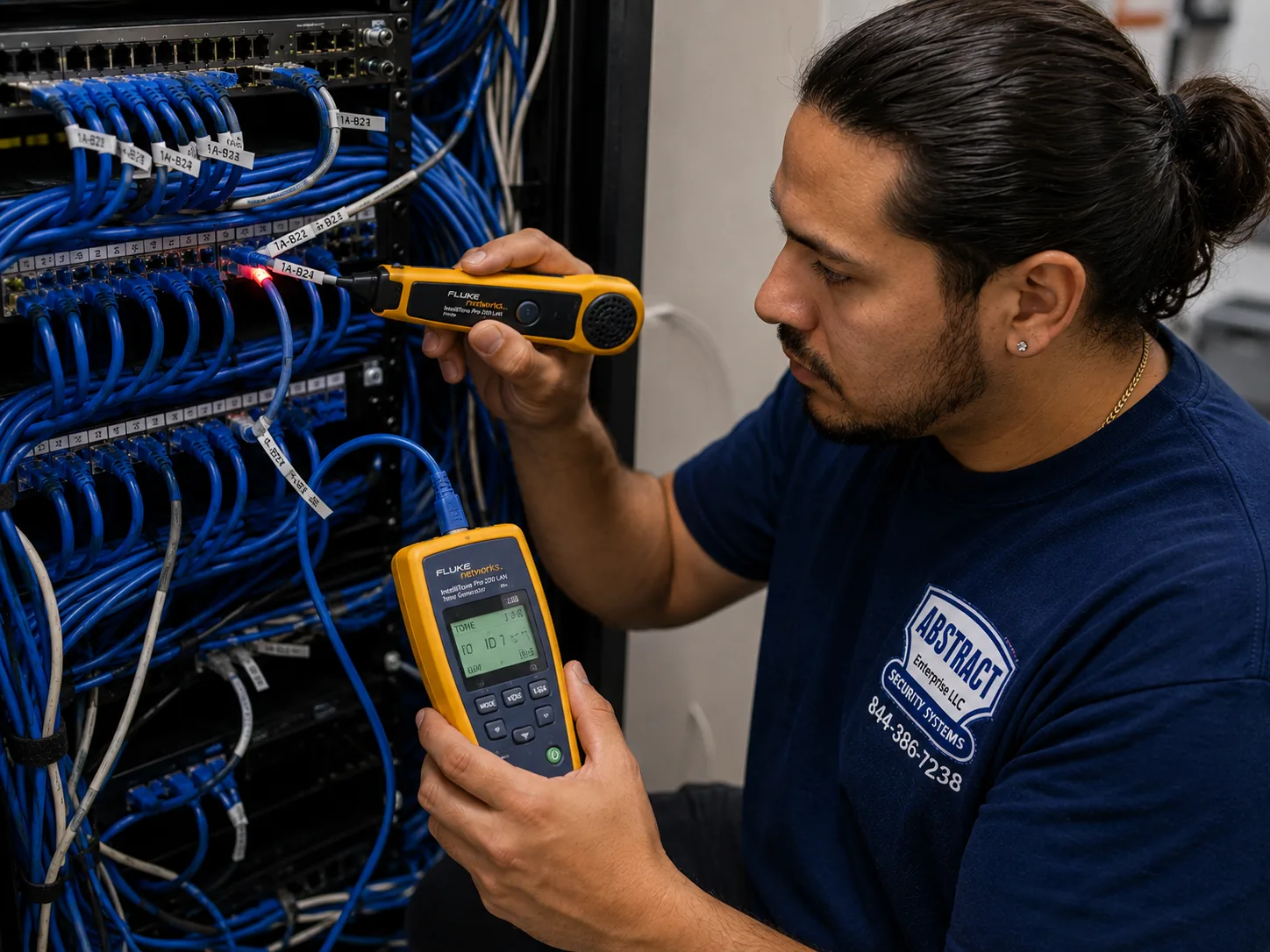
A photo from the AESS job library, not taken in Brooklyn: a technician tracing an unidentified cable at a patch panel with a tone generator and probe. If you tell us on the form that the building already has old camera cables, this is how we find out where each one goes before deciding whether it can be reused.

โœ…
Request Sent!
Thank you. A technician will call you about the Brooklyn address on the same working day.
How It Works

Our Installation Process

1. Photos and a quote

The front, the back, the cellar and the router, with your cross streets. You get the cameras, the recorder location and the total from our Brooklyn list.

2. Rules check

Historic district, landlord, board or managing agent, certificate of insurance: all confirmed before the visit is booked.

3. Walk the cable route

The technician walks every route with you, cellar to camera, and agrees each hole before drilling.

4. Set the recorder

NVR or DVR placed off the floor with air around it, drive installed, a strong admin password set with you.

5. Pull and terminate cable

Cat6 or coax run, fastened at mortar joints or concealed, terminated and tested before a camera goes up.

6. Mount and aim

Cameras mounted and aimed with you at the screen; AI zones, night settings and alerts tuned to your block.

7. Phones and handover

AVYCON ONE on every phone, playback and clip export shown, passwords and cable map left with you.

Brooklyn AVYCON camera installation: technician running cable into EMT conduit beside a telecom room in an industrial building
A photo from the AESS job library, not taken in Brooklyn: a technician running cable into EMT conduit beside a telecom room in an industrial building. Step five in a Brooklyn warehouse, garage or loft often looks like this, with camera cable protected in metal conduit where it runs low on a wall that forklifts and hand trucks pass.
Coverage Area

AVYCON Camera Installation Across Brooklyn's Neighborhoods

Our Brooklyn crews work out of our office on Troy Avenue, which puts most of the borough within a short drive. We install AVYCON systems in every Brooklyn neighborhood, and the work changes from one part of the borough to the next because the buildings change.

Brownstone Brooklyn

Brooklyn Heights, Cobble Hill, Carroll Gardens, Boerum Hill, Park Slope, Prospect Heights, Fort Greene, Clinton Hill and Bedford-Stuyvesant are where most of our historic-district work happens. Brooklyn Heights became New York City's first historic district in 1965, and its rows of brownstone and brick, along with the old carriage houses on lanes like Grace Court Alley, show how little room a front facade leaves for equipment. Here the plan is almost always a camera under the stoop or inside the vestibule, a camera on the back of the house, the recorder in the cellar, and a careful look at the LPC rules before anything is drilled on the front.

Central and Victorian Flatbush

Flatbush, Ditmas Park, Prospect Park South, Beverley Square, Midwood and Kensington have detached frame houses with porches, driveways and garages, more ground to cover and more angles to choose from. The new Beverley Square West and Ditmas Park West historic districts put several more blocks under LPC review. Driveway cameras that can read a plate and backyard cameras that reach a detached garage are common requests.

Crown Heights, East Flatbush and the eastern neighborhoods

Crown Heights, East Flatbush, Brownsville, East New York, Cypress Hills and Canarsie mix limestone and brick rows, two-families, walk-ups, larger apartment buildings and commercial strips. Lobby and package-area cameras are a big part of the work here, along with storefront systems on avenues like Nostrand, Utica, Church and Pitkin.

Southern Brooklyn

Bay Ridge, Dyker Heights, Bensonhurst, Bath Beach, Gravesend, Sheepshead Bay, Brighton Beach, Coney Island, Marine Park, Mill Basin and Bergen Beach are full of two- and three-family houses, attached brick homes with driveways and garages, and apartment buildings along the main avenues. Mill Basin is where News 12 found residents rerouting packages to a shipping store, and front-door and driveway coverage is the most common request in this part of the borough. Shops on Fifth Avenue and Third Avenue in Bay Ridge, 86th Street, Kings Highway and Brighton Beach Avenue round out the business work.

North Brooklyn and the waterfront

Williamsburg, Greenpoint, Bushwick, East Williamsburg, Red Hook, Gowanus, Sunset Park and the edges of the Navy Yard combine converted factories, newer rental and condo towers, walk-ups and working industrial space. These jobs bring long cable runs, high ceilings, yards with trucks and buildings where a managing agent sets the rules. Downtown Brooklyn's towers and office buildings add elevator lobbies and parking garages.

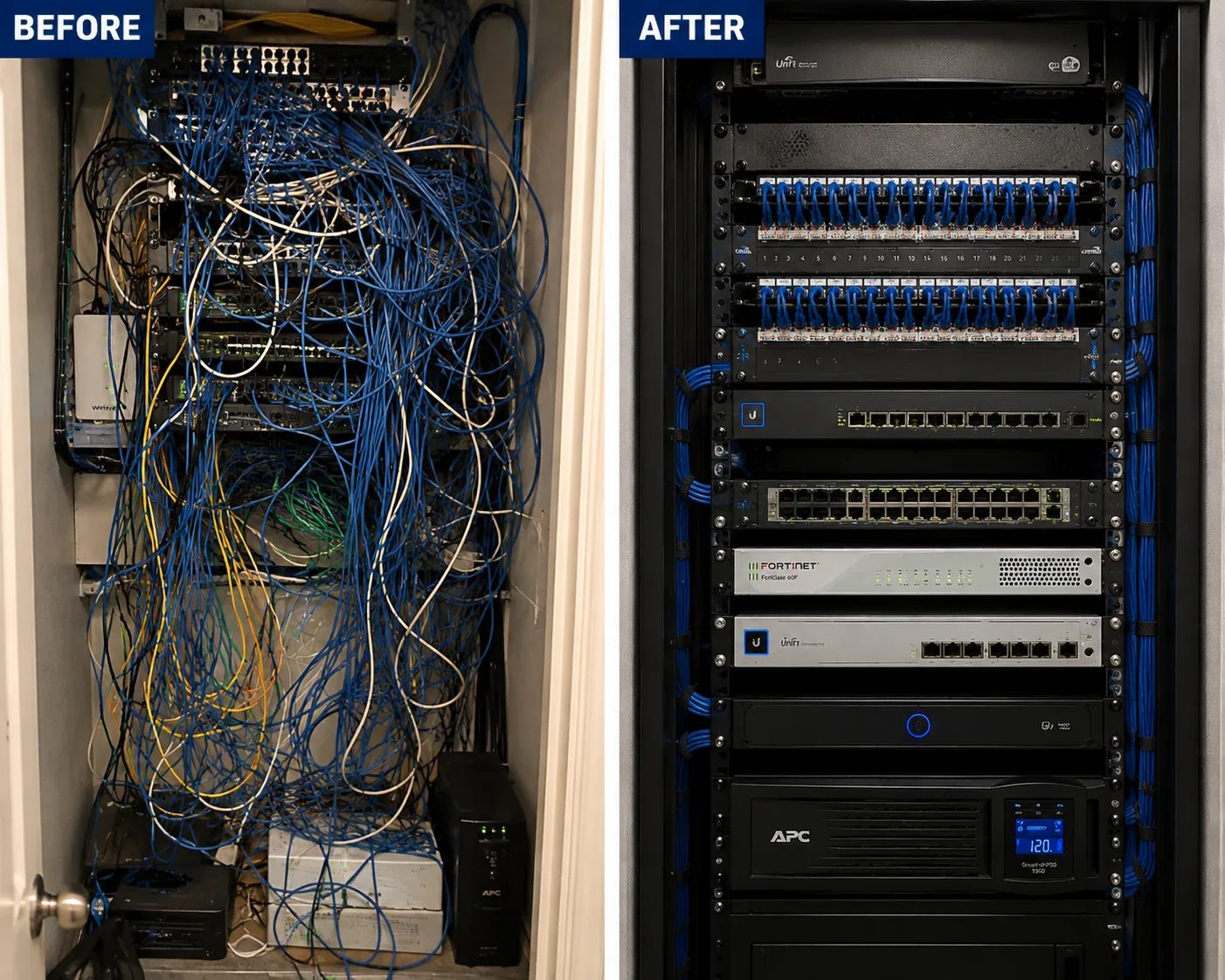
Brooklyn AVYCON camera installation: network rack before and after, an unlabelled tangled rack rebuilt into a dressed identified one
A photo from the AESS job library, not taken in Brooklyn: a rack before and after cleanup, from an unlabeled tangle to a dressed, identified layout. Many older Brooklyn buildings we visit have a camera closet that looks like the left side, with cables from three past installers, and part of an AVYCON upgrade is leaving it looking like the right.
Pricing

AVYCON Camera Installation Cost in Brooklyn

Our Brooklyn AVYCON prices are published, camera by camera and recorder by recorder, on our AVYCON camera installation prices for Brooklyn page, with a calculator that sizes the recorder and drive for the cameras you pick. The figures below are from that list as of November 11, 2026. Equipment prices change, so the price page is always the live number, and every price is plus sales tax.

Item on our Brooklyn listInstalled price today
AVYCON camera, installed, with a Cat6 run up to 100 ft, termination and testingFrom $345 each
AVYCON recorder with setup on your phoneFrom $579
4 ร— 2MP HD analog turrets (AVC-TE21F36), AVR-DSV504H DVR, 4 TB$2,188
4 ร— 5MP HD analog turrets (AVC-TE51F36), AVR-DSV504H DVR, 4 TB$2,288
4 ร— 5MP IP turrets (AVC-NPE51F36), AVR-NSV04P4 NVR, 4 TB$3,497
4 ร— 5MP IP bullets (AVC-NPB51F28), AVR-NSV04P4 NVR, 4 TB$3,617
4 ร— 8MP IP turrets (AVC-NPE81F28), AVR-NSV04P4 NVR, 4 TB$3,937
Hidden in-wall wiring in hollow drywall, up to 100 ft+$200 per camera

What is included. Each camera price covers the camera, mounting, a Cat6 run up to 100 feet exposed or through an attic or basement, termination and testing. The recorder price includes setup on your phone. Every package includes a hard drive sized for at least two weeks of recording, wire runs up to 100 feet per camera, and phone app setup.

What changes the price. Longer runs, cable that has to be hidden inside finished walls, plaster or masonry that cannot be fished, a recorder that has to sit far from the router, extra PoE switching, LPC paperwork for a historic facade, and work at heights that need more than a ladder. We look at your photos first and tell you which of these apply before you book, so the number you agree to is the number on the invoice unless the building surprises us, and if it does, we say so before going further.

Why the IP packages cost more. The IP packages use a network video recorder with PoE and IP cameras that carry the AI analytics and higher resolutions described above. The HD analog packages use a DVR and coax, which is the better value where good coax already exists. Both are real AVYCON systems; the right one depends on your building.

Booking and terms. Half down books your install, as shown on our Brooklyn price list.

Full terms โ€” including 50% deposit, one-year parts-only warranty on AESS-supplied products, and the late-fee schedule โ€” are set out in the service agreement.

Shop Our Systems

AVYCON Camera Installation Packages & Pricing

Three typical Brooklyn AVYCON jobs, built from the list above. Your price is confirmed after we see photos of the building.

Two-family on coax: $2,188

Four 2MP HD analog turrets and an AVR-DSV504H DVR with 4 TB, reusing good coax from an older system: front door, back door, driveway and yard.

Brownstone IP: $3,497

Four 5MP IP turrets on Cat6 and an AVR-NSV04P4 NVR with 4 TB in the cellar: under the stoop, vestibule, garden door and back yard.

Storefront 8MP: $3,937

Four 8MP IP turrets and an AVR-NSV04P4 NVR with 4 TB in a locked cabinet: register, door, stockroom and the gate after closing.

Already own the cameras? If you have AVYCON cameras, or ONVIF cameras from another brand, we can install them with a new AVYCON recorder, testing compatibility first. Ask for a labor-only quote with your model numbers.

Complete Services

Every AVYCON Camera Installation Service in Brooklyn

New systems

IP on Cat6 or HD analog on coax, sized to your building. Request a quote

Live prices

Every AVYCON camera and recorder with its installed Brooklyn price. Brooklyn AVYCON prices

Citywide service

AVYCON installs in all five boroughs. AVYCON camera installation NYC

Beyond the city

Long Island and the Hudson Valley. Long Island ยท Hudson Valley

FAQ

Brooklyn AVYCON Camera Installation FAQ

Our brownstone cellar has the boiler and the water meter. Is it still the right place for the AVYCON recorder?
+

Usually yes, as long as the recorder sits on a shelf off the floor, a few feet from the boiler and the water heater, with air around it. The cellar is where the internet usually comes in and where camera cables run most easily, so it saves the most work. If the cellar floods or gets very hot in summer, we move the recorder to a closet on the garden or parlor floor instead.

How many cameras can go on the front of a rowhouse in a Brooklyn historic district?
+

The Landmarks Preservation Commission's guidebook allows no more than two security cameras for every 25 feet of street frontage on a small residential or commercial building, so a typical rowhouse front gets two at most. They should be small, finished to match the facade and kept off the primary facade where another spot works, which is why we often mount the front camera under the stoop or inside the vestibule.

Someone got into our lobby by following a resident through the door. Where should the camera go to catch that?
+

Put one camera inside the vestibule, at about head height, aimed at the inner door so it records the face of everyone who comes through it, and a second wider camera over the lobby or mail area. A camera high above the outer door mostly records the tops of heads and hoods. On a walk-up we often add a vandal-rated dome because it can sit lower without being knocked off.

Does an AVYCON recorder come with a factory password we need to change?
+

No. AVYCON states that its cameras and recorders ship with no default password at all. The password is created when the system is first set up. We set a strong admin password with you during the install, put it on the handover sheet, and create separate logins for anyone else who needs to view the cameras.

When the hard drive fills up, does the AVYCON system stop recording?
+

No. AVYCON recorders automatically overwrite the oldest footage when the drive is full, so recording continues. On our Brooklyn list every recorder is sized with a drive that keeps at least two weeks of recording. If you need footage kept longer, for a business or an insurer, we fit a bigger drive.

We have coax in the walls from a camera system the last owner put in. Do we have to replace it?
+

Not always. AVYCON makes HD analog cameras that run over coax, and the AVR-DSV504H recorder on our list takes four of them plus two IP cameras. We test the old coax first. If it tests good, reusing it keeps holes out of finished walls and lowers the price; if it does not, we quote new Cat6.

Can the shop owner watch the AVYCON cameras on a computer at the counter as well as on a phone?
+

Yes. AVYCON's CMSONE software runs on a computer and adds the recorder as a device, and the recorder can also drive a monitor directly, which many Brooklyn stores mount behind the register. The phone app, AVYCON ONE, works alongside both, so the owner can check in from home.

Is there funding that helps a small Brooklyn store pay for security cameras?
+

Possibly. In October 2026 the City Council announced security technology funding for ground-floor retailers with 50 or fewer employees, handled in Brooklyn through the Brooklyn Chamber of Commerce, and New York State has offered a retail security tax credit that counts security cameras. We are not tax advisers, but we provide an itemized invoice of the equipment and labor for any application.

Which AVYCON camera covers a narrow Brooklyn backyard best?
+

For a typical yard about 20 feet wide, a wide 2.8 millimeter turret mounted on the back wall usually sees the whole space from fence to fence. If you want one camera to cover a very wide yard, a parking area or a lot from a corner, the AVC-NPE81F180 panoramic turret sees 180 degrees horizontally. We hold a camera up at the spot first so you can see the view.

Our tenant on the second floor wants to see who rings the bell. Can that be set up without showing the whole system?
+

Often, yes, but it depends on the recorder model, so we check it on your recorder before promising anything. The goal is a separate login that sees only the front door camera, so the tenant sees the stoop and nothing else, while the owner keeps full control of every camera and the recordings.

Do we need permission from our co-op board before installing AVYCON cameras in our own apartment?
+

Most co-op and condo buildings require an alteration or work agreement for anything that involves drilling, and anything in the hallway, lobby or on the exterior is the building's decision. Ask your managing agent first. We supply the scope, the license number, product sheets and a certificate of insurance so the board can approve it quickly.

How do we hand the police a clip after a break-in?
+

Open playback on the recorder or in the app, pick the camera and time, or search by AI event, and export the clip to a USB stick or your phone. We show you how at handover. Sharing a specific clip is different from giving police a live feed, which is a separate, voluntary decision for you to make.

Will AVYCON cameras keep working through a Brooklyn winter on an exposed back wall?
+

Yes. AVYCON rates the turrets we install for temperatures down to minus 31 degrees Fahrenheit and the dome to minus 22, with IP67 weather sealing, which covers anything New York winters bring. What fails in winter is usually a poorly sealed connector or a cable hole letting water in, so we seal every connection and slope every hole outward.

Ready to Put AVYCON Cameras on Your Brooklyn Stoop, Lobby or Store?

Send photos of the front, the back, the cellar and the router with your cross streets, and we will tell you which AVYCON cameras fit, where the recorder goes, how the cable gets there and what the job costs on our Brooklyn list. Call or text (347) 934-8335, message us on WhatsApp, or use the request form. Licensed under NYS license #12000287431, rated 4.7โ˜… across 201 Google Reviews, with same-day estimates on most weekdays and current prices always on our Brooklyn AVYCON price page.