What are you looking for?
About Us Contact Us Careers Get a Free Quote (347) 934-8335
Pick a service
✅ Got Your Own System?
🎬 Home TheatreQuote 🎶 AV SoundQuote 🔑 Access ControlQuote
Now pick your area
Pick your area
Long Island
Hudson Valley
Services available
Pricing & Tools
Pick a service for pricing
🚪 Intercom Pricing 🔔 Buzzer Repair Pricing
Calculators
📹 Camera System Calculator 🚨 Alarm Calculator ⚡ Cabling Quote Builder ✅ Got Your Own System?
Select your area
All Ubiquiti NYC · All Cameras Queens · NYS Lic #12000287431

Ubiquiti Camera
Installation Queens

Homes · Apartment Buildings · Small Business · Retail · UniFi G5 · UniFi AI AI — Licensed & Insured
📱 App trouble? If you use the UniFi Protect app or UniFi Protect to view these cameras and it’s offline or won’t connect, we fix that too.

Licensed installation of Ubiquiti security camera systems across Queens. We design, install, and configure UniFi G5 full-color night vision, UniFi AI AI detection, PTZ domes, and NVR recording for single- and two-family homes, apartment buildings, small businesses, and retail — from Flushing and Astoria to Jamaica, Bayside, and Long Island City. Driveway and yard coverage, storefront loss prevention, the UniFi Protect app on your phone, no monthly fees. Part of our Queens security camera installation service.

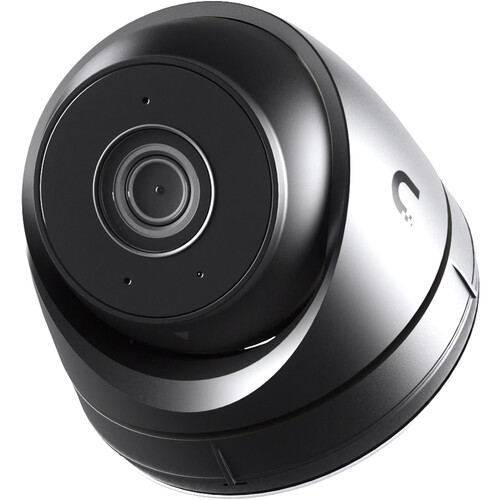
Ubiquiti UniFi G6 Turret 4K camera installation Astoria home Queens
Get a Free Ubiquiti Quote
We'll call you back within the hour
Request Sent!
We'll call you back within the hour.
25+
Years Experience
60+
Queens Neighborhoods
4.7★
Google Rating
$0
Monthly Fees
✓ Licensed NYS #12000287431 ✓ Homes, buildings & storefronts ✓ No monthly fees
📞 Call Now ⚡ Quote in 60 sec
Ubiquiti Camera Installation · Queens

Queens’ Ubiquiti Camera Installation Specialists

Queens is the largest NYC borough by area and one of the most diverse places on earth — 2.3 million residents across 60+ neighborhoods. Its security needs are just as varied: single- and two-family homes in Bayside and Fresh Meadows wanting driveway and yard coverage, dense apartment buildings in Flushing needing building-wide systems, and the small businesses and storefronts along Jamaica Avenue, Roosevelt Avenue, and Steinway Street needing loss prevention. Ubiquiti is one of the most requested brands we install across all of them, because its value scales from a four-camera home to a full commercial system.

Abstract Enterprises is a New York State licensed low-voltage contractor that designs, installs, secures, and configures complete Ubiquiti systems across Queens — cameras, NVR recording, PoE cabling run cleanly through brick and frame construction, and the UniFi Protect app remote viewing. We cover homes, two-family houses, apartment buildings, co-ops with HOA rules in Forest Hills, and the borough’s huge base of immigrant-owned small businesses. This page covers our Ubiquiti work in Queens; see our Ubiquiti camera installation NYC hub for the full brand overview, or our main Queens security camera installation service.

✓ UniFi G5 & UniFi AI AI✓ Home driveway & yard coverage✓ Storefront loss prevention📞 (347) 934-8335
Why Ubiquiti in Queens

Why Queens Properties Choose Ubiquiti

Queens’ mix of homes, apartment buildings, and small businesses makes Ubiquiti’s blend of capability and value a natural fit — installed properly and securely.

🏡

Right for Queens Homes

Single- and two-family homes in Bayside, Fresh Meadows, and Howard Beach get full driveway, yard, and entry coverage with compact UniFi G5 cameras at a price that makes sense.

🏪

Built for Small Business

Queens runs on small business. UniFi G5 and UniFi AI at the register, entrance, and stockroom give storefronts searchable footage that resolves theft and disputes — without a monthly fee.

🌝

UniFi G5 for Dim Streets

Residential side streets and commercial back lots are often poorly lit. UniFi G5 captures full color overnight, so footage is usable instead of a gray blur.

🤖

UniFi AI Cuts False Alerts

On busy corridors like Roosevelt and Jamaica Avenues, motion-only cameras alert constantly. UniFi AI classifies people vs vehicles for meaningful alerts only.

🏢

Scales for Buildings

High-channel NVRs cover a Flushing or Rego Park apartment building — lobby, halls, stairs, package room — without the premium-brand price on a big camera count.

🔒

Secured On Install

Because Ubiquiti is widely targeted, we change defaults, segment the network, and update firmware — the step careless installers skip.

Full-Color Night Vision

Ubiquiti UniFi G5 in Queens

UniFi G5 captures full-color video 24/7 — the same color at 3 a.m. as at noon. On a dim Queens street or back lot, that’s the difference between identifying someone and an unusable infrared blur. Where we deploy it:

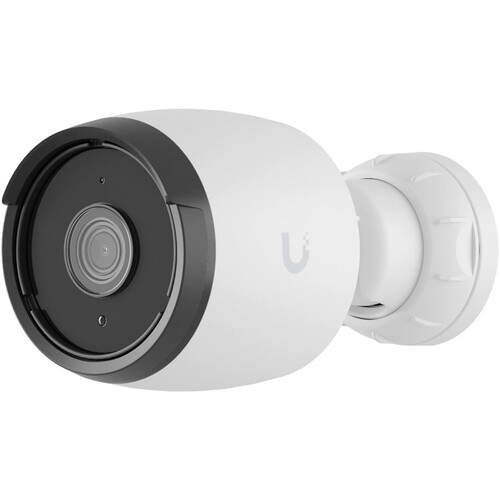
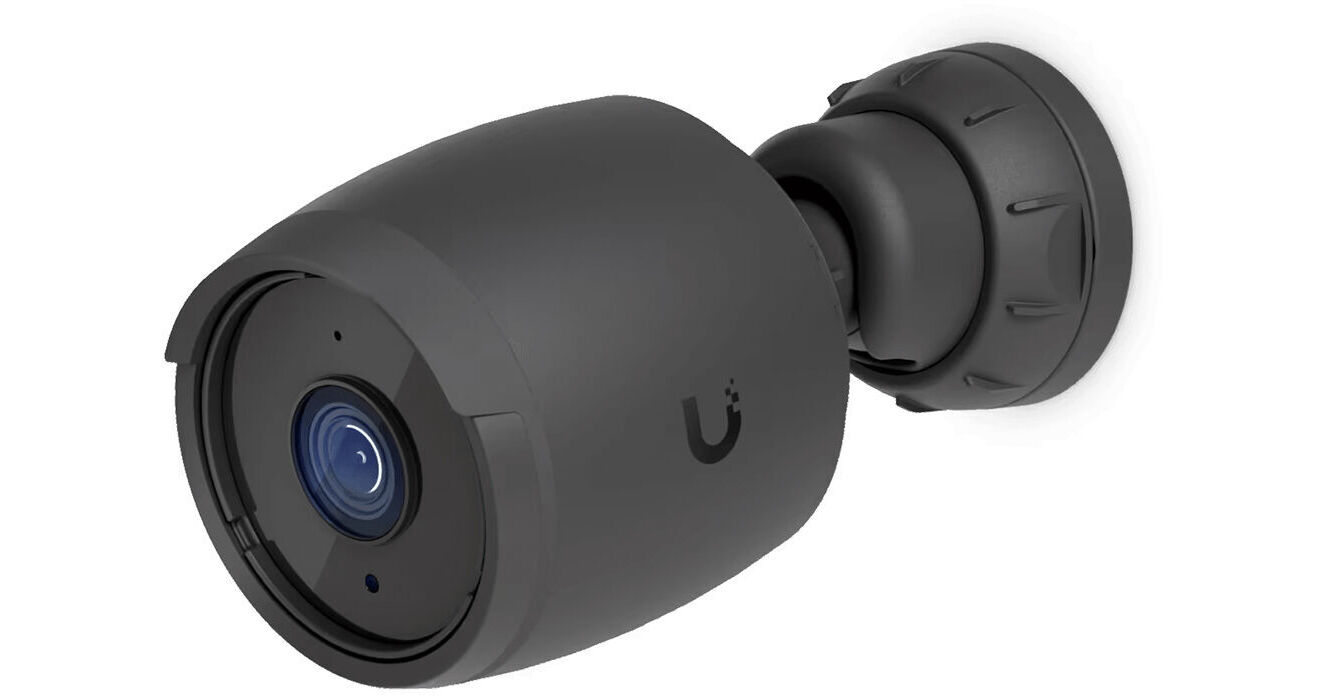
UniFi G6 Pro Bullet camera Flushing storefront installation Queens
🚗

Driveways & Yards

Full-color capture of driveways, side yards, and backyards on Queens homes — the access points and parking areas where break-ins and vehicle theft happen.

🏪

Storefronts & Registers

Ground-floor retail along Jamaica, Roosevelt, and Steinway monitored in color around the clock for theft, fraud, and liability.

📦

Apartment Lobbies

Building entrances and package areas in full color overnight — the footage that resolves a Flushing or Astoria building’s package thefts.

AI Detection

Ubiquiti UniFi AI AI Detection

UniFi AI is Ubiquiti’s on-camera AI — it classifies people and vehicles and only alerts on the targets that matter, essential on a busy Queens corridor or a home near a main road.

🚶

Human Detection

Tells a person from passing traffic, so you get alerts that mean something — not hundreds of false pings a night from cars on the avenue.

🚗

Vehicle Detection

Cars and trucks classified and labeled, making footage searchable — jump to a specific vehicle in the driveway or at the loading curb.

🔕

Reduced False Alarms

Filtering non-threats ends the alert fatigue that makes people ignore their cameras — critical for a busy storefront or a home on a main road.

PTZ, LPR & NVR

PTZ, License Plate Recognition & NVR Recording

For larger Queens properties — LIC commercial buildings, warehouses, and parking lots — PTZ domes, license plate recognition, and a properly-sized NVR complete the system.

🎯

PTZ Auto-Tracking

One pan-tilt-zoom dome covers a warehouse floor, parking lot, or large commercial yard and follows a moving subject — fewer cameras for wide Queens spaces.

🚘

License Plate Recognition

LPR at a lot or loading entrance logs every plate with a timestamp — an audit trail for vehicle access, useful for fleet and commercial properties.

💾

NVR Sized Right

We size storage to camera count, resolution, and the retention you need — so footage is there weeks later when an incident surfaces.

📱

the UniFi Protect app Remote Access

Live view and playback on your phone from anywhere — check the store or the house from work, no monthly fee for local recording.

🔑 Pair cameras with access control. Many Queens businesses and buildings installing Ubiquiti cameras add fob or intercom entry on the same visit — one crew, one cabling run. Access control Queens → · Video intercoms →

Every Queens Property Type

Ubiquiti Systems for Queens Properties

We’ve installed Ubiquiti in every kind of Queens property — from single-family homes to busy storefronts.

🏡

Single & Two-Family Homes

Bayside, Fresh Meadows, Howard Beach, Ozone Park — driveways, yards, side alleys, and entries covered with weatherproof UniFi G5.

🏢

Apartment Buildings

Flushing, Rego Park, Jackson Heights — lobbies, halls, stairs, and package rooms on one NVR, with board/manager remote access.

🏙️

Co-ops with HOA Rules

Forest Hills and other co-op communities — board-approved installs with documentation and managing-agent coordination.

🛍️

Small Business & Retail

Delis, restaurants, salons, and shops along Jamaica, Roosevelt, and Steinway — register, entrance, and stockroom with searchable UniFi AI footage.

🌆

LIC Waterfront & Lofts

Long Island City high-rises, lofts, and arts spaces — modern coverage for waterfront residential and commercial buildings.

🏭

Warehouses & Commercial

Maspeth, Ridgewood, and the industrial zones — PTZ, LPR, and high-channel NVRs for docks, floors, and yards.

🔧 Ubiquiti Repair & Upgrades in Queens

Camera offline, not recording, can’t view remotely, forgot the password, NVR failed, or blurry night footage? We repair, secure, and upgrade existing Ubiquiti systems across Queens — including systems another company installed. Most issues fixed in one visit.

Get It Fixed →
Reddit / Answer the Public / AI Overview

Ubiquiti Questions Queens Owners Ask

Cost

How much does Ubiquiti camera installation cost in Queens?

Expect roughly $400–$700 per camera installed in Queens including the NVR, PoE cabling, configuration, and the UniFi Protect app setup, with per-camera cost dropping on larger jobs. A 4-camera home often lands around $1,800–$3,000; a storefront or apartment-building system runs higher. Final pricing follows a free site visit. Call (347) 934-8335.

Is Ubiquiti a good value for a small business?

Yes — it’s one of the best value choices for a Queens deli, restaurant, or shop. You get 4K, AI detection, and full-color night video for noticeably less than premium brands, with no monthly fee for local recording. We size it to your space and budget.

Quality / Trust

Do you serve all Queens neighborhoods?

Yes — all 60+ Queens neighborhoods, from Astoria and LIC to Flushing, Jamaica, Bayside, Forest Hills, and the Rockaways. We’ve installed in two-family homes in Ridgewood, co-ops in Forest Hills, and commercial buildings in Long Island City.

Can you handle a Forest Hills co-op’s HOA requirements?

Yes — we provide license and insurance documentation for the board package, coordinate with the managing agent, and run the install within building rules. Forest Hills and other Queens co-ops with strict HOA rules are routine for us.

DIY vs Pro

Can I install Ubiquiti myself on my Queens home?

For a small kit maybe, but the value of a pro install is in what goes wrong solo: running PoE cleanly through brick and frame walls, aiming cameras to cover the driveway and yard without glare, sizing NVR storage, and securing the system against the remote-access exploits Ubiquiti gear is targeted for. For a storefront or building it’s a licensed job.

Which Ubiquiti camera is best for a storefront?

Usually UniFi G5 cameras at the entrance and register with UniFi AI to filter alerts, plus coverage of the stockroom and any rear exit, all on a compact NVR. We design it around your floor plan on a free walk-through.

Technical

Why is my Ubiquiti camera offline or not recording?

Usually a PoE/power fault on the run, a full or failed NVR drive, a network conflict, or firmware. “Offline” is often the camera losing its link to the NVR; “not recording” is usually storage. We diagnose and fix it — often in one visit, on systems we didn’t install.

Can I watch my Queens store from home on my phone?

Yes — the UniFi Protect app gives live view, playback, and alerts on your phone from anywhere, so you can check the store after hours or the house while at work. No monthly fee for local NVR recording.

Commercial / Compliance

Is Ubiquiti legal to install in Queens?

Yes, for private use. US restrictions (the NDAA and related FCC rules) bar Ubiquiti from federal government and certain federally-funded or critical-infrastructure projects — not from private homes, apartment buildings, offices, retail, or restaurants. If your property is government or federally-funded, tell us and we’ll spec a compliant brand instead.

Do I need to post that my store is recorded?

For a business and common areas, posted notice of surveillance is generally expected, and audio recording carries stricter consent rules than video. We help place signage and configure audio appropriately so your Queens system is correct from day one.

Ready for Ubiquiti in your Queens property?

Free on-site assessment. Honest quote. No monthly fees.

AI Overview Reality Check

What the Internet Tells You About Ubiquiti in Queens — and What’s True

Search Ubiquiti installation in Queens and you’ll get aggregator estimates, spec sheets, and “is it banned” headlines. Here’s the honest read for a Queens property.

The Cost Estimators Miss What Drives a Queens Price

Angi, HomeAdvisor, and Fixr give you a national per-camera average that ignores what actually moves a Queens quote: whether it’s a two-family home with a long driveway run, a Flushing apartment building, or a storefront that needs register coverage and a rear-exit camera. A home and a deli aren’t the same job.

Ubiquiti’s hardware is genuinely cheaper than premium brands, so the camera line item is lower — but installing it cleanly in a Queens property is the same skilled work no matter the brand. A hardware-only estimate undersells the real number.

That’s why we quote after a free site walk, not over a form. The brand is the easy part; your property is the variable.

Queens Is the Borough of Homeowners and Small Business

Generic guides picture either a suburban house or a downtown high-rise. Queens is overwhelmingly neither — it’s two-family homes with driveways and yards, and block after block of immigrant-owned small businesses on Roosevelt, Jamaica, and Steinway. The right Ubiquiti system reflects that: home coverage is about the driveway, side alley, and entries; a storefront is about the register, entrance, and stockroom.

A contractor who works Queens knows the difference and installs to it. A national aggregator routing your lead treats a deli and a colonial as the same generic job. The borough’s real security pattern — package theft, vehicle break-ins, shoplifting, and employee theft — is local knowledge no estimator form captures.

The local read is the value: the right setup for a Bayside home is the wrong one for a Jackson Heights storefront.

A Small Business Shouldn’t Be Paying a Monthly Fee Forever

Subscription camera brands are marketed hard to small businesses, and for a busy Queens shop a per-camera monthly fee adds up to real money over the years a system runs. The footage often lives only in the cloud, so if you stop paying, you lose access to your own recordings.

A Ubiquiti system records locally to an NVR you own, with the UniFi Protect app viewing on your phone and no mandatory subscription. For an owner-operated business watching every expense, that’s usually the smarter long-term buy — you own the hardware and the footage.

We lay the math out plainly so you choose with the ten-year cost in view, not just the install price.

“Is Ubiquiti Banned?” — The Honest Answer

US law — the NDAA and related FCC rules — restricts Ubiquiti from federal government use and certain federally-funded and critical-infrastructure projects. It is not banned for private use, and it’s installed legally across countless Queens homes, buildings, and storefronts.

For a private Queens property it’s legal and appropriate. If your property is a public school, a government office, or federally funded, we won’t install it — we’ll spec a compliant brand. A contractor who tells you that up front is worth more than a spec sheet that hides it.

We’d rather lose a Ubiquiti sale than put you in a non-compliant position.

The Bottom Line: Right Brand, Right Property, Secure Install

Ubiquiti is excellent value with strong AI and night vision, legal and appropriate for the vast majority of private Queens properties, and the wrong choice for the specific government and federally-funded jobs the law carves out — installed securely, with defaults changed and the network segmented.

The useful answer is a licensed contractor who covers a home or storefront properly, secures the system, and tells you honestly when a different brand fits better. The brand is one tool in that service.
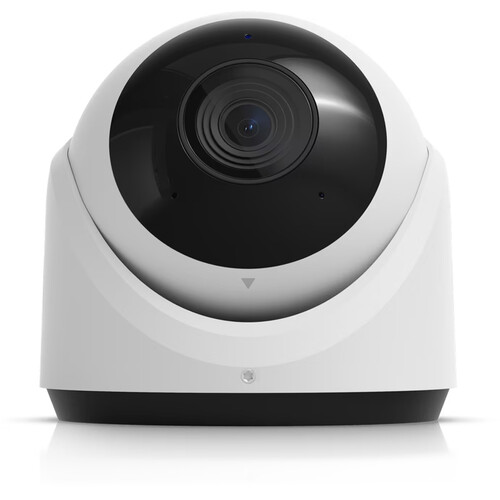
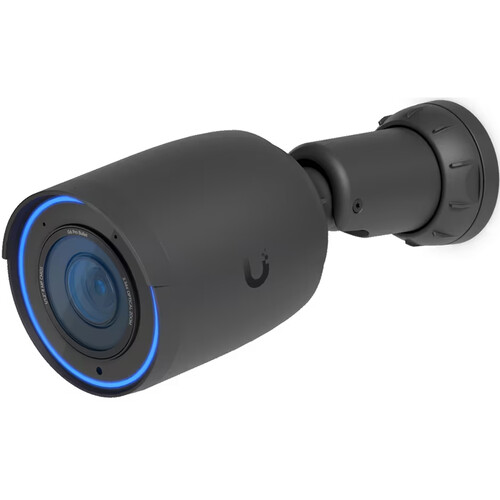
Get a real Ubiquiti quote for your Queens property

Plain-English Glossary

Ubiquiti Terminology, Explained

UniFi G5

Ubiquiti’s full-color night vision — a wide aperture and warm supplement light capture color 24/7 instead of black-and-white infrared.

UniFi AI

On-camera AI that classifies people and vehicles versus other motion, cutting false alarms and labeling footage so it’s searchable.

NVR

Network Video Recorder — records all cameras, powers them over PoE, and serves footage to your phone. The heart of the system.

PoE

Power over Ethernet — one cable carries power and data to each camera, so no separate outlet is needed at the camera.

PTZ

Pan-Tilt-Zoom — a motorized dome that moves and zooms, with auto-tracking to follow a subject across a large area.

Turret vs Bullet

Camera shapes — turrets are compact and resist glare, bullets are visible deterrents with longer reach. We pick per spot.

LPR / ANPR

License Plate Recognition — reads and logs plates with timestamps for a searchable vehicle record.

the UniFi Protect app

The app for live view, playback, and alerts on your phone — no monthly fee for local NVR recording.

People Also Ask

Quick Answers: Ubiquiti in Queens

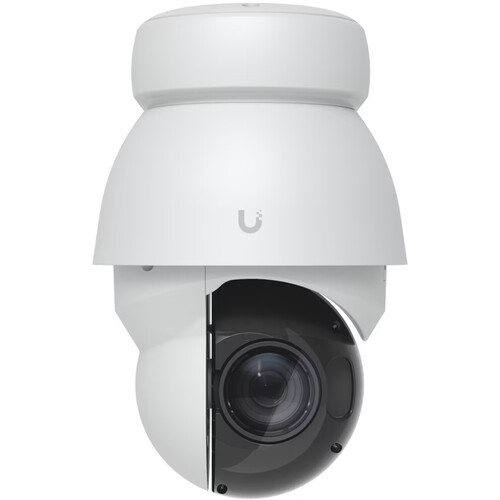
Ubiquiti G5 PTZ outdoor camera Jamaica warehouse lot Queens

How many cameras does a Queens home need?

Most Queens homes are well covered by 4–6 cameras: front door, driveway, backyard, side alley, and often a rear entry. We map coverage on a free walk-through and recommend the fewest cameras that leave no gap.

How long does Ubiquiti footage stay recorded?

As long as the NVR storage allows — we size drives to your camera count and resolution, commonly 2–4 weeks and often more. UniFi AI labeling makes finding an event fast.

Can multiple people view the cameras?

Yes — the UniFi Protect app supports multiple users, so a family or a business’s owner and manager can all have access, with permission levels you control.

Do Ubiquiti cameras work in the cold?

Yes — the outdoor models are rated for the full range of NYC weather, and because they’re wired PoE there’s no battery to die in a Queens winter.

From the Truck

Field Notes: Ubiquiti Jobs in Queens

“Queens is half my home installs and half storefronts. A two-family in Bayside wants the driveway, the side alley, and both entrances covered — that’s where the break-ins happen. A deli on Roosevelt wants the register, the door, and the back room. Same brand, totally different layout. UniFi G5 earns its keep on both because the streets and back lots out here are dark.”

“A lot of my Queens small-business clients got sold a subscription system and didn’t realize they’d lose their footage if they stopped paying. I put them on a local NVR they own — the UniFi Protect app on the phone, no monthly bill. And I always change the default password and segment the network, because a store camera on the open internet is asking for trouble.”

— Field tech, Abstract Enterprises · 25+ years on Queens homes & businesses

Get a 60-second estimate

Tell us your property type and camera count, and we’ll call with a ballpark.

From Queens Properties

What Queens Owners Say

★★★★★

“Ubiquiti cameras at our home in Bayside covering the driveway and backyard. UniFi G5 picture is incredible at night. Clean install, works perfectly on my phone. Great price, no monthly fees.”

— Tony M., Bayside

★★★★★

“Ubiquiti system at our Jamaica commercial property — register, entrance, and stockroom. UniFi AI so we only get real alerts. Professional, on time, excellent quality. Highly recommend.”

— Patricia L., Jamaica

★★★★★

“Deli on Roosevelt Ave. They moved me off a monthly-fee system to a Ubiquiti NVR I own. the UniFi Protect app on my phone, no more bill. Footage actually identifies people now.”

— Carlos R., Jackson Heights

★★★★★

“Apartment building in Flushing — lobby, halls, and package room on Ubiquiti. They sized the NVR for a month of footage and set up our manager on the app. Fair price for the scope.”

— Helen W., Flushing

★★★★★

“Forest Hills co-op — they handled the HOA board package and the documentation, mounted everything clean. Board approved it without a fuss. Great value vs the other quotes.”

— David K., Forest Hills

★★★★★

“Two-family in Ridgewood. Old Ubiquiti system was offline and I’d lost the password. They recovered it, fixed the wiring, secured the whole thing. Didn’t even install it originally.”

— Mike S., Ridgewood

FAQ

Ubiquiti Camera Installation Queens — FAQ

What areas of Queens do you cover?

All 60+ neighborhoods — Astoria, LIC, Flushing, Jamaica, Bayside, Forest Hills, Jackson Heights, Ridgewood, Fresh Meadows, Howard Beach, the Rockaways, and beyond.

Are you licensed and insured?

Yes — NYS License #12000287431, fully insured, with documentation for any Queens building, board, or business.

Do you cover home driveways and yards?

Yes — driveway, yard, side alley, and entry coverage is the most common Queens home install. UniFi G5 captures these dark areas in full color overnight.

Do you install for small businesses and restaurants?

Yes — register, entrance, stockroom, and rear-exit coverage for delis, restaurants, salons, and shops, with searchable UniFi AI footage and no monthly fee.

Do you offer a warranty?

Yes — a one-year parts warranty on the install plus the Ubiquiti manufacturer warranty on hardware. Workmanship guaranteed.

Do you service Ubiquiti systems you didn’t install?

Yes — repair, password recovery, securing, and upgrades on existing Queens Ubiquiti systems regardless of who installed them.

Wired or wireless for my Queens property?

We recommend wired PoE for permanent coverage — more reliable through brick and frame construction than Wi-Fi, with no battery to die.

Will it work without internet?

Yes — recording to the NVR is fully local. You only need a connection for remote viewing via the UniFi Protect app.

Can I add more cameras later?

Yes — we size the NVR with spare channels and plan cable paths so expanding later is straightforward and cheaper than starting over.

What resolution do you recommend?

4MP is a solid baseline; 8MP (4K) where you need to identify faces or plates — common at a register or driveway. We match resolution to each camera’s job.

Do you provide co-op board documentation?

Yes — license, insurance, and an install plan for Forest Hills and other Queens co-op board packages, with managing-agent coordination.

How do I get started?

Call (347) 934-8335 or submit the form for a free on-site assessment and an itemized quote.

Transparent Pricing

Ubiquiti Installation Pricing in Queens

Real ranges for Queens Ubiquiti systems. Final pricing follows a free site visit — camera count, resolution, cable runs, and PTZ/LPR drive the number.

Home / Small — $1,800–$3,500

4–6 UniFi G5/UniFi AI cameras · NVR · PoE cabling · driveway & yard coverage · the UniFi Protect app setup.

Business / Mid — $3,500–$8,000

8–16 cameras · higher-channel NVR · storefront or apartment building · register/entrance/stockroom · optional PTZ.

Large / Commercial — $8,000+

High-channel NVR · PTZ & LPR · warehouse or multi-building · access-control integration.

Roughly $400–$700 per camera installed depending on model and site. No monthly fees for local NVR recording — cloud backup optional.

Problems We Solve Daily

Common Queens Ubiquiti Problems — Fixed

UniFi Protect Doorbell Lite installation Forest Hills home Queens

Vehicle break-ins in the driveway

UniFi G5 on the driveway and street captures plates and people in full color overnight. UniFi AI alerts only on real activity.

Shoplifting & employee theft

Register and stockroom coverage with searchable footage resolves a Queens storefront’s losses fast.

Package theft in the lobby

UniFi G5 at the entrance and package area identifies porch pirates in full color for apartment buildings.

Paying a monthly fee for footage

We move you to a local NVR you own — the UniFi Protect app on the phone, no subscription.

Camera offline / not recording

Usually a PoE fault or full NVR drive. We diagnose and fix, often same visit.

No fob entry for the building

We add fob or intercom entry alongside the cameras on one visit. Access control →

How We Compare

Abstract Enterprises vs. The Alternatives

What mattersAbstract EnterprisesAngi / HomeAdvisor leadOnline kit / DIYUnlicensed installer
NYS licensed & insuredYes — #12000287431Varies by leadN/AUsually not
Home driveway/yard expertiseYesVariesYou plan itVaries
Small-business loss preventionYesVariesGenericVaries
Secures cameras (no default passwords)AlwaysVariesYou do itOften skipped
Honest on NDAA / brand fitYesNoNoNo
Monthly fee$0 (local NVR)Often pushed
Why Us

Why Queens Chooses Abstract Enterprises

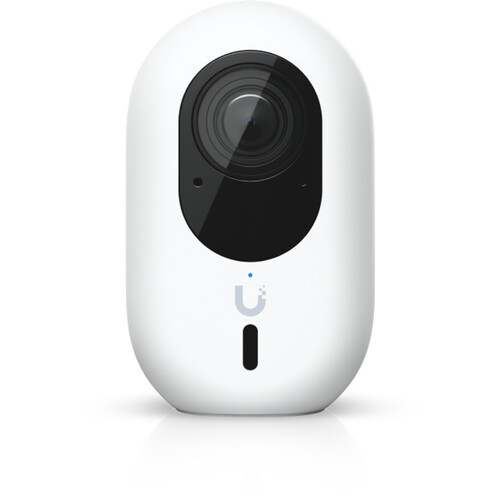
Ubiquiti G6 Instant WiFi camera Long Island City apartment Queens
📜

Licensed & Insured

NYS #12000287431, fully insured, with board-package documentation for any Queens co-op or HOA.

🏡

Homes & Storefronts

25+ years on Queens two-family homes and small businesses — we know the driveway and the register both.

🔒

Secured Installs

We change defaults, segment the network, and update firmware so your system isn’t a horror story.

⚖️

Honest Brand Advice

We tell you when Ubiquiti fits and when a government/federally-funded property needs a different brand.

💰

No Monthly Fees

Local NVR recording with the UniFi Protect app viewing — you own the hardware and the footage.

🔗

One Brand, Done Right

Part of our full Queens camera service — we also install other brands when they fit better.

Free Quote

Get Your Free Queens Ubiquiti Quote

Tell us about your property. We’ll call you back within the hour — no obligation.

Request Sent!
We'll call you back within the hour.

Ubiquiti Camera Installation in Queens

UniFi G5 night vision, UniFi AI AI, PTZ, and NVR recording — designed, installed, and secured for your Queens home, building, or business, with the UniFi Protect app on your phone and no monthly fees. Licensed, insured, honest about brand fit.

Freshness: Updated May 2026 · NYS Lic #12000287431 · Changelog: May 2026 — published Ubiquiti camera installation Queens (Blueprint v2.1)

Ubiquiti Across NYC

Ubiquiti Camera Installation By Borough

We install Ubiquiti systems across all five boroughs and beyond. Explore the brand hub and related coverage:

The Full UniFi Lineup

UniFi Protect Cameras We Install in Queens

Every current UniFi Protect camera — G6 and G5 series, AI series, PTZ, doorbells — supplied, mounted, wired, and configured from Astoria to the Rockaways:

Ubiquiti G6 Bullet camera Whitestone residence Queens
UniFi G6 Bullet
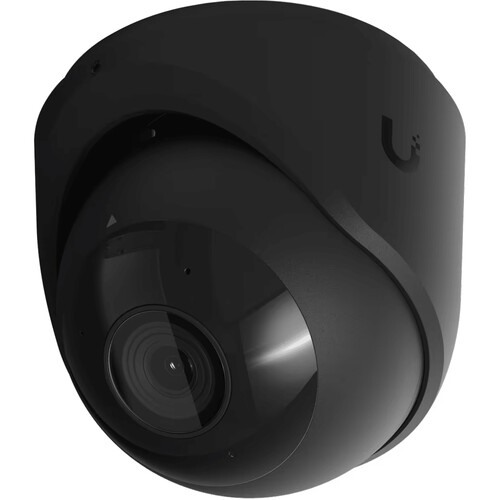
Ubiquiti G6 Turret black camera Corona deli Queens installation
UniFi G6 Turret
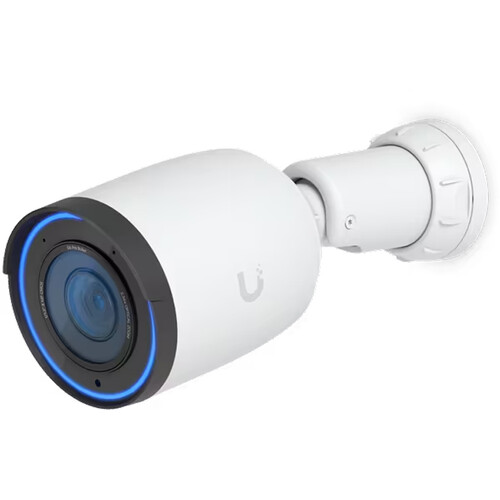
UniFi G6 Pro Bullet camera Bayside home Queens installation
UniFi G6 Pro Bullet
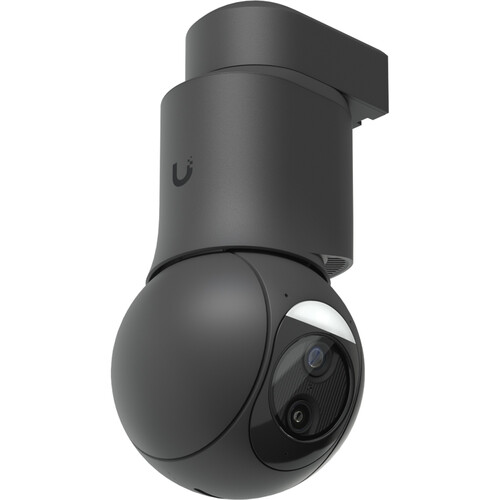
Ubiquiti G6 PTZ camera Far Rockaway property Queens installation
UniFi G6 PTZ
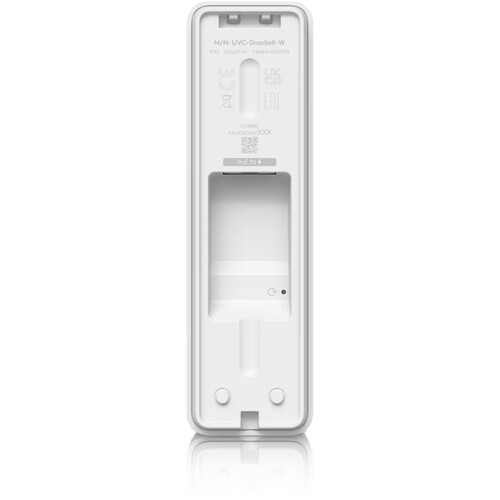
UniFi Protect PoE Doorbell Howard Beach home entry Queens
UniFi PoE Doorbell
UniFi G5 Turret Ultra black camera Elmhurst building Queens
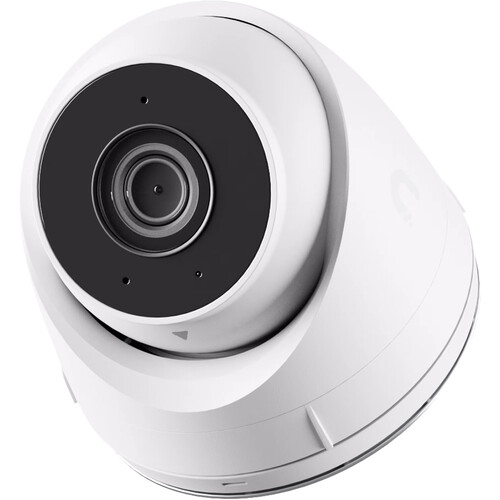
UniFi G5 Turret Ultra
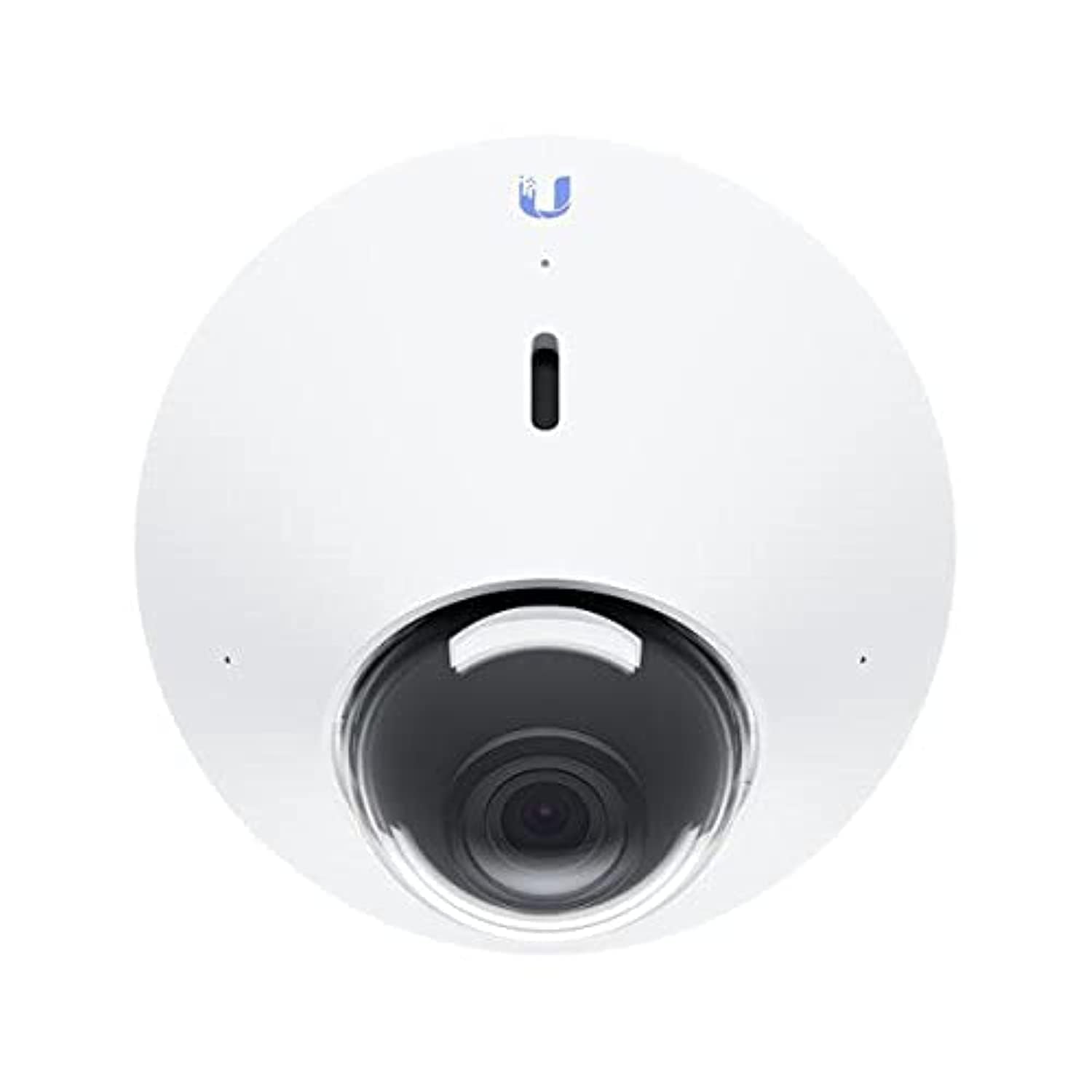
UniFi G4 Dome vandal-resistant camera Rego Park apartment building Queens
UniFi G4 Dome
UniFi G6 Bullet black camera Ridgewood storefront Queens
UniFi G6 Bullet
Ubiquiti G5 Dome camera Sunnyside garage Queens installation
UniFi G5 Dome
Ubiquiti G6 Pro Turret black camera Woodside restaurant Queens
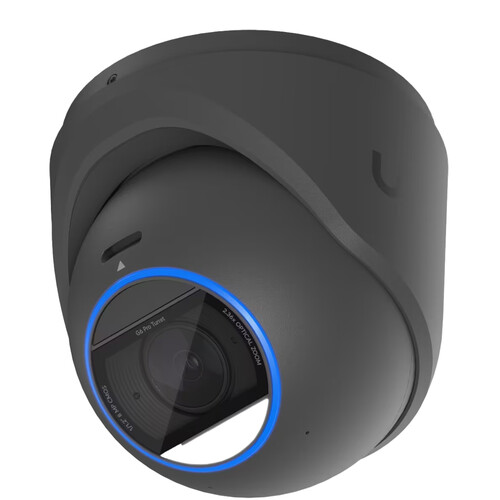
UniFi G6 Pro Turret
UniFi G6 Pro Turret camera Fresh Meadows home Queens
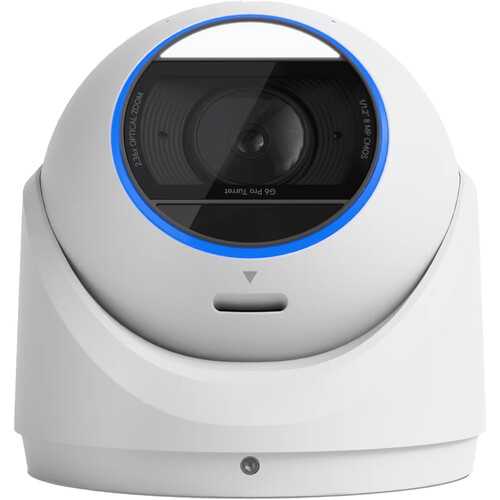
UniFi G6 Pro Turret
UniFi G6 PTZ 4K camera College Point commercial lot Queens
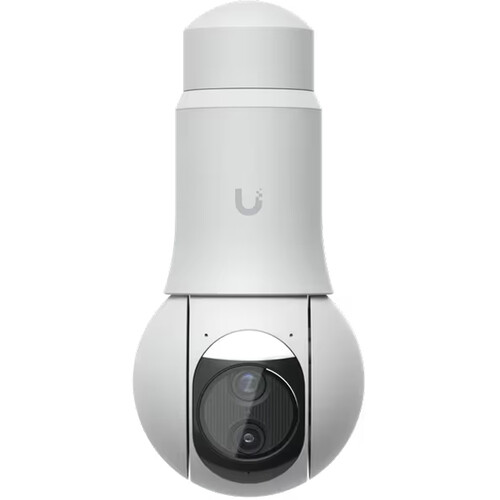
UniFi G6 PTZ
UniFi G5 Turret Ultra camera Kew Gardens co-op Queens
UniFi G5 Turret Ultra
Every Ubiquiti Service

Ubiquiti & UniFi Camera Services We Provide in Queens

Whatever you need on the Ubiquiti side — from a single UniFi doorbell to an enterprise UniFi Protect deployment — we install, configure, repair, and maintain it:

Installation & Setup

Ubiquiti camera installation · UniFi camera installation · UniFi Protect installation · Ubiquiti security camera installation · UniFi security camera installation · Ubiquiti camera system installation · UniFi Protect installation service · UniFi camera installation company · Ubiquiti surveillance installation · Ubiquiti surveillance camera installer · UniFi Protect setup · UniFi camera setup · UniFi Protect camera setup · UniFi Protect configuration · fast security camera installation · certified Ubiquiti installer · professional UniFi installer · Ubiquiti camera installer · UniFi camera installer · Ubiquiti camera contractor · UniFi camera contractor · UniFi Protect integrator · trusted UniFi integrator · Ubiquiti camera company · UniFi camera service company

Repair, Maintenance & Support

Ubiquiti camera repair · UniFi camera repair · Ubiquiti camera repair service · UniFi camera maintenance · Ubiquiti camera maintenance · UniFi camera maintenance service · Ubiquiti camera maintenance company · UniFi camera troubleshooting service · Ubiquiti camera troubleshooting · UniFi Protect troubleshooting · UniFi Protect support · same day camera repair · emergency camera service · rapid camera repair · UniFi Protect upgrade service · Ubiquiti camera replacement service · immediate surveillance upgrade · UniFi Protect expert · Ubiquiti surveillance specialist · experienced UniFi technicians · enterprise surveillance professionals · commercial security experts

Cameras, NVR & Ecosystem

UniFi G5 Bullet · UniFi G5 Pro · UniFi G5 Dome · UniFi G5 Turret Ultra · UniFi G5 Flex · UniFi G5 Instant · UniFi G5 PTZ · UniFi AI Bullet · UniFi AI Pro · UniFi AI Theta · UniFi AI 360 · UniFi PTZ Industrial · UniFi Doorbell · UniFi Doorbell Pro · UniFi doorbell camera · UniFi Floodlight · UniFi Viewport · UniFi camera sensor · UniFi NVR · UniFi network video recorder · UniFi Protect NVR · UniFi Cloud Gateway · UniFi Protect recording · UniFi Protect remote access · UniFi Protect mobile app · UniFi Protect cloud access · UniFi Protect camera management · UniFi Protect storage requirements · UniFi camera night vision settings · UniFi camera monitoring system · UniFi Access · UniFi Intercom · UniFi networking · PoE switch · PoE camera system · structured cabling · network infrastructure

Wondering what are Ubiquiti cameras, how does UniFi Protect work, how to install Ubiquiti cameras, how to configure UniFi Protect, or how to add cameras to UniFi Protect? Asking are Ubiquiti cameras good, are Ubiquiti cameras worth it, is UniFi Protect worth it, do UniFi cameras need a subscription, do UniFi cameras require a subscription, can UniFi cameras record without internet, can UniFi cameras work without internet, how much does UniFi Protect cost, how many cameras can UniFi Protect support, what NVR works with UniFi cameras, are Ubiquiti cameras NDAA compliant, which UniFi camera is best, which UniFi camera is best for business, what is the best UniFi camera, or how do I access UniFi cameras remotely? Comparing Ubiquiti vs Hikvision, Ubiquiti vs Axis, Ubiquiti vs Verkada, Ubiquiti vs Hanwha, or Ubiquiti vs Avigilon — or checking Ubiquiti camera pricing, UniFi camera cost, and UniFi Protect pricing before you buy Ubiquiti cameras or buy UniFi cameras? Who installs Ubiquiti cameras and who repairs UniFi cameras in Queens? We do — in NYC and in Manhattan and Brooklyn, across Long Island and the Hudson Valley. Call (347) 934-8335 — schedule installation today, priority installation available, and same-day repair across every Queens neighborhood.

Packages