Doorbell rang and you couldn't see who was on the other side? Tapo camera still in the box because the walls are brick and the Wi-Fi won't reach? Book a TP-Link Tapo camera install anywhere in the five boroughs: (800) 486-0943
Home › TP-Link Tapo Camera Installation › New York City
Prewar Walk-Ups · Co-op and Condo Towers · Brownstones in Historic Districts · One- and Two-Family Houses · Storefronts on Shopping Corridors · NYS Licensed
Building Rules Checked First · Network Tested Before Mounting · Set Up on Your Own Account
TP-Link Tapo camera installation in New York City is mostly not a house-with-a-yard job. According to the Citizens Housing and Planning Council, more than eight in ten of the city's homes were built more than fifty years ago, and well over half of all units sit in buildings of six or more apartments. That means a Tapo camera here usually goes on a metal-clad apartment door, a brick party wall, the stoop of a brownstone, or the back of a storefront, inside a building whose board, landlord or landmark rules decide what can go where. We check those rules, test the Wi-Fi at the exact spot the camera will live, pick the Tapo model and mount that suit the wall, and set everything up on your own TP-Link account, in all five boroughs.
Reviewed and updated November 5, 2026 by Anwar Timothy, NYS license #12000287431 · Sources: TP-Link support FAQ 2742 and FAQ 3973, the Tapo setup guide, the Tapo apartment doorbell store page and Tapo's PoE installation guide, Connextivity's NYC apartment camera law guide, Guzov LLC on co-op and condo camera rules, Brick Underground's Ask a Condo/Co-op Lawyer column, Outerbridge Law on rental cameras, the NYC HPD Tenant Data Privacy Law page, the NYC Department of Buildings electrical permit page, the Landmarks Preservation Commission 2018 rules amendments and Permit Guidebook Chapter 11, NYC 311's camera registration article, the Citizens Housing and Planning Council housing stock visualization, the Rent Guidelines Board 2026 Housing Supply Report, the NYC Council Data Team's internet access page, Security.org's package theft report, the New York Attorney General's 2024 package-theft tips, amNY (November 3, 2026), Gothamist, Senator Joni Ernst's letter to the Department of Commerce, the NYC SBS business improvement district directory, and Wikipedia, 6sqft, the Cultural Landscape Foundation and the Historic Districts Council for the landmark buildings named below · Dispatched from 1282 Troy Ave, Brooklyn
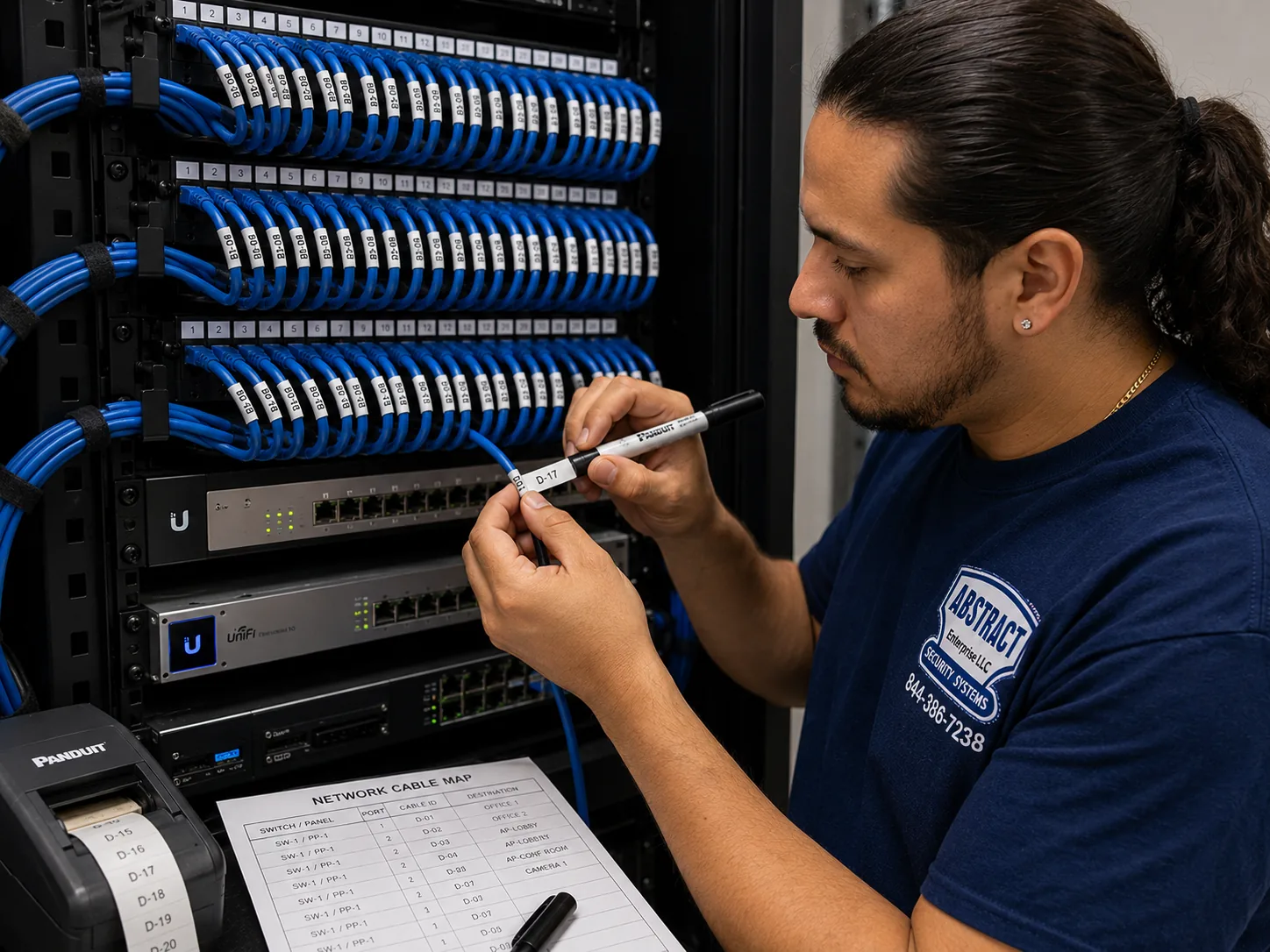
Photo from the AESS job library, taken on a Bronx network-cabling job, not a Tapo camera install: a technician printing cable labels at a patch panel beside a printed port map. When wired Tapo cameras in a New York City walk-up or small building run back to one switch, every cable gets a label like this, so the super or the next technician knows which line feeds the stoop camera and which feeds the back yard.
NYC Tapo Camera Install
Tell us the borough, the building type and where the camera should go
✅
Request Sent!
We'll get back to you within 2 hours to book your NYC Tapo camera job.
25+
Years Experience
✓
Same-Day Estimates
100%
Licensed & Insured
4.7★
201 Google Reviews
Owner-operated since 2002 · Thousands of jobs completed · Booked within 2 hours
Quick answer: a Tapo camera installation in New York City is priced per camera from our published Tapo price list for your borough, and it covers the mount, the power, the Wi-Fi or cable connection, the app setup on your own account and a tested handover. Three things decide most quotes: whose wall the camera goes on (your own unit, a shared hallway, a façade), what the wall is made of, and whether your Wi-Fi can actually reach that spot on the band the camera uses. Send us a photo of the spot and your router, and we can tell you which lines apply before you book. Requests are booked within 2 hours. Call (800) 486-0943 or see the Tapo camera installation price list for NYC.
Building rules come first: anything outside your apartment door can fall under co-op, condo or landlord control, and landmarked façades fall under the Landmarks Preservation Commission
The network is tested before a single hole is drilled, because TP-Link says most Tapo cameras use 2.4GHz Wi-Fi and do not support login-page, enterprise or WPA3-only networks
Security system installation done under NYS license #12000287431, with any junction-box or line-voltage wiring handed to a licensed electrician
Why New York City Properties Need Tapo Camera Installation
Tapo cameras are sold as cameras you set up yourself in ten minutes, and in a suburban house with a router in the next room that is often true. New York City is not built like that. The Citizens Housing and Planning Council's housing stock visualization counts roughly 3.7 million homes in the city, more than 80 percent of them built more than fifty years ago, and about 2 million units, over half the total, put up before 1947. The Rent Guidelines Board's 2026 Housing Supply Report puts the pre-1947 share at 54 percent of units. The same council analysis finds about 62 percent of units in buildings of six or more apartments, and only just over a quarter in one- and two-family houses. In plain terms, the typical place a New Yorker wants a camera is an apartment door on a shared hallway, inside a building with masonry walls, a building owner or board, and a lot of other people's Wi-Fi in the air. Every one of those details changes how a Tapo camera should be chosen, mounted and connected.
The most common reason people call is the door, and in particular what arrives at it. Security.org's annual package theft report found that apartment residents were more than three times as likely as other people to have had a package stolen in the previous three months, 10 percent against 3 percent, and noted that apartment dwellers may not be allowed to put doorbell or security cameras outside their units, depending on their landlord's rules. A delivery company blog on New York package theft says many older city buildings lack both cameras and a designated package drop-off area. Gothamist, writing about missing Amazon packages, reported a SafeWise estimate that the total value of stolen packages in New York City is close to $1 billion, and described the "package shuffle" New Yorkers do, including installing doorbell cameras to watch the stoop. The New York Attorney General's 2024 consumer tips on package theft specifically recommend using a doorbell camera or video surveillance to help deter thieves or help police identify them.
The door matters for more than packages. On November 3, 2026, amNY reported that robbers dressed as Amazon workers forced their way into a home near Bainbridge Avenue and East 199th Street in the Bronx, after the victims heard their doorbell ring and went to answer it, believing it was someone they knew. We are not claiming a camera would have changed what happened in that case, and we have no connection to it. We mention it because it shows the question a door camera is really bought to answer: who is on the other side before the door opens. A Tapo doorbell or door camera that sends a live picture to your phone the moment someone rings gives you that answer from the couch, the kitchen or the office. The same idea showed up in a citywide participatory budgeting proposal for the Gowanus Houses, where residents suggested smart door systems that send notifications to residents' phones when someone rings or approaches their door. And because a camera on a door is a camera within arm's reach, mounting matters too: a West Village neighbor was arrested, according to a news report, for allegedly ripping a Ring video doorbell off the wall and walking away with it.
What makes a city install different from a suburban one is that the rules mostly come from the building, not from Albany or City Hall. Connextivity's guide to New York City apartment camera law puts it simply: no New York statute bans a door camera that views a hallway. The co-op and condo law firm Guzov LLC says the same thing about the city, and adds that a co-op's own rules may prohibit a shareholder from placing a video doorbell in a common area. In Brick Underground's Ask a Condo/Co-op Lawyer column, a lawyer said a board resolution banning video doorbells is "certainly an option," especially where the cameras sit in common areas the board controls. Renters face a stricter view from at least one law firm, Outerbridge Law, which says tenants can place cameras inside their units as long as they do not point them outside, and cannot aim them at public hallways or other tenants' doors. These sources do not fully agree, which is exactly why we ask who owns the wall, who controls the hallway and what the lease or proprietary lease says before we mount anything.
The other side of hallway cameras is worth knowing too. A guide to apartment camera laws by Safe and Sound Security notes that landlords have used hallway camera footage to build eviction cases arguing that tenants were not present often enough to count as primary residents, and says the strategy has worked in New York rent-stabilized housing disputes. That is about building-owned cameras, not your Tapo, but it is a reminder that a camera in a shared space records everybody, including you. We set up every camera so it watches what you have a reason to watch and as little else as possible.
Then there is the network, which is where most do-it-yourself Tapo setups in the city go wrong. TP-Link's support FAQ says most Tapo cameras connect over 2.4GHz Wi-Fi, with only selected models, including the Tapo C260, C460 and C840, also supporting 5GHz. Tapo's own setup guide lists network types that are not supported at all: WEP, captive portal networks, WPA or WPA2-Enterprise, and WPA3-only networks. In a building where the landlord supplies Wi-Fi with a login page, or where a tenant's new router defaults to WPA3 only, the camera simply will not join. And internet at home is not a given. The New York City Council Data Team, using Census survey data for 2021, found that 8.1 percent of city households had no internet access, 12.8 percent relied on a cellular data plan only, and 24.5 percent had no cable, fiber or DSL broadband subscription. A Tapo camera can record to a memory card without the internet, but it cannot send you an alert or a live picture without a connection, so the network question is part of the install, not an afterthought.
Finally, there is the brand question, which customers raise with us directly. In 2024 Senator Joni Ernst and colleagues wrote to the Department of Commerce asking it to investigate TP-Link, which the letter notes sells security cameras under the TP-Link and Tapo names. A 2026 review on Smart Home Perfected reports that regulators moved toward broader rules on foreign-made consumer routers rather than a single TP-Link ban, and that in early 2026 the White House reportedly shelved the targeted action. We give customers that context plainly, and we install Tapo cameras the way security-minded people recommend for any internet-connected device: on a separate guest or IoT network so the cameras cannot reach your laptop, phone or work computer.
We also want to be plain about what our research could not find. We looked for Reddit threads from New York City residents about installing Tapo cameras, and for Patch, BKReader and Bronx Times coverage of Tapo installs, and found nothing specific. We found no HPD violation or 311 complaint data about tenant cameras. We found one installer's blog claiming that a New York City "Local Law 50" requires residential buildings to notify residents of common-area cameras, but no other source confirmed it, and we could not verify it against the law itself, so we do not repeat it as fact here. Where this page describes what we do in a building, it describes our practice; where it states a rule or a number, it names the source.
New York City facts that shape a Tapo camera install
Old buildings, mostly apartments: about 3.7 million housing units citywide, more than 80 percent built over fifty years ago and about 62 percent in buildings of six or more units (Citizens Housing and Planning Council).
Prewar majority: 54 percent of units are in buildings constructed before 1947 (Rent Guidelines Board 2026 Housing Supply Report).
Borough contrasts: about 97 percent of Manhattan units are in buildings of six or more apartments, while about 83 percent of Staten Island units are in one- and two-family houses (Citizens Housing and Planning Council).
Packages at risk: apartment residents were more than three times as likely to report a stolen package in the past three months, 10 percent against 3 percent (Security.org, national data).
Connection gaps: 8.1 percent of households had no internet access and 12.8 percent used cellular data only in 2021 (NYC Council Data Team).
Intercom law already covers many lobbies: under Multiple Dwelling Law Section 50-a, apartment buildings of eight or more units built or converted after January 1, 1968 must have an intercom at the main entrance, so your Tapo is usually for your own door, not the street door.
What New Yorkers often add once the door camera is up. After a Tapo doorbell or door camera is working, the next request is usually a second camera inside, watching the entry hall or a back window onto a fire escape or yard, or a better Wi-Fi signal at the front of a long railroad apartment. Both can be done in the same visit if you mention them when booking, so we bring the right mounts and test the signal at both spots at once.
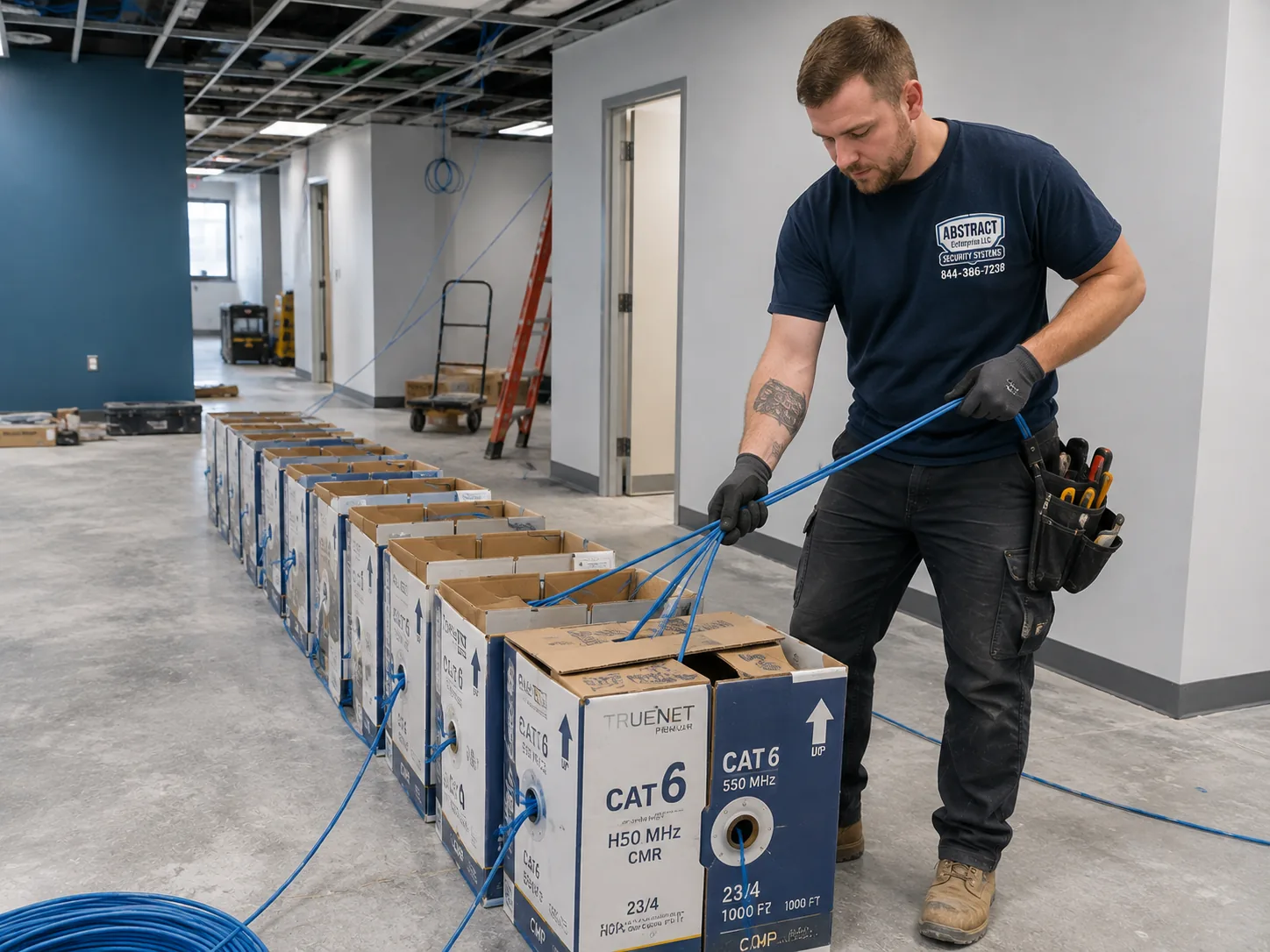
Photo from the AESS job library, taken on a Bronx commercial network job, not a Tapo camera install: boxes of cable staged on the floor of a working premises before a multi-drop pull. When a small apartment building or a shop in the city moves from plug-in Wi-Fi cameras to wired PoE Tapo cameras, the cable for every run is staged like this before work starts, so the hallway or the shop floor is blocked for as short a time as possible.
Camera Gone Offline, Doorbell Pulled Off the Wall, or Footage Needed Now? Fast Help Across NYC
Three Tapo calls get moved to the front of the line. The first is a door camera or doorbell that has been pulled off, damaged or stolen, leaving a door you can no longer see. The second is a camera that dropped offline right before a trip or after a new router, a new internet provider or a building Wi-Fi change. The third is someone who needs to save a clip from a memory card or the app before it is overwritten, because something happened at the door. If footage matters, do not reset or reformat the camera and do not pull its memory card in a hurry; leave it powered, note the date and time of what you need, and call (800) 486-0943. If a crime happened, report it to the police first, and tell the officers you have a camera. We will tell you honestly what can be recovered from the model you have and how quickly we can be there.
A Doorman Tower, a Brownstone Stoop, a Staten Island Porch: How the Borough Changes a Tapo Job
This is the hub page for Tapo camera installation across the whole city, so it is worth being clear about how much the job changes from one borough to the next. The same Tapo doorbell can be a five-minute adhesive mount on a Staten Island storm door or a two-week wait for board approval in a Manhattan co-op. The table below sets out what the public record says about each borough's housing, what that usually means for a Tapo install, and which price list applies. The middle column is our working assumption based on that housing; we confirm every building on the phone and on site.
Borough
What the record says about the housing
What it usually means for a Tapo install
Price list
Manhattan
About 97 percent of units in buildings of six or more apartments (CHPC); many prewar elevator and doorman buildings, many landmark districts
Apartment door and indoor cameras; board or management rules for anything in the hallway; LPC review for façade cameras in historic districts
In a borough where nearly every home is in a building of six or more apartments, a Tapo install usually means your own door, your own entry hall and your own windows. The hallway outside belongs to the building, and in co-ops and condos the board controls it. Many Manhattan buildings also sit inside historic districts, where the Landmarks Preservation Commission's rules discourage cameras on a primary, street-facing façade unless there is no feasible alternative. Old elevator buildings and doorman buildings tend to have long corridors and thick walls between the apartment door and the router, which is why we test the signal at the door before we choose between a battery doorbell, a plug-in camera inside the door or a wired option. The Manhattan price list is higher than Brooklyn's and the Bronx's, because access, parking and building logistics take longer.
Brooklyn: stoops, party walls and walk-ups
Brooklyn has the most even mix of building sizes in the city, so in one week we might mount a Tapo doorbell on a brownstone's vestibule door, put two outdoor cameras on the brick rear wall of a row house, and set up a plug-in camera behind the door of a fourth-floor walk-up. Brownstones and row houses raise the masonry question: brownstone, brick and stucco all take masonry anchors drilled into the stone or brick face, not the mortar joint. Brooklyn Heights, which the Historic Districts Council notes was designated on November 23, 1965 as the first New York City historic district, is one of many places where façade cameras may need Landmarks approval. Walk-ups raise the Wi-Fi question, because a router at the back of a long apartment often cannot reach a camera at the front door.
Queens: attached houses, garden apartments and glass towers
Queens mixes some of the oldest planned housing in the city with some of the newest towers. Forest Hills Gardens, laid out by Frederick Law Olmsted Jr. and Grosvenor Atterbury, was built partly with what the Cultural Landscape Foundation describes as Atterbury's standardized precast concrete panels, a wall that needs masonry fixings and blocks Wi-Fi. In Long Island City, 6sqft reported a 1,194-apartment development of two towers, 46 and 56 floors, on Center Boulevard at Hunter's Point South; glass, steel and concrete towers like those often have plenty of bandwidth but crowded airwaves and doors you are not allowed to drill. In between are the attached and semi-detached houses where driveway and side-door cameras are the usual request.
The Bronx: big complexes and brick corridors
Some of the largest apartment complexes in the country are in the Bronx. Wikipedia describes Parkchester as 171 brick buildings of 8 or 13 stories built by Metropolitan Life between 1939 and 1942, later converted to condominiums. Co-op City, according to its own history page, has 15,372 units in 35 high-rises and seven townhouse clusters. In buildings like these, a Tapo camera is for one family's door, set up under rules written for thousands of families. Across the borough there are also prewar apartment buildings with long, echoing corridors and one- and two-family houses with porches and yards. The amNY report of the November 2026 home invasion near Bainbridge Avenue is a Bronx example of why people want to see the person at the door first.
Staten Island: the house-and-yard borough
With about 83 percent of its units in one- and two-family houses, Staten Island is where Tapo cameras are most often used the way TP-Link designed them: on a porch, over a driveway, at a side gate or above a garage. That brings different questions: weather exposure, how far the router is from the far corner of the yard, and whether a floodlight camera needs a junction box an electrician must wire. The St. Paul's Avenue–Stapleton Heights Historic District, designated in 2004 with about 92 freestanding houses according to the Historic Districts Council, is a reminder that even on Staten Island some front façades fall under Landmarks rules. The Staten Island price list includes the travel over the bridge.
The Network First
Before the Camera: The Wi-Fi a Tapo Has to Live On in a New York Building
Most of the "my Tapo keeps going offline" calls we get are not camera faults. They are network problems that were there before the camera was unboxed: a router at the far end of a long apartment, a building's shared Wi-Fi that the camera cannot join, a new router set to a security mode the camera does not support, or a 2.4GHz band so crowded with neighbors' networks that the camera's video stutters and drops. We sort the network out first, because a camera mounted in the wrong place on the wrong band will keep failing no matter how well it is screwed to the wall.
What you have
Does a Tapo camera work on it?
What we usually do
Your own router, WPA2 or WPA2/WPA3 mixed mode, 2.4GHz on
Yes, this is the normal case
Test the signal at each camera spot; put the cameras on a guest or IoT network
Your own router set to WPA3 only
No; Tapo's setup guide lists WPA3-only networks as unsupported
Add a separate network for the cameras in a supported mode, rather than weakening your main network
Building Wi-Fi with a login or welcome page
Very likely no; captive portal networks are listed as unsupported
Set up the cameras on your own router or a separate access point on your own internet service
Office-style network with a username and password per person
No; WPA and WPA2-Enterprise are listed as unsupported
A separate camera network, agreed with whoever runs the office network
5GHz only, 2.4GHz switched off
Only for the models that support 5GHz, such as the C260, C460 and C840
Turn 2.4GHz back on for a camera network, or choose a dual-band model
No home internet, phone hotspot only
The camera may record to a memory card, but alerts and live view need a connection
Talk through whether a home connection is needed before buying cameras
A spot the Wi-Fi does not reach
Not reliably
Move the router, add a mesh node or access point, or run a cable to a wired PoE camera
Why 2.4GHz is both the problem and the answer
TP-Link says most Tapo cameras use 2.4GHz Wi-Fi. That band travels further and through walls better than 5GHz, which helps in a building with masonry partitions. It is also the band every neighbor's router, every older smart plug and many baby monitors use, so in a dense building it can be crowded. In a walk-up where you can see a dozen other networks from your sofa, we pick the least crowded channel the router allows and keep the camera close enough to the router or a mesh node that it holds a strong signal even when the neighbors are busy. For the few spots where crowding is severe and the camera supports it, a dual-band model on 5GHz may be the better choice, provided the 5GHz signal actually reaches the door.
Thick walls and long apartments
One New York renovation company describes prewar buildings as having exceptionally thick walls, often 12 to 18 inches of masonry. A wall like that can stop a Wi-Fi signal almost completely, and a railroad apartment can put several such walls between the router at the back and the camera at the door. We measure the signal at the camera's planned spot with the router in its real place, at the time of day the building is busiest if we can. If it is weak, the fix is usually one of three things: move the router to a more central spot, add a mesh node or an access point near the door, or, in a house or a building you own, run a network cable and use a wired PoE camera instead of Wi-Fi.
A separate network for the cameras
Common advice for any internet-connected device, repeated in coverage of the TP-Link router investigation, is to put cameras, smart plugs and TVs on a separate guest network so they cannot reach your more sensitive devices. We do that as standard on Tapo jobs where your router supports it. The cameras get their own network name and password, your laptops and phones stay on the main network, and the app still works from anywhere because it reaches the cameras through the internet. If you run a business, the same idea applies with more force: the cameras should never share a network with the card terminal or the office computer.
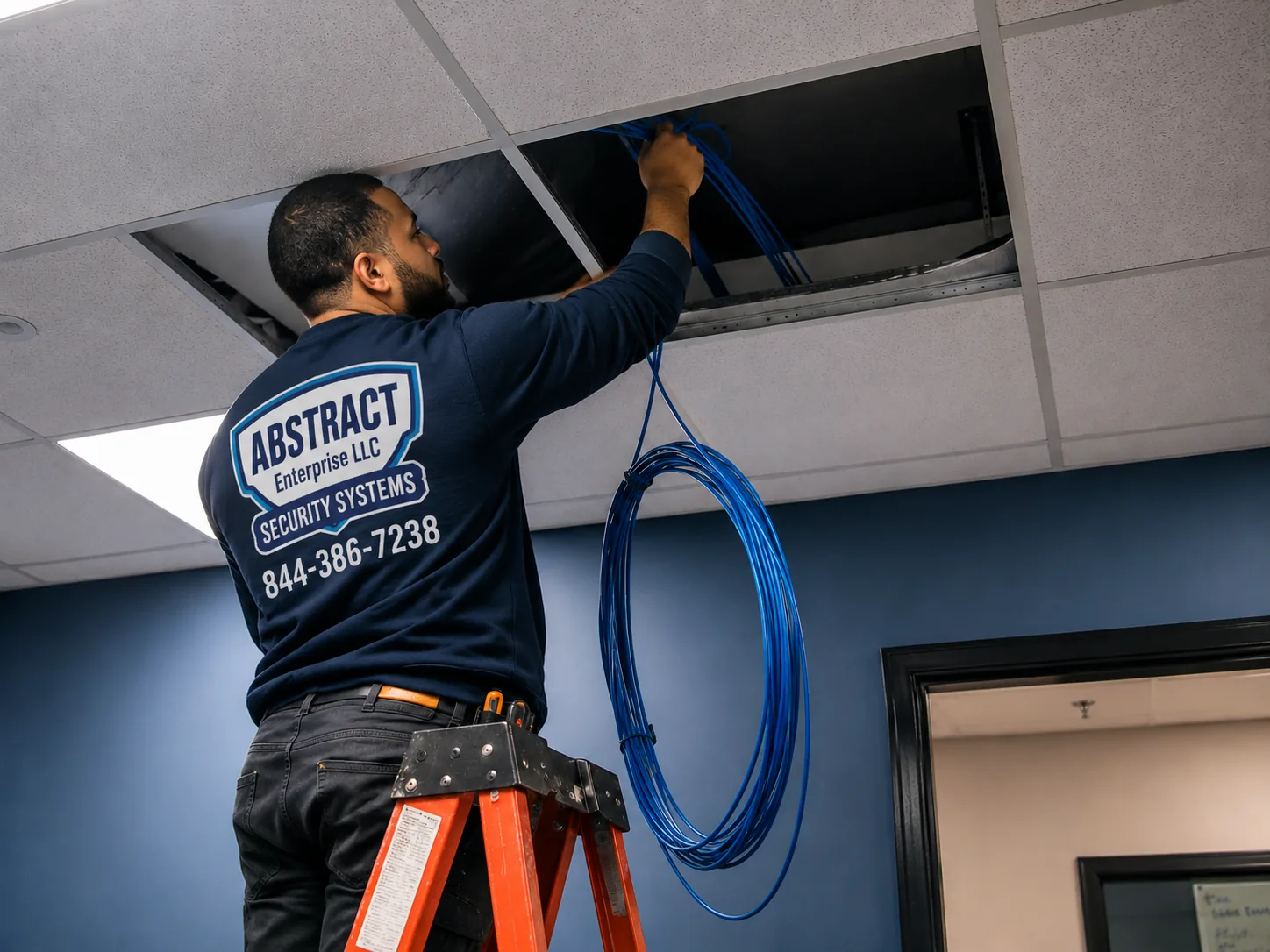
Photo from the AESS job library, taken on a Bronx network job, not a Tapo camera install: a technician feeding cable through the ceiling of an occupied commercial space. When a shop or office in the city needs Wi-Fi strong enough for several Tapo cameras near the front door, a cable run like this to a ceiling access point near the entrance is often the real fix, not a new camera.
Before You Book
Lease, Board, Router, Door: What to Check in Your NYC Home Before a Tapo Install
A few minutes of checking before the visit saves most of the time a Tapo job can lose: a door that will not take the mount, a hallway the board has not approved, a router locked by the internet provider, or a camera spot with no signal. You do not need any tools for this. Please do not drill into a shared hallway wall, a building door or a landmarked façade to "test" anything; just look, ask and send us what you find.
What to check
Why it matters in New York City
What to send us
Who owns the spot
Your apartment interior, your apartment door, the hallway and the façade can all have different owners and rules
Whether you rent or own, and whether the spot is inside your unit, on your door or in a common area
Your lease, proprietary lease or house rules
Co-op rules may prohibit video doorbells in common areas; some leases limit drilling or alterations
A photo of any clause that mentions cameras, doorbells, alterations or common areas
Your router
Most Tapo cameras need 2.4GHz and a supported security mode; some provider routers are locked
A photo of the router's label and where it sits in the home
Your door
Apartment doors on shared hallways are often metal-clad and self-closing; that changes which mounts work
A photo of the door, its frame and the peephole, from inside and outside
What the camera would see
A camera aimed at a neighbor's door or window can cause complaints or worse
A phone photo taken from where the camera would go, showing its view
Power at the spot
Plug-in cameras need an outlet nearby; floodlight cameras need a junction box, which is electrician work
Where the nearest outlet is, and whether there is an existing outdoor light fixture
Landmark status
Façade cameras in historic districts and on individual landmarks fall under LPC rules
Your address, so we can check whether the building is landmarked
Access and parking
Walk-ups, service elevators and doorman sign-in add time; some boards want insurance papers in advance
The floor, the elevator situation and the super's or managing agent's email
Ask the board or the landlord the right question
If any part of the camera sits in a hallway, on a building door or on the outside of the building, ask in writing and be specific. "Can I put a Tapo video doorbell on the hallway side of my apartment door, attached with adhesive, with the microphone recording turned off and the view limited to the area in front of my door?" gets a clearer answer than "Can I have a camera?" Boards and managers are more likely to agree to a small, reversible device with audio off and a narrow view. If they say no to the hallway, the fallback is a camera inside your apartment looking at the door, which in most buildings is entirely your own business.
Check the router before you buy more cameras
If you already own a Tapo camera that has trouble connecting, do not buy a second one hoping it will be better. Look at the router's settings page or the provider's app, and check two things: that the 2.4GHz band is switched on, and that the security mode is not WPA3 only. Then stand at the camera spot with your phone and check how many bars of Wi-Fi you have. If the signal is weak where you stand, it will be weaker inside a camera housing. Send us a screenshot and we can usually tell you over the phone whether the fix is a setting, a router move or more equipment.
Think about the people the camera will see
A camera at your door will record your neighbors coming and going, the super, delivery workers and your own family. Decide before the install what you want it to watch, how long you want recordings kept and who in the household can see them. Those choices drive which camera we recommend, where we aim it and how we set it up, and they are much easier to get right at the start than to fix after a neighbor complains.
What We Install
Tapo Camera Installation Services in New York City
These are the Tapo jobs New York renters, owners, co-op shareholders, landlords and small businesses book us for. Each is priced from the Tapo price list for your borough. Where a job needs something extra, such as a mesh node to reach the door, a cable run for a wired camera or an electrician for a floodlight, the written quote names it before you book.
🚪
Apartment Door Cameras and Doorbells
Tapo video doorbells on apartment doors, mounted with the included adhesive or screws as your building allows, or a camera inside the door watching the entry, for renters who cannot put anything in the hallway.
🏠
Indoor Cameras for Apartments
Plug-in pan-and-tilt and fixed cameras for entry halls, living rooms, nurseries and pets, placed near outlets, aimed away from neighbors' windows, with privacy features set the way you want.
🏛️
Stoop and Façade Cameras
Outdoor Tapo cameras on brownstone, brick and stucco fronts, fixed into the masonry face with anchors suited to old stone, and checked against Landmarks rules where the building is in a historic district.
🌳
Yard, Driveway and Garage Cameras
Outdoor wired, battery and solar Tapo models for rear yards, side alleys, driveways and garages on row houses and one- and two-family homes, sited where both the view and the Wi-Fi hold.
🔌
Wired PoE Tapo Cameras
For houses and buildings you own: Tapo PoE cameras on Cat5e or Cat6 cable, as Tapo's installation guide recommends, run to a PoE switch, labeled and tested, for spots where Wi-Fi will never be reliable.
🔋
Battery and Solar Cameras, No Wiring
Battery-only and wired-and-battery Tapo models where no outlet or cable can reach, including solar-panel options for roof decks and yards, with honest advice on how cold winters affect batteries.
📶
Camera Wi-Fi and Network Setup
Router placement, mesh nodes and access points to get a strong signal to the door, plus a separate guest or IoT network for the cameras so they cannot reach your other devices.
🛍️
Storefront and Small Business Cameras
Tapo cameras over the register, the stock room and the back door of small shops and offices, on their own network, with clear advice on audio, signs and sharing video with police.
🔧
Fixing a Tapo Setup That Keeps Dropping
For cameras that go offline, miss events or will not connect after a router change: we test the signal, the band, the security mode and the memory card, and fix the cause rather than resetting and hoping.
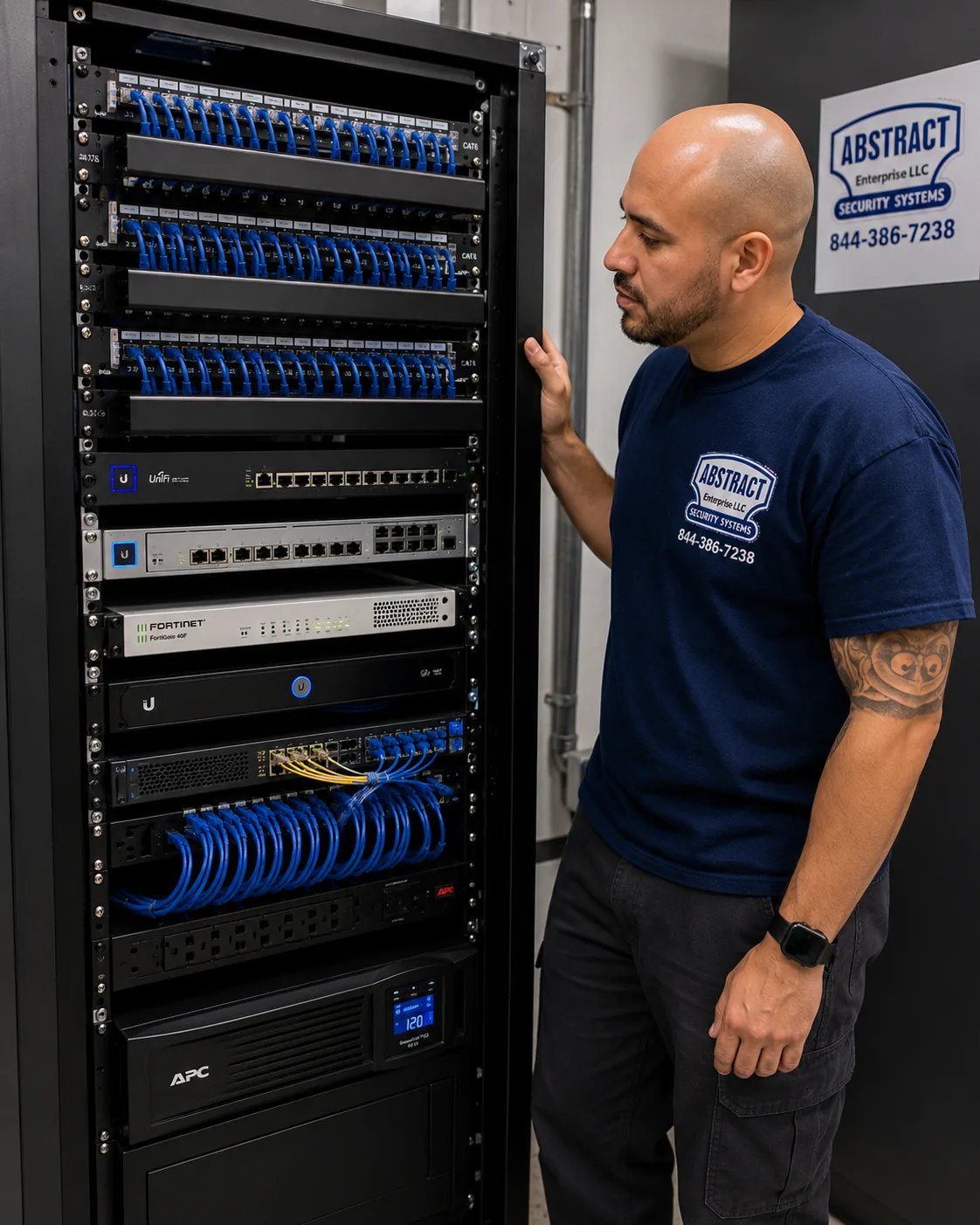
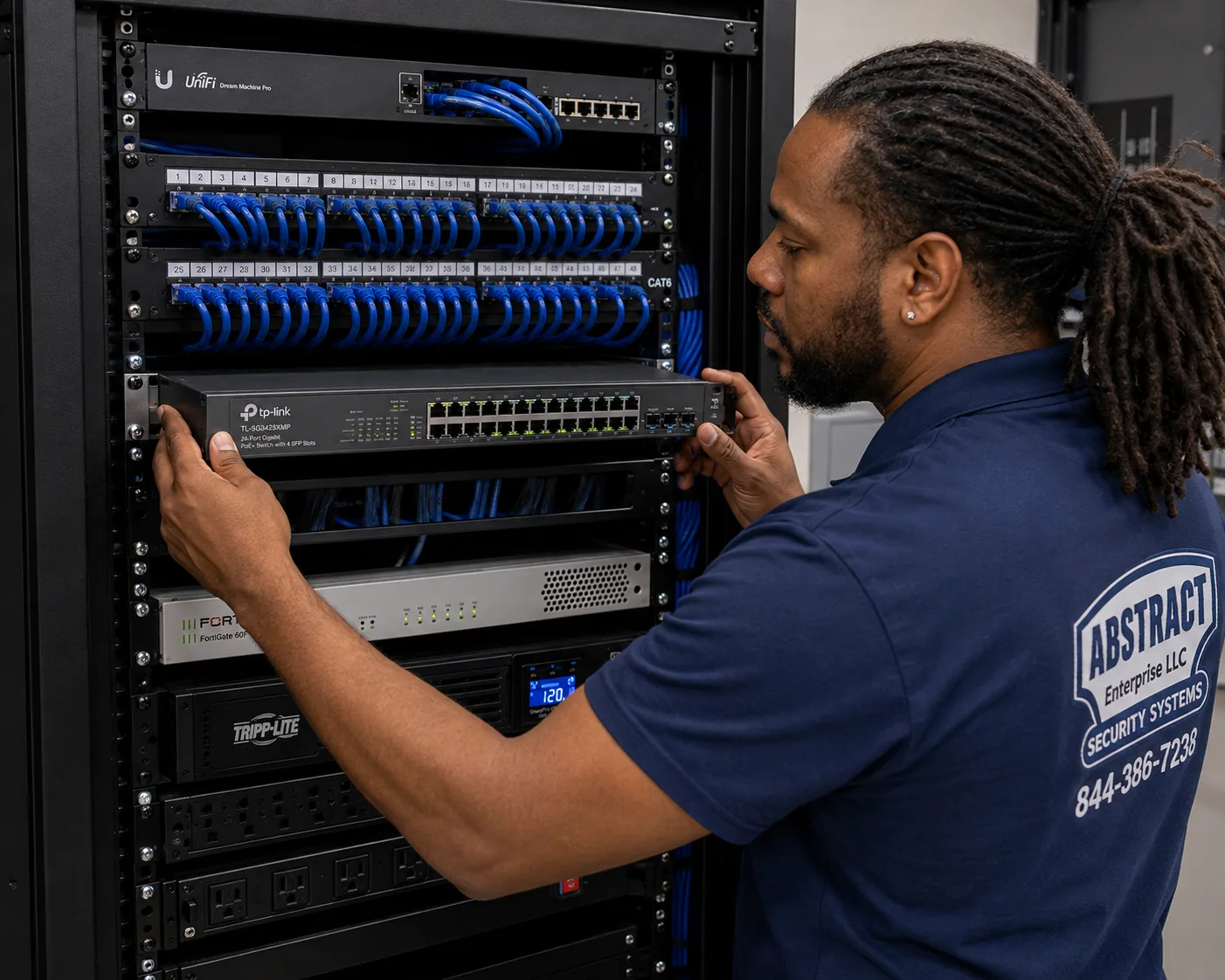
Photo from the AESS job library, taken on a Bronx network job, not a Tapo camera install: a finished network rack with patch panels, switching, a firewall and battery backup, all dressed and labeled. A two-camera apartment never needs this much, but a small building or business in the city running a dozen wired Tapo cameras ends up with a smaller version of the same thing: a PoE switch, labeled cables, and battery backup so the cameras stay up through a short outage.
Building Specialists
Tapo Camera Installation for New York City's Architecture
New York packs more kinds of building into one city than almost anywhere, and each changes three things about a Tapo job: what the camera or doorbell can be fixed to, how it gets power and a network connection, and who has to agree before it goes up. These are the building types the public record describes across the five boroughs, and how we handle each.
Prewar Walk-Up Tenements
Four- to six-story walk-ups built before 1929 under the earlier multiple-dwelling laws, as one real estate guide describes them. Brick walls, long narrow apartments, a router at the back and a door at the front. Usually rentals, so the hallway belongs to the landlord.
Prewar Elevator Apartment Houses
Eight- to twelve-story elevator buildings from the 1910s and 1920s, and the larger doorman buildings of the 1920s and 1930s. Many are now co-ops. Thick masonry, long corridors, board rules and contractor sign-in.
Brownstones and Row Houses
Stone, brick and stucco fronts, often in historic districts. The owner usually controls the building, but the street façade may fall under the Landmarks Preservation Commission. Stoop doors, vestibules and rear yards.
Postwar Co-op Towers and Large Complexes
Brick and concrete towers and planned complexes such as Co-op City and Parkchester. One family's door inside a building with thousands of neighbors, rules written for everyone, and corridors full of other people's Wi-Fi.
One- and Two-Family Houses
Frame, brick and attached houses in every borough, and the great majority of homes on Staten Island. Porches, driveways, side gates and garages, where Tapo cameras are used much as TP-Link designed them.
New Glass and Concrete Towers
High-rises like the Hunter's Point South towers in Long Island City. Strong internet, crowded airwaves, concrete and steel that weaken Wi-Fi, apartment doors you may not drill, and management rules on anything in the corridor.
How the building type changes the job
Building
What the camera fixes to
Power and connection
Who signs off
Prewar walk-up
Inside the apartment; adhesive or screws on your own door only with the landlord's agreement
Plug-in or battery; Wi-Fi often needs a mesh node near the door
The tenant, plus the landlord for anything outside the unit
Prewar elevator or doorman building
Inside the apartment, or on the door if the board allows
Plug-in or battery; Wi-Fi through thick masonry
The shareholder or tenant, and the board or managing agent
Brownstone or row house
Masonry anchors in the stone or brick face, not the joint
Wired Wi-Fi, battery, or PoE on a cable run through the basement
The owner, and LPC for street façades in historic districts
Postwar co-op tower or complex
Inside the apartment; door mounts only under building rules
Plug-in or battery; crowded 2.4GHz band
The shareholder and the board or management office
One- or two-family house
Siding, brick, eaves, porch posts, garage walls
Wired, battery, solar or PoE; floodlights on a junction box by an electrician
The owner, and the tenant's own agreement in a two-family
New tower
Inside the apartment; corridor devices only as management allows
Plug-in; dual-band models where 5GHz reaches
The tenant or owner, and building management
Walk-ups: the long apartment problem
The classic New York walk-up apartment runs front to back, with the front door at one end of a hallway and the windows, and usually the internet provider's router, at the other. Between them may be three or four rooms divided by brick or plaster walls. A Tapo doorbell or a camera just inside the door can easily end up at the edge of the router's range. Before we choose a camera, we measure the signal at the door with the router where it actually lives. If the signal is weak, a mesh node in the middle room or a small access point near the door usually fixes it without any drilling, and the node also helps phones and laptops in the front rooms. The landlord question comes next: in most walk-ups the door is the tenant's to use but the landlord's to own, so we keep anything on the hallway side reversible and only with the landlord's agreement.
Prewar elevator buildings: metal doors and long corridors
Apartment doors in many older elevator buildings are heavy, metal-clad and self-closing; HPD's fire safety guidance says buildings with three or more apartments must have self-closing apartment doors. Metal blocks radio signals, so a camera mounted on the hallway side of a metal door has the door itself between it and the router. Battery cameras in that position also work harder to hold a connection. We test before mounting, and in many cases the better answer is a camera inside the apartment aimed at the door, or a doorbell placed where the frame rather than the door carries it. Never mount anything that stops a self-closing door from closing fully or blocks the peephole.
Brownstones and row houses: stone, brick and the Landmarks question
On a brownstone or row house, the owner usually controls the whole building, which makes the job simpler, but the materials are harder. Brownstone is a soft sandstone that can flake when drilled carelessly; brick varies from hard to crumbly; stucco hides what is underneath it. We drill slowly into the face of the stone or brick, not the mortar joint, with anchors sized for a small camera, and we seal around the holes so water does not get behind the mount. If the house is in a historic district, the Landmarks Preservation Commission's rules apply to the street façade. The LPC's 2018 rules amendments list security cameras among the objects whose installation on façades the commission regulates, and its Permit Guidebook says staff can approve cameras that meet set criteria, with cameras kept off the primary façade where there is another option and kept as small as possible. In practice we often put the front camera inside the vestibule or under the stoop rather than on the stone front, and save the outdoor cameras for the rear, where the rules are usually looser.
Large co-ops and complexes: one door among thousands
In a complex the size of Co-op City or Parkchester, a Tapo camera is one family's device inside a system of rules written for everybody. Many of these buildings are cooperatives or condominiums, and the board or management office decides what can go on apartment doors and in hallways. Brick and concrete construction and hundreds of nearby networks make the 2.4GHz band busy. We ask for the building's rules up front, send whatever insurance paperwork the management office wants, and design around an inside-the-door camera unless the board has clearly allowed a hallway device.
Houses: where wiring options open up
In a one- or two-family house, Tapo's full range comes into play. Wired outdoor cameras can plug into an outdoor or garage outlet; battery and solar models can go where no power reaches; PoE cameras can run on network cable from a basement switch to the front porch, back yard and driveway. Floodlight cameras are different: TP-Link's own instructions mount them on a junction box on a wall or under an eave, which is line-voltage electrical work. The NYC Department of Buildings says an electrical permit is required for most electrical work, including handling electrical wires, in a home or business. We mount and set up the camera; a licensed electrician handles the junction box and the wiring. In two-family houses, we also ask which unit the camera serves and whose router it will use, because a camera on the upstairs network covering the downstairs door is a recipe for arguments.
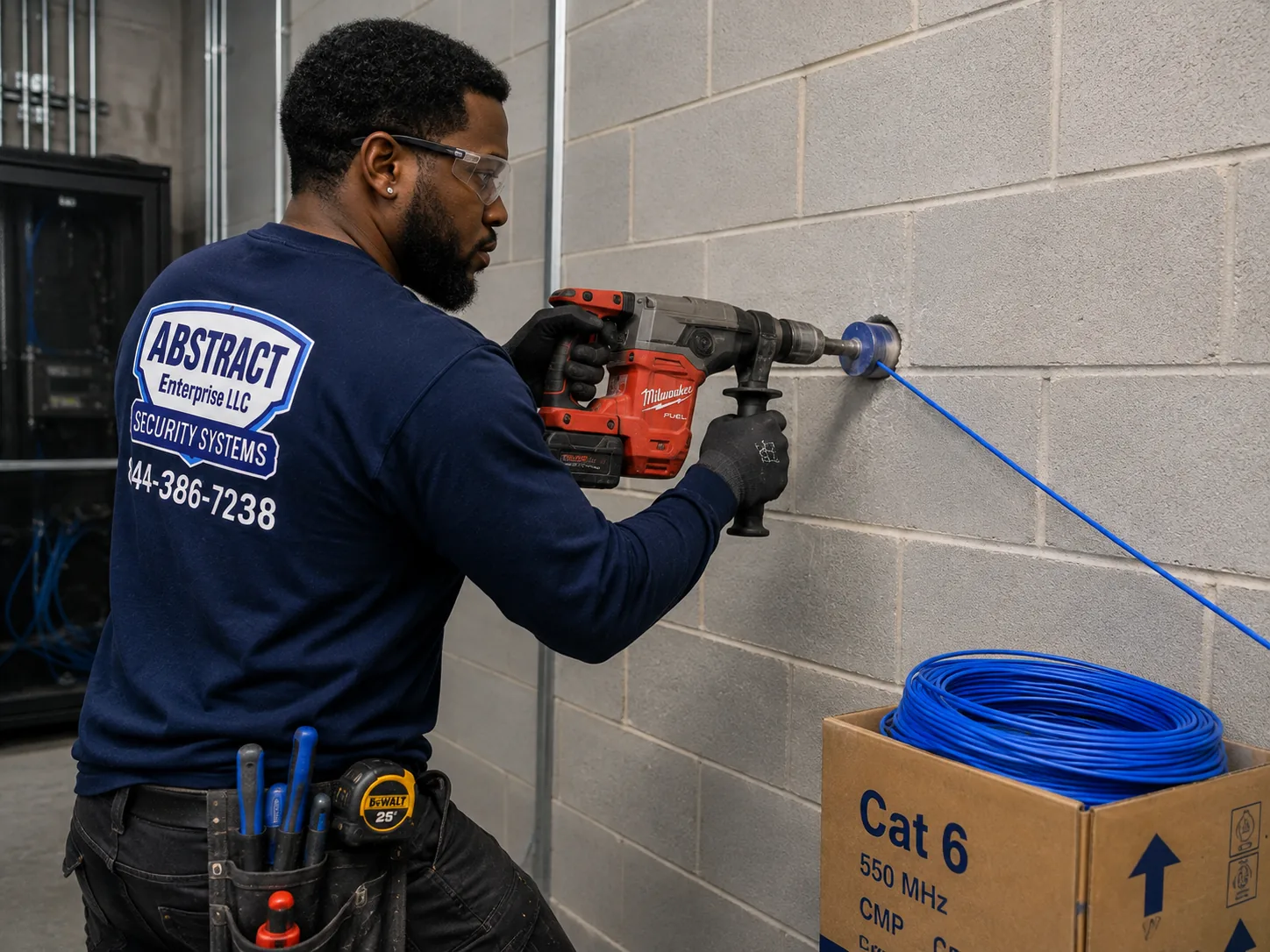
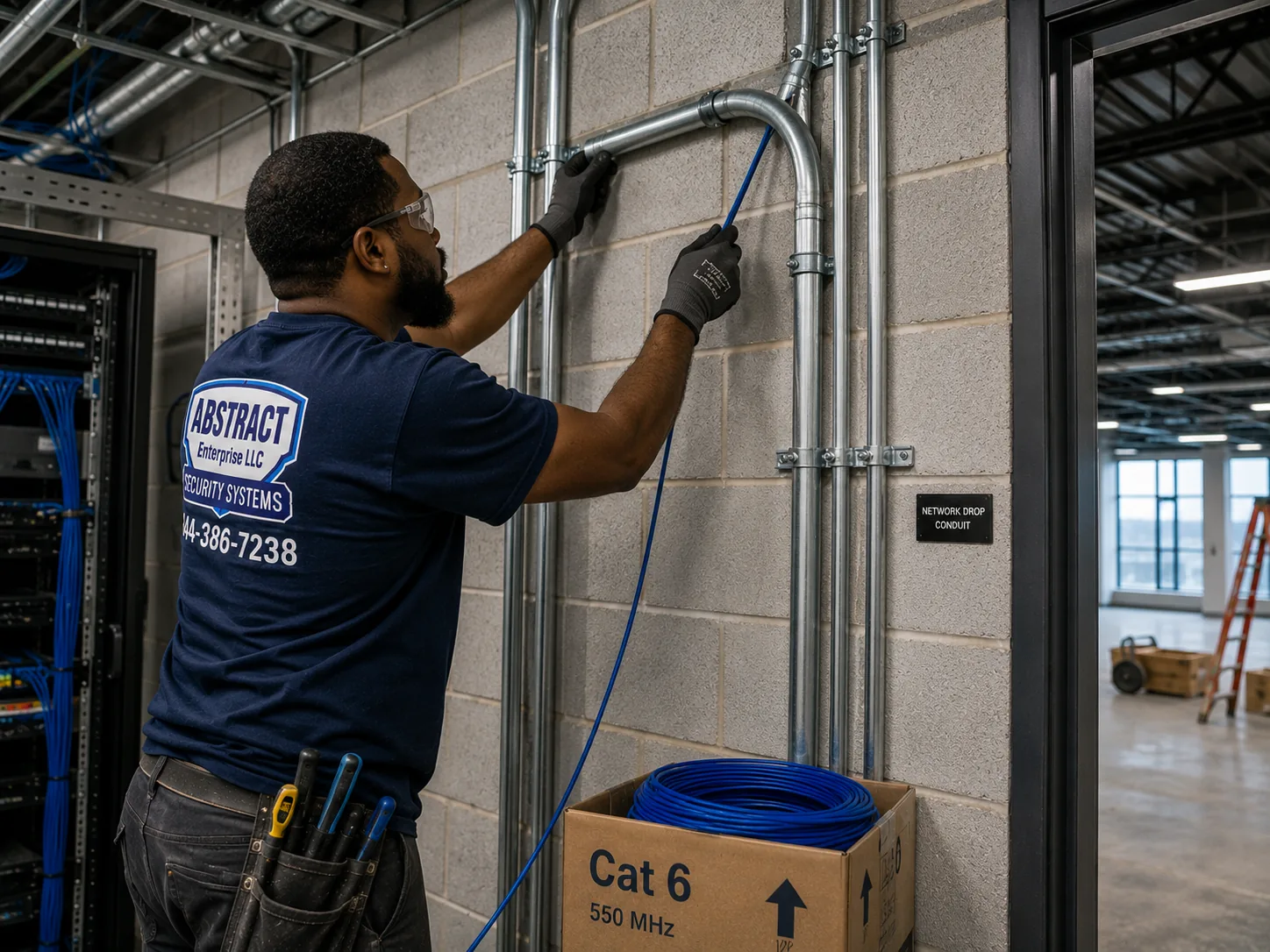
Photo from the AESS job library, taken on a Bronx network job, not a Tapo camera install: a technician core drilling through a block wall to carry cable into a network room. In a New York building or house the owner controls, this is how a cable for a wired PoE Tapo camera gets through a masonry wall cleanly and once, instead of through a window frame or under a door.Photo from the AESS job library, taken on a Bronx network job in an industrial building, not a Tapo camera install: a technician feeding cable into metal EMT conduit beside a telecom room. Where a PoE Tapo camera cable has to cross an exposed basement, a garage or a loading area in a city building, it goes into conduit like this so it cannot be snagged, cut or chewed.
Commercial Tapo Camera Installation
Business Tapo Camera Installation in New York City
Tapo cameras are consumer cameras, and for many small New York businesses that is exactly the point: a shop, a salon, a small office or a takeout counter that wants a few good cameras, an app the owner already understands and no monthly contract. The city's business improvement district directory, kept by the Department of Small Business Services, names some of the corridors where that kind of business is concentrated. We name them as examples of where small storefronts operate; we have no information about the cameras inside any particular business and do not claim any of them as clients.
Fordham Road, the Bronx
Listed by SBS as the Fordham Road business improvement district. A busy shopping street of storefronts, where a camera over the door has to cope with crowds and bright daylight on glass.
125th Street, Manhattan
The 125th Street business improvement district in Harlem. Street-level shops under apartments, where the camera goes inside the glass and the network often has to be separated from the apartments above.
Fulton Mall, Brooklyn
Served by the Fulton Mall Improvement Association, per the SBS directory. Downtown Brooklyn retail with heavy foot traffic, where register and entrance cameras do most of the work.
Steinway Street and Downtown Jamaica, Queens
The Steinway Street district in Astoria and the Downtown Jamaica Partnership are both listed. Small shops and services where a few cameras on their own network beat a big contract system.
Pitkin Avenue and 86th Street, Brooklyn
The Pitkin Avenue district in Brownsville and the 86th Street district in Bay Ridge, both on the SBS list. Neighborhood retail strips with stock rooms and back doors as well as front counters.
Forest Avenue, Staten Island
The Forest Avenue business improvement district. Storefronts with parking lots and side entrances, where an outdoor camera on the lot can matter as much as the one over the register.
Where a Tapo setup fits a business, and where it does not
A handful of Tapo cameras suits a small business with one or two entrances, one register, a stock room and an owner who wants to check in from a phone. Each camera records to its own memory card or to a recorder, sends alerts to the owner's phone and can be shared with a manager. Where a business has many cameras, several managers, a need to keep footage for a long time or an insurer asking for a specific system, a consumer setup becomes hard to manage, and we will say so. In that case we can quote a commercial recorder-based system instead. We would rather tell you a Tapo setup is the wrong tool than install one that fails the first time you need a clip.
Rules and practical limits for business cameras
Audio is a legal question, not a setting. New York's eavesdropping law, Penal Law §250.00 and the sections that follow, is built around consent to record conversations. Recording customers' and staff conversations with a camera microphone carries risk, so on business jobs we leave microphone recording off unless the owner has taken advice and decided otherwise.
Private spaces are off limits. Penal Law §250.45 makes it a crime to install a camera where a person has a reasonable expectation of privacy without consent. No camera goes in a restroom, a changing area or anywhere similar, whatever the reason.
Biometric signs are a different law. The city's biometric identifier law, Local Law 3 of 2021, requires certain businesses that collect biometric information from customers to post notices at entrances, but the city's rules say the signage provision generally does not apply to information collected through photographs or video recordings such as security cameras. Facial recognition features are a different matter, and we do not set them up for businesses.
Sharing with the NYPD is voluntary. NYC 311 says businesses with security cameras can register camera locations with the NYPD through NewYorkCityConnect.org and can share live video during emergencies. A Tapo system can be registered as a location; registration does not give anyone access to your account.
City help for small retailers may be coming. In June 2026 the City Council announced Int. 553-A, which would require Small Business Services to set up a program giving small retailers financial help to buy and install security technology, and Int. 623-2026 would create a pilot installing cameras and plexiglass in certain small businesses. Both were proposals, not programs, when we checked; ask SBS before you count on them.
Storefront gates and sightlines. A 2009 city law set a July 1, 2026 deadline for roll-down gates on business and retail buildings to be at least 70 percent transparent. NY1 reported on July 2, 2026 that the Council unanimously voted to repeal that deadline, with the bill going to the mayor. Either way, a camera behind a solid gate sees nothing at night, so we plan night views around the gate you actually have.
Cords stay out of walls. National Electrical Code §400.12, as EC&M explains it, does not allow flexible cords to be hidden inside walls or run through holes in walls. A plug-in camera's cord stays on the surface, in a raceway or cord cover; where power is needed inside a wall, that is electrician work.
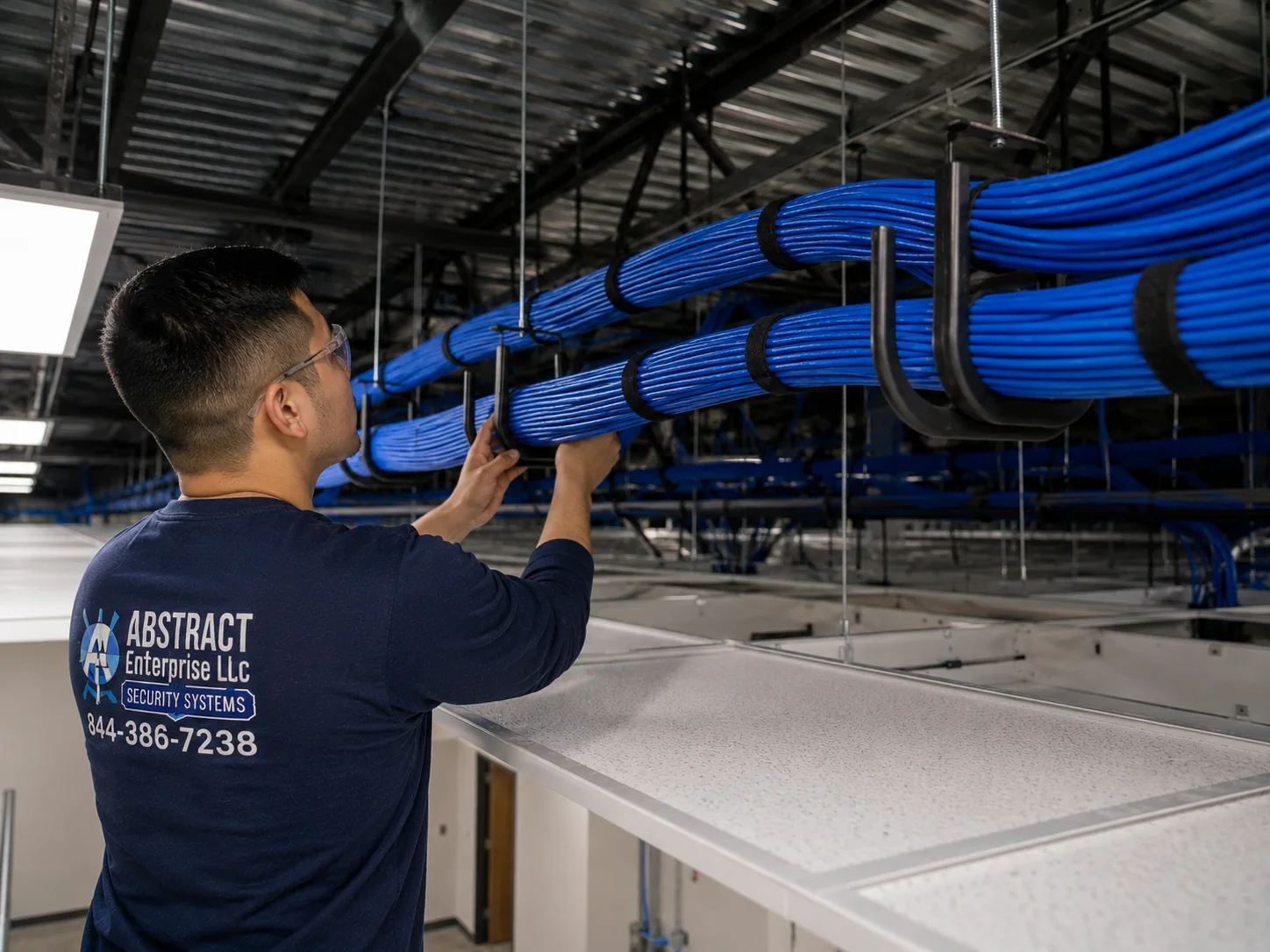
Photo from the AESS job library, taken on a Bronx commercial network job, not a Tapo camera install: a J-hook pathway carrying neat bundles of cable across a commercial ceiling. In a city shop or small office moving to wired PoE Tapo cameras, the camera cables ride the same kind of supported pathway above the ceiling, instead of being draped over pipes or lights.
Field Notes
Field Notes: Standing in the Doorway With a Phone Before Anything Goes on the Wall
We do not publish stories about a particular customer's apartment, so this is not a tale about one address. It is the routine our technicians follow at the start of a Tapo job in the kind of home New York is full of: a long apartment, the router in the back bedroom, a metal door onto a shared hallway, and a new Tapo box on the kitchen counter.
We leave the camera in its box. We ask who rents or owns, and whether the building has said anything about door cameras. We stand where the camera would go and run a Wi-Fi test on a phone, first with the door open, then with it closed, because a metal door can cut the signal in half. We look at the router: which bands are on, what security mode it uses, whether the provider has locked it. We hold the phone's camera where the Tapo would sit and look at the picture together, so you can see exactly whose doors and windows it would catch. We look for the nearest outlet and how a cord would reach it without crossing a doorway. Only when the signal, the view, the power and the permission all check out do we open the box and pair the camera, on your own phone and your own account. That routine is what keeps a Tapo working in a city apartment a year later, not just on the day it goes up.
Your Questions Answered
Tapo Camera Installation in NYC: Questions Answered
Hallways, neighbors and building rules
Can I mount a Tapo camera in the hallway outside my apartment, or just outside my front door?
Under city and state law it is not banned outright: Connextivity's guide says no New York statute bans door cameras that view a hallway, and Guzov LLC says the city has no law prohibiting doorbell cameras in apartment hallways. The hallway itself, though, belongs to the building, and co-op rules may prohibit video doorbells in common areas, while a landlord can treat a device on a hallway wall as an alteration it never approved. A JustAnswer legal Q&A on a Brooklyn apartment put it plainly: for common areas the landlord owns, you need permission, and a camera installed without consent can be removed. So the honest answer is that a camera on your own door is often possible with the building's agreement, and a camera on the hallway wall almost always needs it. We ask you to get that agreement in writing, and if it is not given we set up a camera inside your door instead.
My Tapo doorbell will see the apartment door across the hall. Does that put me on the wrong side of the law?
Connextivity's reading is that no New York law dictates how a camera on your own door has to be aimed, and that it is a building-rules question rather than a criminal one. Outerbridge Law takes a stricter view for renters, saying tenants cannot point cameras at public hallways or other renters' doors. Because the sources disagree, we set every door camera up to see as little of your neighbors' doors as the model allows: the narrowest useful angle, the camera tilted toward your own doormat, and privacy masking over the neighbor's door where the model supports it. That approach keeps you on the safe side of both views and gives your neighbors and your building far less to object to.
Our co-op board is talking about banning video doorbells. Can a board actually do that?
Yes, it appears so. In Brick Underground's Ask a Condo/Co-op Lawyer column, a lawyer said a board resolution banning video doorbells is "certainly an option," especially where the cameras are in common areas the board controls, and Guzov LLC notes that a co-op's rules may prohibit shareholders from placing video doorbells in common areas. If your board is considering a ban, the most useful thing you can do is propose a narrower rule: devices allowed on the shareholder's own door, audio recording off, a limited field of view, and no permanent alteration. If a ban passes, a camera inside the apartment watching the door is usually still yours to install, and we can set that up so you still get an alert and a picture when someone knocks.
I rent a rent-stabilized apartment. Is there any downside to having cameras in or near the hallway?
There is one worth knowing about, although it concerns building cameras rather than yours. Safe and Sound Security's guide to apartment camera laws says landlords have used hallway camera footage to build eviction cases arguing that tenants were not present often enough to qualify as primary residents, and that the strategy has worked in New York rent-stabilized disputes. Your own Tapo camera records to your own memory card and your own account, so nobody else sees it unless you share it. Our advice is simply to keep your cameras aimed at your door, keep the recordings in your control, and remember that any footage you hand over to anyone, including a landlord, can be used for more than the reason you shared it.
Should the Tapo microphone stay on for a camera that faces a shared hallway?
We set it to off. Connextivity notes that whether a camera passively capturing hallway audio counts as unlawful eavesdropping under New York law has never been settled cleanly, which is why audio is usually left off. Video of your door is one thing; recordings of your neighbors' conversations as they walk past are another, and they are the part most likely to cause trouble with a board, a landlord or a neighbor. Two-way talk, where you press a button to speak through the doorbell to a courier, is a different feature from recording, and we explain on the day which settings on your model control which. Inside your own apartment, audio is your choice.
Wi-Fi, walls and the network
Which Wi-Fi band will my Tapo use, and why does it matter in a crowded building?
TP-Link's support FAQ says most Tapo cameras connect over 2.4GHz Wi-Fi, and that selected models, including the Tapo C260, C460 and C840, also support 5GHz. In a city building, 2.4GHz is the band that gets through walls best, but it is also the band every neighbor's router is using, so it can be crowded. If your router has 2.4GHz switched off, most Tapo cameras will not see it at all. Before mounting, we check that 2.4GHz is on, pick a less crowded channel where your router allows it, and confirm a strong signal at the camera spot. For a dual-band model in a spot that a strong 5GHz signal actually reaches, we may use 5GHz instead.
Our building gives us Wi-Fi with a sign-in page. Can a Tapo camera join it?
Very likely not. Tapo's setup guide lists captive portal networks, the kind that show a login or welcome page before you can browse, as not supported, along with WEP, WPA and WPA2-Enterprise and WPA3-only networks. That rules out most building-supplied Wi-Fi in new rentals, many dormitory and office networks, and hotel-style setups. The fix is to give the cameras their own network: your own router or access point on your own internet service. In a building where you cannot get your own service, we talk through whether the cameras will be useful recording to a memory card without alerts, before you spend more money on them.
Will Wi-Fi from the back bedroom reach a camera at the front door through prewar masonry walls?
Often not well. One New York renovation firm describes prewar buildings as having walls often 12 to 18 inches of masonry, and a long apartment can put several of them between the router and the door. We test the actual signal at the door with the door closed, because metal-clad doors weaken it further. If it is weak, the usual fixes are moving the router to a more central room, adding a mesh node or small access point halfway along the apartment, or, in a house you own, running a network cable and using a wired PoE camera. We would rather add one mesh node than mount a camera that drops every evening when the building gets busy.
Wiring and power
What cable does a wired PoE Tapo camera need, and do I have to buy a recorder too?
Tapo's own PoE installation guide says to use Cat5e or Cat6 network cable. We use Cat6 for new runs, terminated and tested end to end, because a cable that tests clean on day one saves a lot of guessing later. The same Tapo guide addresses whether a PoE camera can be installed without a recorder; a PoE camera can take its power and data from a PoE switch or injector, and on many models it can record to its own memory card, so a recorder is a choice rather than a must. A recorder makes sense when you want all cameras recording to one place, longer storage, or footage that survives a camera being stolen. We check which recording options your chosen models support and put the recorder, if any, on the written quote.
Can a Tapo floodlight camera go over my garage or back door without an electrician?
Not in most cases. TP-Link's instructions mount its floodlight cameras on a junction box on a wall or under an eave, which means connecting to the house's line-voltage wiring, not plugging into an outlet. The NYC Department of Buildings says an electrical permit is required for most electrical work, including handling electrical wires, in a home or business. Our work is the camera, the mount position, the network and the app; the junction box and the wiring belong to a licensed electrician. If there is already a working outdoor light fixture on a box in the right spot, the electrician's part may be small. If there is not, a plug-in outdoor camera or a battery or solar model avoids the electrical work entirely.
Permits, licenses and landmarks
Do I need a Department of Buildings permit to put Tapo cameras up in my New York building?
For a typical home camera that plugs in, runs on a battery or uses low-voltage network cable, one installer's guide states that most residential camera installations need no permit, and we found no source saying otherwise for that kind of work. Permits come in when the job touches electrical wiring: the Department of Buildings says an electrical permit is required for most electrical work, which is why floodlight and hardwired fixtures go to a licensed electrician. A separate low-voltage rule, AC 28-105.4.7, is cited by one New York low-voltage contractor as taking effect on December 21, 2025. Building rules, board approvals and Landmarks permits are separate questions from DOB permits, and in practice they are the ones that stop more city camera jobs.
Does whoever installs my Tapo cameras need a New York State license?
If they do it as a business, yes. New York's General Business Law Article 6-D requires a license from the Department of State to engage in the business of installing, servicing or maintaining security or fire alarm systems, and the city's business portal describes the same state license for anyone who installs or maintains security systems. A homeowner putting up their own camera does not need a license; a paid installer does. AESS installs under NYS license #12000287431, and we are happy to send the license number and a certificate of insurance to your board or managing agent before the visit. Ask any installer you are considering for theirs.
Our brownstone is in a historic district. Does a Tapo camera on the front need Landmarks approval?
It may. The Landmarks Preservation Commission's 2018 rules amendments list security cameras among the objects whose installation on façades and areaways the commission regulates, and the proposed rules would prohibit many such objects on a primary façade unless there is no feasible alternative, with the device kept as small as possible. The LPC Permit Guidebook's health-and-safety chapter says staff can approve cameras that meet the criteria in the rules. The commission does enforce this: its July 16, 2013 calendar lists an application to legalize security cameras and an intercom installed without permits at a rowhouse at 52 West 76th Street. We usually suggest a camera inside the vestibule or under the stoop, or on the rear, which avoids the primary façade, and if the front is the only option we help you prepare the application details.
The TP-Link brand question
Is TP-Link being banned in the US, and would my Tapo app stop working if it were?
There was no ban when we reviewed this page. A 2024 letter from Senator Joni Ernst and colleagues asked the Commerce Department to investigate TP-Link, noting that it sells security cameras under the TP-Link and Tapo names. A 2026 review on Smart Home Perfected reports that regulators moved toward broader rules on foreign-made consumer routers rather than a single TP-Link ban, and that in early 2026 the White House reportedly shelved the targeted action. Nobody can promise what any government will do in future, and we found no reliable source on what would happen to the app under a hypothetical ban. What we can do is install the cameras so they record locally to a memory card where the model allows, sit on their own separate network, and use a strong, unique password on your account, so your setup is as resilient and as contained as possible whatever happens.
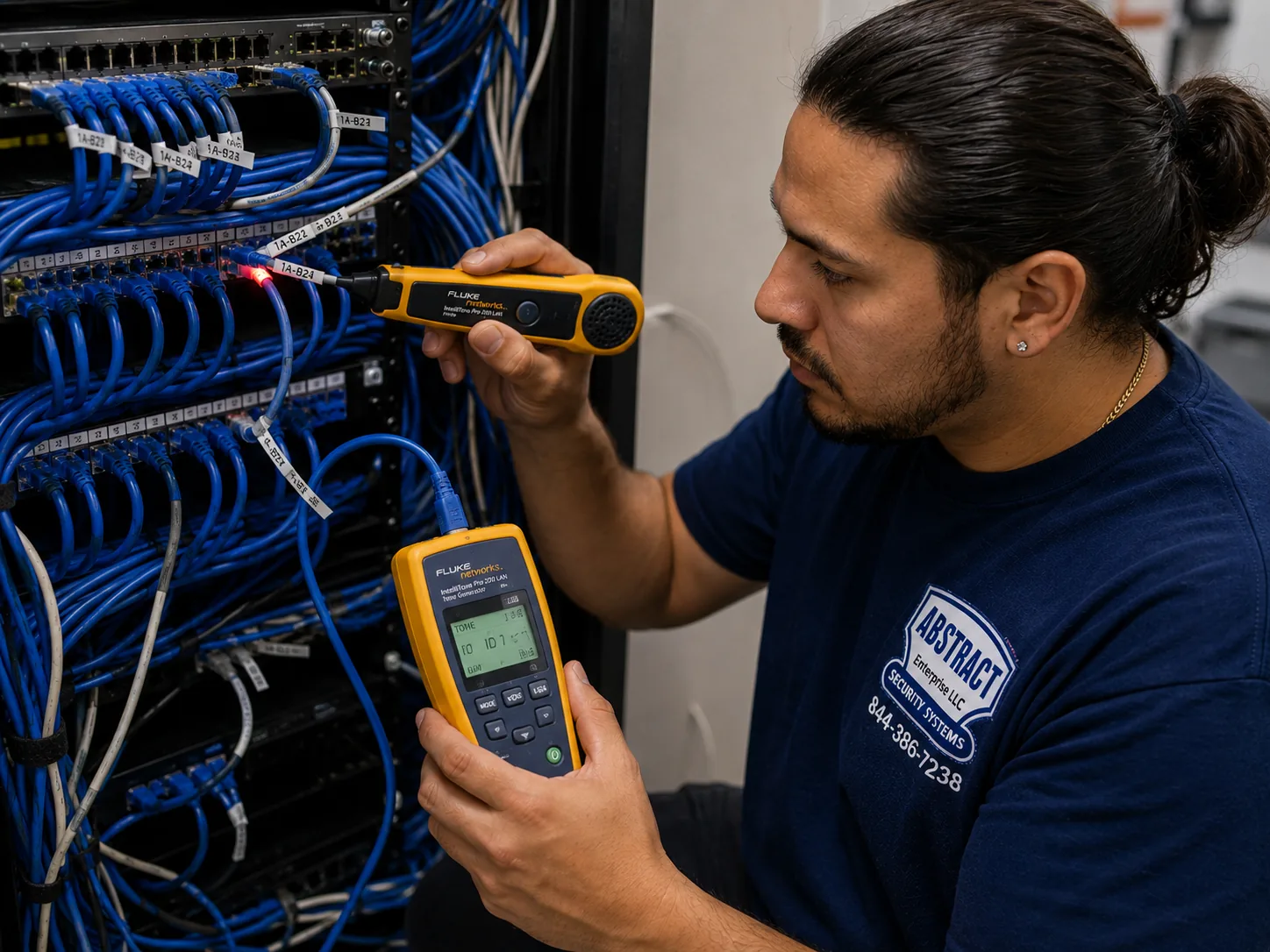
Photo from the AESS job library, taken on a Bronx network repair job, not a Tapo camera install: a technician tracing an unlabeled cable run at a patch panel with a tone generator and probe. In older city buildings we often find network cables left by earlier tenants or providers; before a wired Tapo camera goes on one, we trace it like this to be sure it goes where it seems to and is not cut halfway.
Equipment
Types of Tapo Camera Installation We Install
These are the kinds of Tapo equipment we fit in New York homes and businesses. We describe them by type rather than by a long list of model numbers, because TP-Link's range changes, and the right model depends on your wall, your power and your network. If you already bought the camera, we install yours; if not, we recommend a model for each spot after the network test.
🚪
Video Doorbells for Apartments
Tapo says its apartment doorbells mount with the included adhesive or with screws. Adhesive suits renters and boards that allow nothing permanent; screws suit owners. Battery models need no wiring at all.
🏠
Indoor Plug-In Cameras
Fixed and pan-and-tilt cameras for entry halls and living spaces, including models with a privacy shutter that covers the lens when you are home. The easiest camera to use in a rental: no drilling and nothing outside the unit.
🌧️
Outdoor Wired Wi-Fi Cameras
Weather-rated cameras for stoops, yards and driveways that plug into an outdoor-rated outlet and connect over Wi-Fi. Mounted into masonry or framing, with the cord kept on the surface.
🔋
Battery and Solar Cameras
Tapo makes battery-only and wired-and-battery models, and solar-panel options. Good for roof decks, rear fences and spots no cord can reach, with charging checked in winter.
🔌
PoE Cameras
Power and data on one Cat5e or Cat6 cable from a PoE switch. The most reliable choice for houses and buildings you own, and the only answer for spots Wi-Fi cannot reach.
💡
Floodlight Cameras
Camera and light in one, mounted on a junction box per TP-Link's instructions. We set up the camera; a licensed electrician wires the box.
📶
Dual-Band Models
Selected models, which TP-Link names as including the C260, C460 and C840, also support 5GHz, useful where the 2.4GHz band is saturated and a strong 5GHz signal reaches.
💾
Storage and Network Gear
MicroSD cards formatted in the camera, recorders where chosen, PoE switches, mesh nodes and access points to give the cameras a strong, separate network.
National security brands vs a local Tapo installer
Some people ask whether they should skip Tapo altogether and sign up with ADT, or buy a Ring or SimpliSafe kit instead. Those are different products. ADT is best known for professionally monitored alarm systems with a service contract. Ring and SimpliSafe sell their own doorbells, cameras and self-install security kits with their own apps and plans. Tapo is a camera line you own outright, set up on your own TP-Link account, with local recording on many models. None of those choices changes the city part of the job: whether your building allows a hallway device, whether your router's settings and your walls let the camera connect, and how to mount it on a metal door, a brownstone or brick without causing damage or a dispute. That part takes a technician in the doorway, which is what we provide. If a different system would suit your home better, we will tell you.
Question
Tapo installed by AESS
Typical national alarm or self-install brand
Who owns the cameras and the account?
You do, on your own TP-Link account
Depends on the company; monitored systems are often tied to a contract
Recording without a cloud plan?
Many Tapo models record to a microSD card
Varies by brand and model
Who checks the building rules and the wall?
The technician, before booking and on site
Usually you, for self-install kits
Who sets up the Wi-Fi so the camera stays online?
The technician, with a separate camera network
Usually you
Photo from the AESS job library, taken on a Bronx commercial network job, not a Tapo camera install: a technician mounting a managed PoE switch below patch panels in a rack. For wired PoE Tapo cameras in a city shop or small building, a PoE switch like this supplies power and data to every camera over one cable each, so no camera needs an outlet near it.
AI Overview Reality Check
What AI Gets Wrong About Tapo Camera Installation in NYC
We could not capture Google's AI Overview, People Also Ask boxes, Bing or DuckDuckGo results for Tapo camera installation in New York City from our build environment, so we are not going to pretend to quote them. What follows are claims we see repeated in quick online answers about Tapo cameras and about camera installs in the city, set against what the sources on this page and our own field practice say. National marketplaces such as Angi, HomeAdvisor and Fixr publish general cost and how-to guides that feed many of those answers; they are useful for a rough idea, but none of them is looking at your building, your door or your router.
"Tapo is plug-and-play, so nobody in the city needs an installer."
For one indoor camera on a shelf a few feet from the router, that is often true, and we tell people so. Tapo cameras are designed to be set up from a phone.
The claim breaks down at the door. In a city where most homes are in older buildings of six or more apartments, the camera that matters usually sits on a metal door, behind thick masonry, on a building-controlled hallway or a landmarked façade, and at the edge of the router's range.
The installer's value is not pressing the pairing button. It is knowing whether the spot is allowed, whether the signal will hold at 9 p.m. when the building is busy, and how to fix the mount without damaging stone, brick or a self-closing door.
"Any home Wi-Fi network will work with a Tapo camera."
Tapo's own setup guide says otherwise. It lists WEP, captive portal networks, WPA and WPA2-Enterprise and WPA3-only networks as not supported, and TP-Link says most Tapo cameras use 2.4GHz only.
In New York, that hits two common situations hard: new rentals and dorm-style buildings where Wi-Fi comes with a sign-in page, and new routers that default to the newest security mode or have the 2.4GHz band switched off.
We check the band and the security mode before we mount anything, and where the network cannot be changed we set up a separate camera network rather than weakening your main one.
"TP-Link cameras are banned in the US."
They were not banned when we reviewed this page. A 2024 Senate letter asked the Commerce Department to investigate TP-Link, and coverage of the company's routers raised the possibility of a ban.
A 2026 review on Smart Home Perfected reports that regulators moved toward broader rules on foreign-made consumer routers instead of a single TP-Link ban, and that the White House reportedly shelved the targeted action in early 2026.
The sensible response to the concern is not panic but good network hygiene: a separate guest or IoT network for the cameras, a strong unique account password, firmware kept up to date and local recording where the model supports it. That is how we set up every Tapo job.
"In New York you can always put a camera on your own front door."
Partly right. Connextivity and Guzov LLC both say no New York statute or city law bans door cameras that view a hallway.
But the building can. Co-op rules may prohibit video doorbells in common areas, a lawyer told Brick Underground that a board resolution banning them is "certainly an option," and Outerbridge Law says renters cannot aim cameras at public hallways or other tenants' doors.
The real answer in the city is "it depends on your building," which is why we ask about your lease or proprietary lease and your board before mounting anything on the hallway side of a door.
"NYC Local Law 50 requires signs for cameras in apartment buildings."
One installer's blog says a New York City Local Law 50 requires residential buildings with common-area cameras to notify residents. We found no second source that confirms it.
Another source says New York State does not currently require landlords to give advance written notice before installing common-area cameras. The city's Tenant Data Privacy Law, Local Law 63 of 2021, is real, but HPD's page applies it to smart access systems such as key fobs, apps and biometric entry, not to a tenant's own Tapo camera.
Because we could not verify the Local Law 50 claim against the law itself, we do not tell customers it applies. If you manage a building and want to know your notice duties, ask a lawyer, not an AI summary or an installer's blog.
"Hallway audio is fine because it's your camera on your door."
Owning the camera does not settle the audio question. Connextivity notes that whether a camera passively capturing hallway audio counts as unlawful eavesdropping has never been settled cleanly in New York.
Neighbors' conversations in a shared hallway are exactly the kind of recording most likely to bring a complaint to a board or landlord, even where nobody is prosecuted.
We switch microphone recording off on any camera facing a shared hallway, keep two-way talk available where the model allows it, and explain which setting does which so you can make an informed choice.
"A Tapo floodlight camera is a simple weekend DIY job."
The camera part is simple. The light part is not. TP-Link's instructions mount its floodlight cameras on a junction box on a wall or under an eave, which is line-voltage electrical work.
The NYC Department of Buildings says an electrical permit is required for most electrical work, including handling electrical wires, in a home or business.
On our jobs a licensed electrician handles the box and the wiring, and we handle the camera, the aim and the network. Where that is more than you want, a plug-in outdoor camera or a battery or solar model does the job without touching the house wiring.
Not Sure Your Building or Router Will Allow It? Talk to a Technician First
Send a photo of the door or wall, a photo of your router's label and a line about whether you rent or own, and a technician will tell you whether a Tapo camera will connect there, which model and mount suit the spot, and what to ask your board or landlord. Call (800) 486-0943, message us on WhatsApp, or use the quick form.
Every Tapo job we do in the five boroughs follows the same eight steps, whether it is one doorbell on a Bronx apartment door or a dozen PoE cameras on a Staten Island house and garage. The order matters most in apartments, where skipping the permission or network step is the usual reason a camera comes down a month later.
1. Tell us the building and the door
The building type, the floor, whether you rent or own, which door, window or wall the camera is for, and photos of that spot and your router. We match the job to your borough's Tapo price list before you book.
2. Check whose wall it is
Lease, proprietary lease and house rules for anything outside the apartment, board or landlord agreement in writing, and Landmarks status for any façade camera.
3. Test the network
The Wi-Fi band and security mode, a check for unsupported login-page, enterprise or WPA3-only networks, and a signal test at every camera spot with doors closed.
4. Choose models, power and mounts
Plug-in, battery, wired, doorbell or PoE for each spot, and the right mount: adhesive, screws, masonry anchors or no drilling at all.
5. Mount and power
Mounts fixed into the stone, brick or framing face; Cat5e or Cat6 to PoE cameras; plug-in cords kept on the surface; junction-box work handed to a licensed electrician.
6. Set up the app on your own account
Every camera added under your own TP-Link account, microSD cards formatted in the camera, and the cameras placed on a separate guest or IoT network.
7. Aim, mask and set audio
Each view agreed with you, privacy masking over neighbors' doors and windows where the model supports it, and microphone recording off on any camera facing a shared hallway.
8. Test and hand over
Alerts tested with your phone off the home Wi-Fi, a recording played back, cables labeled, and a written sheet of models, locations and settings left with you.
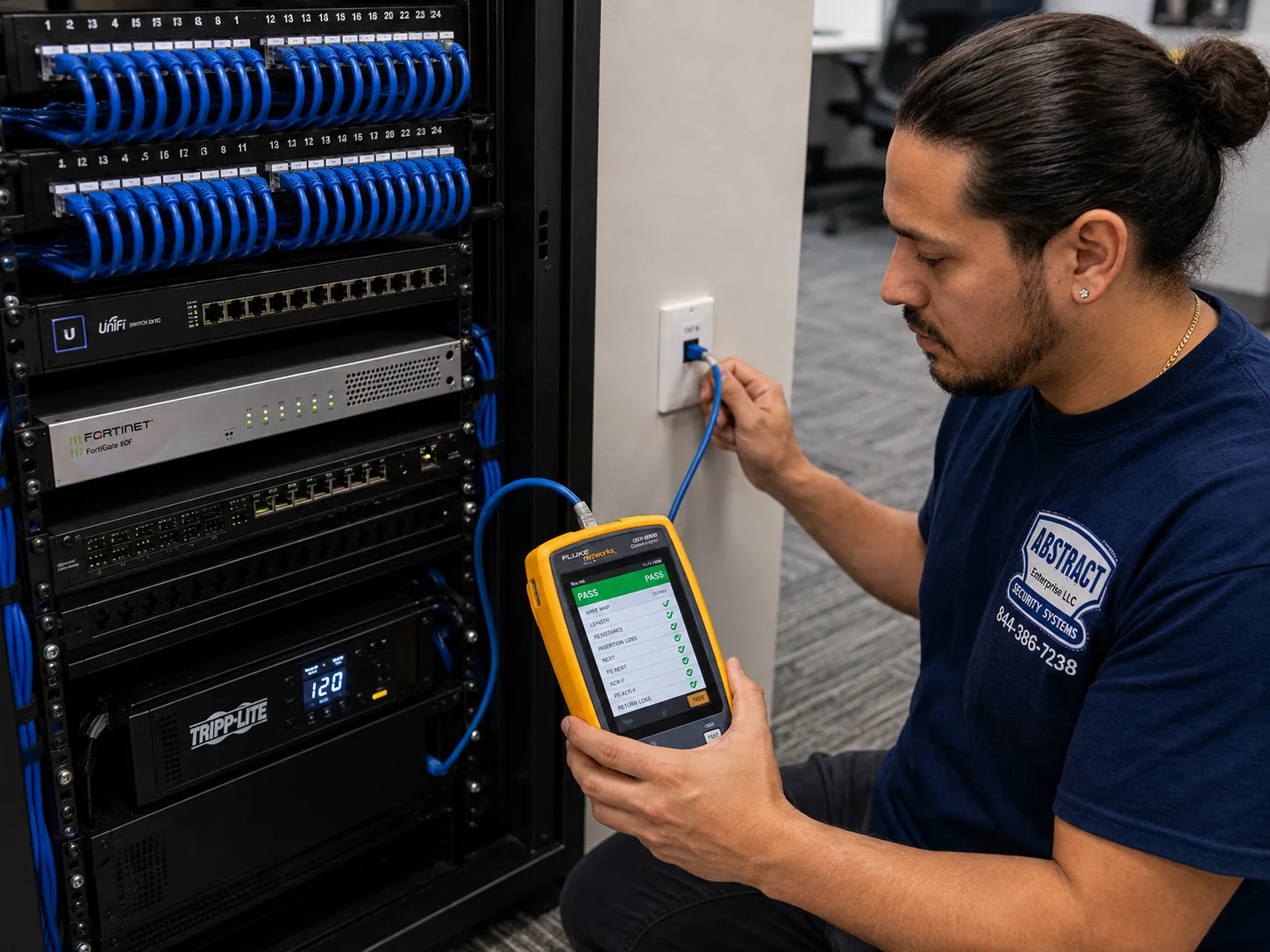
Photo from the AESS job library, taken on a Bronx network job, not a Tapo camera install: a technician certifying a data drop with a cable analyzer that shows a PASS result. Every new Cat6 run to a wired Tapo camera in a city house or building is tested like this before the camera goes on the end of it, so a dropped connection later is never a mystery cable.
Coverage Area
Tapo Camera Installation Near New York City's Landmarks
A citywide page cannot list every block, so these are six real buildings and places that stand for the kinds of homes we set Tapo cameras up in across the five boroughs. We name them as examples of building types; we do not claim any of them, or anyone living in them, as customers.
The Dakota, Upper West Side
Built 1880–1884 by Henry J. Hardenbergh, a co-op since 1961 and a city landmark since 1969, per Wikipedia. The prewar co-op type: thick walls, steel-and-arch floors, board rules for anything outside the apartment.
Brooklyn Heights Historic District
Designated November 23, 1965, the first New York City historic district, according to the Historic Districts Council. Brownstone fronts where façade cameras meet Landmarks rules.
Parkchester, the Bronx
171 brick buildings of 8 or 13 stories built by Metropolitan Life in 1939–1942, later condominiums, per Wikipedia. Long brick corridors and many neighbors' networks.
Co-op City, the Bronx
15,372 units in 35 high-rises and seven townhouse clusters, per its own history page. One family's door camera inside a cooperative of thousands.
Forest Hills Gardens, Queens
The Olmsted Jr. and Atterbury planned community, built partly with standardized precast concrete panels, per the Cultural Landscape Foundation. Concrete walls that need masonry fixings and block Wi-Fi.
St. Paul's Avenue–Stapleton Heights, Staten Island
A historic district designated in 2004, with about 92 freestanding houses, per the Historic Districts Council. Porches and yards, with Landmarks rules on the fronts.
Tapo camera installation in New York City is priced from a published list for each borough, not from a single citywide number and not from a guess on the day. The full NYC list is on our Tapo camera installation prices page for NYC, where you can build your own system line by line, and each borough has its own page linked below. Manhattan runs higher than Brooklyn and the Bronx because access, parking and building logistics take longer, Queens is slightly above Brooklyn, and Staten Island includes the bridge. We do not print camera prices on this page that are not on those lists.
What changes the price
Why it matters in the city
How we handle it
Number and type of cameras
A doorbell, an indoor plug-in, an outdoor wired and a PoE camera are different amounts of work
Each camera is a separate line on the price list
Mount and wall
Adhesive on a door, screws in framing, anchors in brownstone or brick all take different time and hardware
Confirmed from your photos before booking
Power
Plug-in and battery cameras need no wiring; PoE needs cable runs; floodlights need an electrician
Cable runs priced on the list; electrician work quoted separately and named
Network work
Weak signal at the door or an unsupported building network may need a mesh node, access point or separate network
Only added when the signal test shows it is needed
Storage
MicroSD cards or a recorder, depending on the models and how long you want footage kept
Listed separately so you can bring your own cards
Access
Walk-ups, service elevators, doorman sign-in and board paperwork add time
Agreed before the visit, not discovered on the day
Borough
Travel, parking and building logistics differ across the five boroughs
Each borough's own Tapo price list applies
How to read the list for a city apartment
Take a renter in a prewar walk-up who wants to see who is at the door. The usual lines are one indoor camera inside the door, its setup on the renter's own account and a separate camera network, and, if the signal test shows the door is out of range, one mesh node. If the landlord agrees in writing to a doorbell on the door itself, the doorbell line replaces the indoor camera line. A brownstone owner wanting a stoop camera, a yard camera and a garden-level door camera adds masonry mounting and perhaps one PoE cable run through the basement. Nothing else is added on the day unless you ask for it, and anything outside our work, such as an electrician's junction box, is named on the quote as a separate trade.
Terms in plain words
We provide a certificate of insurance to boards, managing agents and commercial landlords on request, and our NYS license number, #12000287431, on any paperwork a building asks for. Camera adjustments after the job is complete, changes caused by a new router or internet provider, and problems with customer-supplied equipment or existing wiring are treated as new service calls rather than warranty work.
Full terms — including 50% deposit, one-year parts-only warranty on AESS-supplied products, and the late-fee schedule — are set out in the service agreement.
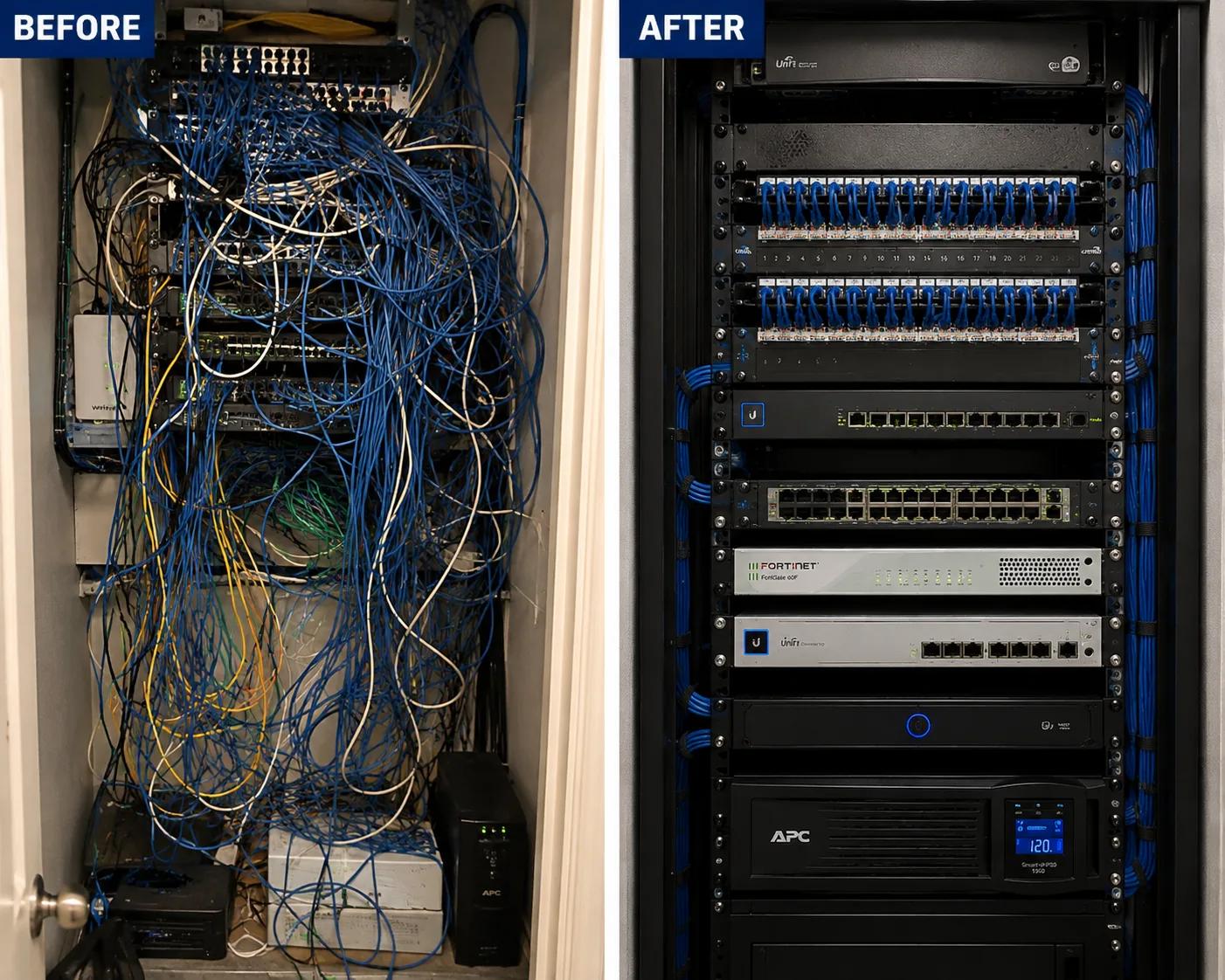
Photo from the AESS job library, taken on a Bronx network cleanup job, not a Tapo camera install: the same rack before and after, from an unlabeled tangle to a dressed, identified rack. When a city building or shop calls us because its cameras keep dropping, this is often what we find behind the problem, and tidying it is priced as its own line rather than hidden inside the camera job.
Shop Our Systems
Tapo Camera Installation Packages & Pricing
Three common New York Tapo jobs, each built only from lines on the Tapo price list for your borough. Open the NYC Tapo price list to see the current figures for each line and add up your own system; there is no package premium and no hidden extra.
Starter: The Apartment Door
One Tapo video doorbell on your apartment door where the building allows it, or one indoor camera just inside the door where it does not, plus app setup on your own TP-Link account, a separate camera network on your router and a signal test at the door. Suits renters in walk-ups, elevator buildings and towers. Priced from the starter lines on your borough's list.
Standard: Brownstone or Two-Family
A Tapo doorbell or camera at the front door or vestibule, two outdoor cameras for the stoop or garden level and the rear yard mounted into masonry, microSD storage in each camera, a mesh node if the signal test calls for it, and privacy masking set over neighbors' windows. Suits row houses, brownstones and two-family homes.
Premium: Small Building or Storefront
Wired PoE Tapo cameras on tested Cat6 runs to a PoE switch with battery backup, covering entrances, a register or lobby and a back door or yard, every cable labeled, cameras on their own network, recording to cards or a recorder as you choose, and a written camera map for the owner or super.
Bring your own equipment
Many New Yorkers already own the cameras, bought on sale or as a gift, and only want them installed properly. We install customer-supplied Tapo cameras and doorbells at labor-only rates from the same list. We check each one first: that it powers on, that its firmware updates, that it is the right model for the spot (a 2.4GHz-only camera for a door the 5GHz signal cannot reach will not work any better on the wall), and that the mount in the box suits your wall. If a camera is not suitable for the spot, we say so before mounting it. Customer-supplied equipment is not covered by our product warranty, but the workmanship on the install is ours.
Complete Services
Every Tapo Camera Installation Service in New York City
Send the door photo and router label and we will match it to the list. Request a free quote
FAQ
New York City Tapo Camera Installation FAQ
As a renter, can I put a Tapo doorbell or camera on my own apartment door?
+
Often, with the landlord's agreement. Tapo says its apartment doorbells mount with the included adhesive or screws, so a reversible adhesive mount is usually possible on a door. The door and hallway still belong to the building, and Outerbridge Law takes the view that renters should keep cameras inside their units and not aim them at hallways or other doors. Ask your landlord in writing first. If the answer is no, an indoor camera just inside your door gives you a picture and an alert when someone knocks, without touching anything outside your apartment.
What happens if one of my cameras ends up looking into a neighbor's window?
+
Fix it as soon as you notice. New York Penal Law 250.45 makes it a crime to install a camera where someone has a reasonable expectation of privacy without consent, and a view into a neighbor's home is exactly what invites a complaint or a police call. Re-aim the camera, narrow its view, or use the privacy masking feature where your model has it. When we install, we check every view on a phone together with you and mask or re-aim anything that shows a neighbor's window before we leave.
Can my neighbors complain about my door camera, and what usually happens if they do?
+
Yes, they can complain to the board, the landlord or management, and in a building those complaints carry weight because the hallway is a shared space. The usual outcomes are a request to re-aim the camera, turn off audio or remove a hallway device. Building management can regulate hallway-facing cameras that interfere with other residents' privacy. Setting the camera up narrowly from the start, audio off, view on your own door, nothing permanent, is the best way to avoid the complaint altogether.
Is a co-op allowed to put outdoor cameras around the building that see shareholders' doors and windows?
+
A Justia legal Q&A from April 2026 on New York co-ops answered that building video surveillance is generally legal as long as the camera is not aimed into the apartment when the apartment door is open. That is about the building's own cameras, which the board controls, not a shareholder's Tapo. If a building camera looks into your home, raise it with the board in writing. For your own cameras, the same principle applies in reverse: aim them at what you have a reason to watch, not into anyone else's home.
Are NYC apartment buildings required to have security cameras?
+
We found no general city or state rule requiring private apartment buildings to have cameras. What the law does require in many buildings is an entrance intercom: under Multiple Dwelling Law Section 50-a, apartment buildings of eight or more units built or converted after January 1, 1968 must have an intercom at the main entrance. That is why many tenants add their own Tapo camera for their own door. If your building has cameras, they belong to the owner, and access to their footage is the owner's call.
How much does it cost to have Tapo cameras installed in New York City?
+
It depends on the number and type of cameras, the wall and mount, how the cameras get power, whether the Wi-Fi needs help to reach them, and which borough you are in. We price every job from our published Tapo price list for that borough, line by line, and the full NYC list is on our Tapo prices page. Send a photo of each camera spot and your router label and we will tell you which lines apply before you book.
Our building uses a smart intercom app and key fobs. Does that add any NYC rules for my own camera?
+
The city's Tenant Data Privacy Law, Local Law 63 of 2021, applies to building owners who use smart access systems such as key fobs, phone apps and biometric entry, and requires them to give tenants a data retention and privacy policy. HPD's description applies it to those building entry systems, not to a tenant's own Tapo camera. Your camera is yours and its footage is on your account. The building's app and fobs remain the owner's system, and we do not connect your Tapo to them.
How does a Tapo doorbell work on an apartment door that has no doorbell wiring?
+
Tapo makes battery-only and wired-and-battery models, and says its apartment doorbells mount with the included adhesive or screws. A battery doorbell needs no wiring: it sits on the door or frame, connects to your Wi-Fi, and sends a live picture and alert to your phone when someone rings or approaches. The battery needs recharging from time to time. Because it relies on Wi-Fi, we test the signal at the door before mounting, especially through a metal-clad door.
Can a Tapo camera be set up without the Tapo app or a TP-Link account?
+
TP-Link's support FAQ addresses this question directly, and in our experience setup is done through the Tapo app with a TP-Link account. On our jobs we set the cameras up on your own account, under your own email and password, never ours, so you control who can see them. If you want to share access with family or a manager, we use the app's sharing feature rather than handing out your login. Some models offer extra options for connecting to other recording equipment; we check your model before promising any.
If the building's internet or my Wi-Fi goes down, does the camera keep recording?
+
On models with a microSD card and power, the camera can generally keep recording to the card, but you will not get alerts or live view on your phone until the connection comes back, and anything relying on cloud storage stops. That is one reason we fit memory cards as standard. If the power goes out too, a plug-in camera stops completely; battery models keep running for a while, and wired PoE cameras keep running if the switch has battery backup.
Do Tapo cameras need a monthly subscription to be useful?
+
Not for basic recording on most models. Many Tapo cameras record to a microSD card in the camera, which costs nothing per month, and you can watch live and play back recordings in the app. TP-Link also sells an optional cloud plan for features such as cloud storage of clips. We set the cameras up to record locally by default and explain what the optional plan adds for your model, so you can decide whether it is worth paying for.
Is it legal to use my own camera to catch package thieves in my apartment building?
+
A camera on your own door or inside your unit watching where packages land is common, and the New York Attorney General recommends doorbell cameras and video surveillance to help deter package thieves or help police identify them. The same building rules apply as for any door camera: the hallway and lobby belong to the building, so a camera there needs permission. If something is stolen, report it to the police, save the clip from the app or card, and give it to the investigating officer.
Get In Touch
Request a Free Quote
Tell us the borough, the building type, whether you rent or own, how many cameras you want and where. A photo of each spot and of your router's label makes the quote exact. Prefer to talk? Call (800) 486-0943.
✅
Request Sent!
We'll get back to you within 2 hours to book your NYC Tapo camera job.
More Tapo Camera Installation near NYC hub
Book Your New York City Tapo Camera Installation
From a battery doorbell on a Bronx apartment door to a stoop camera on a Brooklyn brownstone, a camera inside the door of a Manhattan co-op or PoE cameras around a Staten Island house, the job starts the same way: a photo of the spot, a look at your router, a check of your building's rules and an honest match to your borough's Tapo price list. Call (800) 486-0943, message us on WhatsApp, or send the quote form, and we will tell you exactly what your door, wall and Wi-Fi need before anything goes up.