Nest doorbell dropping offline, a package gone from the vestibule, or a new Nest Cam still sitting in its box? Book a Google Nest camera install anywhere in the five boroughs: (800) 486-0943
Buzzer-Only Apartments · Prewar Walk-Ups · Brownstones and Rowhouses · Co-op and Condo Boards · Storefronts Under Sidewalk Sheds · NYS Licensed Low-Voltage
Google Nest Camera Installation in NYC
Wi-Fi Checked at the Door · Paired Before It Is Mounted · Landlord, Board and Landmarks Rules First
Google Nest camera installation in NYC is rarely a matter of screwing a bracket to a wall. Most New Yorkers live in buildings of six or more apartments, most homes are rented, and most of the housing went up before 1947, so the door you want to watch is often a buzzer-only apartment door, a brownstone stoop with century-old bell wiring, or a brick facade that sits in one of the city's historic districts. We work out who controls the wall, how each Nest device will get power, and whether your Wi-Fi actually reaches the spot before we drill, and we price the job from the borough price list that matches your address.
Reviewed and updated November 4, 2026 by Anwar Timothy, NYS license #12000287431 · Sources: NYC Administrative Code §28-105.4.7 (via UpCodes) and Local Law 128 of 2024, the NYC Landmarks Preservation Commission rules and Permit Guidebook Chapter 11, NYC Business on landmarked properties, HPD's self-closing door report for fiscal 2024, HPD's 2023 Housing and Vacancy Survey initial findings, the NYC Independent Budget Office (May 2026) on rent-stabilized housing, the Citizens Housing and Planning Council housing-stock visualization, the Rent Guidelines Board 2026 Housing Supply Report, the Architectural League on New York housing, Wikipedia entries for the boroughs, the Tenement House Act, The Dakota and Parkchester, Village Preservation, the Lower East Side History Project, Google Nest Help, 9to5Google (October 1, 2025), Security.org, a Home Depot product Q&A, ButterflyMX, OnTech Smart Services, News 12 (December 3, 2025), Spectrum News (December 23, 2025), the New York Attorney General's 2024 package-theft alert, NY1 (June 25, 2025), the NYC Council internet-access data page, NYC OTI's Big Apple Connect page, amNY (May 16, 2024), NYC 311, The Cooperator, the Historic Districts Council, The Cultural Landscape Foundation, 6sqft, Six to Celebrate, Yelp and ConsumerAffairs reviews · Dispatched from 1282 Troy Ave, Brooklyn NY 11203
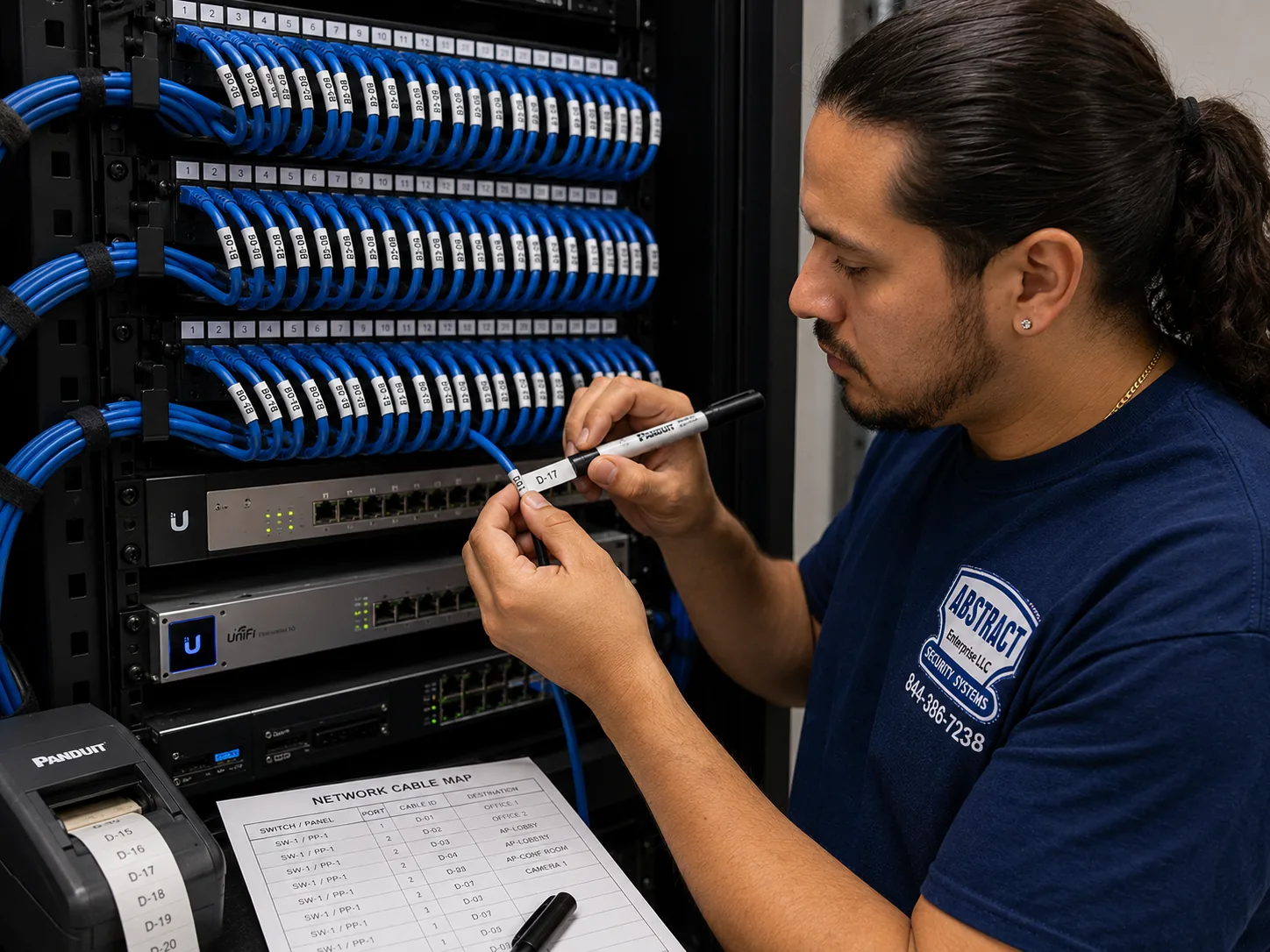
Photo from the AESS job library, taken on a Bronx network job and not on a Google Nest camera install: a technician printing cable labels at a patch panel with a printed port map beside him. Nest cameras run on Wi-Fi, so in a New York brownstone, walk-up or storefront the part nobody sees is the network behind them. When we add an access point so a Nest doorbell at the far end of a prewar hallway gets a usable signal, the cable that feeds it is labeled like this so the next person knows exactly what it serves.
NYC Google Nest Camera Setup
Tell us the borough, the building type and which Nest devices you have or want
✅
Request Sent!
We'll call about your Nest cameras the same business day.
25+
Years Experience
✓
Same-Day Estimates
100%
Licensed & Insured
4.7★
201 Google Reviews
Owner-operated since 2002 · Thousands of jobs completed · Booked within 2 hours
Google Nest camera installation in NYC is priced from the price list for your borough, covers mounting, power, pairing with the Google Home app and a walkthrough, and is booked within 2 hours of your request. What changes the job is the building, not the camera. A battery Nest Doorbell on a rented apartment door is a short, no-drill visit. A wired Nest Doorbell on a brownstone stoop depends on the old bell transformer in the basement. A Nest Cam with Floodlight on a Staten Island garage involves line-voltage wiring that a licensed electrician handles. Send a photo of each spot and the borough, and we will tell you which lines apply before you book. Call (800) 486-0943 or see the full Google Nest camera installation prices for NYC.
Each borough has its own Nest price page, because labor and access costs differ between Manhattan, Queens, Staten Island, Brooklyn and the Bronx; this page links to every one of them
Wi-Fi is measured at each camera spot before anything is mounted, because masonry walls and steel doors in older buildings are the usual reason a Nest device keeps going offline
Low-voltage work done under NYS license #12000287431; anything over 50 volts, such as hard-wiring a floodlight to a new circuit, goes to a licensed NYC electrician
Why NYC Properties Need Google Nest Camera Installation
A Google Nest camera is sold as a do-it-yourself gadget, but New York City is not a do-it-yourself housing market. The Citizens Housing and Planning Council puts the city's housing at roughly 3.7 million units and finds that 62 percent of them sit in buildings with six or more apartments, while just over a quarter are in one- and two-family homes. The split between boroughs is stark: in Manhattan, 97 percent of units are in buildings of six or more, while on Staten Island, 83 percent are one- or two-family houses, and Brooklyn has the most even mix of any borough. The city's Independent Budget Office adds the ownership picture. About two-thirds of New York's housing units are rentals, and about one million are rent stabilized, which is 41 percent of rentals and 27 percent of all housing. HPD's 2023 Housing and Vacancy Survey found 829,200 units, 22 percent of the stock, in buildings of 100 or more apartments. Put those numbers together and the typical Nest buyer in this city is putting a camera on a door, a wall or a window that somebody else owns, manages or regulates.
The buildings are also old, and old buildings are hard on wireless cameras. The Rent Guidelines Board's 2026 Housing Supply Report says 54 percent of the city's units are in buildings constructed before 1947, and CHPC calculates that more than 80 percent of the city's housing was built more than 50 years ago. The Architectural League's history of New York housing explains how that happened: most tenements were put up quickly and in huge numbers between 1860 and 1910 in Manhattan, Brooklyn and later the Bronx, and by 1900 more than half of the city's three million people lived in them. Streets on the Lower East Side and in the East Village are still lined with five-story pre-law and six-story Old Law tenements, with bulkier New Law tenements on the corners, built after the Tenement House Act of 1901 required courtyards, running water and a window in every room. Village Preservation notes that most of the old buildings sat on lots 25 feet wide. For a Nest install, that history means brick bearing walls, long narrow hallways, steel or heavy wooden entrance doors and a router that is usually at the far end of the apartment from the door you want to watch. One guide to prewar apartments describes walls of 12 to 18 inches of masonry in buildings of that era. Wi-Fi does not pass through that kind of wall the way it passes through a suburban stud partition.
Then there is the doorbell question, which surprises a lot of people who buy a Nest Doorbell online. ButterflyMX's guide to apartment doorbells makes the point plainly: apartments usually have a buzzer or intercom at the street door rather than a doorbell at each unit. State law explains why. Under Multiple Dwelling Law §50-a, as summarized on HPD's filing guidance for Administrative Code 25-151, every street, court, yard or cellar entrance to a class A multiple dwelling built or converted after January 1, 1968 with eight or more apartments must have automatic self-closing, self-locking doors and an intercom at the main entrance, and older buildings must add them when more than half the tenants ask in writing. So the apartment door upstairs often has no bell wire at all, and the wired Nest Doorbell, which according to a Home Depot product answer needs a 16 to 24 volt AC, 10 VA doorbell transformer, cannot simply replace a button that is not there. The battery Nest Doorbell is usually the realistic choice for those doors. Rowhouses and brownstones are different: many still have a bell at the stoop and a transformer somewhere in the cellar, and that old wiring decides whether a wired doorbell is possible.
The reason most people call is the same in every borough: packages and the front door. In December 2025, News 12 reported on a Morris Park resident in the Bronx whose package sat outside for seconds before a thief grabbed it, all of it caught on his camera, and noted a New York State Assembly bill that would make package theft a felony punishable by up to five years in prison. The New York Attorney General's 2024 package-theft alert recommends that New Yorkers use a doorbell camera or video surveillance system to help deter thieves or help police identify them. Security.org's 2026 package theft report found apartment residents more than three times as likely as single-family residents to have had a package stolen in the previous three months, 10 percent against 3 percent, and a delivery-company blog on package theft in NYC observes that many older buildings lack surveillance cameras or a proper package drop-off area. A Nest camera inside a vestibule, over a stoop or behind the glass of a front door is the small, affordable answer to that problem, as long as it is placed and powered so that it keeps recording.
Keeping it recording is where most of the real trouble lies. In late December 2025, Spectrum News reported that New York authorities had warned that some package thieves use Wi-Fi jammers to disrupt doorbell camera footage. Nest cameras send their video to Google's cloud over your home Wi-Fi, so anything that knocks out the Wi-Fi or the router also knocks out the record. Power is part of that picture. NY1 reported that on the evening of June 25, 2025, more than 10,000 Con Edison customers were without power, most of them in Brooklyn and Queens, and that more than 12,000 had been out at one point during that heat wave, with voltage reductions in parts of southeast Queens, Staten Island and Brooklyn. A camera with a battery can ride out an outage, but the router it talks to usually cannot. Internet access is also uneven. The City Council's data team, working from census figures, reports that 24.5 percent of New York households have no broadband subscription such as cable, fiber or DSL and that 12.8 percent rely on a cellular data plan alone. Since September 2022 the city's Big Apple Connect program has provided free home internet to NYCHA residents through Optimum or Spectrum, depending on the development. Before we mount a Nest device we want to know what internet service it will lean on, because a camera is only as dependable as that connection.
Last come the rules, which change with the building. NYC Administrative Code §28-105.4.7, added by Local Law 128 of 2024 and in force since December 21, 2025, says an electrical permit is not required for wiring designed to run at under 50 volts for signaling, communication, alarm and data circuits, provided the work is done by a licensed master electrician, a special electrician or a qualified person as the electrical code defines it. A Nest Cam with Floodlight is a different matter, because it connects to line voltage, and line-voltage work in the city needs a Department of Buildings electrical permit filed by a licensed Master or Special Electrician. On the outside of historic buildings, the Landmarks Preservation Commission's rules cover security cameras, and most exterior changes to the front and rear facades of buildings in historic districts need LPC review; one architect's guide counts more than 35,000 landmarked properties across 139 historic districts. Inside apartment buildings, HPD's self-closing door inspections for July 2023 through June 2024 produced 3,151 self-closing door violations, which is worth remembering before anyone hangs a camera or a bracket on an entrance door. And on the question every renter asks, whether a camera can watch the public hallway, the published sources disagree with each other, which we explain honestly in the questions below.
What people say about the work itself is consistent. On Yelp, a Brooklyn customer wrote that an electrician "did a good job installing my nest hello doorbell and price was good," and a Manhattan reviewer praised an installer who cleaned up afterward, including patching the wall after a Nest Hello install. On ConsumerAffairs, a Queens reviewer described a Nest doorbell that went offline every other day despite paying for professional installation and troubleshooting, and another reviewer said the Google Home app kept freezing and ran slowly after the move from the Nest app. We want to be clear about what our research did not find. We could not see Google's People Also Ask boxes, related searches, Answer the Public, Bing or DuckDuckGo results for this topic, we found no Reddit thread on Nest installs in New York, and we did not pull 311 complaint, HPD violation-by-building or DOB permit data on camera work. Where this page describes what we find inside walls, it is drawing on the age and type of the city's buildings and our general field practice, not on a survey.
New York facts that shape a Nest camera install
Mostly apartments: 62 percent of the city's roughly 3.7 million units are in buildings of six or more units (CHPC), and 22 percent are in buildings of 100 or more (HPD 2023 survey).
Mostly rented: about two-thirds of units are rentals and about one million are rent stabilized (IBO, May 2026), so a landlord, board or managing agent is part of most installs.
Mostly old: 54 percent of units are in buildings put up before 1947 (Rent Guidelines Board 2026), which means masonry walls, old bell wiring and long hallways between router and door.
Buzzers, not doorbells: post-1968 class A buildings with eight or more apartments must have self-locking entrance doors and an intercom under MDL §50-a, which is why many apartment doors have no bell wire for a wired Nest Doorbell.
Borough contrasts: Manhattan has 97 percent of units in buildings of six or more; Staten Island has 83 percent in one- and two-family homes (CHPC), so the Nest job changes completely across the harbor.
Connection gaps: 24.5 percent of households have no broadband subscription and 12.8 percent are cellular-only (NYC Council data), and Wi-Fi jammers have been used to disrupt doorbell cameras (Spectrum News, December 2025).
What New York buildings often pair with Nest. In a small building where the owner lives on one floor, a Nest Doorbell or a Nest Cam in the vestibule usually leads to the next question: who is at the street door when the buzzer goes. Many owners pair the camera with an intercom or access-control upgrade for the main entrance, because the camera shows the door while the intercom decides who gets through it. If that is on your list too, tell us when you book so the two are planned together rather than wired twice.
Nest Doorbell Offline, Camera Knocked Down or Footage Missing? Fast Help Across NYC
The calls we move on first are the ones where the door is unwatched right now: a Nest Doorbell that stopped connecting after a router change, a Nest Cam pried off a stoop rail, a battery camera that died in the cold, or footage that turned out not to be there when a package went missing. Before you call, check three things if you can do so safely: whether the router and modem have power and their lights look normal, whether the camera shows as offline or simply asleep in the Google Home app, and whether anything has changed on the network, such as a new router, a new Wi-Fi password or a provider swap. Then call (800) 486-0943 and tell us the borough, the model and what the app says. If footage of a theft matters, download whatever the app still holds before it ages out of your history, and report the incident to the police with the time stamp.
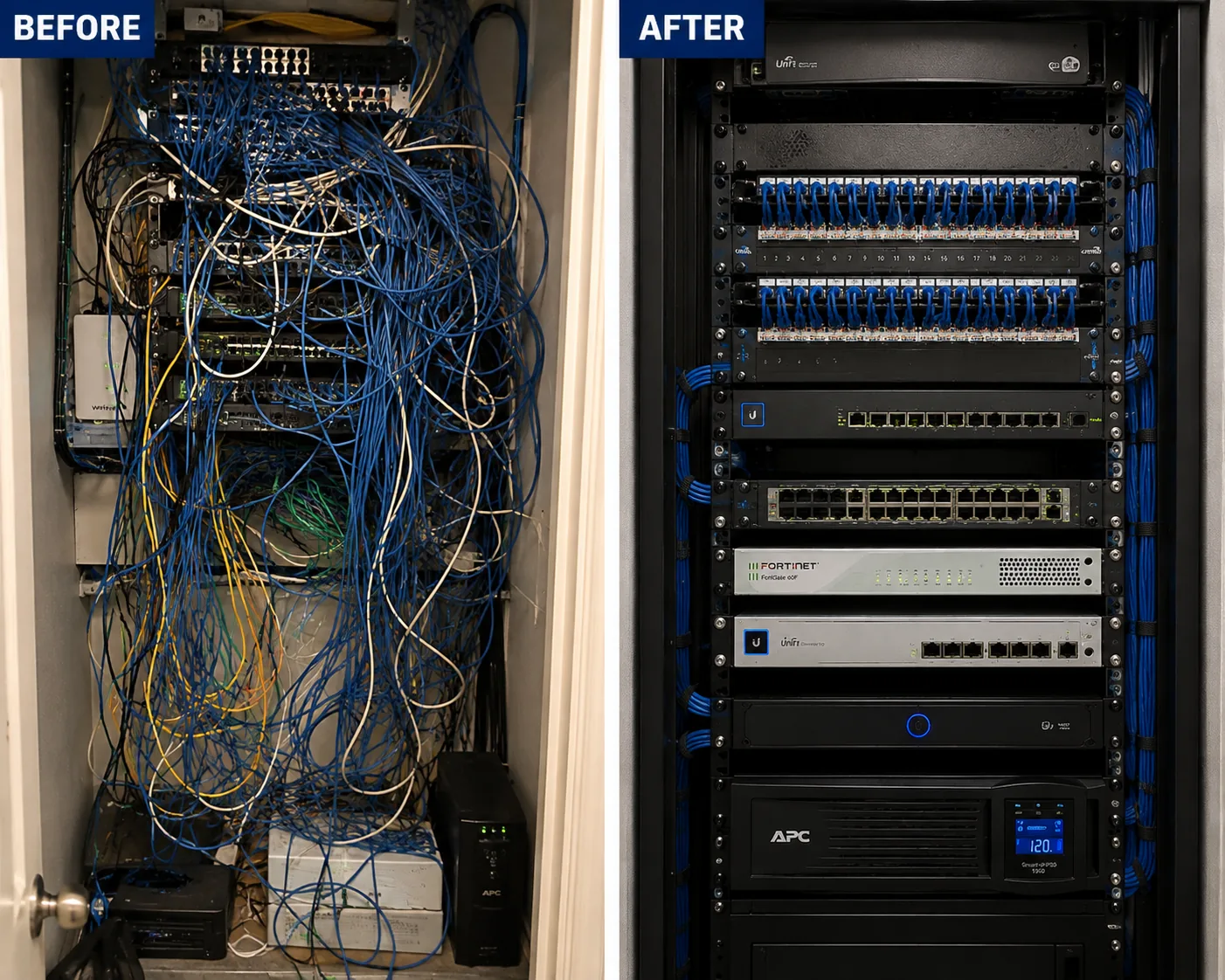
Photo from the AESS job library, taken on a Bronx network cleanup and not on a Google Nest job: the same rack before and after, from an unlabelled tangle to dressed, identified cabling. When a store's Nest cameras keep dropping offline, the fault is often not the camera at all but a closet like the one on the left, where a loose patch cord or an unmarked switch port feeds the access point the cameras depend on.
Five Kinds of Front Door
Buzzer Door, Stoop, Vestibule, Storefront or Driveway: Matching the Right Nest Device to a New York Entrance
People usually choose a Nest product first and the door second. In this city it works better the other way round. Google sells battery and wired doorbells, battery and wired cameras, indoor cameras and a floodlight camera, and each one assumes something about power, mounting surface and Wi-Fi that a New York entrance may or may not provide. The table below lays out the entrances we see most and the device that usually suits each. The last column is about who has to agree, because in New York that is often the step that decides the timetable. These are working starting points, not rules; we confirm every door in person.
Entrance
Typical building
Nest device that usually fits
Who has to agree
Apartment door off a public hallway
Prewar walk-up, elevator building, post-war tower
Battery Nest Doorbell or a Nest Cam inside the apartment aimed through the door's view
The landlord or board for anything on the hallway side
Stoop door with an existing bell
Brownstone or rowhouse in Brooklyn, Harlem, the Bronx or Queens
Wired Nest Doorbell, if the transformer tests within range
The owner, and LPC if the house is in a historic district
Brick front with no bell wire
Older brick house or small building
Battery Nest Doorbell, or a Nest Cam on the side or under an overhang
The owner; LPC for primary facades of landmarked buildings
Shared vestibule or lobby
Two- to four-family house, small walk-up, co-op lobby
Wired Nest Cam Indoor or a plugged-in Nest Cam Battery
The owner, board or managing agent
Storefront glass and sales floor
Ground-floor store in a mixed-use building
Wired Nest Cam Indoor behind glass, Nest Cam outdoor under the awning
The store's landlord; the building if the facade changes
Driveway, yard or garage
Detached and semi-detached houses on Staten Island and in Queens
Nest Cam with Floodlight or a wired outdoor Nest Cam
The owner; a licensed electrician for line-voltage work
The apartment door in a buzzer building
This is the most common New York Nest request and the one with the most caveats. The door is usually steel or a heavy wooden slab with a frame set into masonry or plaster, it has no bell wire because the building uses a buzzer at the street, and the hallway outside it belongs to the owner. City housing rules require certain hardware on that door; one summary of the city's lock rules lists a key lock, a heavy-duty latch set, a heavy-duty deadbolt, a chain door guard and an eye-level peephole. In many buildings it also has a self-closing device, which HPD inspects. A battery Nest Doorbell mounted on the frame needs no wiring, but it is on the hallway side, which brings in the permission question discussed below. The alternative that sidesteps the hallway entirely is a Nest Cam inside the apartment, placed on a shelf or a small bracket facing the door, so it records whoever comes in and anyone who opens the door, without anything being fixed outside. We go through both options with you and with your landlord's rules in front of us.
The brownstone and rowhouse stoop
The Architectural League's history notes that rowhouses spread into Brooklyn, the Bronx and Queens as those boroughs were linked to Manhattan, and many still have a bell button by the stoop door and a transformer somewhere below. That is the one New York entrance where a wired Nest Doorbell is often the natural fit, but only after a meter tells us what the old transformer actually delivers. The Home Depot product answer for the wired second-generation Nest Doorbell gives 16 to 24 volts AC and 10 VA. A transformer from decades ago may be undersized, the wire may be brittle, and the chime may be a mechanical one from another era. When the transformer is wrong, the wiring may still be usable with a replacement transformer, which is often work at the panel that an electrician handles. When there is no workable wiring, the battery model on the stoop frame does the same job with a recharge schedule. Brownstone fronts are also where Landmarks comes in, because a great many sit in historic districts.
The shared vestibule
In two-, three- and four-family houses and small walk-ups, the space between the street door and the inner door is where packages land. It is also a space every resident passes through, so it is the owner's call, not a single tenant's. A wired Nest Cam Indoor on a high shelf or a small bracket in the corner of the vestibule, fed from an outlet or a short, tidy power run, watches the mailboxes and the floor where deliveries sit. Where there is no outlet, a Nest Cam Battery works, and Google notes that it can stay plugged in, even outdoors, using the Nest Cam weatherproof cable. The vestibule is also where a camera must stay well clear of the self-closing street door and its hardware, a point we come back to in the compliance notes.
The storefront
Behind store glass, an indoor camera does most of the work, as long as it is placed to avoid reflections from the window at night. Outside, many New York storefronts sit under awnings or, for long stretches, sidewalk sheds. The city's facade inspection rules require owners of buildings taller than six stories to have their facades inspected, and when a condition is unsafe the owner must immediately install protection such as a sidewalk shed. A shed can block a camera's view for months. The city's 2025 "Get Sheds Down" legislation, signed in April 2025, shortened shed permits and raised the lighting required under sheds, but a store owner still has to plan around them. We usually set storefront cameras inside, where a shed does not matter, and use outdoor units only where the view will stay clear.
The driveway and the yard
Staten Island and large parts of Queens look nothing like the Lower East Side, and their Nest jobs look different too: a floodlight over a driveway, a camera on a detached garage, a doorbell on a front door that already has a bell. The Nest Cam with Floodlight is the device people ask for most here, and it is the one that most often needs an electrician, because it connects to line voltage. A wired outdoor Nest Cam needs a power feed, which in brick or block often means drilling through the wall to an interior outlet. Either way the Wi-Fi has to reach the back of the house, which in a long, narrow lot is not a given. We test the signal from the yard before we commit to a spot.
Wi-Fi Before Brackets
Getting a Nest Camera a Steady Signal Through New York Brick, Plaster and Steel
Every Google Nest camera and doorbell depends on Wi-Fi. There is no network cable on the back of a Nest Cam, so the only path from the camera to your phone is the wireless link to your router or access point and the internet service behind it. In a suburban house with wood-frame walls that link is usually easy. In a New York apartment it is often the weakest part of the whole install, and it is the reason a lot of Nest devices that worked fine on the kitchen table start dropping offline once they are on the door. That is why our process measures the signal at each camera spot first, and why we treat the network as part of the job rather than someone else's problem.
Why the router is always in the wrong place
Internet providers usually bring their line in where it is easiest for them: through a window frame at the back of the apartment, up a shaft in a corner, or into a living room on the far side of the unit. The front door, meanwhile, is at the end of a long hallway in a railroad apartment or around two corners in a classic six. Between the router and the door you may have brick partitions, plaster on metal lath, a bathroom with tile and pipes, a kitchen full of appliances and a steel door with a steel frame. Each one takes a bite out of the signal. Our first job at the door is to stand where the camera will be and test the connection the way the camera will experience it, not the way your laptop does on the sofa.
When the signal is weak at the door
There are three honest fixes, in this order. The first is to move the router, if the provider's line allows it, to a more central spot. The second is a mesh Wi-Fi point placed halfway between router and door, which many people already own as part of a Google or other mesh system. The third, for larger homes, brownstones and businesses, is a wired access point: a cable run from the router to a ceiling or wall access point near the cameras, so the camera's wireless hop is short. That third option is the one the photos on this page come from. It is ordinary network work, but done neatly in an old building it makes the difference between a Nest camera that is reliable and one that is a constant source of offline alerts.
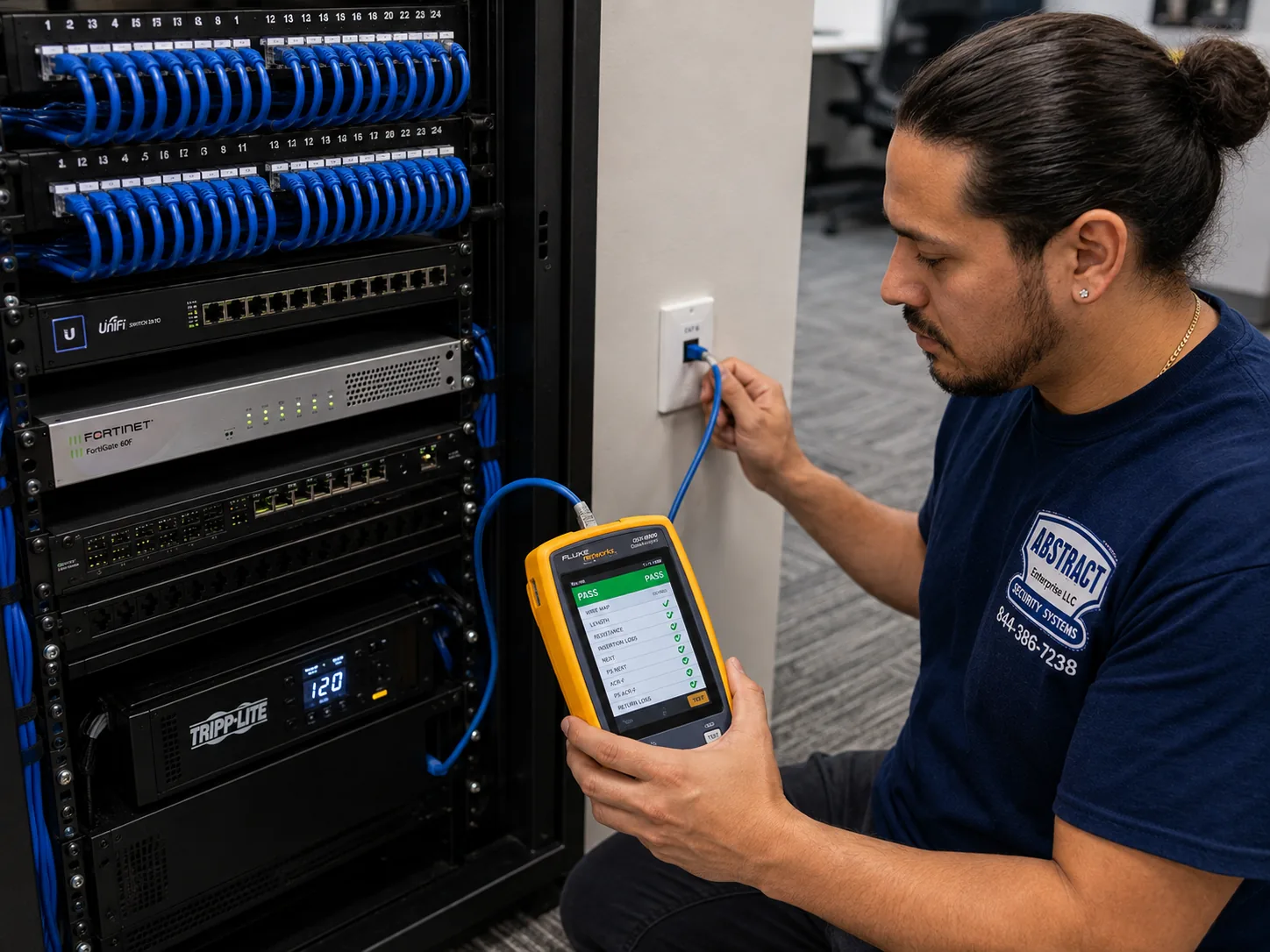
Photo from the AESS job library, taken on a Bronx network job and not on a Google Nest install: a technician certifying a data drop with a cable analyzer that shows a PASS. When we run a cable through a brownstone or a walk-up to put a Wi-Fi access point near the front door, that cable is tested like this before the access point goes up, so if a Nest doorbell later misbehaves we already know the wiring behind it is sound.
Upload speed matters more than download speed
Home internet plans are sold on download speed, but a camera works the other way: it sends video up to the cloud. A connection that streams films smoothly can still struggle to carry several cameras uploading at once, especially in the evening when everyone in the building is online. We test upload at each camera spot and look at how many Nest devices, plus everything else in the home, will share it. If the plan is the bottleneck, we will tell you so plainly rather than adding equipment that cannot fix it.
Power for the network, not just the camera
A battery Nest camera keeps running in a power cut, but your router and modem usually do not, and without them the camera has nowhere to send its video. NY1's coverage of the June 2025 heat wave outages noted that one Con Edison customer can be a whole building, so an outage can take out every router on the block at once. For homes and businesses where the camera has to keep working during a short outage, a small battery backup on the modem, router and any access point keeps the chain alive for a while. It will not help if the provider's own equipment on the street loses power, and we say so, but it covers the more common short interruptions.
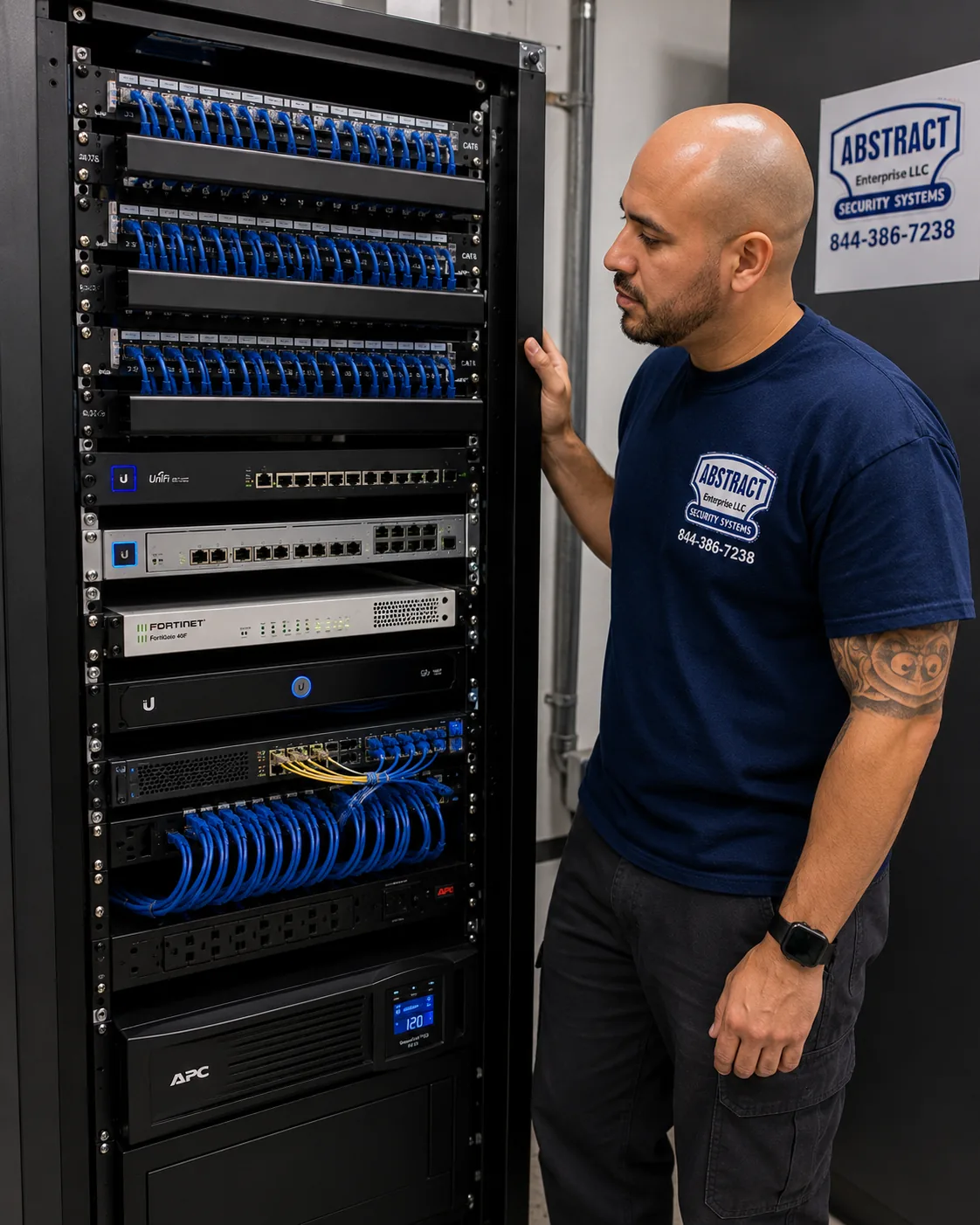
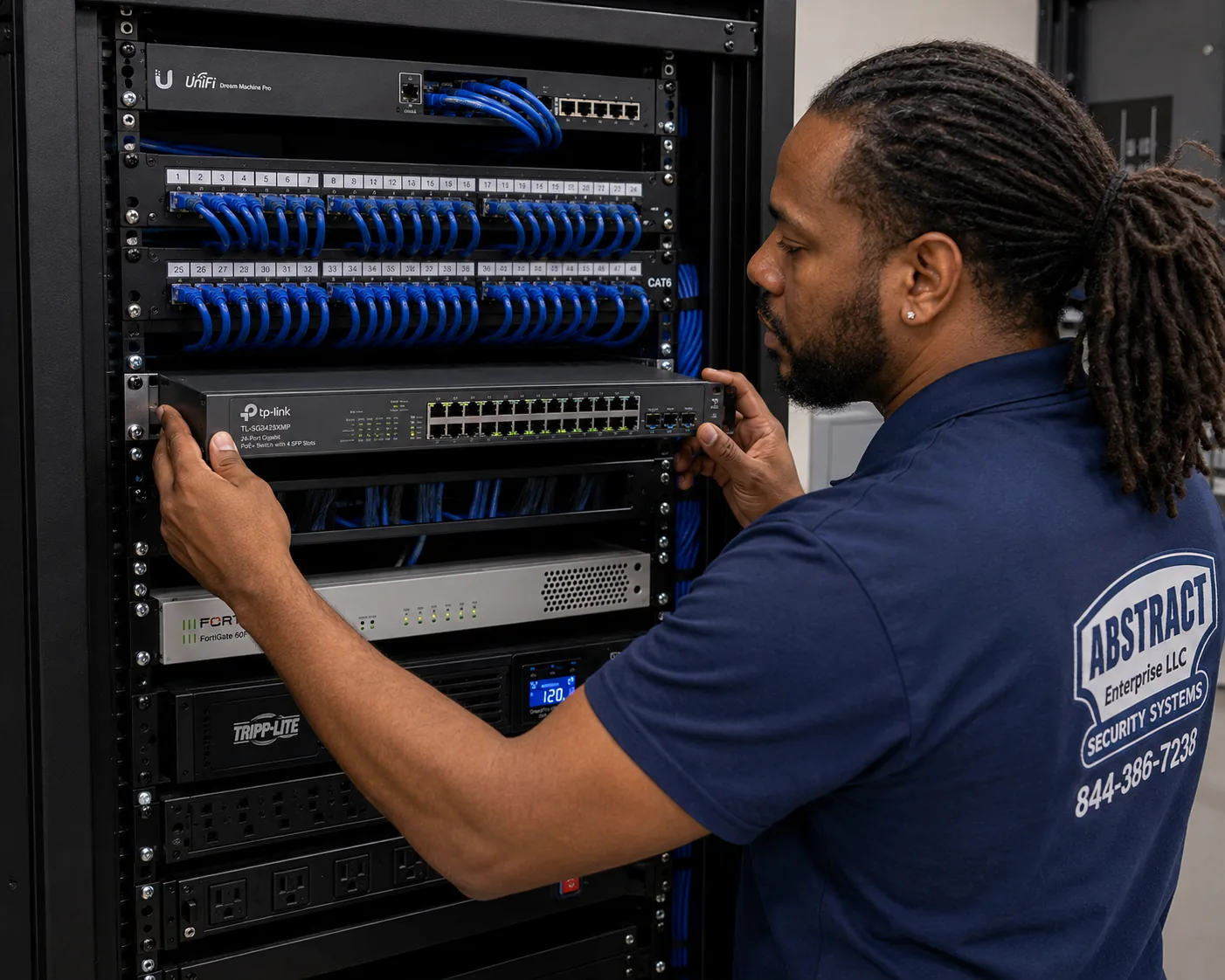
Photo from the AESS job library, taken on a Bronx network job and not on a Nest install: a finished rack with patch panels, switching, a firewall and a battery backup, all dressed and labeled. A home will not need anything this large, but the bottom unit is the point: a battery backup keeps the modem and router running through a short outage, which is what lets Nest cameras on a New York block keep uploading while the lights flicker.
Guest networks, passwords and the next router swap
Many Nest problems start months after the install, when a provider replaces the router or a family member changes the Wi-Fi password. Every Nest device then needs to be reconnected. We record which network each device uses and leave you a short written note, so the next change is a five-minute job rather than a mystery. For businesses, we can put cameras on a network separate from the guest Wi-Fi customers use, so a busy afternoon of customers streaming video does not starve the cameras of bandwidth.
What We Install
Google Nest Camera Installation Services in NYC
These are the Nest jobs New York renters, owners, boards, managing agents and store owners book us for. Each one is priced from the price list for the borough the address is in. Where a job needs something beyond the camera itself, such as a mesh point, a wired access point or an electrician for a floodlight circuit, the quote names it before you book.
🔔
Battery Nest Doorbells for Apartment Doors
Fitted to the door frame with fixings chosen for the frame material, aimed to show faces and packages while keeping neighbors' doors out of the frame, and set up so the charging routine is clear before we leave.
🔌
Wired Nest Doorbells on Stoops and Front Doors
Old bell wiring traced and the transformer metered first; the doorbell wired where the voltage tests in range, and an electrician brought in where the transformer or circuit needs replacing.
🏠
Indoor Nest Cams in Apartments
Wired or battery Nest Cams on shelves, small brackets or high corners, aimed at the entry door or the room that matters, with cords routed and covered so nothing dangles across a doorway.
📦
Vestibule and Package-Area Cameras
For owners of small buildings and boards: a camera covering mailboxes and the delivery floor, mounted clear of the self-closing street door and its hardware.
🌿
Outdoor Nest Cams for Yards and Garages
Wired outdoor Nest Cams and plugged-in battery cams using the Nest Cam weatherproof cable, mounted into brick, block or siding with the power entry sealed.
💡
Nest Cam with Floodlight
Mounting, aiming and app setup on driveways and side yards, with the line-voltage connection made by or with a licensed NYC electrician where the work requires it.
📶
Wi-Fi Fixes for Camera Spots
Signal tested at each camera, mesh points placed where they help, and wired access points run through older buildings where a wireless hop alone will not carry.
🛍
Nest Cameras for Stores and Offices
Cameras behind storefront glass, over registers and at back doors, on a network separate from customer Wi-Fi, set up with the owner's staff accounts.
🔧
Repairs, Re-Pairing and Moves
Nest devices that went offline after a router swap, cameras moved after a renovation or a shed went up, and existing systems you installed yourself brought back to working order.
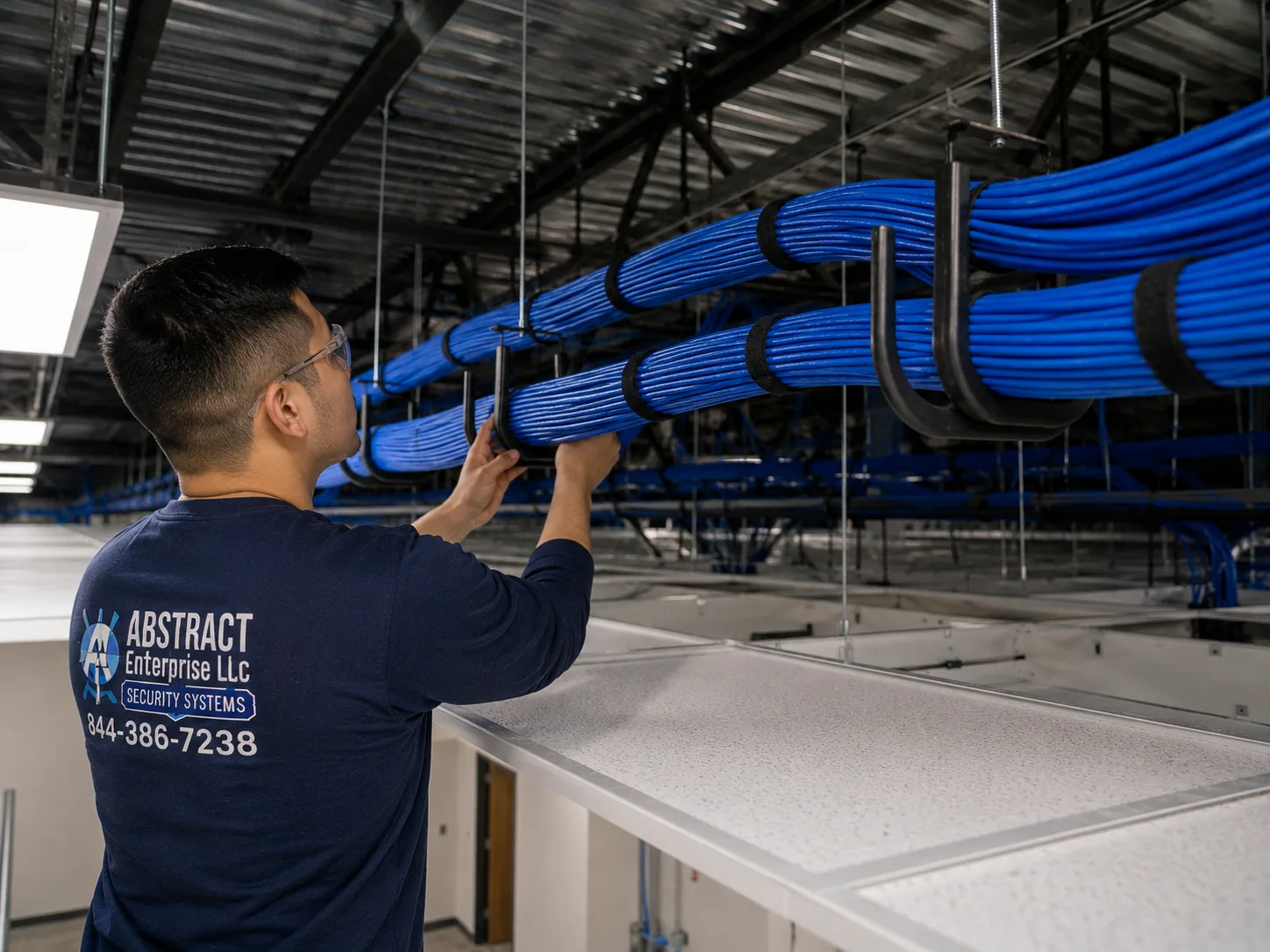
Photo from the AESS job library, taken on a Bronx commercial network job and not on a Nest install: a J-hook pathway carrying dressed bundles of cable across a ceiling. In a New York store whose sales floor runs deep behind a narrow front, this is how the cable to a Wi-Fi access point near the storefront cameras travels, supported and out of the way of sprinklers and lights rather than lying on top of the ceiling tiles.
Building Specialists
Google Nest Camera Installation for NYC's Architecture
New York packs nearly every kind of American building into five boroughs, and each kind changes the same three things about a Nest job: what the camera is fixed to, where its power comes from, and who must agree. The types below are the ones the housing research describes, from the tenement blocks of the Lower East Side to the one- and two-family streets of Staten Island.
Tenements and Prewar Walk-Ups
Five- and six-story masonry buildings, mostly before 1929, on narrow lots. Brick walls, long halls, buzzer entrances and a landlord who controls every surface outside the apartment. Indoor Nest Cams and battery doorbells are the usual tools.
Prewar Elevator Buildings and Co-ops
Elevator apartment houses from the 1910s to the 1930s, many now co-ops. Heavy masonry, doormen or supers, board alteration rules, insurance certificates and set working hours.
Brownstones and Rowhouses
Stoops, original bell wiring, plaster on lath inside, brick or brownstone outside, and in many neighborhoods a historic district that brings Landmarks into the facade decision.
Post-War Towers and Large Developments
Buildings of 100 or more apartments, which hold 22 percent of the city's units. Concrete, block and drywall partitions, management offices with written policies, and building cameras already in common areas.
One- and Two-Family Houses
The majority on Staten Island and common across Queens and the outer Bronx and Brooklyn. Owners decide, driveways and yards open up floodlight and outdoor camera options, and Wi-Fi to the back of the lot is the main test.
Mixed-Use Buildings Over Stores
Apartments above a ground-floor shop. The store needs cameras behind its glass; the tenants upstairs need a doorbell solution at a shared street door the store may not control.
How the building type changes a Nest job
Building
What the camera is fixed to
Where power usually comes from
Who signs off
Tenement or prewar walk-up
Door frames, plaster over masonry, interior shelves
Battery, or an outlet inside the apartment
The tenant inside; the landlord for anything in the hall
Prewar co-op
Masonry and plaster, often thick
Outlets inside the unit; battery at the door
The shareholder and the board or managing agent
Brownstone or rowhouse
Brownstone or brick at the stoop, wood door frames
Existing bell transformer, or battery
The owner; LPC in historic districts
Post-war tower
Concrete, block or drywall
Outlets inside the unit
Management, under the building's written policy
One- or two-family house
Siding, brick, block, wood trim
Bell wiring, outdoor outlets, line voltage via an electrician
The owner, and the tenant's agreement in a two-family
Mixed-use over a store
Storefront framing, shared hallway walls
Store outlets; battery at the residential door
The building owner and the store's lease terms
Drilling into New York masonry
Much of the city's older housing presents brick, brownstone or block at the door. For a Nest doorbell bracket or a camera mount, that means a hammer drill, masonry bits and anchors sized for the screws in the box or for longer ones we supply. Old brick varies; some is hard and some powders when drilled fast, and the mortar between bricks holds far less than the brick face. We drill slowly, watch the dust that comes out, and place anchors in sound brick rather than the joint whenever the bracket allows. Brownstone is softer and stains easily, which is one reason Landmarks and many owners prefer that nothing be fixed to it at all if another surface will serve. Where a camera can go on a wooden door frame or a painted metal surface instead, we usually suggest it.
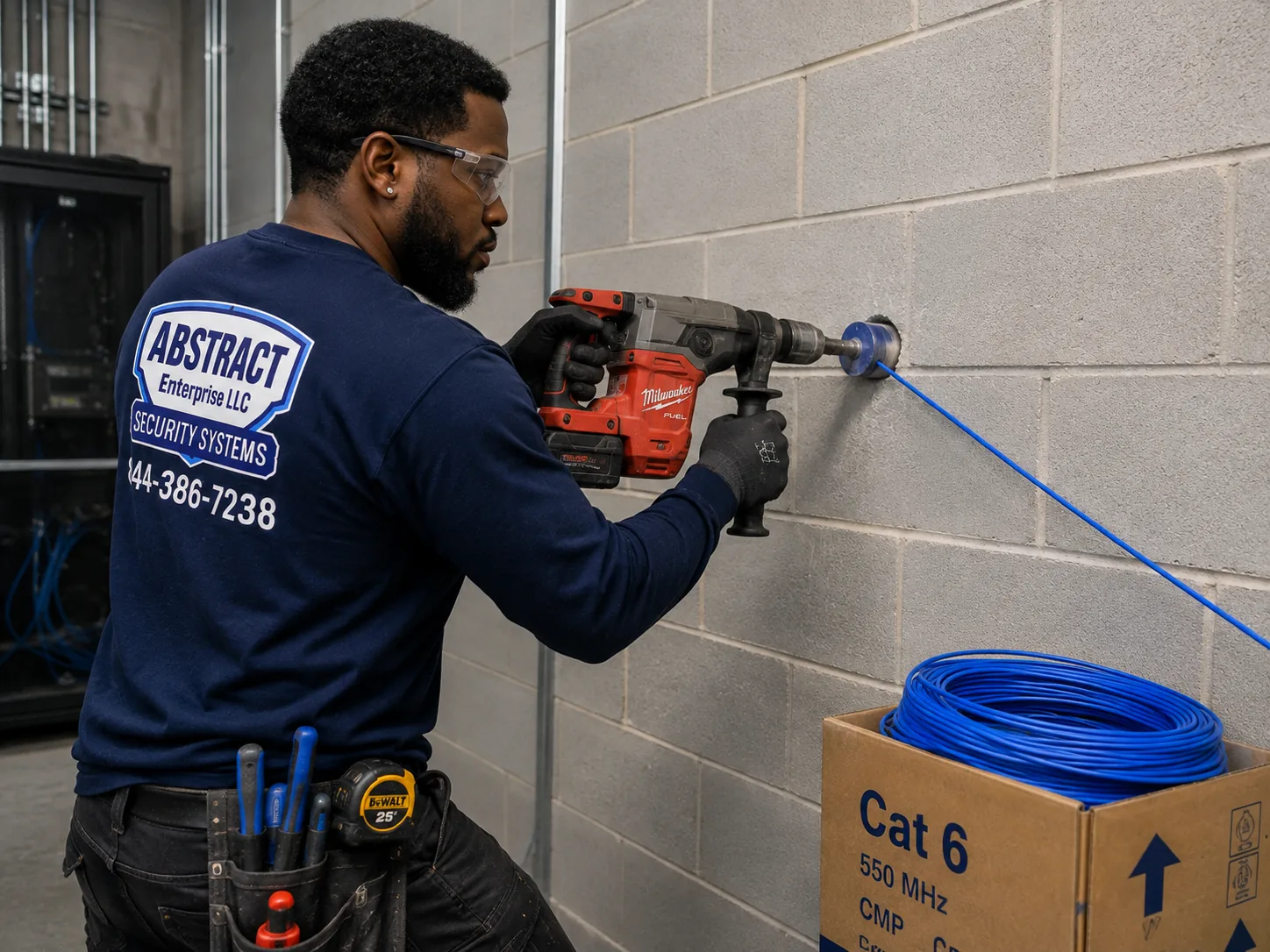
Photo from the AESS job library, taken on a Bronx network job and not on a Nest install: a technician core drilling a block wall so cable can pass through to a network room. A Nest outdoor camera on the back of a Queens or Staten Island house built of block needs the same kind of clean, sealed hole to bring power through from an indoor outlet, rather than a cord squeezed through a window frame.
Plaster, lath and old door frames
Inside prewar apartments and brownstones, the walls are often plaster on wooden lath or plaster applied directly to brick. Plaster is hard on the surface and brittle behind, so a bracket screw driven carelessly can crack a patch the size of a hand. We score the paint, drill pilot holes slowly, and use fixings that reach something solid. Old door frames are usually wood, sometimes many layers of paint deep, and sometimes out of square; a doorbell bracket mounted on one needs shimming so the camera looks straight down the hallway rather than at the ceiling. Steel frames in newer buildings need machine screws or adhesive mounts rather than wood screws.
Where the old bell wiring hides
In rowhouses and older houses the doorbell transformer is commonly found in the cellar near the electrical panel, on a joist, or near the boiler, and the wire runs up through the walls to the button by the door and to a chime in the hall. Decades of renovations may have cut, extended or abandoned that wiring. Before promising a wired Nest Doorbell we find the transformer, read its rating, meter the voltage at the button, and check the wire for damage. If any of that fails, the honest options are a battery doorbell or an electrician's work on the transformer.
Commercial Google Nest Camera Installation
Business Google Nest Camera Installation in NYC
Nest cameras suit small New York businesses that want to see the shop from a phone: a bodega owner checking the register from home, a salon watching the front door after hours, a small office keeping an eye on deliveries. They are not the right tool for every business, and we say so when a store needs a recorder-based system instead. The situations below are the ones city programs and news coverage describe; we have no information about the cameras in any particular business and do not claim any as clients.
Ground-Floor Stores in Mixed-Use Buildings
The classic New York shop on the street floor of a walk-up. Cameras behind the glass and over the counter, a separate network from customer Wi-Fi, and attention to night reflections in the window.
Storefronts Under Sidewalk Sheds
Facade inspections on buildings over six stories can bring sheds that block outdoor views for months. Indoor placement behind glass keeps the camera useful while the shed is up.
Shops in Flushing, College Point and Beyond
amNY reported in May 2024 that the city's Connect New York program, which lets businesses link cameras to their local precinct, began as a demonstration in Flushing and College Point, Queens, and was expanding to nine precincts across the five boroughs.
Storefronts With Security Grilles
From July 1, 2026, the City Council notes, security grilles on business and mercantile buildings must allow at least 70 percent visibility from the sidewalk, which changes what a camera inside the window can see when the grille is down.
Small Offices and Studios
Reception doors, mail areas and equipment rooms, where a few Nest Cams on an office network give the owner live view and alerts without a recorder closet.
Landlords and Managing Agents
Owners of small buildings who want vestibule and package-area coverage, with written notice to tenants and cameras kept away from places where people expect privacy.
When Nest fits a business, and when it does not
Nest cameras record to Google's cloud, and how much history you keep depends on the subscription. That is fine for a shop that wants alerts and a few weeks of event clips. It is not fine for a business whose license or insurer requires a set number of days of continuous recording stored on site. State rules for licensed cannabis retailers, for example, set retention and outage requirements that a cloud-only consumer camera is not designed to meet, and some insurers and landlords write their own requirements into leases. We ask what the business must keep and for how long before recommending Nest at all. If a recorder-based system is the right answer, we tell you that instead of selling you cameras that will not satisfy the rule.
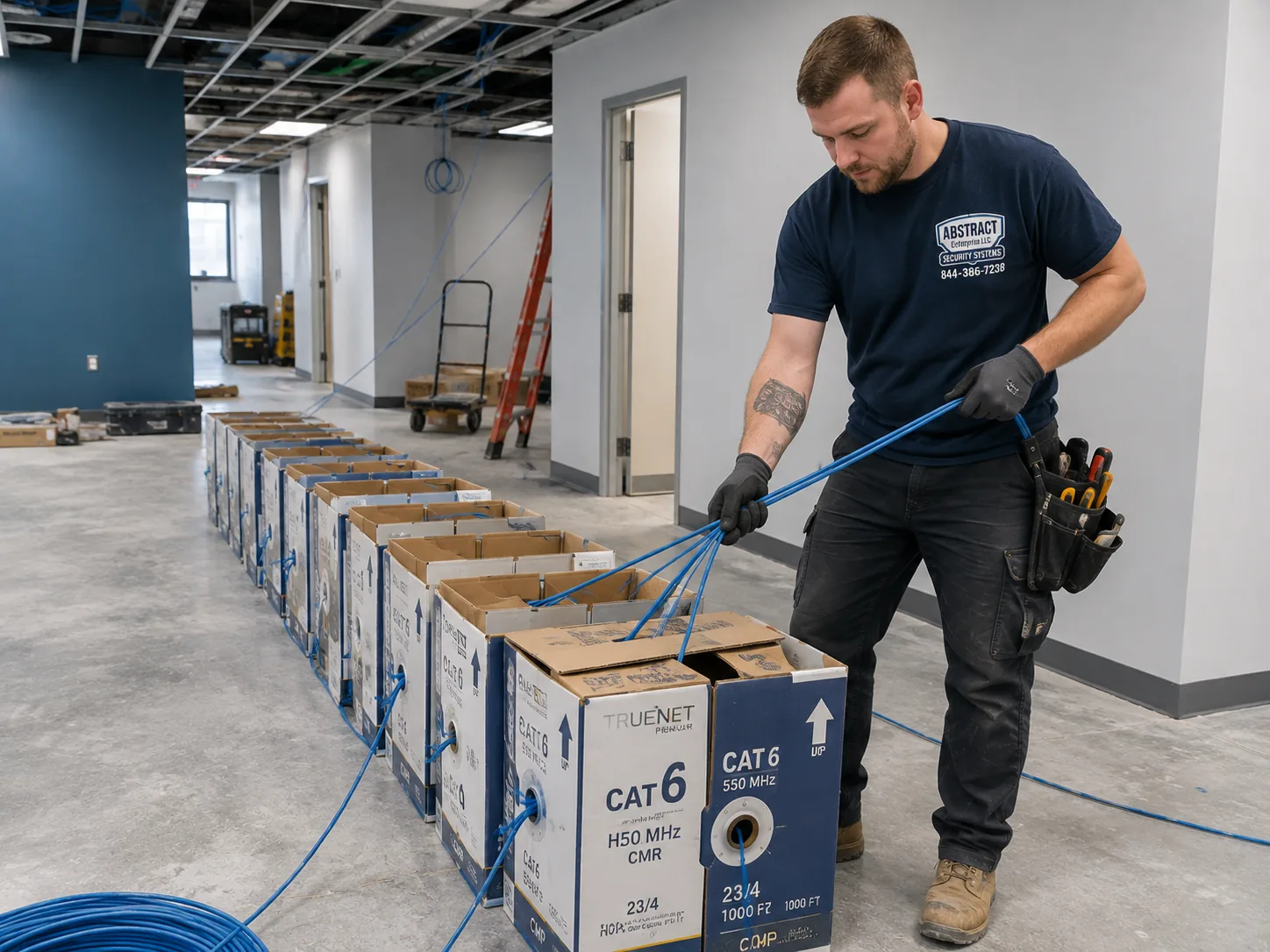
Photo from the AESS job library, taken on a Bronx commercial network job and not on a Nest install: boxes of cable staged for a multi-drop pull while the business stays open. When a New York shop wants its Nest cameras on their own network, apart from the customer Wi-Fi, the access point cables are staged like this so the pull happens quickly and the sales floor stays clear.
Rules and practical limits for business cameras
Low-voltage permits. Under Administrative Code §28-105.4.7, from Local Law 128 of 2024, low-voltage signaling, communication, alarm and data wiring under 50 volts generally needs no electrical permit when done by a licensed master or special electrician or a qualified person as the city electrical code defines it. Our low-voltage work is done under NYS license #12000287431.
Floodlights and new circuits are electrical work. Line-voltage work over 50 volts needs a DOB electrical permit filed by a licensed NYC Master or Special Electrician. A floodlight camera on a new circuit, or a new outlet behind a camera, is quoted with that work named.
Privacy in the workplace. New York Penal Law §250.45 makes it a crime to install a camera where a person has a reasonable expectation of privacy without consent. Restrooms, changing areas and similar spaces are never camera locations.
Audio. New York's eavesdropping law under Penal Law §250.00 turns on consent to recording conversations. For most businesses we set Nest cameras with audio recording off, which is a simple setting in the Google Home app.
Face recognition and signs. New York City's biometric identifier law, Administrative Code §22-1201 onward, requires covered commercial establishments that collect biometric information to post a clear sign. If a business wants to turn on a camera's face-recognition feature, it should take advice on that law first; we leave it off by default.
Sharing with the NYPD is voluntary. NYC 311 explains that businesses can register camera locations with the NYPD at NewYorkCityConnect.org, and amNY reported that participating businesses choose how and when footage is accessible. Registering is the owner's decision; we can note camera locations for it.
Help paying for security. The City Council reported in June 2026 on Int. 553-A, which would direct the Department of Small Business Services to create a program giving small retail businesses financial help with security systems. Check its status with SBS before counting on it.
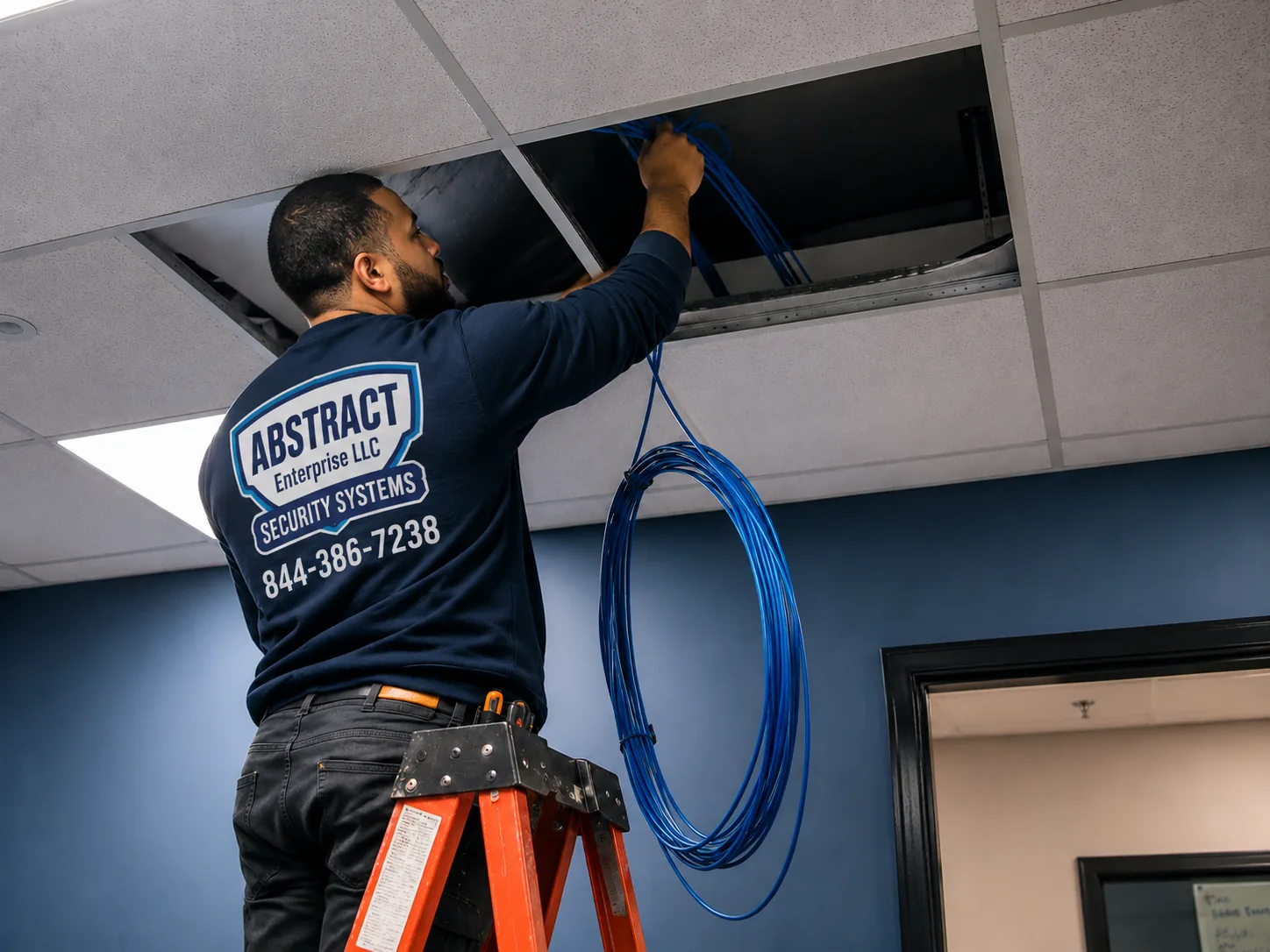
Photo from the AESS job library, taken on a Bronx commercial job and not on a Nest install: a technician feeding cable through the ceiling of a space that is open for business. In a narrow New York store, a short ceiling run to an access point near the front window is often what keeps the Nest cameras behind the glass from losing their signal on a busy afternoon.
Field Notes
Field Notes: Standing at the Door With a Phone Before Anything Goes Up
This is not a story about one customer's apartment, because we only publish those when we can document them. It is the routine our technicians follow at a New York door before a Nest device is mounted, and it is the part of the visit people are most often surprised by.
We do not open the camera box first. We open the door, step into the hallway or onto the stoop, and run a Wi-Fi test on a phone held exactly where the camera will sit, with the door closed behind us, because a steel door changes everything. We note the upload result and the signal strength. We look for the self-closer and keep its arm and its swing path clear in our minds. We check whether the hallway is the tenant's to use or the owner's, and whether anything we fix will be visible from the street in a landmarked block. Then we hold the camera in place, open the live view, and look at what it actually sees: faces at the right height, packages on the mat, and, as far as we can manage, not the neighbor's door across the hall. Only after you have looked at that same picture on your own phone and agreed does the first screw go in. In this city's buildings, those ten minutes prevent most of the callbacks we would otherwise get.
Your Questions Answered
Google Nest Camera Installation in NYC: Questions Answered
Renters and owners in apartment buildings
I rent in a prewar walk-up. Can a Nest camera go up inside my own apartment without asking anyone?
Inside your own apartment, a camera sitting on a shelf or a table is generally your business, and that is the usual starting point for New York renters. The limits come from your lease and from drilling: many leases restrict holes in walls, so we use freestanding placement, adhesive mounts or existing fixings where the lease is strict. The privacy law still applies indoors. A camera must not be placed where a roommate, guest or worker has a reasonable expectation of privacy, such as a bathroom. A competitor's NYC guide also notes the reverse case: a landlord putting cameras inside a rented apartment's bedrooms or living rooms is generally illegal. We are not giving legal advice, so if your lease is unusual, check it first.
Is a Nest doorbell on my side of the door, pointed at the public hallway, actually allowed?
The published sources genuinely disagree, so we will not pretend otherwise. A lawyer's answer on JustAnswer for a Brooklyn renter said cameras in common areas outside your door require the landlord's permission, and that the landlord can remove one installed without consent. Another analysis argues that no New York State or City law stops a resident from putting a camera on their own apartment door or says how it must be aimed, and that whether recording hallway audio counts as eavesdropping has never been cleanly settled, which is why audio is usually switched off. In practice we ask for the landlord's or board's written OK before mounting anything on the hallway side, keep the view as tight to your own door as the camera allows, and turn audio recording off. If permission is refused, a camera inside the apartment facing the door is the fallback.
As the owner of a small building, can I put Nest cameras in the hallways and lobby?
Owners commonly put cameras in common areas such as lobbies, vestibules, mail areas and hallways, and our research found no blanket city law against it. What owners must avoid is any spot where people expect privacy, under Penal Law §250.45, and any camera that looks into an apartment when its door opens. One owner-side guide for rent-stabilized buildings suggests documenting the security reason in writing, such as incident or police reports, and telling tenants before installation. Mounting must also stay clear of the self-closing entrance and corridor doors that HPD inspects. Nest works well for a small building's vestibule and package area; for many cameras across a large building, a recorder-based system usually serves an owner better.
My building only has a buzzer at the street. Which Nest doorbell even works on an apartment door?
Usually the battery Nest Doorbell. As ButterflyMX's guide notes, apartments usually rely on a buzzer or intercom rather than a doorbell at each unit, and under Multiple Dwelling Law §50-a many buildings are required to have an intercom at the main entrance rather than bells at the doors. With no bell wire at the apartment door, the wired Nest Doorbell has nothing to connect to. The battery model mounts on the door frame and charges every so often; how often depends on how busy your hallway is and how many alerts you have set. The Nest doorbell does not replace the building's buzzer or let you open the street door, so you still answer visitors downstairs through the intercom.
Power, wiring and city rules
What actually powers a wired Nest Doorbell, and will a rowhouse's old bell wiring do the job?
The wired second-generation Nest Doorbell needs a doorbell transformer that supplies 16 to 24 volts AC at 10 VA, according to the product answer on Home Depot's listing. Many New York rowhouses and brownstones still have bell wiring from decades ago, but the transformer may be smaller than that, the wire may have been patched during renovations, and a mechanical chime may need checking. We find the transformer, read its label, meter the voltage at the button and inspect the wire before promising anything. If it tests within range, the wired doorbell is a clean job. If the transformer needs replacing at the panel, that is electrical work we arrange with a licensed electrician, or you can choose the battery doorbell instead.
Does running low-voltage cable for cameras in New York City need a permit?
Usually not, since December 21, 2025. Local Law 128 of 2024 added Administrative Code §28-105.4.7, which says an electrical permit is not required for wiring designed to run under 50 volts for signaling, communication, alarm and data circuits, provided the work is done by a licensed master electrician, a special electrician or a qualified person as defined in the city electrical code. That covers the kind of low-voltage work around a Nest install, such as a data cable to a Wi-Fi access point or bell-level wiring. It does not cover line-voltage work over 50 volts, which still needs a DOB electrical permit. Separately, New York State licenses security system installers through the Department of State; our NYS license is #12000287431.
Does a Nest Cam with Floodlight need an electrician and a permit in NYC?
It often does, because the floodlight runs on line voltage rather than low voltage. The research we rely on states that line-voltage work over 50 volts needs a DOB electrical permit and that all electrical work in the city must be filed by a licensed NYC Master or Special Electrician. Where a floodlight replaces an existing outdoor light fixture on an existing box, the electrical side may be small, but it is still electrical work, and where a new circuit or box is needed it is plainly an electrician's job. We handle the mounting position, the aim, the Wi-Fi and the app setup, and we name the electrician's part on the quote so nothing is done outside the rules.
Our brick house has no doorbell wiring at all. Is a wired Nest doorbell still possible?
It is possible but rarely worth it. One reviewer of a wired doorbell camera, not in New York, described the install as tough because the house was brick with no doorbell wiring, and that matches what solid masonry means: a new transformer, a new wire path through brick or around it, and holes in the facade. In New York, if the house is in a historic district, a new penetration on the front may also need Landmarks review. For most brick houses without bell wire, the battery Nest Doorbell gives the same picture without opening the wall, and a wired Nest Cam on the side wall or under an overhang can take power from an indoor outlet through one small sealed hole.
Our brownstone is in a historic district. Will Landmarks let us put a Nest camera on the front?
The Landmarks Preservation Commission's rules cover security cameras in Section 2-20(c)(4), and the Commission's permit guidebook groups cameras with lighting and intercom panels as small equipment its staff can approve without a full public hearing when the installation meets the rules. The guidebook's direction is to keep cameras off the primary facade unless there is no feasible alternative, avoid damage to significant architectural features, and keep the equipment discreet. To check whether your building is landmarked or in a historic district, NYC Business suggests calling 311 and asking for the Landmarks Preservation Commission. In practice we look first for spots that avoid the facade: inside the vestibule glass, on the underside of the stoop or on the door frame.
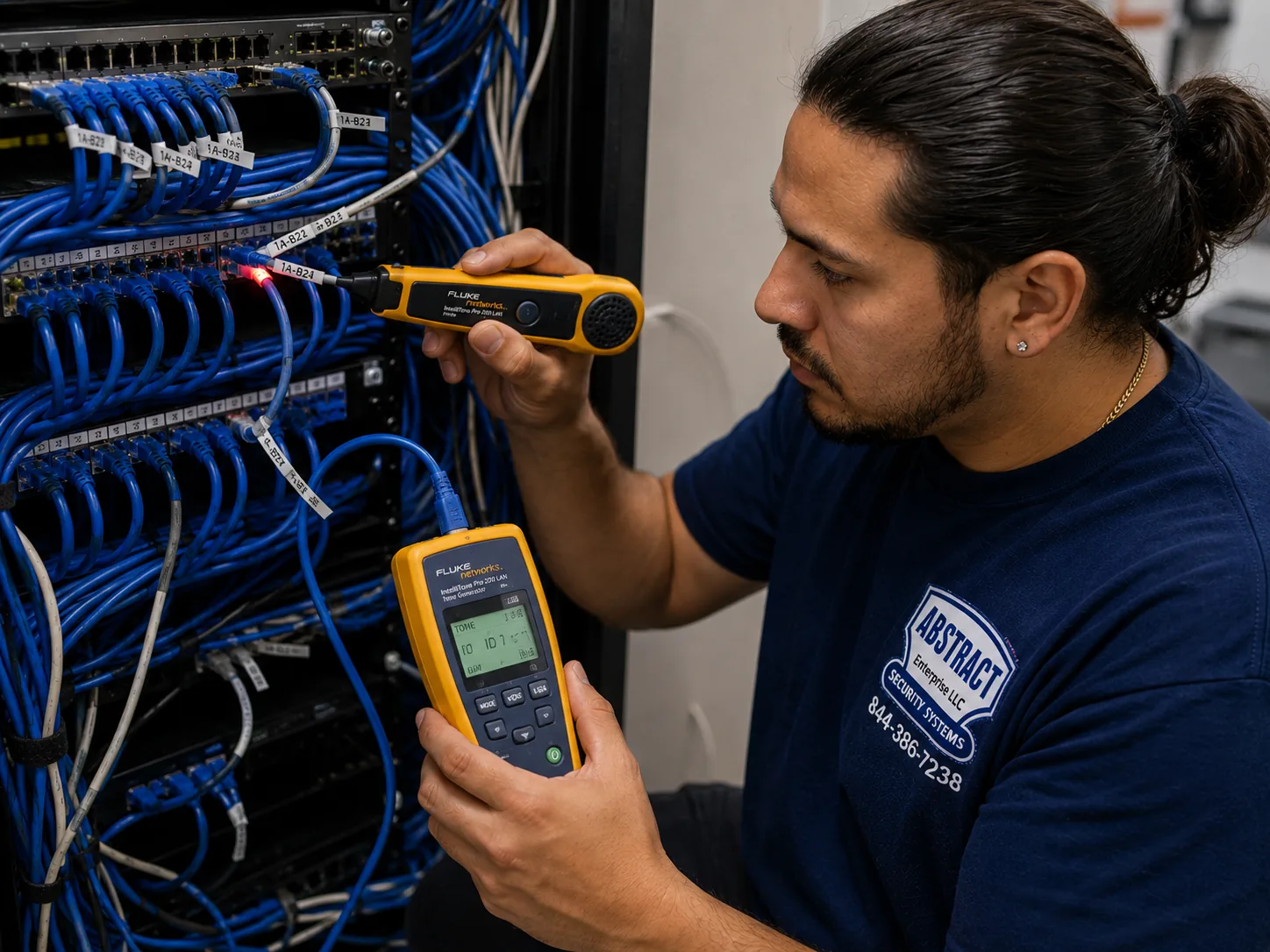
Photo from the AESS job library, taken on a Bronx network repair and not on a Nest install: a technician using a tone generator and probe to find out where an unidentified cable goes. Old New York buildings are full of wires nobody can name, and the same tracing method is how we find out whether a mystery pair in a rowhouse cellar really is the bell wire a wired Nest Doorbell could use.
Wi-Fi and reliability
Will a Nest camera hold a Wi-Fi signal through the thick masonry walls of a prewar building?
Sometimes, but it is the most common reason Nest devices fail in this city. Guides to prewar apartments describe masonry walls of 12 to 18 inches in buildings of that era, and the router is often at the opposite end of the apartment from the door. A Nest Cam has no network port, so it depends entirely on that wireless link. We test the signal and upload speed at the exact camera spot with the door closed before mounting. If the result is weak, we move the router, add a mesh point between router and door, or run a cable to an access point near the cameras. We would rather spend that time at the start than leave you with a doorbell that is offline every evening.
Our Nest doorbell drops offline every few days. What is usually wrong?
A Queens reviewer on ConsumerAffairs described exactly this, a Nest doorbell going offline every other day despite paying for professional installation and troubleshooting. In our experience the cause is usually one of four things: weak Wi-Fi at the door, especially through masonry or a steel door; a router that was replaced or renamed so the doorbell is looking for an old network; low or unstable power from an old transformer on a wired model; or, on a battery model, a charge running low in the cold. We test each in turn rather than replacing the doorbell first. Only when the network, the power and the settings all check out do we treat the device itself as faulty.
Cost and subscriptions
How does Google's own Nest Pro install compare with hiring an independent installer?
Google's install partner, OnTech Smart Services, publishes a starting price for installing any Google Nest device and recommends planning for at least two hours. That service is built around standard installs nationwide. An independent installer in New York has to deal with the parts that are specific to the city: buzzer-only apartment doors, landlord and board approvals, Landmarks rules, masonry, old bell transformers and Wi-Fi through prewar walls. Our installed prices are on the borough price pages linked from this page, and we confirm which lines apply from your photos before you book, so you can compare like with like.
Is Nest Aware still sold, or has it turned into something else?
Google has moved its camera subscription into Google Home Premium. According to 9to5Google's October 2025 report, Premium Standard costs $10 a month or $100 a year and Premium Advanced costs $20 a month or $200 a year. Without any subscription, Security.org reports three hours of event video history for the Nest Cam Battery and Nest Cam with Floodlight, and six hours for the wired Nest Cam Indoor and Outdoor. That short free window matters in New York, because a package stolen while you are at work may already be gone from history by evening. Google's plan pages are the place to confirm what each tier includes for your devices; we set up whichever you choose.
What is the best Nest camera for watching a New York apartment from inside?
For most apartments, the wired Nest Cam Indoor, because it plugs into an ordinary outlet, never needs charging and, per Security.org, gets six hours of free event history against three for the battery models. It suits a shelf facing the entry door, a high corner of the living room or a spot watching a pet's area. The Nest Cam Battery makes sense where there is no outlet nearby or where you want the option of moving it outside later. Whichever you choose, place it where Wi-Fi is strong, away from windows that throw glare at night, and never where a guest, roommate or worker would expect privacy.
Equipment
Types of Google Nest Camera Installation We Install
These are the Google Nest devices and supporting equipment we fit in New York homes, buildings and businesses. You can buy the Nest devices yourself and have us install them, or ask us to supply them; the borough price pages list installed prices.
🔔
Nest Doorbell, Battery
For apartment doors in buzzer buildings and brick fronts with no bell wire. Mounted on the frame, charged on a schedule, with alerts tuned so a busy hallway does not drain it.
🔌
Nest Doorbell, Wired (2nd Gen)
For stoops and house doors where an existing transformer supplies 16 to 24 volts AC at 10 VA, tested with a meter before we commit.
🏠
Nest Cam Indoor, Wired (3rd Gen)
Plug-in indoor camera for apartment entries, vestibules, stores and offices, with six hours of free event history per Security.org.
🔋
Nest Cam, Battery
Indoor or outdoor camera that runs on battery or stays plugged in with the Nest Cam weatherproof cable; useful where outlets are far away.
🌿
Nest Cam Outdoor, Wired (2nd Gen)
For yards, garages and side walls of houses, fed from an indoor outlet through a sealed wall penetration in brick, block or siding.
💡
Nest Cam with Floodlight
For driveways and back yards in the boroughs with detached houses; line-voltage work is done by or with a licensed NYC electrician.
📶
Mesh Points and Access Points
The network equipment that gets Wi-Fi to a door through masonry: mesh nodes placed between router and camera, or wired access points on a tested cable.
🔋
Battery Backup for the Network
A small battery backup on the modem, router and access points so cameras keep uploading through short power interruptions.
Photo from the AESS job library, taken on a Bronx commercial network job and not on a Nest install: a technician mounting a managed PoE switch below the patch panels in a rack. Nest cameras themselves never plug into a switch like this, but the ceiling access points that carry their Wi-Fi in a larger New York store or office often draw power from one, which is why we look at the closet before blaming the camera.
Nest compared with ADT, Ring and SimpliSafe
People often weigh a Nest camera against the big national names. ADT is best known for professionally monitored alarm systems, Ring for doorbells and cameras tied to Amazon's ecosystem, and SimpliSafe for self-install alarm kits with cameras as add-ons. Nest's strength is how it fits a home already using Google devices and the Google Home app. None of those brands changes the New York part of the job: the buzzer-only door, the landlord's permission, the Landmarks rule, the masonry and the Wi-Fi. That work is the same whichever logo is on the camera, and it is what a local installer brings to the door.
Nest cameras compared with a recorder-based camera system
Question
Google Nest cameras
Recorder-based (NVR) system
Where video is kept
Google's cloud, over your Wi-Fi
A recorder on site, often with remote viewing
History without a subscription
Three or six hours of events, by model (Security.org)
Set by the recorder's storage
Wiring
Power only; video travels by Wi-Fi
A cable to each camera for power and video
If the internet goes down
Cameras cannot upload until it returns
Recording continues locally
Best suited to
Apartments, small homes, a few doors and rooms
Whole buildings, stores with retention rules, many cameras
AI Overview Reality Check
What AI Gets Wrong About Google Nest Camera Installation in NYC
We could not capture Google's AI Overview for this topic from our build environment, so we are not quoting it. What follows are claims we see repeated in quick online answers and national cost guides from sites such as Angi, HomeAdvisor and Fixr about Nest cameras and video doorbells, set against what New York's buildings and rules actually involve. Those guides are useful for a rough national picture, but they are written for a typical American house, and New York is not a typical American house.
"Just replace your old doorbell with a Nest Doorbell."
This assumes there is an old doorbell. In a large share of New York apartments there is not. ButterflyMX's guide notes that apartments usually rely on a buzzer or intercom, and under Multiple Dwelling Law §50-a many buildings must have an intercom at the main entrance.
The apartment door upstairs therefore has no bell wire and no transformer for a wired Nest Doorbell to use. Buying the wired model for that door means returning it or spending far more on new wiring than the doorbell cost.
The realistic choice for most buzzer-building doors is the battery Nest Doorbell, or a Nest Cam inside the apartment facing the door. The wired model belongs on rowhouse stoops and house doors where an existing transformer tests within range.
"Nest cameras are wireless, so installation takes five minutes."
Nest cameras send video wirelessly, but they still need power and a strong signal. In a prewar building with masonry walls, a camera that works on the kitchen counter can struggle at the front door, and a battery camera in a busy hallway may need charging more often than the box suggests.
The physical mounting is also harder here than in a frame house. Brick and brownstone need a hammer drill and masonry anchors, plaster on lath cracks if drilled carelessly, and steel door frames need different fixings again.
The five-minute install is real for an indoor camera on a shelf. For a doorbell, an outdoor camera or a floodlight on a New York building, the time goes into testing the signal, choosing the power and fixing into old materials without damage.
"You need a permit for any camera wiring in New York City."
This used to be a fair worry, but the rule changed. Since December 21, 2025, Administrative Code §28-105.4.7, added by Local Law 128 of 2024, says low-voltage signaling, communication, alarm and data wiring under 50 volts does not need an electrical permit when done by a licensed master or special electrician or a qualified person.
The opposite mistake is just as common: assuming no rules apply at all. A Nest Cam with Floodlight connects to line voltage, and line-voltage work over 50 volts still needs a DOB electrical permit filed by a licensed Master or Special Electrician.
So the honest answer depends on the device. A battery doorbell or a plug-in indoor camera involves no electrical work. A floodlight on a new circuit does, and we name that part of the job and who does it on the quote.
"Nest records everything for free."
Without a subscription, Security.org reports three hours of event video history for the Nest Cam Battery and Nest Cam with Floodlight and six hours for the wired Nest Cam Indoor and Outdoor. Events are clips triggered by motion or sound, not a continuous recording.
For a New Yorker who works a full day, that matters. A package that disappears at noon may be out of the free history by the time you get home and check the app.
Google now sells history through Google Home Premium, which 9to5Google reported at $10 a month or $100 a year for Standard and $20 a month or $200 a year for Advanced. We explain the difference at handover and set up whichever plan you pick, or none.
"If you own the building, you can put a camera anywhere on it."
Ownership is necessary but not sufficient in this city. Most exterior changes to the front and rear facades of buildings in historic districts need Landmarks Preservation Commission review, and the Commission's rules expressly cover security cameras.
Inside, New York Penal Law §250.45 makes it a crime to place a camera where people have a reasonable expectation of privacy without consent, and a competitor's NYC guide notes that landlord cameras inside rented apartments' living spaces are generally illegal.
There are practical building rules as well. HPD's fiscal 2024 self-closing door inspections produced 3,151 violations, and a camera or bracket that interferes with a self-closing door is the last thing an owner needs. We plan around all three before choosing a spot.
"Cloud video means the footage is always safe."
Cloud storage protects footage from someone smashing a recorder, which is a real advantage. But the camera can only upload while it has Wi-Fi and internet, and Spectrum News reported in December 2025 that New York authorities had warned some package thieves use Wi-Fi jammers to disrupt doorbell cameras.
Power is the other gap. NY1 reported more than 10,000 Con Edison customers without power on one evening of the June 2025 heat wave. A battery camera may stay on, but if the router has no power the video goes nowhere.
For a home, a battery backup on the router covers short outages. For a business that must keep footage, we often suggest a recorder-based system alongside or instead of Nest, because local recording keeps going when the internet does not.
"Professional camera installation costs about the same everywhere."
National cost guides give one range for the country, and many quick answers repeat it for New York. Our own pricing varies by borough, because access, parking and labor costs are not the same in Manhattan as they are on Staten Island or in the Bronx.
Within a New York job, the building moves the cost far more than the camera. A battery doorbell on a rented apartment door is a short visit; a wired doorbell on a brownstone with an old transformer, or a floodlight on a garage that needs an electrician, is a different job.
That is why each borough has its own Nest price page, linked from this page, and why we confirm the lines that apply to your door from photos before you book, rather than quoting a single citywide figure.
Not Sure Which Nest Fits Your Door? Talk to a Technician First
Send a photo of the door or wall, the Nest model you have or want, the borough and the building type, and a technician will tell you whether the device suits that spot, how it will be powered, and whether your Wi-Fi is likely to reach. Call (800) 486-0943, message us on WhatsApp, or use the quick form.
Every Google Nest job in the five boroughs follows the same eight steps, whether it is one battery doorbell on a walk-up door or a set of cameras for a store. The order matters most in older buildings, where a camera mounted before the signal and permissions are settled is the usual cause of a second visit.
1. Send photos and the building type
A photo of each door, wall or window, the Nest models, the borough and whether it is a rental, co-op, rowhouse, house or business. We match the job to the borough price list before you book.
2. Clear permissions first
Landlord or board approval for anything outside your unit, a certificate of insurance and working hours for co-ops and managed buildings, and a check on Landmarks status for historic districts.
3. Test Wi-Fi at every camera spot
Signal and upload speed measured exactly where each camera will sit, with doors closed, and weak coverage fixed with a router move, a mesh point or an access point before mounting.
4. Choose the power
Battery, an indoor outlet, the Nest Cam weatherproof cable outdoors, an existing doorbell transformer tested with a meter, or a licensed electrician for line-voltage floodlight work.
5. Pair before mounting
Each device added to the Google Home app while it is still in hand, because Google advises connecting the camera before mounting so the QR code can still be reached, and so firmware updates finish first.
6. Mount with the right fixings
Masonry anchors in sound brick, careful pilot holes in plaster, shims on out-of-square door frames, and the aim set from the live view, clear of self-closers and their swing.
7. Set zones, alerts and privacy
Activity zones that leave out neighbors' doors and the street where possible, alerts tuned to the door's traffic, audio recording off where it should be, and household members added.
8. Hand over and write it down
A walkthrough of live view, history, sharing and the subscription choice, plus written notes of each device's model, location, power source and Wi-Fi network for the next router swap.
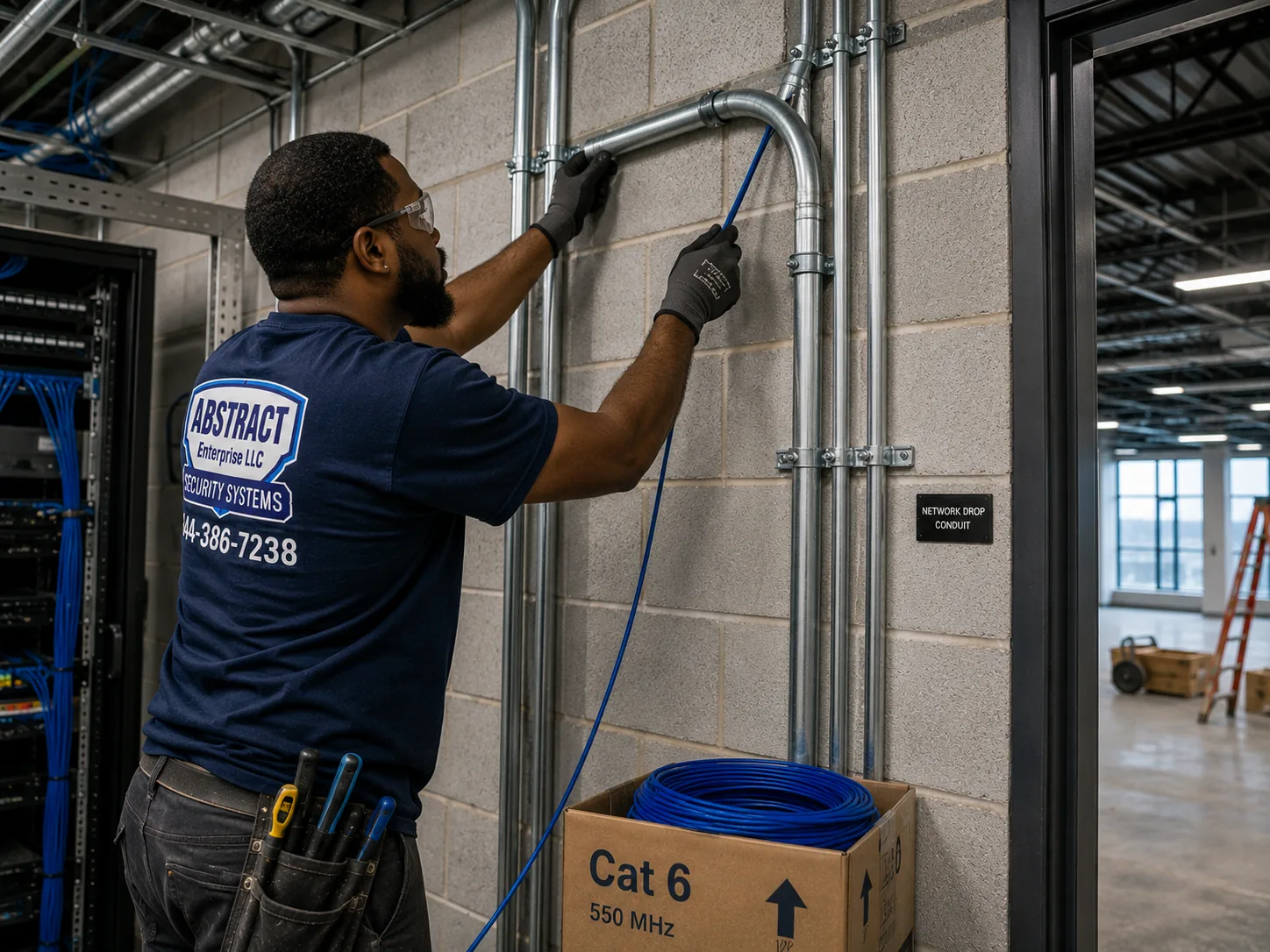
Photo from the AESS job library, taken on a Bronx industrial network job and not on a Nest install: a technician running cable into EMT conduit next to a telecom room. In a loft, warehouse or workshop in one of the city's industrial areas, any exposed run to an access point serving the Nest cameras goes into conduit like this, so it is protected from carts, forklifts and the next tenant's renovation.
Coverage Area
Google Nest Camera Installation Near NYC's Landmarks
A citywide service is easiest to picture through the buildings that define each borough. These landmarks are not our customers; they stand for the kinds of buildings our technicians plan Nest installs around, from the first historic district to a garden-apartment complex of more than twelve thousand homes.
Brooklyn Heights Historic District
Designated November 23, 1965, the first historic district in New York City according to the Historic Districts Council, with streets of 19th-century brownstones where a camera on the facade means Landmarks review.
The Dakota, Upper West Side
Built 1880 to 1884 to Henry J. Hardenbergh's design, a co-op since 1961 and a city landmark since 1969, per Wikipedia; the model of a prewar co-op where boards, thick masonry and strict rules shape any install.
Parkchester, Bronx
MetLife's development of 1939 to 1942: 171 brick buildings of 8 or 13 stories and 12,271 apartments, later converted to condominiums, per Wikipedia. Brick walls and owner associations set the terms.
Forest Hills Gardens, Queens
The planned community by Frederick Law Olmsted Jr. and Grosvenor Atterbury, with streets laid out by 1910 and more than 800 homes, townhouses and garden apartments, according to The Cultural Landscape Foundation.
Hunters Point South, Long Island City
Where 6sqft reported a 1,194-apartment development of 46 and 56 floors on Center Boulevard; the newer high-rise side of the city, with concrete, drywall and written management policies.
St. Paul's Avenue–Stapleton Heights, Staten Island
A historic district designated in 2004 with about 92 freestanding houses, the earliest from the mid-1830s, per Six to Celebrate; detached houses where porches, yards and Landmarks review meet.
We do not print one installed price for the whole city on this page, because our prices are set borough by borough. A Nest doorbell on a Manhattan co-op door, with a service elevator to book and nowhere to park, is not the same job in cost terms as the same doorbell on a Staten Island house with a driveway. Each borough's Google Nest price page lists the installed lines for that borough, and the citywide page summarizes them. Pick the page for the address where the cameras will go.
Detached houses, floodlights over driveways, Wi-Fi to the yard
What changes the cost of a Nest job in New York
The device and its power. A battery doorbell or a plug-in indoor camera needs no wiring. A wired doorbell needs a working transformer. A floodlight needs line-voltage work by a licensed electrician, which is quoted as its own line.
The surface. Brick, brownstone, block and plaster take more time and different fixings than wood or drywall.
The network. If the Wi-Fi does not reach a camera spot, a mesh point or a wired access point is added, and the quote says so before you book.
Access. Walk-up stairs, service elevator bookings, co-op working hours and parking all affect how long a visit takes.
Paperwork. Certificates of insurance for boards and managing agents, and Landmarks applications where a facade is involved.
Costs that come after the install
The one ongoing cost most people should plan for is Google's subscription, not ours. As 9to5Google reported, Google Home Premium Standard is $10 a month or $100 a year and Advanced is $20 a month or $200 a year. Without a subscription, Security.org reports three hours of free event history on the battery and floodlight cameras and six hours on the wired indoor and outdoor cameras. We charge no monthly fee for the cameras we install; the subscription, if you want one, is between you and Google. Batteries in battery models will need recharging, and a router or internet plan upgrade, if the network turns out to be the bottleneck, is a cost we flag rather than hide.
Full terms — including 50% deposit, one-year parts-only warranty on AESS-supplied products, and the late-fee schedule — are set out in the service agreement.
Google Nest Camera Installation Packages & Pricing
Three common New York Nest setups. Each is built only from lines on the borough price list for your address; open the matching price page to see the installed figures. There is no package premium, and nothing is added on the day that was not on the quote.
Starter: The Renter's Door
A battery Nest Doorbell on the apartment door frame with the landlord's written OK, or a wired Nest Cam Indoor facing the door from inside where permission is refused, plus Wi-Fi testing at the door and full Google Home app setup. Suits walk-ups and elevator buildings with buzzer entrances. Prices on the NYC Nest price list.
Standard: The Rowhouse Front
A wired Nest Doorbell on the stoop door after the transformer is metered, a Nest Cam Indoor in the vestibule watching the package floor, and a mesh point if the signal needs it. The usual brownstone and two-family job in Brooklyn, Harlem, the Bronx and Queens. See the Brooklyn Nest prices or your borough's page.
Premium: The House With a Yard
A wired Nest Doorbell, a Nest Cam with Floodlight over the driveway with the electrician's part named on the quote, a wired outdoor Nest Cam on the back of the house, and a battery backup on the router. Typical for detached houses on Staten Island and in Queens. See the Staten Island Nest prices.
Bring your own Nest devices
Many New Yorkers buy their Nest doorbell or cameras online or in a store before calling us, and that is fine. If you already own the devices, we install them at the labor lines on the same borough price list. We check that each device suits the spot you have in mind, that a wired doorbell's transformer will support it, and that the box contains the mounting parts the surface needs. If a device is the wrong one for the door, such as a wired doorbell for a buzzer-only apartment, we tell you before the visit so you can exchange it rather than pay for a trip that cannot finish.
Complete Services
Every Google Nest Camera Installation Service in NYC
Send the door photo and Nest model and we will match it to your borough's list. Request a free quote
FAQ
NYC Google Nest Camera Installation FAQ
What does it cost to have a Nest Cam Battery put up at my place in the city?
+
It depends on the borough and on where the camera goes. A Nest Cam Battery on a shelf inside an apartment is a short visit, while the same camera on a brick wall outdoors with the weatherproof cable run to an outlet takes masonry drilling and a sealed wall entry. Each borough's Google Nest price page lists the installed lines, and we confirm which apply from a photo of the spot before you book.
Are there costs with Nest cameras that people don't expect after the install?
+
The main one is Google's subscription. 9to5Google reported Google Home Premium Standard at 10 dollars a month or 100 dollars a year and Advanced at 20 dollars a month or 200 dollars a year. Without it, Security.org reports three hours of event history on battery and floodlight cameras and six on wired indoor and outdoor ones. Other possible costs are a mesh point or access point if Wi-Fi is weak, an electrician for floodlight wiring, and a better internet plan if upload speed is the bottleneck.
Do I need a licensed electrician to run cabling for my Nest setup?
+
For low-voltage data and signaling wiring under 50 volts, New York City's code since December 2025 requires no electrical permit when a licensed master or special electrician or a qualified person does the work, and our low-voltage work is done under NYS license 12000287431. For anything at line voltage, such as a floodlight on a new circuit or a new outlet, a licensed NYC electrician must do and file the work, and we name that on the quote.
How long does a Nest camera install usually take?
+
It varies more with the building than the camera. HomeAdvisor's cost guide covers typical install times for surveillance cameras, and Google's install partner recommends planning for at least two hours for a Nest device. An indoor camera on a shelf is much quicker; a wired doorbell with an old transformer to test, or several cameras with a Wi-Fi fix, takes longer. Send photos and we will tell you how long to set aside before we book the visit.
Should I turn off the microphone on my Nest camera because of New York's recording laws?
+
In shared spaces, usually yes. New York's eavesdropping law turns on consent to recording conversations, and sources disagree on how it applies to hallway audio, which is why audio is commonly left off for cameras covering hallways, vestibules and businesses. Inside your own home the situation is different, but if housekeepers, sitters or guests are recorded, consider their consent. Audio recording is a simple setting in the Google Home app, and we set it as you choose at handover.
Do I have to tell my tenants before putting cameras in the building's common areas?
+
Our research found no blanket city rule requiring every owner to notify tenants, but owner-side guidance for rent-stabilized buildings recommends telling tenants in advance and recording the security reason in writing. New York Penal Law also treats cameras with a conspicuous posted notice, or cameras that are plainly visible, differently from hidden ones. Posting a clear sign and sending a short written notice is the sensible course. This is not legal advice; check with your attorney for your building.
Are apartment dwellers really more likely to have packages stolen than people in houses?
+
National survey data says yes. Security.org's 2026 package theft report found apartment residents more than three times as likely to have had a package stolen in the previous three months, 10 percent compared with 3 percent for single-family residents. In New York, older buildings often lack a package room or lobby cameras, so deliveries sit in vestibules or hallways. A Nest camera inside the vestibule or a doorbell on your door helps you see deliveries and thefts as they happen.
Can a thief knock my Nest doorbell offline with a jammer?
+
It has happened. Spectrum News reported in December 2025 that New York authorities warned some package thieves use Wi-Fi jammers to disrupt doorbell camera footage. Because Nest devices rely on Wi-Fi to upload video, a jammer can stop the upload while it is running. A strong, nearby signal helps with ordinary interference but cannot defeat deliberate jamming. Where footage is critical, such as a business, a wired recorder-based camera alongside the Nest devices keeps recording regardless of Wi-Fi.
I put my Nest cameras up myself and they keep acting up. Can you sort them out?
+
Yes. We check the Wi-Fi signal and upload at each camera, the power source and, for wired doorbells, the transformer voltage, then the app settings and the mounting. Often the fix is moving a camera slightly, adding a mesh point or re-pairing devices after a router change. If a camera has been mounted somewhere it should not be, such as on a self-closing door or a landmarked facade, we suggest a better spot and explain why.
Is a peephole camera an option if I want something from Google Nest?
+
Google does not sell a peephole camera in the Nest line, so a Nest setup on an apartment door means the battery doorbell on the frame or a Nest Cam inside facing the door. One analysis of NYC apartment camera rules notes that peephole cameras are often the simplest route because they swap existing hardware without changing the door or the hallway, though it still depends on the building. If a peephole camera from another brand suits your door better, we will say so.
The Google Home app has been freezing since my cameras moved over from the Nest app. Can you help with that?
+
A ConsumerAffairs reviewer described the same problem, with the Google Home app freezing and running slowly after the switch from the Nest app. On a service visit we check that the app and the phone are up to date, that each camera is correctly added to the right home in the app, that household members have the access they need, and that weak Wi-Fi at the cameras is not making the live view stall. Problems on Google's own servers are outside anyone's control, and we will tell you if that seems to be the cause.
Can my store's Nest cameras be shared with the local precinct?
+
NYC 311 explains that businesses with security cameras can register their camera locations with the NYPD at NewYorkCityConnect.org, so detectives know where to ask for footage, and amNY reported that the city's Connect New York program lets participating businesses choose how and when footage is accessible. Taking part is voluntary and entirely the owner's decision. We can give you a simple list of camera locations and views to use when registering.
Can a Nest camera be mounted on an entrance door that has a self-closer?
+
We avoid it. HPD inspects self-closing doors, and its fiscal 2024 inspections produced 3,151 self-closing door violations, so anything that might interfere with the closer or the door's swing is a risk for the owner. We mount doorbells on the door frame rather than the door, keep brackets well clear of the closer arm, and place vestibule cameras on walls or ceilings, so the door closes and latches exactly as it did before.
Get In Touch
Request a Free Quote
Tell us the borough, the building type, the Nest devices and where they should go. A photo of each door or wall makes the quote exact, and if a landlord, board or historic district is involved, mention it so we can plan around it. Prefer to talk? Call (800) 486-0943.
✅
Request Sent!
We'll call about your Nest cameras the same business day.
From a battery doorbell on a Lower East Side walk-up door to a wired doorbell on a Brooklyn stoop, a vestibule camera in a Queens two-family or a floodlight over a Staten Island driveway, the job starts the same way: a photo of the spot, the Nest model, the borough and an honest check of permission, power and Wi-Fi before anyone drills. Call (800) 486-0943, message us on WhatsApp, or send the quote form, and we will book you within 2 hours and tell you exactly what your door needs.