See every GeoVision camera price in NYC and build your own system →
Every Recorder Identified Before Anything Is Bought · End-of-Life Units Taken Off the Internet · Cable Certified and Labelled
New York City is a city of old buildings carrying new cameras. The Citizens Housing & Planning Council counts more than 80 percent of the city's housing as over fifty years old, and a great many of those buildings already have a GeoVision recorder, video server or camera somewhere in a basement closet or a super's office, installed by someone who has long since moved on. Some of those units are now end-of-life models that security researchers have watched a botnet attack. Our GeoVision camera installation work across the five boroughs starts by finding out exactly what is on your wall and your network, then putting in cameras and cabling that suit a five-story walk-up, a twelve-story co-op, a rowhouse or a storefront on a busy shopping strip.
Reviewed and updated November 5, 2026 by Anwar Timothy, NYS license #12000287431 · Sources: Security Affairs on the Shadowserver Foundation's GeoVision botnet findings (CVE-2024-11120), Cybersecurity Help's list of affected end-of-life models, The Hacker News on CISA's Known Exploited Vulnerabilities deadline, BeyondMachines' remediation advice, GeoVision's GV-Eye installation guide, the Citizens Housing & Planning Council housing-stock data, the Rent Guidelines Board 2026 Housing Supply Report, the 2023 NYC Housing and Vacancy Survey initial findings, HPD self-closing door program reports for FY24 and FY25, NY Multiple Dwelling Law §50-a, NYC Business's page on the NYS security and fire alarm installer license, the Landmarks Preservation Commission rules and Permit Guidebook Chapter 11, the Mayor's Management Report on LPC, NYC 311's NYPD camera registration article, HPD's Tenant Data Privacy Law page, the NYC Department of Small Business Services BID directory, CBS New York, amNY and The Guardian (via PressReader) · Dispatched from 1282 Troy Ave, Brooklyn

Owner-operated since 2002 · Thousands of jobs completed · Booked within 2 hours
GeoVision camera installation in NYC is priced by borough, by the number of cameras and by how hard the cable route is, and the first visit usually includes a look at whatever GeoVision equipment is already on site. If your building has an older GeoVision video server or recorder, we check its model against the end-of-life list researchers published after the CVE-2024-11120 botnet, take it off the internet if it is exposed, and tell you plainly whether it can stay. New systems are built on one Cat5e or Cat6 cable per camera, which carries both power and video. Borough-by-borough figures are on our NYC GeoVision camera installation price list, and a request is booked within 2 hours. Call (800) 486-0943 or use the form.
Most cameras in New York City hang on buildings that were designed long before anyone imagined a camera. The Citizens Housing & Planning Council's housing-stock analysis says more than 80 percent of the city's housing was built more than fifty years ago, and that over half of all units, about two million, were built before 1947. The Rent Guidelines Board's 2026 Housing Supply Report puts it a slightly different way: 54 percent of units are in buildings constructed before 1947, out of 3,705,000 housing units the city counted in 2023. That age shows up in every camera job. Prewar walls are brick, terracotta block or plaster on lath. Hallways are narrow. Basements were built for coal, not for a network rack. A camera system in a building like that lives or dies on how the cable gets from the front door to the recorder, and on whether the person who installed it left anyone a map.
The building types are as varied as the boroughs. One investor guide to prewar housing sorts the old stock into four-to-six-story walk-up tenements built before 1929, eight-to-twelve-story elevator apartment houses from the 1910s and 1920s, and the larger prewar doorman buildings. CHPC's own summary runs from mansions in Riverdale to small homes in Midland Beach, garden apartments in Sunnyside to high-rises near Central Park, brownstones to tenements. A rental-market guide that sampled prewar listings found 47.7 percent of those buildings had fewer than ten apartments and 41.5 percent listed an elevator. Put plainly, a large share of the city's older apartment buildings are small walk-ups, where the cable from a rear-yard camera to a cellar recorder has to travel through masonry and up a stairwell with no drop ceiling to hide in. At the other end, the 2023 Housing and Vacancy Survey counted 829,200 units, 22 percent of the stock, in buildings of 100 apartments or more, where cameras run through risers and elevator traveling cables and the recorder may be watched by a security desk.
GeoVision is one of the camera and recording brands New York installers have been putting into those buildings for years. A Manhattan competitor's Upper East Side page lists GeoVision among the brands it partners with, alongside Sony and Axis, and AESS's own CCTV site lists GeoVision among more than a dozen brands it works on, from Dahua and Hikvision to Lorex and Rhombus. That matters because the GeoVision call we expect most often in New York is not a brand-new building. It is an owner, a managing agent or a co-op board that has inherited a GeoVision system along with the boiler and the intercom, and now needs to know whether it still works, whether it is safe to leave on the network, and what to put in when it is time to replace it.
That second question became urgent in late 2024. Security Affairs reported that researchers at the Shadowserver Foundation watched a botnet exploiting a zero-day flaw in end-of-life GeoVision devices, tracked as CVE-2024-11120, a pre-authentication command injection rated 9.8 on the CVSS scale. The same report counted roughly 17,000 internet-facing GeoVision devices exposed to it, with the largest share, 9,179, in the United States. Cybersecurity Help listed the affected models as the GV-VS12, GV-VS11, GV-DSP LPR V3 and GV-LX4C V2 and V3, all of them past end of life and no longer supported by the manufacturer. In May 2025, The Hacker News reported that the U.S. Cybersecurity and Infrastructure Security Agency had added two GeoVision flaws to its Known Exploited Vulnerabilities catalog, giving federal agencies until May 28, 2025 to apply fixes or stop using the products. We have no data on how many of those exposed devices sit in New York City buildings. We do know that a city full of old buildings and long-serving camera systems is exactly where unsupported recorders tend to stay plugged in.
Then there is the reason people buy cameras in the first place. In Astoria, CBS New York reported, a suspect used a screwdriver to disable a lobby door lock and then helped himself to the deliveries inside. In Harlem, at the Robeson on Lenox Avenue, CBS reported that furniture was stolen from a lobby where a key code is required to enter, and police said there was no forced entry. In Park Slope, CBS showed three suspects cutting open packages inside a building's lobby. A property manager interviewed by Brick Underground pointed out that face masks make people hard to identify on camera. None of those stories involves GeoVision equipment as far as the reports say, and we do not claim they do. They show the job a lobby camera in New York actually has to do: see the face at the door at a usable angle, record clearly enough under hallway lighting, and keep the footage long enough for a manager to find it after a tenant complains.
Finally, there are the rules. There is no general New York City law that requires cameras in apartment buildings, as one building-compliance guide puts it, though HPD may recommend them where crime-related violations keep recurring and many commercial insurers set camera coverage as a condition of theft and vandalism coverage. The rules that do exist are about the doors and the light. Multiple Dwelling Law §50-a requires an intercom at the self-locking main entrance of every class A multiple dwelling of eight or more apartments built or converted after January 1, 1968. HPD's self-closing door inspections produced 3,151 violations in fiscal year 2024 and 2,937 in fiscal year 2025. The Multiple Dwelling Law also requires adequate lighting in vestibules, halls, stairs and courtyards, which is the difference between footage and a grey smear. A camera at the front door of a New York building works alongside all of that hardware, not instead of it.
We also want to be plain about what our research could not find. We searched Reddit communities for New York City, AskNYC and home security for discussions of GeoVision installs and found none. We found no hyperlocal coverage in Patch, BK Reader or the Bronx Times about GeoVision equipment, and no Yelp complaints about camera installers that we could tie to this brand. We could not see Google's People Also Ask boxes, its related searches, Bing, DuckDuckGo or AnswerThePublic from our build environment. Where this page answers questions, they come from the FAQ sections of real pages that rank for these searches, from official sources, and from our own field practice. Where we could not confirm something, such as one vendor's claim that a "Local Law 50" requires residential camera notices, we say so rather than repeating it.
What owners often add once the cameras are in. Once a building has working cameras at the entrance, the next request is usually about the door itself: an intercom that shows the visitor, or fob entry that logs who came in. A video intercom, as the New York Department of State has said in guidance reported by a Long Island law firm, counts as a small CCTV system, so the same license applies. If you want cameras and a door upgrade, tell us at booking, so one set of cables and one recorder plan covers both rather than two crews opening the same lobby ceiling.

If your GeoVision recorder or video server is behaving oddly, rebooting on its own, running hot, slowing your building's internet, or showing settings nobody changed, do not keep poking at it from the internet. Unplug its network cable, leave its power on so the footage on its disk is not disturbed, and write down the model number from the label. Then call (800) 486-0943. The researchers who documented the CVE-2024-11120 botnet recommended isolating affected units from the internet first, and that is the safest step any owner can take alone. The other urgent call is the morning after a theft, when footage has to be found and exported before the recorder writes over it. Tell us the date and time of the incident and how long the recorder usually keeps video, and we will tell you honestly how quickly we can get there.
Because so many New York buildings change hands, managers and supers more often than they change cameras, the most useful thing we can do on a first GeoVision visit is answer three questions: what exactly is installed, is any of it exposed to the internet, and which pieces are still worth keeping. The table below sets out what we look at and what each finding usually means. The right-hand column is our working practice, not a promise about any specific unit; every recorder and camera is checked on site.
| What we check | Why it matters | What it usually leads to |
|---|---|---|
| Model number on every recorder, video server and camera | The GV-VS12, GV-VS11, GV-DSP LPR V3 and GV-LX4C V2 and V3 are end-of-life models named in the CVE-2024-11120 reports | Any of those models is taken off the internet the same day and scheduled for replacement |
| Firmware version on supported units | Unsupported or outdated firmware leaves known flaws open | Supported units are updated from the manufacturer's own downloads |
| Whether the unit can be reached from outside the building | Exposed, internet-facing units are what the botnet targeted | Router port-forwards closed, remote viewing rebuilt a safer way |
| Default or shared passwords | Inherited systems often still run the installer's original login | New credentials, separate accounts for each person who needs access |
| Hard drive health and recording length | A recorder that keeps two days of video is little help when a theft is reported a week later | Drive replaced or storage expanded on a recorder that is staying |
| Cable condition and labelling | Unlabelled runs in a walk-up stairwell can take longer to trace than to replace | Runs toned out, labelled and mapped, or re-pulled where damaged |
| Camera views and hallway lighting | A camera aimed into dark corners, or into apartment doorways, is useless or a privacy problem | Re-aim, relocation, or a note to the owner about common-area lighting |
The CVE-2024-11120 reports named specific models, and the first job is simply reading labels. In a building where the system has grown over the years, that can mean a recorder in the cellar, a video server on a shelf in the super's apartment, an older camera above the rear yard door and a newer one in the lobby, each installed at a different time. We photograph every label, note the firmware where the device still lets us log in, and list the results for the owner in plain language. If any device matches the end-of-life models in the reports, we unplug its network connection before we leave, even if we cannot replace it that day. BeyondMachines' summary of the advisory recommended isolating affected devices from the internet, performing factory resets, and ideally replacing them with supported models, and we follow that order. A factory reset is only done once the footage on the device has been dealt with, because it would erase settings and may make old recordings inaccessible.
Not every older GeoVision piece has to go. A supported camera with a sharp picture, good cable and a sensible view can often stay on a new recorder, and keeping it saves the owner the cost of a new camera and the disruption of a new cable run through a plaster stairwell. Whether a given camera can talk to a given recorder depends on both models and their firmware, so we test it on site rather than assume. What we will not do is leave an end-of-life unit on the network, or recommend spending money to extend a recorder whose maker no longer supports it. When the honest answer is that a camera still works but the recorder behind it does not deserve to, we say so, and we price the replacement recorder separately so the owner can decide.
Owners are often more worried about the footage on an old recorder than the recorder itself, especially if there is an open insurance claim, a tenant dispute or a police request. We never wipe a recorder we have just been asked to audit. If footage needs to be kept, we export the clips the owner identifies, by date and camera, to a drive the owner keeps, and we note where the original recorder and its hard drive are stored. Only after the owner has what they need do we reset, retire or remove the unit. If you are not sure what footage matters, ask your managing agent or lawyer before we arrive; we can wait, but we cannot undo an erased disk.
The common thread in exposed camera systems is a router port opened years ago so someone could watch the cameras from a phone. The GeoVision GV-Eye installation guide describes a different route, its GV-Relay function, which by default uses port 443, with port 9443 recommended when 443 is already in use by another service such as WebCam SSL or RTSP. Where the equipment supports a relay or similar method, we use it instead of forwarding ports straight to the recorder. Where an older unit only supports open ports, that is one more reason it belongs on the replacement list. Either way, the owner leaves with phone viewing that works, accounts with their own passwords, and a router that no longer advertises the recorder to the internet.

A GeoVision visit goes fastest when we know what is waiting for us. Most of the time lost on camera jobs in New York is lost before the first cable moves: a recorder locked in a closet nobody has a key to, a board that has not approved the work, a Landmarks question nobody asked, or a building's internet account in the name of a manager who left. A few photos and a few phone calls on your side solve most of it. Please do not reset, unplug or reconfigure the recorder yourself beyond disconnecting its network cable if you suspect it is compromised; just look, photograph and send us what you find.
| What to check | Why it matters in NYC buildings | What to send us |
|---|---|---|
| The label on the recorder or video server | It tells us whether the unit is one of the end-of-life GeoVision models | A clear photo of the front and the label, often on the back or bottom |
| How many cameras, and where | Camera count and location drive the cable plan and the price | A rough list: front door, lobby, mail area, halls, stairs, yard, roof, storefront |
| Who has the login | Inherited systems often have lost passwords | Any paperwork or sticker the previous installer left |
| Who must approve the work | Co-op and condo boards, and landlords of commercial spaces, usually want a scope of work and a certificate of insurance | The managing agent's email and any alteration rules |
| Landmarks status | Most exterior changes to facades in historic districts are reviewed by LPC | The address, so we can look it up, or the result of a 311 call to LPC |
| Where the internet comes in | The recorder has to reach the building's router for phone viewing | A photo of the router or modem and where it sits |
| Hallway and entrance lighting | Cameras only record what the light lets them see | Photos of the entrance and halls at night if you can |
| Access and hours | Walk-ups, service elevators and storefront hours change scheduling | Floors, elevator rules, store opening hours, parking options |
The most useful thing an owner can do before a site visit is write one sentence for each camera: "see who comes in the front door," "see the mailboxes," "see the rear yard gate," "see the register." That sentence decides the lens, the height and the angle. A camera meant to identify faces at a front door has to be close and roughly level with a person's head, while a camera meant to show whether a yard gate was left open can sit high and wide. In New York lobbies, where people often come in with hoods or masks, a second camera on the inside of the vestibule, looking at the inner door, often catches the face the outside camera missed. We agree those purposes with you on site and design around them.
Walk your building after dark once before we come. Note any hall where a bulb is out, any stairwell lit by a single fixture at one end, any courtyard that goes black when the street lights are behind a wall. Cameras with infrared night vision can see in darkness, but a bright fixture shining straight into a lens, or a glass door reflecting the lobby lights at night, can ruin a picture as easily as darkness. Because the Multiple Dwelling Law already requires adequate lighting in vestibules, halls, stairs and courtyards, fixing a dead fixture is usually the owner's job anyway, and it is far cheaper than a camera upgrade that cannot fix bad light.
One installer guide notes that co-op boards, condo associations and commercial landlords usually want a formal scope of work and a compliant certificate of insurance before any contractor starts. In our experience the slowest part of a New York camera job is often waiting for that approval, not the work. Send us the managing agent's requirements, including the exact names they want on the insurance certificate, as soon as you start thinking about the job. We will send the scope of work in writing, listing each camera, each cable route and each wall penetration, so the board is approving the same job we will actually do.

These are the GeoVision jobs New York owners, managing agents, boards and business owners book us for. Each is priced from the borough page for the address on our NYC GeoVision price list. Where a job needs something extra, such as a core through a foundation wall, fire-stopping at a rated floor or after-hours work in an active office, the written quote names it before you approve anything.
Every recorder, video server and camera identified by model and firmware, checked against the end-of-life list, tested for internet exposure, and written up for the owner in plain language with a keep, isolate or replace call for each piece.
Units such as the GV-VS12 and GV-VS11 taken off the network and replaced with supported recording equipment, reusing sound cable and cameras where tests show they work with the new recorder.
Fresh installations for walk-ups, elevator buildings, rowhouses and storefronts: cameras placed for faces at the door, mailboxes, halls, yards and rooftops, on one PoE cable each, recorded locally.
Paired cameras at the outer and inner entrance doors, aimed for faces and package shelves, designed to work beside the building's intercom and self-closing doors rather than interfering with them.
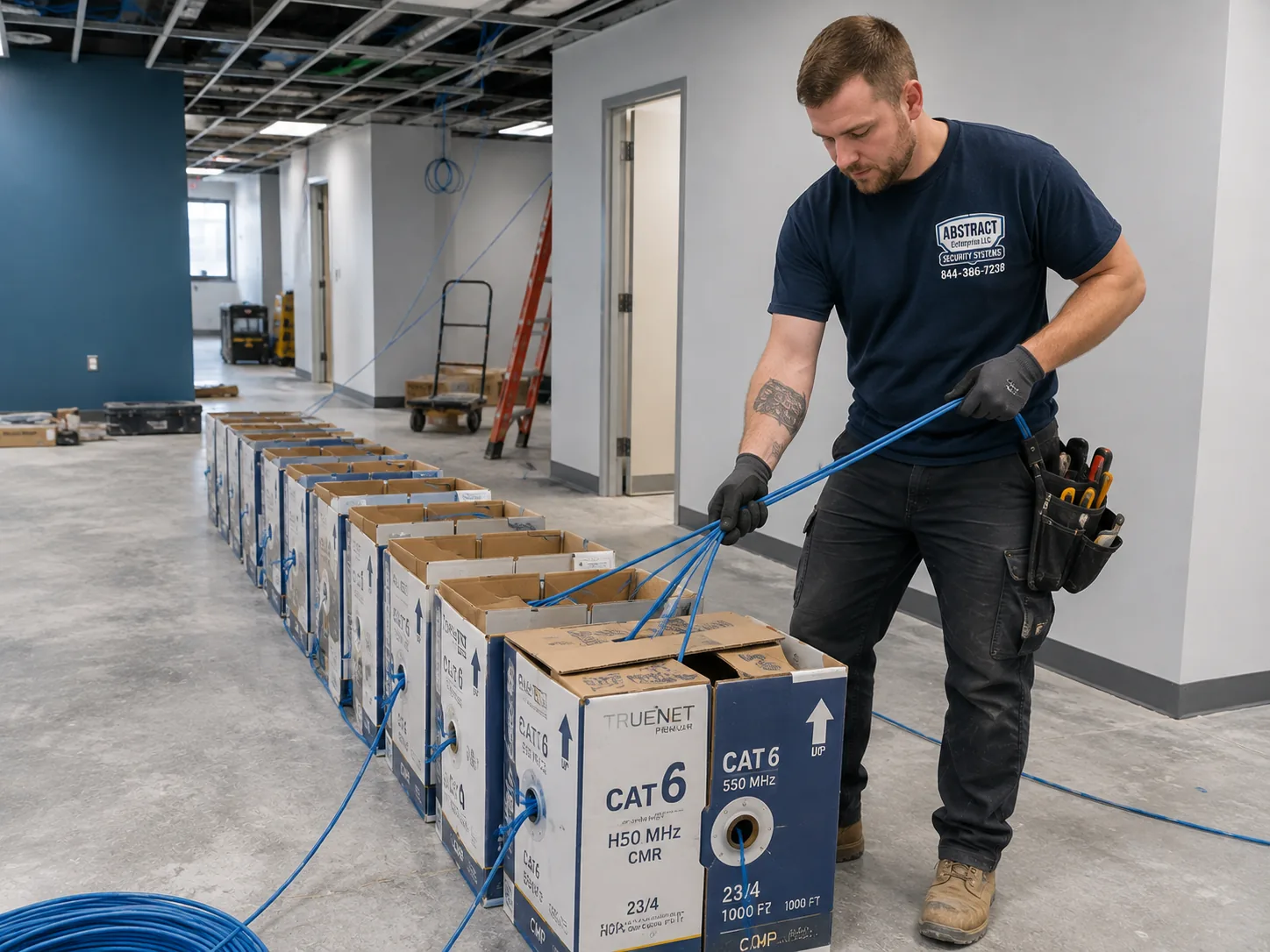
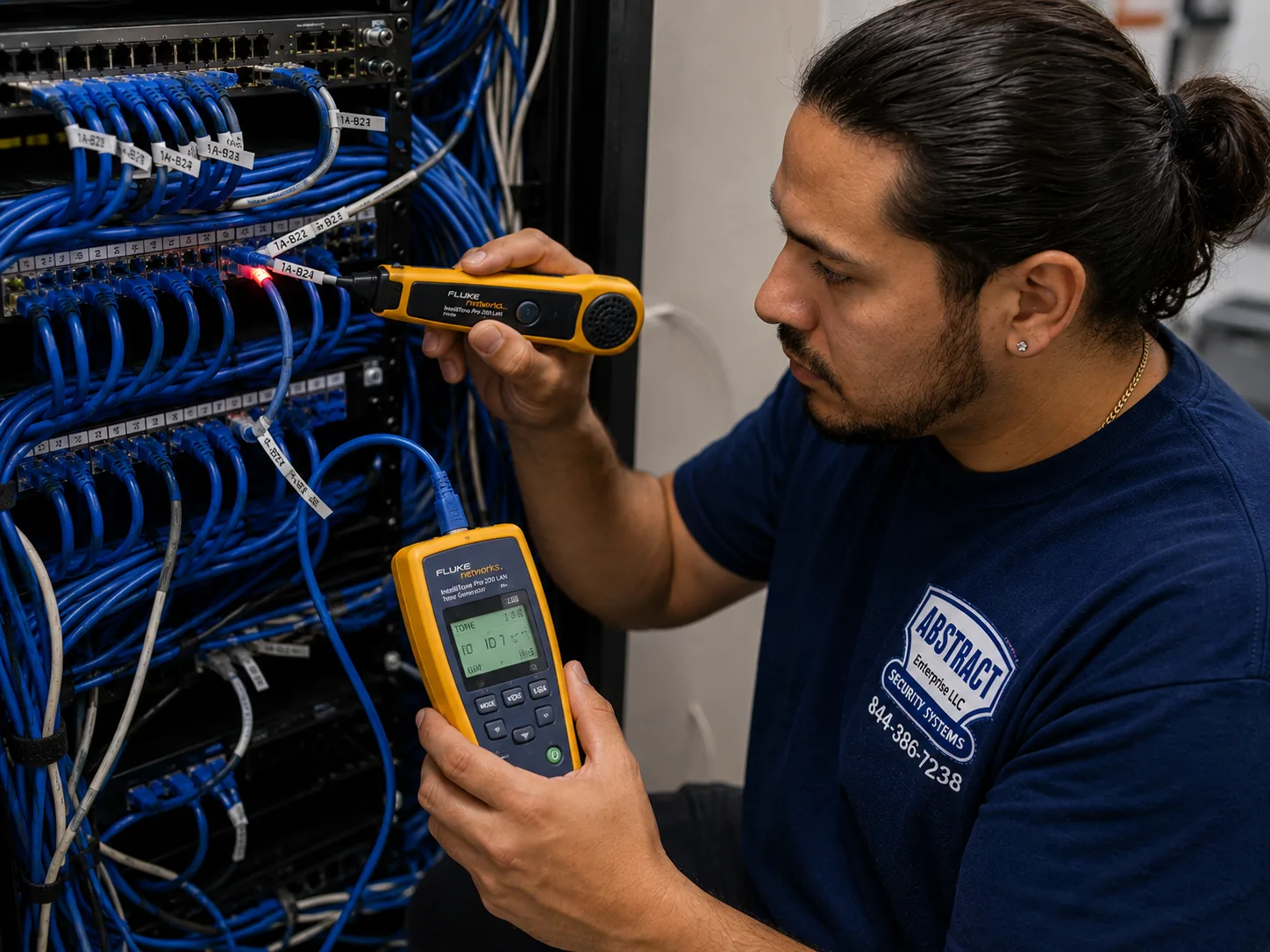
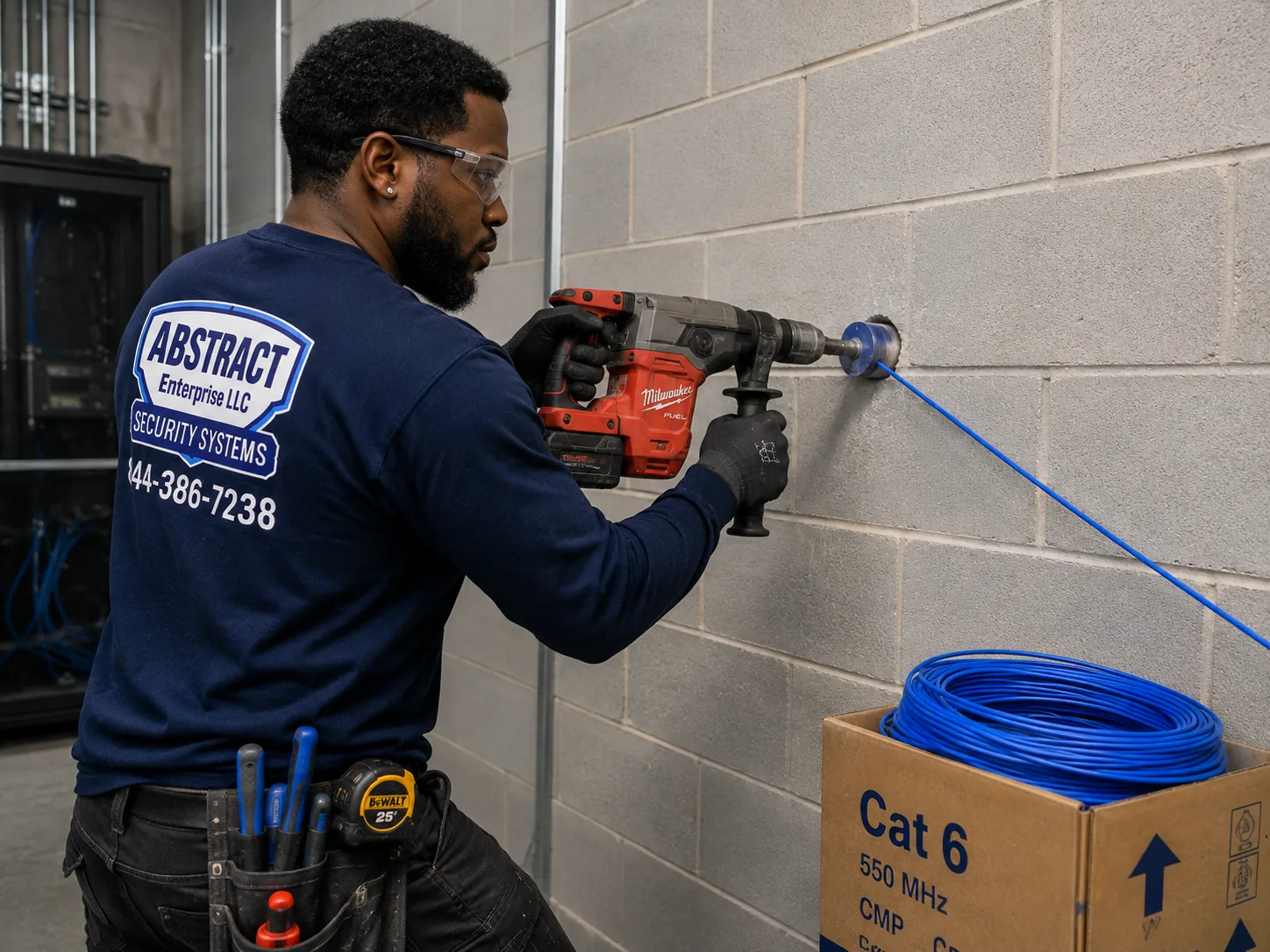
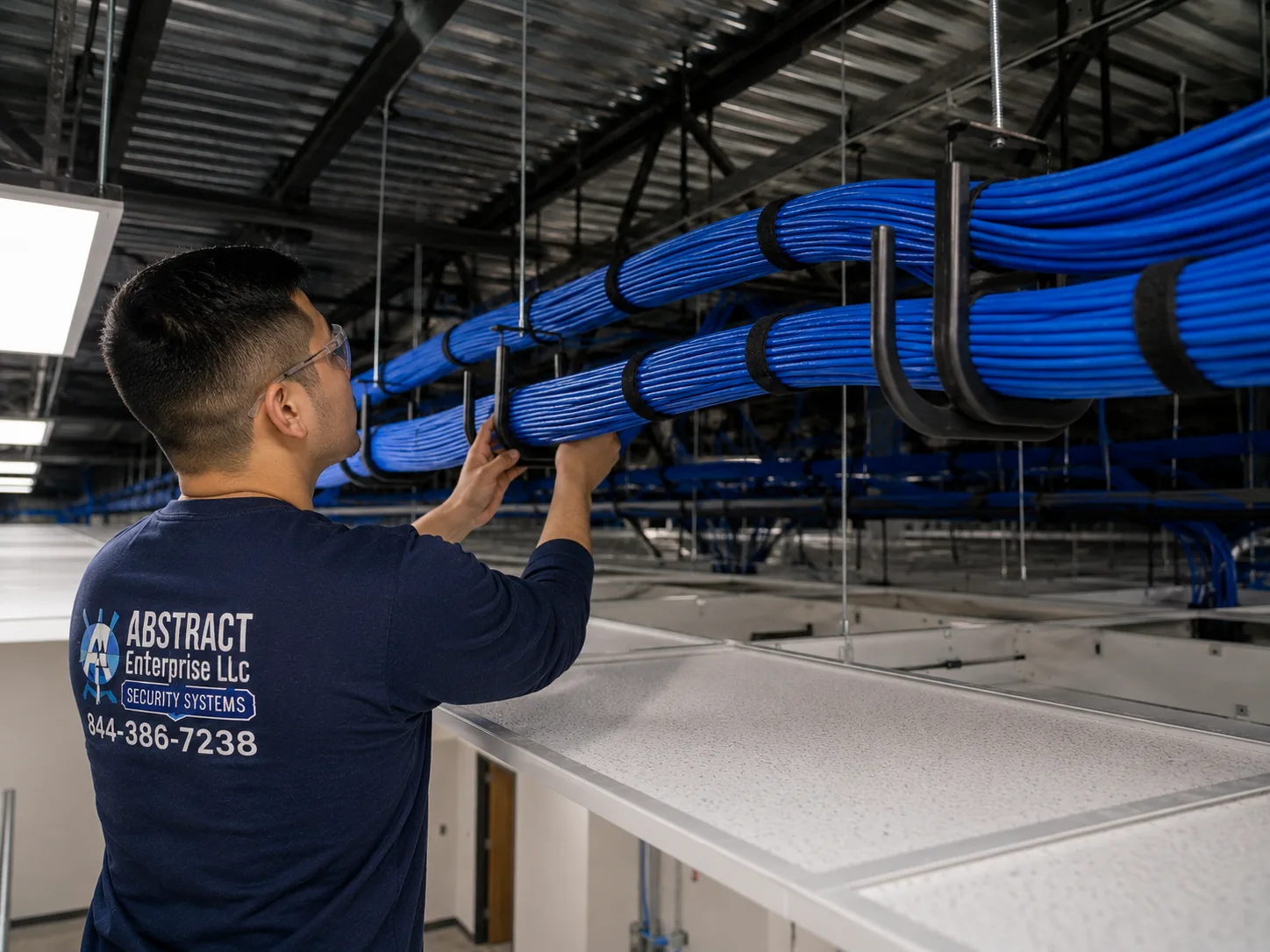
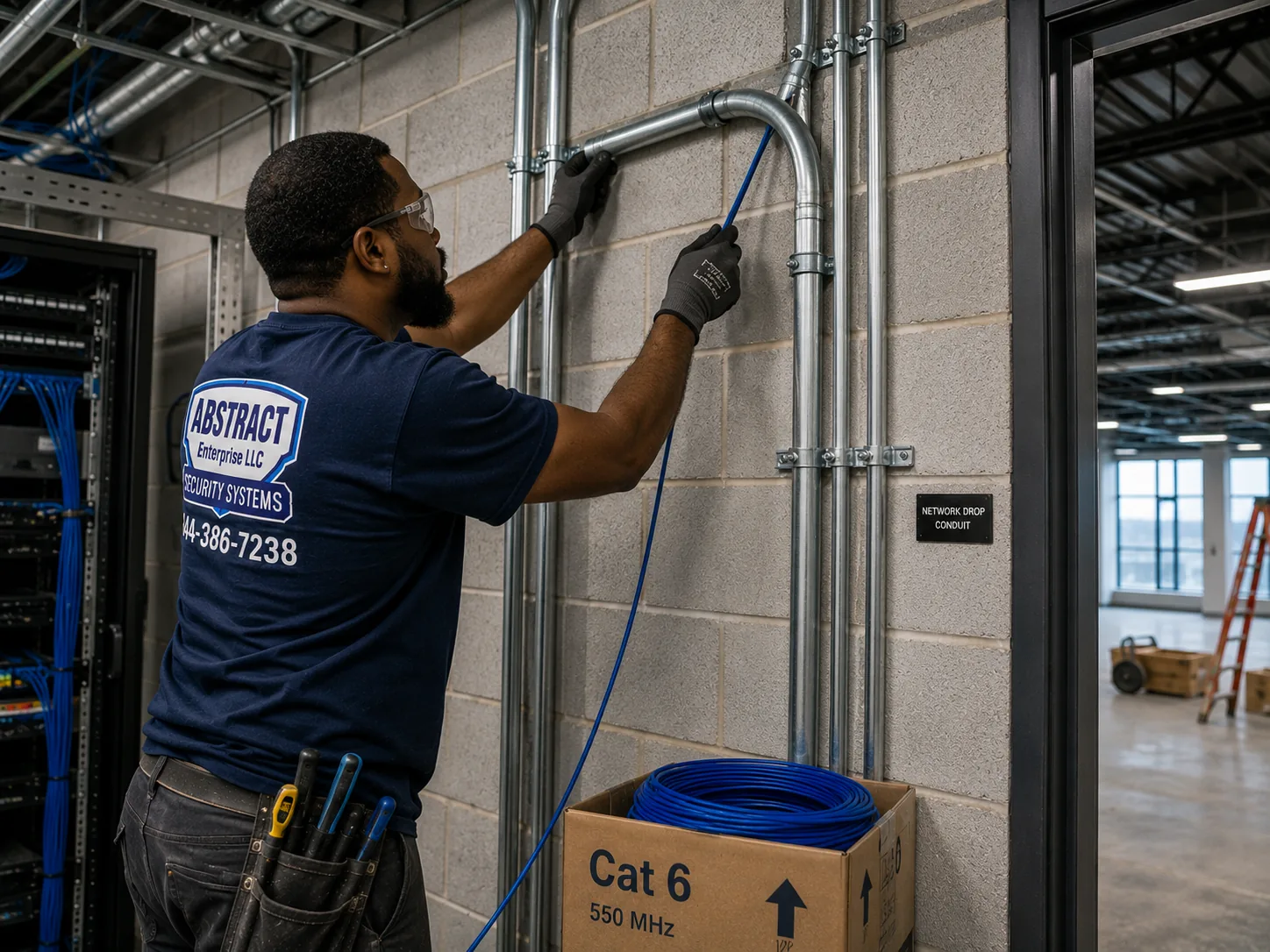
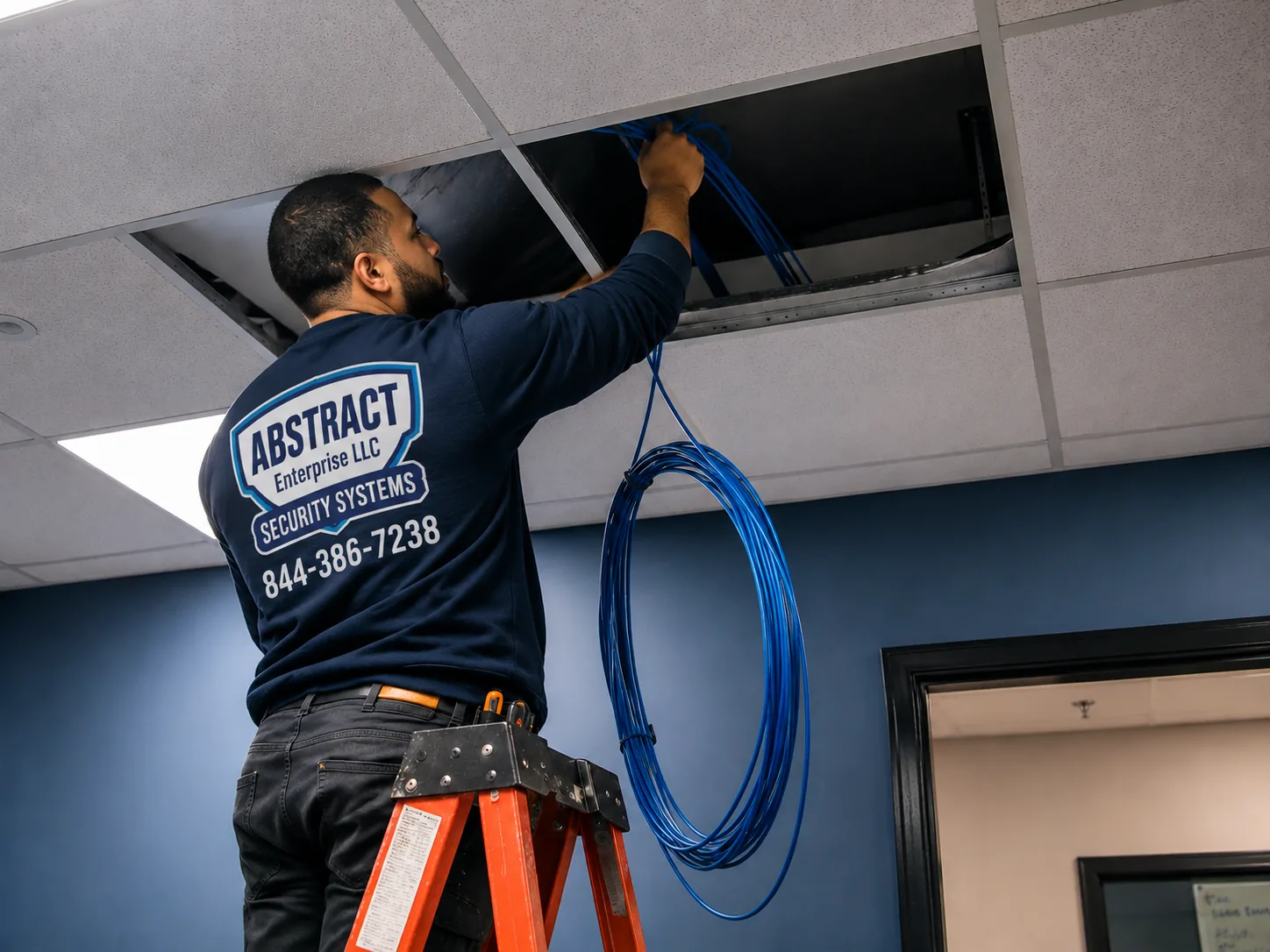
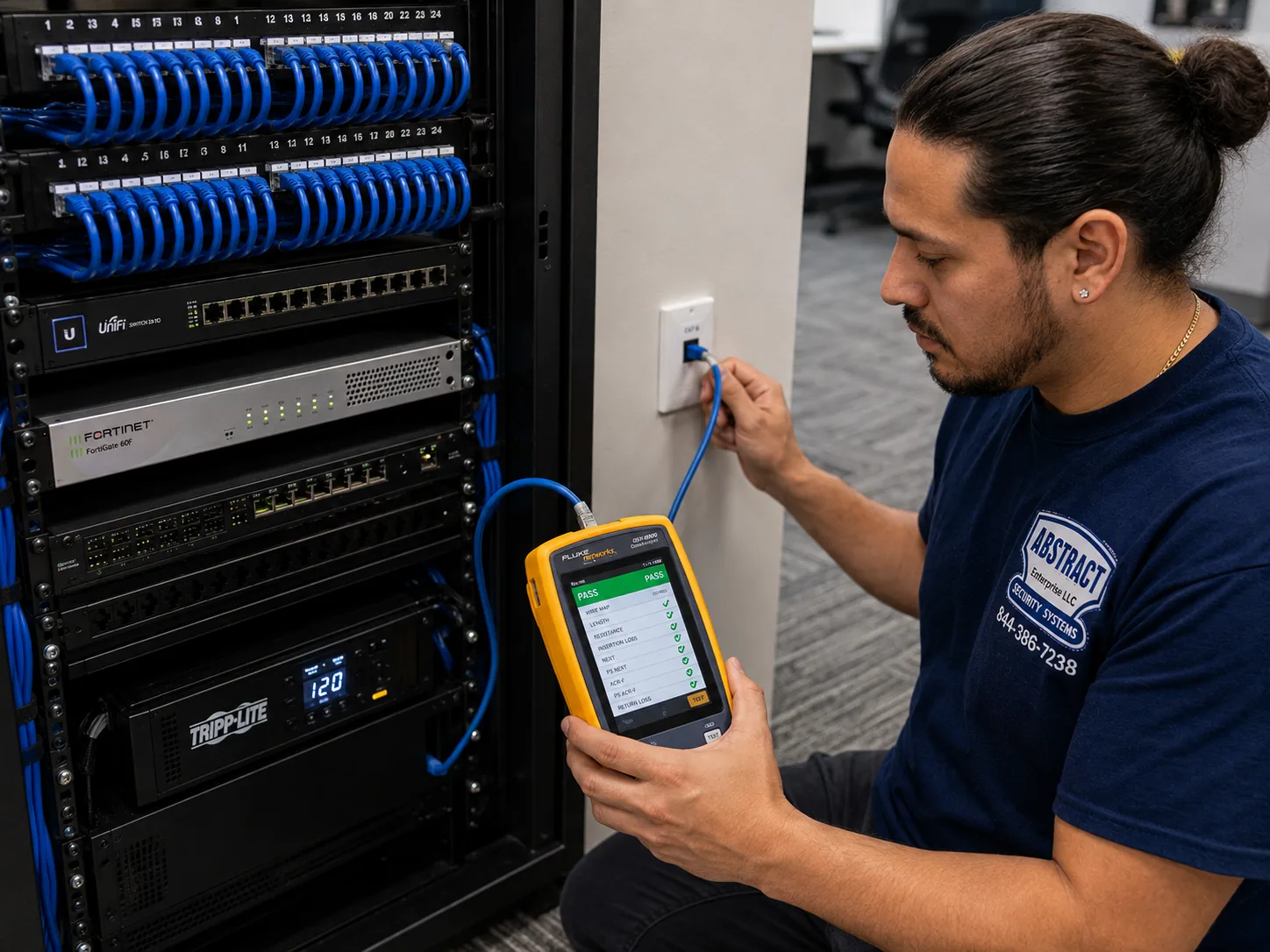
Cat5e and Cat6 pulled through risers, stair halls and cellars, cored through masonry, fire-stopped at rated penetrations, labelled at both ends and certified with a cable analyzer.
Phone viewing rebuilt without open router ports wherever the equipment allows, using the manufacturer's relay method, with separate logins for owners, managers and supers.
Registers, doors, stockrooms and sidewalks covered for shops on commercial corridors, scheduled around opening hours, with views kept clear of staff bathrooms and changing areas.
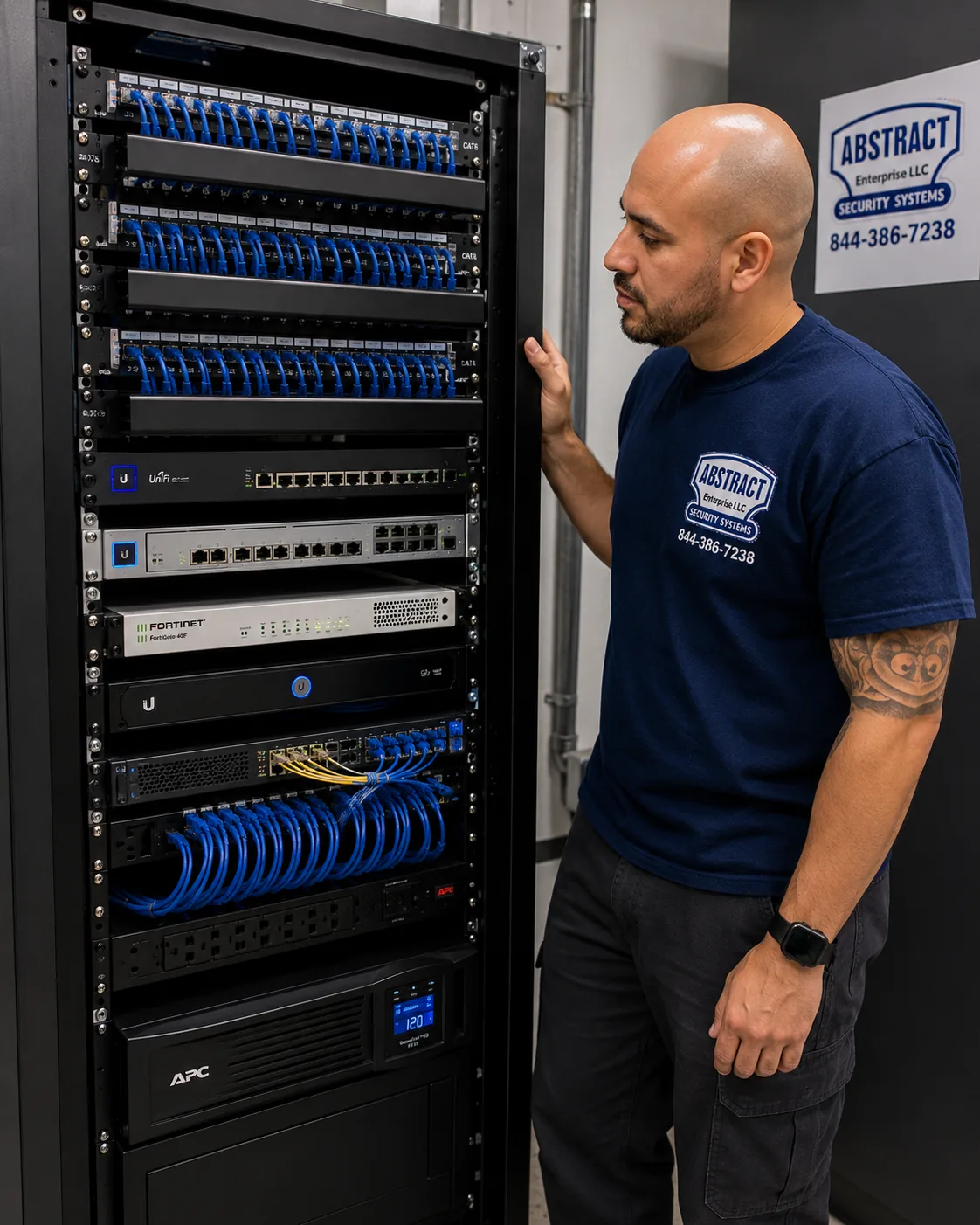
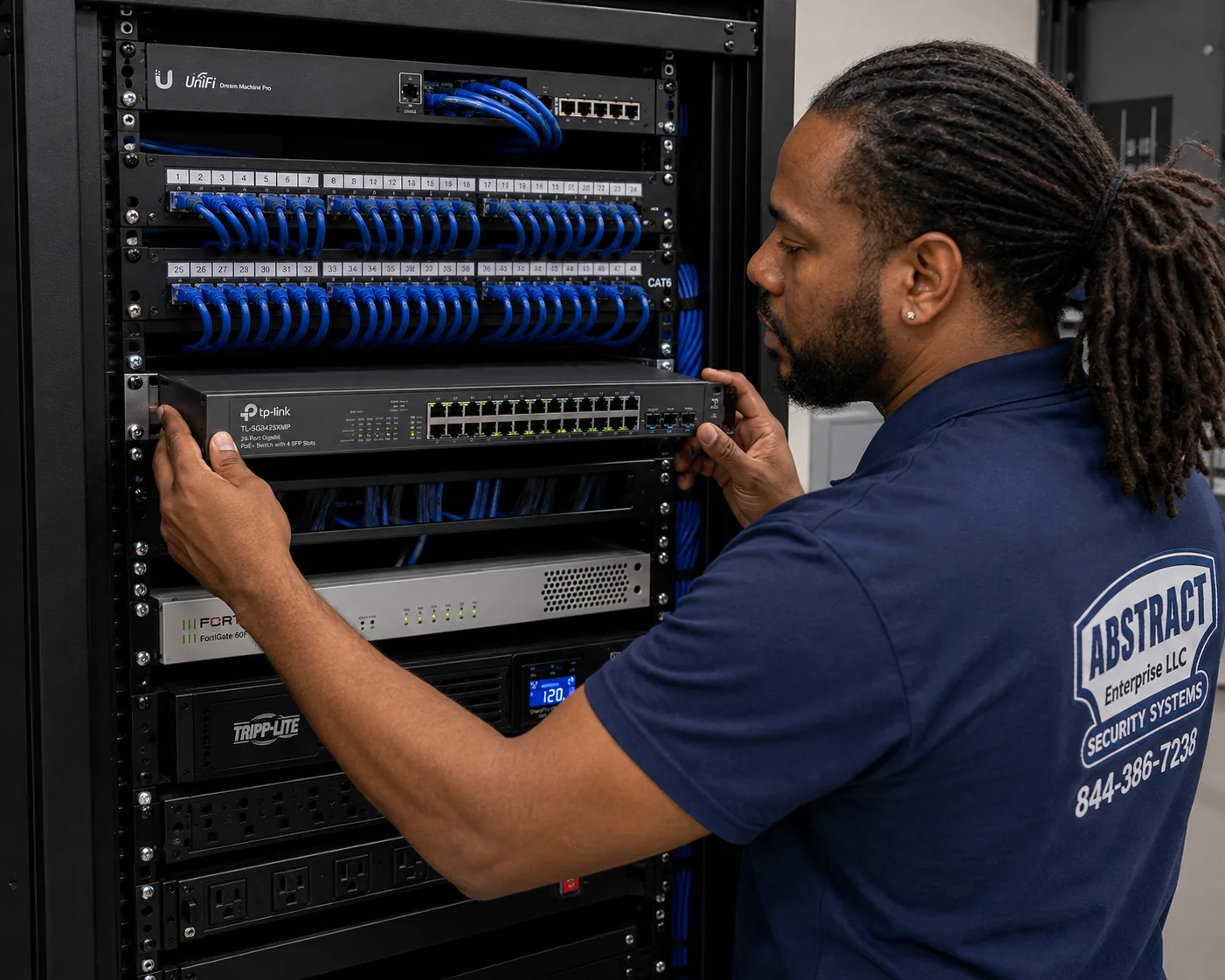
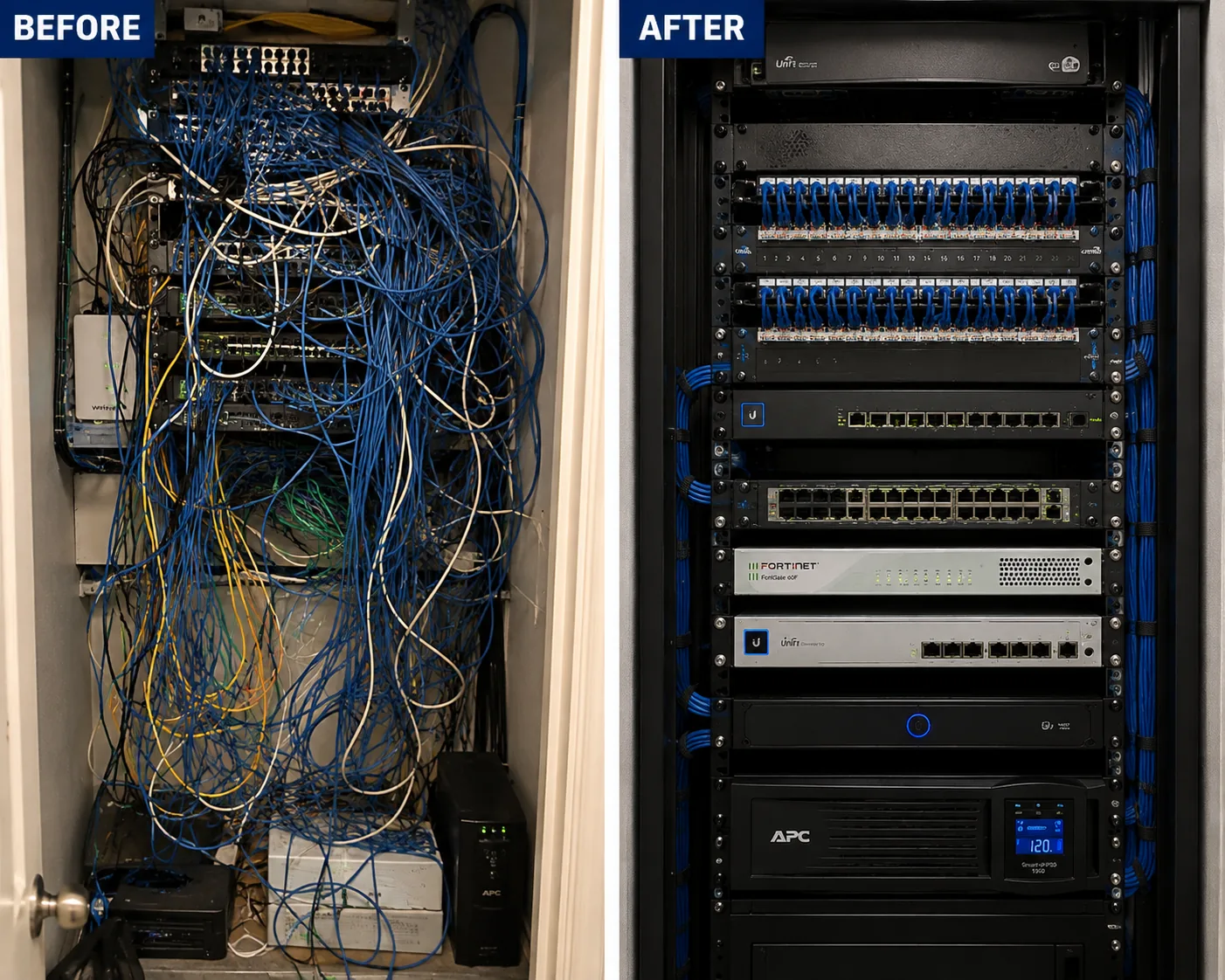
Tangled, unlabelled equipment closets rebuilt into a dressed, identified rack with switching and battery backup, so the next technician or manager can understand it in minutes.
Incident clips found and exported for owners and insurers, and recorders set to keep video long enough for how your building actually reports problems.

A camera system has to fit the building it is in. In New York, three things change from one building type to the next: how the cable gets from camera to recorder, what the camera is fixed to, and who has to approve the work. These are the building types the city's housing data and history describe, and how we approach a GeoVision job in each.
The four-to-six-story buildings, mostly before 1929, often on lots about twenty-five feet wide. Masonry walls, narrow stairs, no ceilings to hide cable, and a cellar that becomes the equipment room.
Eight-to-twelve-story buildings from the 1910s and 1920s, with interior risers, service elevators and supers. Cable follows the risers; elevator cab cameras are wired through the traveling cable.
Board-run buildings where common areas belong to the corporation or association. Scope of work, certificate of insurance and board approval come before any drilling.
The rowhouses that spread through Brooklyn, the Bronx and Queens as they were linked to Manhattan. Brick or brownstone fronts, stoops, rear yards, and often Landmarks review on the facade.
Buildings of 100 or more apartments, which hold 22 percent of the city's units. Long cable runs, many entrances, security desks and network rooms on several floors.
Shops at street level with apartments above, on commercial corridors in every borough. Two sets of owners' interests, store hours to work around, and sidewalk-facing cameras.
| Building | How cable travels | What the camera is fixed to | Who signs off |
|---|---|---|---|
| Prewar walk-up | Up the stair hall in surface raceway, through cored masonry into the cellar | Brick, plaster on brick, or terracotta block, with masonry anchors | The owner or landlord |
| Prewar elevator building | Through risers and shafts; elevator cams via the traveling cable | Plaster, masonry and metal frames | The owner, managing agent and often the elevator contractor |
| Co-op or condo | Depends on board rules and existing pathways | Whatever the common-area walls are, tested first | The board or managing agent, with scope of work and certificate of insurance |
| Rowhouse or brownstone | Through the cellar, along the rear wall, inside the vestibule | Brick, brownstone, wood door frames | The owner; LPC if the facade is in a historic district |
| Large complex | Long horizontal runs, J-hooks in ceilings, conduit in garages | Concrete, block, drywall on metal studs | Management, often with a security director |
| Mixed-use storefront | Through the store ceiling or basement, separate from residential areas where possible | Masonry, steel, storefront framing | The building owner and the business tenant |
The Lower East Side and East Village, as the Wikipedia history of the tenement laws describes, are still lined with five-story pre-law and six-story Old Law tenements, with bulkier New Law tenements on the corners. Greenwich Village Society's account of the 1901 Tenement House Act explains that the older buildings were squeezed onto lots usually twenty-five feet wide, while most New Law tenements sat on lots thirty-five feet wide or more. For a camera system that means two things. First, there is no drop ceiling and rarely any spare chase, so cable either travels in a neat surface raceway up the stair hall or follows an existing path such as an old dumbwaiter shaft or pipe chase. Second, almost every wall a camera is fixed to is masonry or plaster over masonry. We drill test holes, look at the dust, choose anchors suited to old brick, and set them in the brick face rather than the mortar joint wherever the camera base allows. In a five-story walk-up the recorder usually ends up in the cellar, near the building's internet line, inside a locked cabinet away from the boiler's heat and any water.
Prewar elevator buildings from the 1910s and 1920s, and the larger doorman buildings that followed, give a camera system somewhere to run: the risers that carry other building services floor to floor. AESS's own apartment-building camera page describes the method we use there: drops pulled through the interior riser, rated penetrations fire-stopped, and the elevator cab camera wired through the elevator's traveling cable. That last part is coordinated with the building's elevator maintenance contractor, because the traveling cable is part of the elevator, not ours to modify freely. The Gowanus Houses participatory-budgeting proposal that asked for cameras "in elevators and near apartment doors" shows how often residents of large buildings name the elevator as the place they feel least safe, and it is a camera position we plan carefully: high in a corner, looking at the door, with nothing pointing at the control panel's keypad.
In a co-op, the hallway and lobby are common areas controlled by the board, as one New York apartment-camera guide puts it, so a shareholder cannot put hardware there alone. Building-wide camera replacements usually need board approval and must meet the building's own standards. HPD's 2021 Housing and Vacancy Survey found that only 12 percent of units in prewar buildings were co-ops or condos, about 70 percent of those co-ops, so many of the oldest board-run buildings in the city are prewar co-ops with old plaster, old wiring and exacting alteration rules. Our approach there is paperwork first: a written scope listing every camera position, every penetration and every hour of work, a certificate of insurance naming whoever the managing agent requires, and a schedule inside the building's permitted working hours. If the board wants the recorder in a particular room, or wants footage access limited to the managing agent, we design around that.
The Architectural League's history of New York housing describes rowhouses spreading into Brooklyn, the Bronx and Queens as those boroughs were linked to Manhattan, and many of those streets now sit inside historic districts. A rowhouse camera system is usually small, a camera at the front door or vestibule, one at the rear yard, perhaps one at a garden-level entrance, but the facade is where the complications live. The Landmarks Preservation Commission's rules, in Section 2-20, cover health, safety and utility equipment, explicitly including security cameras, and its Permit Guidebook chapter on that equipment sets criteria such as size and finish under which staff can approve cameras without a full hearing. A real LPC staff approval we found covered nine security cameras at a building's ground floor, five on the west facade and three on the east, citing Section 2-20(c)(4). For an owner, the practical rule is to check status before drilling into a front facade, choose small cameras in a finish that suits the masonry, and favour positions inside the vestibule or under the stoop where they meet the purpose without changing the street face.
Big postwar complexes bring a different problem: distance. Standard Ethernet runs have a length limit, and a camera at the far end of a garage or the back of a long courtyard may be beyond it from the main equipment room. In those buildings we plan intermediate network closets with their own PoE switches, connected back to the recorder, and we run cable on J-hooks across ceilings or in conduit in garages and service areas. Large complexes also tend to have many entrances, and each needs its own decision about what the camera should see. The Atlantic Plaza Towers dispute in Brownsville, which The Guardian reported on in 2019, is a reminder that residents of big buildings care intensely about how entry technology is used: the two high-rises already had cameras watching the grounds, doorways, elevators and halls, and it was the landlord's plan to add facial-recognition entry that tenants fought. We install cameras to record entrances and common areas, not to identify residents at their own doors.
Where a store sits under apartments, the shop's cameras and the building's cameras are often owned by different people with different needs. The shop wants its register, doors and stockroom; the landlord wants the residential entrance, the mailboxes and the stairs. We usually keep those systems separate, on separate recorders and separate network connections, so each party controls its own footage and nobody's tenant ends up with a view of someone else's space. Where they must share cable pathways, such as through a basement, we label every run by owner as well as by camera.


New York's shopping streets are organized in a way most cities are not: many of them have their own business improvement districts. The NYC Department of Small Business Services' BID directory lists, among many others, the Fordham Road BID in the Bronx, the 125th Street BID in Manhattan, the Fulton Mall Improvement Association and the Pitkin Avenue BID in Brooklyn, the 86th Street Bay Ridge BID, the Steinway Street BID and the Downtown Jamaica Partnership in Queens, and the Forest Avenue BID on Staten Island. We name these corridors because they show the kind of commercial streets our business camera work serves, ground-floor stores under older buildings on busy sidewalks. We do not claim any business on them as a customer, and we have no information about the cameras inside any particular shop.
A BID-run shopping corridor on the SBS directory, in the same part of the Bronx as the AESS Bronx office on East Fordham Road. Storefront cameras here face crowded sidewalks and long opening hours.
Harlem's main commercial street, with its own BID. Manhattan storefronts mean tighter access, parking limits and often older buildings above the shops.
Two Brooklyn shopping corridors with BIDs, from Downtown Brooklyn to Brownsville. Retail cameras watch doors, registers and stockrooms in buildings of many ages.
A neighborhood shopping street in southwest Brooklyn with its own BID, lined with storefronts under apartments, the classic mixed-use camera job.
An Astoria shopping street and the central Jamaica business district, both with BIDs. Queens storefronts range from small shops to larger retail floors.
A long North Shore commercial road with its own BID, where shops often have their own parking lots and rear entrances to cover.
A home camera is mostly watched after something goes wrong. A business camera is often watched live, by an owner on a phone, a manager in a back office or, increasingly, the police. The city's 311 guidance explains that any business with a security camera can share live video feeds with the NYPD during emergencies, and that camera locations can be registered at NewYorkCityConnect.org. amNY has reported on the Connect New York pilot, under which police can view participating businesses' cameras in real time to fight retail theft. Whether a business joins is the owner's choice, not ours. What we do is set the system up so that, if the owner does choose to share, the right cameras can be shared without giving anyone access to the rest of the recorder. Commercial insurers are the other driver: one compliance guide notes that many commercial property insurers set camera coverage requirements as a condition of theft and vandalism coverage. If your insurer has given you a list, send it to us and we will design to it.
A Vertex Security cost guide names after-hours work in active offices, union requirements in certain buildings and the need for conduit in historic structures as the things that move commercial camera costs in New York, and our field experience agrees. In a store, the noisy work, drilling through masonry, coring a wall, pulling cable through a ceiling over the sales floor, is best done before opening or after closing. In an office, it often has to be done at night or on weekends. In some commercial buildings, the building's own rules decide who may pull cable at all. We ask about all of this before we quote, so the price reflects the hours the job will really need.

We do not publish stories about a particular customer's building unless we can document them, so this is not a tale about one address. It is the routine our technicians follow when a New York owner or manager says, "There's a GeoVision box in the cellar and nobody knows anything about it."
We photograph the recorder before we touch it, front, back and label, so we have a record of how it was found. We note which cables are plugged into it and trace the network cable to the router. We look at the router's settings, with the owner's permission, to see whether any ports are forwarded to the recorder. If the label matches one of the end-of-life models named in the CVE-2024-11120 reports, we unplug that network cable then and there, and tell the owner why. We leave the recorder powered, so nothing on its disk changes, and ask whether any footage needs to be kept. Then we walk the building with a tone generator, matching each cable at the recorder to a camera on a wall, and write the results on a port map. Only after that first hour do we talk about what to replace. In buildings where systems have outlived their installers, that order is what keeps evidence safe and stops us from replacing anything that still works.
Old GeoVision systems already in the building
Usually yes, and that is the way we prefer to do it. We start by photographing the unit and its label, then look at what can be learned without logging in: the model, the cables, whether its network connection reaches the router and whether any ports are forwarded to it. If the recorder has to be reset to regain access, we first discuss with you whether its hard drive holds footage you need, because resetting a recorder can make older recordings harder to reach. Where footage matters, we arrange to export it or keep the drive before anything is reset. If the unit turns out to be one of the end-of-life models, the better path is often to retire it rather than spend time recovering access to equipment its maker no longer supports.
Read the label and compare it with the list. Cybersecurity Help's write-up of CVE-2024-11120 named the GV-VS12, GV-VS11, GV-DSP LPR V3 and GV-LX4C V2 and V3 as affected models, all past end of life and no longer supported by the manufacturer. If yours matches, disconnect its network cable and call us; the advice published with the vulnerability was to isolate affected devices from the internet, factory reset them, and ideally replace them with supported models. If yours does not match, it is still worth checking its firmware and whether it is reachable from the internet, because the same report counted about 17,000 exposed GeoVision devices, and an unpatched, internet-facing recorder is a risk whatever its model.
Often it can, but only testing tells. Whether one maker's camera works on another maker's recorder depends on the specific models and firmware on both sides, and on which standard connection methods each supports. On site we connect each existing camera to the proposed recorder and check that it streams, records and plays back properly before we promise to keep it. Cameras that pass stay; cameras that do not, or that are themselves end-of-life, go on the replacement list with their own line on the quote. We would rather tell you that two old cameras need replacing than leave a system that records nine cameras reliably and the tenth only sometimes.
Permits, licenses and Landmarks
For the low-voltage cable itself, usually not, provided the right person does it. Local Law 128 of 2024 added Administrative Code §28-105.4.7, which took effect on December 21, 2025 with the 2025 NYC Electrical Code and says an electrical permit is not required for low-voltage work under 50 volts when it is done by a licensed master electrician, a special electrician, or a qualified person as defined in the code. Two things can change that answer: new line-voltage power for a camera, which is electrical work for an electrician, and cabling through fire-rated walls or floors in commercial buildings, which one compliance guide says may require a permit. We confirm the route with the building before quoting so you know which applies.
Yes. The city's own business portal explains that installing or maintaining security or fire alarm systems requires a license from the New York State Department of State, and the state regulation behind it, 19 NYCRR 195.2(b), covers closed circuit television used, full or part time, to detect or monitor intrusion, break-in, theft, movement, sound or fire. That is the license AESS holds, NYS license #12000287431. A Long Island law firm has also reported that the Department of State treats a video intercom as a small CCTV system for licensing purposes. Before hiring anyone, ask for the license number and look it up with the Department of State; it takes a minute and tells you who you are letting into your building.
There can be. The Landmarks Preservation Commission says most exterior changes to the front and rear facades of buildings in historic districts require its review, and its 2018 rules, Section 2-20, cover security cameras along with other small safety and utility equipment, so staff can approve cameras that meet set criteria, including size and finish, without a public hearing. Its Permit Guidebook chapter on this equipment sets those criteria out, and we read it for the specific building before planning. To check whether your building is designated, call 311 and ask for the Landmarks Preservation Commission. Where the facade is protected, we look first at positions inside the vestibule, under the stoop or on the rear facade, which often meet the camera's purpose with fewer questions.
Owners, tenants and the footage
Not as a general rule. A building-compliance guide we reviewed states there is no general NYC law mandating cameras in apartment buildings, though HPD may recommend them where crime-related violations keep recurring. What the law does require is the hardware cameras work beside: an intercom at the self-locking main entrance of class A buildings of eight or more apartments built or converted after January 1, 1968 under Multiple Dwelling Law §50-a, self-closing doors that HPD actively inspects, and adequate lighting in common areas. Cameras are usually a choice owners make for theft, insurance, or tenant requests, and a well-placed system supports the required pieces rather than replacing them.
Common areas, entrances, lobbies, mailrooms, halls, stairs, laundry rooms, yards and roofs, are the usual places, and one apartment-camera guide describes hallway cameras as acceptable when they cover corridor traffic without seeing into apartments as doors open. Inside a tenant's apartment is a different matter; another guide calls landlord cameras inside rented living spaces generally illegal, and covert recording in private spaces can be a felony under Penal Law §250.45. In rent-stabilized buildings, a guide on tenant objections warns that courts and the state housing agency take seriously anything that looks like harassment. We aim every hallway camera along the corridor, not at a specific door, and we leave audio off unless you have taken advice on it.
That is the owner's or board's decision, and the system should be set up to enforce it. The research we reviewed found no single NYC rule on footage access for ordinary common-area cameras, so most buildings decide by policy: typically the owner or managing agent, the super for live viewing of the entrance, and nobody else without a reason. We create a separate account for each person with only the rights they need, so a super can watch the lobby without being able to delete recordings. If the building uses fob or app entry tied to the cameras, HPD's Tenant Data Privacy Law limits what that entry data can be used for and how long it can be kept, which is worth discussing with counsel. None of this is legal advice.
For a business using facial recognition or similar analysis, yes: NYC's biometric rules require a sign at every customer entrance, at least 8.5 by 11 inches. For ordinary building cameras, the picture is less clear. A summary of Penal Law §250.65 describes a protection for systems where a notice is posted conspicuously or the cameras are clearly obvious. One vendor claims a "Local Law 50" requires residential notice, but we could not confirm that on any city source, and sources we reviewed disagree about whether landlords must tell tenants in writing. Clear signs at the entrances are inexpensive and remove doubt, so we usually recommend them, and suggest owners confirm current requirements with their lawyer.
Houses and single apartments
Generally, cameras on your own house, covering your own entrances, driveway and yard, are what most owners install, and a recording-law summary of New York rules treats exterior cameras on your own property as permitted when they do not look into places where neighbors have a reasonable expectation of privacy. In practice that means aiming at your door, your driveway and the stretch of sidewalk in front of it, and not into a neighbor's windows or yard. If the house is in a historic district, check with the Landmarks Preservation Commission before drilling into the front facade. We set camera views on site with you and use privacy masking where a view unavoidably catches a neighbor's window.
Ask before you drill. The hallway outside your door is the building's common area, and sources disagree on how far a tenant may go: one legal Q&A says you need the landlord's permission and that the landlord can remove an unapproved camera, while an apartment-law guide says no state or city law forbids a camera on your own door but notes that hallway audio is legally unsettled. In a co-op, the board controls the hall. The option that raises the fewest questions, according to that guide, is a peephole camera that replaces existing hardware. A hard-wired GeoVision camera in a common hallway is a building system, so we install those for owners and boards, not for individual tenants without written approval.
The installation itself
The camera is the quick part. Each IP camera gets one Cat5e or Cat6 cable, which carries both its network connection and its power over PoE, so the real work is the cable route from the camera position to a PoE switch or recorder. We fix the camera base to the wall with anchors suited to the material, terminate and test the cable, connect the camera, give it a fixed address and a new password, and add it to the recorder. Then we set the image, aim, recording schedule and retention, check the picture at night as well as by day, and set up remote viewing safely. Following the manufacturer's setup guide for each model is part of the job, not something we skip.
It depends far more on the cable route than on the number of cameras. A small rowhouse system with short runs through a cellar can be a single visit. A walk-up where every run has to travel up a stair hall and through masonry takes longer, and a large building with risers, an elevator cab camera, a co-op board's working-hours rules and several equipment closets may take several days, sometimes split across visits to suit the building. An audit of an existing GeoVision system adds time at the start but often saves it later, because cable that already works does not need to be pulled again. We give you an honest time estimate with the written quote, after the site visit.
These are the categories of equipment that make up the GeoVision systems we install and maintain in New York buildings. Exact models are chosen per job, from supported current equipment, after the site visit; we do not recommend end-of-life models for new work. Equipment is priced the same across every borough, and the current figures are on the GeoVision price list for NYC.
Compact cameras for vestibules and lobbies, aimed at head height for faces, often paired inside and outside the entrance door, with settings that handle glass doors and bright backlight.
Weather-rated cameras for rear yards, alleys, roofs and parking areas, with infrared for darkness, mounted on masonry with anchors suited to old brick.
Corridor cameras aimed along the hall rather than at doors, so they record traffic without looking into apartments as doors open.
Small cameras mounted high in the cab corner, wired through the elevator's traveling cable in coordination with the building's elevator contractor.
Network video recorders sized for the camera count and the retention the building needs, installed in a locked rack or cabinet with battery backup.
Managed PoE switches that power cameras over their data cable, placed in intermediate closets where large buildings need them to stay within cable length limits.
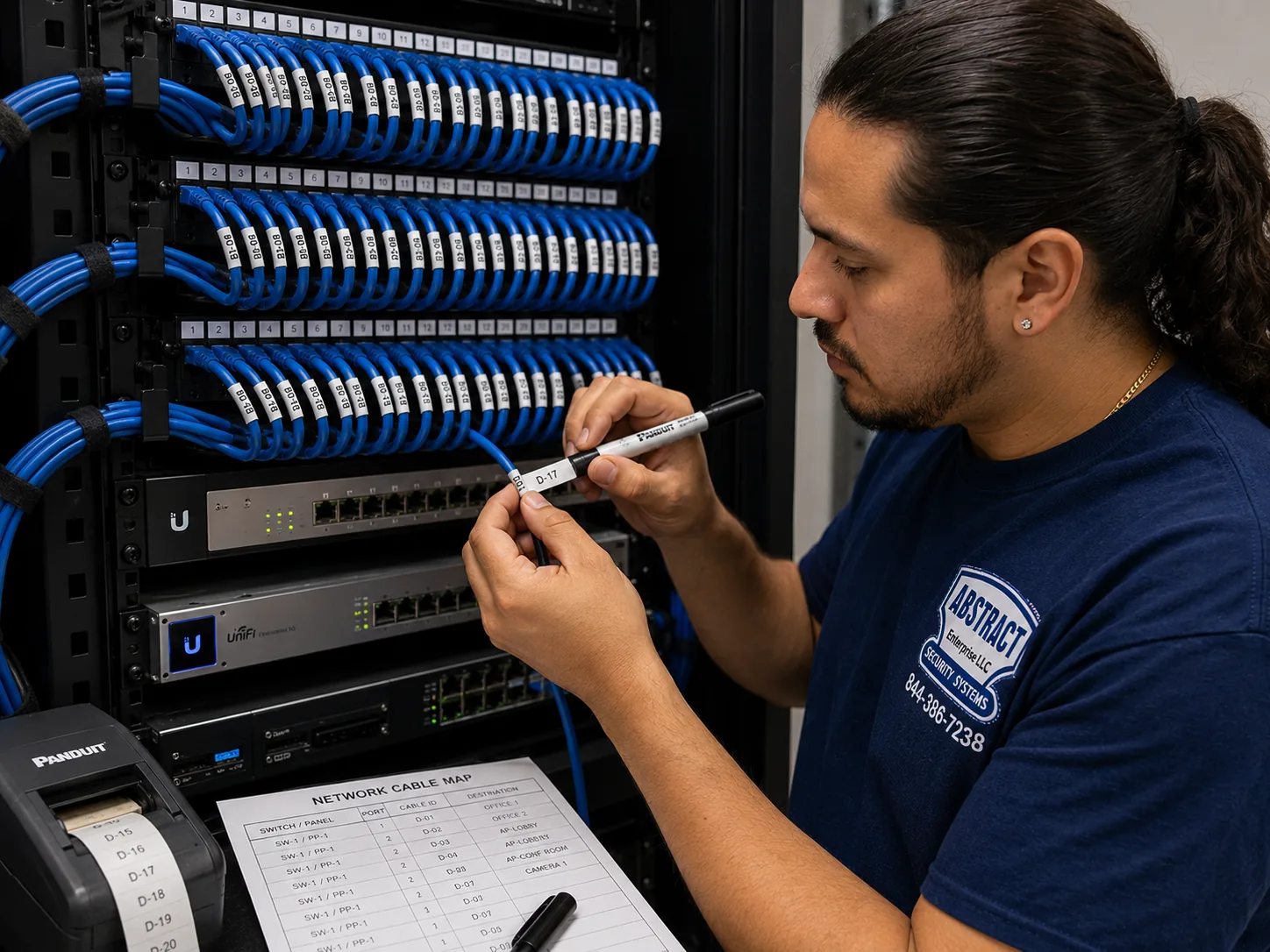
Runs labelled at both ends, certified with a cable analyzer, mapped on a port sheet left with the owner.
A firewall and separated camera network where the building's internet setup allows, so recorders are not reachable from the open internet.
Some owners ask whether they should simply call a national brand. ADT is best known for monitored alarm packages, and Ring and SimpliSafe for doorbells, cameras and self-install kits. Those can suit a single apartment or a small house where Wi-Fi cameras are enough. A GeoVision job in a New York building is a different kind of work: auditing equipment someone else installed, pulling cable through masonry and risers, fire-stopping rated penetrations, dealing with a co-op board's paperwork and an LPC facade question, and securing a recorder so it is not one of the thousands of exposed devices researchers keep counting. That takes a licensed technician in the building with a tone generator and a cable analyzer.
| Question | Self-install national kit | Local licensed installer |
|---|---|---|
| Works with an existing GeoVision recorder | Usually not designed to | Audited and tested on site |
| Power to the camera | Battery or plug-in adapters, often Wi-Fi | One PoE cable per camera |
| Recording | Often cloud plans | Local recorder in the building |
| Cable through masonry and risers | Left to the owner | Cored, fire-stopped, labelled, certified |
| Board paperwork and insurance certificate | Not part of the product | Provided with the scope of work |
| NYS Department of State license | Not applicable to a kit | Required for installer, held by AESS |

We could not capture Google's AI Overview or its People Also Ask boxes for this search from our build environment, so we will not pretend to quote them. What follows are claims we see repeated in quick online answers about camera installation in New York, and about legacy camera brands in general, set against the public record and our own field practice. Marketplaces such as Angi, HomeAdvisor and Fixr publish national and city cost guides that feed many of those answers. They are useful for a rough idea, but they are not a quote for your building.
A working picture says nothing about whether a recorder is safe. The GeoVision units named in the CVE-2024-11120 reports could keep recording perfectly well while a botnet used them, which is exactly what makes old equipment dangerous: nobody notices.
Security Affairs, reporting on Shadowserver's work, counted about 17,000 internet-facing GeoVision devices exposed to the flaw, most of them in the United States, and the affected models were already past end of life.
Our test is not "does it show a picture" but "what model is it, is it supported, and can anyone outside the building reach it." In a city where camera systems often outlive their installers, those three questions come before anything else.
Updates only help on equipment its maker still supports. Cybersecurity Help's write-up describes the affected GeoVision models as end of life and no longer supported, which means there is no new firmware coming to close the hole.
When CISA added two GeoVision flaws to its Known Exploited Vulnerabilities catalog, The Hacker News reported, federal agencies were told to apply fixes by May 28, 2025 or stop using the products. For unsupported models, stopping is the realistic option.
So we update supported equipment from the manufacturer's own downloads, and we take end-of-life equipment off the network and plan its replacement. We do not sell owners an "update" for a device that cannot receive one.
This is the oldest advice in the camera business and the reason so many recorders end up exposed. A forwarded port puts the recorder's login page in front of the whole internet, and on an end-of-life unit with a pre-authentication flaw, the login does not even need to be guessed.
GeoVision's own GV-Eye installation guide describes a relay method instead, its GV-Relay function, which uses port 443 by default and port 9443 when 443 is taken by something like WebCam SSL or RTSP.
We set up phone viewing through methods like that wherever the equipment supports them, close old port-forwards on the building's router, and give each viewer their own account. Remote viewing is a convenience, not a reason to leave the front door of the network open.
It does not, as a general rule. A compliance guide we reviewed is explicit that there is no general NYC law mandating cameras in apartment buildings, though HPD may recommend them after repeated crime-related violations.
What the law does require is related hardware: Multiple Dwelling Law §50-a intercoms at the self-locking entrances of covered buildings, self-closing doors that HPD inspected into 3,151 violations in FY24 and 2,937 in FY25, and adequate lighting in common areas.
So the honest pitch for cameras in a New York building is theft, insurance, liability and tenant peace of mind, not a mandate. And a camera system that ignores a broken door closer or a dead hallway light has missed the point.
Quick answers often mix up two separate questions: who may do low-voltage work in the city, and who may install security systems in the state. On the first, the new Administrative Code §28-105.4.7 lets licensed master electricians, special electricians and qualified persons do sub-50-volt work without an electrical permit.
On the second, the city's business portal says a license from the New York State Department of State is needed to install or maintain security or fire alarm systems, and 19 NYCRR 195.2(b) brings CCTV used for intrusion or theft monitoring within that definition. One vendor claims NYC requires licensed electricians for all wired camera installs; that conflicts with the state framework and we could not verify it.
AESS installs cameras under NYS license #12000287431. Whoever you hire, ask for the license number and check it.
Angi publishes an average and a range for camera installation in New York, and Vertex publishes a per-camera range for commercial work. Those figures are real averages from real sources, but they average away exactly the things that decide a New York price.
Vertex itself names the drivers: union requirements in certain buildings, conduit in historic structures and after-hours work in active offices. Add a walk-up stair hall with no ceiling, an LPC facade review, an old recorder that has to be audited, or a twelve-story riser, and two four-camera jobs can look nothing alike.
That is why our price list is broken out by borough and by line item, and why we quote your building after looking at it rather than quoting an average.
In New York City it is more than a setting for a business. A law-firm summary of the city's biometric identifier law explains that ordinary CCTV appears exempt from its signage rule only if the business does not use software to analyze footage for identifying features. Turn that analysis on, and the city's rules require a sign at every customer entrance.
In residential buildings the issue is also trust. The Atlantic Plaza Towers dispute in Brownsville, where tenants objected to a landlord's plan for facial-recognition entry, and a Council Member's account of a Brooklyn tenant fighting a facial-recognition camera at his building's entrance, show how strongly residents react.
We set systems up to record entrances and common areas without biometric analysis unless the owner specifically asks for it, understands the rules, and has taken advice. Most buildings do not need it to solve the problems they actually have.
Send a photo of the recorder's label, a rough list of camera locations and the building type, and a technician will tell you whether the unit is on the end-of-life list, whether it is likely exposed, and which borough price page applies to your address. Call (800) 486-0943, message us on WhatsApp, or use the quick form.
Every GeoVision job in New York follows the same eight steps, whether it is a two-camera rowhouse in Queens or a building-wide replacement in a Manhattan co-op. The order matters most in older buildings with inherited equipment, where rushing to buy new cameras before understanding the old system is the usual way money gets wasted and footage gets lost.
A photo of the recorder's label, a rough camera count and locations, and whether the property is a walk-up, an elevator building, a co-op, a rowhouse or a storefront. We match the address to its borough price page before you book.
Landlord or board approval, the scope of work and certificate of insurance, Landmarks status for any facade camera, working hours, elevator use and parking.
Every recorder, video server and camera identified by model and firmware, checked against the end-of-life list, tested for internet exposure, with footage that matters kept safe.
We walk entrances, lobby, halls, stairs, yards and storefront with you, check the lighting, and agree what each camera is for and how each cable will travel.
Cat5e or Cat6 to every camera, cored through masonry where needed, fire-stopped at rated penetrations, labelled at both ends and certified with a cable analyzer.
Cameras fixed with anchors suited to the wall, aimed for their agreed purpose, and the recorder set for schedules, retention and accurate time.
End-of-life units kept off the internet, default passwords replaced, supported firmware updated, and phone viewing set up without open router ports wherever the equipment allows.
We show you how to find and export footage, create separate accounts, and leave a labelled port map, camera list and password handover.
The handover in step eight is the part we think matters most for New York buildings. The research behind this page kept pointing at systems nobody understood anymore, because the installer was gone and nothing was written down. The port map and camera list stay with the building, not with us, so the next manager, the next super or the next contractor can pick up where we left off.

A citywide page needs citywide reference points. These are real New York buildings and districts that stand for the building types we plan GeoVision camera systems around. We have no information about the camera systems at any of them and do not claim any as a customer.
The West Side convention center where ISC East 2026, the security industry's East Coast trade show, ran on November 4 and 5, 2026, the week this page was reviewed.
Built 1880 to 1884 to Henry J. Hardenbergh's design, a co-op since 1961 and a city landmark since 1969, with floors of steel beams and brick or terracotta arches; the classic prewar landmark co-op.
Designated November 23, 1965, the first historic district in New York City, full of nineteenth-century brownstones where facade cameras meet Landmarks review.
Built by Metropolitan Life from 1939 to 1942, 171 brick buildings of eight or thirteen stories, a model for large-complex camera planning across many entrances.
15,372 units in 35 high-rises and seven townhouse clusters, a Mitchell-Lama cooperative and one of the largest single residential developments in the city.
A historic district designated in 2004, about 92 freestanding houses from mid-1830s Greek Revival to early twentieth-century Arts and Crafts.
We install GeoVision cameras in all five boroughs from the Brooklyn office, and each borough has its own price page: Brooklyn GeoVision prices, Bronx GeoVision prices, Manhattan GeoVision prices, Queens GeoVision prices and Staten Island GeoVision prices. Outside the city we also serve Long Island and the Hudson Valley, where county rates apply.
Every New York City address is priced at its borough's rate, and the current figures are published, not invented on the phone. Start on the NYC GeoVision camera installation price list, then open the borough page for your address. We do not print a single citywide number on this page, because the honest price of a GeoVision job in New York depends on things no average can know: how many cameras, how far the cable has to travel, what it has to pass through, and whether there is an old system to audit first.
| What moves the price | Why it matters in NYC | How we handle it on the quote |
|---|---|---|
| Borough | Brooklyn and the Bronx share the base labor rate; Queens is about 5 percent above it, Staten Island about 10 percent and Manhattan about 25 percent, reflecting travel, access and parking | The borough page for your address applies; equipment is priced the same in every borough |
| Number of cameras | Each camera needs its own cable, mount, termination and setup | Listed camera by camera |
| Cable route | A stair hall in a walk-up, a riser in an elevator building and a garage ceiling are very different pulls | Each run described with its pathway |
| Wall and floor penetrations | Masonry cores and fire-rated floors take time and fire-stopping | Each penetration named in the scope of work |
| Existing GeoVision equipment | An audit up front can let sound cameras and cable stay | Kept items shown separately from replaced items |
| Recorder and storage | Retention needs differ between a rowhouse and a large building | Recorder and drive size explained in plain terms |
| Hours and building rules | After-hours work, board-set hours and union buildings affect scheduling | Stated before you approve |
| Paperwork | Boards and commercial landlords want a scope of work and insurance certificate | Prepared with the quote |
Picture two buildings that each want four cameras. The first is a rowhouse with a cellar, where the front-door camera, the rear-yard camera and two interior cameras all run a short distance to a recorder downstairs. The second is a five-story walk-up, where the cameras sit at the front entrance, the mailboxes, the top-floor roof door and the rear yard, and every run has to climb the stair hall in raceway and pass through masonry into the cellar. Both are "four-camera systems." On our borough price page the equipment lines are the same for both; the labor and pathway lines are not. Seeing those lines separately is what lets an owner understand why, and decide whether, for example, the roof-door camera is worth its long run this year or next.
If you are comparing quotes, ask every installer the same questions: which existing equipment are you keeping and why, where exactly does each cable run, which penetrations need fire-stopping, how long will the recorder keep video, and what will you leave us at the end. A quote that cannot answer those questions is a guess.
Full terms — including 50% deposit, one-year parts-only warranty on AESS-supplied products, and the late-fee schedule — are set out in the service agreement.Three common New York GeoVision jobs, described by what they include. The price for each comes from the borough page for your address on the NYC price list, built only from its published lines; there is no package premium and nothing hidden.
For buildings that already have GeoVision equipment. Every recorder and camera identified, end-of-life units taken off the internet, router port-forwards closed, passwords replaced, footage that matters exported, and a written keep, isolate or replace list with a port map. Often the right first step for an inherited system.
For a rowhouse or walk-up. Cameras at the front entrance inside and out, the mailboxes, the stairs or rear yard, on certified PoE cable to a recorder in a locked cabinet, with safe phone viewing and separate accounts for owner and super. Reuses sound existing cable and cameras where testing allows.
For elevator buildings, co-ops and large complexes. End-of-life recording equipment replaced, cameras at every entrance, lobby, hall, stair, laundry, garage and elevator cab as agreed, riser and traveling-cable runs, intermediate PoE closets where needed, a dressed rack with battery backup, board paperwork and a full handover.
If you have already bought GeoVision cameras or a recorder, or want to keep supported equipment from an existing system, we install it at labor-only rates from the same borough price list, as long as it is a supported model in good working order. We check each item's model and firmware before it goes on your wall or your network. We will not install end-of-life models such as the GV-VS12 or GV-VS11 as new work, and if something you supply turns out to be unsuitable, we say so and show you the published price of a supported alternative before anything is ordered.

The citywide starting point for GeoVision pricing, with links to each borough. GeoVision camera installation prices in NYC
Brownstones, rowhouses, walk-ups and the big complexes, at the base rate. Brooklyn GeoVision camera prices
Prewar co-ops, doorman buildings, tenements and storefronts. Manhattan GeoVision camera prices
Garden apartments, rowhouses, houses and towers. Queens GeoVision camera prices
Elevator buildings, large complexes and storefront corridors, at the base rate. Bronx GeoVision camera prices
Detached houses, historic districts and commercial roads. Staten Island GeoVision camera prices
Westchester and the counties north of it at county rates. Westchester GeoVision prices
Send the recorder label and camera list and we will match it to the right page. Request a free quote
A competitor's FAQ presents GeoVision certification as manufacturer training on the brand's products. We do not claim a GeoVision certificate on this page. What we suggest you insist on is the thing New York law requires, a NYS Department of State security installer license, which AESS holds as license 12000287431, plus a written audit of your existing equipment, a clear cable plan and a full handover. Ask any installer who mentions certification to show the certificate and the license.
It depends on the borough and the building. The equipment for four cameras and a recorder is priced the same everywhere, but labor follows the borough rate and the cable route: four short runs in a rowhouse cellar cost far less than four runs climbing a walk-up stair hall through masonry. Our NYC GeoVision price list, linked above, breaks the lines out for each borough so you can see the difference before calling.
Yes. Equipment is listed at the same price across all five boroughs, and labor is listed separately at the borough rate. Brooklyn and the Bronx share the base labor rate, Queens and Staten Island are a little above it, and Manhattan is highest because of access and parking. That split also lets you see what you save when existing cable or cameras can be reused.
On equipment that supports it, yes. GeoVision's GV-Eye installation guide describes a relay method, GV-Relay, that uses port 443 by default, or port 9443 when 443 is already in use by another service. We set up viewing that way where the recorder supports it and close old port-forwards. Older units that only work with open ports are a strong reason to plan a replacement.
Yes, if you choose to. NYC 311 explains that any business with a security camera can share live feeds with the NYPD during emergencies and register its camera locations at NewYorkCityConnect.org, and amNY has reported on a real-time sharing pilot aimed at retail theft. Joining is the owner's decision. We can set up the recorder so only the cameras you choose are shareable.
Inside the apartment itself, one New York camera guide says Wi-Fi cameras that need no drilling or wiring are generally allowed in most buildings, while hard-wired systems usually need landlord or board approval. A single vendor claims recent Real Property Law changes give tenants a specific right to Wi-Fi cameras, but we could not verify that. Hidden cameras that record anyone in private spaces can be a crime regardless.
They can. HPD's Tenant Data Privacy Law governs smart access systems in residential buildings of three or more units: data may only be used for granting access and monitoring entrances, exits and common areas, authentication data must be destroyed within 90 days, and owners may not require tenants to use smart access to enter their own apartments. Ordinary camera feeds not used for entry are generally treated separately, but ask counsel if your cameras and entry system are linked.
Yes, with the way we install them. Cameras record to a recorder inside the building over their own cables, so an internet outage stops phone viewing but not recording. A power cut is different, which is why we put the recorder and PoE switch on battery backup in the rack, so a short outage does not leave a gap in the footage.
Not inside those spaces, and we aim carefully near them. New York Labor Law section 203-c bars employers from recording in restrooms, locker rooms and changing areas. We keep views off those rooms entirely, including the view through a door when it opens, and use privacy masking on any camera whose frame comes close.
Yes. Send us the managing agent's requirements, including the exact names to list on the certificate, and we prepare the certificate of insurance and a written scope listing every camera, every cable route and every wall or floor penetration. We also schedule inside the building's permitted working hours and check in with the super or desk on arrival.
Nothing is erased until you say so. We export any clips you need first, then either leave the old recorder disconnected and stored where you choose, or remove it. Because hard drives can hold years of video of your residents and staff, we suggest keeping or securely destroying the drive rather than throwing the unit out whole.
Usually better lights first. Infrared cameras can see in darkness, but uneven light, a single bulb at the end of a corridor or glare off a glass door can still spoil the picture. The Multiple Dwelling Law already requires adequate lighting in vestibules, halls, stairs and courtyards, so replacing dead fixtures is often the owner's job anyway, and it makes every camera work better.
Yes, all five boroughs, each at its own borough rate, dispatched from our Brooklyn office. We also install GeoVision systems on Long Island and in the Hudson Valley, where county rates apply. The address on the job decides which price page and rate you see.
Tell us the borough and cross streets, the building type, roughly how many cameras you want, and the model on any existing GeoVision recorder. A photo of the recorder's label makes the first answer exact. Prefer to talk? Call (800) 486-0943.
From a five-story walk-up with an old video server in the cellar to a prewar co-op, a Brooklyn brownstone or a storefront on Fordham Road, the job starts the same way: a photo of what is already there, a plain answer about whether it is safe, and an honest match to your borough's published price list. Call (800) 486-0943, message us on WhatsApp, or send the quote form, and we will tell you what your building needs before anyone opens a wall.
GeoVision Camera Installation by neighborhood: NYC hub, NYC geovision camera installation
GeoVision Camera Installation by neighborhood: Long Island hub, Long Island geovision camera installation
GeoVision Camera Installation by neighborhood: Hudson Valley hub, Hudson Valley geovision camera installation