What are you looking for?
About Us Contact Us Careers Get a Free Quote (800) 486-0943
Pick a service
โœ… Got Your Own System?
๐ŸŽฌ Home TheatreQuote ๐ŸŽถ AV SoundQuote ๐Ÿ”‘ Access ControlQuote
Now pick your area
Pick your area
Long Island
Hudson Valley
Services available
Pricing & Tools
Pick a service for pricing
๐Ÿšช Intercom Pricing ๐Ÿ”” Buzzer Repair Pricing
Calculators
๐Ÿ“น Camera System Calculator ๐Ÿšจ Alarm Calculator โšก Cabling Quote Builder โœ… Got Your Own System?
Select your area
Packages walking out of a lobby, a camera that went dark on your Alarm.com app, or a new store opening behind a roll-down gate? Book an Alarm.com camera install anywhere in the five boroughs: (800) 486-0943
Home › Alarm.com Camera Installation › NYC
Prewar Walk-Ups · Brownstones in Historic Districts · Co-ops with Board Rules · Storefronts on Busy Corridors · NYS Licensed Low-Voltage

Alarm.com Camera
Installation in
NYC

See every Alarm.com camera price in NYC and build your own system →

Account Checked Before We Drill · Cable Labelled and Certified · Building Rules Cleared First

Alarm.com camera installation in New York City is less about the camera and more about the building around it. The Citizens Housing & Planning Council reports that more than 80 percent of the city's housing was built more than 50 years ago, and over half of all units, about two million, were built before 1947. That means masonry walls that block Wi-Fi, plaster that cracks if it is drilled carelessly, lobbies that run on a building buzzer rather than a doorbell, and in many cases a landlord, a co-op board or the Landmarks Preservation Commission with a say over where a camera may go. We find out which of those applies to your address before we book, plan the cable route through the building rather than across its face, and get the cameras working on your Alarm.com account and its video plan.

Reviewed and updated November 5, 2026 by Anwar Timothy, NYS license #12000287431 · Sources: Alarm.com's "How to get and install Alarm.com" page, Alarm.com help and business camera pages, the Alarm.com answers page on the Video Installation Wizard, Alarm.com's March 31, 2026 video portfolio release, Alarm Grid's FAQ on cameras and service, Surety support forum threads on SVR and third-party cameras, the NYC Landmarks Preservation Commission 2018 rules amendments and Permit Guidebook Chapter 11, the LPC's revised rules of August 2023, NYC HPD's Tenant Data Privacy Law page, NYC 311's camera-sharing article, the Citizens Housing & Planning Council housing stock visualization, the Rent Guidelines Board 2026 Housing Supply Report, NYC SBS's business improvement district directory, NY1 (July 2, 2026), CBS New York reports from Harlem, Astoria, Bushwick and Park Slope, Police1, The Intercept, and the Wikipedia entries for the Landmarks Preservation Commission and the Domain Awareness System · Dispatched from 1282 Troy Ave, Brooklyn

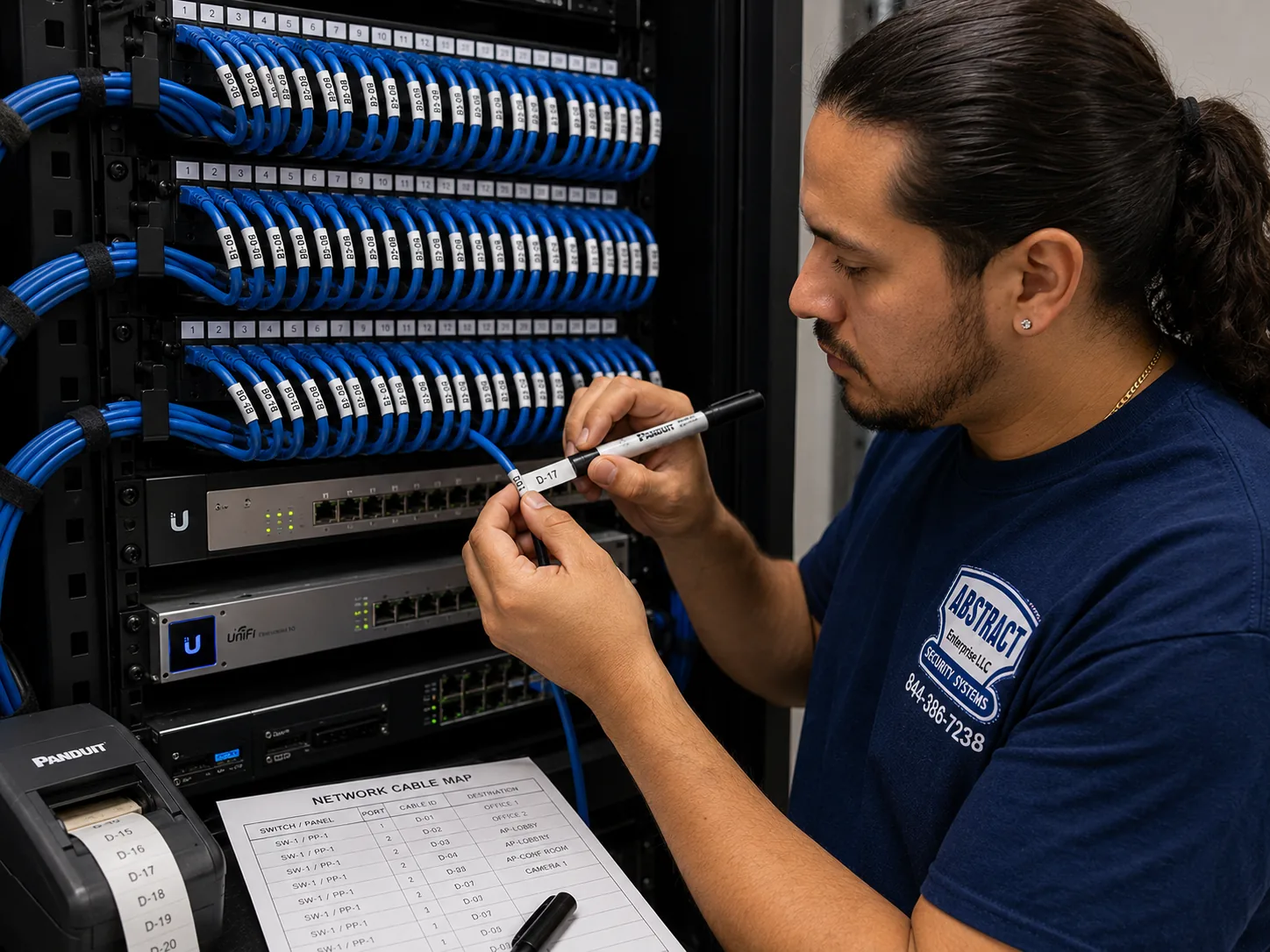
Alarm.com camera installation reference for the NYC hub, NYC: technician printing cable labels at a patch panel beside a printed port map
Photo from the AESS job library, taken on a network cabling job and not at an Alarm.com camera install for this page: a technician printing cable labels at a patch panel, with a printed port map beside it. On a camera job in a six-story walk-up or a brownstone, every camera cable gets the same treatment, labelled at both ends and written on a map, so the next person to open the cellar closet knows which wire goes to the stoop and which goes to the rear yard.
NYC Alarm.com Camera Install
Tell us the building, the borough and whether you already have an Alarm.com account

✅
Request Sent!
We'll call about your NYC Alarm.com cameras within two hours.
25+
Years Experience
✓
Same-Day Estimates
100%
Licensed & Insured
4.7โ˜…
201 Google Reviews

Owner-operated since 2002 · Thousands of jobs completed · Booked within 2 hours

An Alarm.com camera install in New York City comes down to three things: an active Alarm.com service account with the video add-on, a cable or battery plan that suits the walls, and permission from whoever controls the facade or the hallway. Alarm.com cameras do not work as standalone gadgets. Alarm Grid's FAQ says every Alarm.com camera needs active service, and the provider has to add video to the account before the cameras will stream or record. Once that is in place, we wire or mount the cameras, enroll them, and set up recording and alerts. Pricing is set per borough or county on our Alarm.com price pages, and we book every request within two hours. Call (800) 486-0943 or use the form.

  • Area pricing on our Alarm.com camera installation prices for NYC page, with a separate page for each borough and for Long Island and the Hudson Valley
  • Cable routes planned through cellars, closets and existing chases, because masonry, metal doors and long stair halls defeat the Wi-Fi that battery cameras depend on
  • Low-voltage work done under NYS license #12000287431, with landlord, board and LPC questions settled before any hole is drilled
The Neighborhood

Why NYC Properties Need Alarm.com Camera Installation

New York's buildings were not designed with cameras in mind, and the city's newest buildings are only a small share of what we wire. The Citizens Housing & Planning Council says more than 80 percent of the city's housing is over 50 years old, and that over half of all units, about two million, went up before 1947. The same source puts half of the city's housing in Brooklyn and Queens, a quarter of the units in Manhattan on 7.5 percent of the land, and five percent on Staten Island. Construction industry data cited by Dodge puts the total near 3.7 million units and says only five percent of the current stock sits in buildings finished after 2010. When an Alarm.com camera goes onto a building in this city, it usually goes onto a wall that predates Wi-Fi, the internet and the electric doorbell by decades.

That age shows up in the building types. A guide to prewar investing describes the range: four- to six-story walk-up tenements built before 1929, eight- to twelve-story elevator buildings from the 1910s and 1920s, and larger doorman buildings from the 1920s and 1930s along Park Avenue, the Upper West Side and Central Park West. The Architectural League notes that most of the city's tenements were built quickly and in vast numbers between 1860 and 1910 in Manhattan, Brooklyn and later the Bronx, and that the rowhouse neighborhoods filled in between the Civil War and the First World War. An analysis citing the city's PLUTO data says about 57 percent of Brooklyn's residential buildings predate 1940, rising above 75 percent in Bedford-Stuyvesant, Crown Heights North and parts of Sunset Park, mostly in three- and four-story walk-ups with original lath-and-plaster ceilings. That analysis comes from a low-authority site, so we treat the figures as a guide, but they match what the older sources say about the borough.

This matters for Alarm.com cameras in particular. Battery cameras and Wi-Fi cameras are attractive because they promise no wiring, but the walls of a brownstone or a prewar walk-up are dense brick and plaster. A local installer writes that brownstone masonry walls are dense enough to significantly degrade Wi-Fi, especially between floors and between the rear yard and the front of the building. Wired cameras avoid that problem, but they need a route for the cable, and in a building like this the route runs through a cellar, up a closet, along an old dumbwaiter or pipe chase, or out through a core-drilled hole in a block wall. Planning that route is most of the work, and it is the part a self-install kit cannot do for you.

Then there is the question of why people in this city want cameras in the first place. CBS New York has reported a string of lobby thefts caught on video: a man taking packages from an apartment lobby on Lawton Street in Bushwick; thieves in Park Slope seen cutting open packages and taking items from them inside a lobby; a theft near 36th Avenue and 31st Street in Astoria where police said the suspect used a screwdriver to disable the door lock; and four men who walked into the Robeson, a building on Lenox Avenue in Harlem, at about 2:30 in the morning and left with lobby furniture, in a building where a key code is required to enter and police found no forced entry. That last case is worth pausing on. A locked, coded door did not stop the theft. What it left behind was a question about who came in and how, which is exactly what a camera at the entry answers.

Package theft is the most common reason we hear. One delivery-industry blog says NYPD package theft complaints rose 23 percent in 2024; that is a secondary source and we have not seen the underlying figure, so we cite it with that caution. The same blog collects secondhand Reddit accounts, including a Bushwick resident whose packages were stolen twice from an entry area that was supposed to be locked, and another building where residents suspected the lobby cameras were not even working. A camera that nobody can watch, or that records to a box in the basement that nobody can reach, protects nothing. Part of what Alarm.com offers is the app: alerts when someone is in the lobby at an odd hour, clips you can review from your phone, and, on business accounts, video tied to alarm events.

The city itself is putting up cameras too. Police1 reported that new NYPD cameras are going into East Harlem, Harlem, Washington Heights and Inwood, several of them aimed at bodegas. Wikipedia's entry on the NYPD's Domain Awareness System says that in 2026 the department announced plans for real-time access to cameras at NYCHA developments. The Intercept, reporting on a 2025 lawsuit, described footage from tens of thousands of private cameras outside shops, businesses and banks reaching the NYPD through the same system. Those stories point in two directions for a property owner. On one side, the city's own guidance on 311 says businesses can share live feeds with the NYPD during emergencies and register camera locations at NewYorkCityConnect.org. On the other, tenants and customers are paying closer attention to who sees the footage, which is one reason privacy rules come up on nearly every multi-unit job.

Finally, ownership. Rent Guidelines Board figures show that rental units make up 68.1 percent of the city's housing, based on the 2023 Housing and Vacancy Survey. That survey counted about 3.7 million housing units and a net rental vacancy rate of 1.41 percent. Most New Yorkers who want a camera do not own the wall they want to put it on. A renter needs the landlord's agreement before drilling. A co-op shareholder needs the board. An owner of a building in one of the city's historic districts may need the Landmarks Preservation Commission, which oversees 1,460 individual landmarks, 121 interior landmarks and 12 scenic landmarks, plus every building inside a designated district. Alarm.com itself suggests its self-install systems for renters and small spaces. We think that is right for some apartments and wrong for most buildings, and the sections below explain where the line falls.

We also want to be plain about what our research could not reach. We could not see Google's People Also Ask boxes, related searches, Bing, DuckDuckGo or AnswerThePublic from our build environment, and we found no Reddit threads, Patch, BKReader or Bronx Times stories specifically about Alarm.com cameras in this city. We pulled no HPD violation counts, 311 complaint counts or DOB permit counts for camera work. The questions on this page come from Alarm.com's own help pages, installer and legal FAQs, and the support forums where Alarm.com users ask for help, and the local facts come from the city agencies and news outlets named in the stamp above.

New York facts that shape an Alarm.com camera install

  • Old buildings, mostly: more than 80 percent of housing is over 50 years old, and over half of units, about two million, were built before 1947, according to the Citizens Housing & Planning Council.
  • Mostly renters: rental units are 68.1 percent of the housing stock, per the Rent Guidelines Board's 2026 Housing Supply Report, so landlord permission is part of most residential jobs.
  • Small buildings are common: in one rental-listings sample, 47.7 percent of prewar buildings had fewer than ten apartments and 41.5 percent listed an elevator, which means many camera jobs are in walk-ups.
  • Thousands of protected facades: the LPC oversees 1,460 individual landmarks, 121 interior landmarks and 12 scenic landmarks, in addition to its historic districts.
  • Cameras are not mandatory, intercoms are: installer guidance on city rules says no general NYC law requires cameras in apartment buildings, while Multiple Dwelling Law §50-a requires intercoms at the main entrance of Class A buildings with eight or more units built or converted after January 1, 1968.
  • Lighting decides footage: the Multiple Dwelling Law requires adequate common-area lighting, and a camera aimed down an unlit corridor records nothing useful.

What owners often add once the cameras are in. Many Alarm.com accounts in this city start with one or two cameras at the front door and grow from there. The most common follow-up is a camera inside the package area or mailroom, then the rear yard or the cellar door, then a second entry. If you think you will want more cameras later, tell us at the first visit. We can pull an extra labelled cable to each likely spot while the ceilings and closets are already open, which costs far less than coming back to open them again.

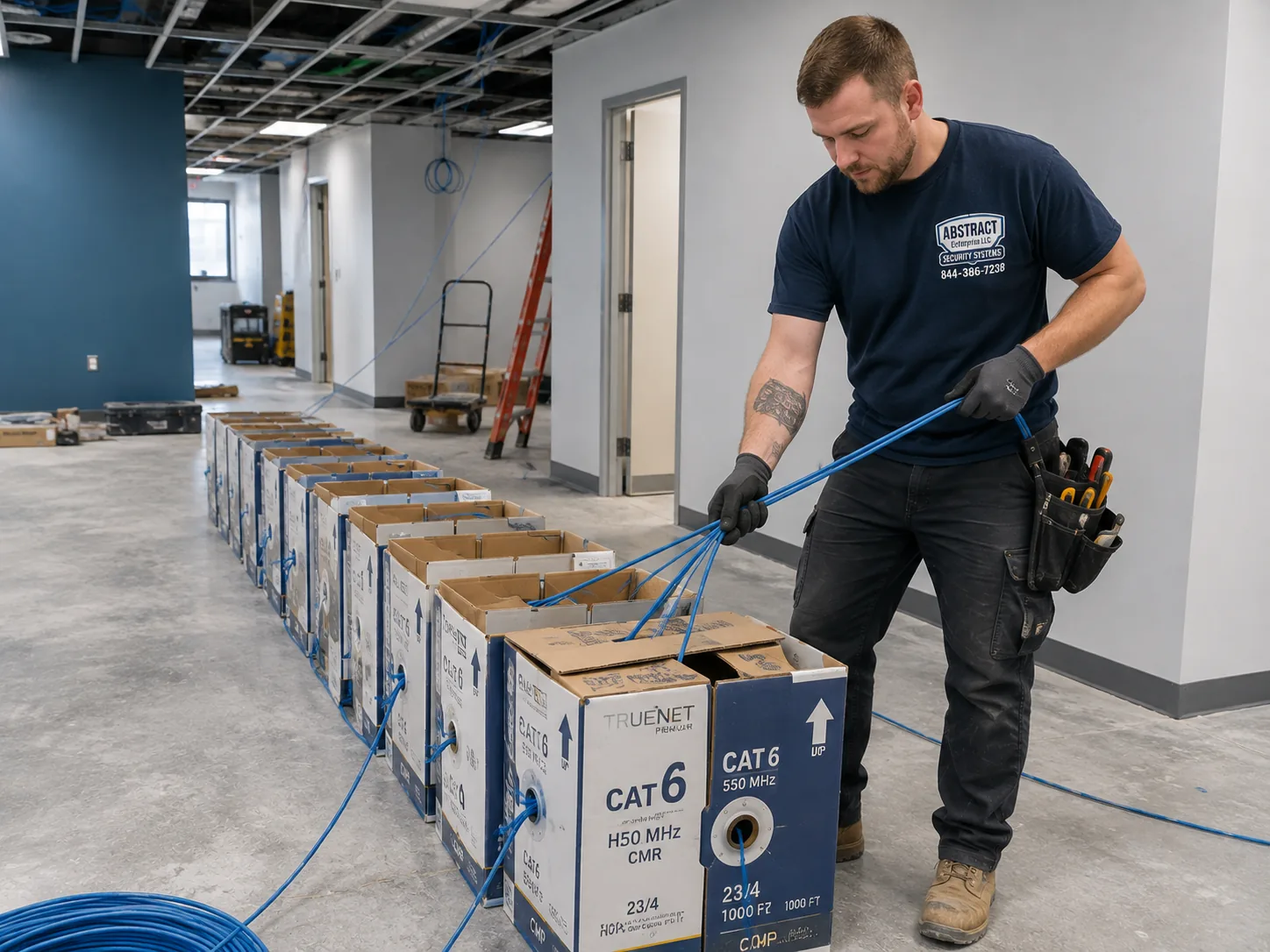
Alarm.com camera installation reference for the NYC hub, NYC: boxes of network cable staged on the floor of a working commercial premises for a multi-drop pull
Photo from the AESS job library, taken on a commercial network job and not at an Alarm.com camera install for this page: boxes of cable staged on the floor of a working premises, ready for a pull of several runs at once. In a prewar walk-up we set out the boxes the same way and pull every camera cable from the cellar in one trip, so the stairwell is only disturbed once.

Camera Offline, Recording Stopped or a Break-In Last Night? Fast Help Across NYC

A camera that drops off the Alarm.com app the morning after an incident, a recorder that stopped saving clips weeks ago without anyone noticing, or a camera knocked off its mount by someone who did not want to be seen are the calls we move on first. Before you call, check two things: whether the app shows the camera as offline or simply not recording, and whether the building lost power or internet overnight. If footage of an incident may exist, do not power-cycle the recorder or delete anything until you have saved what you need. Then call (800) 486-0943 and tell us the address, the building type and what the app is showing. We book every request within two hours and tell you honestly when the earliest visit is.

Five Kinds of NYC Building

Tenement, Brownstone, Prewar Elevator, Garden Complex, Storefront: How the Building Decides the Alarm.com Plan

Ask someone what an Alarm.com camera job costs in New York and the honest answer starts with a question back: what kind of building is it? The same two cameras can be a short job in one building and a full day of cable work in another, because of what sits between the camera spot and the router or recorder. The table sets out the main building types the city's housing and planning sources describe, and what we usually plan for in each. The last two columns are our working approach from buildings of that kind generally, not a survey of any particular address; we confirm every building on site.

Building typeWhere the sources place itWhat gets in the way of a cameraWhat we usually plan
Walk-up tenement, 4–6 storiesBuilt in large numbers 1860–1910 in Manhattan, Brooklyn and later the BronxBrick party walls, long stair halls, a cellar that may or may not connect to the hall, a buzzer intercom at the doorWired cameras at the entry and stair, cable up through the cellar and a stair-side chase, recorder or SVR in a locked cellar closet
Brownstone or rowhouseRowhouse neighborhoods built between the Civil War and World War I; many in districts such as Brooklyn Heights, Harlem, Park Slope and Fort GreeneDense masonry that weakens Wi-Fi from yard to street, a stoop and a garden-level entry, a possible landmarked facadeSmall cameras placed off the primary facade where possible, cable through the basement, a battery camera where wiring would cross the face of the house
Prewar elevator building, 8–12 stories1910s–1920s, concentrated on the Upper West Side, Upper East Side, the Villages, the Lower East Side and HarlemA co-op or condo board, a managing agent, shared risers and limited access to the roof and cellarLobby, mailroom, elevator landing and service entry cameras, cable through existing risers with the super's help
Garden apartment complexFor example the Jackson Heights garden apartments begun in 1917Shared courtyards, several building entries, long distances between themA recorder per building or a central SVR, with cable between buildings only where a safe path exists
Storefront with apartments aboveAlong commercial corridors in every boroughA roll-down gate that hides the camera after hours, a separate landlord, a busy sidewalkCameras inside and outside the gate line, a business plan with video verification if the account has an alarm

The walk-up tenements

The four- to six-story walk-up is the building we most expect to see on a multi-unit job. The entry is a street door, then a vestibule with the buzzer panel and mailboxes, then a stair that climbs the full height of the building. Most of the trouble in these buildings happens in that first ten feet: packages left in the vestibule, a door propped open, someone who followed a tenant in. A camera inside the vestibule facing the street door, mounted high enough that it cannot be reached and low enough to catch faces under a cap brim, does most of the work. A second camera at the foot of the stair, looking back toward the door, catches whoever went past the mailboxes. The cable for both usually runs down to the cellar, where we find or make a path across to the building's internet line.

Walk-ups bring their own snags. Cellars are often reached from outside the building, through a hatch or a door under the stoop, so the cable path from the hall to the cellar may not exist. Brick party walls between buildings carry no wiring and should not be drilled carelessly. And the internet line may belong to a single tenant rather than the building, which means the cameras need their own connection. We work out each of those at the site walk, before anything is ordered.

The brownstones and rowhouses

Brownstones and rowhouses are usually one- to four-family homes, and the owner often lives in one of the units. The coverage list is short and consistent: the stoop and front door, the garden-level entrance under the stoop, the rear yard, and any side passage or garage. One installer describes exactly that pattern and notes that old masonry and plaster mean cable routes are planned through basements, closets and existing chases to avoid exposed wire on the facade. We agree. A camera run on the outside of a brownstone, with cable stapled down the stone, looks bad and, in a historic district, may be the kind of work the LPC objects to.

The rear yard is where Wi-Fi usually fails. A router in the parlor floor at the front of the house has to reach through two or three brick walls to get to the yard, and the signal that arrives is often too weak for a camera to stream reliably. That is the most common reason we recommend a wired camera at the back, even on a job where the front door uses a battery camera.

The prewar elevator buildings and co-ops

Larger prewar buildings have an advantage: a super, a cellar with organized risers, and usually a building-wide internet or telecom room. They also have a board or a managing agent, and an installer guide on city building rules notes that building-wide upgrades such as new camera systems may need board approval. In practice that means insurance paperwork, set working hours, and sometimes a review of where each camera will point. In these buildings we plan the lobby, the mailroom or package room, the elevator landings, the service entrance and the laundry room, and we run cable through existing risers wherever the super allows.

Garden complexes and multi-building properties

Complexes with several buildings around a courtyard, like the garden apartments the Jackson Heights Beautification Group dates to 1917, spread the entries out. Each building has its own door, the courtyard needs watching, and the distance between buildings may be too far for a single cable run without equipment in between. We either put a small recorder in each building and bring all of them into one Alarm.com account, or run cable to a central SVR where there is a protected path. We never route cable across a courtyard where it could be tripped over or cut.

Storefronts with apartments above

The store on the ground floor of a mixed-use building is often the tenant of a different landlord than the apartments upstairs, even in the same building. Its cameras need to see the register, the door and the sidewalk, and after hours a roll-down gate may hide anything mounted inside the window line. We plan at least one camera outside the gate and one inside, and we keep the recorder somewhere a thief would not reach in a hurry. Business accounts with an Alarm.com alarm can also use video verification, which Connextivity, a commercial integrator in the city, describes as linking camera footage to a triggered alarm so the scene can be checked before dispatch is called.

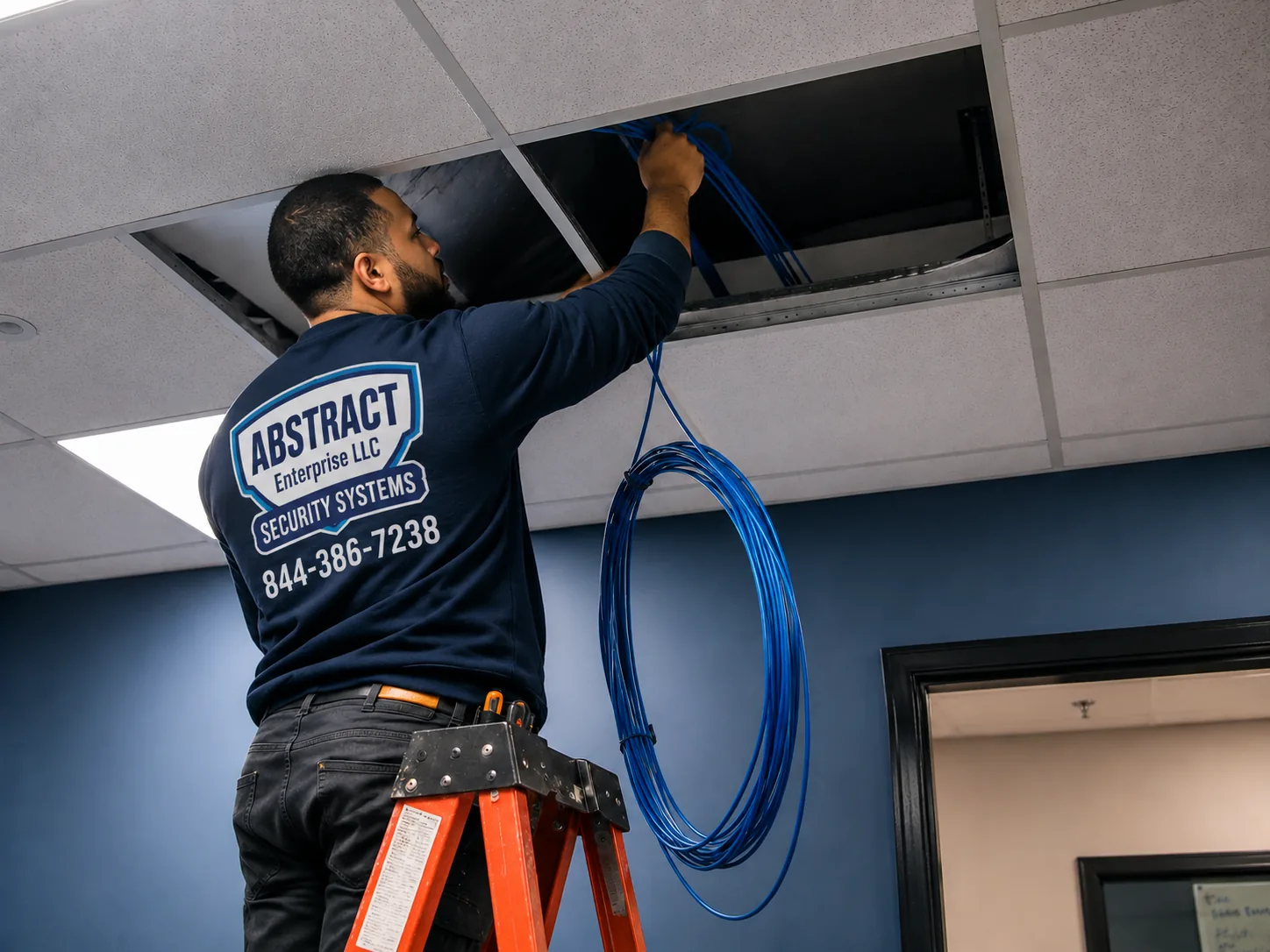
Alarm.com camera installation reference for the NYC hub, NYC: technician feeding cable up through an open ceiling tile in an occupied commercial space
Photo from the AESS job library, taken on a network job in a commercial space and not at an Alarm.com camera install for this page: a technician feeding cable up through an open ceiling while the space stays in use around him. In the lobby of a prewar elevator building, the same work happens above a dropped ceiling or along a service corridor, with the super watching and the residents still coming and going.
Before You Book

Lobby, Stoop, Cellar, Yard: What to Check in Your Building Before the Site Visit

Most of the delays on an Alarm.com camera job happen before the first camera goes up: an account that was never set up for video, a cellar nobody has a key to, a board that wants paperwork, or a camera spot with no light at night. A few photos and a few questions answered in advance prevent nearly all of it. Please do not open walls, move building wiring or take down an old camera yourself; just look, measure, photograph and send us what you find.

What to checkWhy it matters in an NYC buildingWhat to send us
Your Alarm.com accountCameras will not stream or record until the provider adds video to the accountYour provider's name, and whether you can log into the Alarm.com app now
Who controls the wallRenters need the landlord; co-op and condo owners need the board for common areasThe landlord's, super's or managing agent's contact
Whether the building is landmarkedThe LPC may need to review cameras on a primary facadeThe address, so we can check the LPC map with you
The internet lineCameras need a reliable connection; in walk-ups it may belong to one tenantA photo of the router and where the line enters the building
Wi-Fi at each camera spotBrick and metal doors weaken the signal; battery cameras depend on itA phone speed test standing where each camera would go
Lighting at nightAn unlit vestibule or yard gives dark or grainy footageA photo of each spot taken after dark
Access to the cellar or roofCable often runs through the cellar; some cameras need the roof edgeWho holds the keys and when they are available
Existing cameras or recorderOlder cameras may connect through an Alarm.com video server or may need replacingPhotos of the cameras, the recorder and its label

Stand where the camera will stand

The best way to judge a camera spot is to stand in it and look. Hold your phone up at the height a camera would sit, roughly where the door frame meets the ceiling in a vestibule, and take a photo. If you can see the face of someone coming through the door in that photo, the spot works. If all you see is the top of their head, the camera needs to be lower or further back. Do the same at night with the hall lights at their normal setting. Most disappointing footage comes from cameras mounted too high and aimed too steeply, or from a perfectly placed camera in a corner with no light.

Think about where the packages actually land

In many buildings, couriers leave packages wherever they can: on the vestibule floor, on top of the mailboxes, inside the inner door if someone buzzes them in, or on the stoop. Before the visit, look at where packages sit on a busy day. The camera should cover that spot from an angle that shows a person picking something up, not just a pile of boxes. If your building has a package room or a shelf, tell us; that space usually gets its own camera.

Find the old wiring

Many older buildings already have cable in them: an old camera system, a disused alarm, cable TV runs, or a phone line nobody uses. Some of that cable can be reused, and some of it is useless or dangerous to rely on. Take photos of any cable bundles you see in the cellar, at the base of the stairs or in a closet, and of any old camera or recorder. We will trace what is there and tell you what can stay. The tone-and-probe photo further down this page shows how we find out where an unlabelled cable goes.

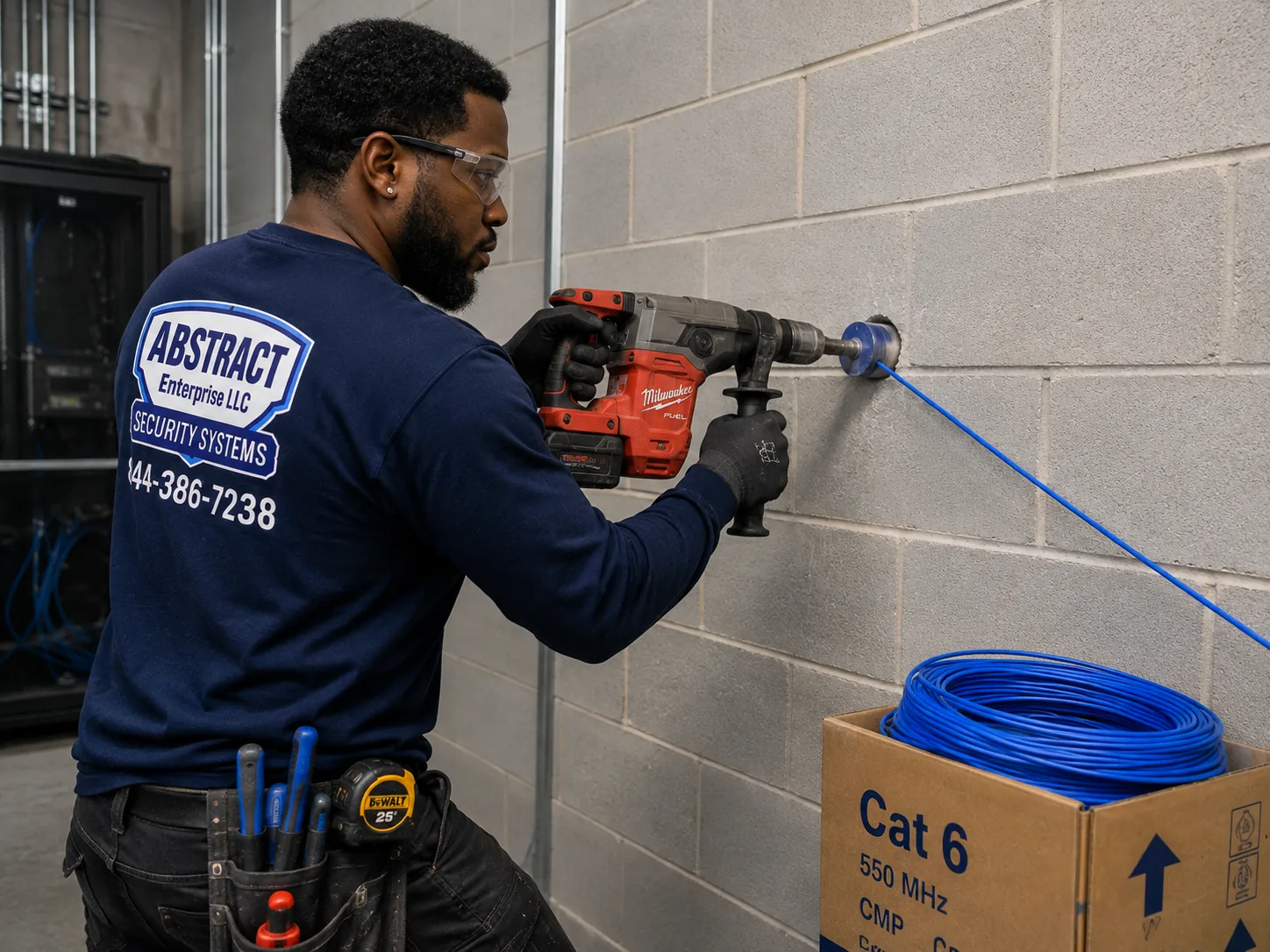
Alarm.com camera installation reference for the NYC hub, NYC: technician core drilling through a block wall to carry cable into a network room
Photo from the AESS job library, taken on a network job and not at an Alarm.com camera install for this page: a technician core drilling through a block wall so cable can pass into a network room. In a walk-up where the cellar is cut off from the stair hall by a masonry wall, one clean core-drilled hole like this, sleeved and sealed afterward, is often the whole difference between a wired camera and a weak Wi-Fi one.
What We Install

Alarm.com Camera Installation Services in NYC

These are the Alarm.com camera jobs homeowners, renters, landlords, co-op boards and business owners across the five boroughs book us for. Each one is priced from the Alarm.com price page for your borough. Where a job needs something extra, such as a core-drilled pass-through or a second cable run for a future camera, the quote names it before any work begins.

📹

Entry and Vestibule Cameras

Cameras inside the street door and vestibule of walk-ups and elevator buildings, placed to catch faces under cap brims and aimed at the spot where couriers actually drop packages.

🏠

Stoop, Garden-Level and Yard Cameras

Brownstone and rowhouse coverage for the stoop, the entry under it and the rear yard, with cable run through the basement and the yard camera wired because Wi-Fi rarely survives the brick.

🔋

Battery Cameras for Renters

Battery cameras where drilling is limited or wiring would cross a protected facade, including Alarm.com's ADC-V731B Battery Spotlight Camera announced in March 2026, with microSD continuous recording.

💾

SVR Continuous Recording

Alarm.com stream video recorders that add 24/7 recording to cloud video clips, placed in a locked cellar closet or office and kept on battery backup.

🔗

Connecting Cameras You Already Own

Analog and existing cameras brought into the Alarm.com app through a video server, and third-party ONVIF or VAPIX cameras on a commercial SVR where the account plan supports it.

📦

Package Room and Mailroom Cameras

Coverage of the shelves, lockers or corner where deliveries pile up, with alerts set for late-night motion so a board or landlord sees activity as it happens.

🏬

Storefront and Business Cameras

Cameras at the register, the door and outside the roll-down gate, with video verification set up where the business also has an Alarm.com alarm.

🔧

Offline Camera Repair

Cameras that dropped off the app, stopped recording or lost night vision: we trace the cable, test the power, check the network and re-enroll the device.

🗂

Cleanup of Inherited Systems

Tangled, unlabelled camera wiring left by a previous owner or installer, traced, tested, labelled and rebuilt so the building knows what it has.

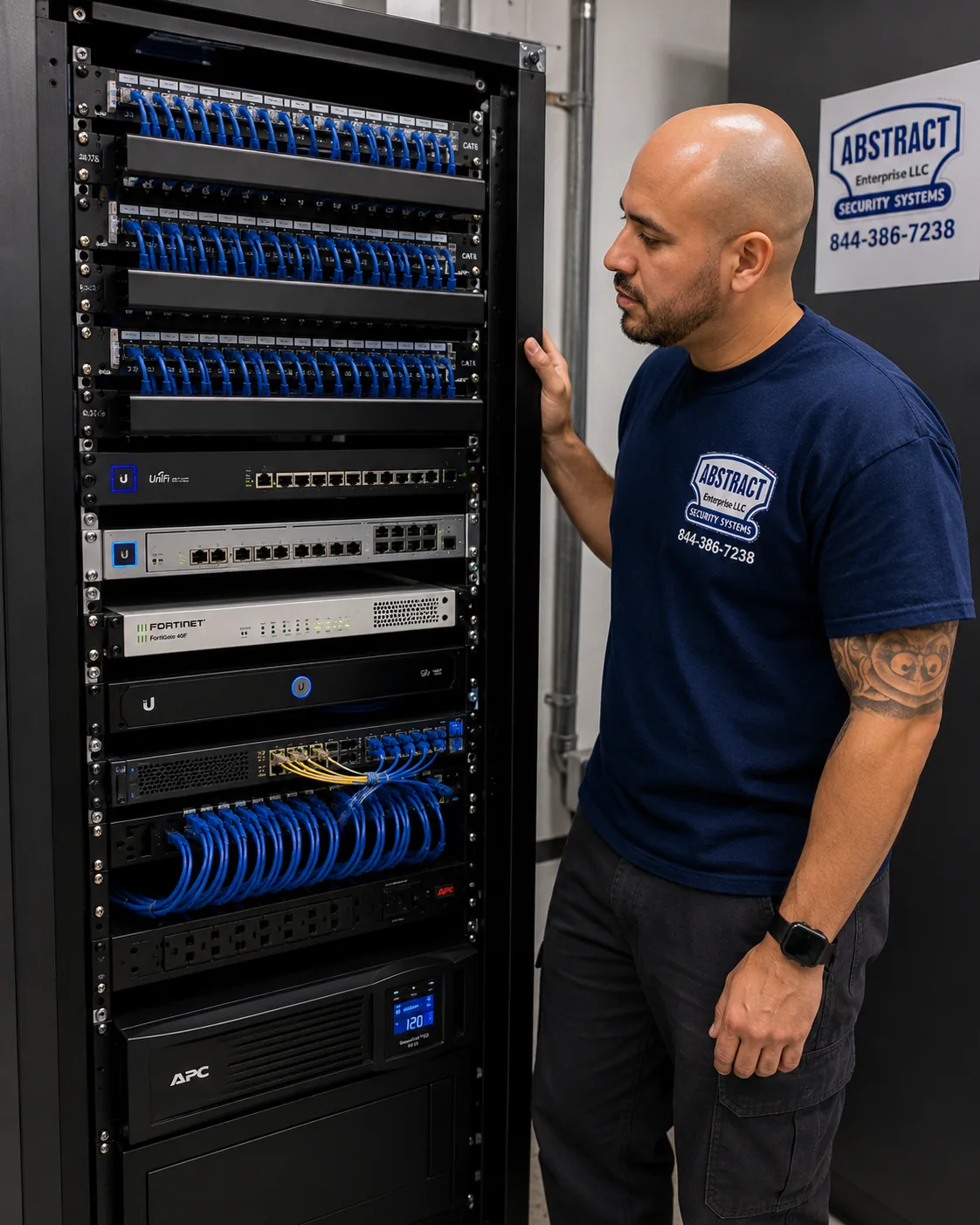
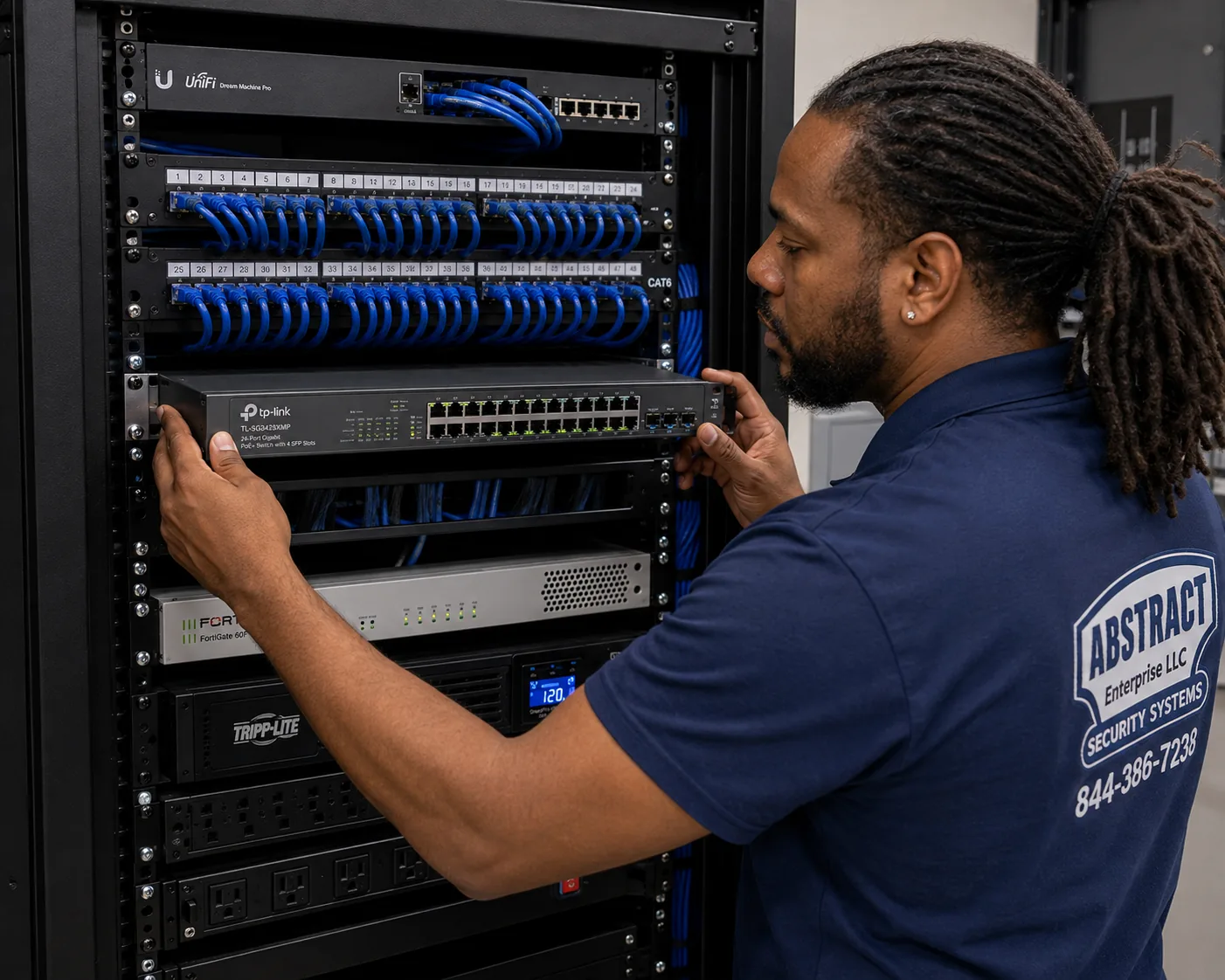
Alarm.com camera installation reference for the NYC hub, NYC: finished network rack with patch panels, switching, a firewall and a battery backup unit, all dressed and labelled
Photo from the AESS job library, taken on a network job and not at an Alarm.com camera install for this page: a finished rack with patch panels, switching, a firewall and battery backup, every cable dressed and identified. When an SVR and a PoE switch sit in the cellar of an elevator building, they get the same battery backup, so a short power cut in the lobby does not leave a gap in the recording at the very moment someone cuts the lights.
Building Specialists

Alarm.com Camera Installation for NYC's Architecture

Across the five boroughs, the same handful of building types keeps coming up, from a frame house on a Staten Island street to a prewar co-op on the Upper West Side. Each changes three things about an Alarm.com camera job: how the camera gets power and a connection, where the recording lives, and who has to agree before we drill. These are the types the city's housing sources describe, and how we handle each.

Prewar Walk-Up Tenements

Four to six stories, brick party walls, a vestibule with a buzzer panel and mailboxes, and a stair that is the only way up. Wired entry and stair cameras, cable through the cellar, a locked recorder spot.

Brownstones and Rowhouses

Stoop, garden-level door, rear yard and sometimes a landmarked facade. Small, discreet cameras placed off the primary facade where we can, and cable kept inside the house.

Prewar Elevator Buildings

Eight to twelve stories from the 1910s and 1920s, often co-ops. Lobby, mailroom, elevator landing and service entry, with board approval, insurance paperwork and the super's help with risers.

Doorman and Larger Prewar Buildings

The bigger 1920s and 1930s buildings on avenues like Park Avenue and Central Park West, where cameras supplement the desk and the existing system may need connecting rather than replacing.

Garden Complexes and High-Rise Campuses

Courtyard groups and multi-building developments, from the Jackson Heights garden apartments to large complexes, where each entry needs its own camera and the recording plan spans buildings.

One- and Two-Family Houses

Detached and attached houses in the outer boroughs, from small homes in Midland Beach to larger houses in Riverdale, where the owner decides, wiring through the basement is usually straightforward, and driveways and side doors need coverage.

How the building changes the job

BuildingPower and connectionWhere recording livesWho signs off
Walk-up tenementWired PoE cameras from a switch in the cellar; battery camera only where cable cannot reachAlarm.com cloud clips, plus an SVR in a locked closet for continuous recordingThe building owner or managing agent
Brownstone or rowhouseWired at the yard and garden level; battery at the stoop if cable would cross the facadeCloud clips, with an SVR in the basement if the owner wants 24/7 footageThe owner, plus the LPC for work on a landmarked primary facade
Prewar elevator or co-opWired through existing risers, with the super's guidanceAn SVR in the cellar or telecom roomThe board or managing agent; the shareholder for anything inside the unit
Garden complexWired within each building; separate connections per building where neededOne recorder per building or a central SVRThe owner or the co-op board
StorefrontWired from a switch in the back roomA commercial SVR, which Alarm.com says records up to 16 cameras at up to 4MPThe store's landlord and the business owner
One- or two-family houseWired through the basement, battery for spots without a pathCloud clips, optional SVRThe owner; a tenant in a two-family needs the owner's agreement

On masonry and Wi-Fi. The biggest single mistake we see on self-installed camera systems in this city is a wireless camera placed two or three brick walls away from the router. It works on the day it goes in, when someone stands beside it with a phone. A week later, with the doors closed and the neighbors' networks crowding the airwaves, it drops off the app at night or sends clips with long gaps. Brick, block, plaster on metal lath, and the steel doors common on cellar and apartment entries all weaken the signal. Before we recommend a battery or Wi-Fi camera, we measure the signal at that exact spot with the building closed up. If it is weak, the choices are a wired camera, a network extension we wire to that part of the building, or a different spot.

On landmarked facades. The LPC's 2018 rules amendments codified staff practice for health, safety and utility equipment, including security cameras, and they bar many such objects from a primary facade unless there is no feasible alternative or an agency requires that spot. The LPC Permit Guidebook's Chapter 11, "Installing Security Cameras," says staff can approve cameras that meet its criteria, and that a camera on a primary facade must be as small as possible and painted to match. In practice we look first for spots that are not on the primary facade at all: inside the vestibule, under the stoop, at the rear, or on a secondary wall. The LPC's revised rules of August 2023 also describe a FasTrack program for many simple exterior jobs on non-visible facades, with a permit issued in ten working days. Where a camera truly has to go on the front, we choose the smallest model that does the job, plan the cable to enter the building behind it, and leave the application to the owner with our specifications in hand.

On plaster ceilings. Many walk-ups and brownstones still have original lath-and-plaster ceilings in the halls, which crack and drop chunks if cable is fished through them roughly. We avoid fishing cable across old plaster ceilings where any other route exists. If a hall ceiling has to be crossed, we use the smallest openings that will work, patch them, and tell you beforehand that a plasterer's touch-up may be needed.

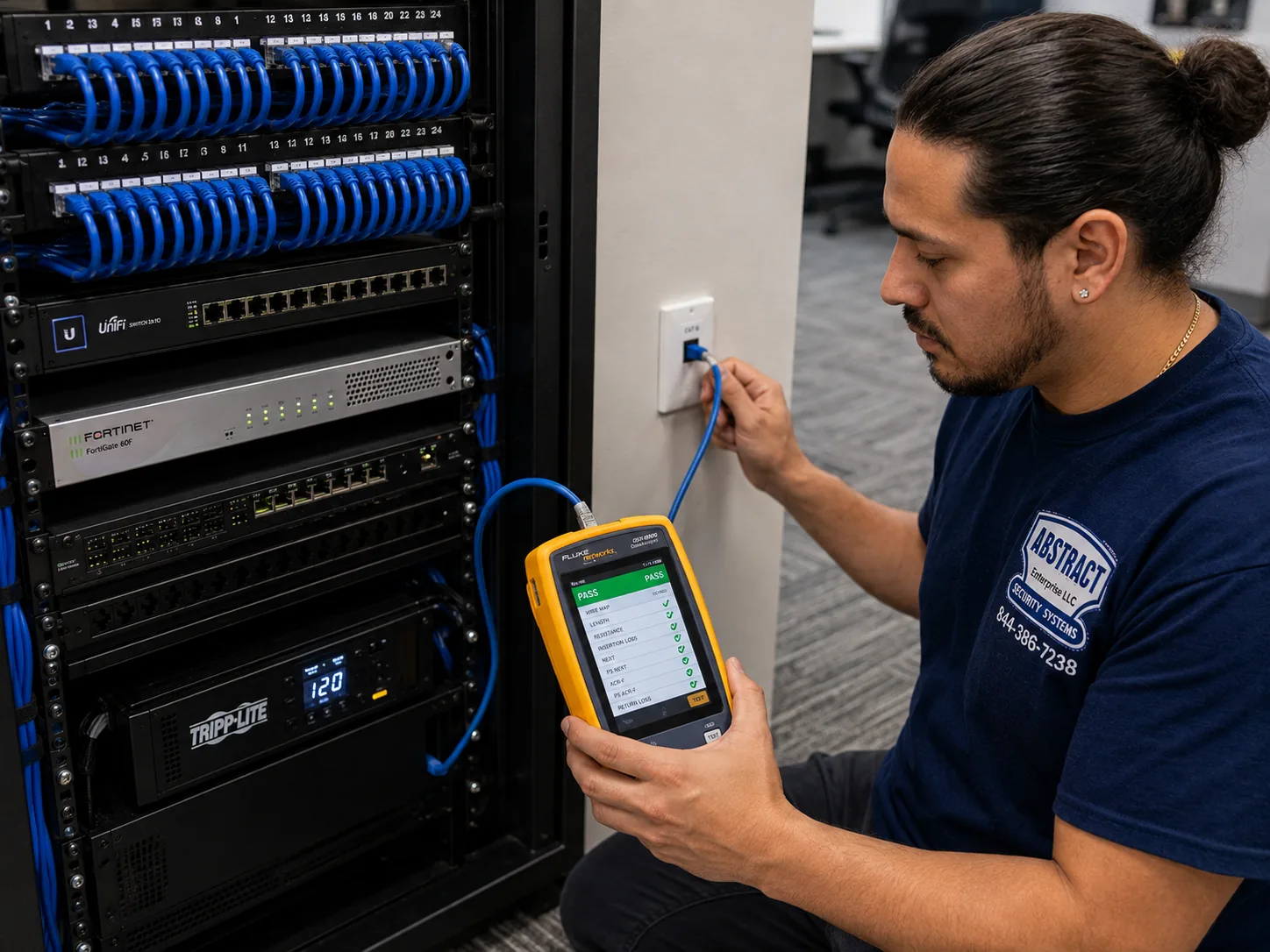
Alarm.com camera installation reference for the NYC hub, NYC: technician holding a cable analyzer at a data drop with the screen showing a PASS result
Photo from the AESS job library, taken on a network job and not at an Alarm.com camera install for this page: a technician certifying a data drop with a cable analyzer that shows a PASS result. A camera cable fished down five floors of a walk-up stair chase gets the same test before the camera is connected, so if a picture freezes later we already know the cable was sound on the day it went in.
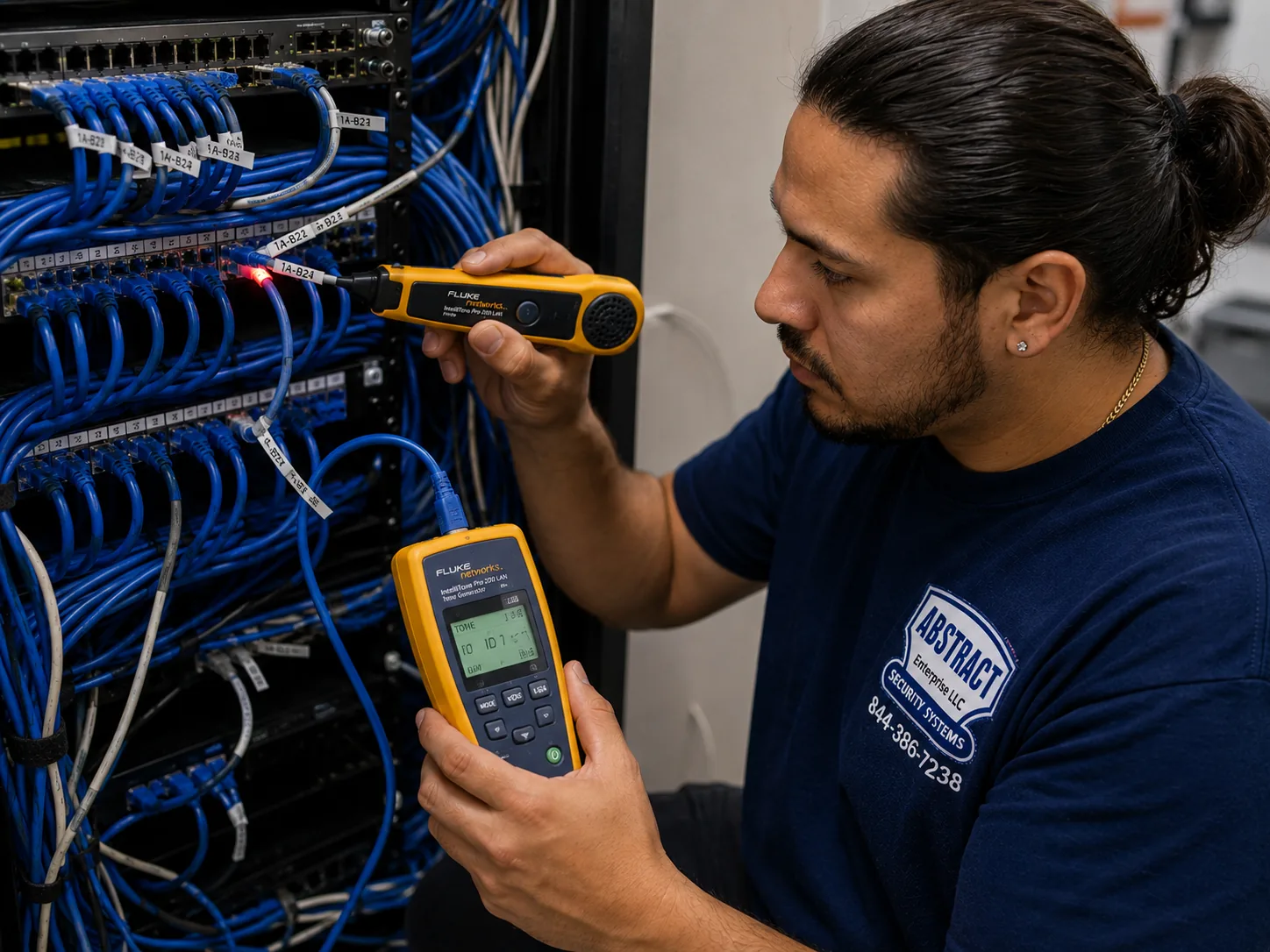
Alarm.com camera installation reference for the NYC hub, NYC: technician tracing an unidentified cable at a patch panel with a tone generator and probe
Photo from the AESS job library, taken on a network repair job and not at an Alarm.com camera install for this page: a technician tracing an unidentified cable run at a patch panel with a tone generator and probe. Older buildings across the city are full of cable nobody can name, from abandoned camera systems to old phone runs, and tracing it like this tells us which runs can carry a new Alarm.com camera and which should be left alone.
Commercial Alarm.com Camera Installation

Business Alarm.com Camera Installation in NYC

Commercial Alarm.com accounts open up features a home account does not use: the Commercial SVR, third-party ONVIF and VAPIX cameras, and video verification tied to alarm events. The corridors below are among the business improvement districts listed in the NYC Department of Small Business Services directory, chosen to show the range across the boroughs. We describe the corridors only as the directory and news sources do; we have no information about the cameras inside any particular business there and do not claim any of them as clients.

Fordham Road, the Bronx

One of the SBS-listed BIDs, and one of the borough's main shopping streets. Storefronts here deal with heavy foot traffic all day and roll-down gates at night, so cameras inside and outside the gate line matter.

125th Street, Manhattan

Harlem's main commercial street and an SBS-listed BID. Police1 reported new NYPD cameras going into Harlem, East Harlem, Washington Heights and Inwood, several aimed at bodegas, which tells store owners the city sees the same risks they do.

Fulton Mall and Pitkin Avenue, Brooklyn

Two SBS-listed BIDs: the Fulton Mall Improvement Association downtown and Pitkin Avenue in Brownsville. Dense retail, ground-floor stores in older buildings, and back rooms where an SVR can sit out of reach.

86th Street, Bay Ridge

An SBS-listed BID in southwest Brooklyn, lined with storefronts under apartments, where the store and the building upstairs often have different landlords and different camera decisions.

Steinway Street and Downtown Jamaica, Queens

Two SBS-listed districts, Steinway Street in Astoria and the Downtown Jamaica Partnership. CBS New York's Astoria report, a lock disabled with a screwdriver near 36th Avenue and 31st Street, is the kind of entry a door camera should record clearly.

Forest Avenue, Staten Island

An SBS-listed BID on the North Shore, where storefronts often have parking lots or side lots that need their own camera angles.

What a business camera has to do that a home camera does not

A home camera mostly needs to show who came to the door. A business camera has to do more, because a store, a restaurant or a small office gets hundreds of people a day and the footage may end up with an insurer, a court or the police. That raises the bar on three things. First, coverage: the register, the door, the stockroom door and the sidewalk outside each need a camera aimed so faces and hands are visible. Second, recording: cloud clips triggered by motion are not enough when the question is what happened over the whole of a Saturday, so a business account usually needs continuous recording. Alarm.com's business camera page says its Commercial SVR records up to 16 cameras at up to 4MP, works with third-party ONVIF or VAPIX cameras and has built-in PoE. Third, response: if the business has an Alarm.com alarm, video verification lets whoever responds to an alarm look at the scene before calling for dispatch, which Connextivity describes as one of Alarm.com's main commercial benefits in the city.

The roll-down gate deserves its own mention. Many storefronts close behind solid gates at night, and a camera mounted inside the window sees nothing but the back of the gate. The city's 2009 law requiring new gates to be at least 70 percent transparent set a July 1, 2026 deadline, but NY1 reported on July 2, 2026 that the City Council unanimously passed Int. 910 to repeal that deadline, so a compliant gate would only be needed when a gate is replaced for other reasons; the bill was going to Mayor Mamdani, and DOB permit rules for gates were unchanged. For camera planning the result is the same either way: we put at least one camera where it can see the gate and the sidewalk from outside the gate line.

Rules and practical limits for business cameras

  • Low-voltage permits. A low-voltage contractor's guide says the city's AC 28-105.4.7, effective December 21, 2025, removes the electrical permit requirement for wiring under 50 volts for signaling, communication, alarm and data circuits when the work is done by a licensed master electrician, a special electrician or a qualified person. Another source disagrees and says low-voltage work needs DOB permits, so we check the current rule for each job rather than assume.
  • When filing is still needed. An access control compliance guide says DOB filing or approval is required if the job alters fire-rated door assemblies, changes means of egress under Building Code Chapter 10, or ties into the building's fire alarm system. Camera jobs rarely do any of those, but cable that penetrates a fire-rated wall or ceiling has to be sealed properly, and an installer guide notes such penetrations may need a permit.
  • Audio. Cameras that record sound must follow New York's one-party consent rule in Penal Law 250.00. On a shop floor full of customers, we leave audio recording off unless the owner has a clear, lawful reason and has taken advice.
  • Biometrics. The city's biometric identifier law requires certain commercial establishments that collect biometric information to post notices at customer entrances, but legal commentary notes the disclosure provision generally does not apply to information collected through photographs or video recordings such as security cameras. If a business turns on any face-matching feature, it should take advice first.
  • Sharing with the NYPD. The city's 311 guidance says any business with cameras can share live feeds with the NYPD during emergencies and can register camera locations at NewYorkCityConnect.org. That is voluntary, and the owner decides.
  • Insurance papers. Many commercial landlords and managing agents ask for a certificate of insurance before contractors work in a space. Send the request with the booking and we will have it ready.
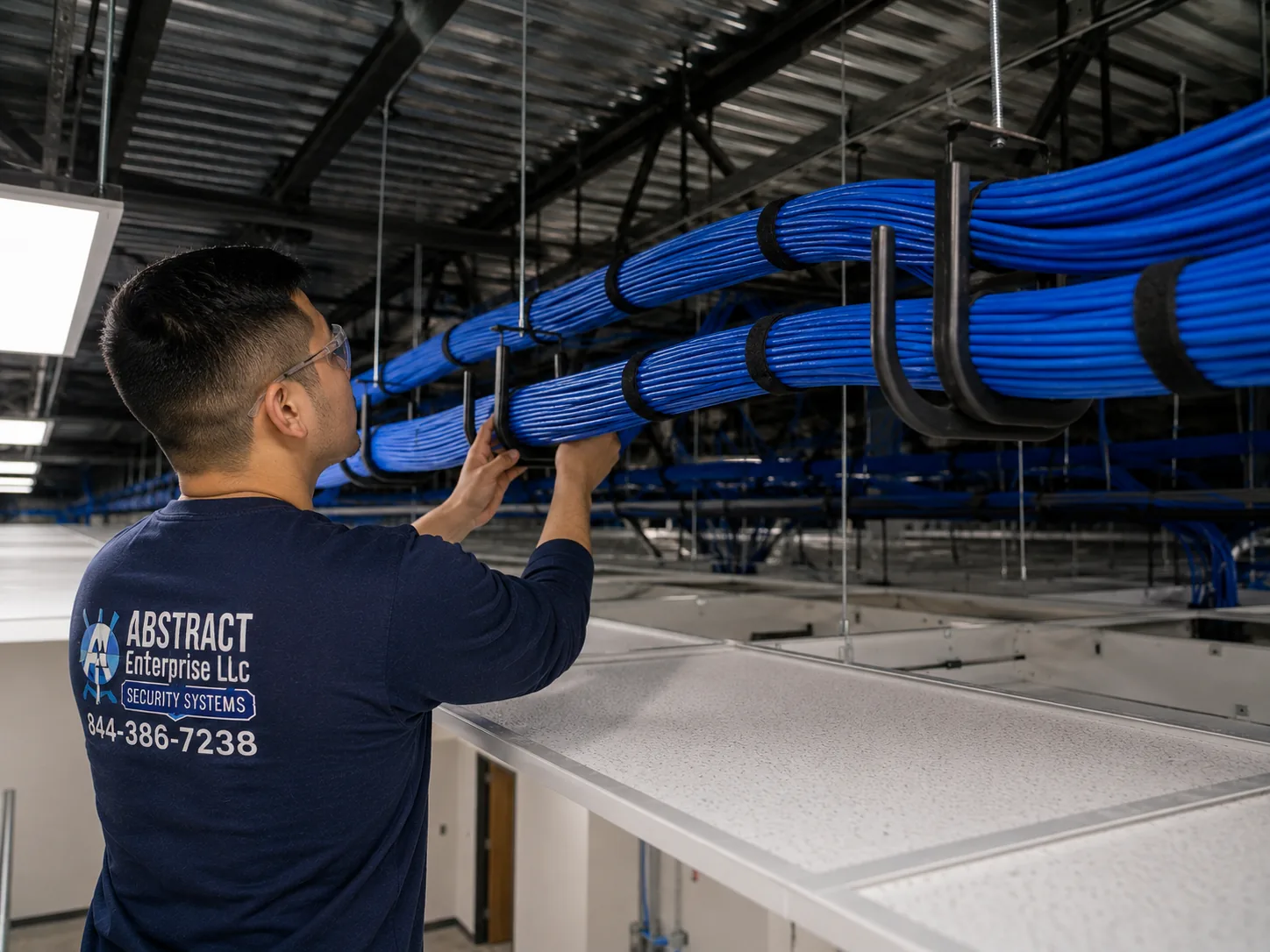
Alarm.com camera installation reference for the NYC hub, NYC: J-hook pathway carrying dressed cable bundles across a commercial ceiling
Photo from the AESS job library, taken on a commercial network job and not at an Alarm.com camera install for this page: a J-hook pathway carrying dressed cable bundles across a commercial ceiling. Above the dropped ceiling of a store on a busy corridor, camera cable rides in hooks like these rather than lying on the ceiling tiles, so the next contractor who lifts a tile does not pull a camera offline.
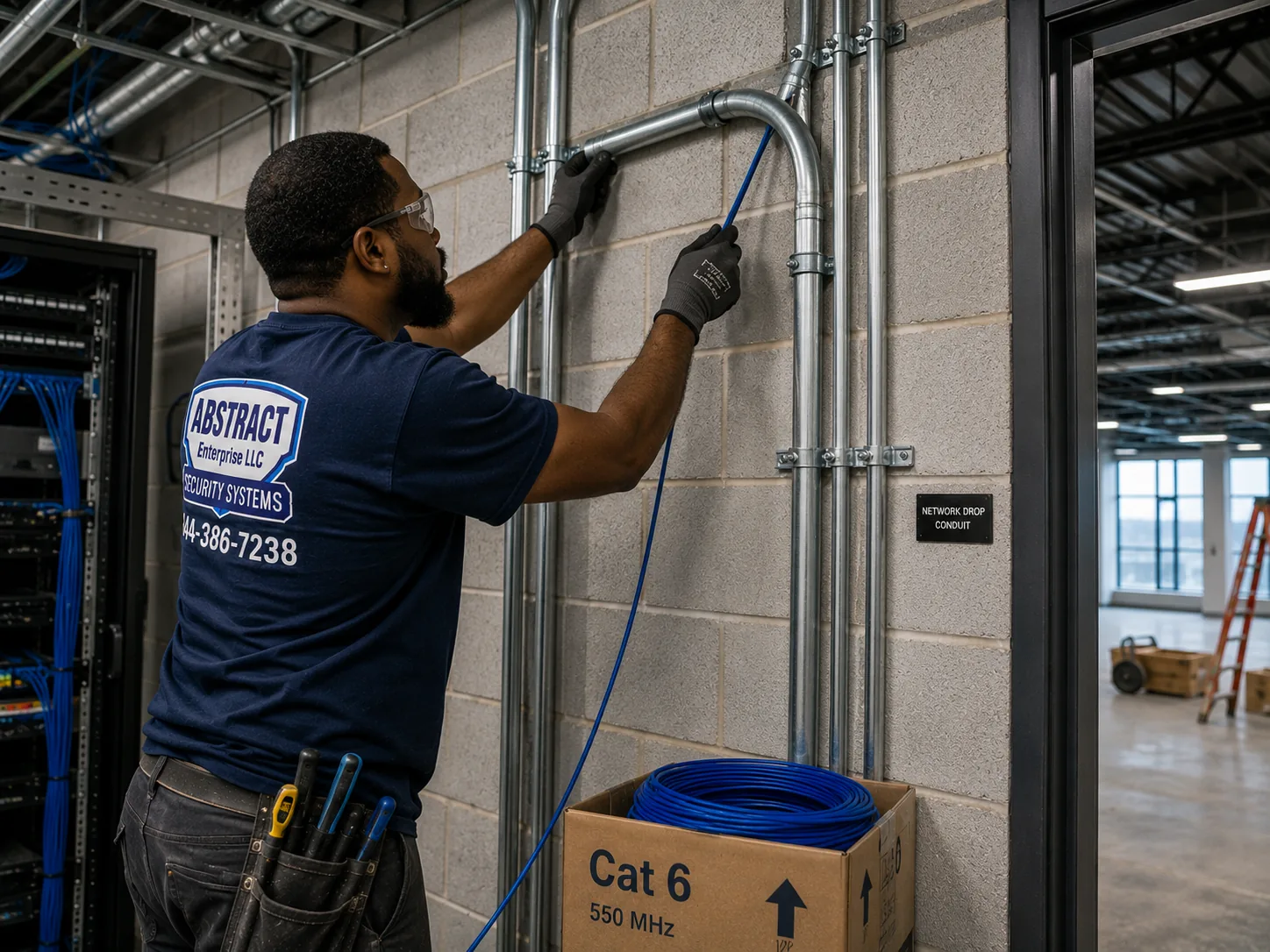
Alarm.com camera installation reference for the NYC hub, NYC: technician running cable into EMT conduit beside a telecom room in an industrial building
Photo from the AESS job library, taken on a network job in an industrial building and not at an Alarm.com camera install for this page: a technician running cable into EMT conduit beside a telecom room. In a warehouse, garage or cellar where cable could be crushed by carts or reached by someone trying to cut a camera, it runs in metal conduit like this.
Field Notes

Field Notes: Reading a Walk-Up Vestibule Before Any Camera Goes Up

We do not publish stories about a particular customer's building unless we can document them, so this is not a tale about one address. It is the routine our technicians follow in the vestibule of the kind of building this city is full of: a walk-up with a street door, an inner door, a buzzer panel, a row of mailboxes and a stair climbing out of sight.

We stand outside first and watch the street door open and close a few times, because the camera has to catch a face in the second after the door swings in. We look at where packages are lying, not where the building says they should go. We check the light, then come back after dark if the visit allows it, because a vestibule that looks bright at noon can be a single dim bulb at night. We run a Wi-Fi test where the camera would sit with both doors shut. We find out where the cellar is and whether a cable can get there without crossing the facade. We look for old cameras and old cable, and we trace anything we cannot name. Then we hold a phone up where the camera would go and show the owner the picture it would take. Only when the owner has seen that picture, and the landlord or board has agreed, do we drill.

Your Questions Answered

Alarm.com Camera Installation in NYC: Questions Answered

Recording and storage

What does an SVR add that Alarm.com's cloud video does not already do?

Continuous recording. On a Surety support forum thread about exactly this, the answer was that the SVR is an add-on to Alarm.com cloud video, and its main benefit is 24/7 recording. Cloud video alone saves clips, usually triggered by motion or an event. You still need the cloud video service to use an SVR, so the SVR adds to the plan rather than replacing it. In a building lobby, a store or anywhere you may need to see what happened between the clips, an SVR is usually worth it; for a single apartment door, cloud clips are often enough. We help you decide based on what the footage needs to prove.

We have a home account but want wired PoE cameras from another brand on an SVR. Can a residential plan handle that?

Partly. In another Surety forum thread, the answer was that a commercial SVR can be used on a residential account, but support for third-party ONVIF and Axis cameras needs a commercial video plan. So the recorder itself can work on a home account, while the cameras you connect may decide which plan you need. Before we buy or mount anything, we confirm with your Alarm.com provider what your plan covers, and we choose cameras to fit it. That check takes a phone call and saves you from mounting cameras the account will not accept.

Existing systems

Our walk-up already has older analog cameras on the stairs. Do they have to come down to use Alarm.com?

Not necessarily. Alarm.com's help pages say analog cameras and cameras you already have can be connected through an Alarm.com video server. Whether that is a good idea depends on the cameras. Analog cameras from many years ago may give a picture too soft to identify anyone, and the coax cable they run on may be damaged in places. We test each camera and its cable first. If the picture is good enough for what you need, connecting them through a video server can save the cost of rewiring a stair hall; if not, we replace the cameras that matter most and leave the rest for later.

We just bought a house that came with Alarm.com equipment already on the walls. What happens to it?

Alarm.com's help pages list this exact situation as a common question. The equipment belongs to an account held through a service provider, so the first step is to find out who the provider is and set up a new account in your name, often by contacting that provider. Once the account is yours and video is on it, the existing cameras can usually be enrolled to it. We check each camera to see whether it works, whether it is worth keeping, and whether the cable behind it is sound. We also reset anything the previous owner may still be able to see, so the cameras answer to you alone.

Permits, landmarks and licensing

Does the city's newer low-voltage rule mean camera cabling needs no electrical permit?

Often, but we check job by job. A low-voltage contractor's guide says AC 28-105.4.7, effective December 21, 2025, removes the electrical permit requirement for wiring under 50 volts used for signaling, communication, alarm and data circuits, when the work is done by a licensed master electrician, a special electrician or a qualified person. Another source still says low-voltage work needs DOB permits, and a separate guide lists cases where filing is required, such as altering fire-rated doors or tying into a fire alarm. Because sources disagree, we confirm the current rule before quoting, and if any part of your job needs filing or an electrician, the quote says so.

Our brownstone is in a historic district. Can a camera go above the front door at all?

Sometimes, with limits. The LPC's rules cover security cameras and bar many such objects from a primary facade unless there is no feasible alternative or an agency requires that location. Its Permit Guidebook says a camera that does go on a primary facade must be as small as possible and painted to match. One secondary source also mentions a limit of two cameras per 25 feet of street frontage on small buildings; we have not confirmed it, so we treat it as something to check with LPC. We look first for spots off the primary facade, such as inside the vestibule or under the stoop, and if the front is the only option we give you the specifications for the LPC application.

Renters and apartment owners

My lease says no drilling. Is there any Alarm.com camera option that leaves the walls alone?

Yes, within limits. Alarm.com says its self-install systems suit renters and small spaces, and its March 31, 2026 release announced the ADC-V731B Battery Spotlight Camera, with microSD recording for continuous video. A battery camera can sit on a shelf or a no-drill mount inside your apartment. Two cautions apply. Anything on a hallway wall or the outside of your door is usually a common area and needs the landlord or board, and battery cameras depend on Wi-Fi, which brick and metal doors weaken. We test the signal first and tell you plainly if a battery camera will drop out.

Can the cameras record sound in a building hallway or vestibule?

Recording sound brings in New York's eavesdropping law. Cameras that record audio must follow the one-party consent rule in Penal Law 250.00, which generally means someone in the conversation has to consent. A camera in a shared hallway or lobby picks up conversations its owner is not part of, which is why installers commonly leave audio off in common areas. Separately, legal commentary notes that a camera hidden inside a living space can support a charge under Penal Law 250.45, a felony. We set up common-area cameras with audio recording off unless the owner has taken legal advice and has a clear reason.

Landlords, boards and tenants

As a landlord, do I need to tell tenants before putting cameras in the halls?

We could not confirm a specific city law requiring notice. One installer blog says a "Local Law 50" requires notice of common-area cameras, but we found no official source for it, so we do not repeat it as fact. What we do know is that New York's unlawful surveillance law, Penal Law 250.65, as legal commentary describes it, protects systems where a written notice is conspicuously posted or where cameras are clearly obvious. Posting a sign and telling tenants in writing costs nothing and avoids disputes, and one installer advises owners of rent-stabilized buildings to document the security reason in writing and notify tenants in advance. We recommend both, and suggest your attorney review the wording.

A camera in our hallway seems to point straight at one apartment door. Can it be moved?

Yes, and it should be. A CNET writer described a camera placed directly outside her door in her first NYC apartment, and one installer warns that a camera installed specifically to watch one tenant's door, without covering the broader hallway, can look like harassment in a legal dispute. When we place hallway cameras, we aim them along the corridor, toward the stairs, elevator and entry, not at any single door. Alarm.com cameras also support privacy settings in the app that can mask part of the view. If you manage a building and inherited a camera aimed this way, re-aiming it is a short job.

Our building uses app or fob entry. Do any privacy rules apply when cameras are added?

Yes. HPD's page on the Tenant Data Privacy Law says owners of buildings using a smart access system may only use the data it collects for granting access and monitoring entrances, exits and common areas. Legal commentary says the law applies to Class A multiple dwellings in the city that use a smart access system. If cameras are tied into that system, the footage and any access logs should be handled with that limit in mind. We set up the cameras; the owner decides, with advice, who in management can view footage and for what purpose.

Footage, police and response

If something happens outside our store, how do we get footage to the NYPD?

There are two routes. For a single incident, you can save the clip from the Alarm.com app and give it to the officer or detective handling the case; we show every owner how to export clips at handover. For ongoing cooperation, the city's 311 guidance says businesses can share live feeds with the NYPD during emergencies and register camera locations at NewYorkCityConnect.org. Registration is voluntary. Some owners want it and some do not, especially after the 2025 reporting on how private camera footage reaches the NYPD's Domain Awareness System, and the decision is yours.

What is video verification, and is it worth setting up on a business account?

Video verification links camera footage to an alarm event. When an alarm triggers, whoever responds can see what the cameras saw at that moment before calling for dispatch. Connextivity, a commercial integrator in the city, describes it as one of the main reasons businesses choose Alarm.com. It is worth setting up if the business has an Alarm.com alarm and cameras that cover the same areas as the sensors: a camera on the door that has a contact, or on the stockroom with a motion sensor. We place cameras to match the sensors for that reason.

Our lobby camera works in the day but the night footage is useless. What is going on?

Usually lighting, sometimes placement. The Multiple Dwelling Law requires adequate common-area lighting, and installer guidance notes that a camera aimed at an unlit corridor gives no usable footage. Other common causes are a camera facing a glass door with street lights behind it, so faces turn into silhouettes, or infrared light bouncing off a nearby wall or ceiling and washing out the picture. We check the scene at night, re-aim or move the camera, and suggest lighting changes the building can make.
Equipment

Types of Alarm.com Camera Installation We Install

These are the camera types, recorders and network parts we fit on Alarm.com jobs across the city. Every Alarm.com device works only on an account with an active service plan and the video add-on, so the camera choice and the plan choice go together. Product details below come from Alarm.com's own pages and release, and from Alarm.com user forums where noted.

📹

Wired Indoor and Outdoor Cameras

Alarm.com cameras powered and connected over a single cable, for vestibules, stairs, lobbies, yards and storefronts where a stable picture matters more than easy installation.

🔋

Battery Spotlight Cameras

The ADC-V731B Battery Spotlight Camera from Alarm.com's March 2026 release, with microSD recording for continuous video, for rentals, stoops and facades where cable cannot go.

💾

Stream Video Recorders

SVRs that add 24/7 recording on top of Alarm.com cloud video. The Commercial SVR records up to 16 cameras at up to 4MP and has built-in PoE.

🔗

Video Servers for Older Cameras

Devices that bring analog and existing cameras into the Alarm.com app, so a building can keep working cameras while it upgrades the rest.

🎥

Third-Party ONVIF and VAPIX Cameras

Other brands' network cameras on a Commercial SVR, where the account's video plan supports them, for businesses that need specific lenses or form factors.

🔌

PoE Switches and Cabling

Switches that power wired cameras over the same cable that carries their video, with every cable run labelled and certified before a camera goes on it.

🔋

Battery Backup

Backup power for the recorder, switch and router, so a short outage, or someone flipping a breaker, does not end the recording.

🔍

AI Video Search Setup

Alarm.com's 2026 release describes new AI video search. Where the account supports it, we name cameras clearly so searches return the right views.

National security brands vs a local licensed installer

People comparing options often ask how this differs from ADT, Ring or SimpliSafe. ADT is best known for monitored alarm systems sold and installed under its own name. Ring and SimpliSafe are known for doorbells, cameras and self-install security kits bought directly from the brand. Alarm.com works differently: it is a platform sold, installed and serviced through licensed service providers, and Guardian, for example, markets an Alarm.com partnership in New York City. Whichever route you take, the hard part of a camera job in this city stays the same: getting cable through a brick walk-up, keeping a camera off a landmarked facade, and clearing the board or the landlord. That work needs a licensed technician in the building, which is what we provide.

QuestionAlarm.com through a provider, installed by usSelf-install brand kit
Who sells the serviceA licensed Alarm.com service providerThe brand directly
Does it need a plan to workYes, an active plan with the video add-onVaries by brand; many features need a subscription
Continuous recordingWith an SVR added to cloud video, or microSD on the 2026 battery cameraVaries by product
Ties to an alarmVideo verification on accounts that also have an Alarm.com alarmDepends on the brand's own alarm products
Wiring a prewar buildingPlanned and done by us under NYS licenseLeft to the buyer
Alarm.com camera installation reference for the NYC hub, NYC: technician mounting a managed PoE switch below patch panels in a commercial network rack
Photo from the AESS job library, taken on a commercial network job and not at an Alarm.com camera install for this page: a technician mounting a managed PoE switch below patch panels in a rack. A switch like this is what powers wired cameras in a walk-up or a store back room, one cable per camera carrying both power and picture, which is why a wired camera keeps working through the brick that stops Wi-Fi.
AI Overview Reality Check

What AI Gets Wrong About Alarm.com Camera Installation in NYC

We could not capture Google's AI Overview or People Also Ask boxes for this search from our build environment, so we will not pretend to quote them word for word. What follows are claims we see repeated in quick online answers about Alarm.com cameras and about camera work in this city, set against what Alarm.com, the city's agencies and our own field practice say. Marketplaces such as Angi, HomeAdvisor and Fixr publish national cost guides that feed many of those answers; they are useful for a rough idea, but they cannot price a cable run down a five-story stair hall.

"Alarm.com cameras work on their own once you plug them in."

This is the claim that causes the most disappointment. Alarm Grid's FAQ is direct about it: every Alarm.com camera needs active monitoring service, and the provider has to add the video surveillance add-on to the account before the cameras will work. That page is several years old, but we have seen nothing from Alarm.com that changes the basic point.

So buying Alarm.com cameras secondhand, or keeping them after cancelling a plan, does not give you a working camera system. The cameras are part of a service, not standalone products.

Before any Alarm.com camera job, we confirm who the account is with and that video is on it. If you have no account yet, we discuss how that will be handled before anything is mounted, so nobody ends up with cameras on the wall that cannot connect.

"You buy Alarm.com straight from Alarm.com."

Quick answers sometimes treat Alarm.com like a camera brand you order from its website. Alarm.com's own page on getting and installing its systems says it is sold, installed and serviced by licensed service providers. Some providers ship pre-configured self-install systems; others send installers.

In New York, that means the account side of your system comes through a provider. Guardian, for example, lists an Alarm.com partnership for New York City. The installation side can come from that provider or from a licensed installer like us working with your account.

The practical point is to know who your provider is. When a camera needs adding, a plan needs changing or a camera goes offline, the provider controls the account, and we work alongside it.

"An SVR means you no longer need cloud video."

An SVR sounds like a replacement for the cloud: a box that records locally, so why pay for cloud storage? The answer from Surety's support forum is that the SVR is an add-on to Alarm.com cloud video, its main benefit is 24/7 recording, and you need cloud video to use it at all.

That matters in buildings where owners want to save on the plan. Taking cloud video off the account does not leave you with a local-only system; it leaves the SVR without the service it depends on.

We set up SVRs where continuous recording is worth having, such as lobbies, package rooms and stores, and we tell owners plainly that it adds to the plan rather than replacing part of it.

"Any camera you already own will show up in the Alarm.com app."

Partly true, and the details matter. Alarm.com's help pages say analog and existing cameras can be connected through an Alarm.com video server, and its business camera page says the Commercial SVR works with third-party ONVIF or VAPIX cameras.

But a Surety forum thread notes that third-party ONVIF and Axis camera support needs a commercial video plan, even though a commercial SVR can sit on a residential account. A brownstone owner with a box of other-brand cameras may find the plan, not the camera, is the deciding factor.

We check every existing camera against the account before promising it will connect. Old analog cameras in particular may connect perfectly well and still give a picture too soft to identify anyone.

"Battery cameras can only record short clips."

This was a fair point about many battery cameras for a long time. Alarm.com's March 31, 2026 release changes it for its lineup: it announced the ADC-V731B Battery Spotlight Camera with microSD recording for continuous video, alongside new AI video search.

That makes a battery camera more useful in this city than it used to be, especially on rentals where drilling is limited and on facades where cable would cross protected stone.

The limit that remains is the building. A battery camera still needs Wi-Fi to stream, and brick, block and steel doors weaken it. We test the signal at the exact spot before recommending one.

"Camera wiring in New York always needs a DOB permit," or "it never does."

Both versions circulate, and the sources behind them disagree. A low-voltage guide cites AC 28-105.4.7, effective December 21, 2025, removing the electrical permit requirement for wiring under 50 volts for alarm and data circuits when done by a licensed master electrician, special electrician or qualified person. Another source says low-voltage work needs DOB permits.

There are also cases where filing is clearly needed: work that alters fire-rated doors, changes means of egress, or ties into a fire alarm. Cable penetrating a fire-rated wall needs proper sealing.

So neither "always" nor "never" is a safe answer. We check the current rule for each job and say in the quote if anything needs filing or a licensed electrician.

"NYC apartment buildings are required to have cameras."

Installer guidance on city building rules says there is no general NYC law requiring cameras in apartment buildings. HPD may recommend them where crime-related violations persist, but the legal requirements are for intercoms and lighting.

The intercom rule comes from Multiple Dwelling Law §50-a, which covers Class A buildings with eight or more units built or converted after January 1, 1968, and HPD can issue violations for intercoms that do not work. We have also seen online claims that a local law requires camera notices, or that a Real Property Law change forces landlords to let tenants install cameras. We could not verify either, so we do not repeat them as fact.

For a landlord, that means cameras are a choice, not a mandate. They should be chosen for a reason, placed to cover common areas rather than single doors, and backed by working lighting.

Not Sure Your Building Suits Wired or Battery Cameras? Talk to a Technician

Send photos of the entries, a Wi-Fi speed test from each camera spot and the name of your Alarm.com provider, and a technician will tell you which spots need cable, whether your existing cameras can stay, and whether the building needs a landlord, board or LPC sign-off first. Call (800) 486-0943, message us on WhatsApp, or use the quick form.

How It Works

Our Installation Process

Every Alarm.com camera job we do in the five boroughs follows the same eight steps, whether it is one battery camera in a studio or a dozen wired cameras across a garden complex. The order matters most in older buildings, where cameras put up before the cable route, the lighting and the permissions are settled are the usual cause of footage nobody can use.

1. Tell us the building and the account

The address, building type, who owns or manages it, whether an Alarm.com account with a provider already exists, and what you want the cameras to see.

2. Book the estimate

We book every request within two hours and set a site visit. Photos of the entries, the cellar and any existing cameras or recorder help us plan ahead.

3. Walk the site

Every entry, the stoop, lobby, halls, yard and storefront, with lighting and Wi-Fi measured at each camera spot and the brick, block and plaster along the cable path noted.

4. Clear approvals and fix the plan

Landlord, board or managing agent sign-off, an LPC check for landmarked facades, and a check for fire-rated walls or fire alarm tie-ins, then every camera location and cable route written down.

5. Run, label and certify cable

Cable pulled through cellars, closets and chases, core-drilled through block where needed, labelled at both ends and tested before a camera goes on it.

6. Mount and aim the cameras

Fixed into masonry or framing with anchors suited to the material, aimed for faces at the door, and checked against the lighting after dark.

7. Add cameras to the Alarm.com account

With the provider's account and its video add-on, cameras are enrolled, named by location, and set for recording, alerts and any SVR continuous recording.

8. Test and hand over

Every camera checked live and in playback on your phone, alerts and clip export shown, and a labelled map of every camera, cable and recorder port left with you.

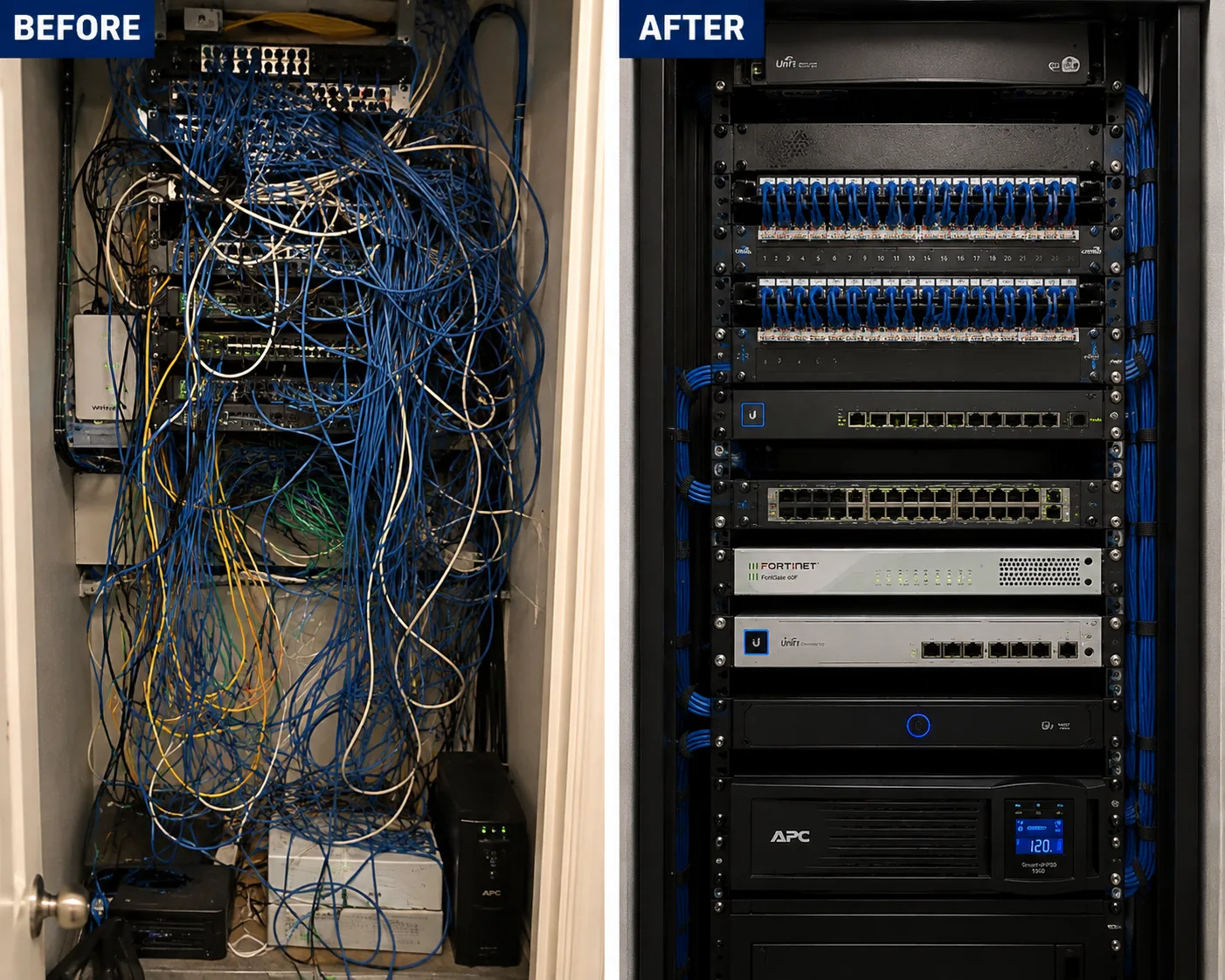
Alarm.com camera installation reference for the NYC hub, NYC: before and after views of a network rack, the first tangled and unlabelled, the second rebuilt and labelled
Photo from the AESS job library, taken on a network cleanup job and not at an Alarm.com camera install for this page: a rack before and after, the first view an unlabelled tangle, the second rebuilt, dressed and identified. Buildings that change hands or managing agents often inherit a cellar closet that looks like the first picture, and step 8 exists so yours ends up looking like the second.
Coverage Area

Alarm.com Camera Installation Near NYC's Landmarks

A citywide page cannot name every block, so these are places from our research that show the range of buildings and camera questions we plan for across the five boroughs. None of them is a client, and we mention them only for what the public record and news reports say about them.

The Robeson, Lenox Avenue, Harlem

Where CBS New York reported four men taking lobby furniture at about 2:30 a.m. in a building with key-code entry and no forced entry, a case for a clear entry camera.

Lawton Street, Bushwick

Where CBS New York reported a man caught on video taking packages from an apartment lobby, the most common reason people in walk-ups ask us about cameras.

52 West 76th Street, Upper West Side

An 1887–89 rowhouse in the Upper West Side/Central Park West Historic District that, per an LPC calendar, applied to legalize cameras and an intercom installed without LPC permits.

Atlantic Plaza Towers, Brownsville

A 700-unit rent-stabilized complex where, 6sqft reported in 2019, tenants objected to a facial-recognition entry plan, a reminder that tenants care how cameras are used.

Jackson Heights Garden Apartments, Queens

Courtyard buildings begun in 1917, the kind of multi-building property where each entry needs its own camera and the recording plan spans buildings.

Co-op City, the Bronx

A Mitchell-Lama co-op with 15,372 units in 35 high-rises and seven townhouse clusters, according to its own history page, the far end of the scale from a single brownstone.

Every borough has its own Alarm.com camera price page: Brooklyn, Manhattan, Queens, the Bronx and Staten Island. Outside the city we also serve Long Island and the Hudson Valley. For the citywide list, see Alarm.com camera installation prices for NYC.

Pricing

Alarm.com Camera Installation Cost in NYC

Alarm.com camera installation is priced by area, because the cost of reaching and working in a building differs across the city. Each borough has its own price page with the full list and a calculator, and this page does not repeat those figures, so the numbers you see are always the current ones for your address. What we can explain here is what moves the price on a typical job, so you can tell which lines will apply before you call.

What drives the priceWhy it matters in NYCHow to keep it down
Number of camerasEach camera is a mount, an aim, a cable or battery, and an enrollment on the accountStart with the entries and the package spot; add more later on cable pulled in advance
Wired vs batteryWired cameras need a cable route; battery cameras need strong Wi-FiSend Wi-Fi tests from each spot so we only wire where it is needed
Wall and floor materialsBrick, block and plaster take more time and different anchors than drywallTell us what the walls are made of, with photos
Cable distance and floorsA stair camera on the fifth floor of a walk-up is a long pull from the cellarShow us existing chases, risers and disused cable we might reuse
RecorderAn SVR adds 24/7 recording but is extra hardware and setupDecide early whether clips are enough or whether you need continuous footage
Existing camerasConnecting through a video server can save rewiring; poor cameras are better replacedSend photos of the cameras and recorder label
Building accessBoards, supers, set hours and cellar keys affect schedulingGet approvals and keys arranged before the visit
AreaPricing differs by borough and countyUse the price page for your address

The service plan is separate

Alarm.com cameras need an active service plan with the video add-on, billed by your Alarm.com service provider, not by us. Our price covers the installation work and any equipment we supply. When you compare quotes, compare the installation and the plan separately, and ask each company what the plan includes: cloud video only, or support for an SVR, and whether third-party cameras need a commercial plan.

Where to find your area's prices

Use the price page that matches your address: NYC, Brooklyn, Manhattan, Queens, the Bronx, Staten Island, Nassau County, Suffolk County, Westchester County, Rockland County, Orange County, Putnam County, Dutchess County and Ulster County. If you are not sure which applies, the street address decides, and we confirm it at booking.

Warranty terms for the work and for equipment we supply:

Full terms โ€” including 50% deposit, one-year parts-only warranty on AESS-supplied products, and the late-fee schedule โ€” are set out in the service agreement.

Nothing is added on the day without your agreement. If the technician finds something the photos did not show, such as a cellar wall that needs core drilling or a cable path that does not exist, they explain it and show you the change before any work goes ahead.

Shop Our Systems

Alarm.com Camera Installation Packages & Pricing

Three common New York jobs, described by what they include. The dollar amounts for each are on the price page for your borough or county, because they change with the area. There is no package premium: each one is simply the lines that job usually needs.

Starter: Apartment or Studio

One or two Alarm.com cameras inside a rented or owned apartment, battery or plug-in, placed without drilling where the lease requires it. Wi-Fi tested at each spot, cameras enrolled on your account, alerts and privacy settings set up. Suits renters, small spaces and co-op units where common areas are off-limits.

Standard: Brownstone or Small Building

Wired cameras at the stoop or street door, the garden-level or vestibule entry and the rear yard, with cable run through the basement and labelled at both ends. A battery camera where wiring would cross a protected facade. Optional SVR in the basement for continuous recording. Suits one- to four-family houses and small walk-ups.

Premium: Multi-Unit Building or Business

Lobby, package room, stair or elevator landing, service entry and exterior cameras, a Commercial SVR with built-in PoE on battery backup, existing cameras connected where worthwhile, and video verification set up for businesses with an Alarm.com alarm. Board paperwork and super coordination included in the planning.

Bring your own equipment

If you already own Alarm.com cameras, an SVR or compatible third-party cameras, we install them at labor-only rates from the same price page, as long as they work and your account plan supports them. We check each device before it goes on a wall: that it powers up, that it can be enrolled to your account, and for third-party cameras, that your plan covers them. If something is not suitable, we say so before mounting it and show you what would work instead.

Complete Services

Every Alarm.com Camera Installation Service in NYC

Citywide Prices

The full Alarm.com camera price list for New York City. Alarm.com camera installation prices NYC

Brooklyn

Brownstones, walk-ups and storefronts across the borough. Alarm.com camera prices in Brooklyn

Manhattan

Prewar elevator buildings, co-ops and landmarked rowhouses. Alarm.com camera prices in Manhattan

Queens

Garden complexes, two-family houses and commercial streets. Alarm.com camera prices in Queens

The Bronx

Walk-ups, large co-ops and busy shopping corridors. Alarm.com camera prices in the Bronx

Staten Island

Houses with driveways, side doors and yards. Alarm.com camera prices on Staten Island

Long Island

Nassau and Suffolk homes and businesses. Alarm.com camera prices on Long Island

Hudson Valley

Westchester, Rockland, Orange, Putnam, Dutchess and Ulster. Alarm.com camera prices in the Hudson Valley

Get a Quote

Send photos of the entries and your provider's name. Request a free quote

FAQ

NYC Alarm.com Camera Installation FAQ

Will Alarm.com cameras keep working if there is no service plan on the account?
+

No. Alarm Grid's FAQ says every Alarm.com camera requires active service, and the provider must add the video surveillance add-on to the account before the cameras work. Without it the cameras will not stream or record through the Alarm.com app. If you are inheriting cameras or cancelling a plan, plan for that before the cameras are mounted or moved.

Could I put up Alarm.com cameras myself instead of hiring an installer?
+

In some cases. Alarm.com says DIY-capable providers ship pre-configured systems, and its app has a Video Installation Wizard for adding video devices. That suits a battery camera on a shelf in an apartment. It suits a brownstone yard, a walk-up stair hall or a store much less, because those jobs depend on cable routes through masonry, Wi-Fi testing, and approvals from a landlord, board or the Landmarks Preservation Commission.

How are Alarm.com camera installation prices worked out for different boroughs?
+

Each borough and county has its own price page, because the cost of reaching and working in buildings differs across the region. Within an area, the number of cameras, wired versus battery, wall materials, cable distance, whether an SVR is added and building access decide the total. The Alarm.com service plan is billed separately by your provider.

Does the person installing security cameras in New York need a license?
+

New York State requires security and alarm system installers to be licensed, according to the installer and industry sources we reviewed. AESS does this work under NYS license #12000287431. Ask any company you are considering for its license number and proof of insurance, and check that the name on the license matches the company doing the work.

Is a landlord legally required to have cameras in a New York City apartment building?
+

Installer guidance on city rules says there is no general NYC law requiring cameras in apartment buildings. What the law requires is working intercoms in covered buildings and adequate common-area lighting. HPD may recommend cameras where crime-related problems persist, but cameras are the owner's choice.

Who should be allowed to view footage from a building's common-area cameras?
+

That is a decision for the owner, ideally with legal advice and a written policy. In buildings that use a smart access system, HPD's Tenant Data Privacy Law page says the collected data may be used only for granting access and monitoring entrances, exits and common areas. With Alarm.com, access is controlled by user logins on the account, so we set up separate logins for the people the owner names.

Am I allowed to put a camera inside my own NYC apartment?
+

Generally a camera inside your own unit, watching your own space, is something residents do, but it must never record people where they expect privacy without consent; legal commentary notes a hidden camera of that kind can support a felony charge under Penal Law 250.45. Audio brings in the one-party consent rule. Drilling and anything on a hallway wall may need your landlord or board.

Can my landlord add cameras to the lobby and halls of my building?
+

Owners generally can place cameras in common areas such as lobbies, halls and entries, which is why most building camera systems are landlord projects. Good practice, which we follow, is to aim cameras along corridors and at entries rather than at any single apartment door, keep audio off in shared spaces, and post visible notice. Tenants with concerns should raise them with the owner in writing.

Can cameras, the alarm and door access all run from one app?
+

Alarm.com is built around one app for security, video and connected devices, so cameras and an Alarm.com alarm on the same account appear together, and business accounts can use video verification to tie footage to alarm events. Whether a particular door access system can join depends on the product and the provider's plan, which we check before quoting.

If the job includes access control on the front door, does that need DOB filing?
+

It can. An access control compliance guide says DOB filing or approval is needed when the work alters fire-rated door assemblies, changes means of egress under Building Code Chapter 10, or ties into the building's fire alarm system. Cameras alone rarely trigger that, but door hardware often does, so we check before any door work is quoted.

How soon can someone come out after I send a request?
+

We book every request within two hours of receiving it, and same-day estimates are available. The installation date then depends on the building: approvals from a board or landlord, LPC review for a landmarked facade, and access to the cellar can all set the schedule. We tell you the earliest realistic date when we book.

What should I have ready on the day the cameras go in?
+

Your Alarm.com app login or your provider ready to add devices, keys to the cellar, roof or any locked closet on the cable route, written approval from the landlord or board if needed, and the super's contact in a larger building. If the router is in a tenant's apartment, arrange access to it. With those in place, the visit runs without stops.

Get In Touch

Request a Free Quote

Tell us the address, the building type, how many entries you want covered and who your Alarm.com provider is if you have one. Photos of the entries and a Wi-Fi test from each camera spot make the quote exact. Prefer to talk? Call (800) 486-0943.

✅
Request Sent!
We'll call about your NYC Alarm.com cameras within two hours.

More Alarm.com Camera Installation near NYC hub

ยท Alarm.com Camera Installation Long Island Hub NY

Book Your NYC Alarm.com Camera Installation

Whether it is a brownstone stoop in a historic district, the vestibule of a six-story walk-up, the lobby of a prewar co-op or a storefront behind a roll-down gate, every job starts the same way. We confirm your Alarm.com account and its video plan, plan a cable route that respects the building, and clear the people who have a say over the wall. Call (800) 486-0943, message us on WhatsApp, or send the quote form, and we will book your request within two hours.

Alarm.com Camera Installation by neighborhood: NYC hub, NYC alarm.com camera installation

Alarm.com Camera Installation by neighborhood: Hudson Valley hub, Hudson Valley alarm.com camera installation