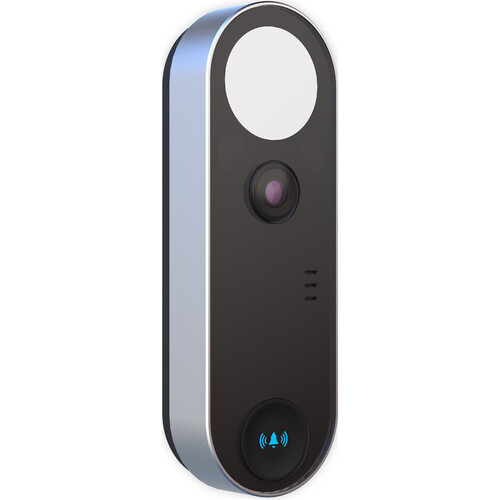
Wired and battery video doorbells installed on brownstone stoops, apartment vestibules, co-op entries, and single-family front doors — see who’s at your door from your phone, anywhere. Professional mounting, transformer and chime wiring, app setup, and motion tuning. No monthly fees on most systems.
A doorbell camera is the single most-requested security upgrade in New York City, and for good reason: it answers the two things city residents worry about most — who is at the door, and where did my package go. Abstract Enterprises Security Systems is a licensed New York low-voltage contractor (NYS #12000287431) installing video doorbells across Brooklyn, Manhattan, Queens, the Bronx, and Staten Island — from a single battery doorbell on a Park Slope rental to hardwired units across a multi-entry brownstone in Harlem.
What makes doorbell installation in NYC different from anywhere else is the building stock. Pre-war brick, plaster-over-metal-lath walls, narrow vestibules, decades-old doorbell transformers that no longer hold voltage, co-op and condo board rules, and rental leases that forbid drilling all change the job. A clean install is rarely “screw it to the wall and pair the app.” It is figuring out whether your existing chime transformer can carry a modern video doorbell, whether the wiring behind the original buzzer can be reused, and whether a battery unit is the smarter call for a renter who can’t run new low-voltage cable.
We handle all of it: voltage testing, transformer upgrades, chime bypass and chime-connector wiring, masonry-safe mounting on brick and limestone, 2.4 GHz Wi-Fi configuration, motion-zone tuning so you aren’t pinged by every passerby, and a full walkthrough before we leave. For multi-tenant buildings that need true buzz-in entry for every unit, that’s a different system — see our intercom installation service. This page is about the front-door video doorbell for your home, unit, or storefront.
Package theft is the number-one driver. Across Brooklyn brownstone stoops, Manhattan apartment vestibules, and Queens single-family porches, Amazon and food-delivery packages disappear from front entries every day. A doorbell camera at the entry resolves the large majority of these cases on footage alone — you see exactly when a courier dropped a box, where they left it, and who walked off with it. Paired with the motion alerts, you often catch it live and can speak through the two-way audio before it’s gone.
Beyond packages, a video doorbell gives you a record of everyone who approaches your door, two-way talk so you can tell a courier where to leave a delivery without going downstairs, and a visible deterrent that signals the entry is watched. In a city where most people aren’t home when deliveries arrive and many live several floors up, being able to answer the door from your phone — from the office, the train, or another country — is the entire point.
Capture every drop-off and pickup at the stoop, vestibule, or porch.
Two-way talk to couriers and visitors from your phone, on any network.
Live view and motion alerts before you ever open the door.
Local or cloud recording for police reports and building management.
The right doorbell depends on what’s behind your wall and whether you own or rent. We assess your entry on-site — voltage at the existing button, chime type, mounting surface, and Wi-Fi reach — before recommending anything.

Powered by your existing doorbell transformer (typically 16–24 VAC). Never needs charging, supports continuous power, and can ring your existing mechanical or digital chime through a chime connector. Best for homeowners and any door with working low-voltage wiring. We test transformer voltage first — many older NYC transformers read too low and need an upgrade to 16–24 VAC at 30 VA or higher.

No wiring required — the unit runs on a rechargeable or replaceable battery and pairs over Wi-Fi. Ideal for renters whose lease forbids drilling into the building, apartments with no doorbell wiring, and entries where running new low-voltage cable isn’t practical. We mount it, set realistic battery-life expectations for NYC weather, and pair a plug-in chime indoors so you still hear the ring.

Many older NYC homes and converted units have no doorbell transformer at all. We can install a dedicated transformer and run new low-voltage wiring for a true hardwired setup, or fit a battery doorbell with a plug-in chime kit so nothing needs to be wired. Where an old, abandoned intercom once ran, we can often reuse that existing wiring path for the new doorbell — saving the labor of a fresh cable run.
The small low-voltage power supply (usually near your panel, furnace, or behind the chime) that feeds a wired doorbell. Video doorbells generally need 16–24 VAC.
A mechanical chime physically strikes a bar; a digital chime plays a tone. Some doorbells need a chime connector or jumper to work with one or the other.
A small part that bypasses or adapts the existing chime so a video doorbell powers correctly and the indoor ring still sounds.
Almost every video doorbell connects on the 2.4 GHz band (longer range through walls), not 5 GHz. We make sure your entry has usable signal before install.
App-defined areas the camera watches for motion. Tuned correctly, you get alerts for someone at your door — not every pedestrian on a busy block.
Footage saved on a card/base station (no monthly fee) versus the manufacturer’s cloud subscription. We’ll set up whichever you prefer.
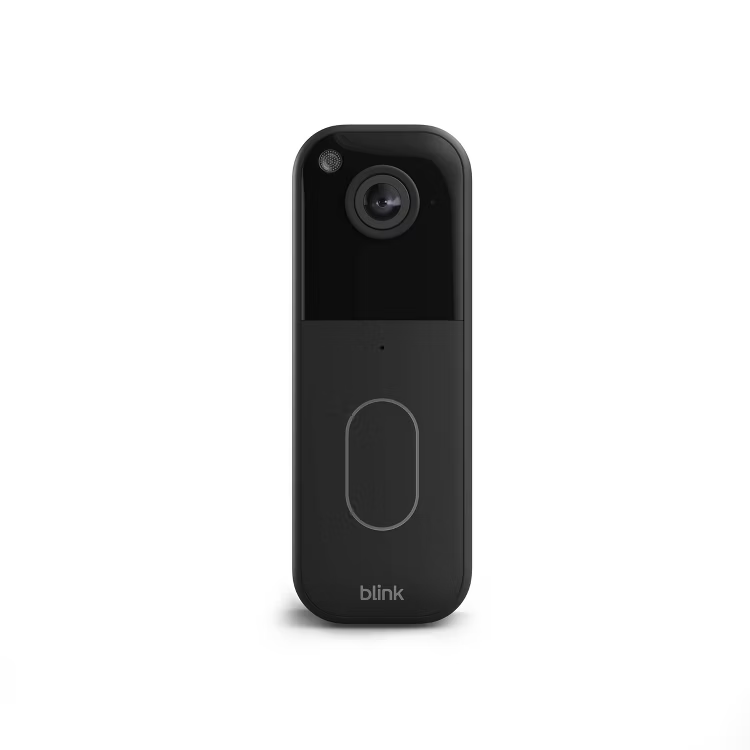
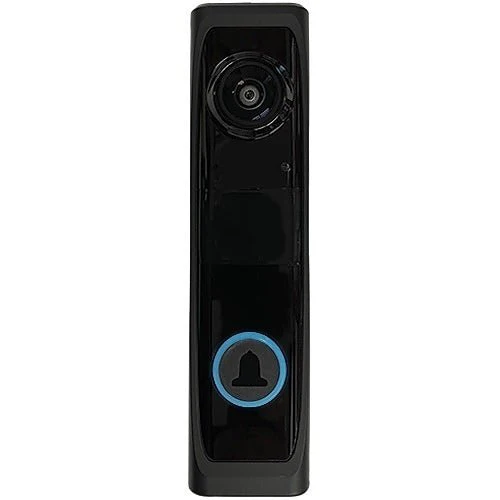
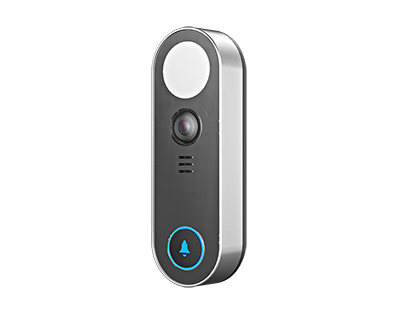
We install whatever fits your door and your preference — whether you bought the unit yourself or want us to supply it. We’re brand-agnostic and set up local storage wherever a no-monthly-fee option exists.
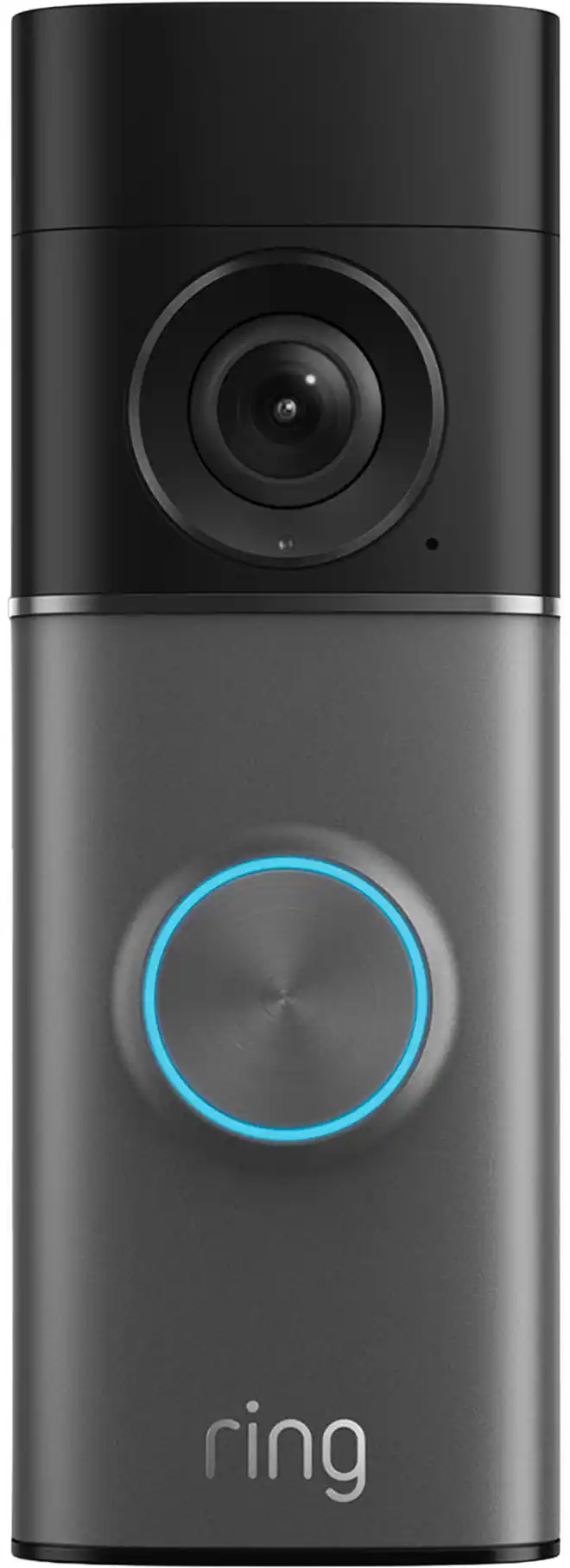
RingWired, Plus & Pro models — chime-connector wiring and transformer checks handled.
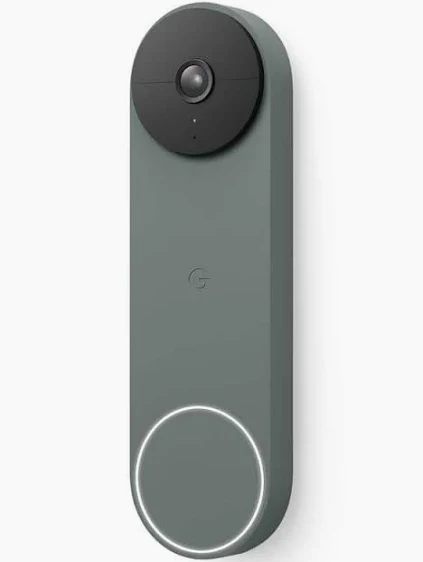
Google NestWired and battery Nest Doorbell with on-device detection and Home app setup.
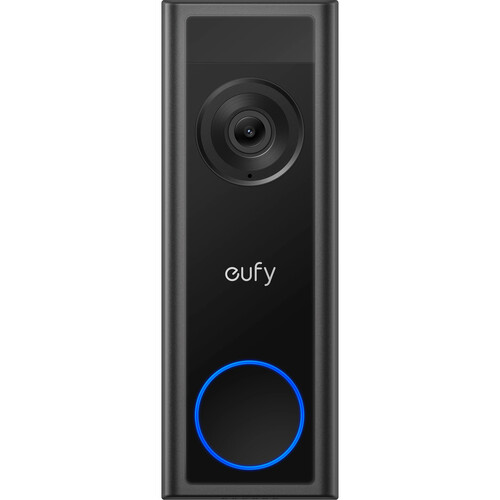
EufyLocal-storage favorite — HomeBase recording, no monthly fee. Wired and battery.
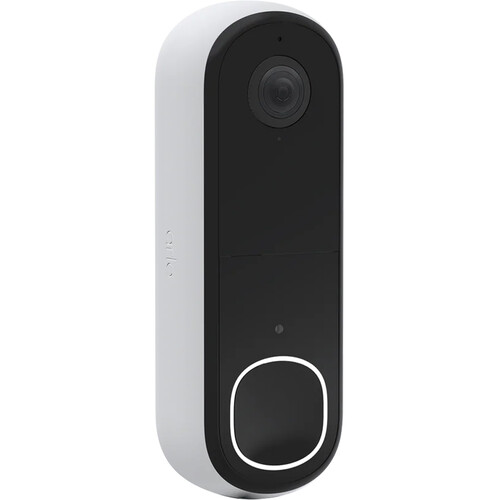
Arlo2K wire-free and wired video doorbells with wide head-to-toe field of view.
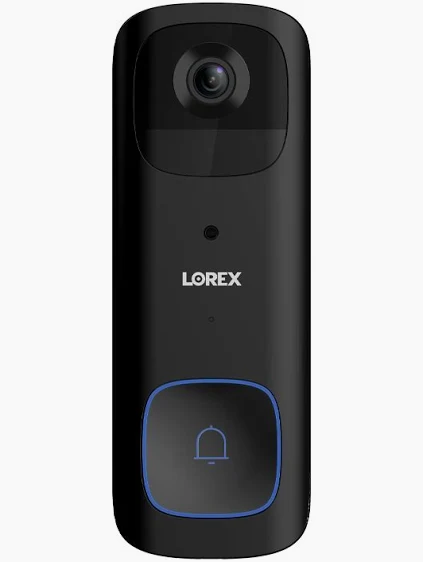
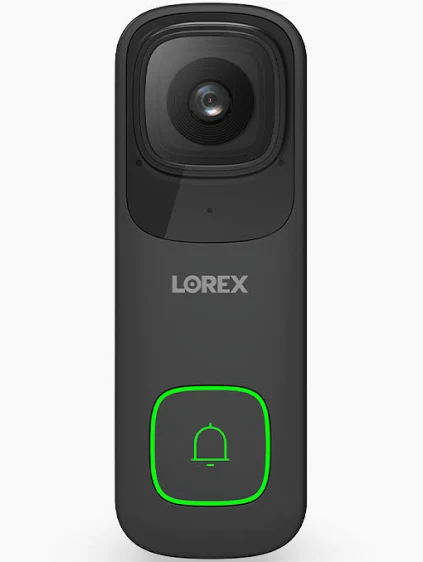
Lorex2K wired doorbells that record to a local NVR — pairs with a full camera system.
ReolinkPoE and Wi-Fi doorbells with local storage and no subscription.
AOSUBattery video doorbells with included chime — clean renter-friendly installs.
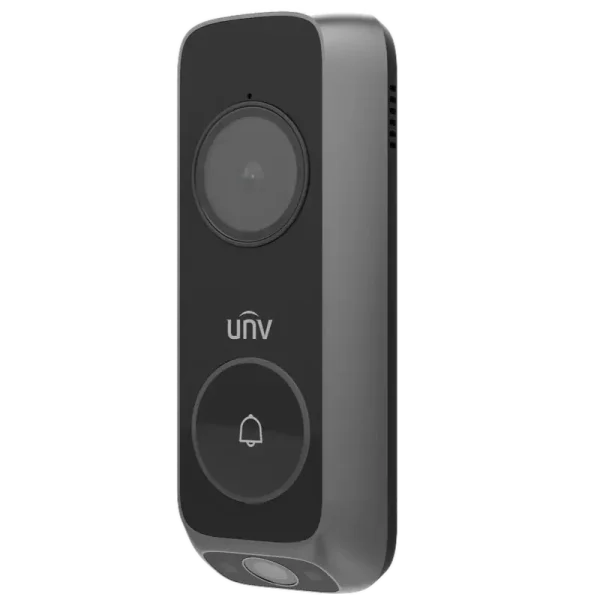
Uniview (UNV)Wi-Fi and PoE video doorbells that integrate with UNV recorders.
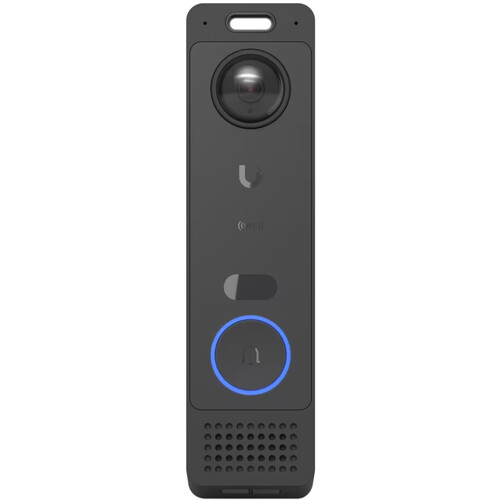
Ubiquiti UniFiG6 Entry door station for UniFi Protect — pro-grade local recording.
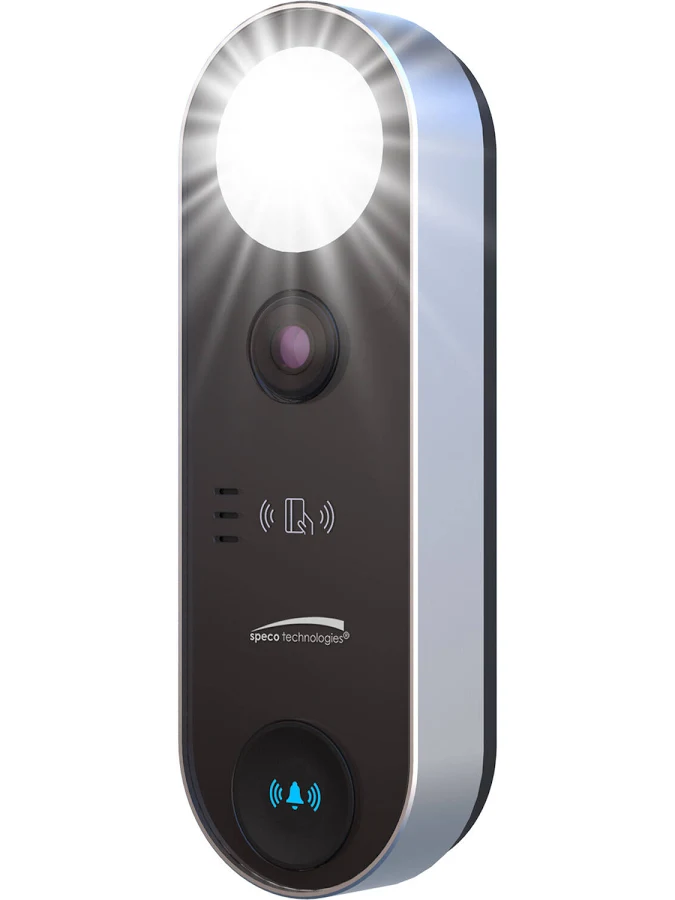
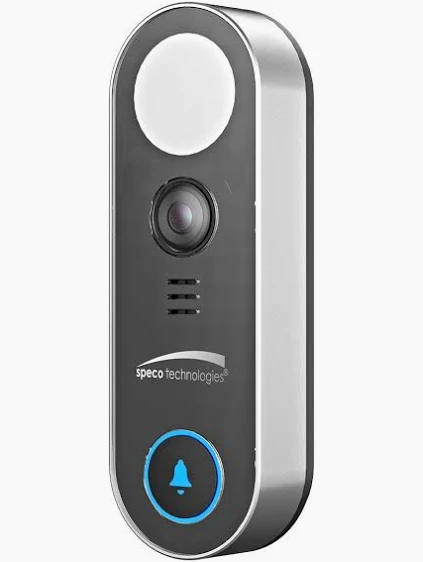
Speco TechnologiesFloodlight video doorbells for storefronts and pro security integrations.
Digital WatchdogMEGApix InterCam 2.1MP IP video intercom door station for commercial entries and access integration.
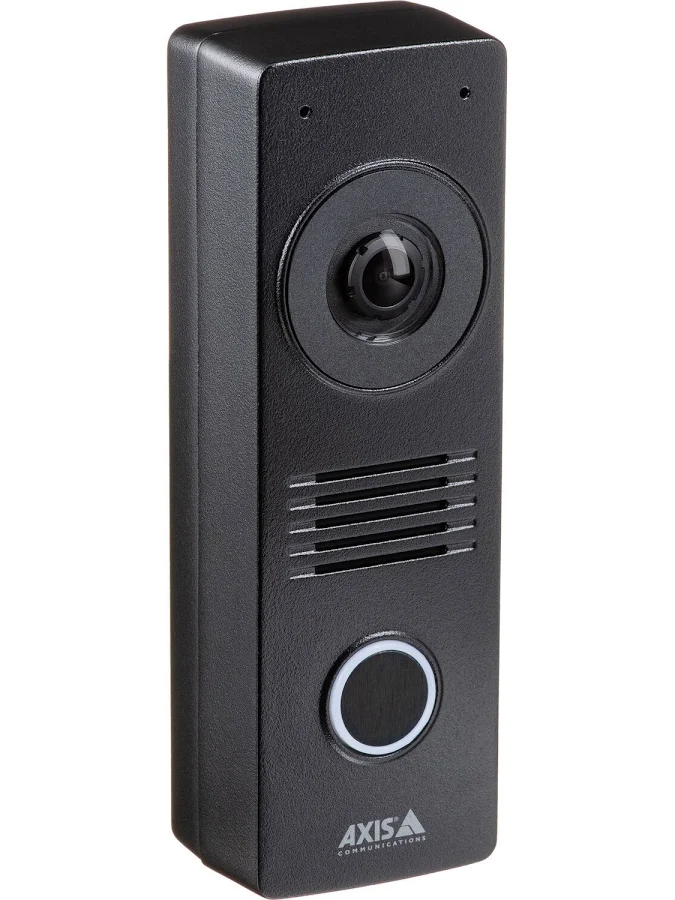
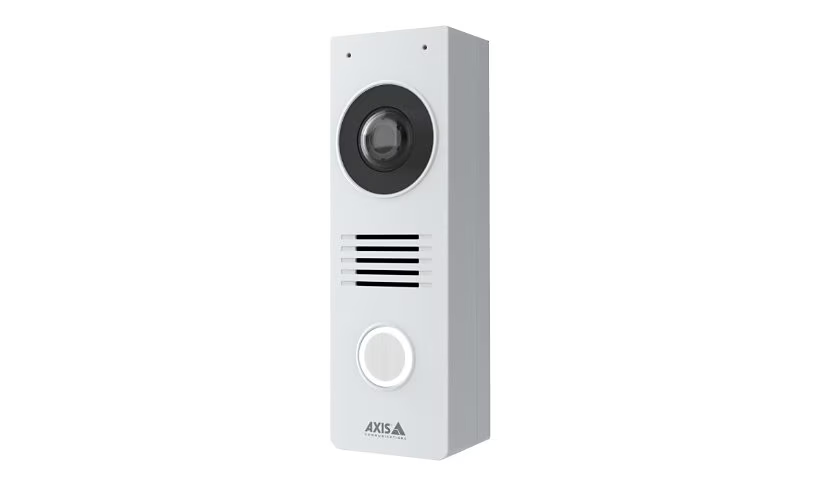
Axis CommunicationsI8116-E network video intercom — commercial-grade door entry over IP.
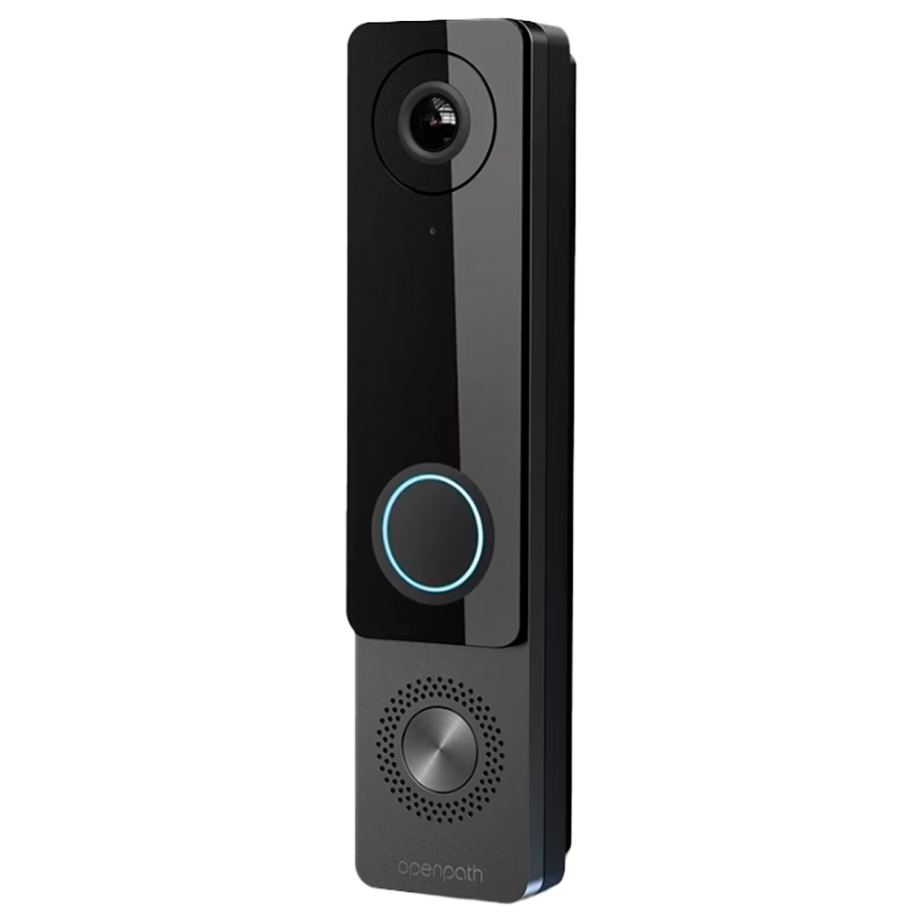
AvigilonAVI-OP video door entry with integrated access reader for managed buildings.
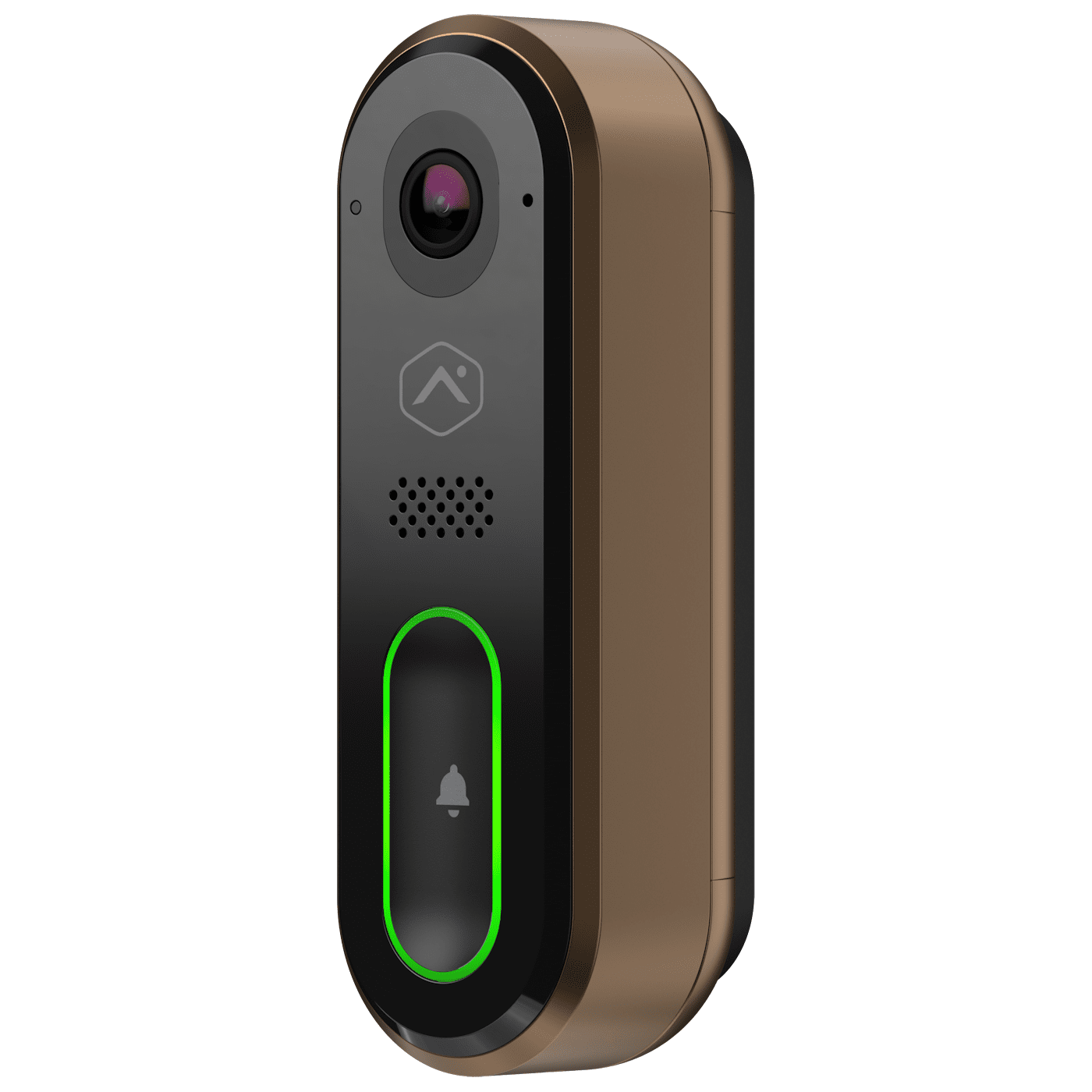
Alarm.comVDB750/770/775 video doorbells for monitored alarm and smart-home accounts.
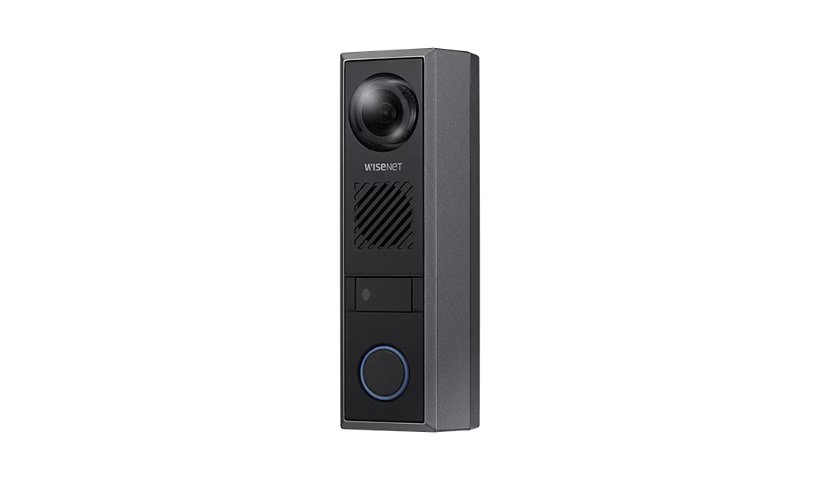
Hanwha WisenetWisenet video doorbells for pro CCTV and enterprise security stacks.
NapcoPBELL self-healing Wi-Fi HD doorbell for alarm-dealer installations.
InVidIP video doorbells for commercial surveillance and access projects.
TVT / Super Live PlusTVT video doorbells viewed in the Super Live Plus app with local recording.
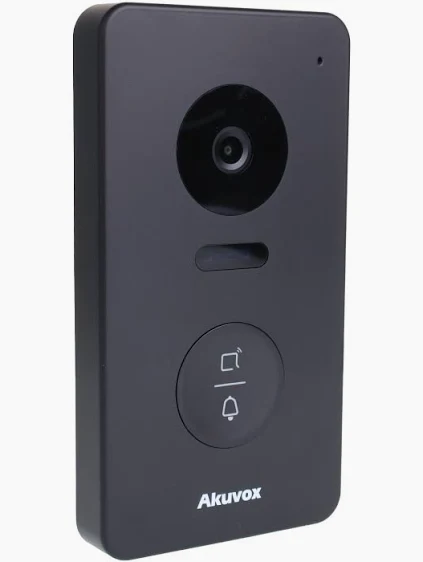
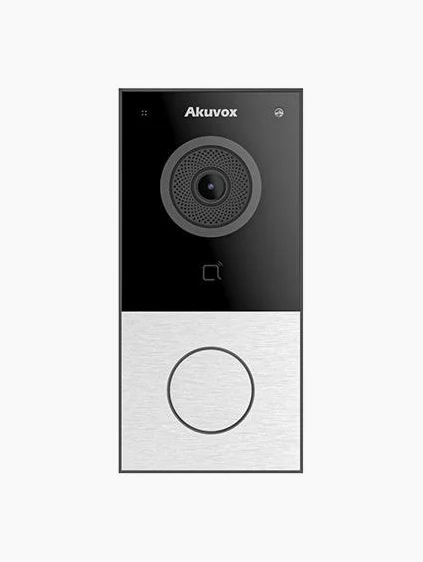
Akuvox & AiphoneVideo door stations that behave like a proper entry intercom with card access.
Video Doorbell Pro — wired install with chime-connector and transformer check.
Wi-Fi video doorbells for residential entries with two-way talk and motion alerts.
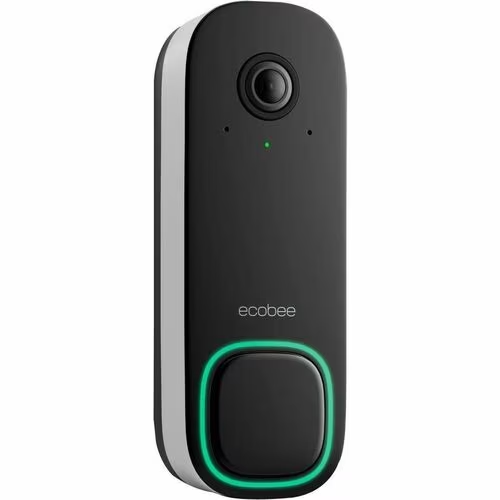
ecobee Smart Video Doorbell (wired) — integrates with ecobee smart-home and thermostat ecosystem.
Amcrest & morePoE and Wi-Fi doorbells that integrate with existing camera recorders.
Most failed doorbell-camera installs in the city come down to power. A modern video doorbell draws more than the old mechanical button it’s replacing, and many pre-war NYC transformers simply can’t supply it. The symptoms of an underpowered unit are predictable: it buzzes, the chime is faint or silent, night vision drops out, live video freezes, or the doorbell keeps falling off Wi-Fi. When we see those, the fix is almost always a transformer upgrade to 16–24 VAC at adequate VA, not a different doorbell.
We test the actual voltage at your existing button before quoting, identify whether your chime is mechanical or digital, and install the correct chime connector or jumper so the indoor ring still works. On brick, limestone, and stucco facades — the NYC norm — we use proper masonry anchors and mount at the right height (around 40–48 inches) for a clean, level result that captures faces, not foreheads.
One NYC-specific trick: where a building once had a hardwired apartment intercom that’s no longer used, that low-voltage wiring run can frequently be repurposed to power and connect a new video doorbell — turning a dead intercom line into a working camera without opening walls. We trace it, confirm it’s safe to reuse, and put it back to work.
We install in all five boroughs and every neighborhood in between — from Park Slope and Bed-Stuy brownstones to Upper West Side and Upper East Side apartments, Long Island City and Astoria condos, Riverdale and Throgs Neck single-families, and St. George and Tottenville homes on Staten Island.
Brownstone stoops, walk-ups, row houses — Park Slope, Bed-Stuy, Fort Greene, Bay Ridge.
Manhattan →Co-op & condo entries, townhouses — UWS, UES, Chelsea, Harlem, the Village.
Queens →Single-families & two-families — Astoria, LIC, Flushing, Jamaica, Forest Hills.
The Bronx →Homes & small multifamily — Riverdale, Throgs Neck, Pelham Bay, Country Club.
Staten Island →Single-family homes — St. George, Tottenville, Great Kills, New Dorp.
Need a Repair? →Doorbell offline, won’t ring, won’t connect — same-day doorbell camera repair.
Stoop-front and garden-level entries on brick and limestone — masonry-safe mounting, multiple-entry coverage.
Battery doorbells for leases that forbid drilling, with a plug-in chime inside — no building wiring touched.
Board-friendly installs at your unit door, with documentation provided where management requires it.
Hardwired front and rear doors with transformer upgrades where needed — the standard Queens, Bronx, and Staten Island build.
Commercial entry doorbells with two-way talk for buzz-in deliveries and after-hours visitors.
Most doorbell jobs pair with one stoop or perimeter camera. See our camera installation.
Doorbell offline, won’t ring the indoor chime, keeps dropping Wi-Fi, won’t connect in the app, or dead after a transformer fault — we diagnose and repair video doorbells of every brand, often same day. Most app and power issues are fixed in a single visit.
A battery doorbell on a wood door frame with strong Wi-Fi is a genuine DIY job — mount it, charge it, pair the app. Where people get stuck, and where a licensed low-voltage contractor earns the call, is anything involving power and masonry: testing and upgrading a doorbell transformer, wiring a chime connector so the indoor ring still works, drilling brick or limestone without cracking the facade, and reusing old intercom wiring. Doing electrical work on a transformer carries a real shock risk and, done wrong, can damage the doorbell or the chime.
In NYC specifically, co-op and condo boards, landmark-district rules, and rental leases add a layer most homeowners don’t want to navigate alone. We handle the voltage, the wiring, the mounting surface, and the building paperwork — and we test the full chain (ring, chime, live view, motion alerts, two-way talk) before we leave, so it works the first time.
What the national cost guides get right — and what they miss about doing this job in New York City.
Search “doorbell camera installation cost” and Google’s AI overview pulls from the same handful of national aggregators. Angi lists professional doorbell installation at $250 to $400 with a $300 average, and a smart doorbell camera anywhere from $50 to $650 depending on features. Homewyse’s 2026 calculator shows $357 to $503 per doorbell. Yelp’s cost page lands at $200 to $350, with electricians billing $100 to $250 an hour. Fixr, HomeAdvisor, and Bob Vila echo the same ranges.
Those numbers aren’t wrong — they’re just national averages built around a simple suburban swap: pull the old button, mount the new one, done. New York City is not a simple suburban swap, and that’s where the generic figure quietly breaks down.
Every one of those guides adds the same asterisk: if your home needs a new transformer or fresh wiring, add $150 to $250 in labor. In a pre-war NYC building that asterisk is the rule, not the exception. The transformer behind your chime may be 60 years old and reading well below the 16 to 24 volts a modern video doorbell needs. Sometimes there’s no transformer at all. Sometimes the only low-voltage run to the door belongs to a dead apartment intercom. None of that fits the national calculator’s “readily serviceable conditions.”
So the honest answer for NYC is: a battery doorbell on a sound door frame can land near the national figure, while a hardwired install that needs a transformer upgrade or a new wiring path runs higher — and you only know which one you’re looking at after someone tests the voltage at your door. We give you the firm number after that test, not a national average copied off a cost page.
The aggregators rate “doorbell installation pros” on speed and friendliness. What they don’t capture is whether the person showing up understands a co-op board’s rules on drilling the facade, a landmark district’s restrictions, or a lease clause that forbids permanent modification to a rental. A handyman from a lead-gen list may mount a doorbell beautifully and still put you in violation of your building’s bylaws. A licensed NYC low-voltage contractor plans the install around those rules from the start — battery where drilling isn’t allowed, documentation where the board wants it.
Independent testing keeps finding the same thing: a video doorbell sits at the far edge of your Wi-Fi, behind walls and a solid exterior door, and a sustained signal of roughly -55 dBm at the mounting point is what separates a doorbell that just works from one that constantly reads “offline.” In a brick-and-plaster NYC building, that signal level at the front door is not a given. We check it before we mount anything, and add a mesh node or relay when the door is starved — the single most common reason a perfectly good doorbell “stops working” a week after a DIY install.
The guides note that some brands lock recorded footage behind a monthly plan — Ring without a Protect plan only shows live view, with nothing saved. What they don’t emphasize is that you can avoid the subscription entirely. Eufy records locally to a HomeBase, Lorex writes to an on-site NVR, and several others store on a card with no monthly fee. If “no monthly bill” matters to you, we install a local-storage model and set it up that way from day one.
For most New Yorkers, yes — not because of the chime, but because of packages and visitors. When you’re several floors up or out of the apartment all day, seeing and speaking to whoever’s at the door from your phone solves the two daily annoyances of city life: stolen deliveries and missed visitors. The hardware is cheap; the value is in an install that actually holds a connection and captures faces, not foreheads. That’s the part the national average can’t quote.
Want the real number for your door — not a national average?
Usually yes — with a battery, wire-free model that mounts without running new building wiring, paired to a plug-in chime inside your unit. Many leases forbid drilling into the building structure, so a battery doorbell on the door frame or with a no-drill mount is the safe route. We’ll advise what your lease allows and set it up so nothing permanent is altered.
Yes. Either we install a battery doorbell with a plug-in chime — no wiring at all — or we add a dedicated transformer and run new low-voltage wire for a hardwired unit. In older NYC buildings we can also often reuse the wiring from an abandoned apartment intercom to power the new doorbell.
Those are classic signs of an underpowered transformer — common in pre-war NYC homes. Video doorbells generally need 16–24 VAC at adequate VA. We test the voltage at your button and, if it’s low, upgrade the transformer rather than swap the doorbell, which fixes the buzzing, faint chime, night-vision dropouts, and Wi-Fi disconnects.
Yes, when it’s wired correctly. Depending on whether your chime is mechanical or digital, we install the right chime connector or jumper so the indoor ring works as before. If there’s no existing chime, we add a plug-in chime so you still hear the ring anywhere in the home.
Not necessarily. Some brands charge for cloud recording, but several — Eufy with a HomeBase, Lorex to a local NVR, and others — record locally with no monthly fee. Tell us you want no subscription and we’ll set up a local-storage model.
No. A doorbell camera covers your own front door or unit. A building intercom buzzes visitors into a multi-tenant entrance and releases the lobby door for every apartment. If you manage or live in a multi-unit building and need entry for all units, that’s our intercom installation service instead.
A battery doorbell is typically under an hour. A hardwired install with a transformer check is usually one to two hours; if the transformer needs upgrading or wiring needs to be run, a bit longer. Most NYC jobs are done in a single visit, often same day.
There’s no single answer — it depends on whether you own or rent, whether you have working wiring, and whether you want to avoid a subscription. For renters, a battery Eufy or Nest is common; for homeowners wanting local storage and no fees, a wired Eufy or a Lorex tied to an NVR. We recommend based on your specific door after the on-site assessment.
Real questions pulled from homeowner and renter forums — answered for NYC conditions.
If it’s a battery model on a wood frame with strong Wi-Fi, it’s genuinely DIY. The minute there’s a transformer, a chime to bypass, brick to drill, or weak signal at the door — all common in NYC — the “20 minutes” turns into a Saturday, and a miswired transformer can fry the unit. That’s the line where paying a pro pays off.
Because the $300 assumes working wiring and an easy mounting surface. Pre-war buildings often need a transformer upgrade or a new low-voltage run, and masonry mounting takes longer than vinyl siding. The honest quote depends on what’s behind your wall, which is why we test before pricing.
No. Ring and a few others hide saved footage behind a plan, but Eufy (HomeBase), Lorex (local NVR), and others record locally with zero monthly fee. Tell us you want no subscription and we install a local-storage model.
For a renter, Eufy usually wins: battery, no-drill mounting, local storage, no subscription for a one-year lease. Nest has the sharpest person/package AI detection. Ring has the most mature multi-device app if you’re adding cameras too. We’ll match the brand to whether you own or rent and how you want footage stored.
The doorbell sits at the weakest edge of your network, behind walls and a solid door. Other devices can be fine while the doorbell starves. The fix is signal at the door — around -55 dBm or better — usually a mesh node or relay near the entry. We measure it before mounting so this never becomes your problem.
Sometimes — but many video doorbells need a chime connector or a jumper across the Trans and Front terminals to power correctly and still ring the indoor chime. Get the chime type (mechanical vs digital) wrong and the doorbell buzzes or the chime won’t sound. We wire the connector that matches your chime.
It’s low voltage at the doorbell, but the transformer ties into your home’s line voltage at the panel or junction box — that side carries a real shock risk and should be handled by someone licensed. Done wrong it can damage the doorbell or the chime.
Two paths: a battery doorbell with a plug-in chime (nothing wired), or we add a transformer and run new low-voltage wire for a hardwired unit. In older NYC buildings we can often reuse the wiring from an abandoned apartment intercom to power the doorbell instead of opening walls.
Classic underpowered transformer. A video doorbell draws more than the old button, and a tired pre-war transformer can’t keep up — you get buzzing, a faint chime, night-vision dropouts, or Wi-Fi disconnects. The fix is a transformer upgrade, not a different doorbell.
On a busy block the PIR sensor trips on heat — sun-warmed cars, passing crowds. We pull motion zones off the street and sidewalk, set sensitivity sanely, and on smart-detection models switch to human/package filtering so you’re alerted for a person at your door, not foot traffic.
A battery doorbell that mounts without drilling into the building structure usually stays within a lease, since nothing permanent is altered. Hardwiring or drilling the facade typically needs landlord or board sign-off. We default renters to a no-drill battery setup and a plug-in chime inside the unit.
Most allow a doorbell at your own unit door; many restrict anything that drills the common-area facade or points into a shared hallway. We install to the board’s rules and provide documentation when management asks for it.
We take over abandoned installs every week. Most of the time it’s weak signal at the door, a wrong chime-connector choice, or an underpowered transformer — all fixable in one visit without ripping anything out.
Two usual culprits: a grimy lens or sensor (the number-one cause of missed motion) and a doorbell mounted at the wrong height or angle so it captures foreheads and sky. We clean, re-aim to capture faces and the package zone, and tune detection.
Yes — a battery model with a plug-in chime needs no wiring at all.
Most wired models want 16–24 VAC, up to 40 VA, from the transformer.
No — nearly all connect on 2.4 GHz for better range through walls.
Around 40–48 inches, angled to capture faces and the package zone.
For two, a 24V 40VA transformer is usually required — we size it on site.
Local-storage models keep recording; cloud-only models pause until service returns.
A doorbell from a big-box shelf or a Ring/SimpliSafe self-install works fine on an easy door. On a NYC building with old wiring, masonry, and board rules, who does the install matters as much as the device.
A doorbell at the entry plus motion alerts catches the drop-off and the grab — the single most-requested fix across all five boroughs.
Decades-old transformers under-volt modern doorbells. We upgrade to 16–24 VAC so the unit stops buzzing and the chime rings.
Brick and plaster kill Wi-Fi at the entry. We add a mesh node or relay so the doorbell holds a connection.
That dead buzzer line can often power a new doorbell cam — no wall-opening required.
We tune motion zones off the sidewalk and switch on human/package detection so alerts mean something.
We adopt abandoned doorbell jobs and get them online — usually in a single visit.
“My old transformer couldn’t handle a Nest — they swapped it, wired the chime, and now it actually rings inside. Clean work on a brick stoop.”
— Daniel M., Park Slope, Brooklyn
“I rent and was scared to drill. They put up a battery Eufy with a plug-in chime, no holes in the building. Packages finally on camera.”
— Priya S., Astoria, Queens
“Doorbell kept going offline after I installed it myself. They found the signal was dead at the door, added a mesh point, done in an hour.”
— Marcus T., Riverdale, Bronx
Reviews reflect individual experiences. Abstract Enterprises Security Systems — 4.6★ across 190 Google reviews.
“Most of the doorbell calls we run in the city aren’t really doorbell problems — they’re power and signal problems wearing a doorbell’s clothes. The pattern repeats: someone buys a Ring or a Nest, mounts it on a 70-year-old transformer, and it buzzes or drops offline within days. We show up, meter the transformer, and it’s reading nine or ten volts when the doorbell wants sixteen to twenty-four. New transformer, correct chime jumper, and it behaves. The other half is Wi-Fi: a router sitting in the back of a railroad apartment can’t push a usable signal through plaster and a steel door to the stoop, so we drop a mesh node in the front room and the ‘offline’ ghost disappears. On brownstones we never anchor into mortar joints — we hit the brick face with the right bit and anchor so the facade stays intact. And on every rental, battery first, no holes, plug-in chime inside. Do those four things right and a doorbell that someone swore was ‘defective’ just works.”
— Lead low-voltage technician, Abstract Enterprises Security Systems
Last updated June 2026 · Pricing ranges and brand notes reviewed against current NYC install conditions · Licensed NYS low-voltage contractor #12000287431
Pricing depends on the type of doorbell, whether your door already has working wiring, and whether the transformer needs upgrading. A battery doorbell mount-and-pair is the most affordable; a hardwired install with a transformer upgrade or new wiring runs higher. We give you a firm number after a quick assessment — no surprises, and no monthly fees on local-storage systems.
Mount, battery setup, app pairing, plug-in chime, motion tuning. Most affordable, no wiring.
Voltage test, chime connector, masonry mount, full setup. For doors with working low-voltage wiring.
Added when an old transformer can’t carry a video doorbell, or no wiring exists. Quoted after assessment.
Licensed, insured, and same-day across all five boroughs. Call now or send a quick request and we’ll call you back within the hour.